Counter-Strike

Counter-Strike

评价数不足
Add bots to CS1.6
由 UberksaS 制作
Today i will show you how you can add bots to play offline, like in the old days.
   
奖励
收藏
已收藏
取消收藏
Step 1
First, you need to download the installer.

Link:
Click for Download[mega.nz]
Step 2
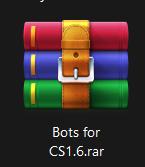
Once downloaded, extract the .rar file.


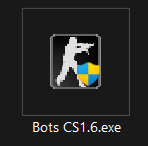
Once extracted, you will see only one file.


Double-click it to open the installer and accept permissions Windows asks for.
Step 3
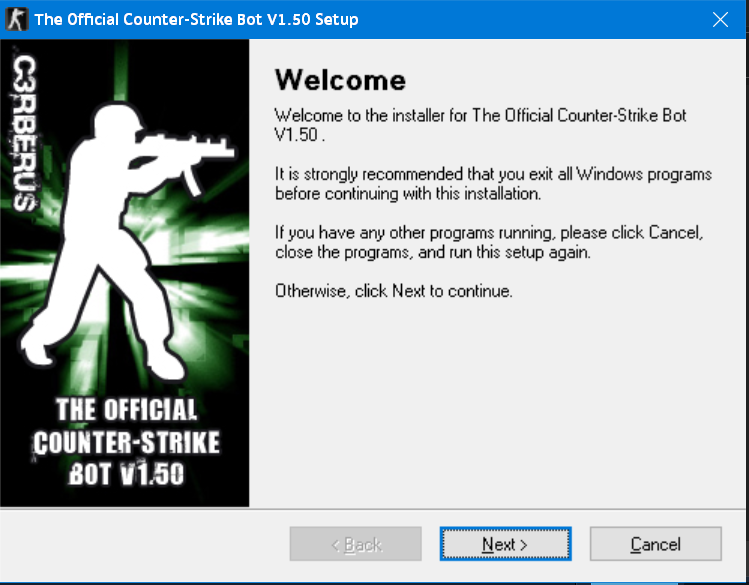
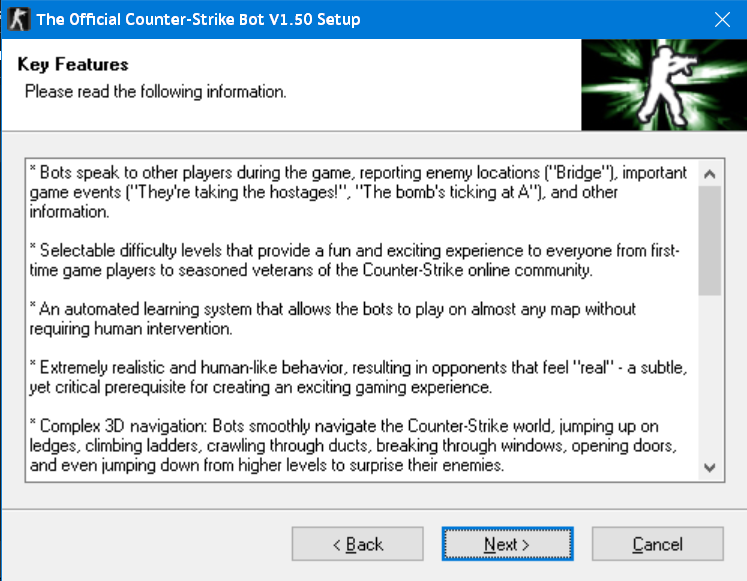
Now we’re going to install it. Once you open the installer, click Next twice.


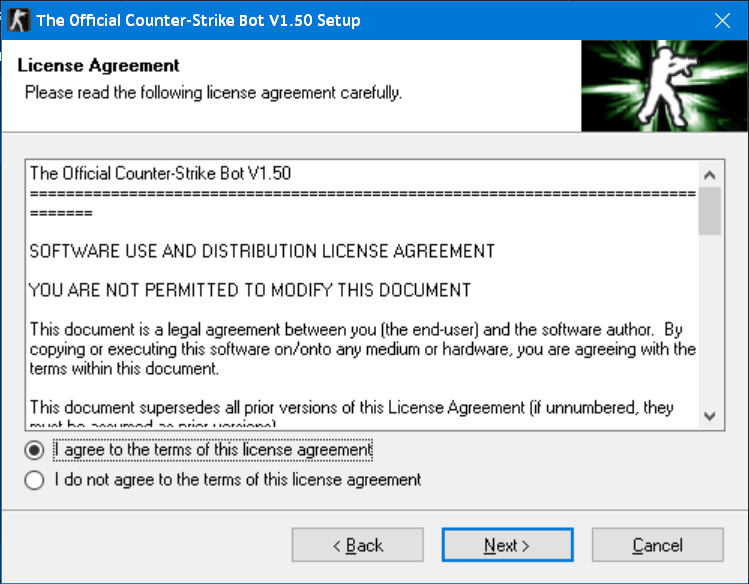
Accept the License Agreement and click Next.


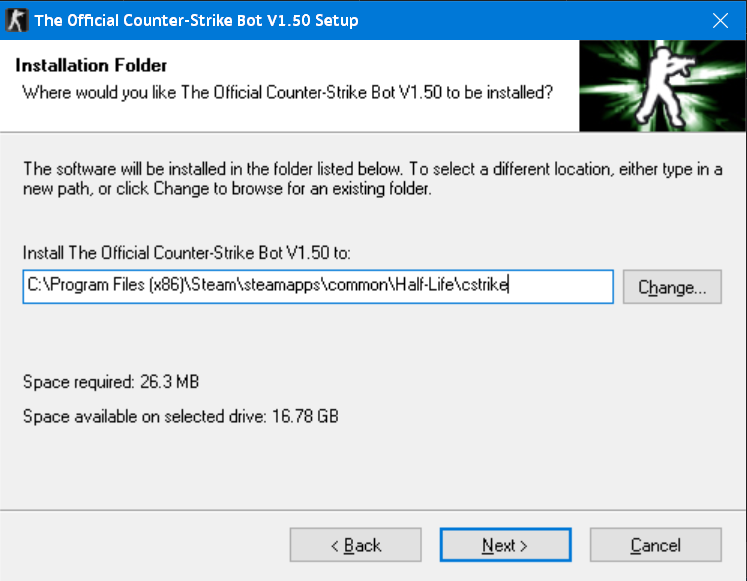
Here, select the ‘cstrike’ folder (If you’re not sure how to find it, go to the How to find the cstrike folder section in the index.)


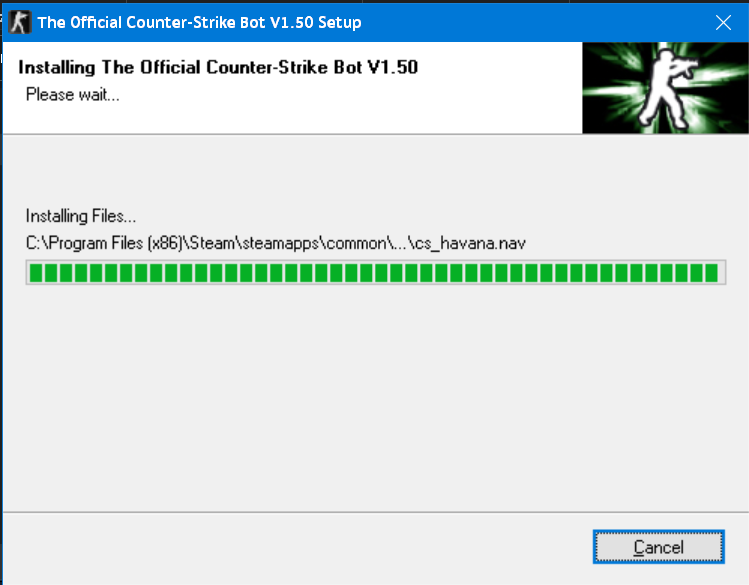
The installation will begin


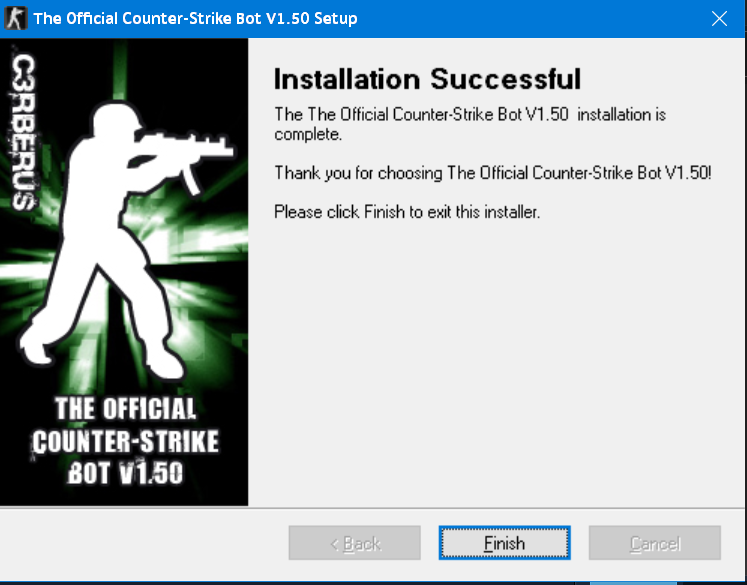
Once it’s done, everything will be ready to play.
Ready
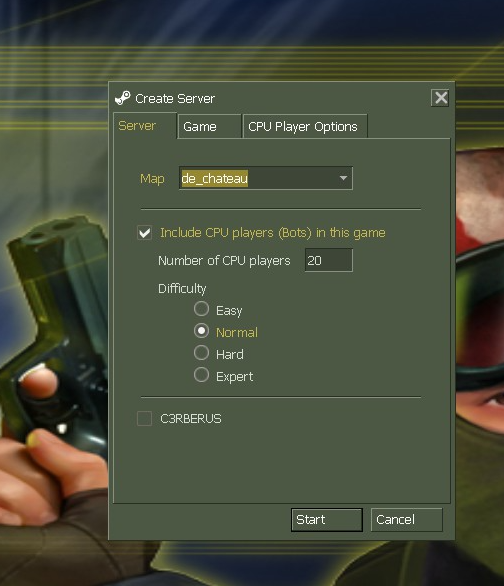
When you open the game, click on New Game and you’ll see all the options to configure the bots. Here, you can set everything however you like.
How to find the cstrike folder
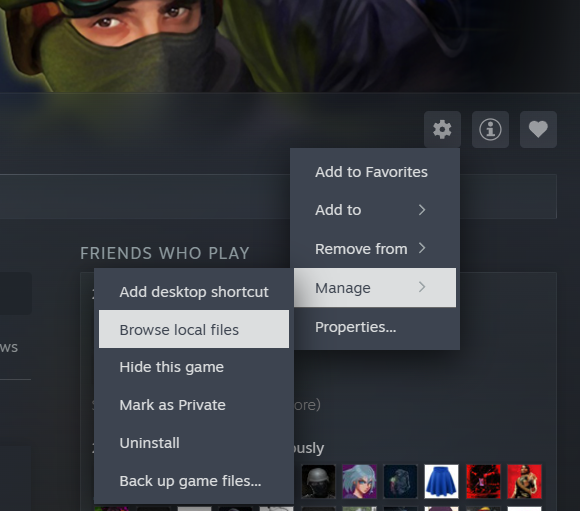
We go to library, in the right above the “Friends Who Play” section, you will see a little gear icon.

Then go to Manage and click on Browse local files like the image.


This will open the Half-Life folder. There you’ll see a folder called ‘cstrike’ — open it and copy the path from the address bar and paste it where the installer asks for it.

Extra
If you want to complete the pack, here’s another guide that shows you how to put the menu theme from the Non-Steam version.

Click here