Counter-Strike

Counter-Strike

评价数不足
How to add the menu theme from the Non-Steam version to CS 1.6 Steam
由 ÜberksaS 制作
Here I’m going to show you how to add the menu song from the Non-Steam version that we all remember and missed.
   
奖励
收藏
已收藏
取消收藏
Step 1
To start, we need to download the file.

Download:
Click here[mega.nz]
Steb 2
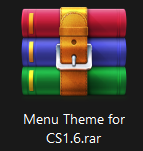
Once downloaded, we have this file.


We extract it and it will give us a small folder called media
Step 3
We copy the folder and paste it inside the cstrike folder.

If you don’t know how to get to that folder, don’t worry, I will show you.

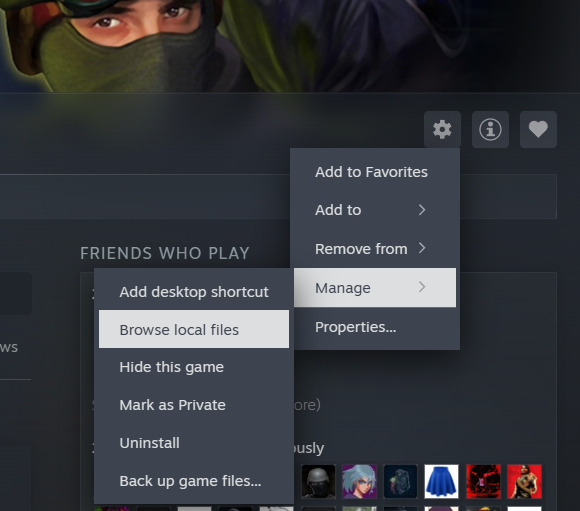
Now we go to library, in the right above the “Friends Who Play” section, you will see a little gear icon.

Then go to Manage and click on Browse local files like the image. This will open the game folder.
There you will see the folder called cstrike.
Step 4 - Enjoy
Everything is ready. Enjoy!
Extra
If you want to complete the pack, here’s another guide that shows you how to put bots to play offline.

Click here
1 条留言
Götü Boklu 11 月 28 日 上午 3:47 
thank you:steamthis: