



安装 Steam
登录
|
语言
繁體中文(繁体中文)
日本語(日语)
한국어(韩语)
ไทย(泰语)
български(保加利亚语)
Čeština(捷克语)
Dansk(丹麦语)
Deutsch(德语)
English(英语)
Español-España(西班牙语 - 西班牙)
Español - Latinoamérica(西班牙语 - 拉丁美洲)
Ελληνικά(希腊语)
Français(法语)
Italiano(意大利语)
Bahasa Indonesia(印度尼西亚语)
Magyar(匈牙利语)
Nederlands(荷兰语)
Norsk(挪威语)
Polski(波兰语)
Português(葡萄牙语 - 葡萄牙)
Português-Brasil(葡萄牙语 - 巴西)
Română(罗马尼亚语)
Русский(俄语)
Suomi(芬兰语)
Svenska(瑞典语)
Türkçe(土耳其语)
Tiếng Việt(越南语)
Українська(乌克兰语)
报告翻译问题





 奖励
奖励



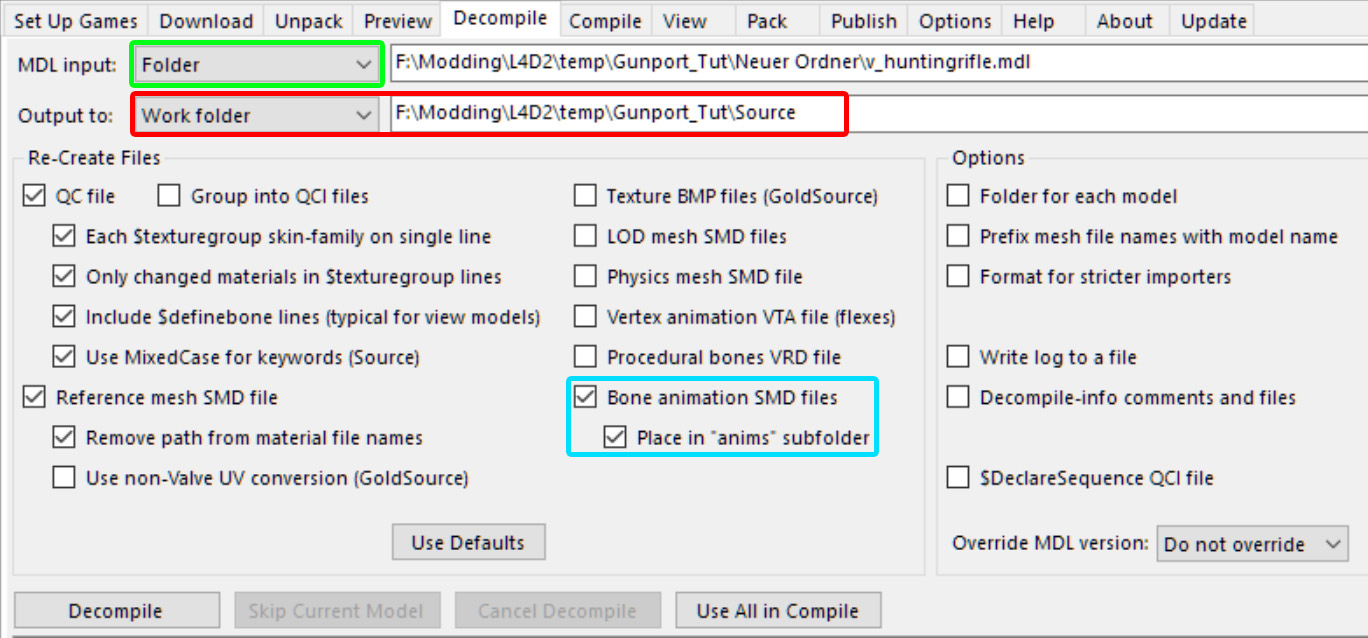


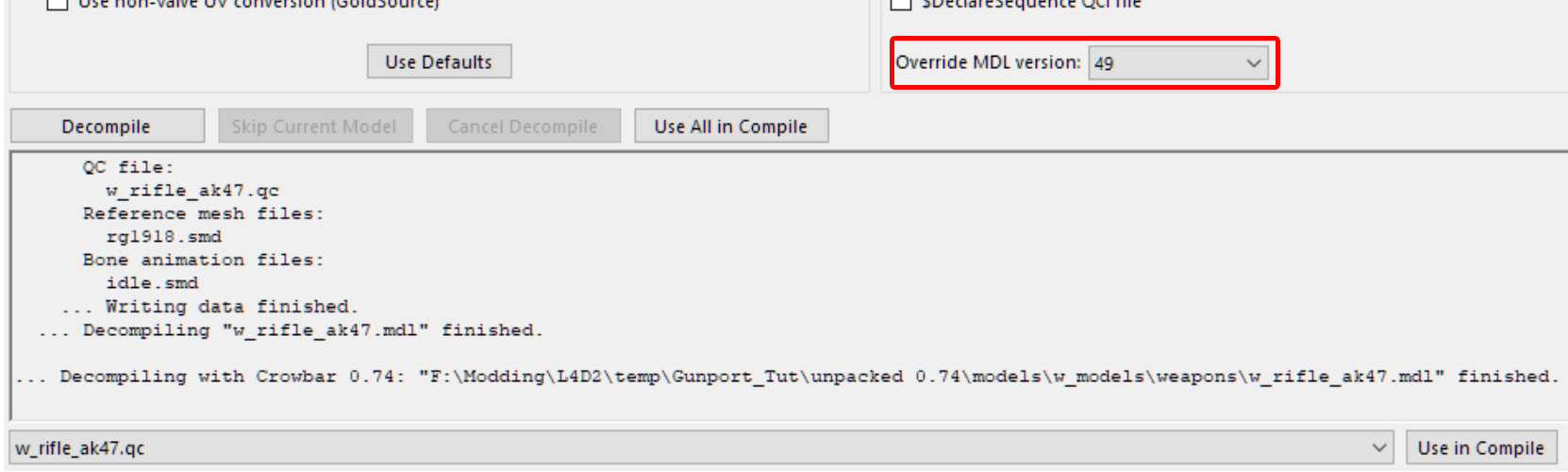
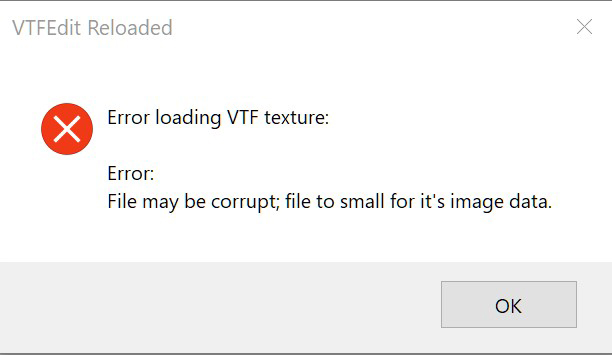



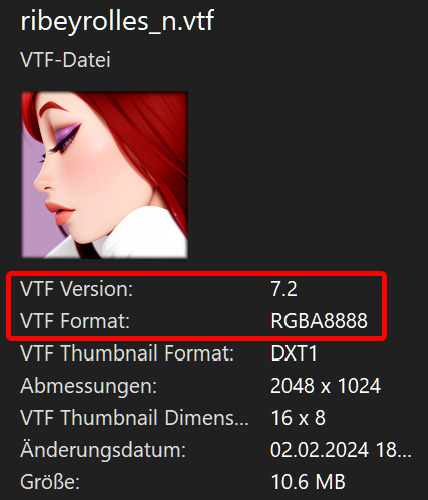

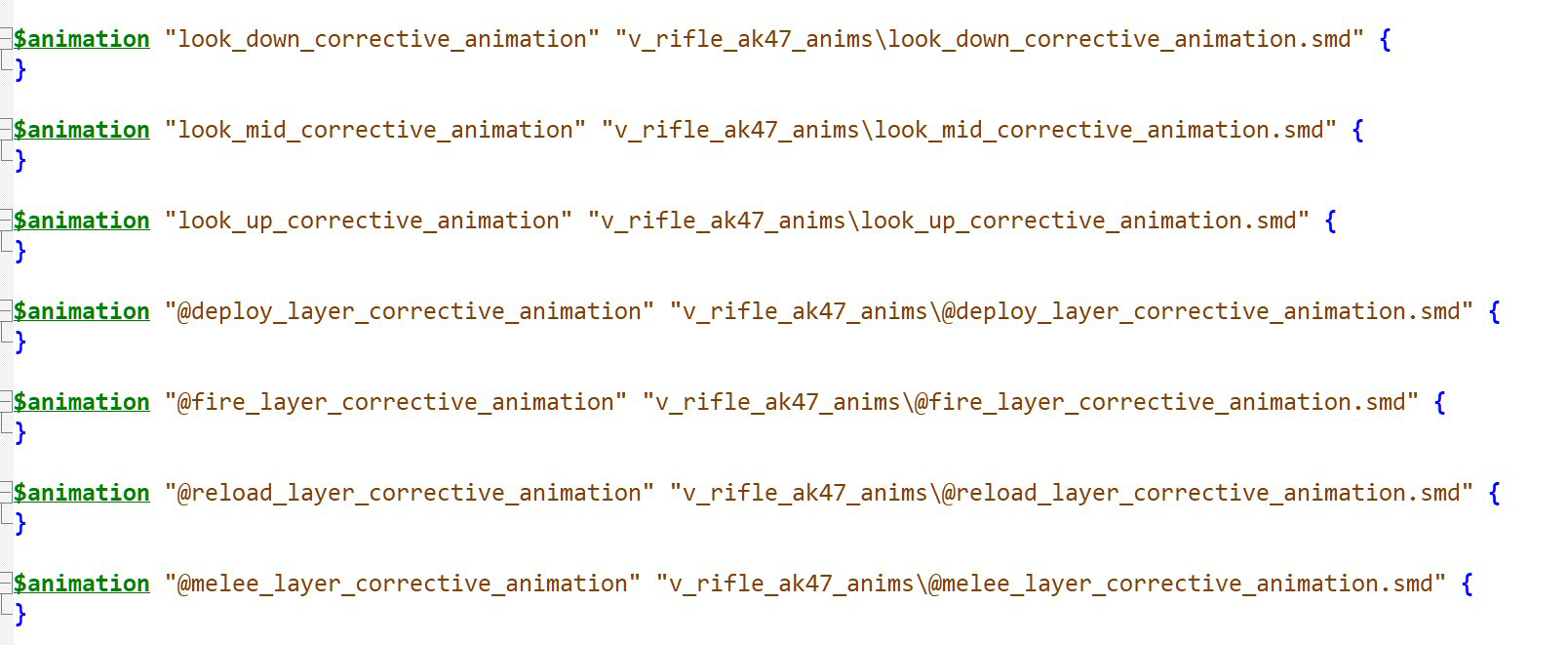
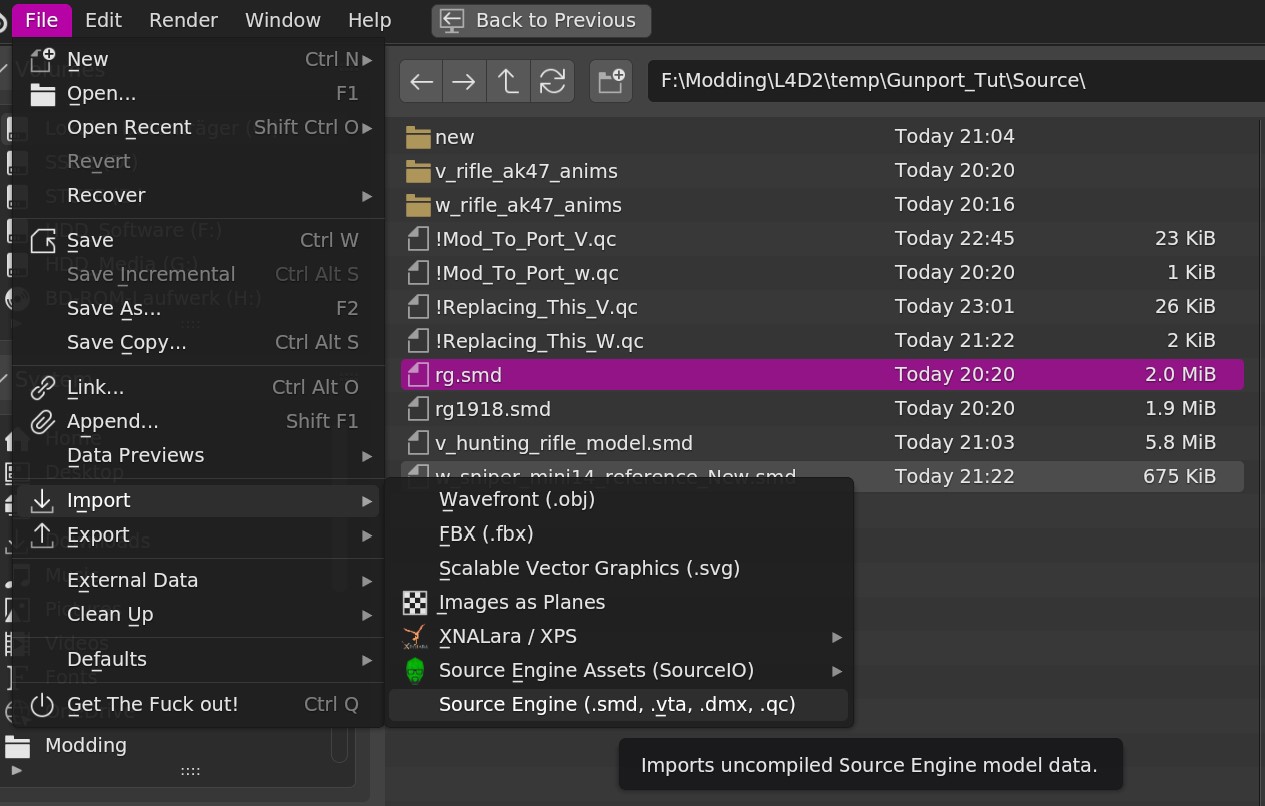
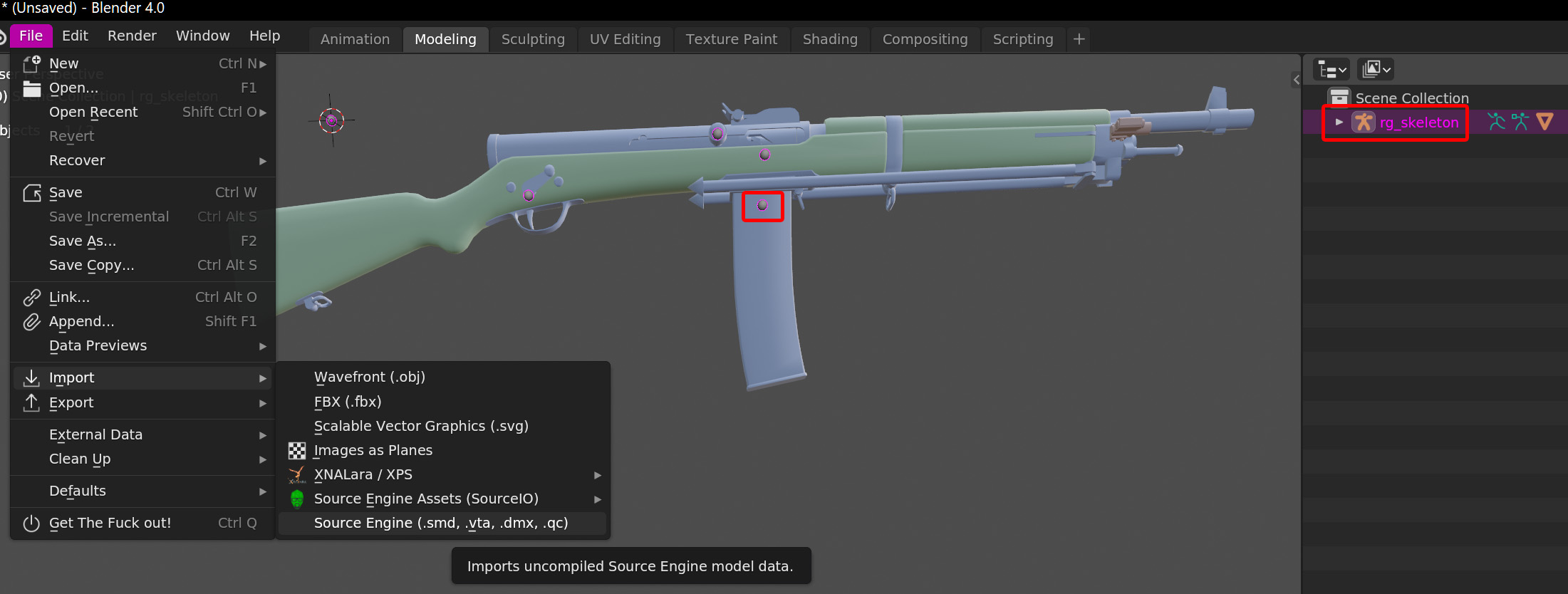
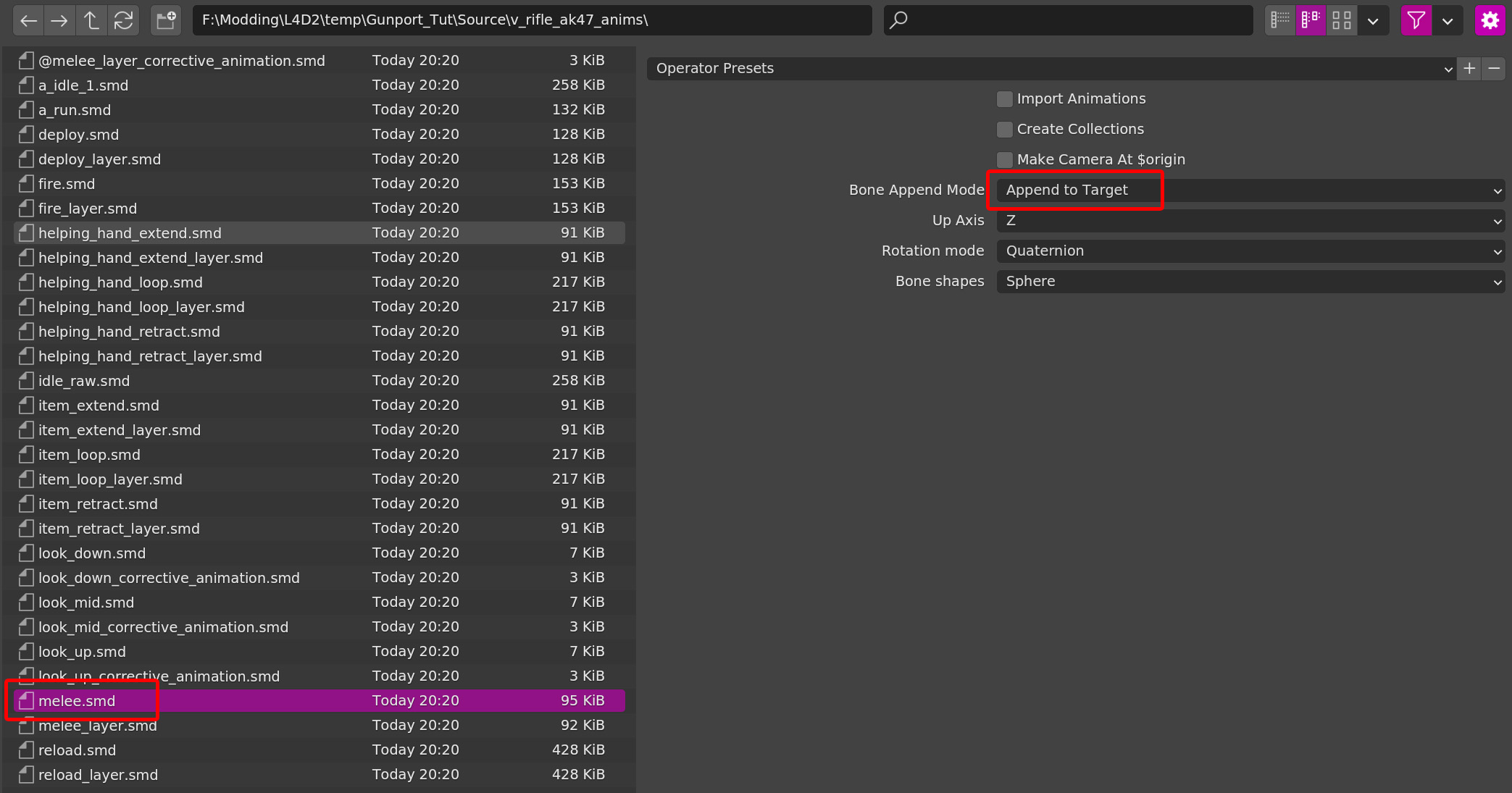
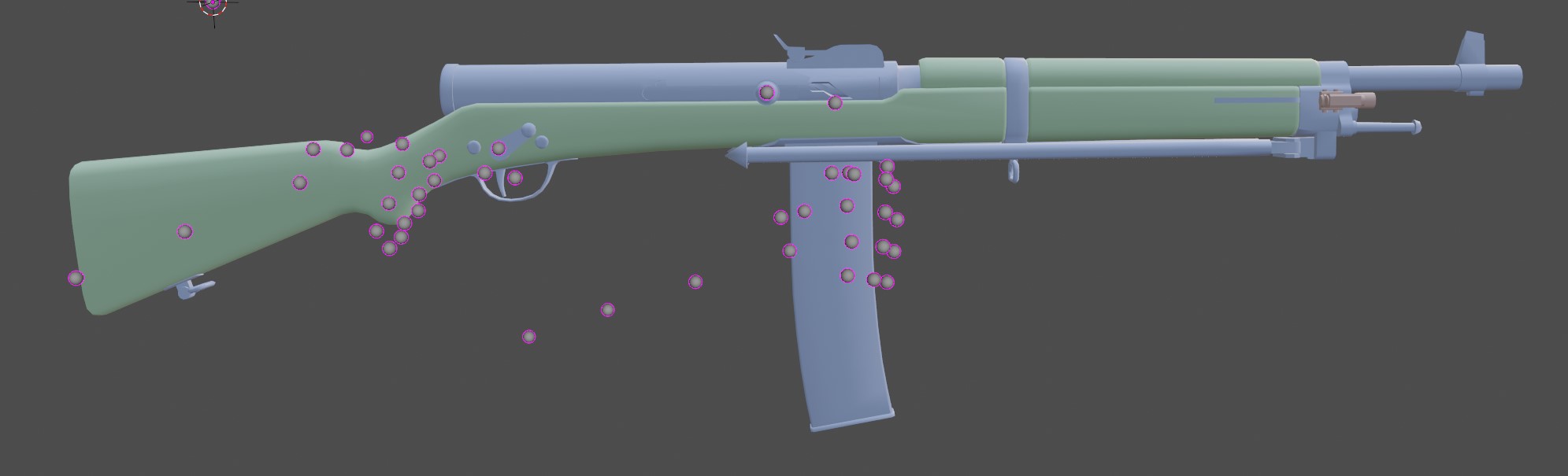
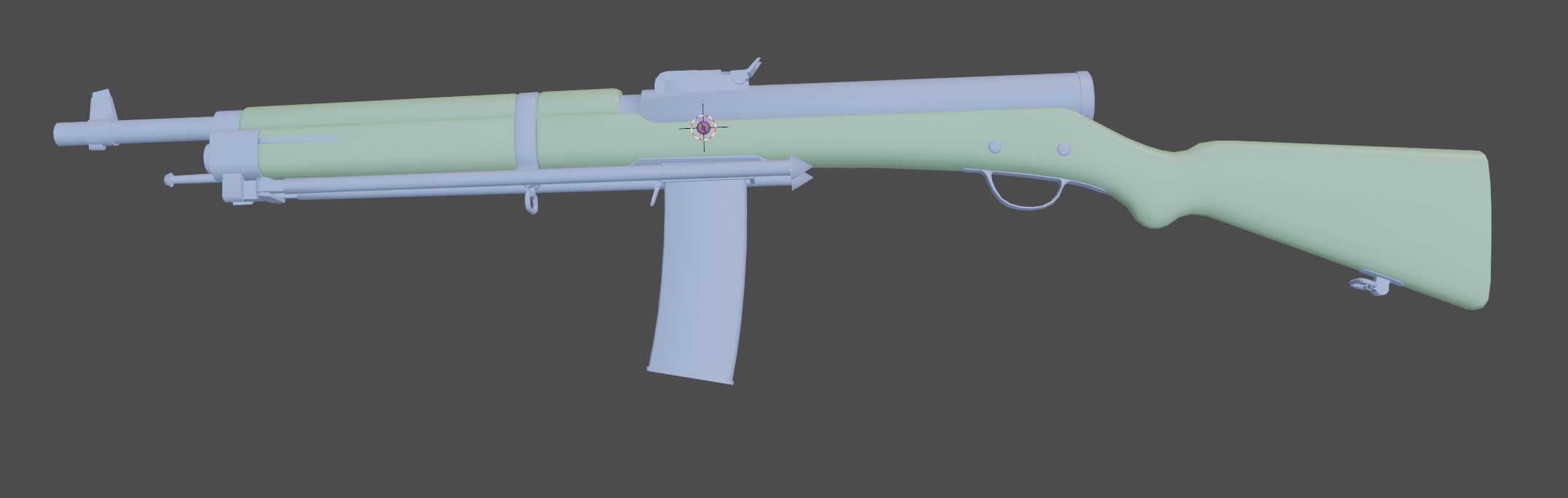
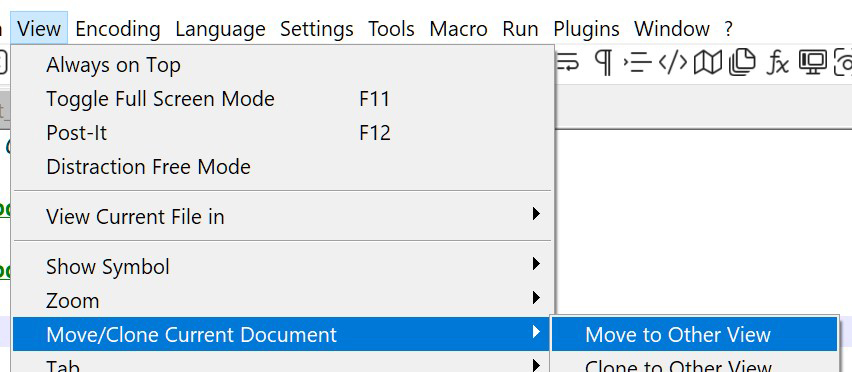
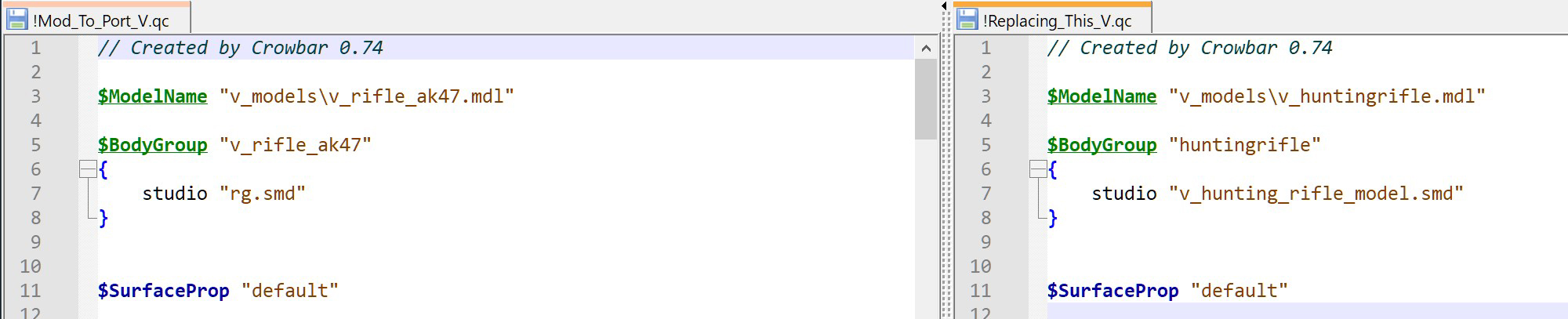
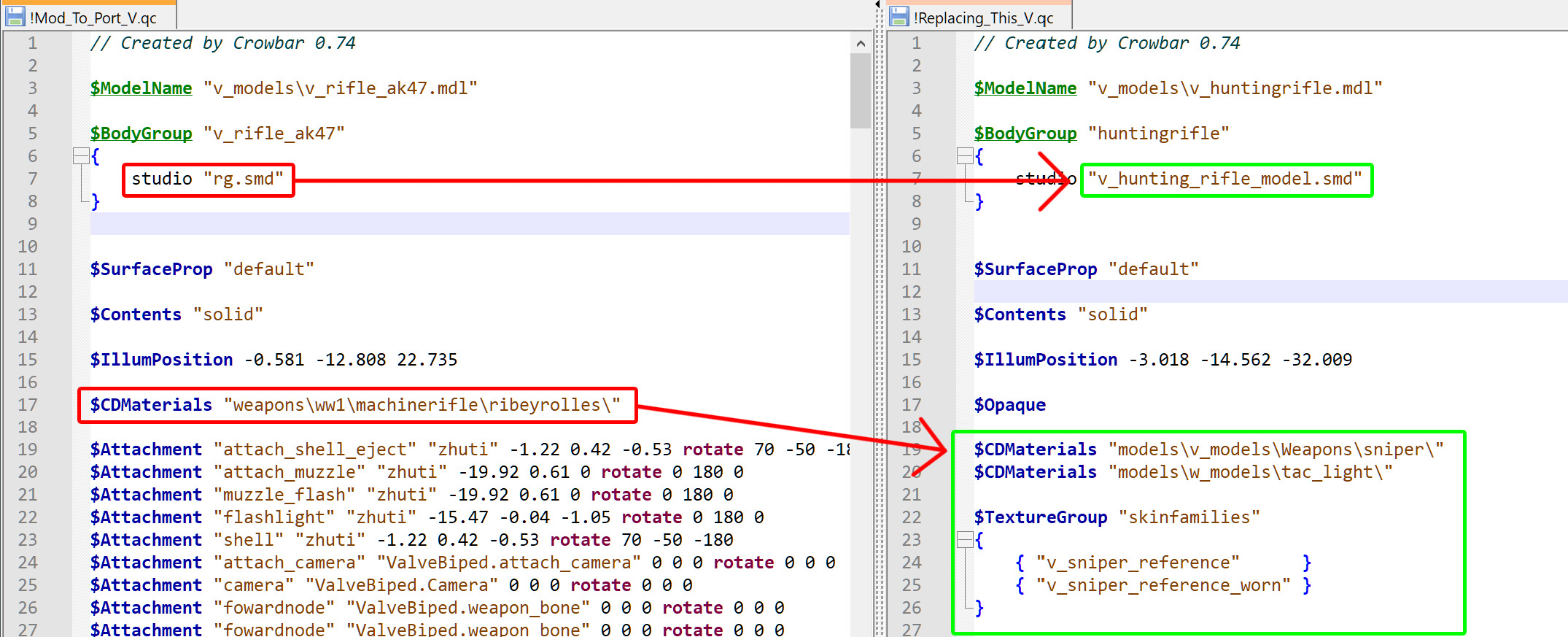



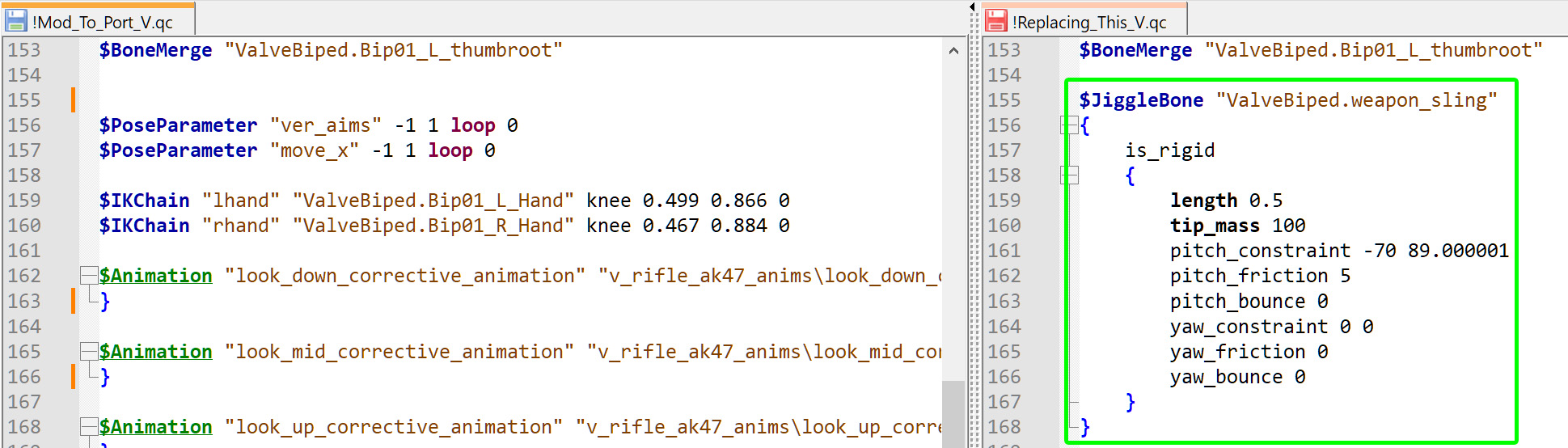
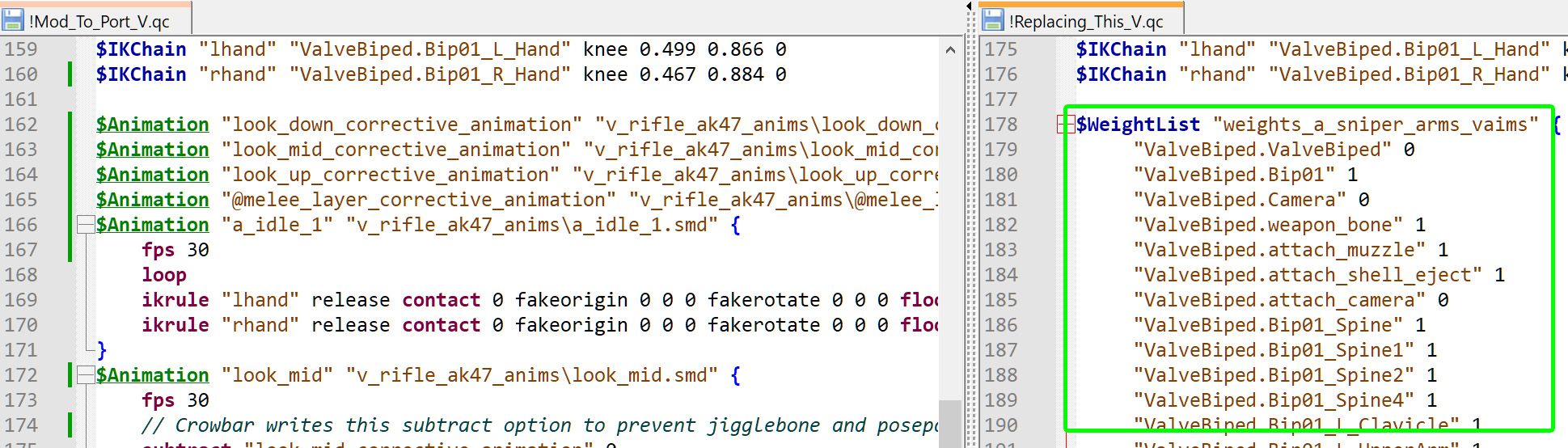
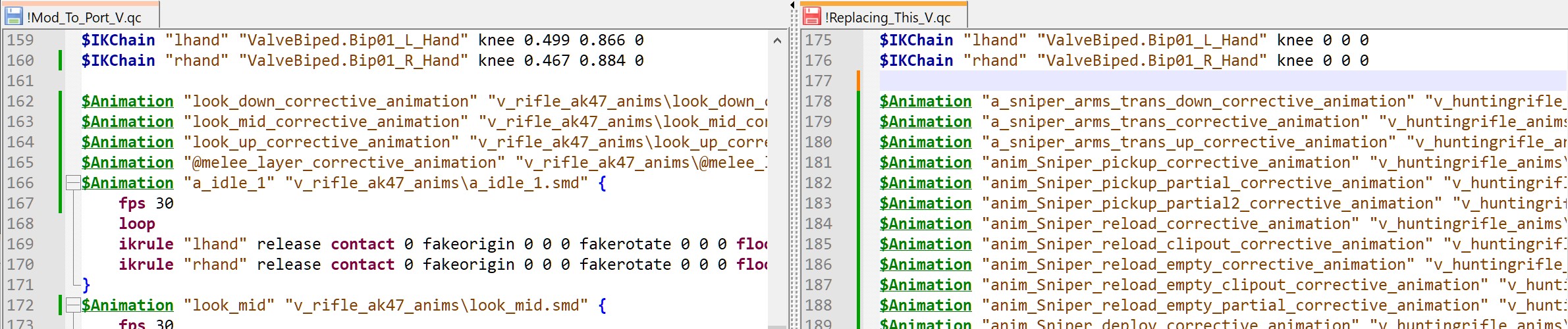
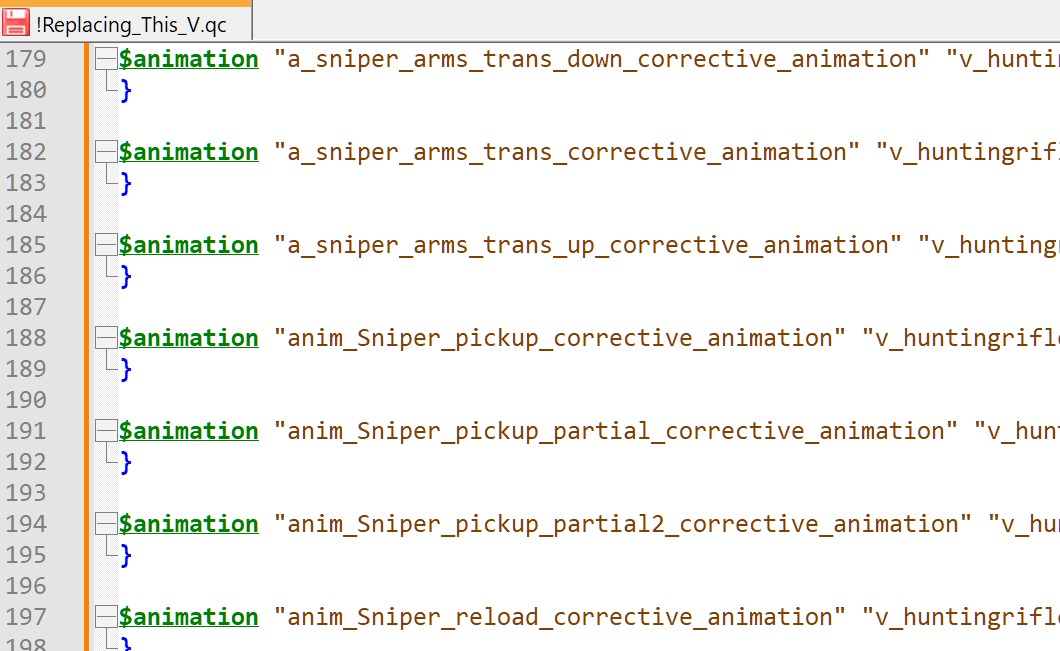
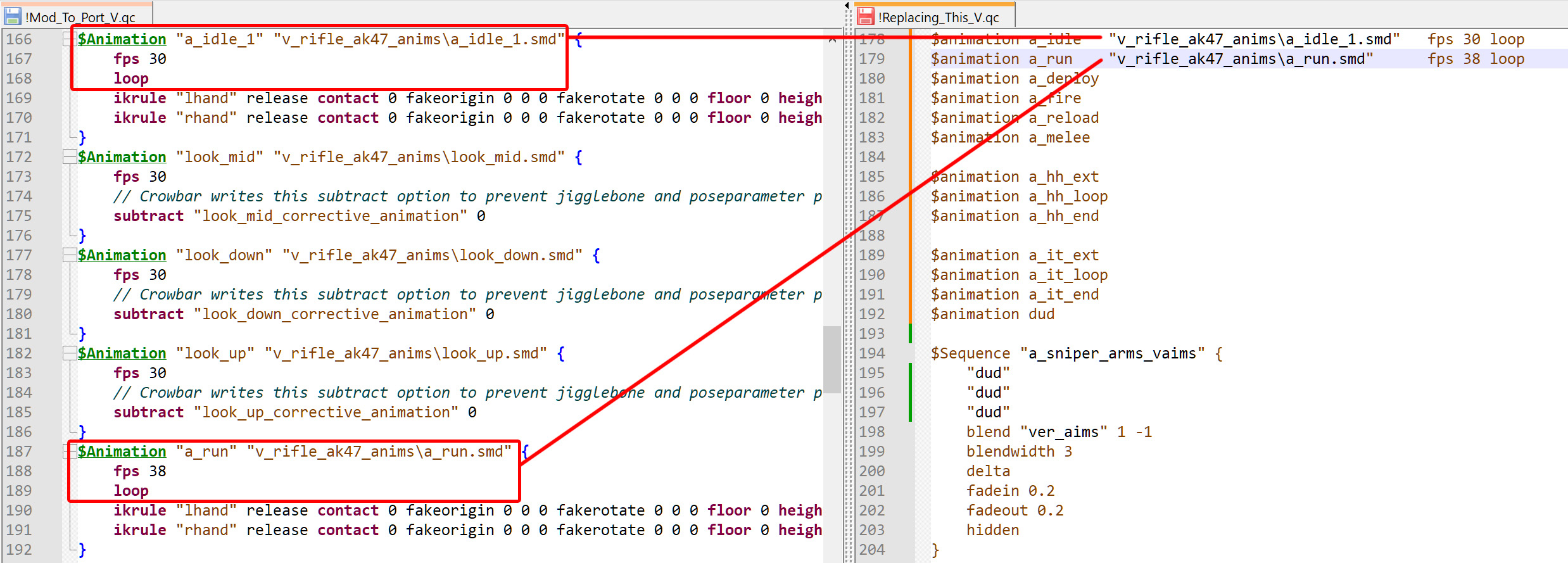
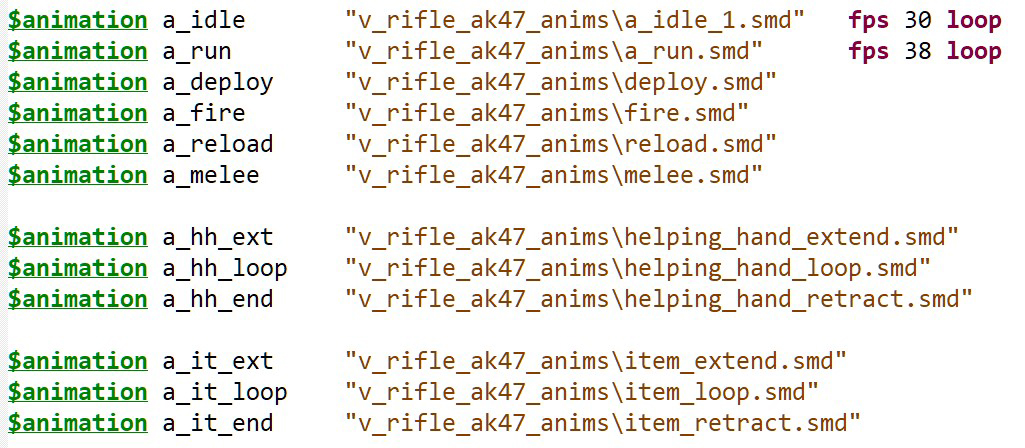
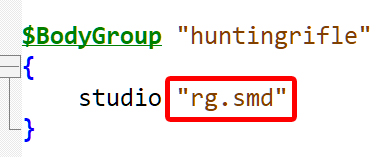
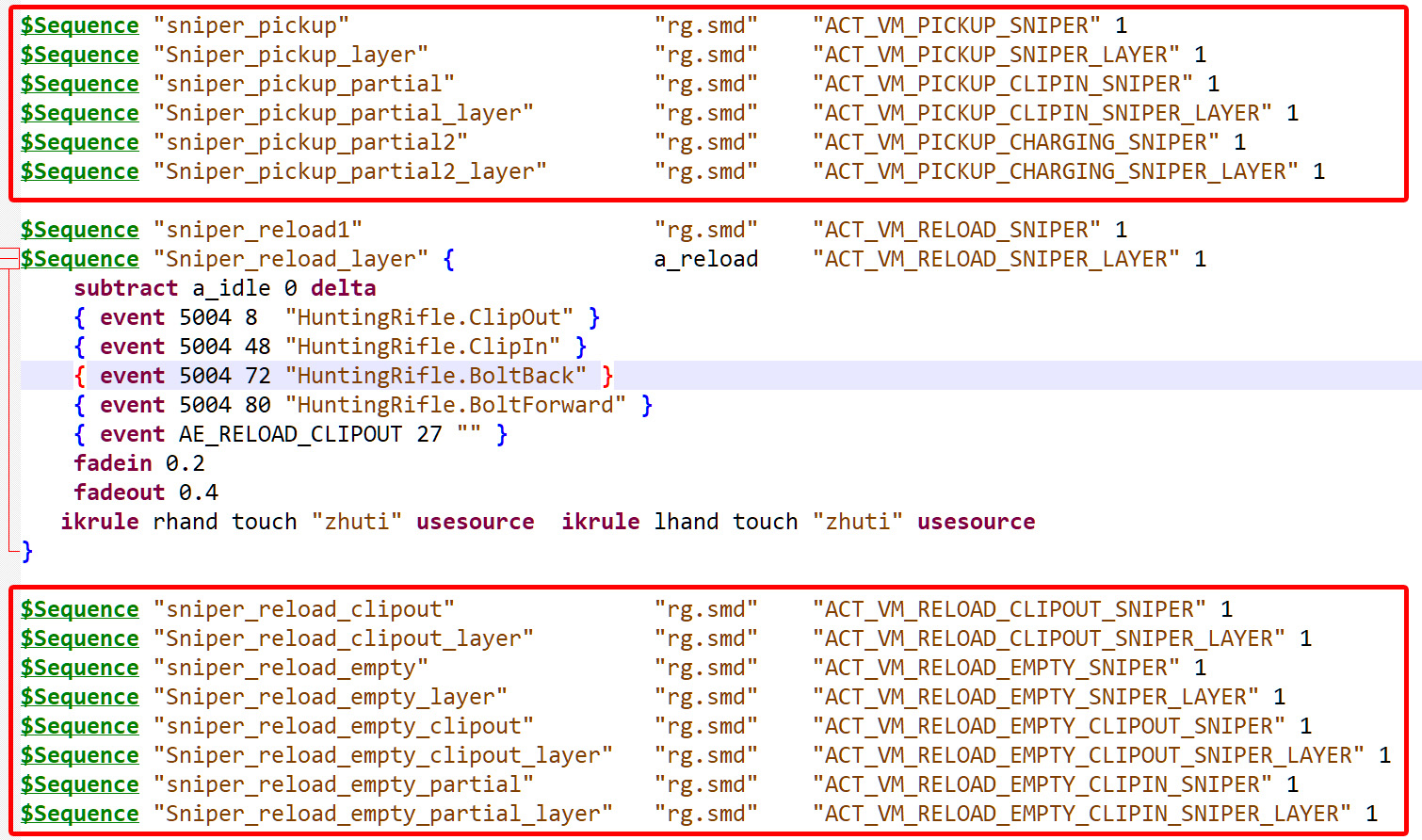
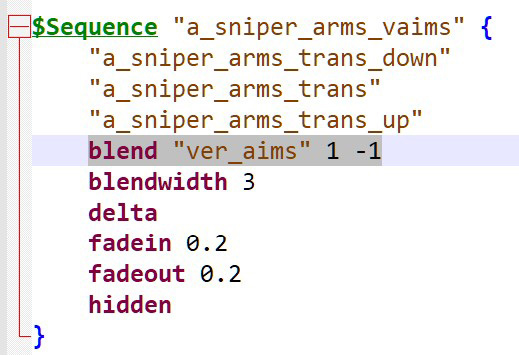
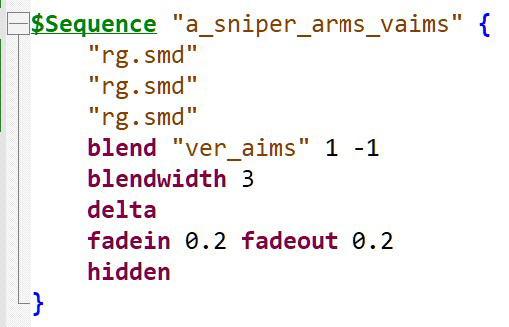

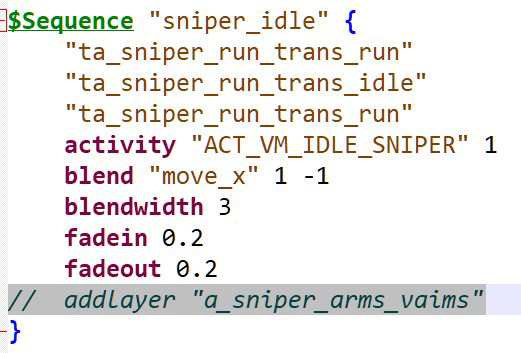
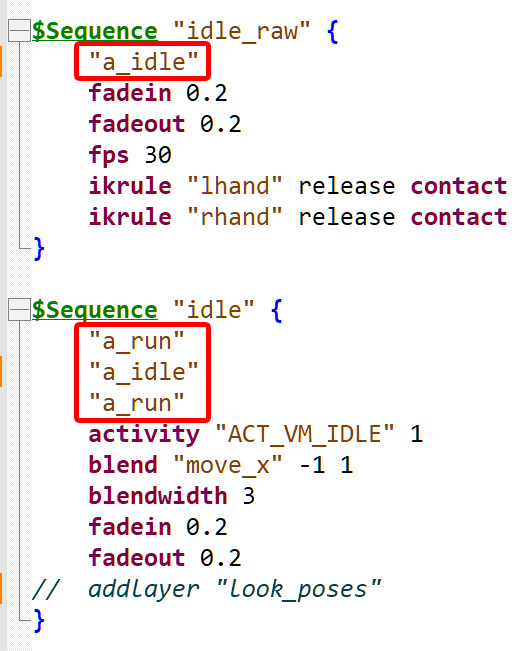




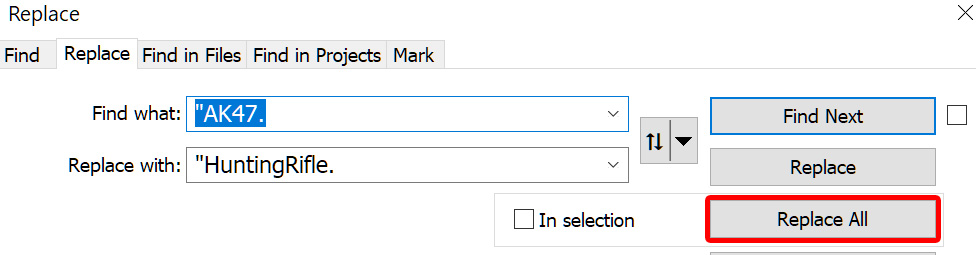
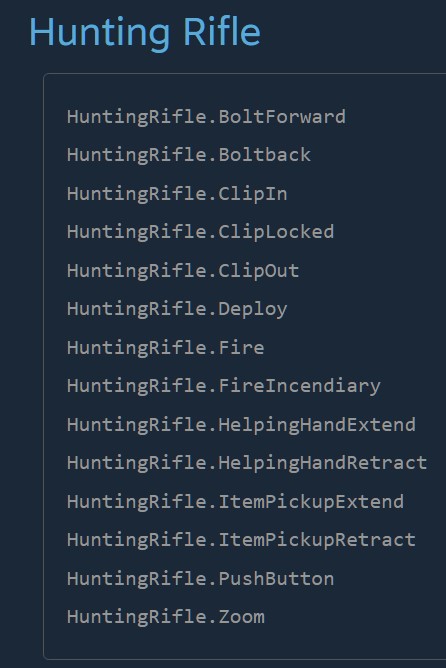
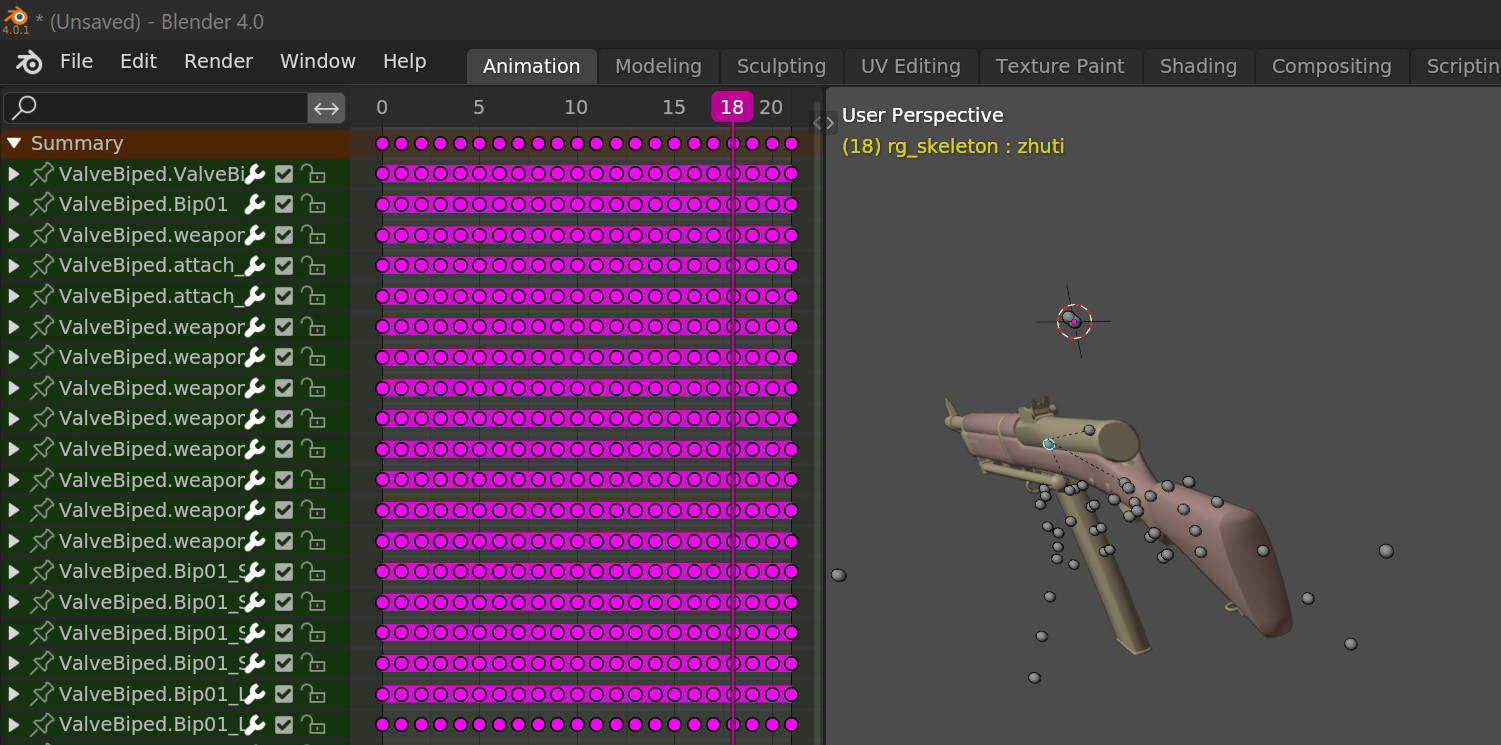

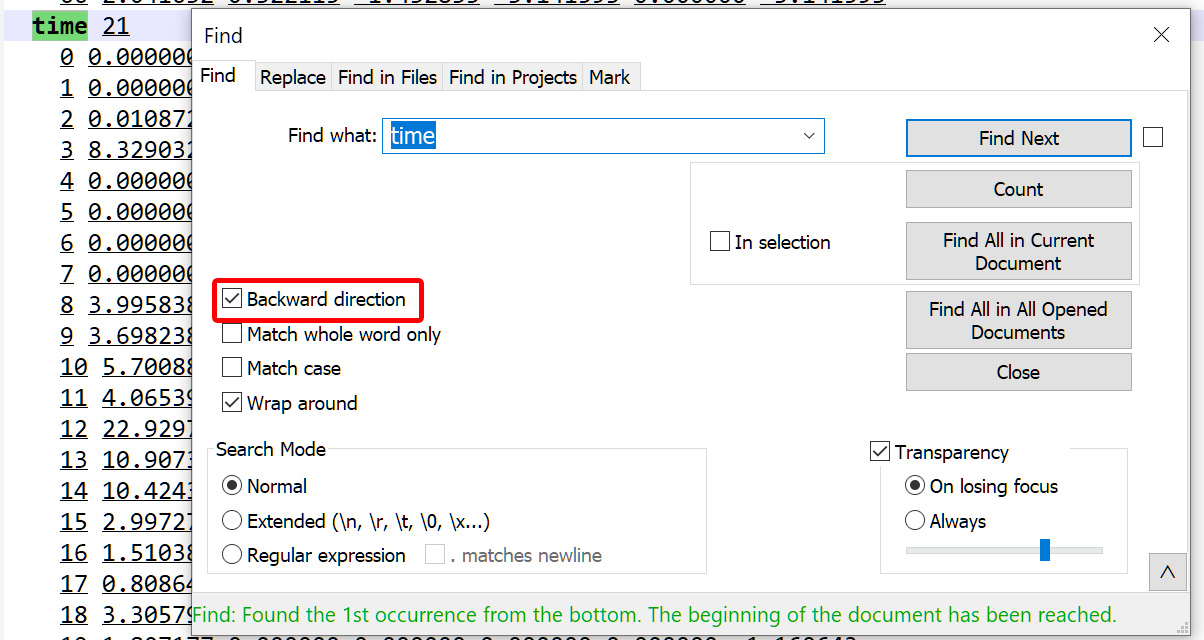
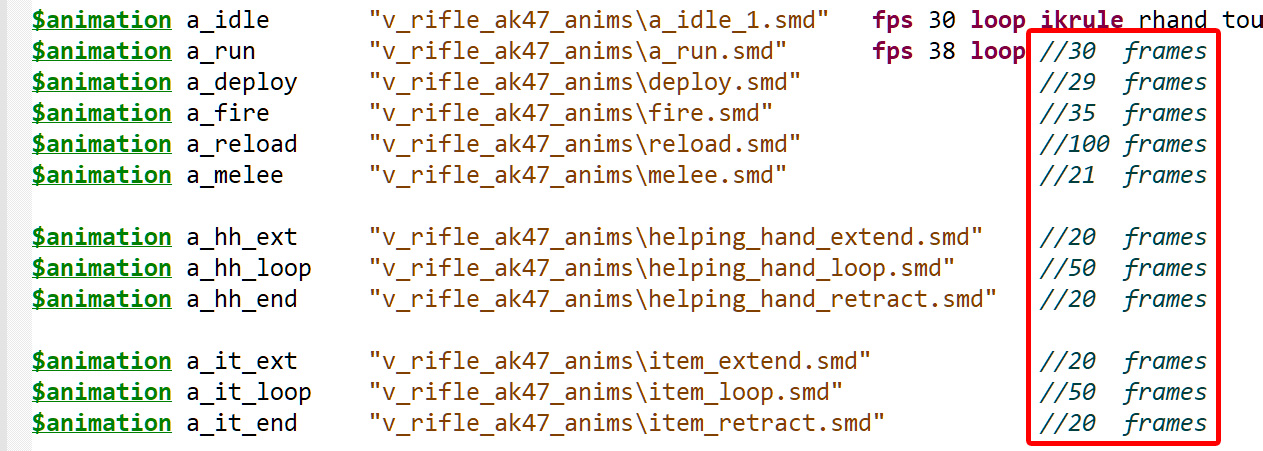


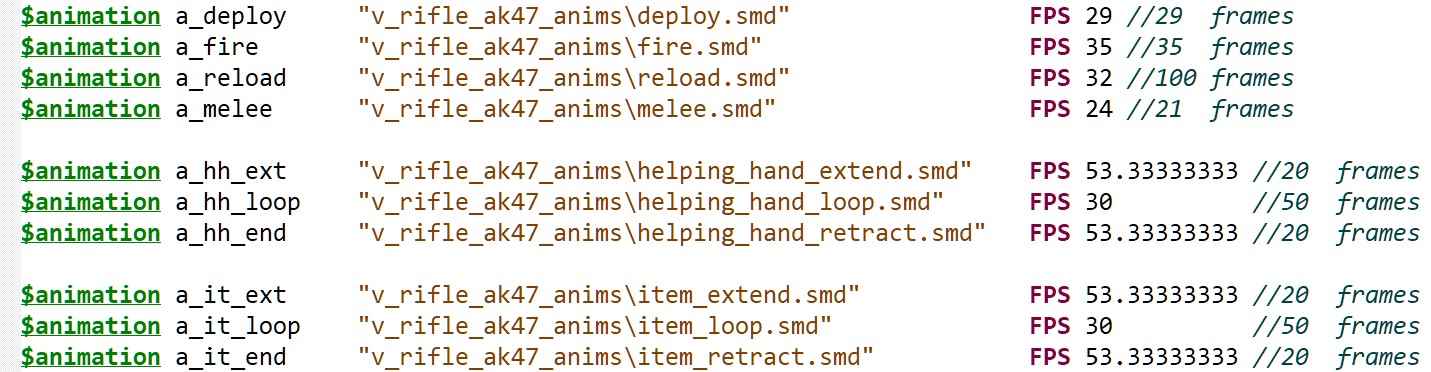
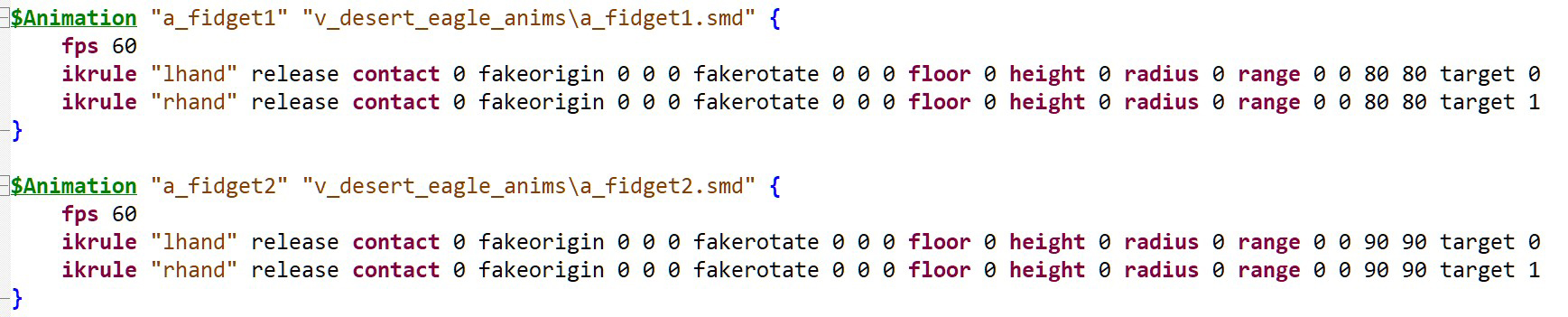
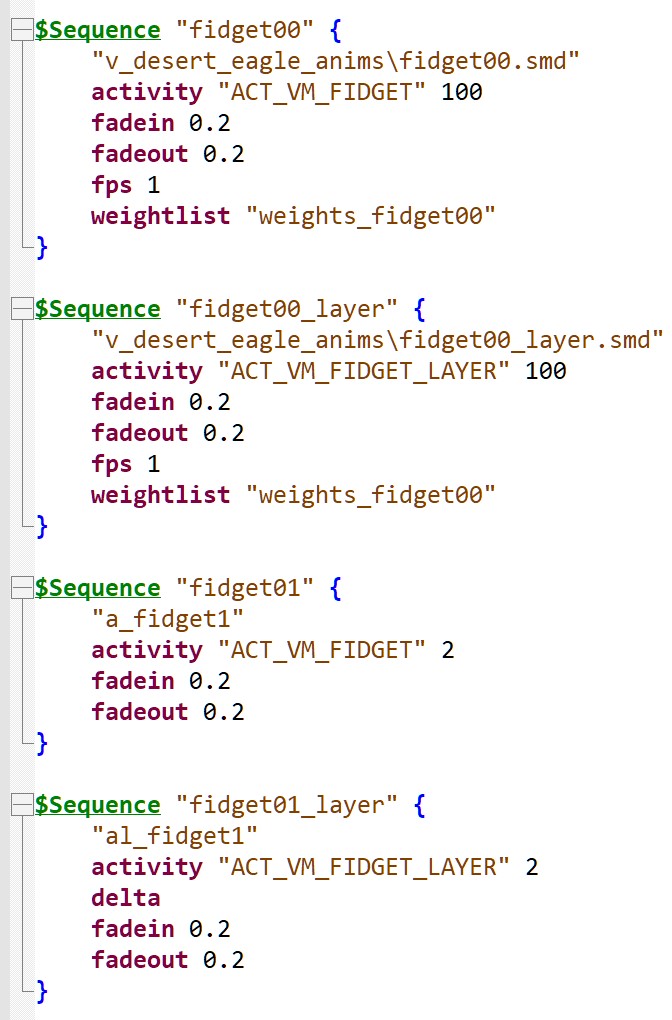


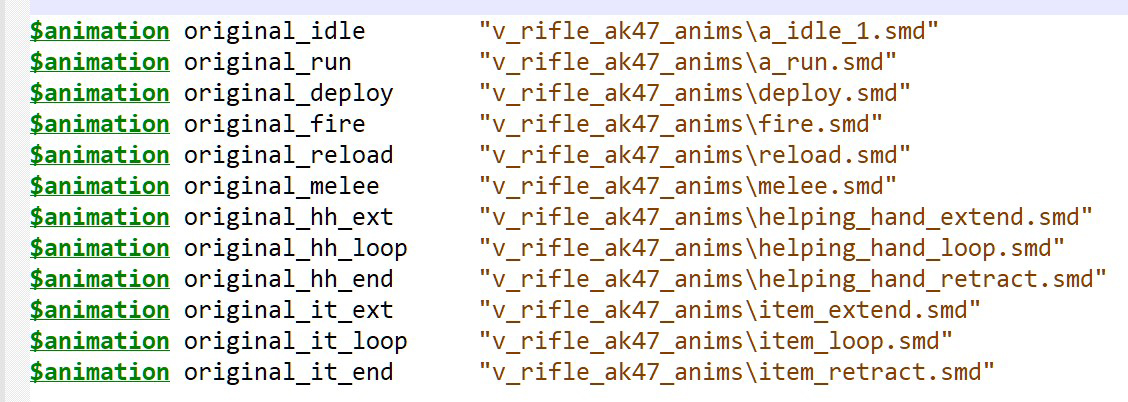
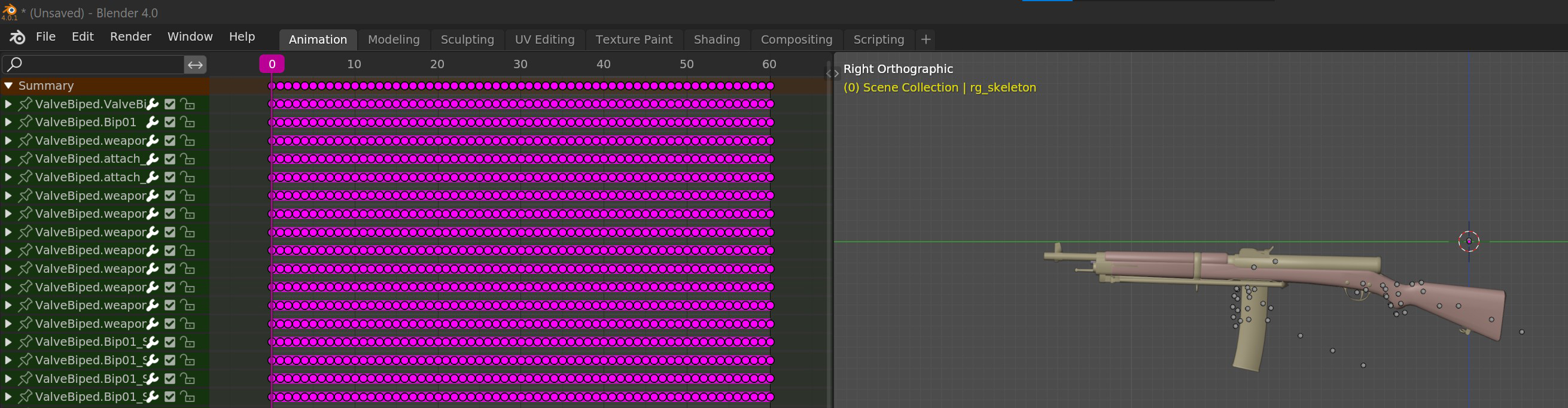
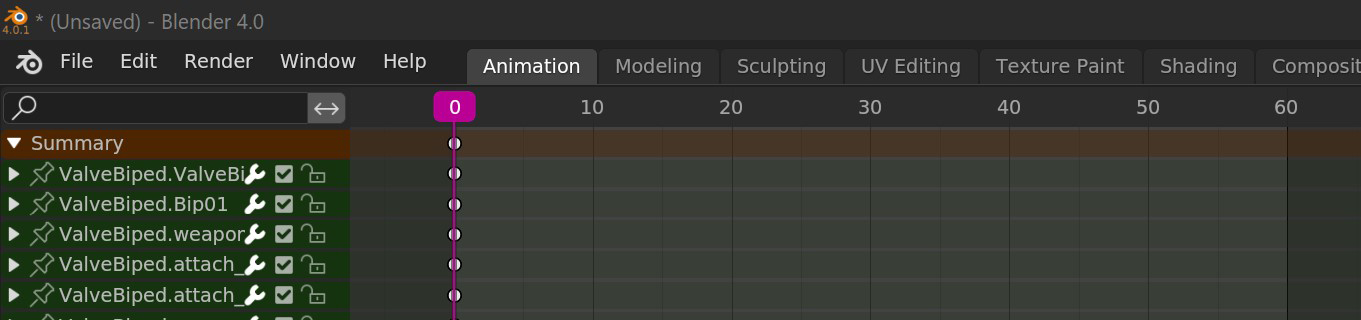
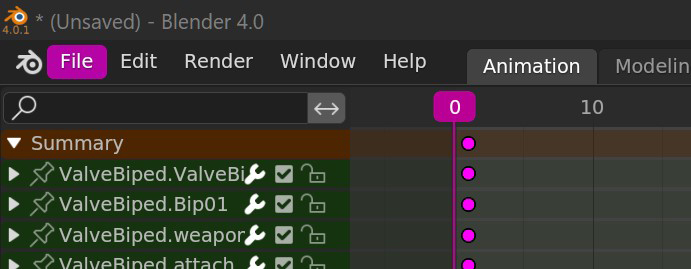
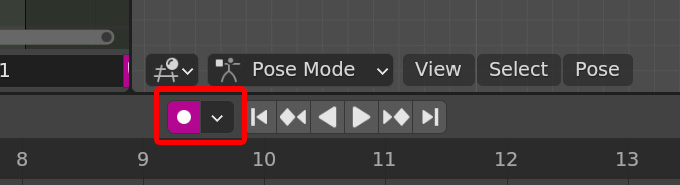
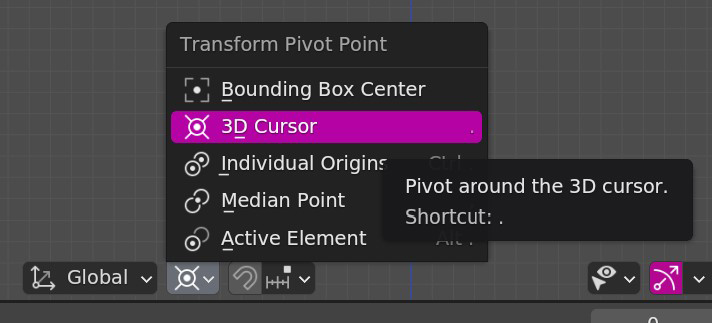
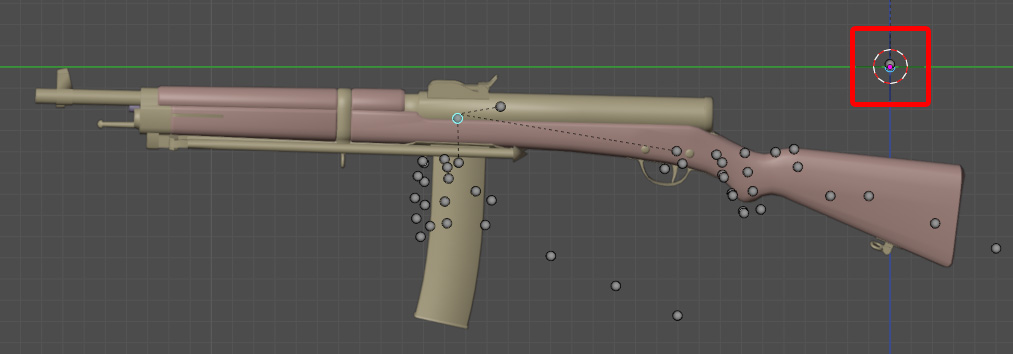
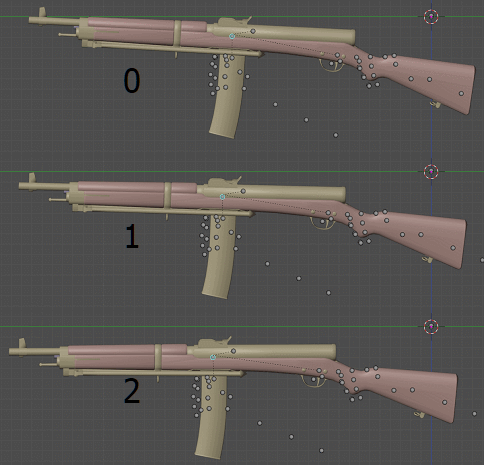
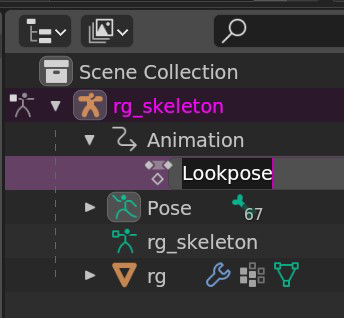
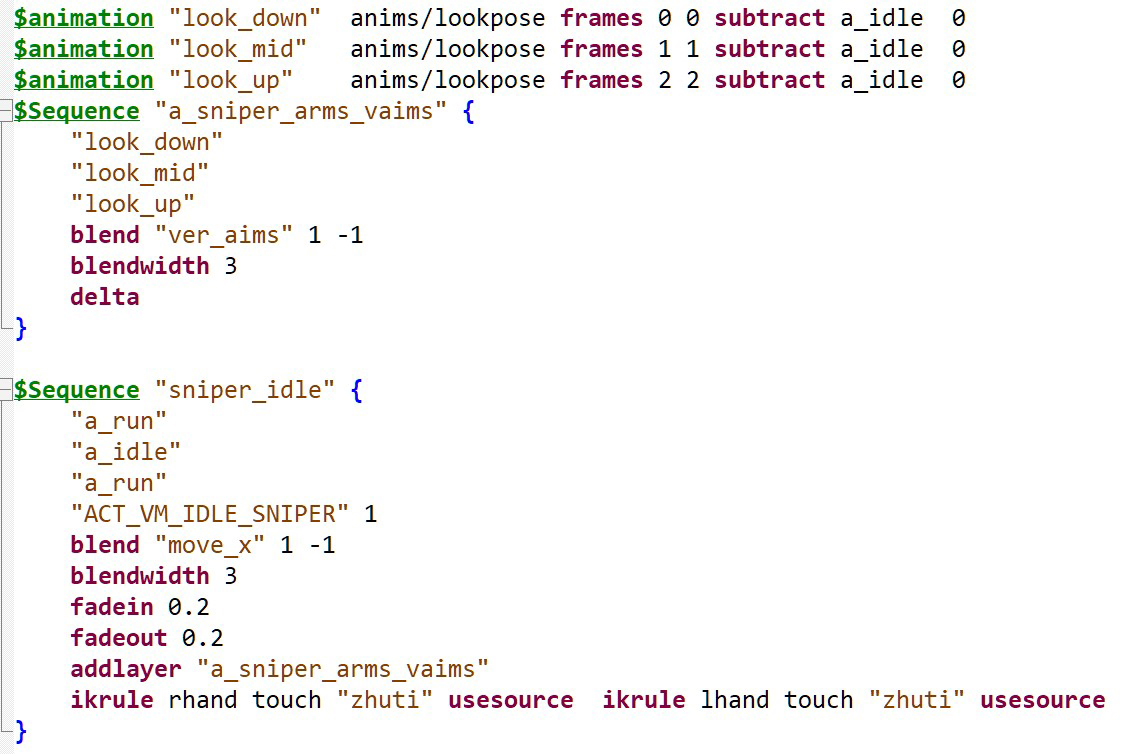

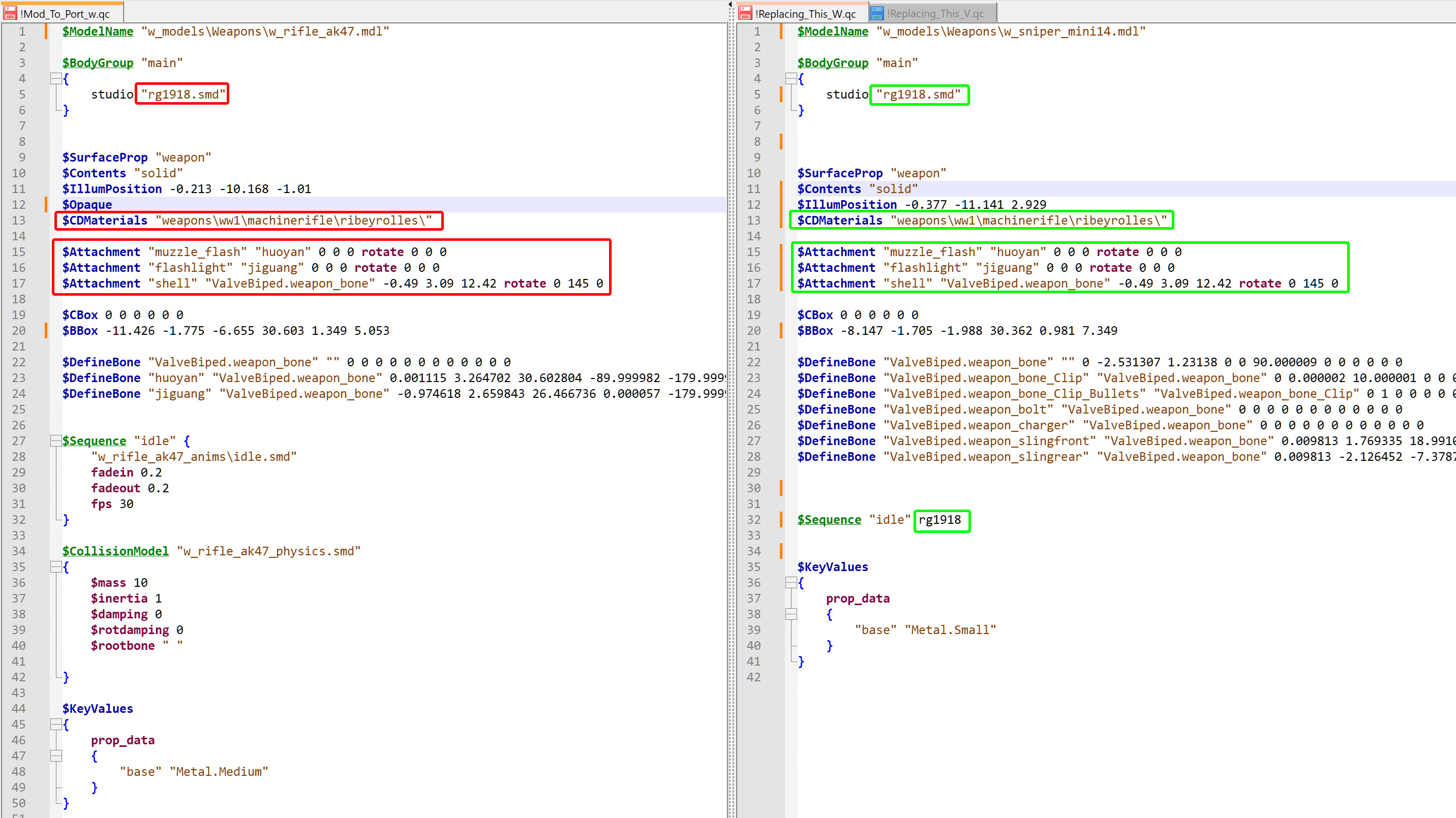
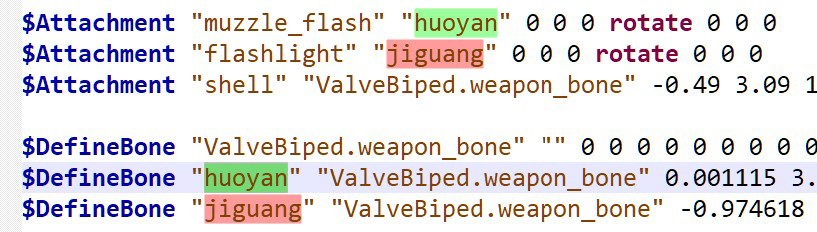
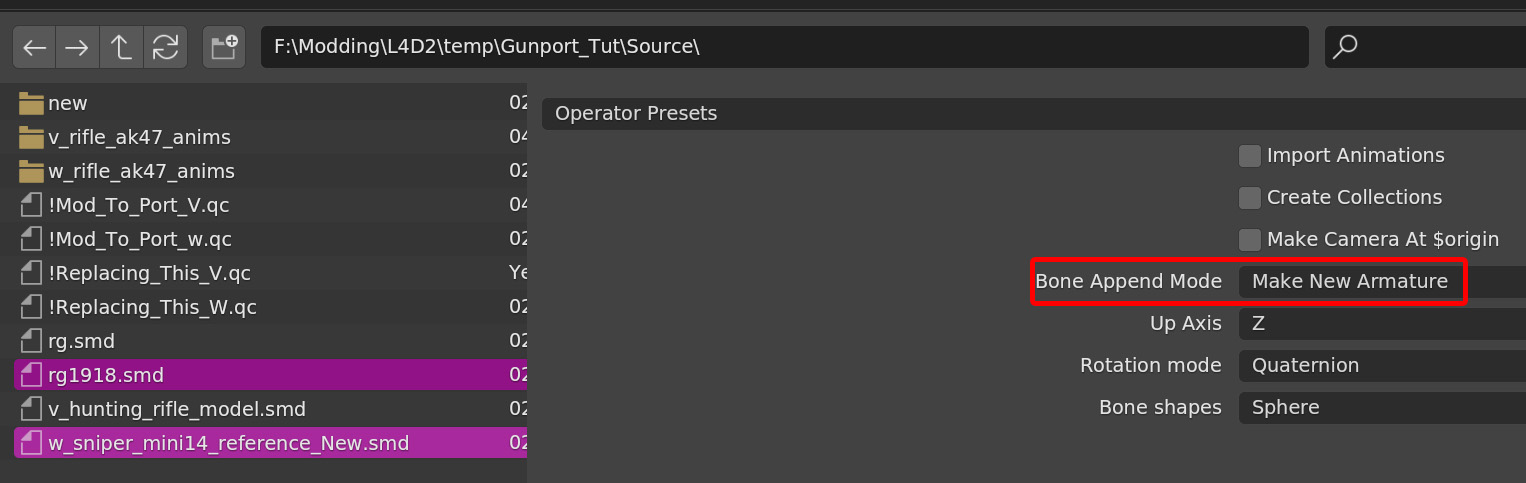
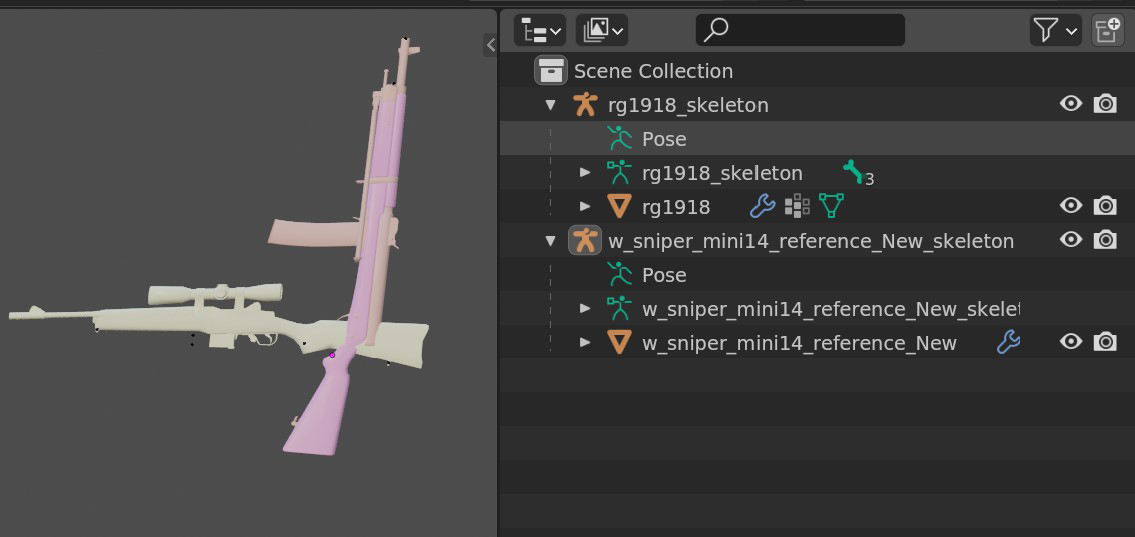
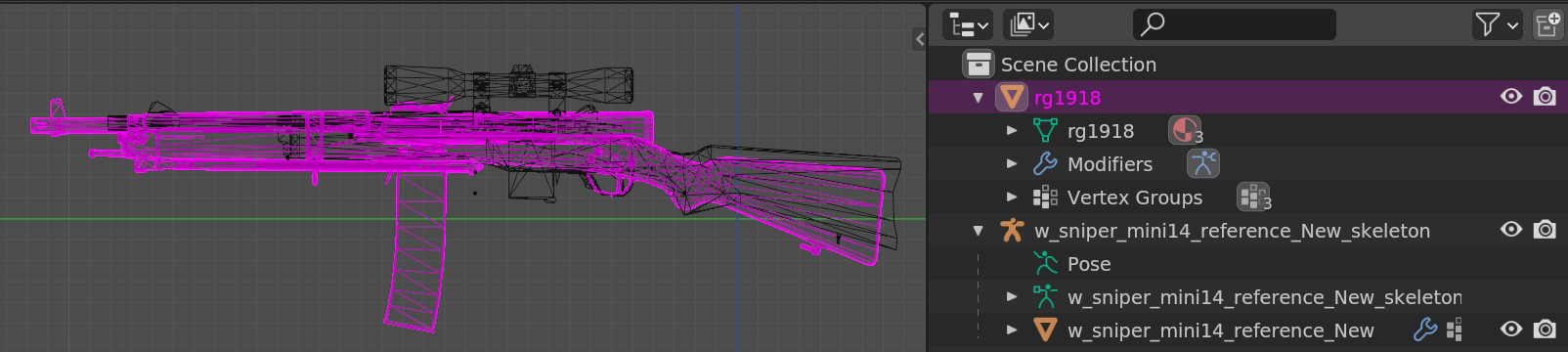
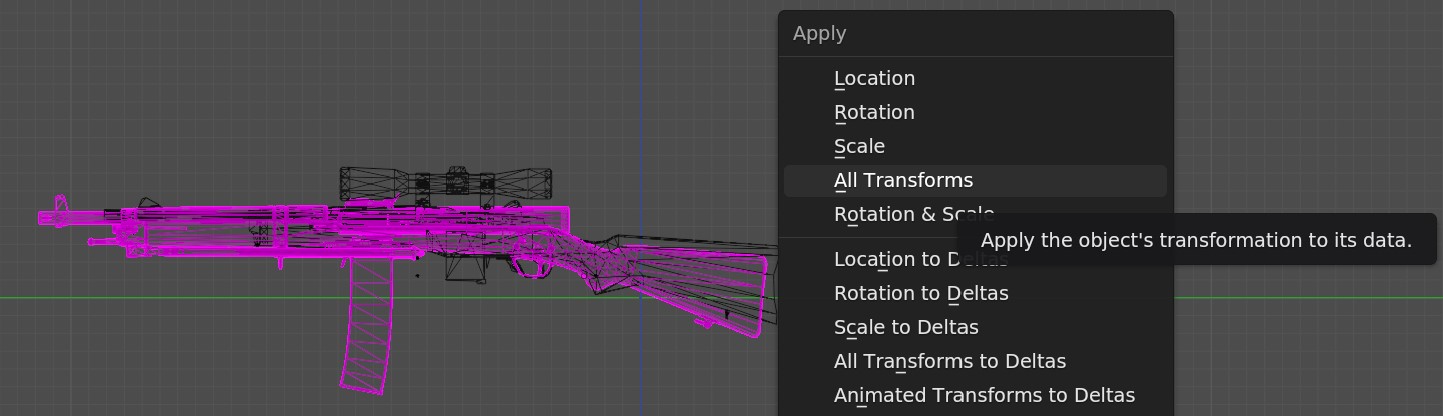
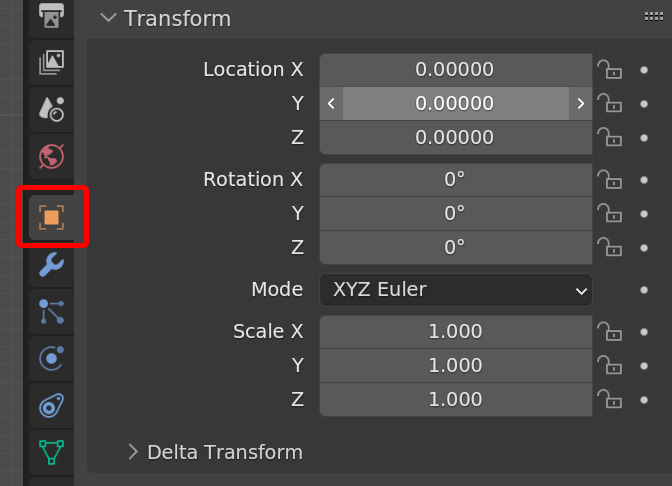
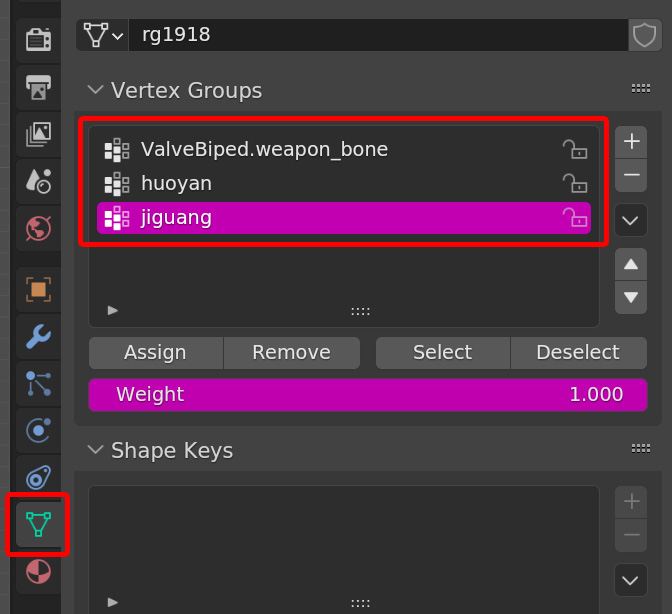
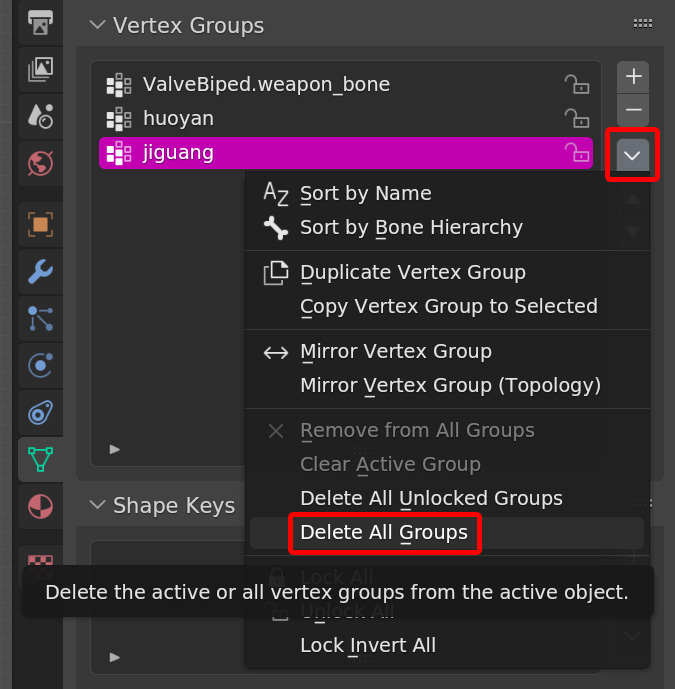
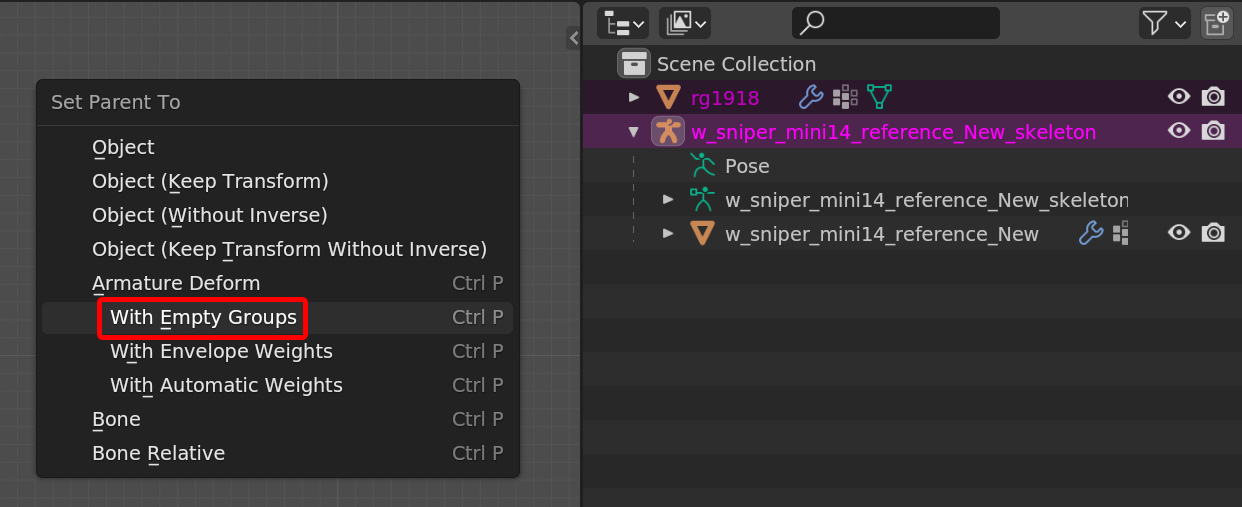
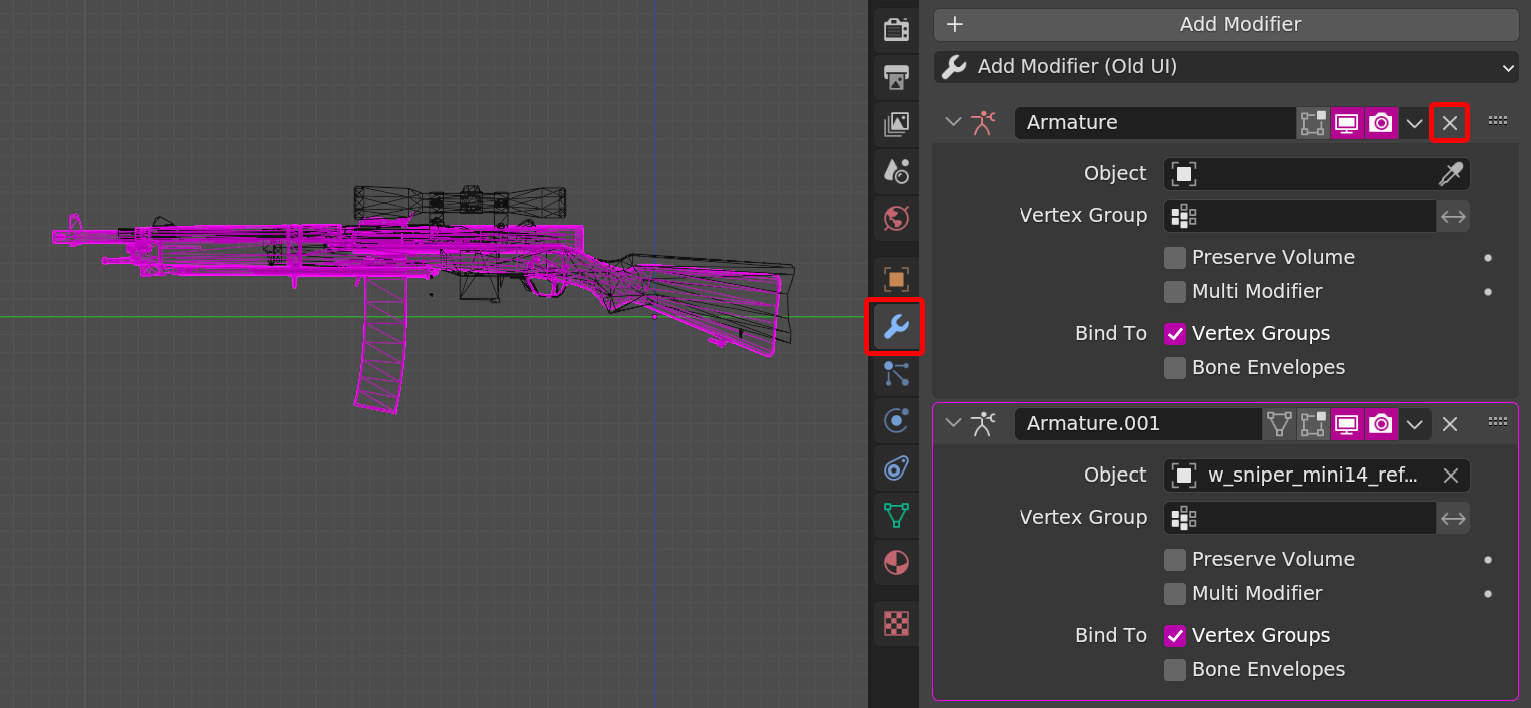
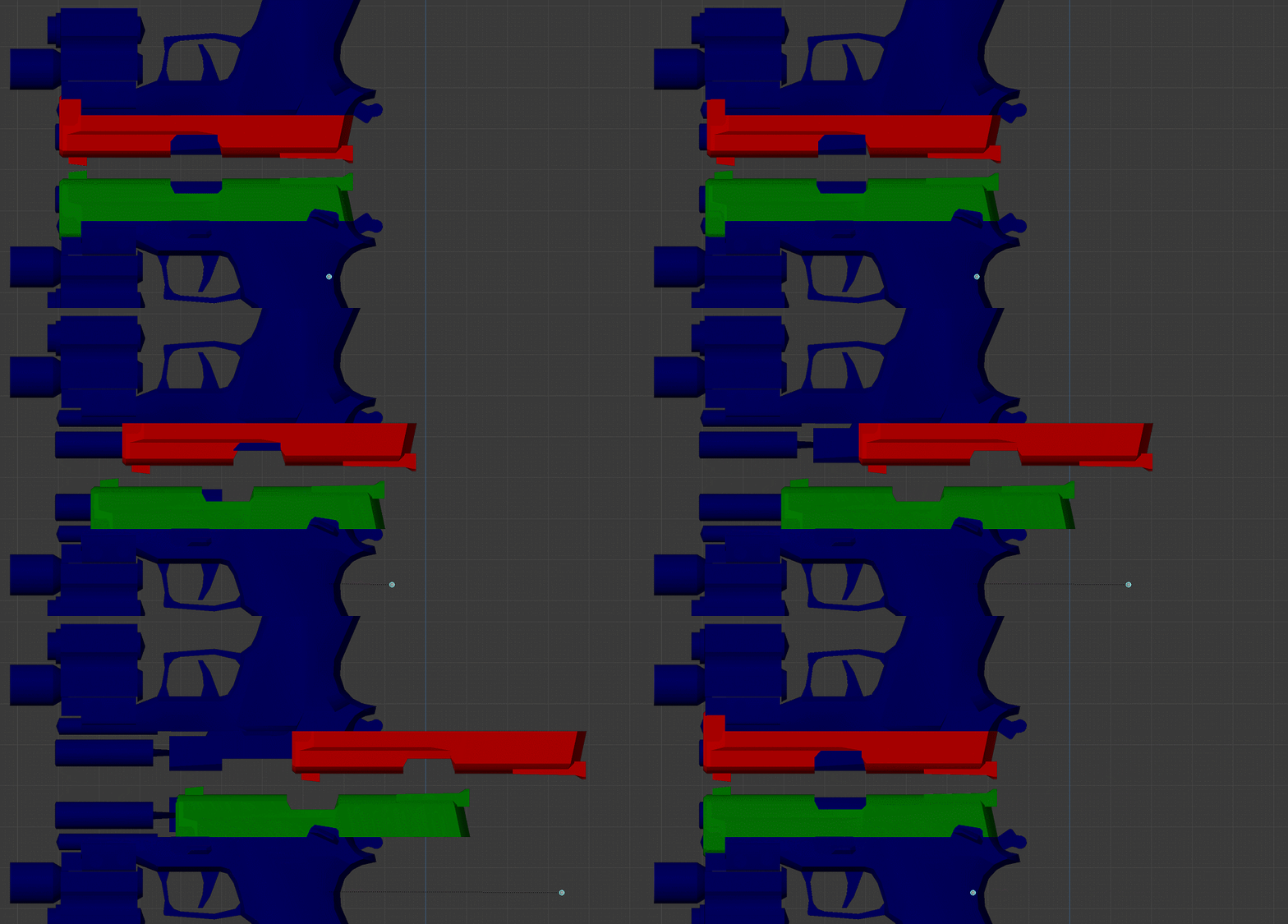
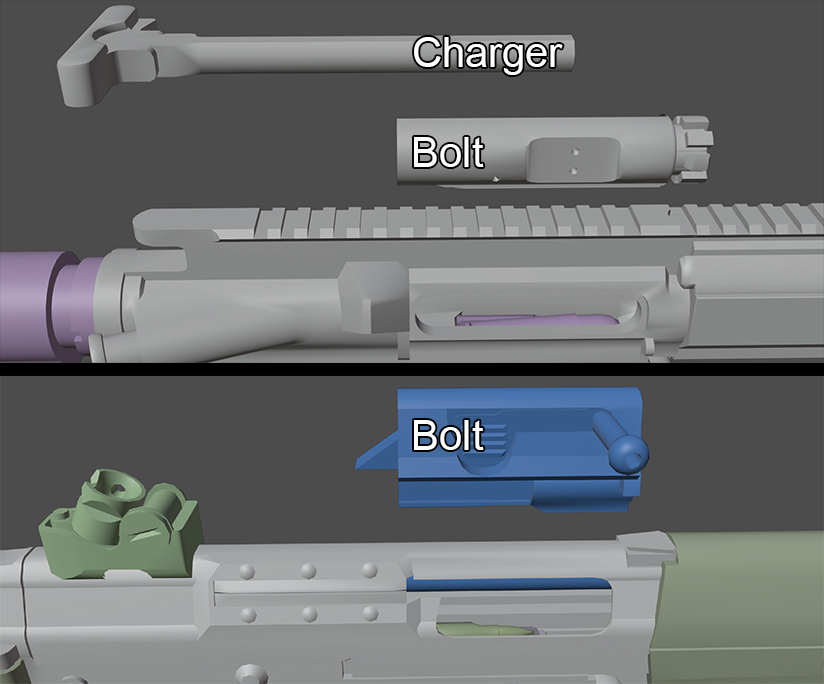
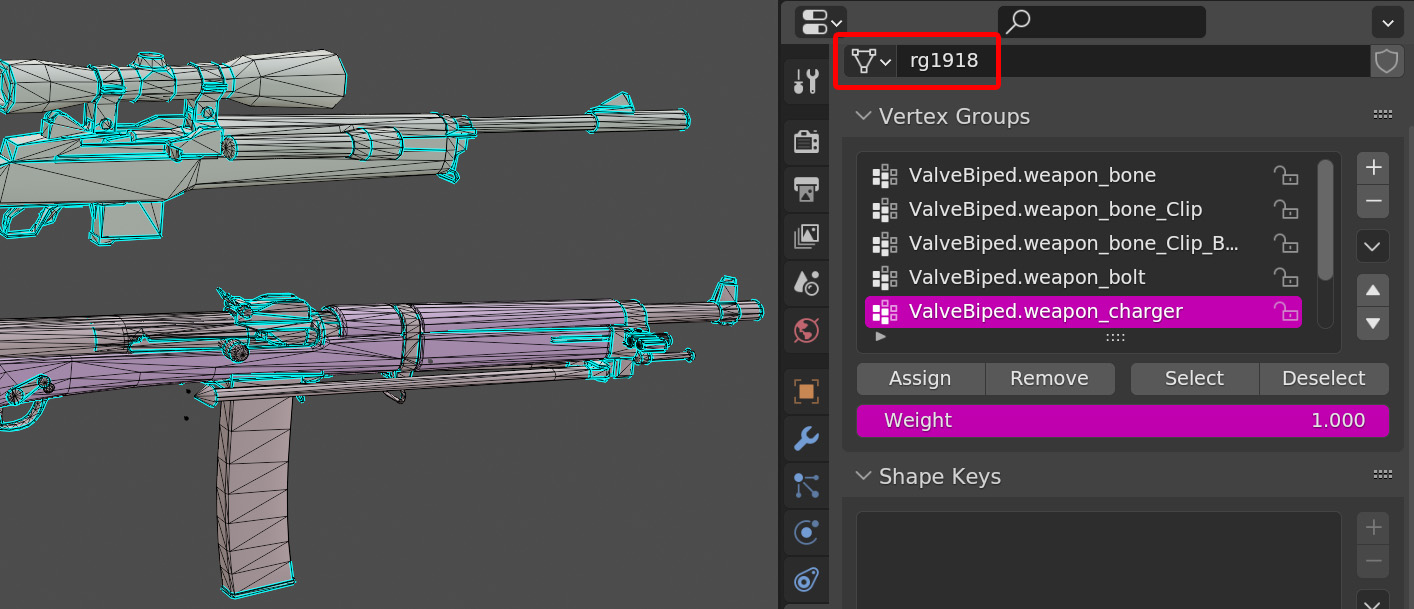

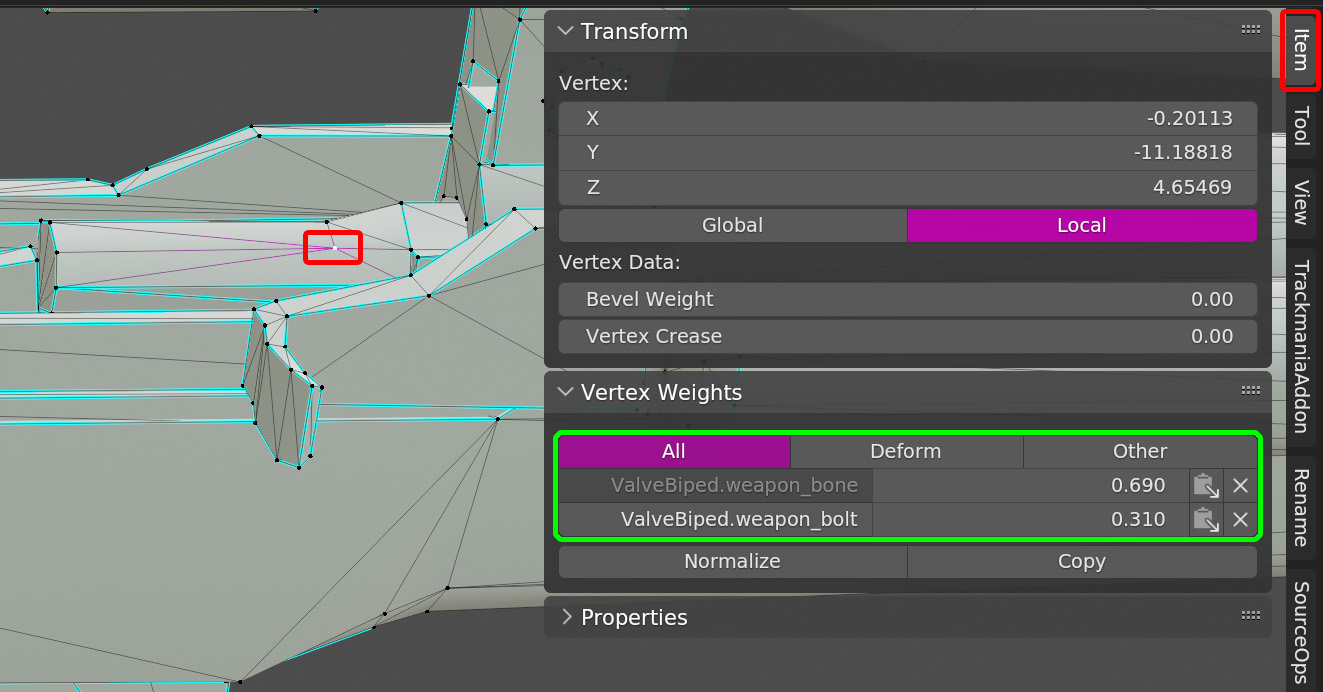
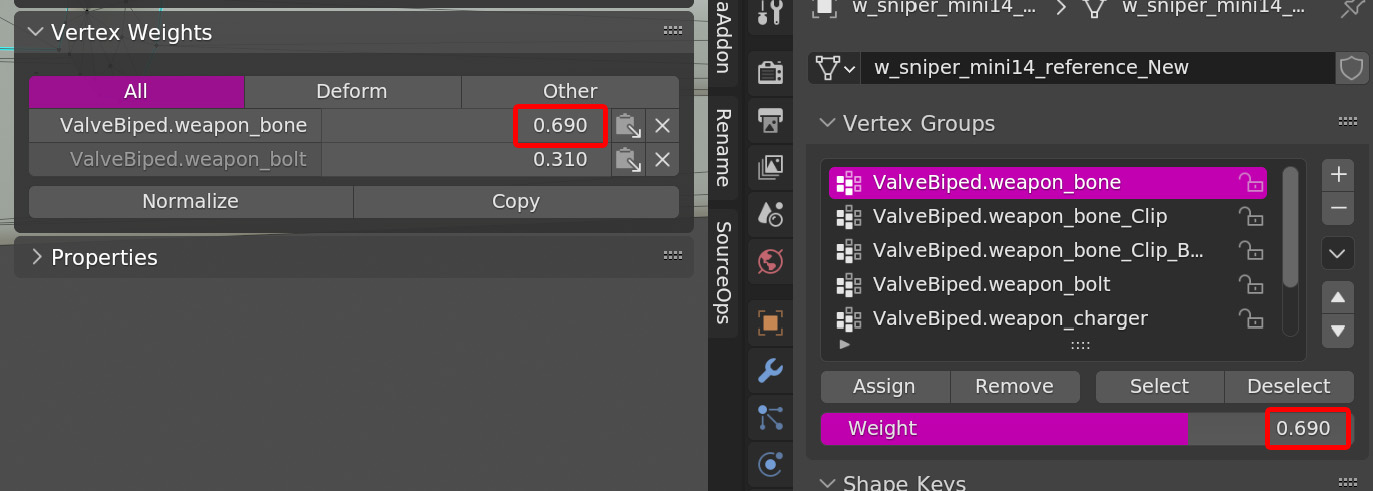
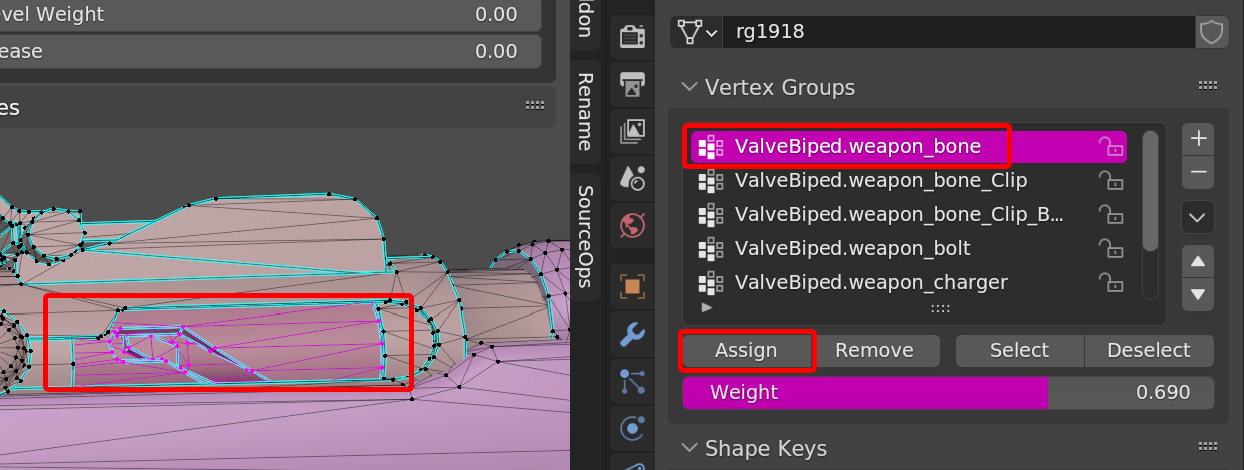
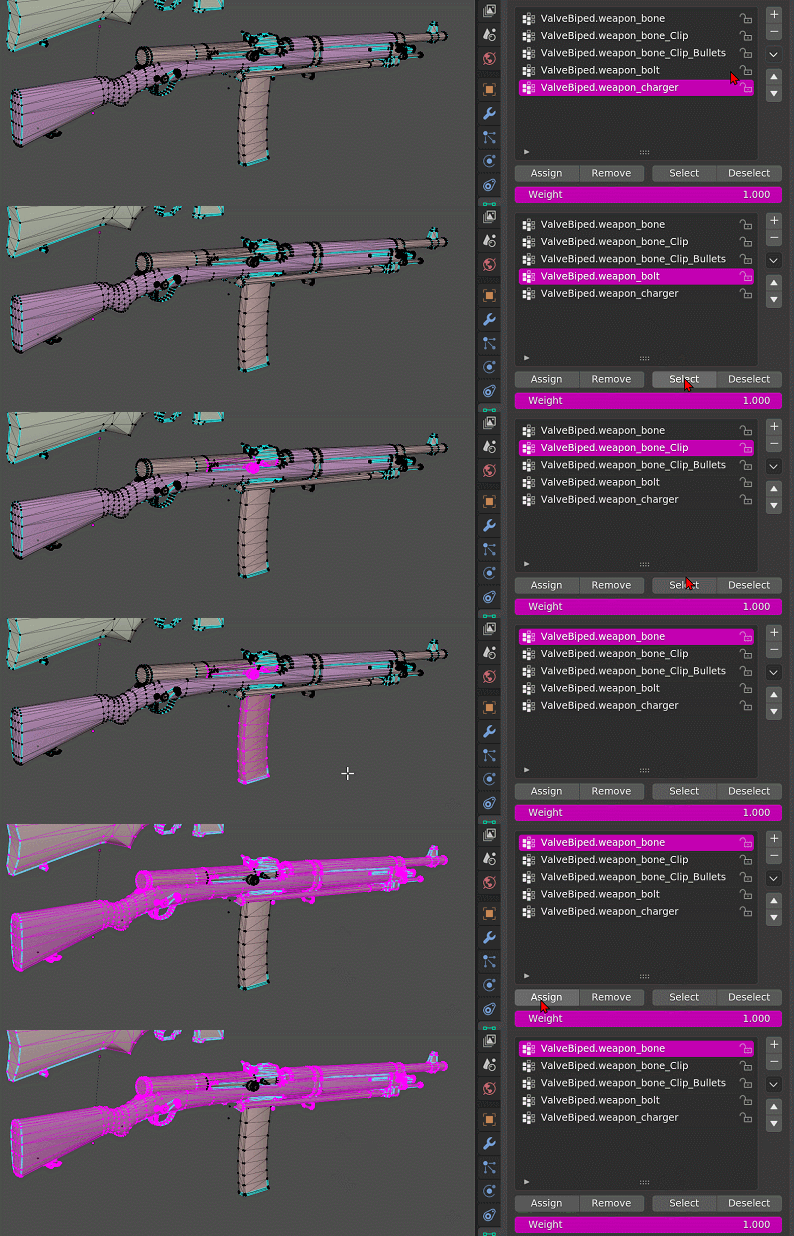


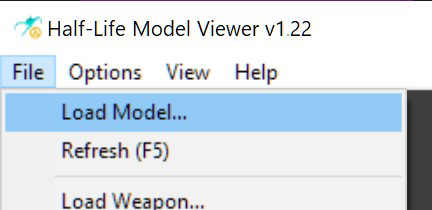
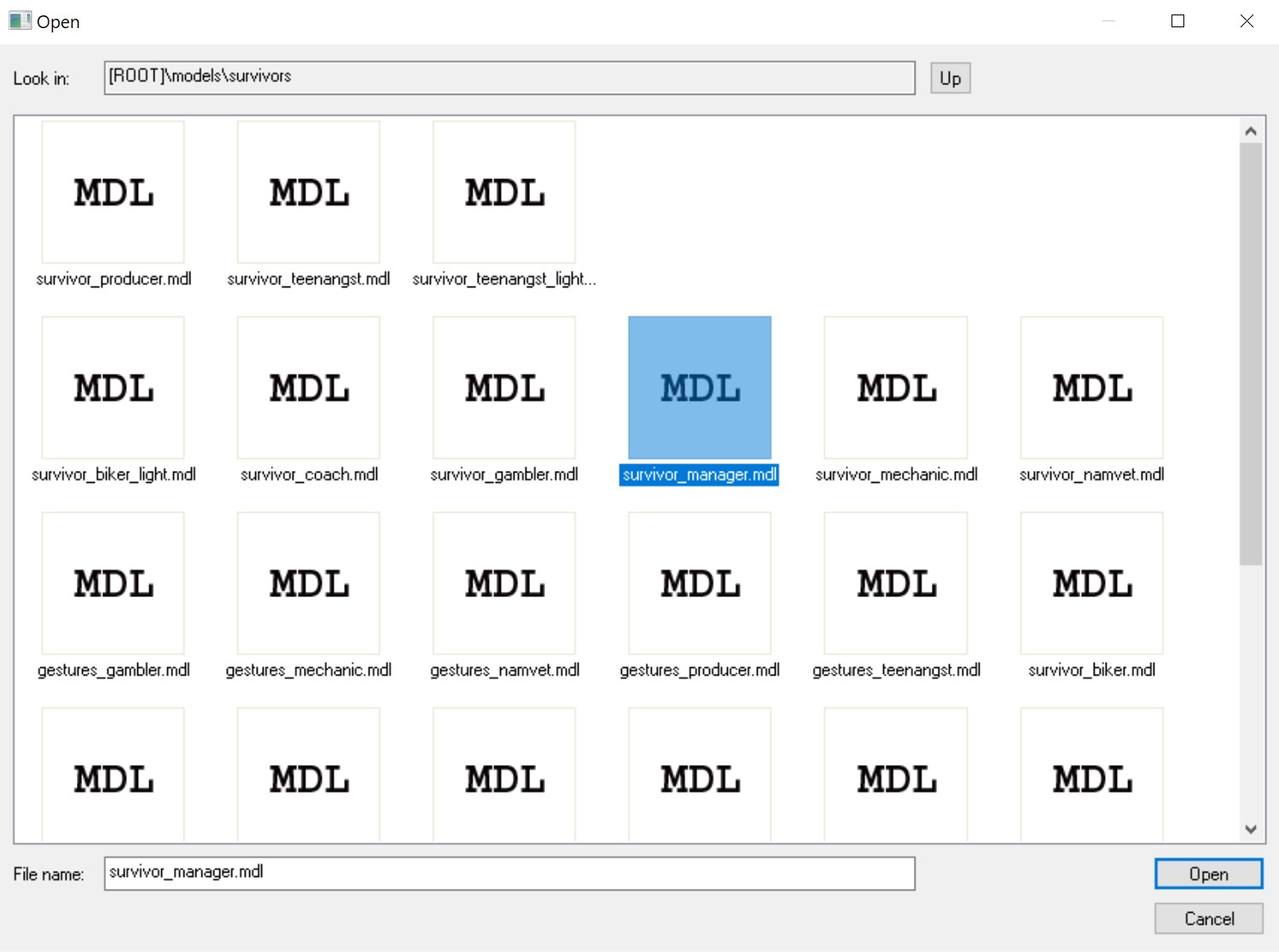
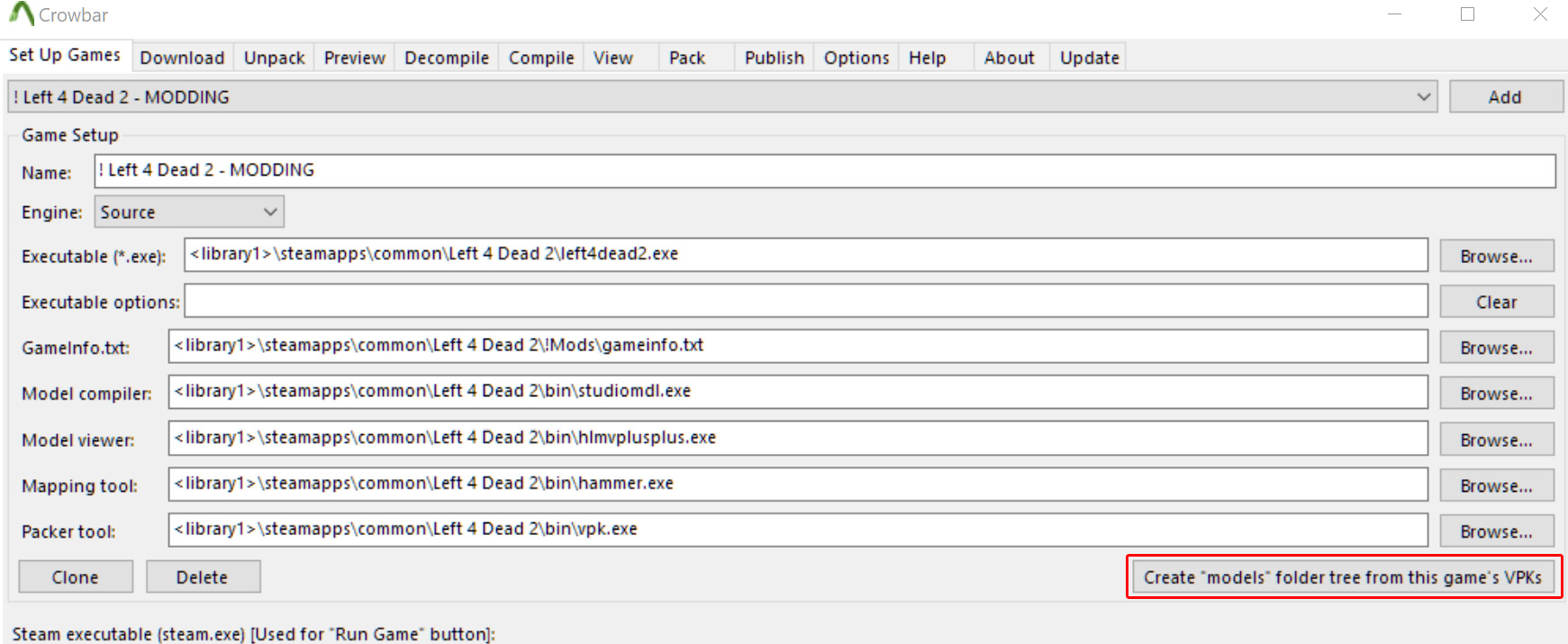
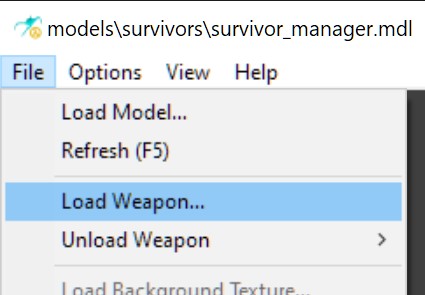
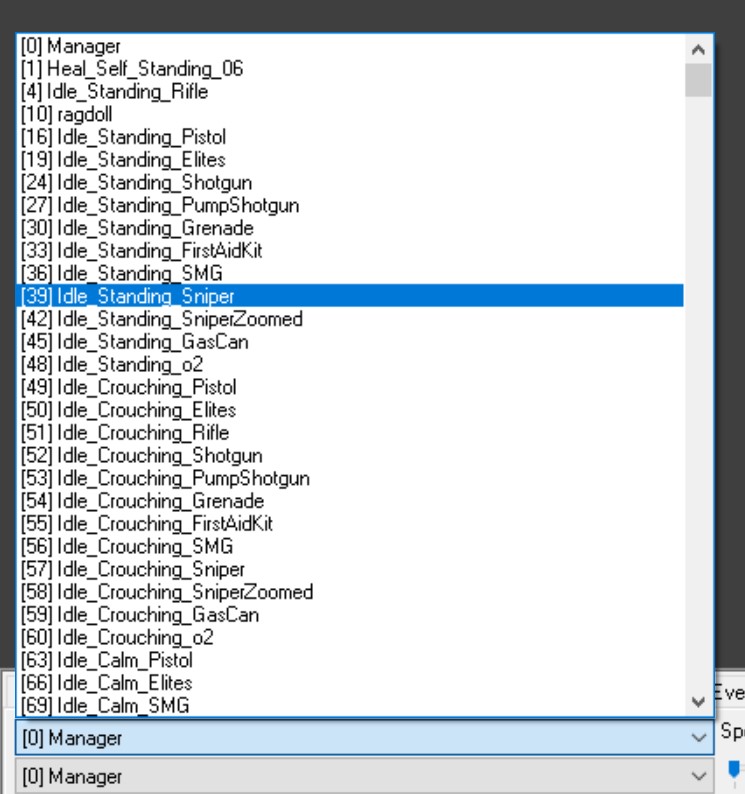
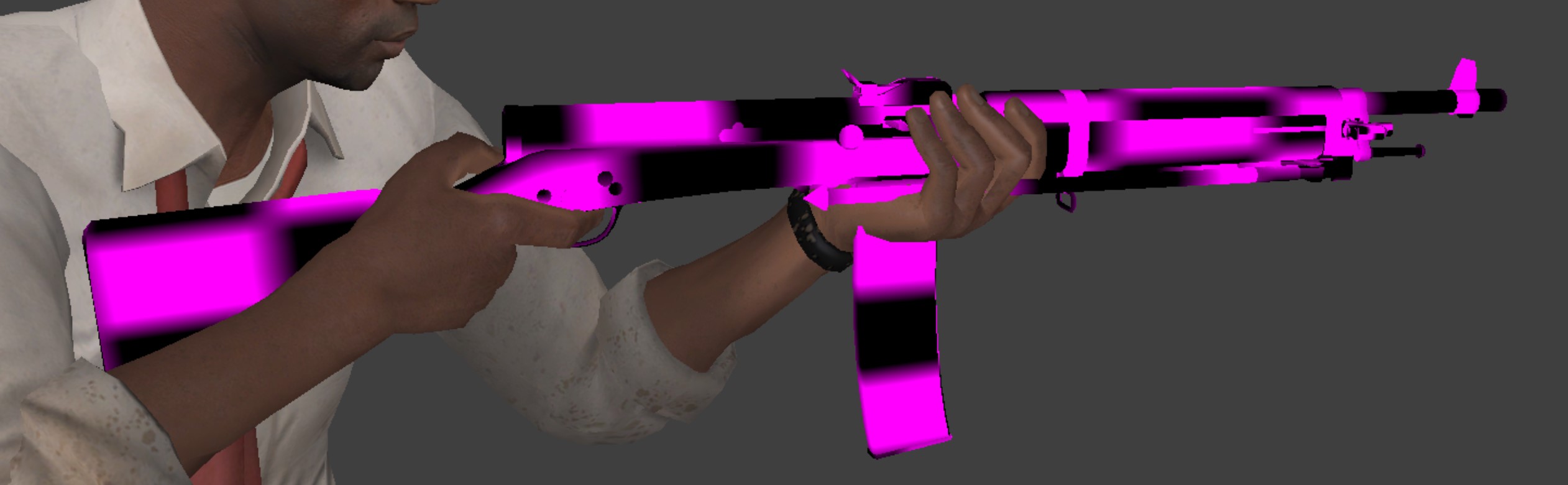
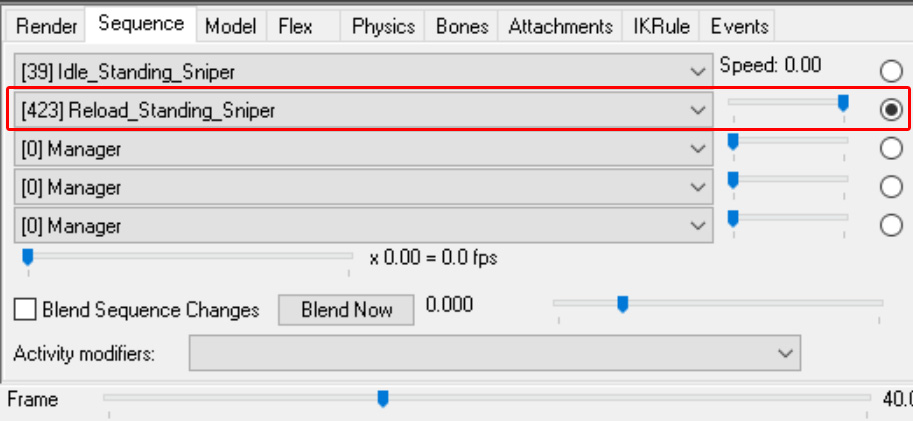
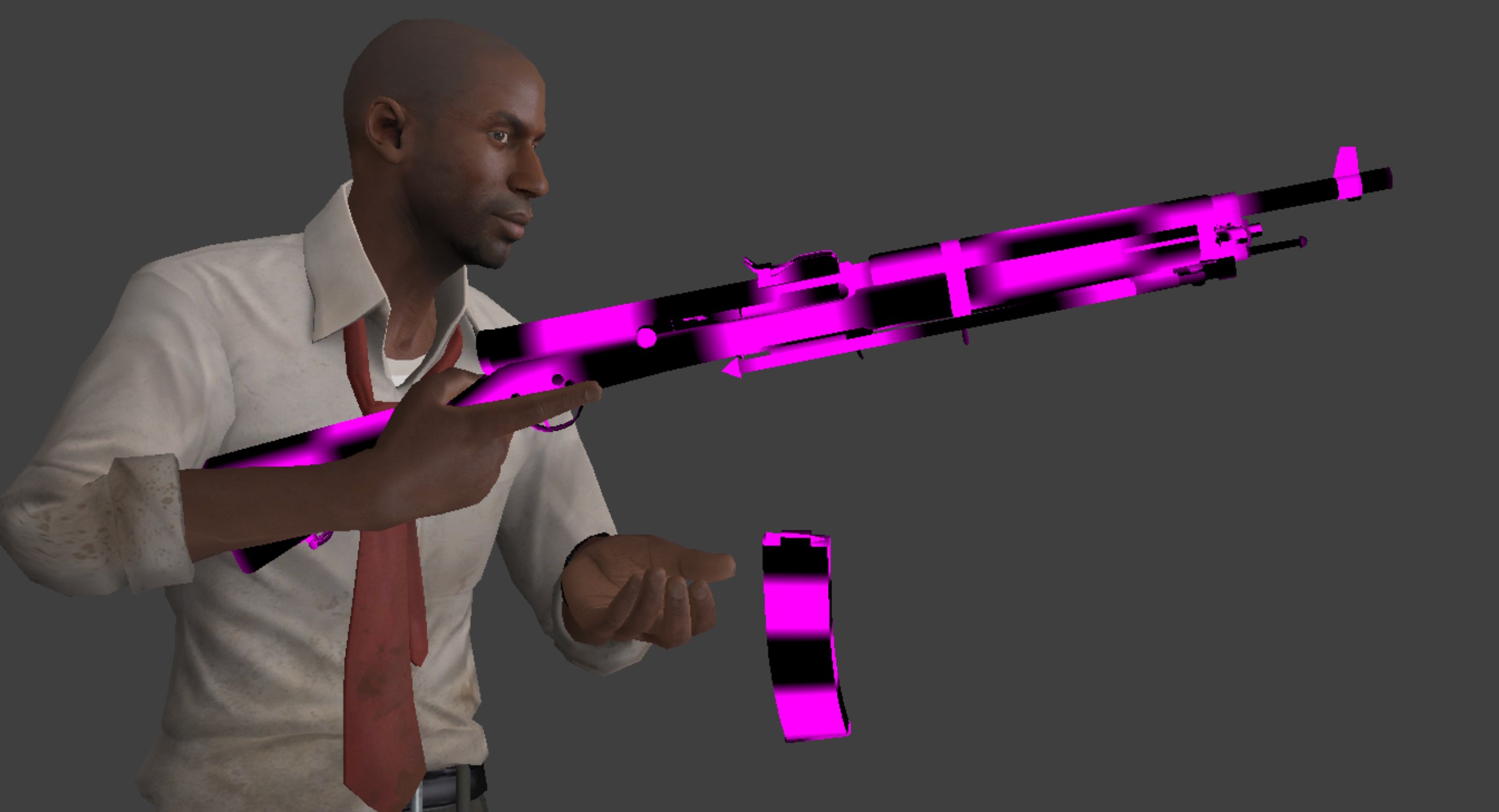


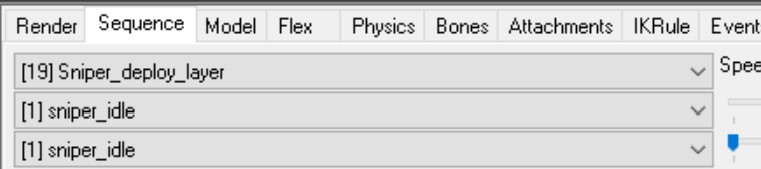



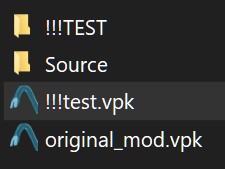
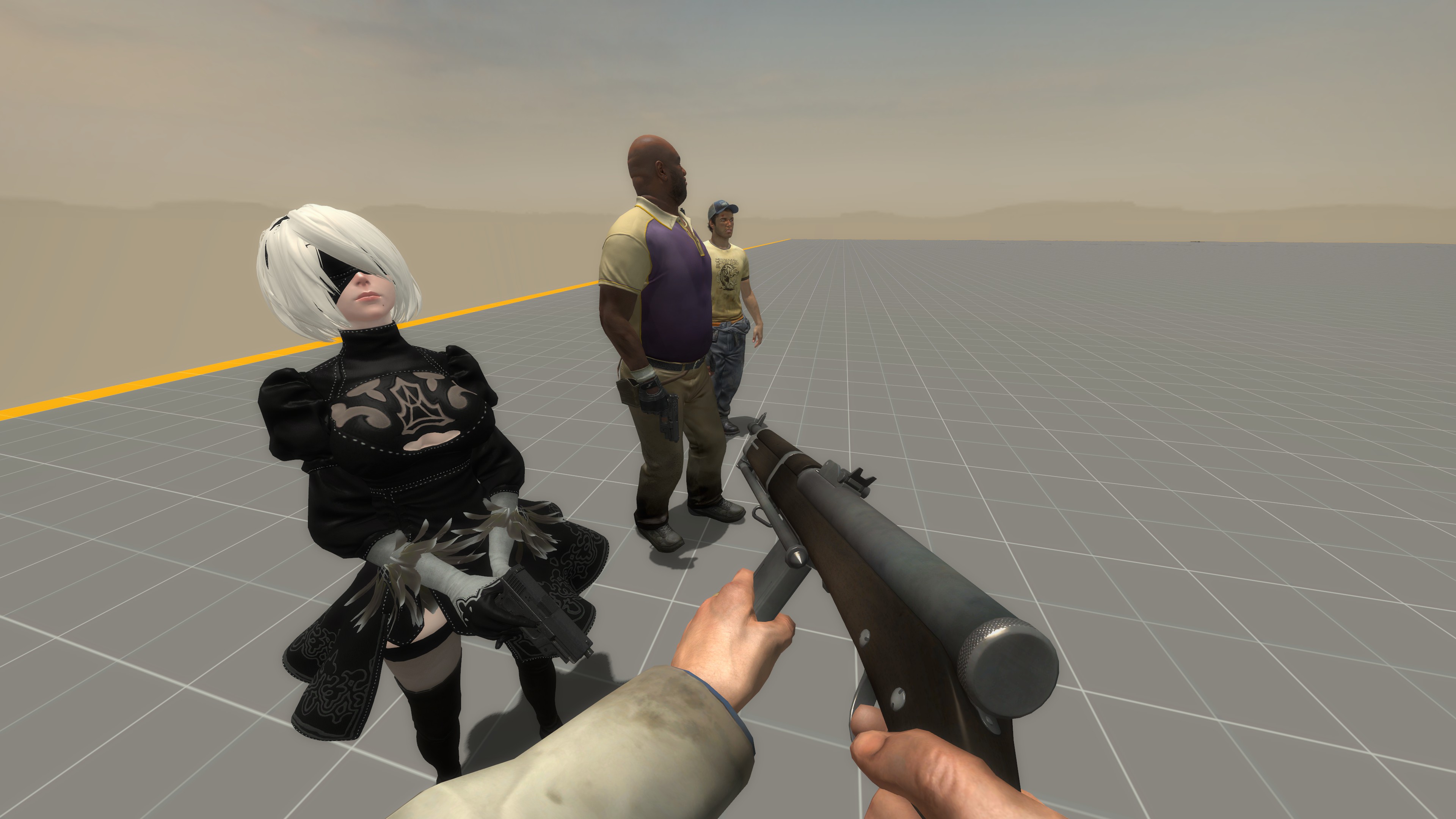


which means, you got an animation twice. You need to delete one of them. But the specific one you got there is the lookpose. It might be best to make new lookposes anyways.
ERROR: e:\l4d2 weapon swap\mw3 spas for spas\models\v_models\decompiled 0.74\v_autoshotgun.qc(194): - Duplicate animation name "look_down_corrective_animation"
ERROR: Aborted Processing on 'v_models\v_shotgun_spas.mdl'
Why is that? I even get the same error when recompiling the original mod.
I added them aaaaalll back.
Thank you. This shidd is cursed.
My solution is to just keep all images, of all my guides, saved on my pc. Twice.
I have to constantly upload "set one" and then "set two" else steam won't let me upload.
So as long as i keep uploading the same named files, it swaps em out in the guide.
Easy fix, but annoying to do
There's a somewhat better solution to this problem. When you put all the images back, if you have Google Chrome, do Ctrl + Shift + I to bring up dev tools, then do Ctrl + Shift + P to open the dev menu, then after "Run >" type "screenshot", select Capture full-size screenshot to take a (somewhat) full-page screenshot.
Or for a custom resolution, you can do Ctrl + Shift + I again, then click the computer icon (top left of dev tools) on the left side of the word "Elements", and then you can add in your dimensions for your page and screenshot selective areas of the webpage and stitch them together afterwards.
It's not perfect, but it's a better fix, and you'll never have to worry about coming back to Steam guides and constantly fixing the images because you can just link to these images in the guide itself. In case they get deleted, the screenshots can also be uploaded in the D4M Discord.
Good thing i keep all images stored on my dang hard drive indefinitely because steam cannot be trusted.
I reuploaded all images once over. Thanks for letting me know.