土豆兄弟(Brotato)

土豆兄弟(Brotato)

121 个评价
[1.1.13.x] Multi Res - Ultrawide (21:9+) and Steam Deck black bar fix
2
   
奖励
收藏
已收藏
取消收藏
文件大小
发表于
更新日期
9.868 KB
2023 年 2 月 9 日 下午 12:28
11 月 2 日 上午 10:53
14 项改动说明 ( 查看 )

订阅以下载
[1.1.13.x] Multi Res - Ultrawide (21:9+) and Steam Deck black bar fix

描述
Multiple Resolutions Mod
Tested with Game Version: 1.1.13.1

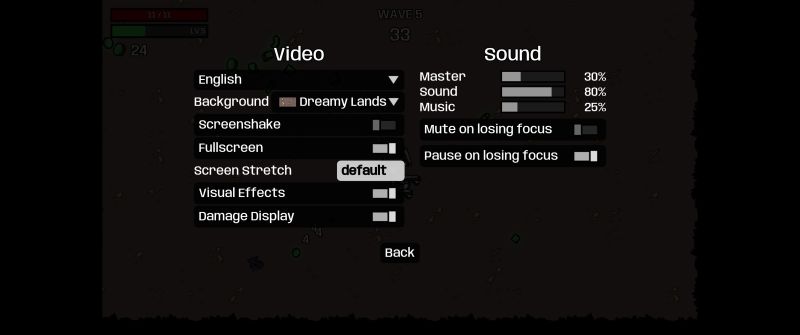
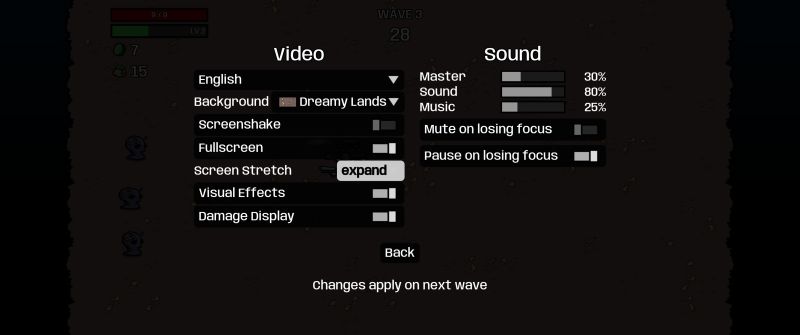
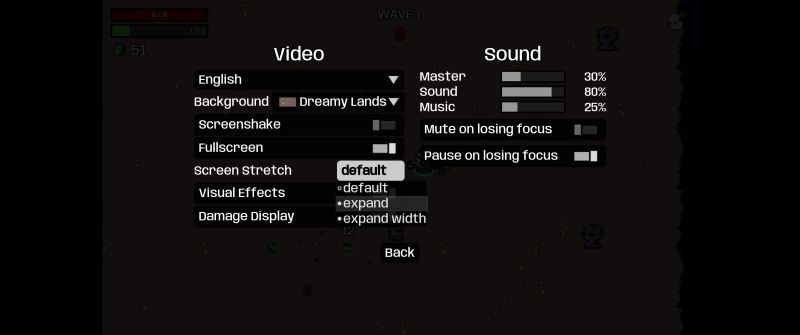
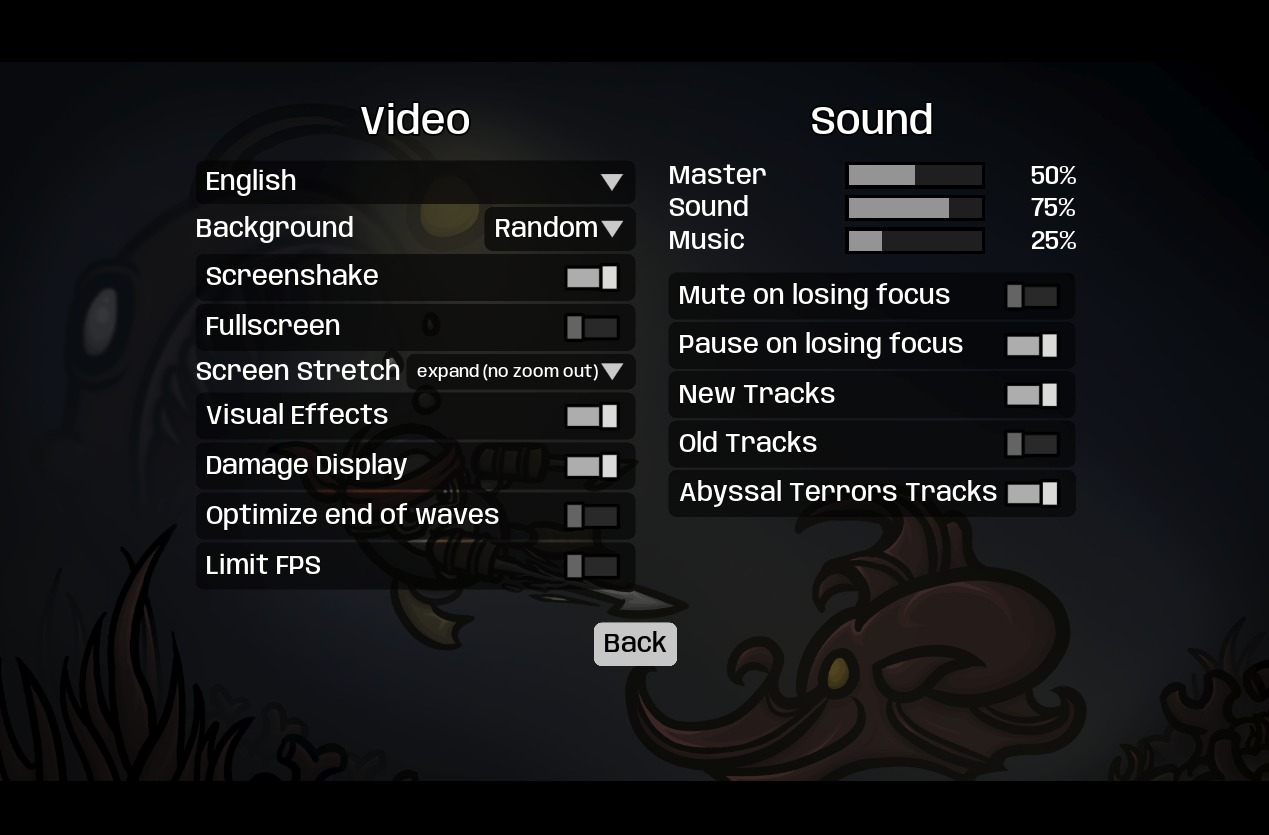
↔👉 Allows you to set 4 diffrent screen settings under the "general" settings tab 👈↔

default
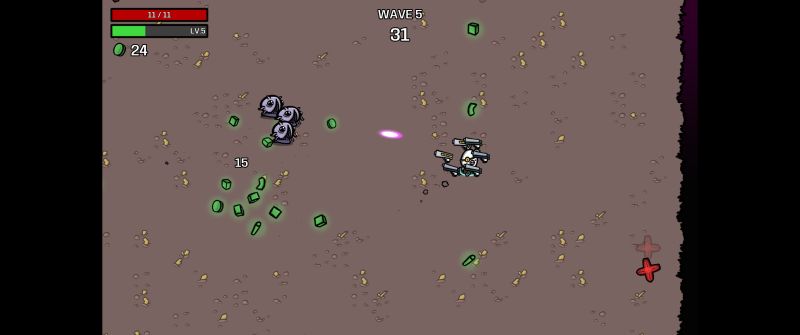
Keeps the default 16:9 aspect ratio


expand
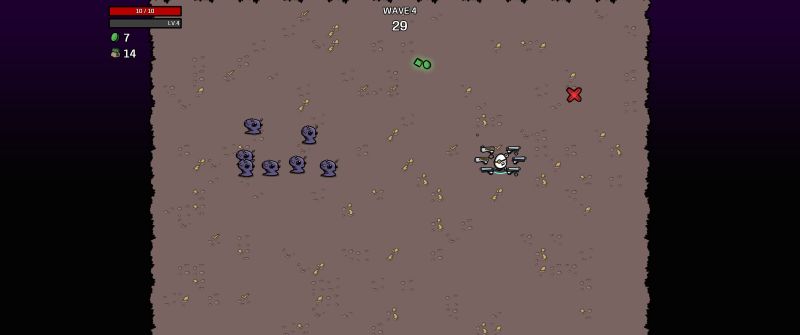
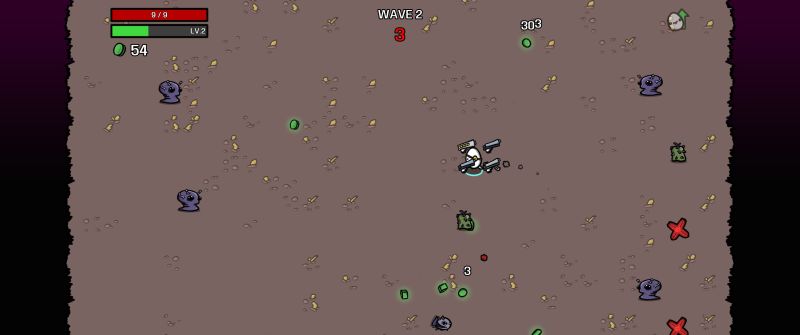
Scales the width and the height to viewport - so you see more in all directions 👍


expand width
Scales only the width keeping the kind of zoomed in look and fell, but you see more on the sides 🤝

Potential Blackbars - if you don't have enough width.
2560 x 1440 -> black bars
3440 x 1440 -> no black bars


expand (no zoom out)

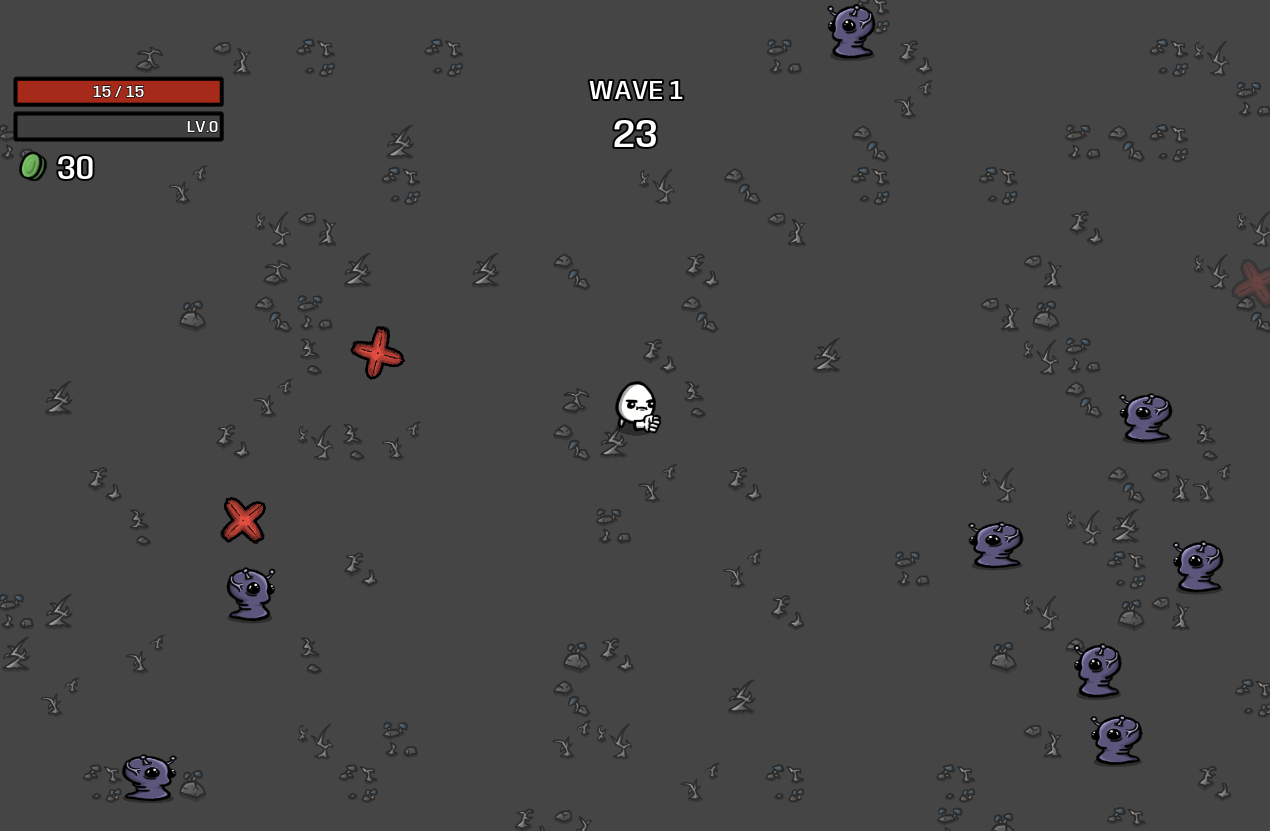
Scales width and height for non 16:9 resolutions, but unlike "expand" it keeps the zoomed in look and feel of vanilla.


[github.com]
71 条留言
littleprincess 11 月 30 日 下午 7:58 
Crashes for me as well
Max [GER] 11 月 6 日 上午 2:02 
For all those who are as blind as I am:
in my game settings is a new tab for mod options, there is the correct setting for extended display options.
KANA  [作者] 11 月 5 日 上午 11:59 
CTaLLuH 11 月 4 日 下午 11:32 
Not working. Game crashes after selecting any screen settings.
Danonze 11 月 2 日 上午 12:55 
@kana Very nice! Its works.
Can u do ultrawide mod like this for Dead Cells and Hades 1?
KANA  [作者] 11 月 1 日 下午 6:06 
nice :steamhappy:
toomeybd 11 月 1 日 下午 6:05 
Works good now!
toomeybd 11 月 1 日 下午 6:01 
@KANA thanks! I looks at the change log and saw an update was pushed as i wrote my comment lol
KANA  [作者] 11 月 1 日 下午 6:00 
ty @toomeybd I just pushed an update please try again :)
toomeybd 11 月 1 日 下午 5:58 
Does't seem to work. IWhen i set it to any setting in the mod options, it seems to go right back to 'default keep' after exiting the menu