



安装 Steam
登录
|
语言
繁體中文(繁体中文)
日本語(日语)
한국어(韩语)
ไทย(泰语)
български(保加利亚语)
Čeština(捷克语)
Dansk(丹麦语)
Deutsch(德语)
English(英语)
Español-España(西班牙语 - 西班牙)
Español - Latinoamérica(西班牙语 - 拉丁美洲)
Ελληνικά(希腊语)
Français(法语)
Italiano(意大利语)
Bahasa Indonesia(印度尼西亚语)
Magyar(匈牙利语)
Nederlands(荷兰语)
Norsk(挪威语)
Polski(波兰语)
Português(葡萄牙语 - 葡萄牙)
Português-Brasil(葡萄牙语 - 巴西)
Română(罗马尼亚语)
Русский(俄语)
Suomi(芬兰语)
Svenska(瑞典语)
Türkçe(土耳其语)
Tiếng Việt(越南语)
Українська(乌克兰语)
报告翻译问题











 奖励
奖励



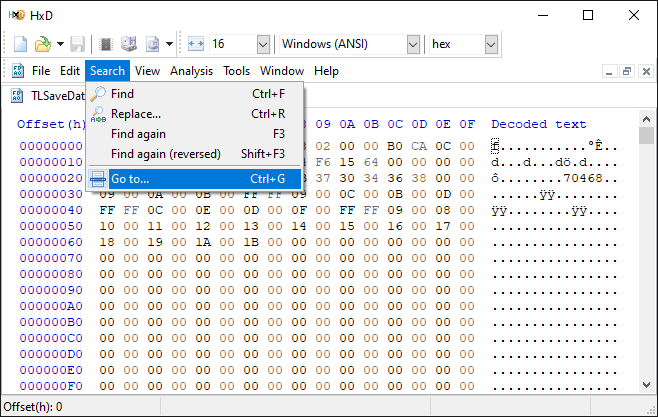
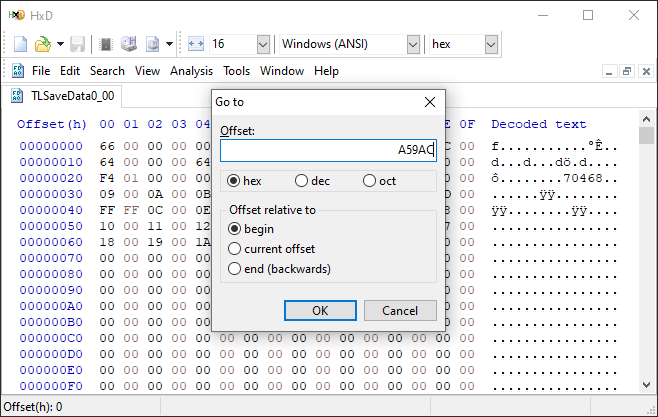
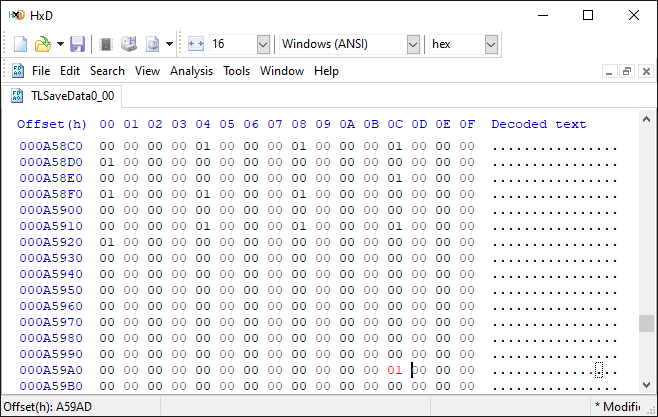
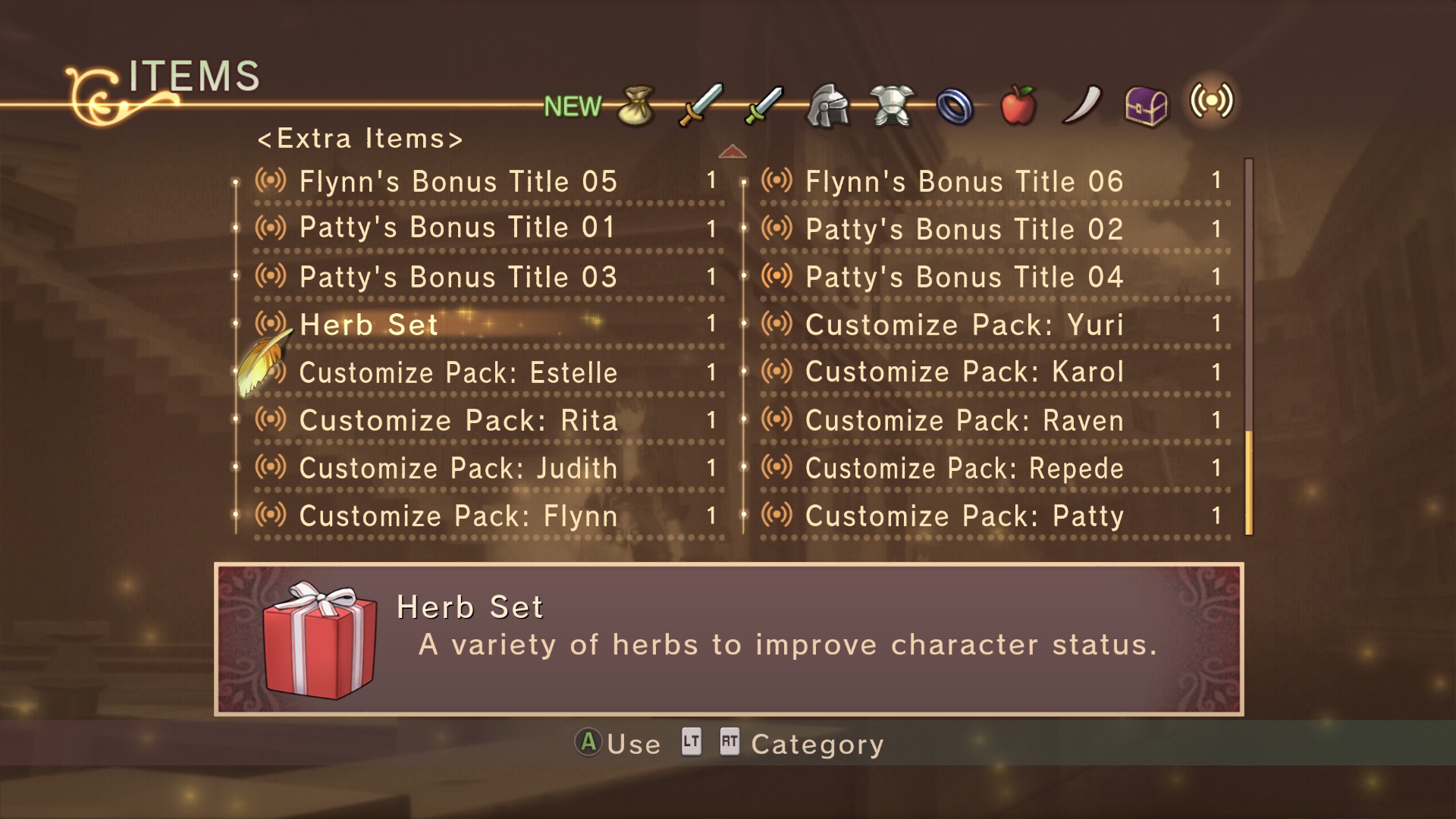
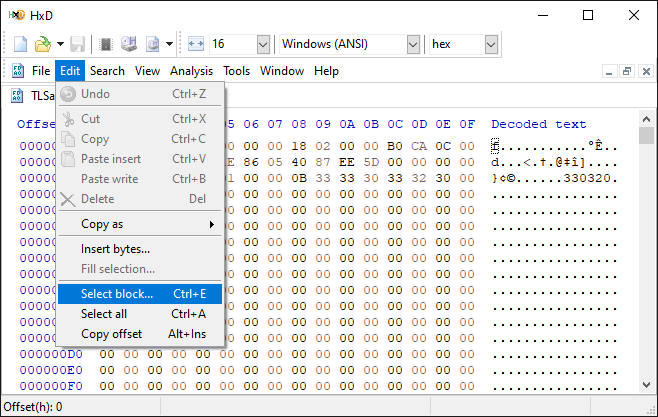
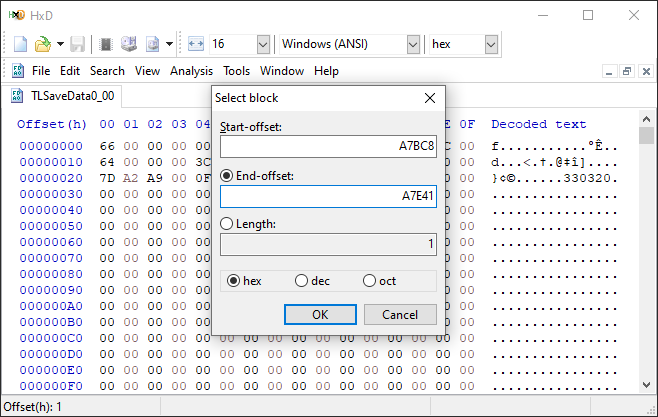
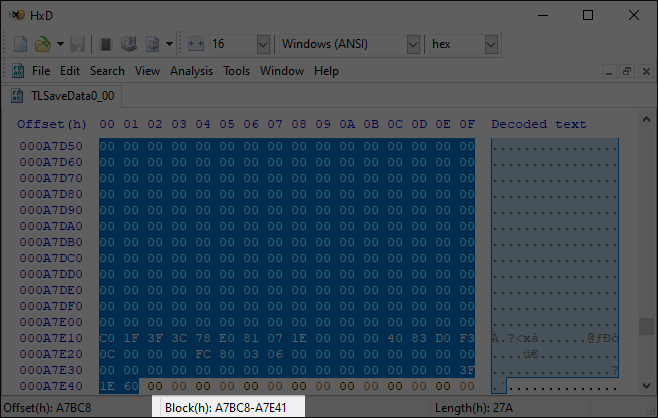
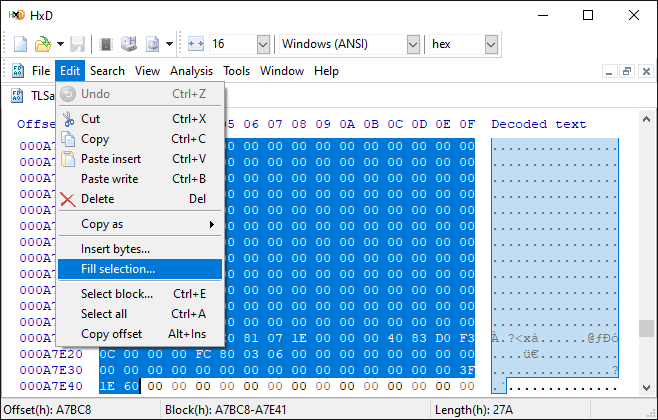
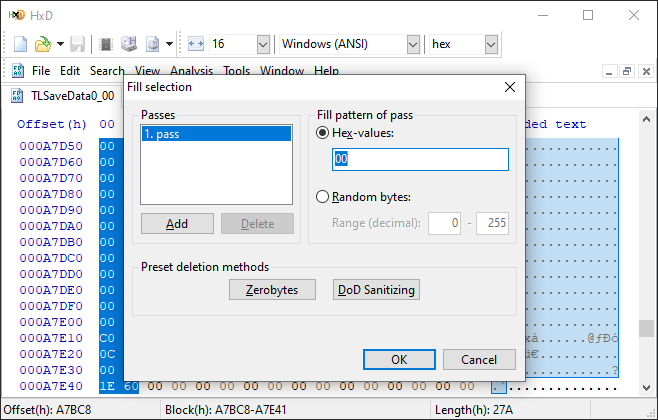
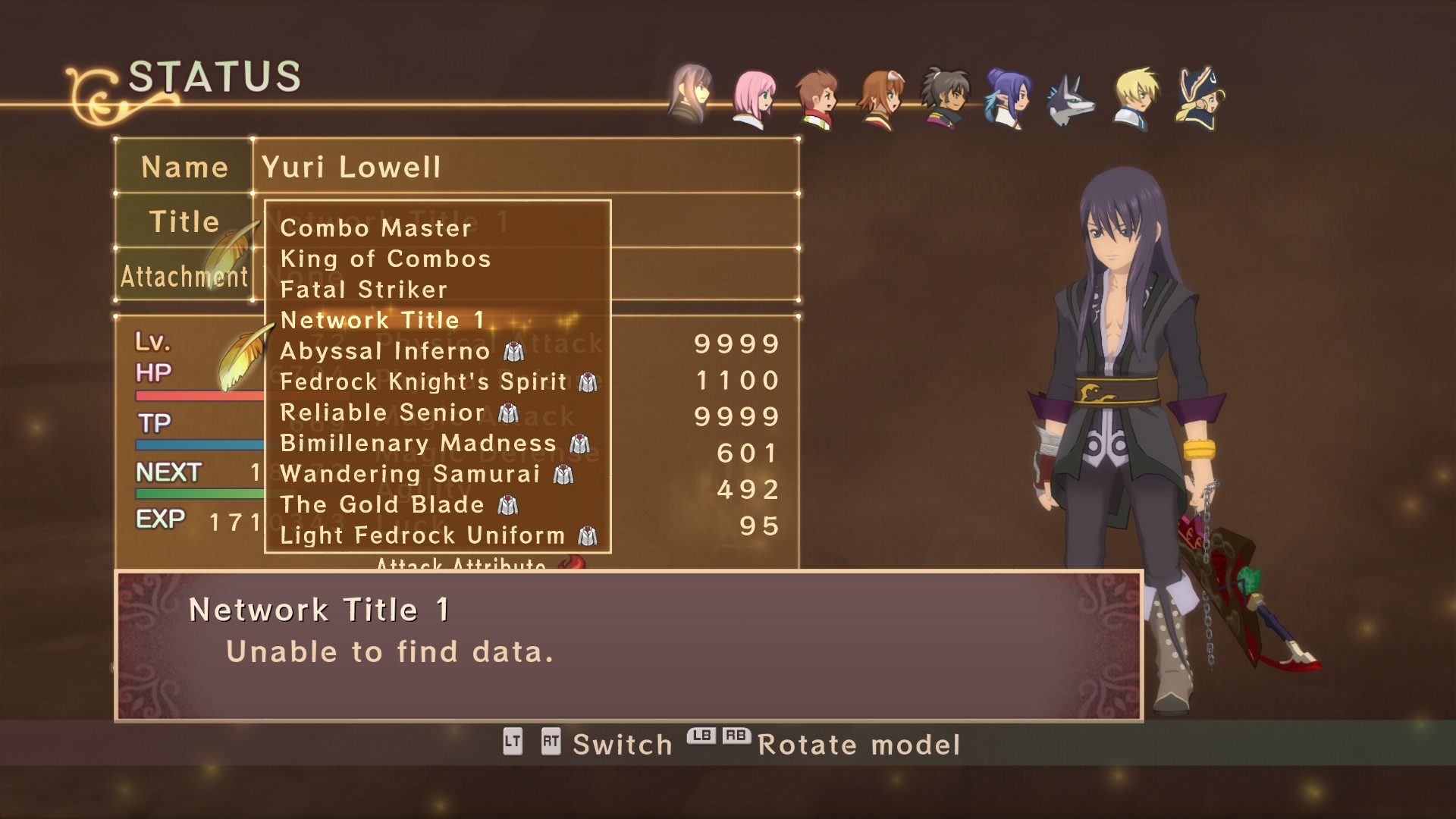


Hard to say. Just make sure you don't accidentally overwrite anything else except the required address range. Other than that, the game could be crashing for a different reason.
https://steamdb.info/app/738540/history/
Couldn't get my text edits to look perfect, but it still worked.
1. Go to the Help icon at the top and go to Steam Support.
2. Locate the game and go to the DLC you Own and select any of the DLC you downloaded.
3. Permanently delete the DLC from your library and restart Steam.
4. Go to the Store to redownload DLC.
This method worked for me it its crucial to restart after deleting because for some reason it recognizes its still in your library and you may need to restart computer or leave Steam for a while so it can update otherwise the issue will not resolve.