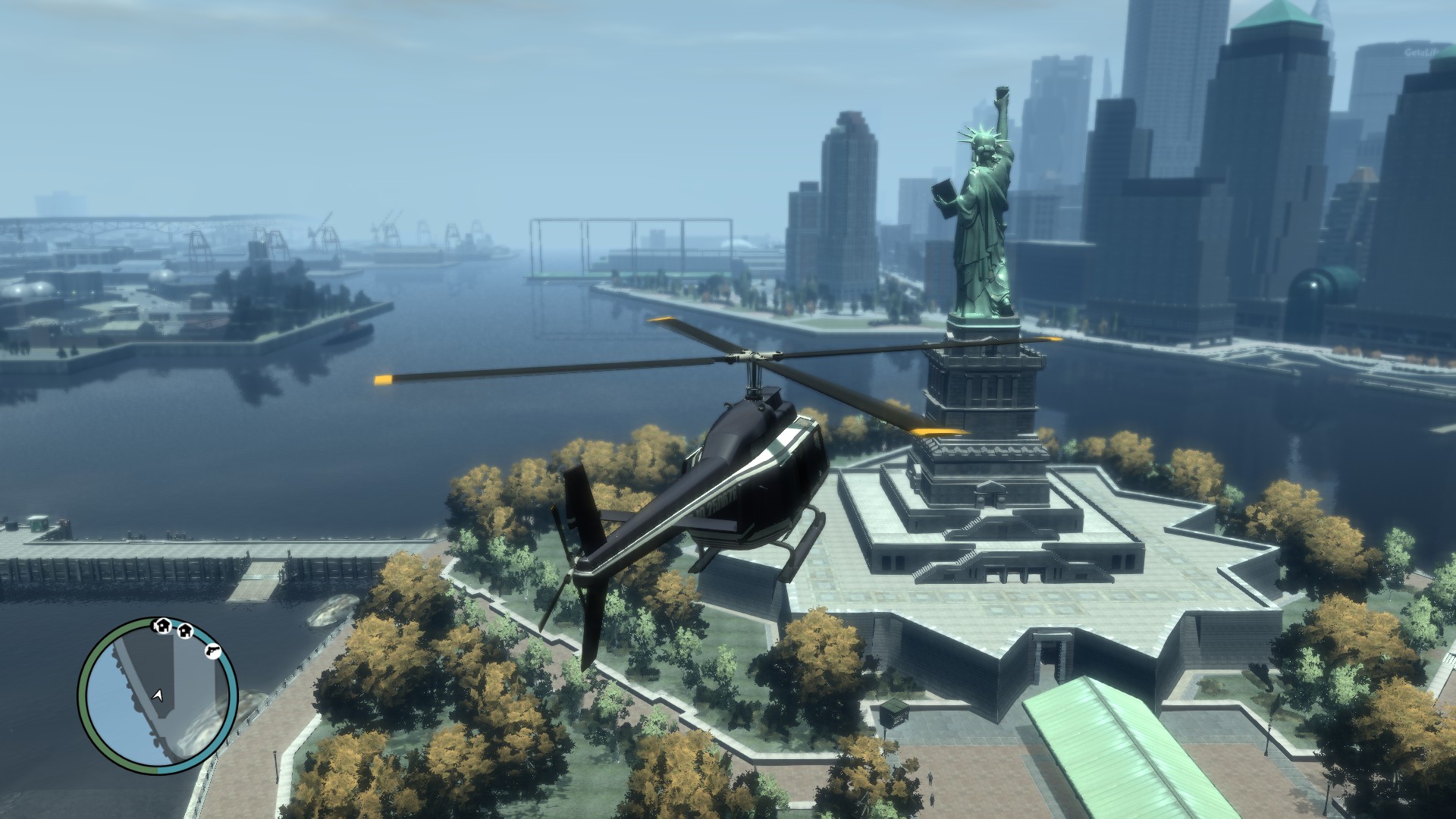
Grand Theft Auto IV: The Complete Edition

Grand Theft Auto IV: The Complete Edition

1,317 个评价
Grand Theft Auto IV: CE - The Improved Classic
由 GranAlan-84 制作
Here you find a complete set of modifications that will fix most problems, recover many features and improve your GTAIV: The Complete Edition with just a simple download and installation.
28
13
40
12
3
5
6
6
3
2
7
3
5
5
4
2
2
2
2
2
   
奖励
收藏
已收藏
取消收藏
Goal

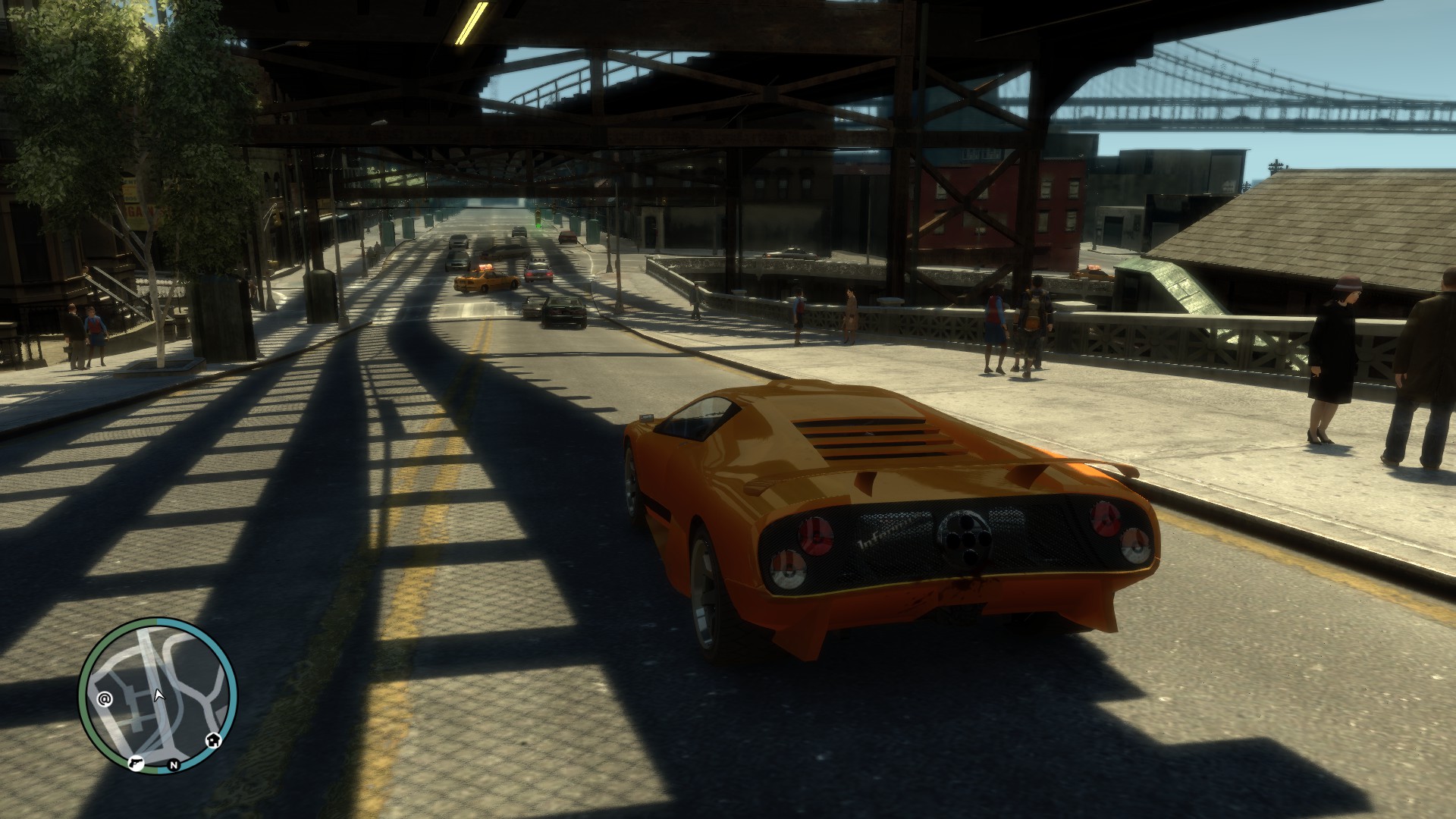
After playing the game in various other versions, I noticed how problematic the PC port is. Because of that, I decided to create this compilation of modifications to transform the game into what it should have been from the start. This modpack brings numerous fixes and improvements to textures, models, characters, lighting, and more. Enjoy!
What's Changing?
1st: Restored the removed radio soundtrack;
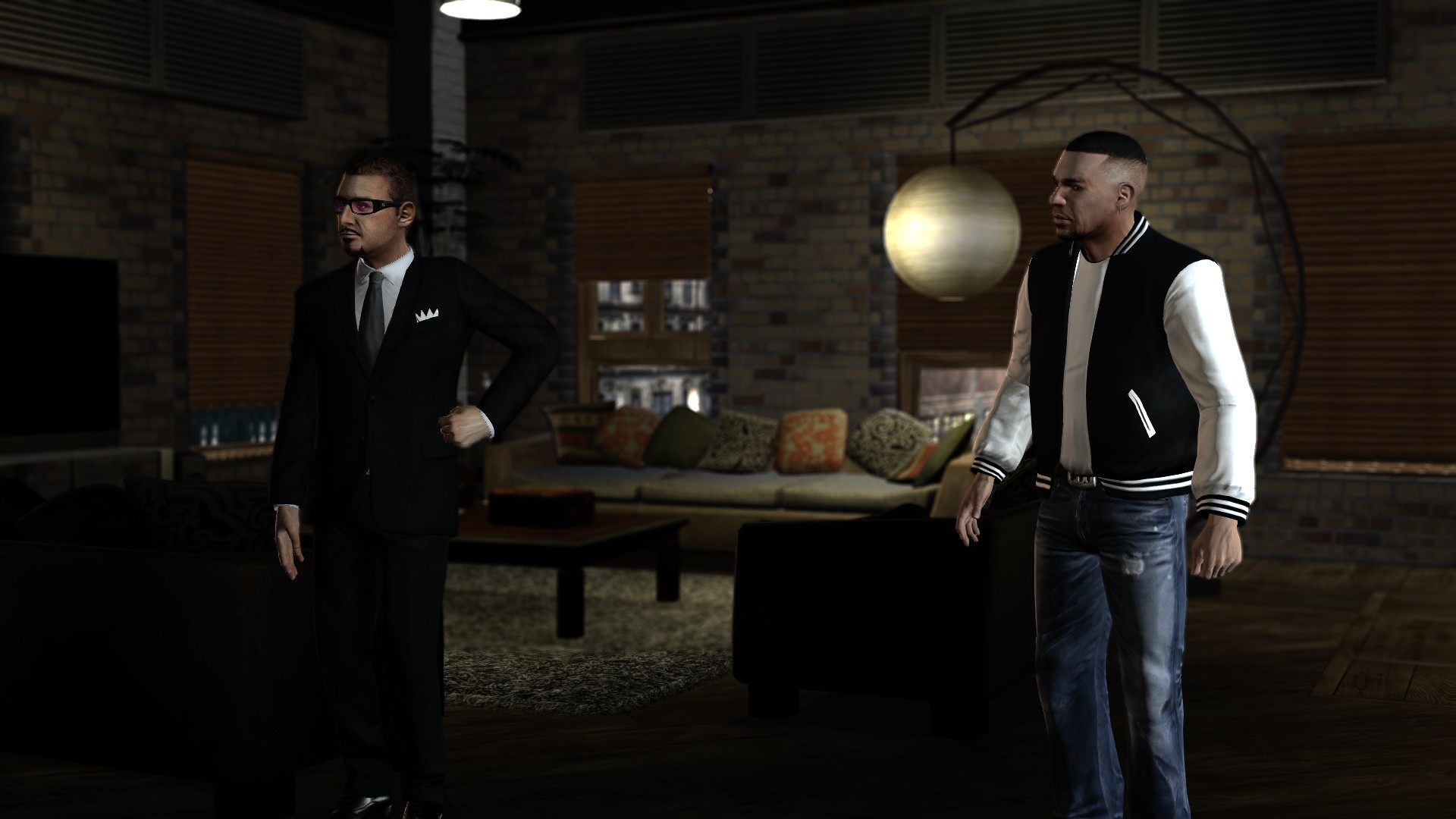
2nd: Niko's clothes from the Consoles version were added;
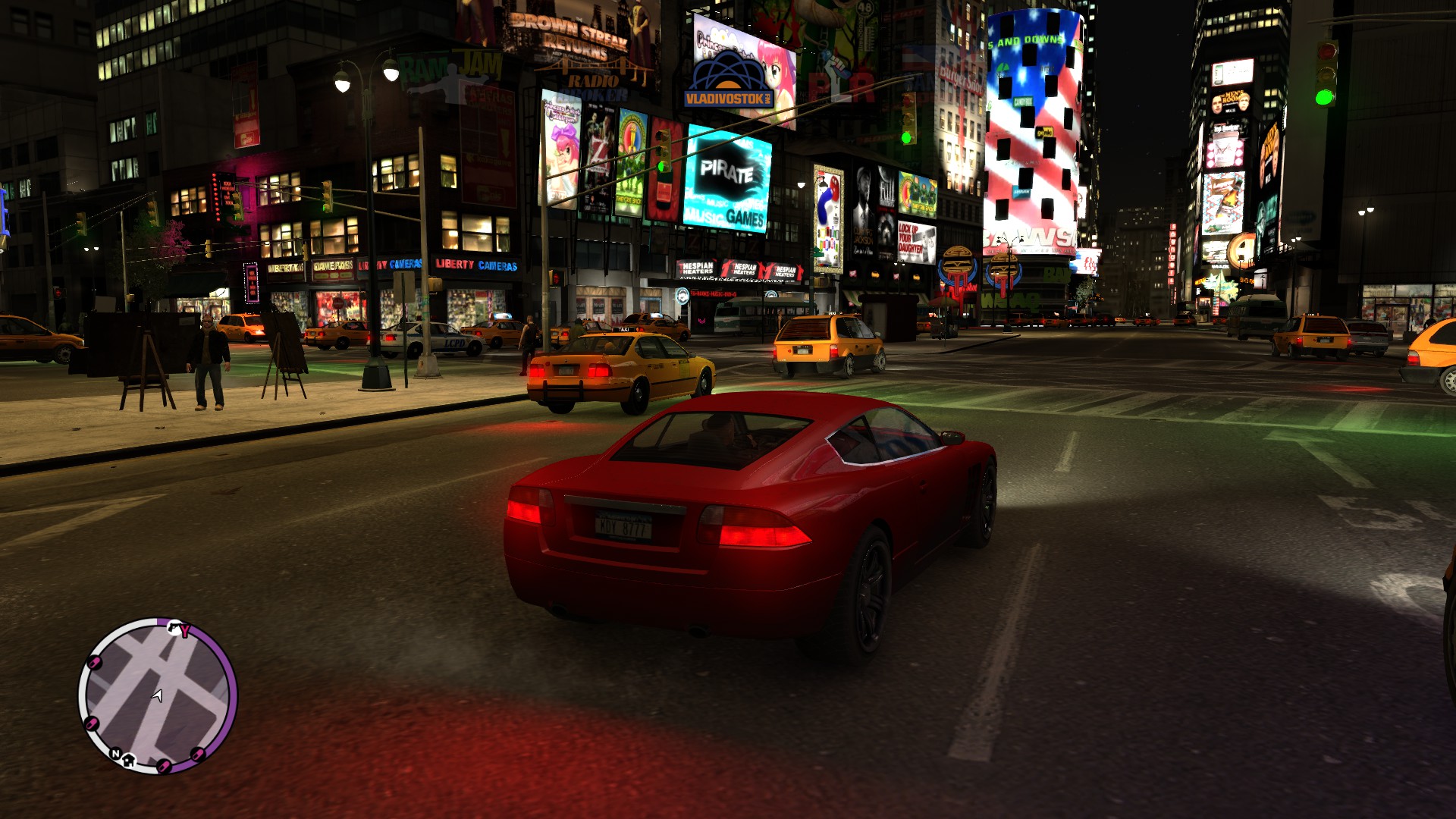
3rd: Added back the same visual effects from the Consoles version;
4th: Fixed many textures errors;
5th: Fixed many characters models and textures;
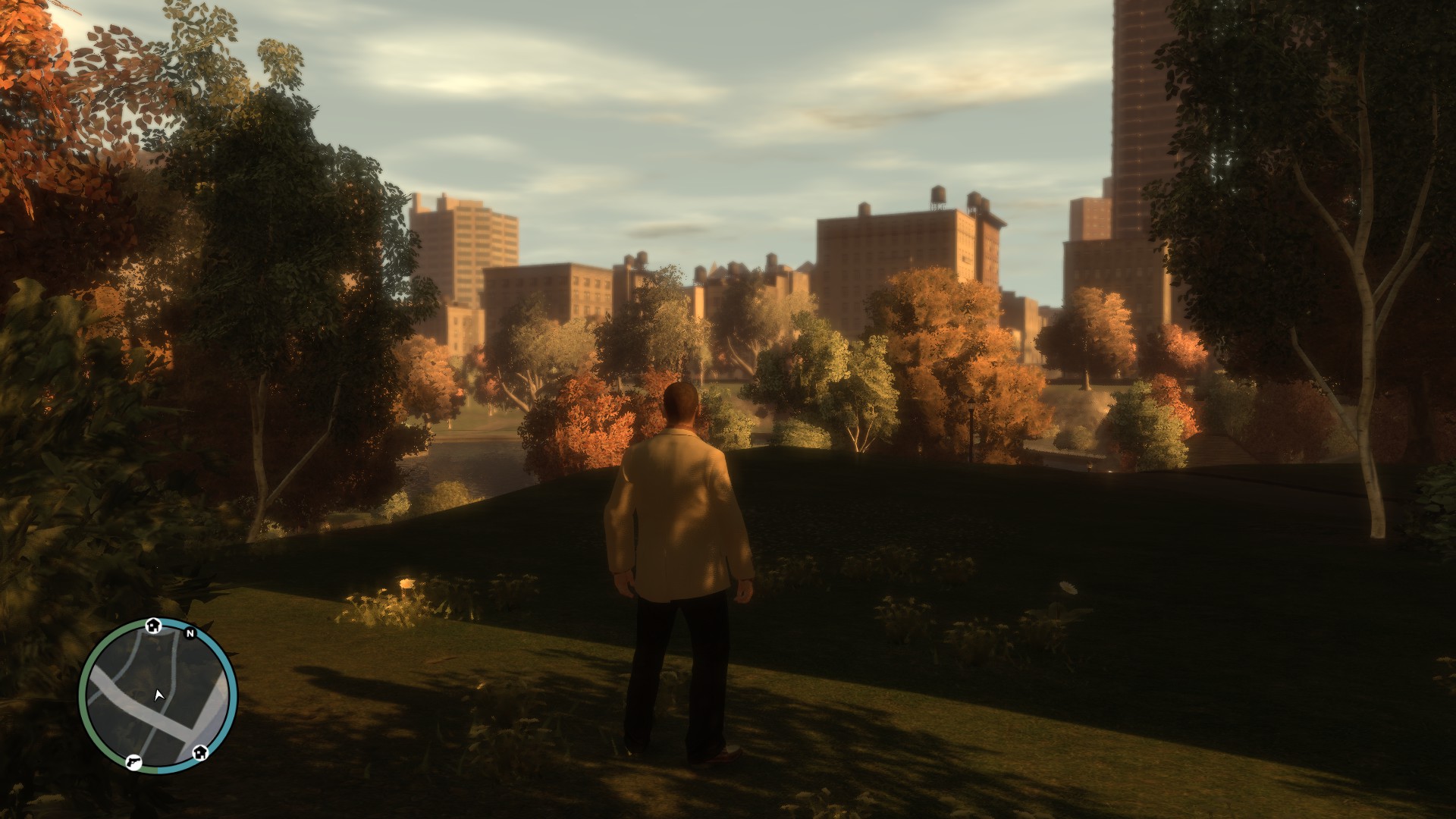
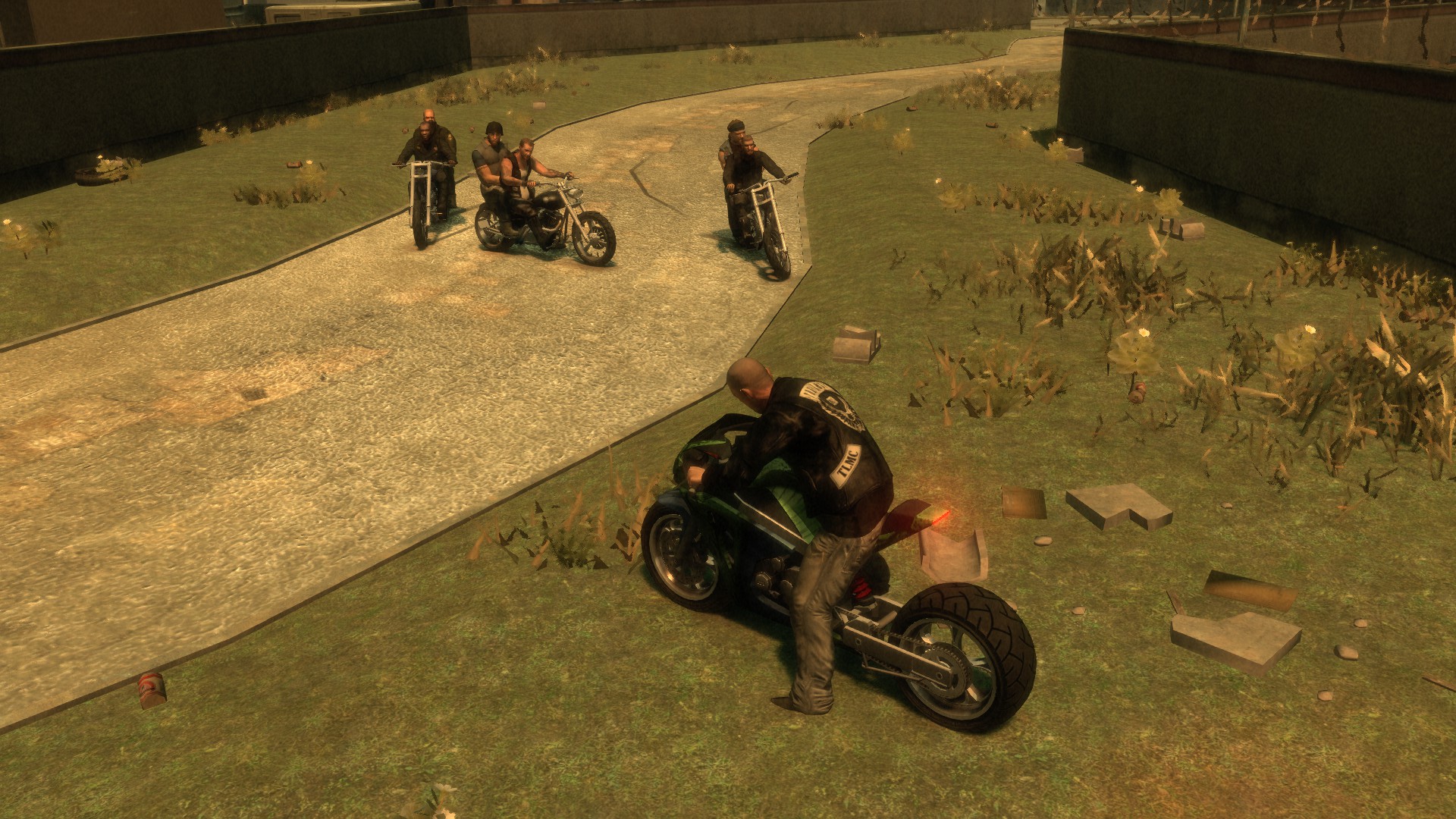
6th: Added the same vegetation (trees and grass) from the console version, together with dynamic shadows;
7th: Fixed many animations and weapons recoil;
8th: Fixed many gameplay errors while playing the game at higher frame rates;
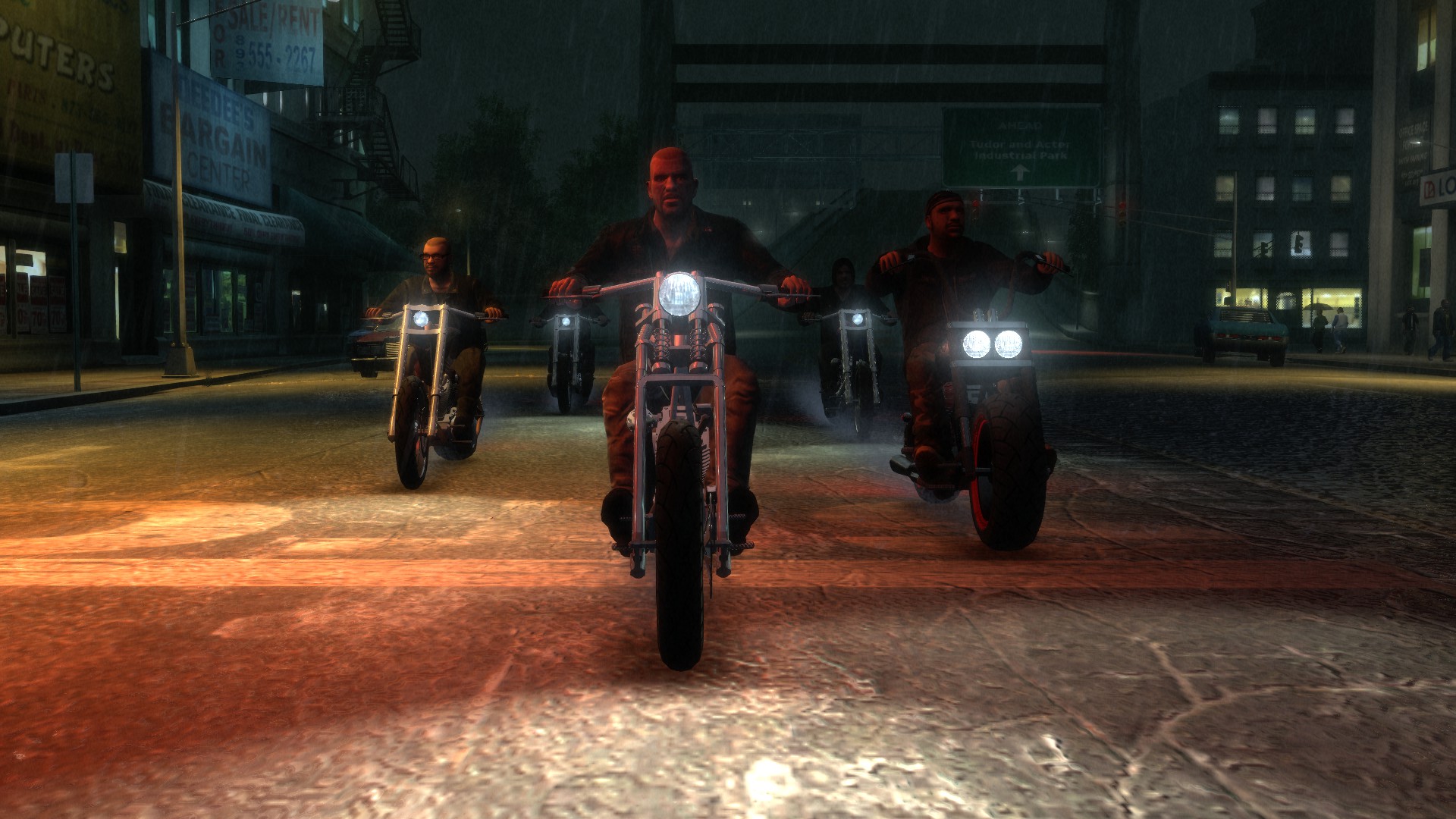
9th: Improved the lighting at the distance during the night time;
10th: Fixed many map errors, such has trees, buildings and grass placement.

And a lot more...
Warnings
  • By installing these modifications you are denying the Rockstar Games EULA. Any errors or problems in the game the contact should be made with the guide's creator or the author of the modification. To avoid problems, if possible, backup the original files.

  • Make sure you have a clean version of the game. If you add this modpack with other modifications (scripts, textures, models, etc) the game will crash or have some bugs. If you don't know how to make a clean reinstall check the tutorial I made in the Notes section.

  • If you find any errors or crashes, please, make sure to add a comment. If the problems are found in the modpack a fix will be released as soon as possible.
Modpack & Changes
The installation process is very simple. First download the modpack in the link below, then follow the steps:

Open your Steam library> Right click on GTAIV: The Complete Edition> Select Properties> Navigate into Installed Files> Select Browse...> In a new window the game folder should appear> Open GTAIV folder> Extract the files that are inside the Main Files folder in the modpack into there, replacing what is needed> Play!

Modifications Used & Notes
These are just the Modifications that I've included in the modpack (You don't need to install them). The credits go to all the amazing modders that helped to fix and improve this game. Make sure to check the original posts from the authors for more details about each modification.

  • GTAIV CE Downgrader [downgraders.rockstarvision.com] - Created by Tomasak, Parik and Various Modders
  • Grand Theft Auto IV and Episodes From Liberty City: Characters Fixes [gtaforums.com] - Created by TheYoshiPunch
  • Console Visuals - The Complete Edition [gtaforums.com] - Created by Tomasak, ASH_735, nastyyaboi, Attramet, Parallellines, Vaani, AssaultKifle47 & RaphaelK12
  • Ultimate ASI Loader [github.com] - Created by ThirteenAG
  • GTAIV & EFLC: FusionFix [gtaforums.com] - Created by El Dorado
  • HQ Radio Icons[www.gtainside.com] - Created by Sborges98
  • Various Fixes[www.gtainside.com] - Created By Attramet
  • Vehicle Pack[gtaforums.com] - Created By Ash_735
  • TV Restoration[gtaforums.com] - Created By Attramet
  • NPC Cosmetic Fixes[gtaforums.com] - Created By Kalashnikov1947
  • TBOGT: Blade Fix[libertycity.ru] - Created By Nikey Laykov

    Notes

    - To make a clean reinstall, follow these steps:

    Open your Steam library> Right click on GTAIV: The Complete Edition> Select Properties> Navigate into Installed Files> Select Browse...> In a new window the game folder should appear> Delete all the files in the folder> Return to your Steam library> Right click on GTAIV: The Complete Edition> Select Properties> Navigate into Installed Files> Select Verify Integrity Of Game Files> Steam should start to download the original files again.

    - If you are having trouble downloading, try this (Workaround by @Hugh Jaynis):

    Go to Google (while signed in), click the top right menu and open "Drive"> On the menu to the left, you will see "My Drive"> Right click it and create a new folder> On the menu to the left, click Home and look for the GTAIV file you attempted to download> Right click the file, and go to "Organize" and "Add Shortcut"> -Add the shortcut to the new folder we created earlier> Then without opening the folder, just right click it and Download> On the bottom right it will tell you its zipping the file, be patient it takes a while, eventually it will start downloading.

    Special thanks to @Hugh Jaynis for finding this workaround.

    - If you find problems after installing the modpack, pleasy, try a clean reinstall and follow the steps again. If the problems continues, drop a comment, I'll check if the problem is present in the current version of the modpack. If found, a new version will be released to fix that.

    Thank You.
Screenshots


604 条留言
♦Shadic Bloodnight♦ 12 月 8 日 上午 8:14 
The Ballad of Gay Tony has a bug with not being able to get back in to Luis apartament apperently various fixes needs to be latest version if you can fix that.
Vell 12 月 3 日 上午 4:06 
Good mod pack, you should update the included Various Fixes mod though, it has a bug that makes an invisible wall block you from re-entering Luis' safehouse in TBOGT that's fixed in the latest version.
No.89757 11 月 24 日 上午 3:52 
"You are free to install any mod trainers. Based on my testing, you can use the Liberty's Legacy Trainer (GTA IV: CE 1.2.0.43 & above) and the ProVehicleModv1.0.1 vehicle spawner. You only need to install these two prerequisites to use them: Download and install Aru's ScriptHook and (this only applies to Complete Edition users, version 1.2.0.43 and above) Download and install LMS' ScriptHook Compatibility Patch."

https://www.lcpdfr.com/downloads/gta4mods/g17media/26726-compatibility-patch-for-gta-iv-complete-edition/

https://hazardx.com/files/gta4_net_scripthook-83

感谢作者提供的整合包:luv:
No.89757 11 月 19 日 上午 12:30 
My favorite plugin ProVehicle Mod_v1.0.1 is unavailable.:aptid:
No.89757 11 月 19 日 上午 12:29 
does anyone have a trainer that will work with this mod?:aptid:
SANLO 11 月 11 日 下午 8:31 
crashes every time i go into the tunnel
blairwho 11 月 7 日 上午 5:03 
Hello I installed this mod pack recently and I've had no issues with the game but I've gotten to the mission Lure when I go to the roof of the building the game crashes could anyone help me out please?
Battl3ph1l 10 月 31 日 下午 11:29 
Thanks, appreciate it!
GranAlan-84  [作者] 10 月 30 日 下午 9:23 
Hello! A new version of the modpack is now available. Here are the changes:
- Updated the Fusion Fix modification to the latest version.
(a clean reinstall is recommended)
Pantoja 10 月 27 日 上午 1:46 
@Fredster cry :balatro_egg: