Grand Theft Auto: Vice City

Grand Theft Auto: Vice City

1,033 个评价
Grand Theft Auto: Vice City - The Improved Classic
由 GranAlan-84 制作
Here you find a complete set of modifications that will fix most problems, recover many features and improve your GTA: Vice City with just a simple download and installation.
23
7
22
11
2
4
3
2
   
奖励
收藏
已收藏
取消收藏
Goal
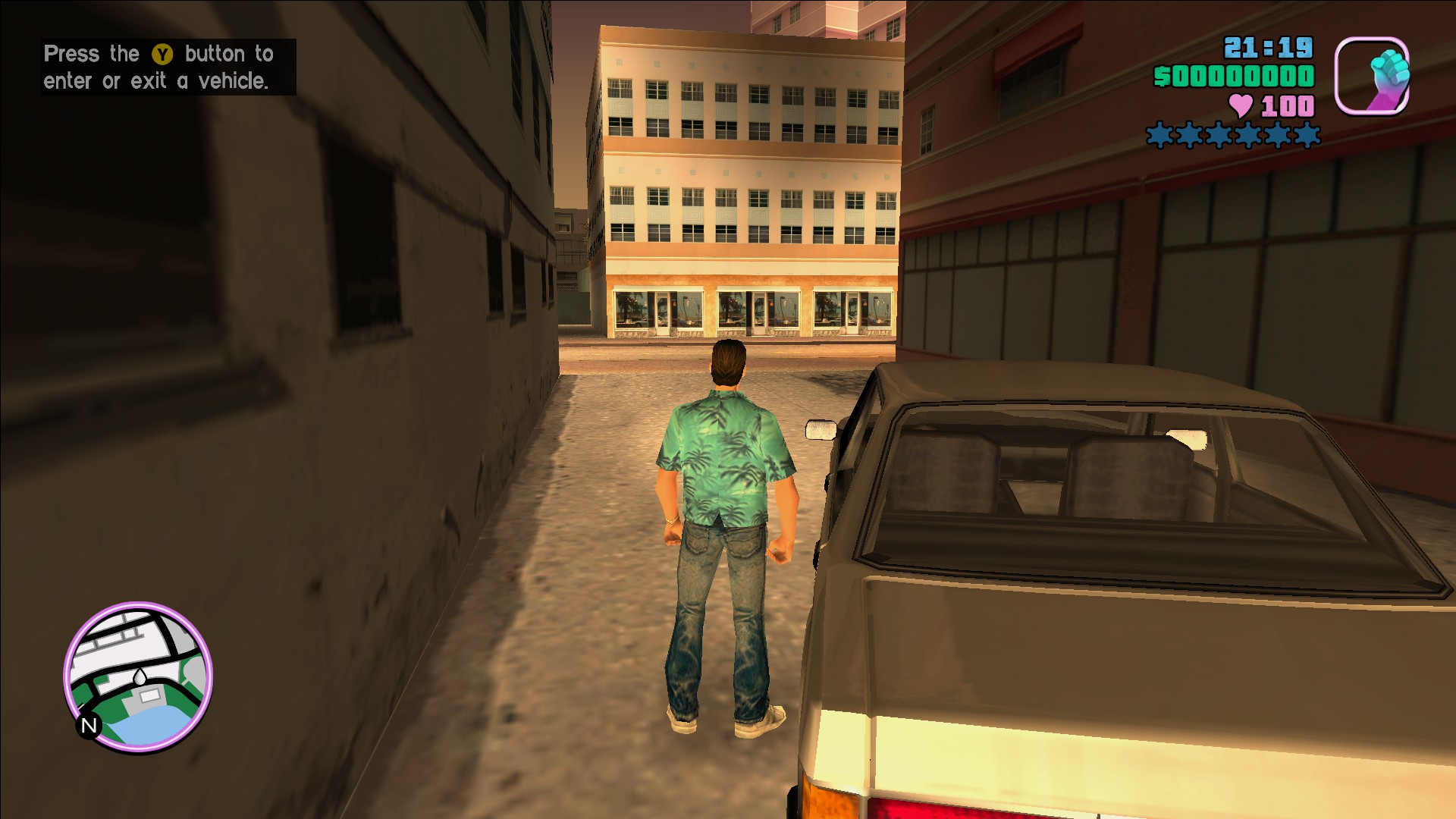
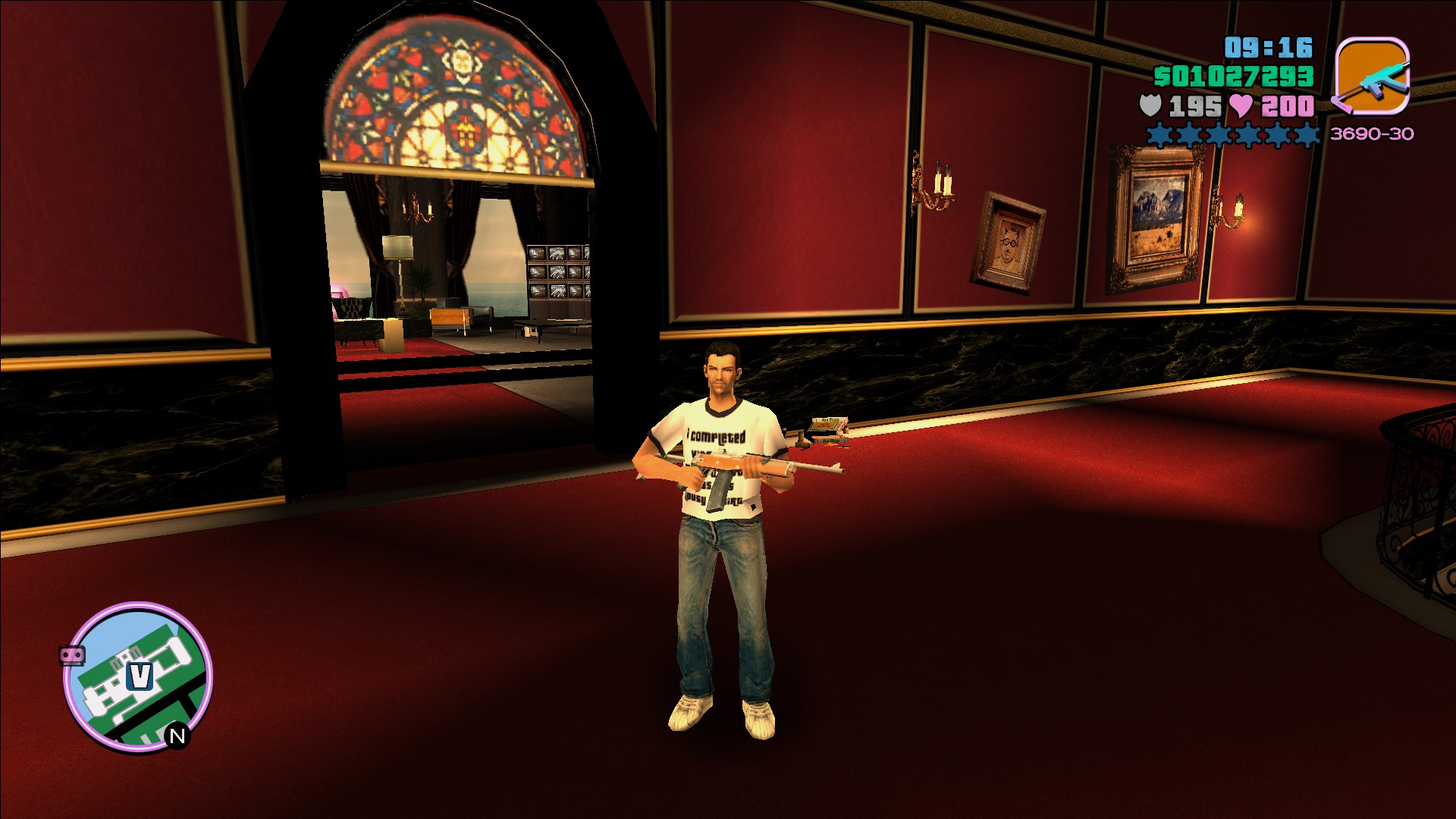
After playing the game in various other versions, I noticed how problematic the PC port is. Because of that, I decided to create this compilation of modifications to transform the game into what it should have been from the start. This modpack brings numerous fixes and improvements to textures, models, characters, lighting, and more. Additionally, it includes optional modifications to further enhance your experience. Enjoy!
What's Changing?
1st: Restored many lost PS2 textures, models and features;
2nd: Added better vehicle models from the Xbox version with fixes;
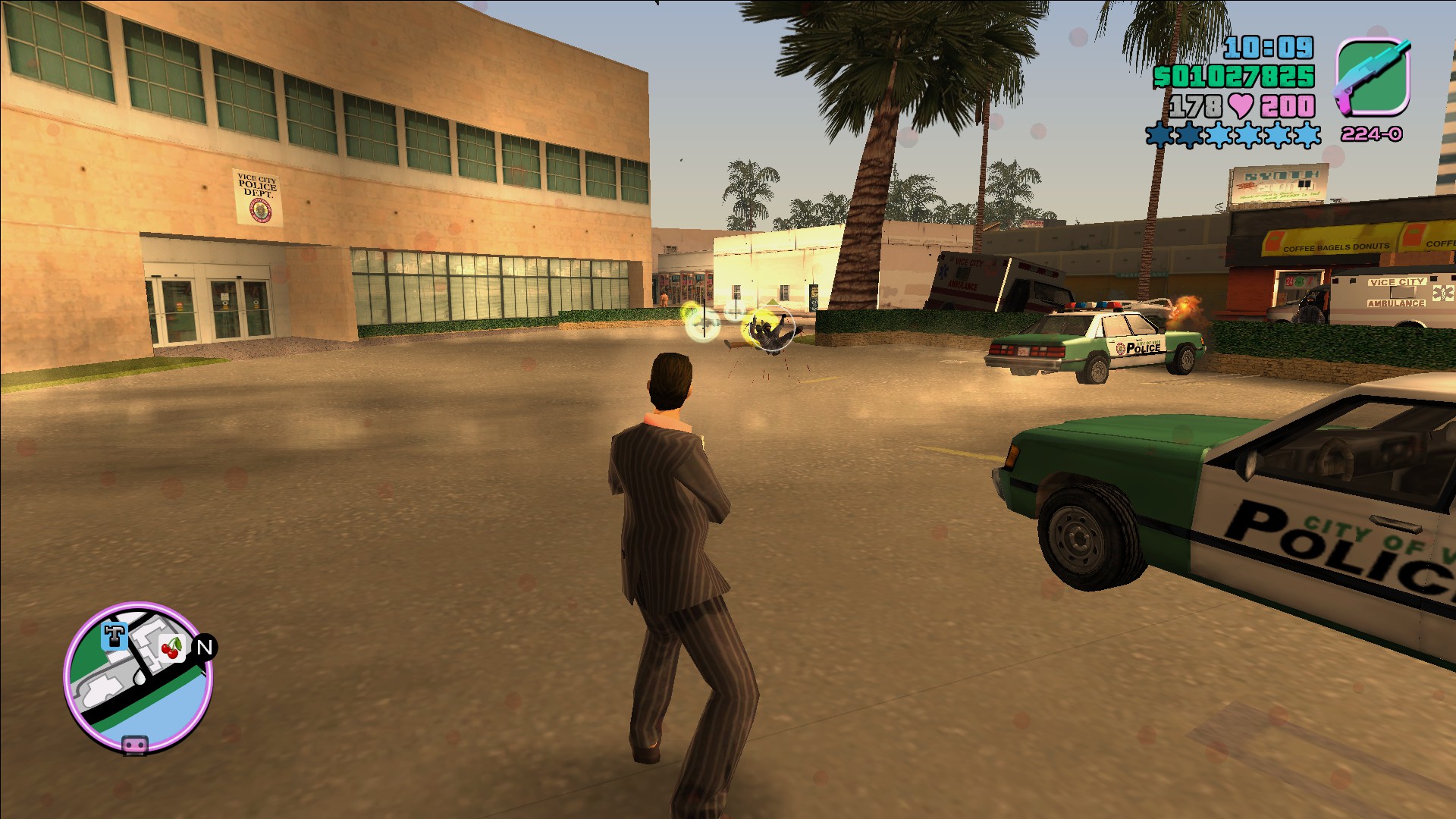
3rd: Fixed many particle details, including more details from the Xbox version;
4th: Enhanced the in-game UI for better view on modern monitors and TV's;
5th: Fixed many broken NPC textures and models;
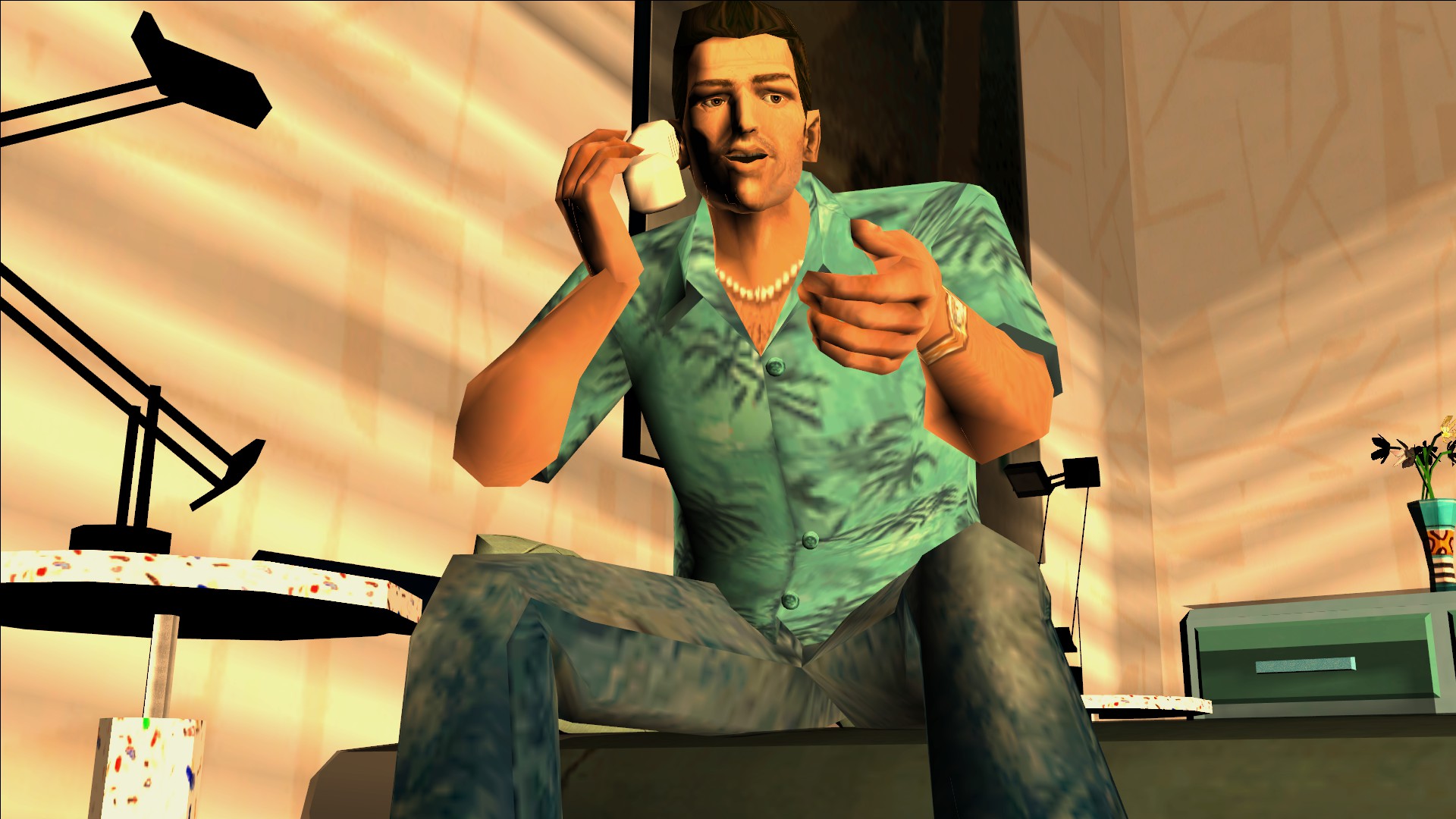
6th: Improved many characters during cutscenes with better hand models;
7th: Added many fixes and improvements to the map;
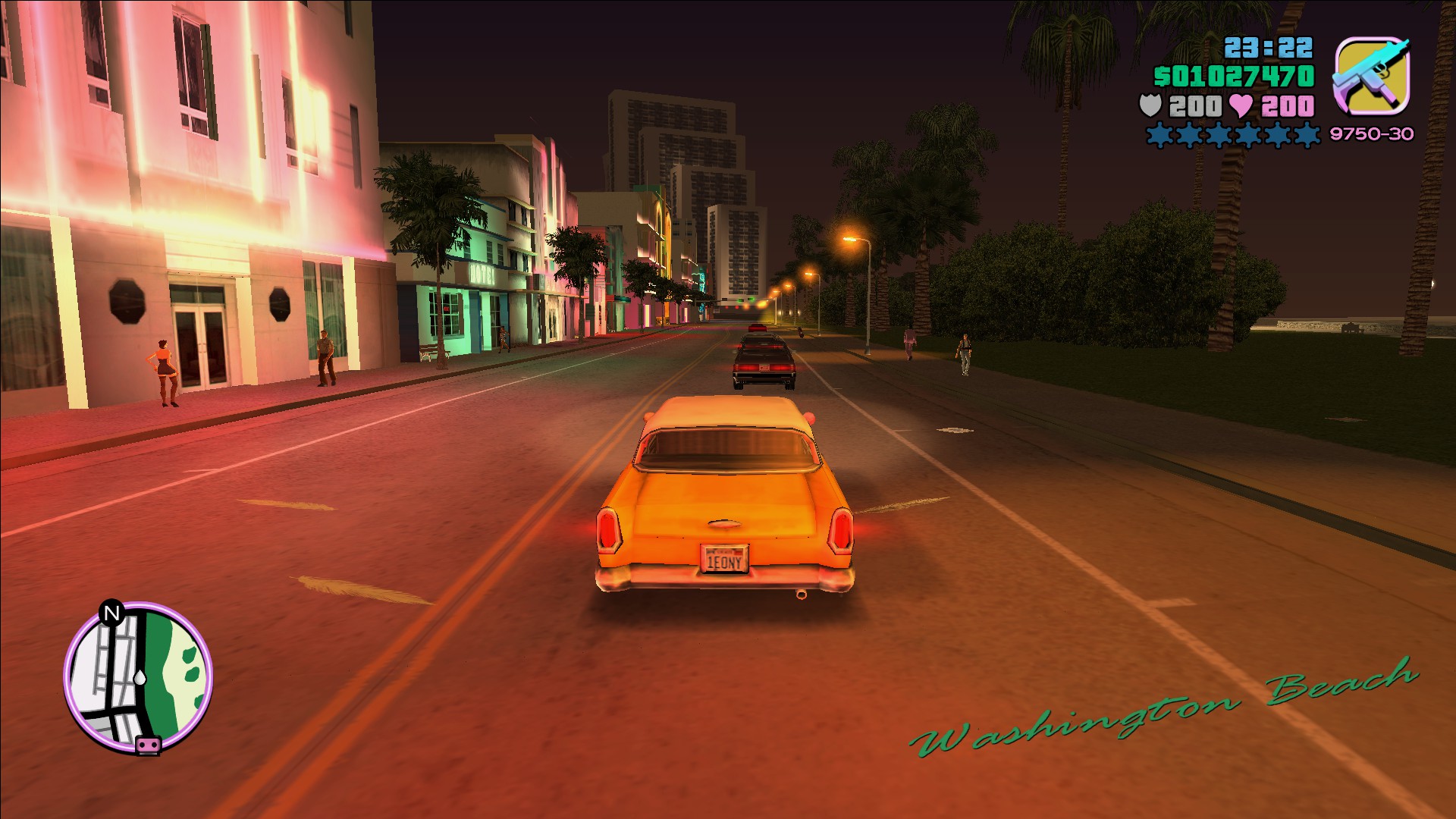
8th: Fixed many graphics, lighting and reflection errors;
9th: Restored many high quality audio files from the PS2 version;
10th: Added controller support with proper button icons and vibration.

And a lot more...
Warnings
  • By installing these modifications you are denying the Rockstar Games EULA. Any errors or problems in the game the contact should be made with the guide's creator or the author of the modification. To avoid problems, if possible, backup the original files.

  • Make sure you have a clean version of the game. If you add this modpack with other modifications (scripts, textures, models, etc) the game will crash or have some bugs. If you don't know how to make a clean reinstall check the tutorial I made in the Notes section.

  • If you find any errors or crashes, please, make sure to add a comment. If the problems are found in the modpack a fix will be released as soon as possible.
Modpack & Changes
The installation process is very simple. First download the modpack in the link below, then follow the steps:

Open your Steam library> Right click on Grand Theft Auto: Vice City> Select Properties> Navigate into Installed Files> Select Browse...> Extract the files that are inside the Main Files folder in the modpack into there, replacing what is needed> Play!

  • Modpack Download Link: GTA VC - The Improved Classic Modpack (1.84GB)[drive.google.com]

  • Vice City Save Converter[gtaforums.com]: If you have a Steam save game and want to play with this modpack, you will need to downgrade your save file to the 1.0 version. For this I'll be leaving this link to Silent's save converter, so you can convert yours.


    Changes & Improvements (10/31/2025)

    • Minor fixes to models and textures, including cutscene weapons missing textures.
Modifications Used & Notes
These are just the Modifications that I've included in the modpack (You don't need to install them). The credits go to all the amazing modders that helped to fix and improve this game. Make sure to check the original posts from the authors for more details about each modification.

  • GInput[www.gtagarage.com] - Created by Silent
  • Vice City - The Leftovers Fix[gtaforums.com] - Created by Igor Bogdanoff and Various Modders
  • SkyGFX[gtaforums.com] - Created by The Hero
  • Sharptrails[gtaforums.com] - Created by The Hero
  • Grand Theft Auto Vice City Widescreen Fix[github.com] - Created by ThirteenAG
  • SilentPatch[gtaforums.com] - Created by Silent
  • NoDEP[www.mixmods.com.br] - Created by Fabio
  • Fixed Xbox Vehicles[gtaforums.com] - Created by MrFinger
  • Mod Loader[www.gtagarage.com] - Created by Link2012
  • No Clothes Reset[www.mixmods.com.br] - Created by Surya926
  • Framerate Vigilante[www.mixmods.com.br] - Created by Junior_Djjr
  • Neons & Shadows Fix[gtaforums.com] - Created by KDST
  • RunDLL32 Fix[www.mixmods.com.br] - Created by Swoorup
  • HQ Vice City Radar[www.gtagarage.com] - Created by Yojo2
  • HQ Weapon Icons For VC[www.gtagarage.com] - Created by -Quantum-
  • Classic AXIS[www.mixmods.com.br] - Created by _AG
  • MixSets VC[www.mixmods.com.br] - Created by Junior_Djjr and Various modders
  • Project 2DFX[thirteenag.github.io] - Created by ThirteenAG
  • VC Map Fixes[gtaforums.com] - Created by Rocky24pl
  • Beta Leftovers Fix: VC[gtaforums.com] - Created By MrFinger
  • EAX Alchemy Fix[www.mixmods.com.br] - Created By Verokster
  • ORG Patch VC[libertycity.net] - Created By DimZet
  • ParticleEx[www.mixmods.com.br] - Created By Fire_Head
  • VBDec[www.mixmods.com.br] - Created By Silent, Sergeanur & Ash
  • Xbox Hands for GTA VC[github.com] - Created by gennariarmando

    Notes

    - To make a clean reinstall, follow these steps:

    Open your Steam library> Right click on Grand Theft Auto: Vice City> Select Properties> Navigate into Installed Files> Select Browse...> In a new window the game folder should appear> Delete all the files in the folder> Return to your Steam library> Right click on Grand Theft Auto: Vice City> Select Properties> Navigate into Installed Files> Select Verify Integrity Of Game Files> Steam should start to download the original files again.


    - If sometimes the game won't start or crashes in the menu. Try to set compatibility mode Windows XP (Service Pack 2).

    - If you are having problems when changing the resolution or the game is not launching, open the GTAVC.WidescreenFix.ini file (You can open with Notepad), and change the ResX to the value of your X resolution (Ex: 1920) and the ResY to the value of your Y resolution (Ex: 1080).

    - Some micro-stutterings may be present due to many modifications that are rendering at the same time.

    - Some missions can have errors because of the higher FPS. For that, I recommend you to check the Frame Limiters folder at the Optionals in the modpack.

    - If you want to play with the original gameplay style, just go to your scripts folder and delete the ClassicAxisVC.asi and ClassicAxisVC.ini files.

    - If you want to use any Dualshock/Dualsense controller with this game, make sure to use a Xbox controller emulator and change the controller icons (The Dualshock icons can be found in the Optionals in the modpack).

    - If you find problems after installing the modpack, pleasy, try a clean reinstall and follow the steps again. If the problems continues, drop a comment, I'll check if the problem is present in the current version of the modpack. If found, a new version will be released to fix that.

    Thank You.
Screenshots


620 条留言
OldSchool Gamester 12 月 13 日 下午 2:53 
UPDATE, finally got it to work partially.... the cars slam on the brakes as soon as you let off the gas, aka it doesnt coast..... no reverse??? just an awful mod... this should have never been released
OldSchool Gamester 12 月 13 日 下午 2:33 
total trash DO NOT DOWNLOAD!!!!!!!!!!!!! instructions are terrible and this mod is terrible. Crashes on every loading screen. yes I have a state of the art PC.... do not download on your pc if you care about it installing malware and not working
DatBoiMatthew 12 月 13 日 上午 3:12 
Hi! I downloaded the modpack and it works like a charm. The only problem I have is that the replay function doesn't work at all. I press the F keys (F1 to F3) and nothing happens. Any help would be appreciated!
SireEvalish 11 月 28 日 上午 8:19 
Then your antivirus is garbage.
herokiller27 11 月 28 日 上午 7:14 
Pay attention i download the mods and my antivirus detect a virus called trojan Gen:Trojan.Heur.TP.sy4 and “xHandsVC.asi” (inside the mod’s script folder) BY AWARE
Pancho 11 月 27 日 下午 9:09 
awesome! Many thanks. I was wondering if's it possible to dim this yellowish tint on the game colors?
0914jdiaz 11 月 27 日 上午 2:03 
where is the download for the MOD?
Tom 11 月 21 日 上午 9:41 
Anyone else is having some audio sync issues in the cinematics?
ANJEYKO 11 月 16 日 上午 5:22 
am i the only one who encounters z-fighting when entering the mall? any way to fix this?
thfcmason93 11 月 16 日 上午 2:04 
hi all when i get to the final loading screen i get this Unhandled Exception - C0000005 at 006F6330 Fix