Hyperdimension Neptunia Re;Birth1

Hyperdimension Neptunia Re;Birth1

25 个评价
Playstation Re;Birth1
由 Mugetsuga 制作
Playstation Re;Birth1 is a modification aiming to change Xbox controls to PS3 controls.
   
奖励
收藏
已收藏
取消收藏
Why?
I decided to do this modification because I couldn’t play it by default. Whether the Re;Birth games or Victory II, it becomes obvious that these games are made for Playstation controls in mind.
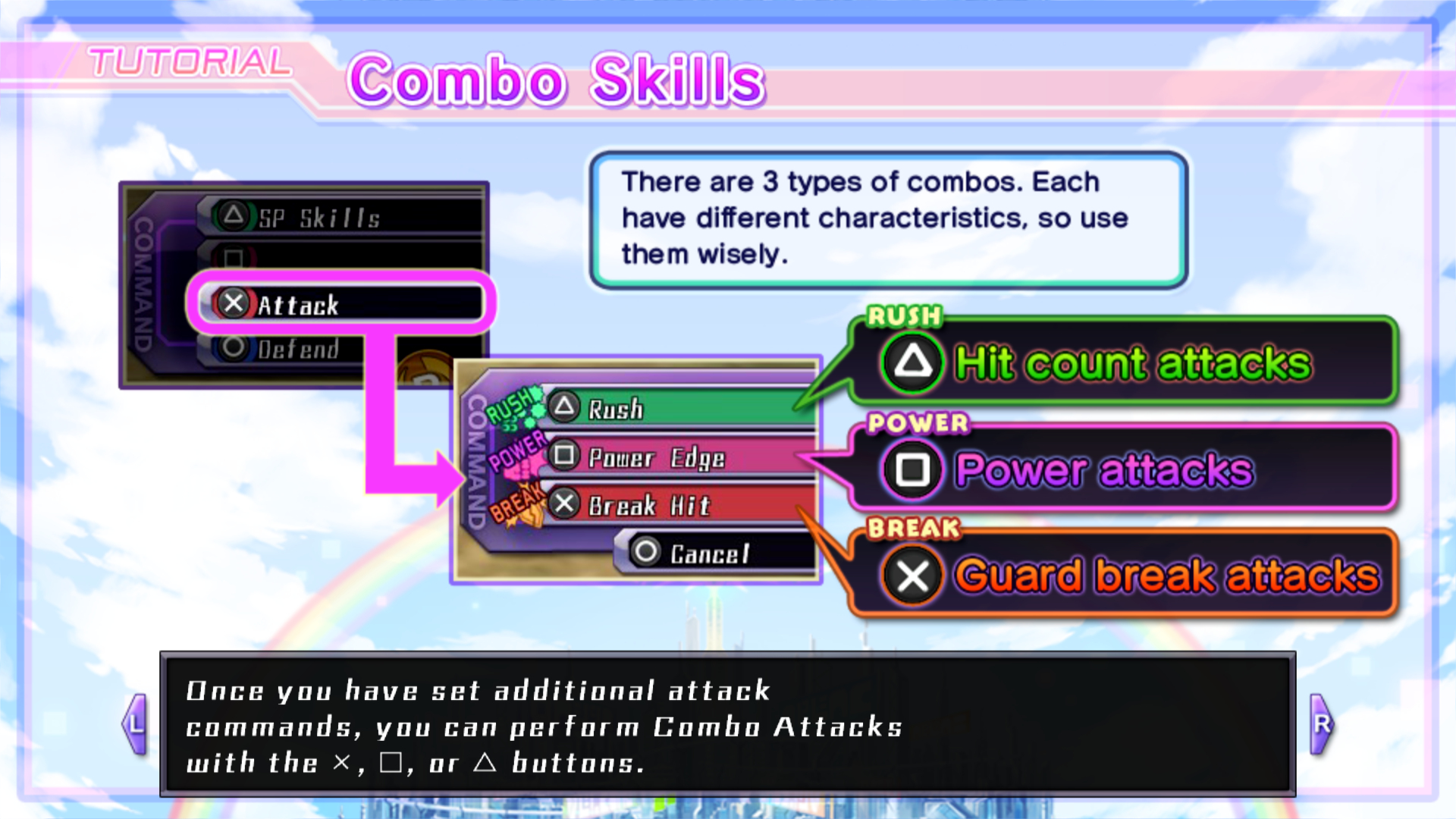
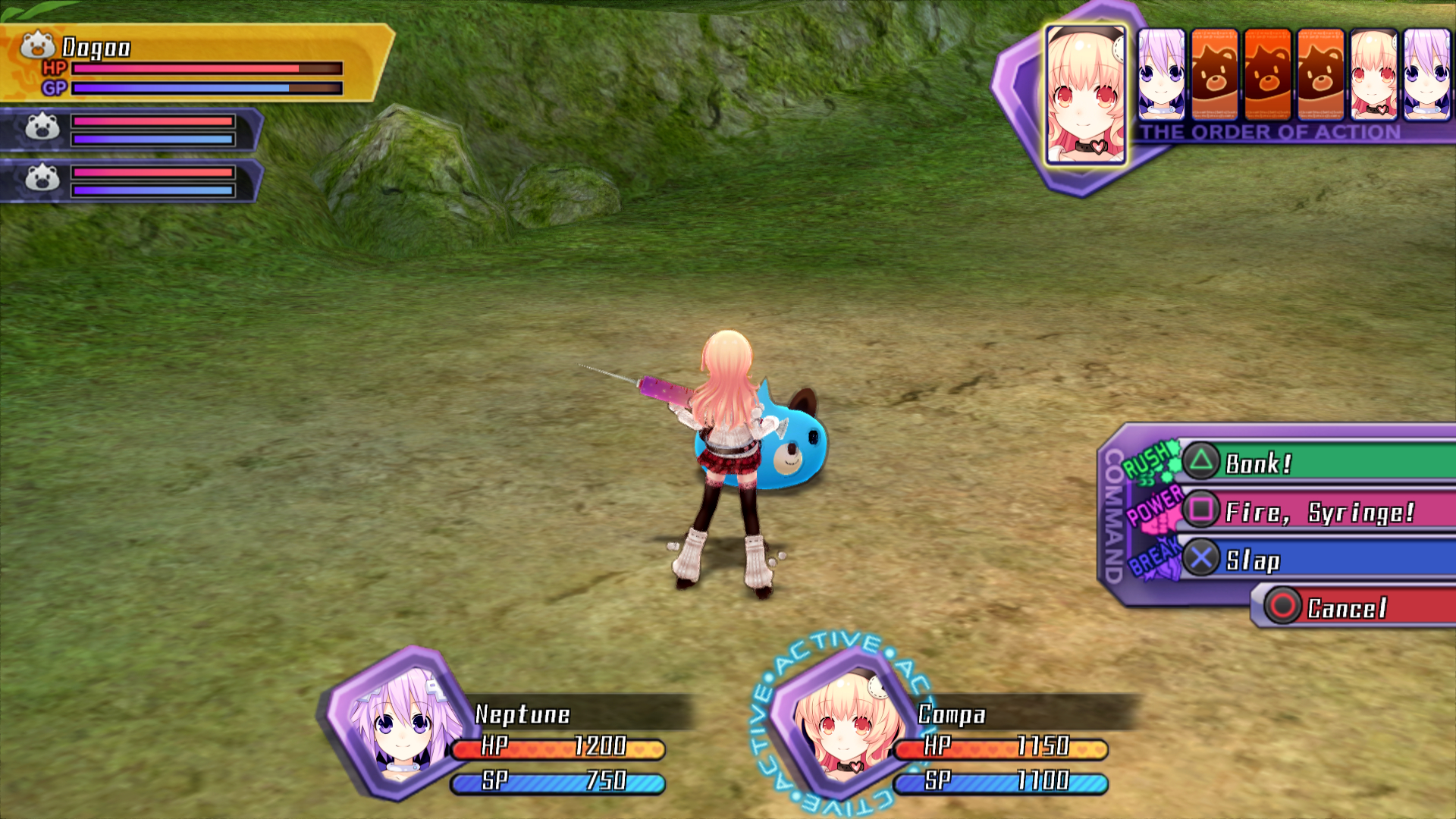
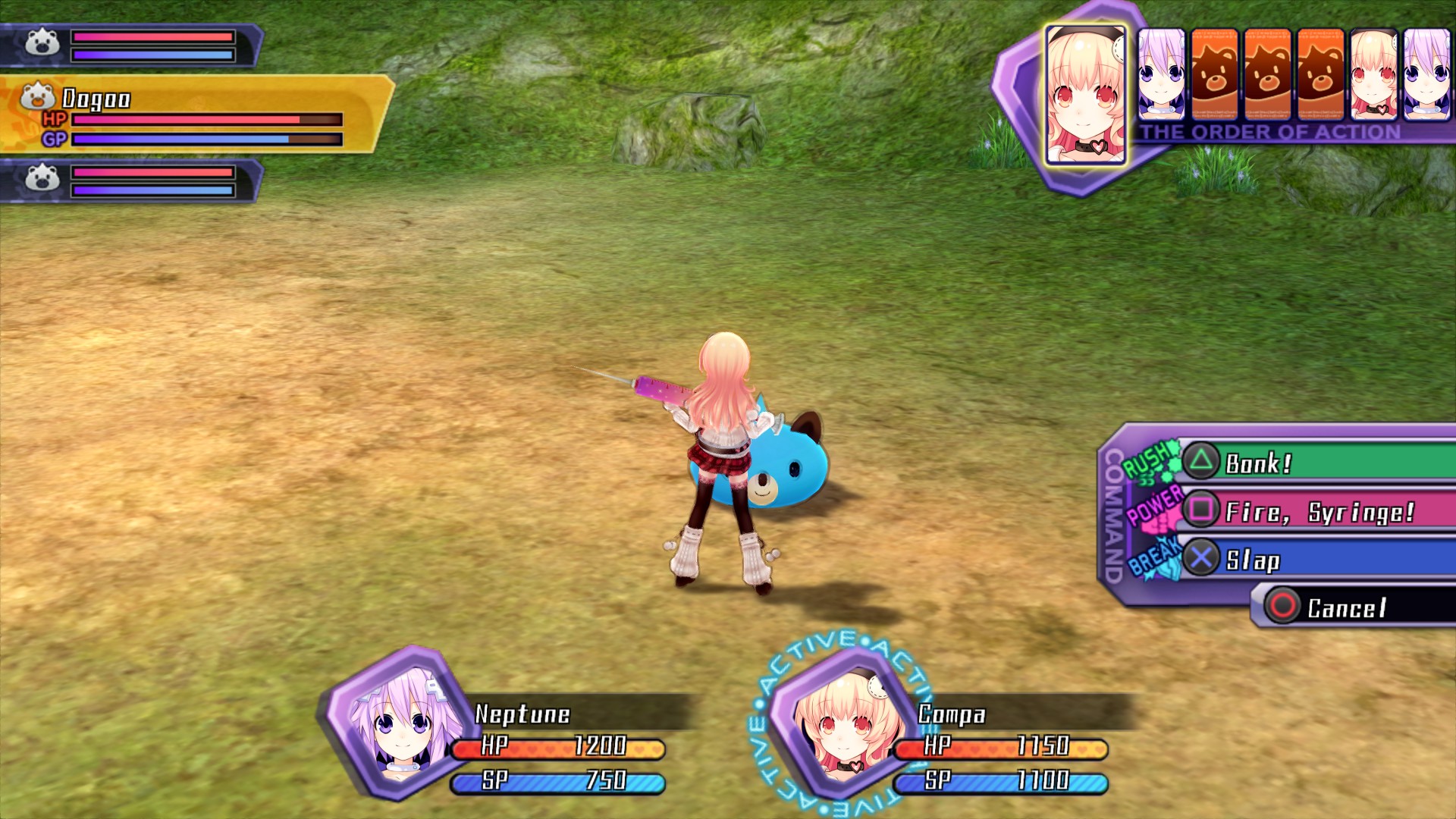
Why Rush is green? Because the Triangle button is green.
Why Power is pink? Because the Square button is pink.
Why Break is red? Because the Circle button is red. I’ll come back to this one after.
For me, it felt weird to do one of the combo but the button didn't match. It's a little detail but it was enough.
What is edited?
In-game controls, going from the menu to the battles.
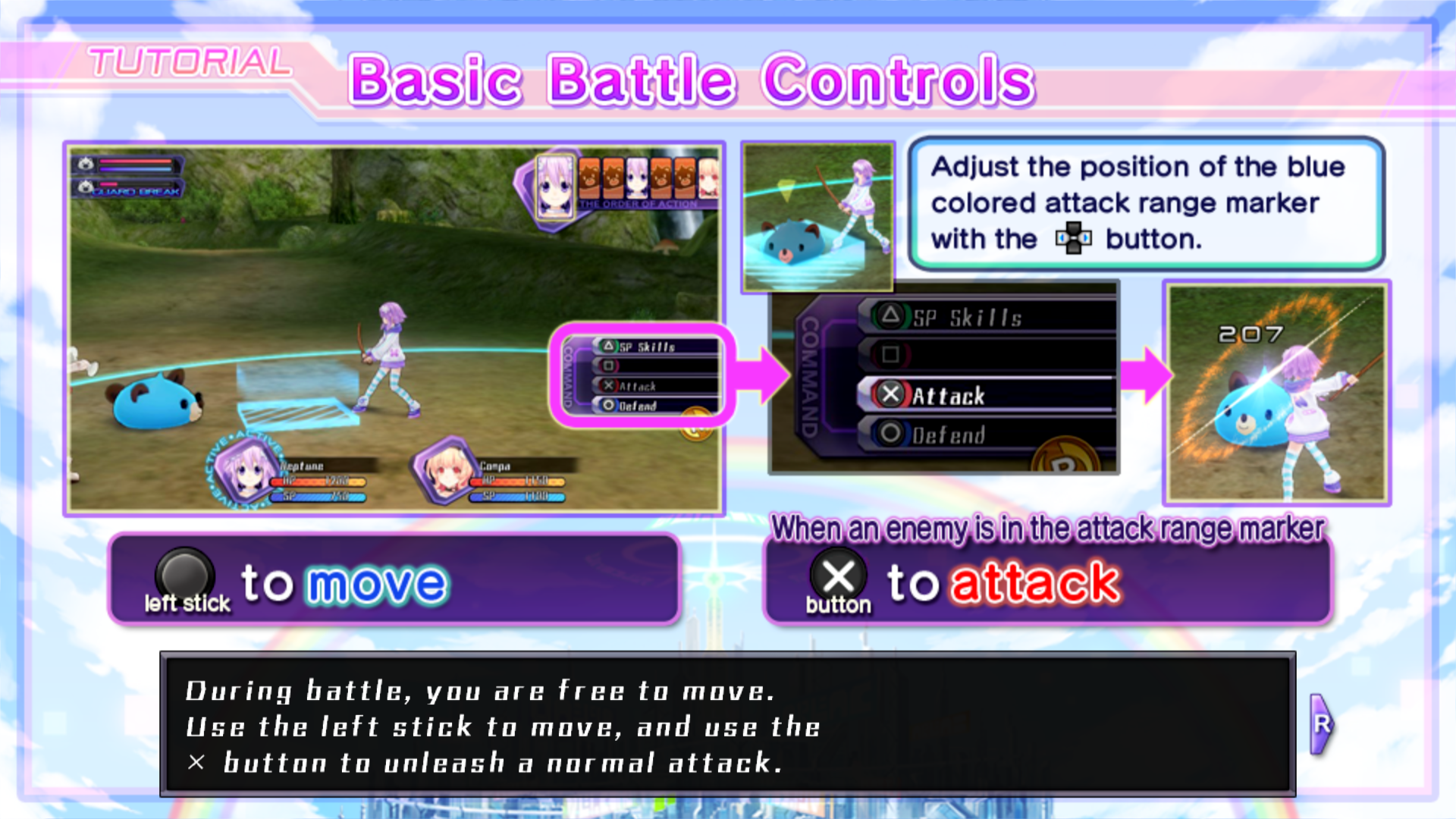
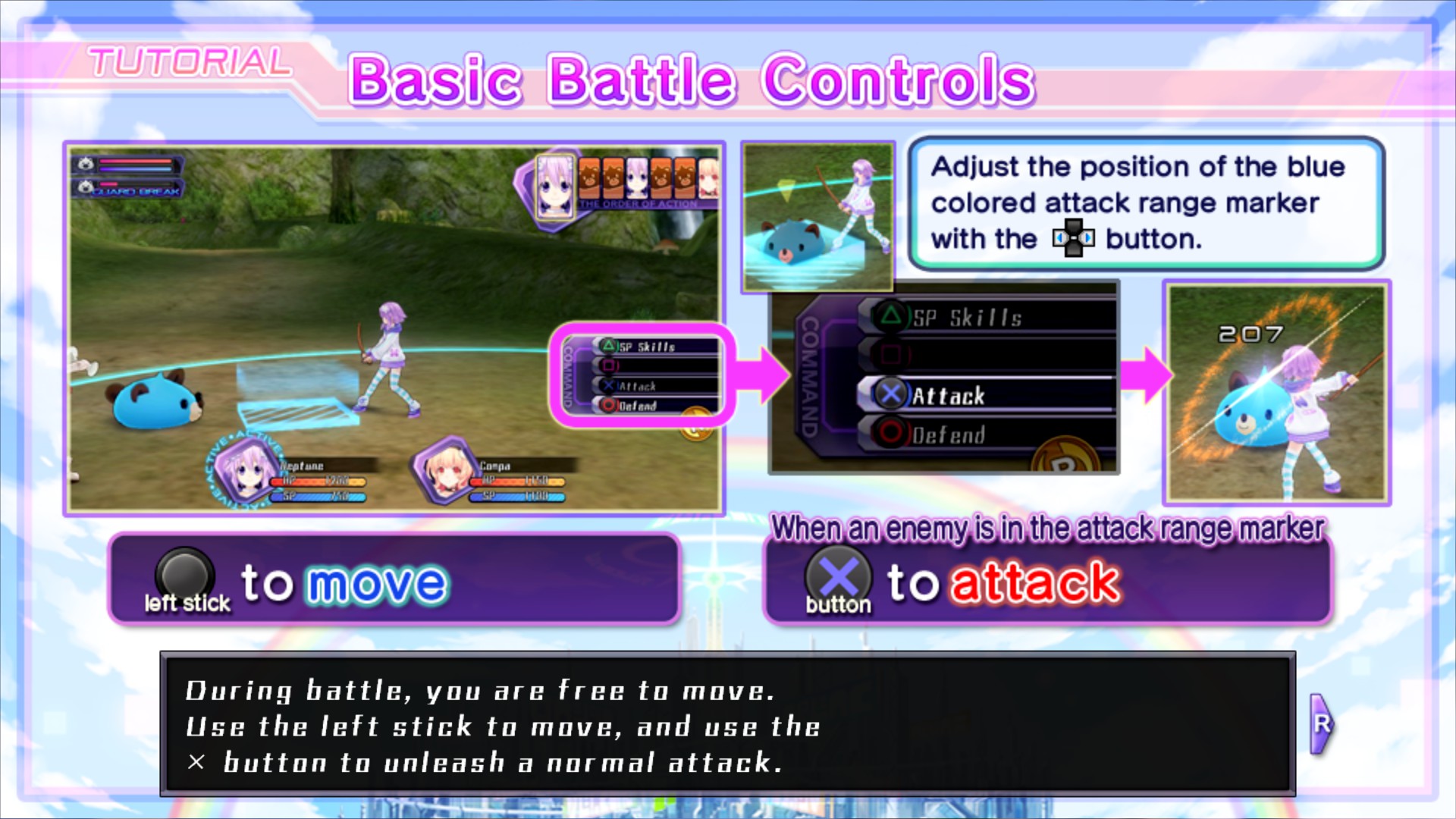
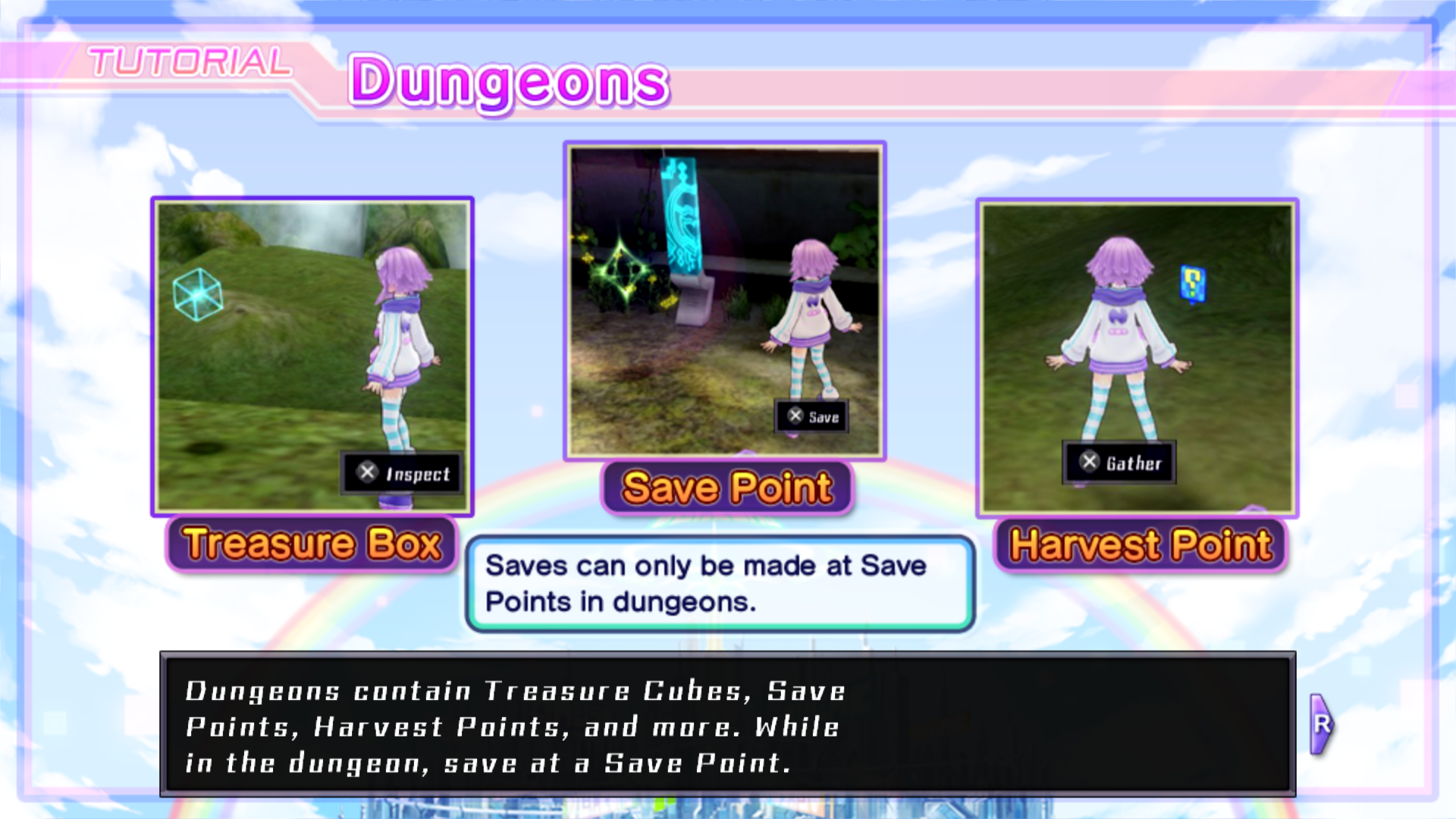
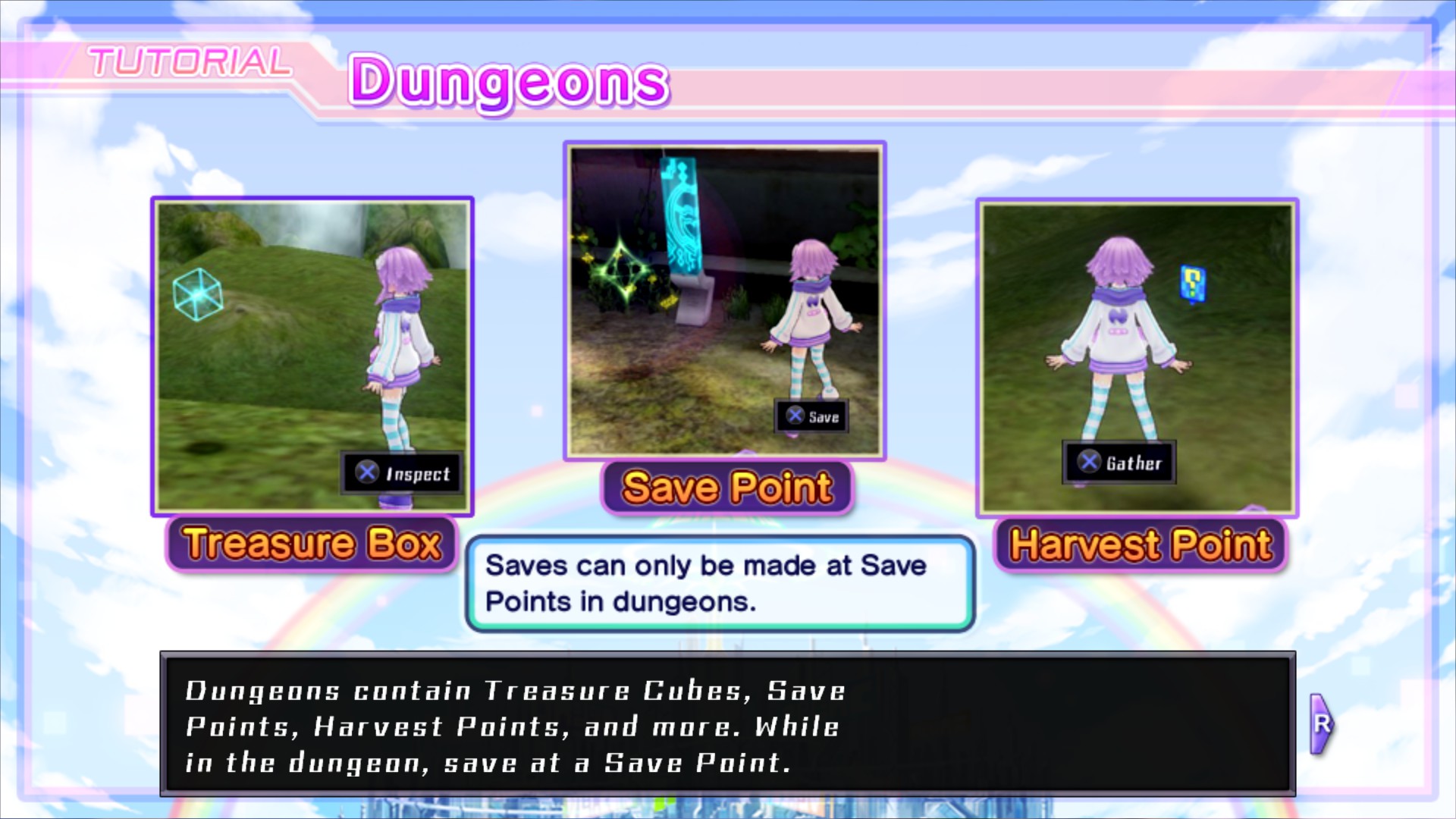
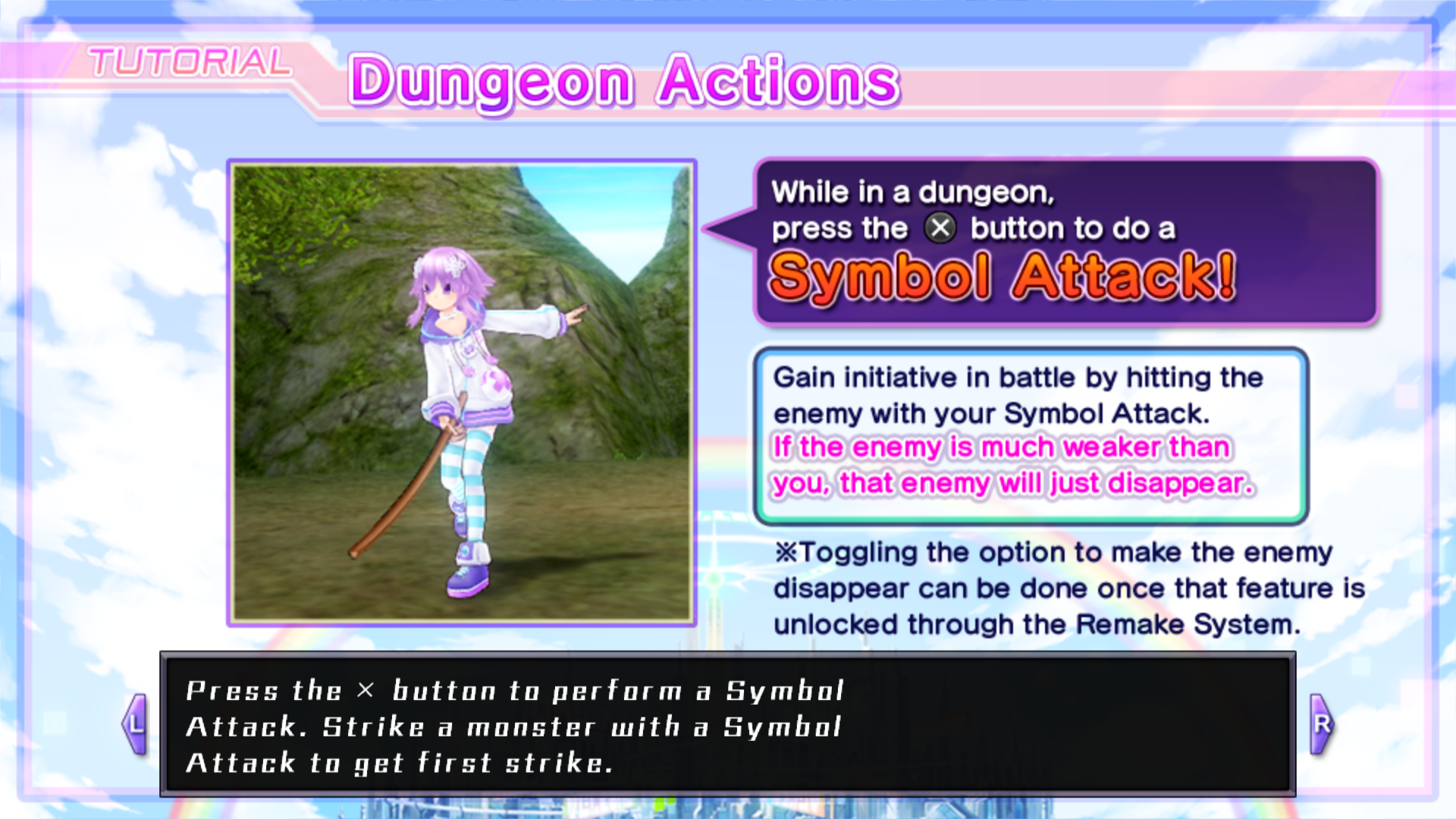
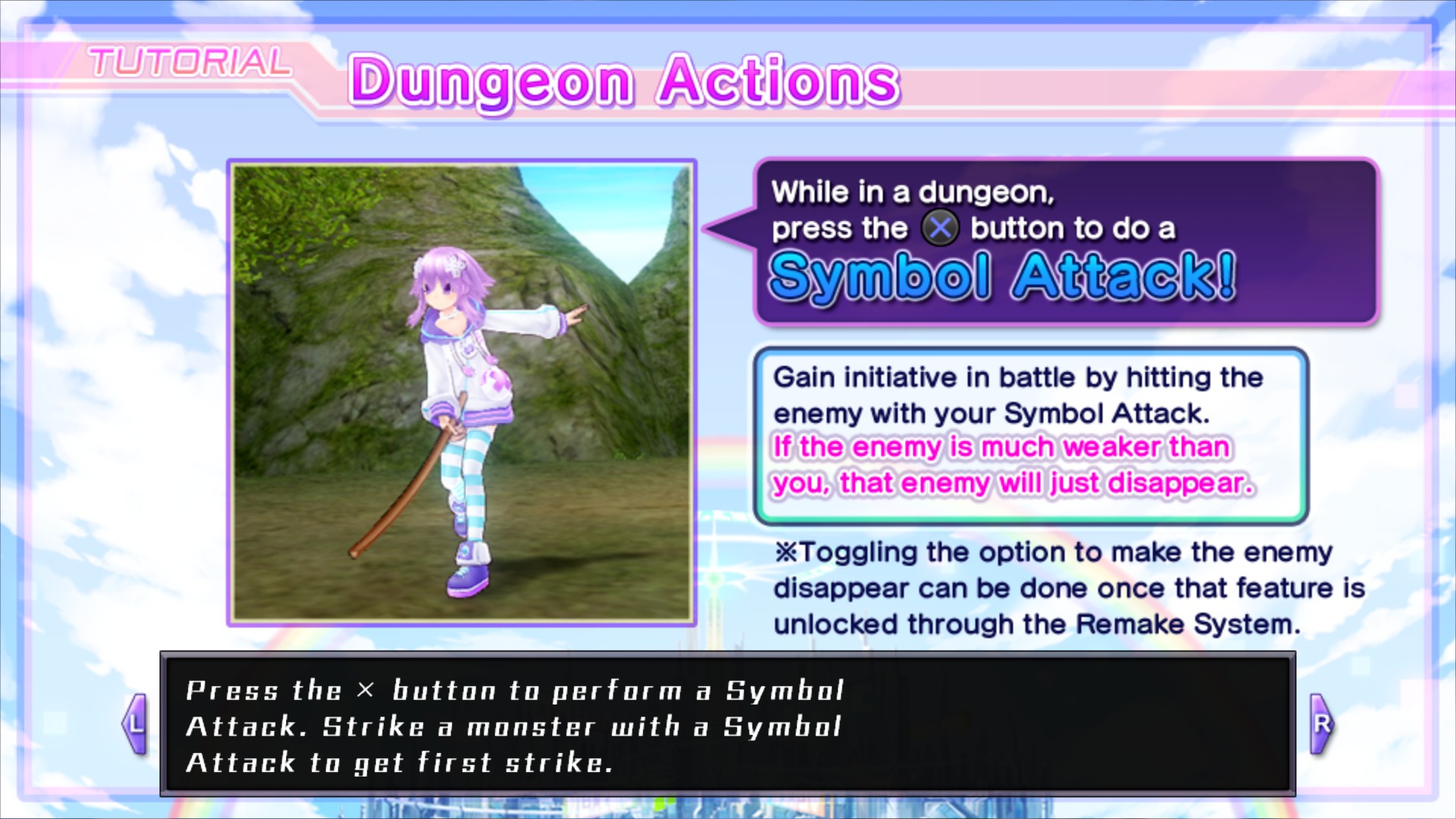
All tutorials showing Xbox controls. They are from the Playstation Vita, I have no plans to edit them with PS3 controls. That would take too much time.
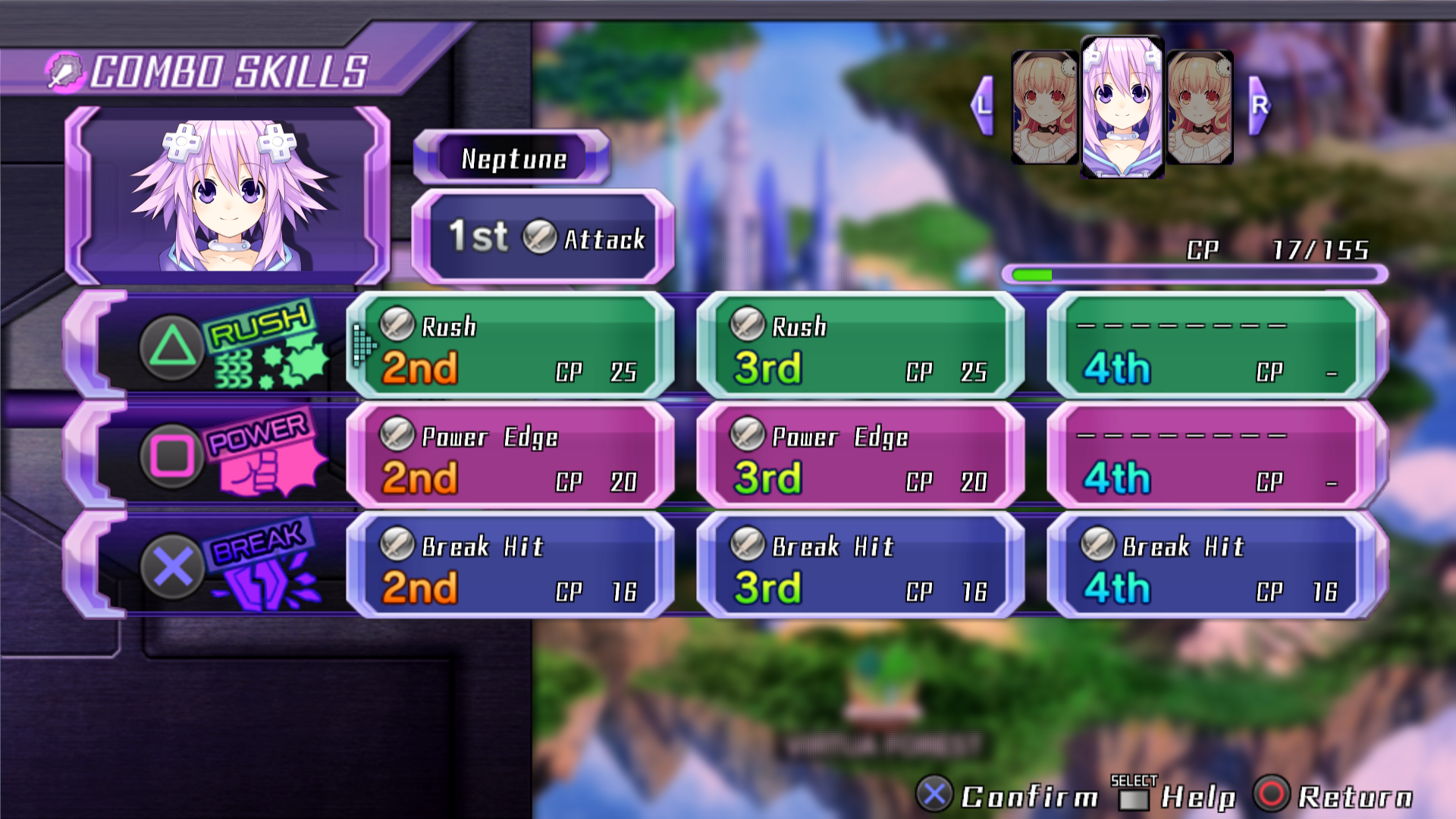
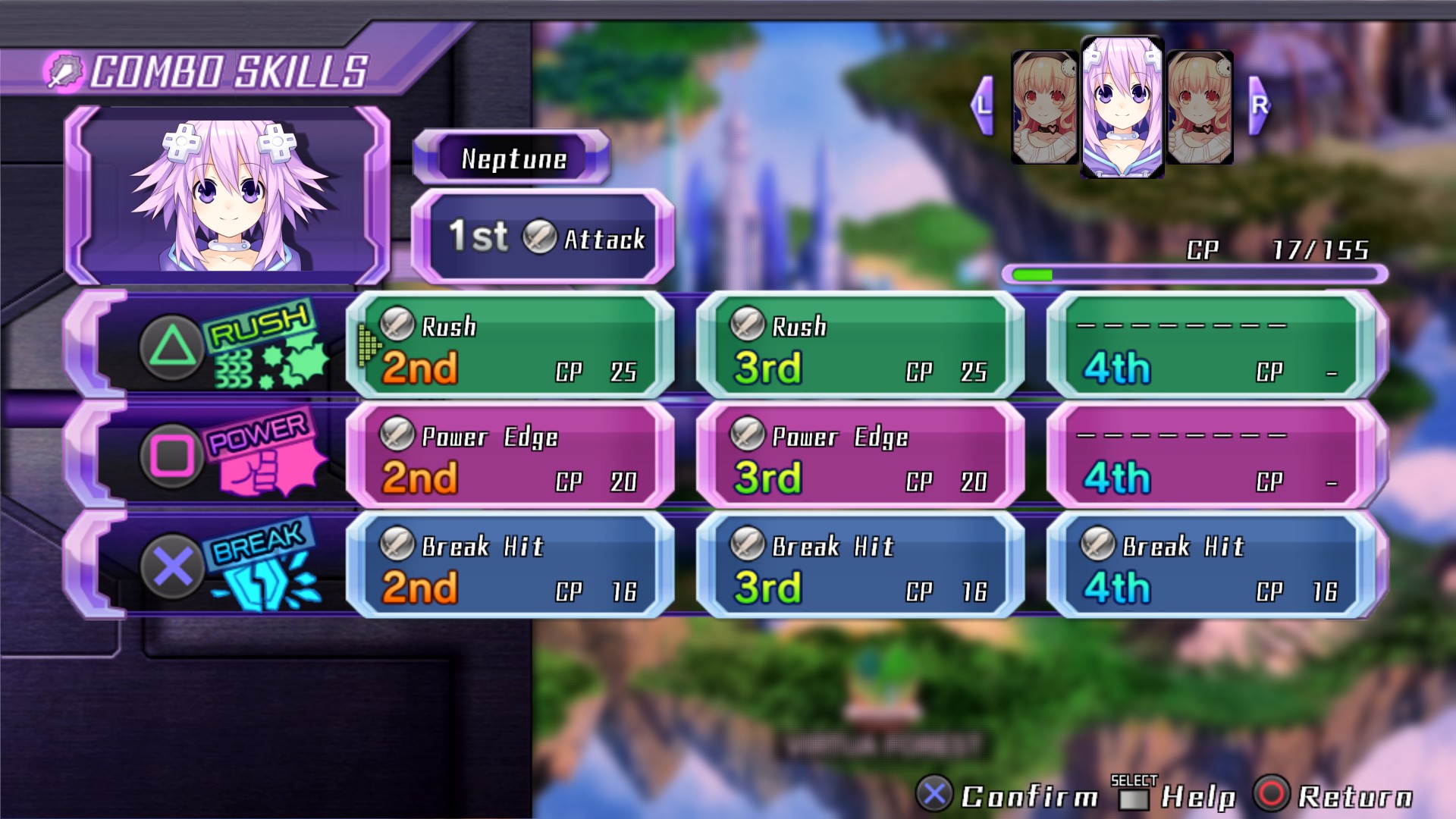
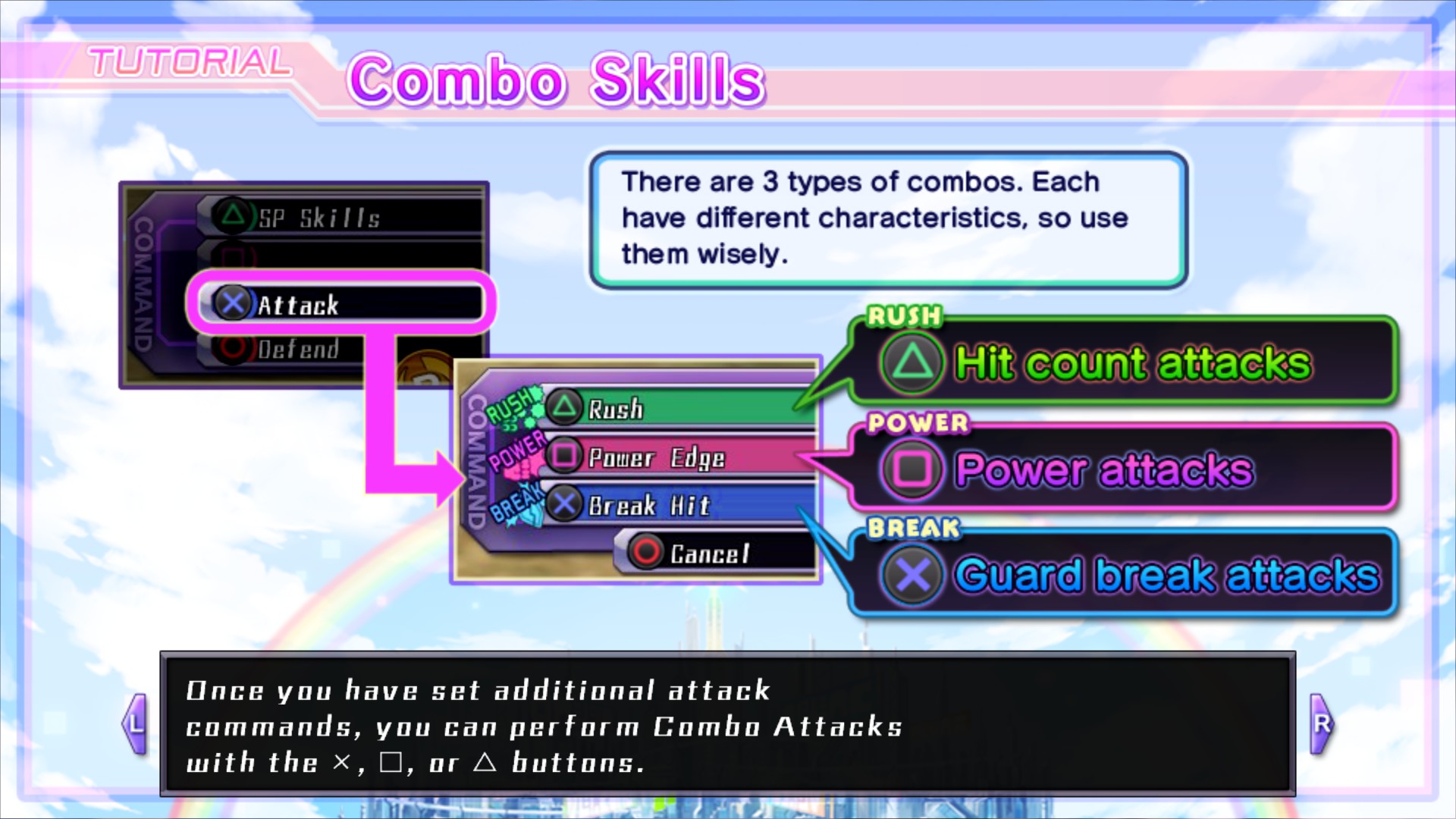
Break color changed from red to blue.
Font bring back from Playstation Vita.
Space between some options.
Description going way to far from the screen.
Break color
As I said above, Break is red because of the Circle button. But as you know the button used for Break is Cross.
So why Circle?
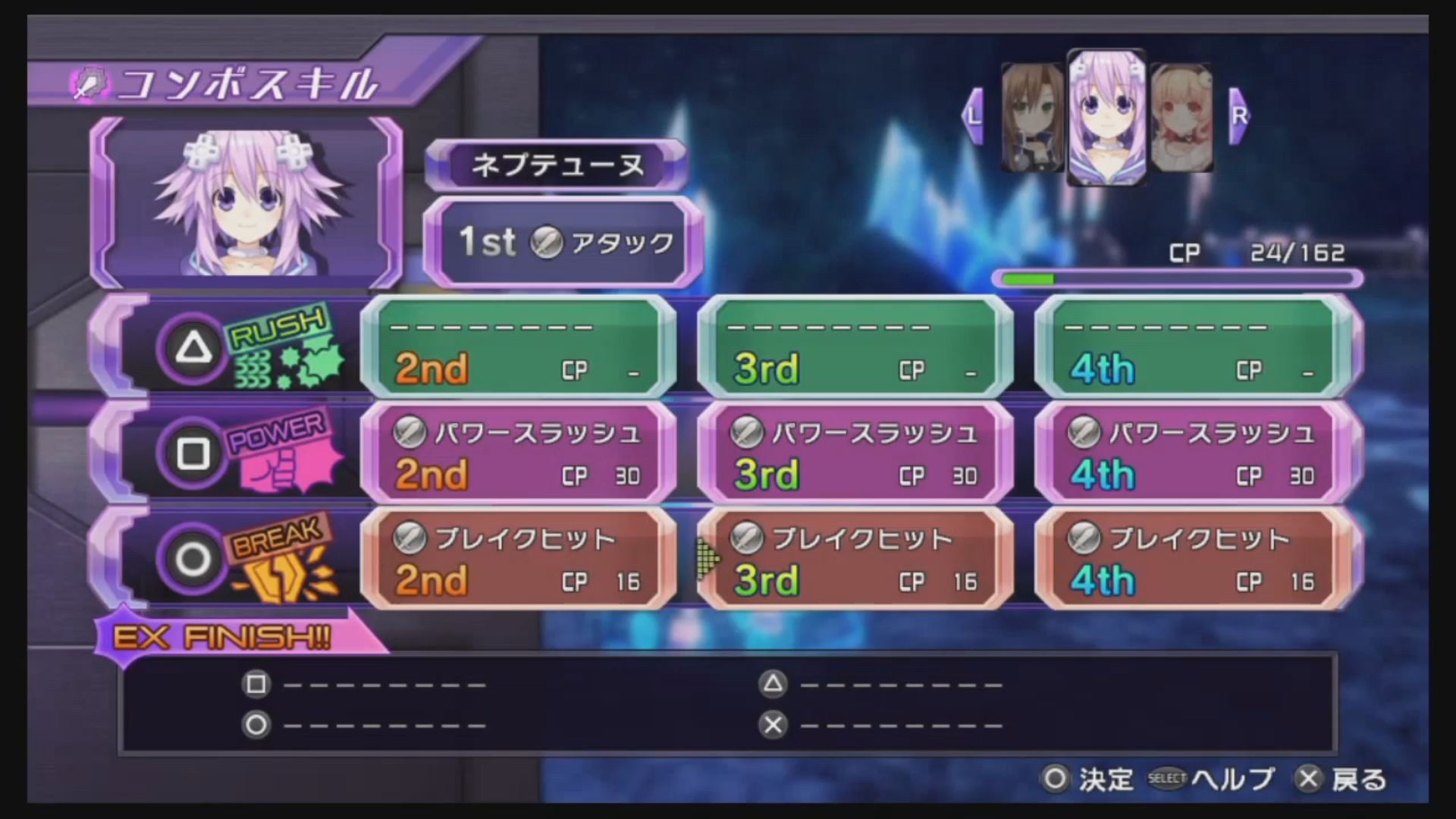
Japanese controls are different. While for us Cross is used to valid an action and Circle to cancel one. For the Japanese, it’s the contrary, Circle is used to valid an action and Cross to cancel one.
Here’s a screenshot of the Japanese version:
Since for us it’s the Cross button, Break should have changed color but they didn’t bother. Funny thing, they remarked that in Victory II since the color is correct.
Break changed to blue:
Old version:
New version (February 1st 2019):
Font
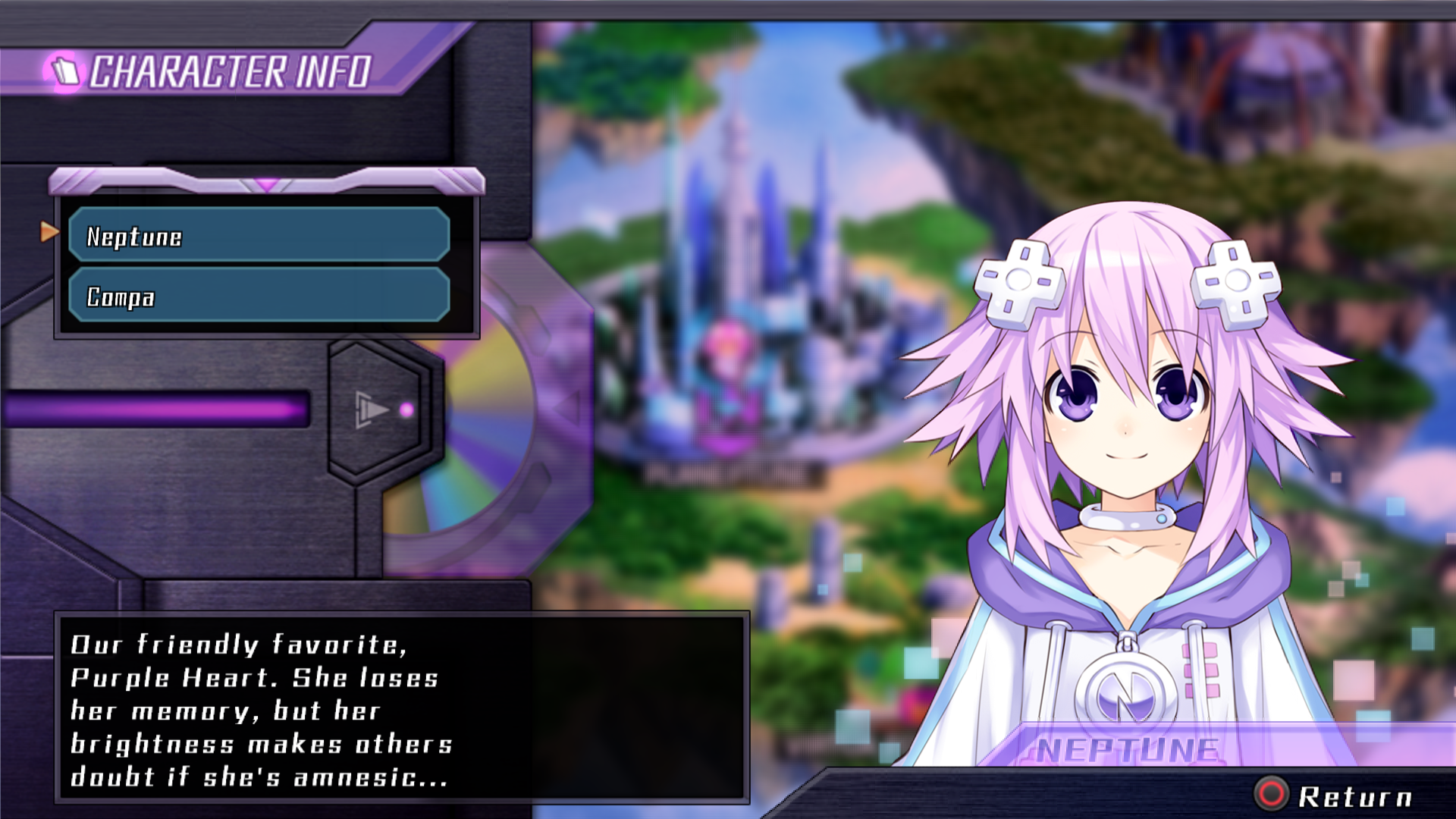
A font was ditched for the PC port.
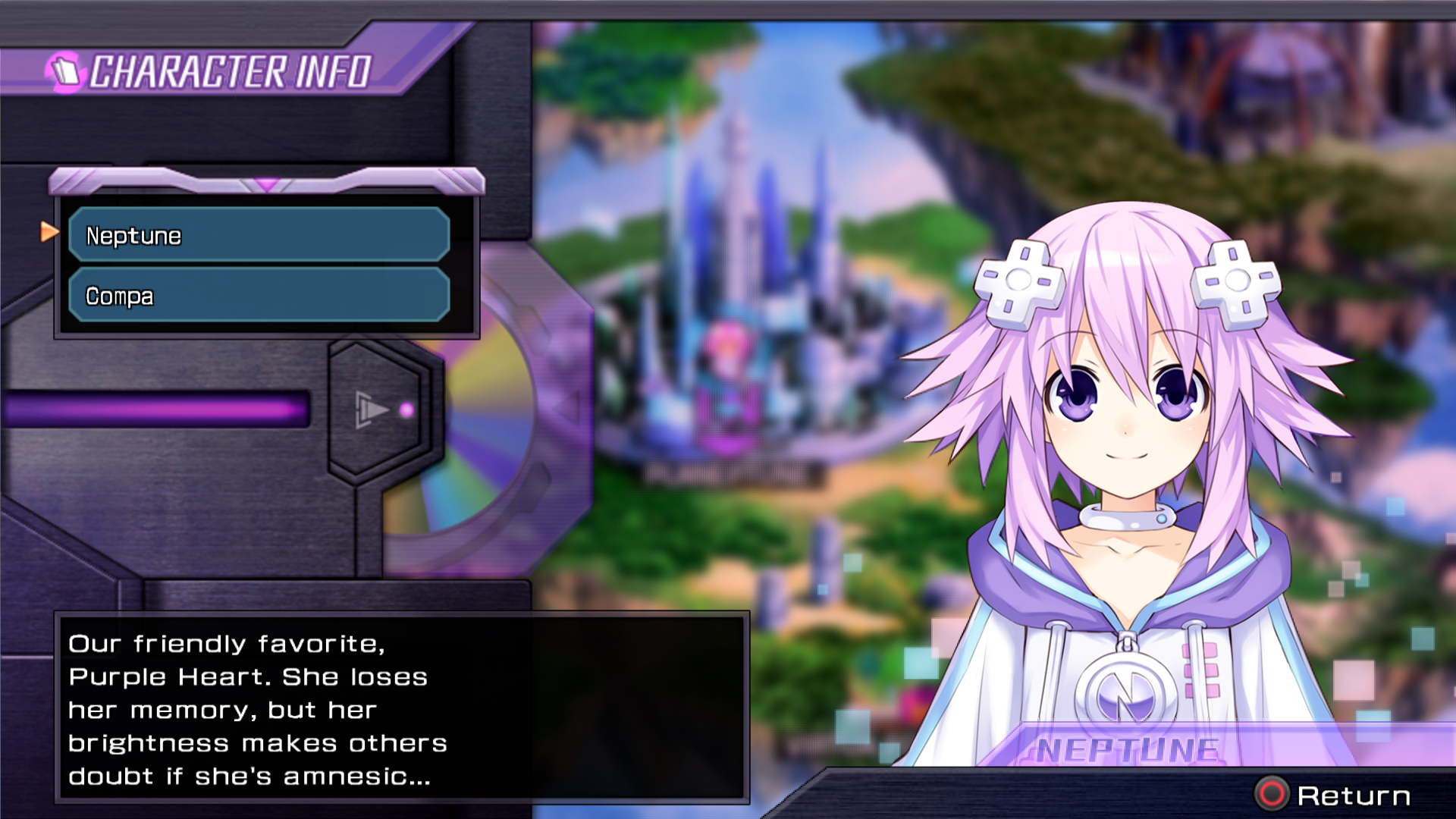
Default:
Font from Playstation Vita:
Space
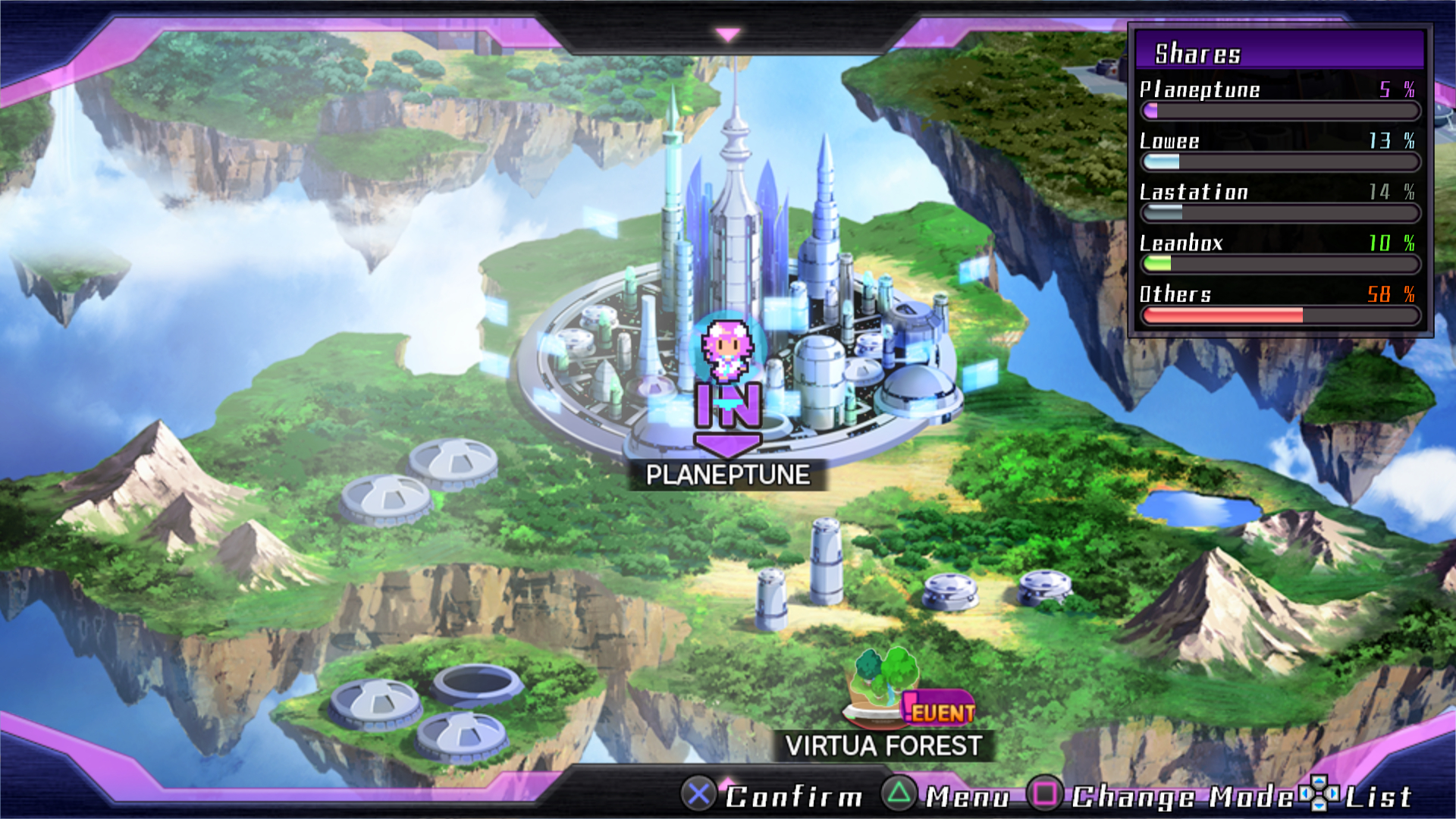
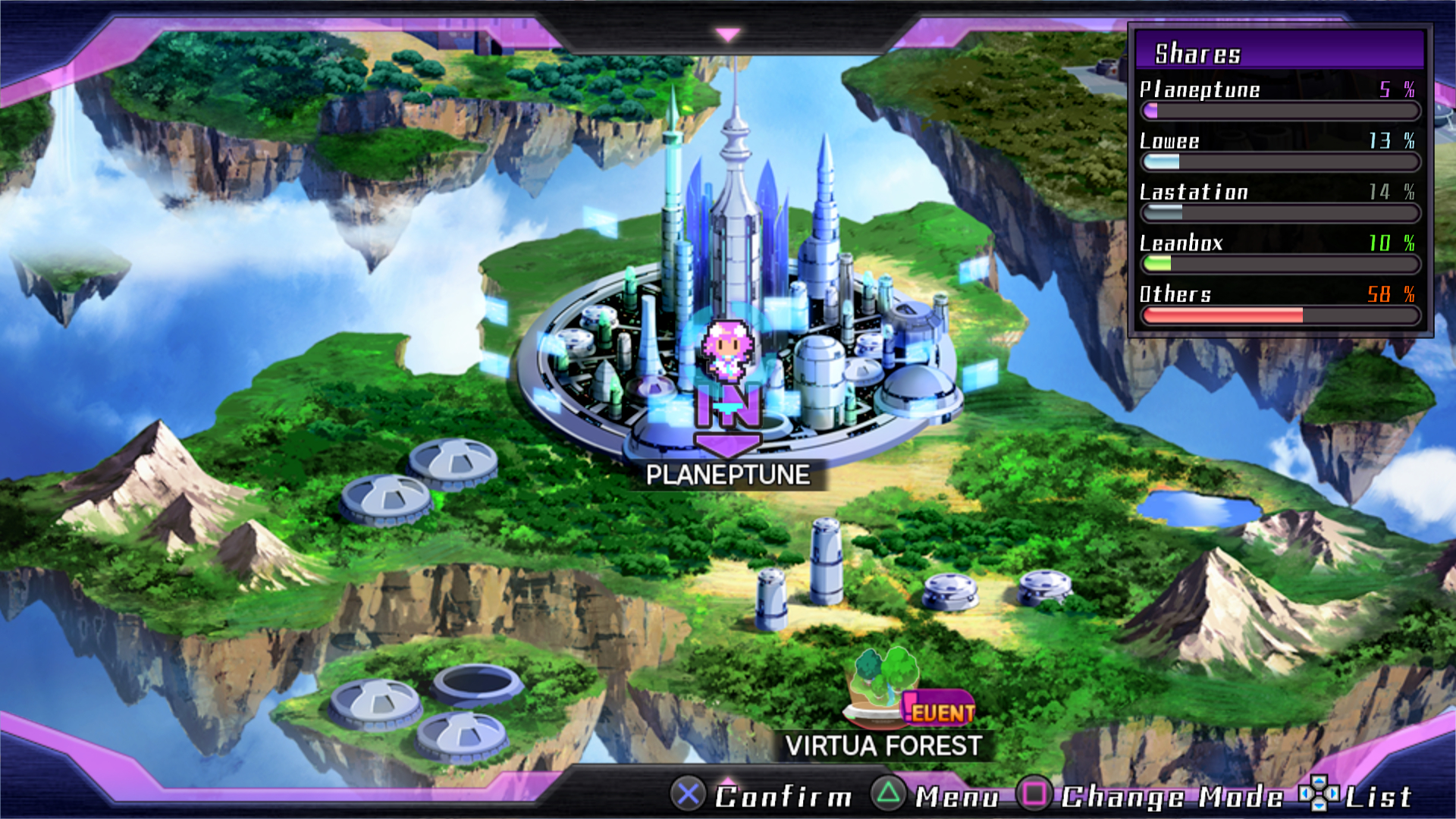
Some options didn’t have space and were way to close from the other.
As an example, look at Change Mode.
Before:
After:
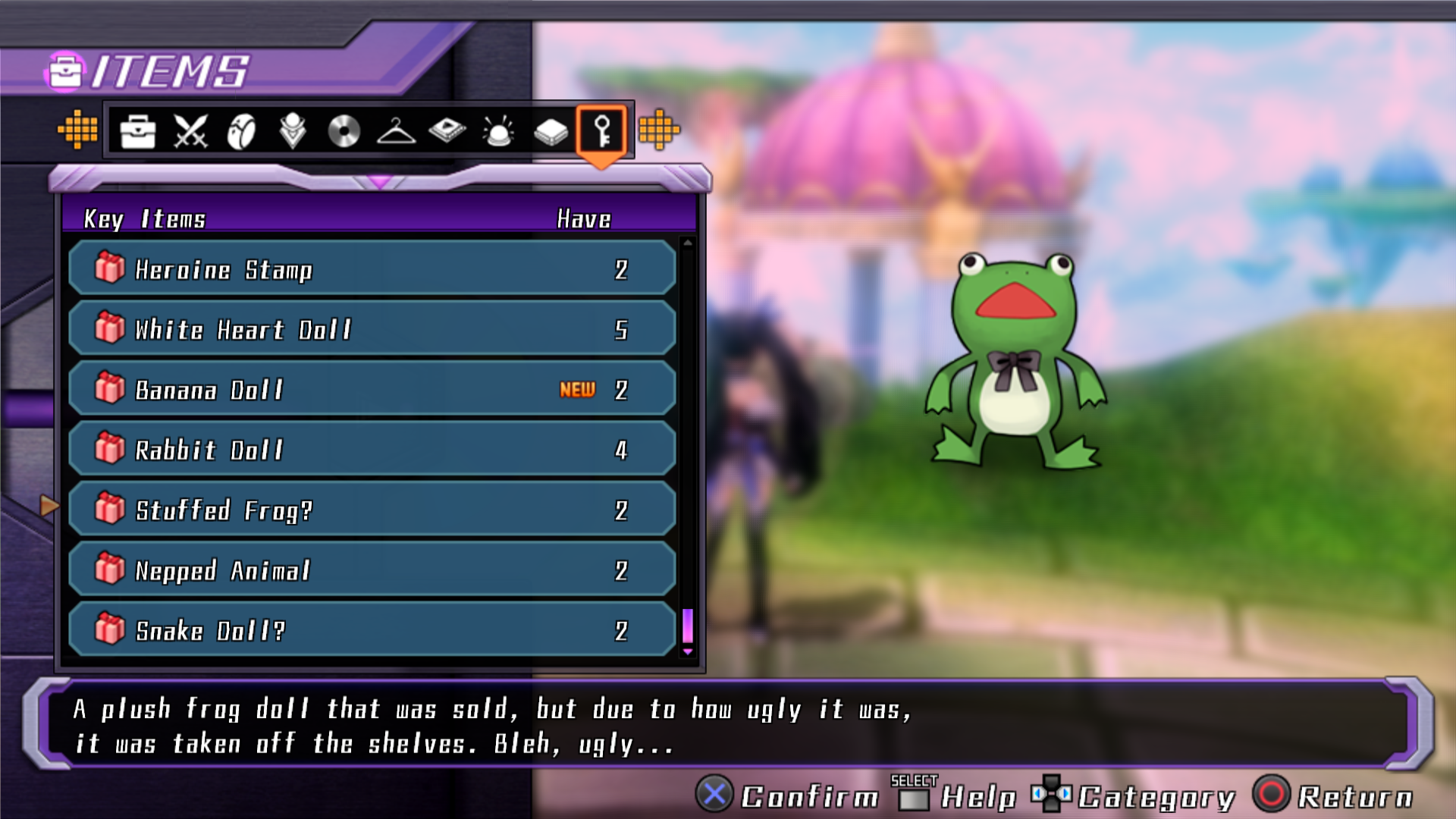
Description
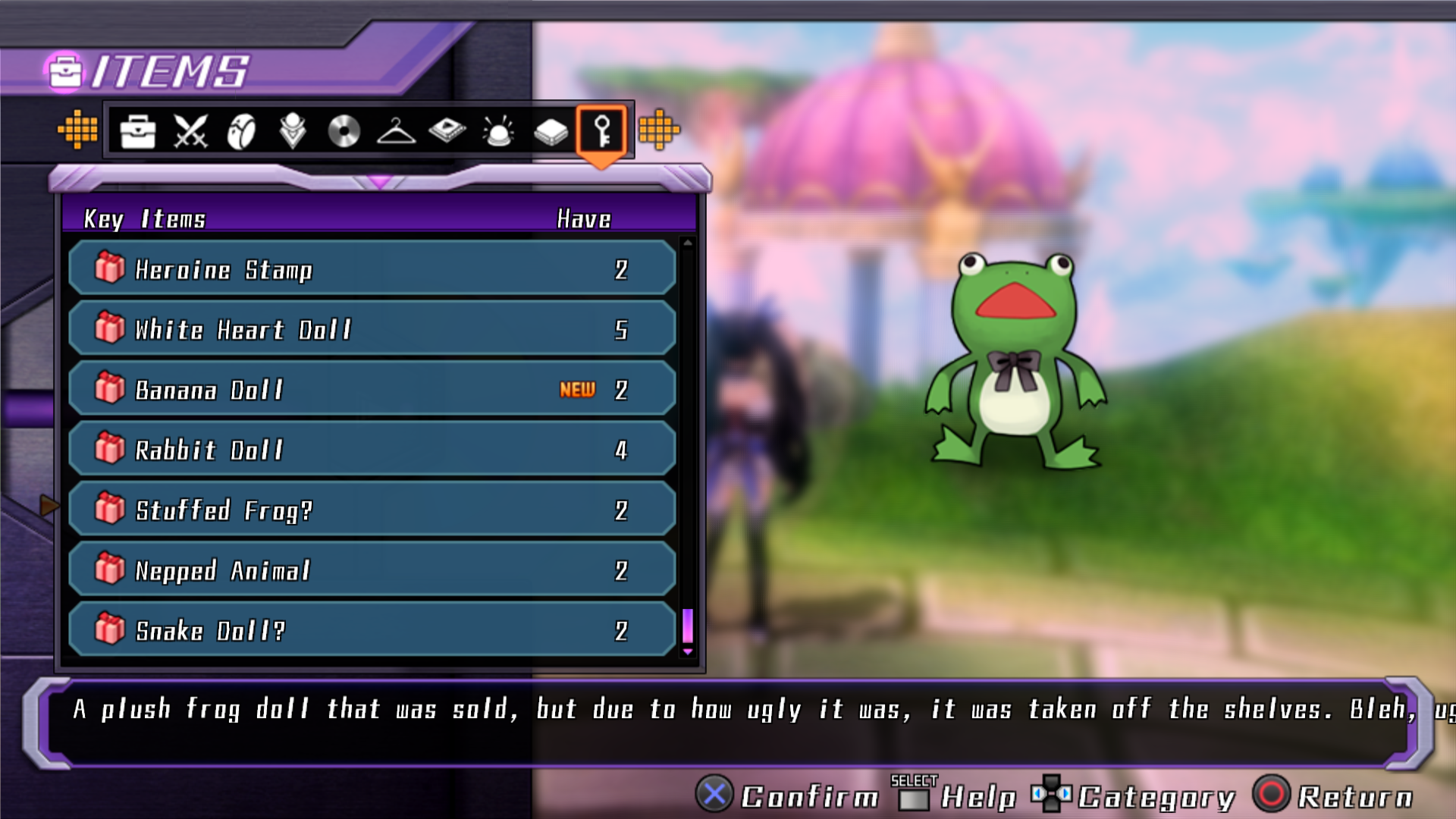
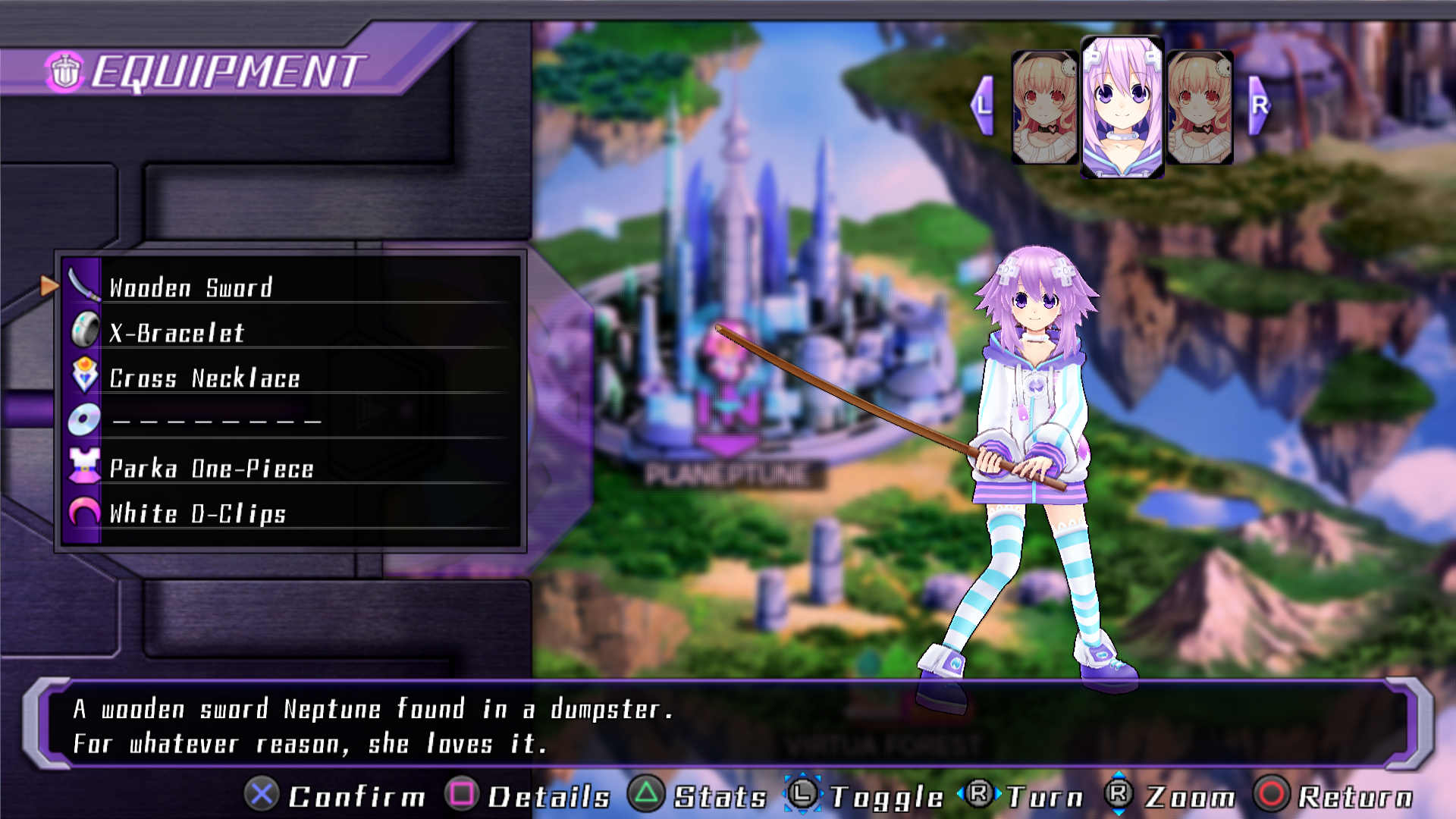
The description of some objects couldn’t be read entirely.
Before:
After:
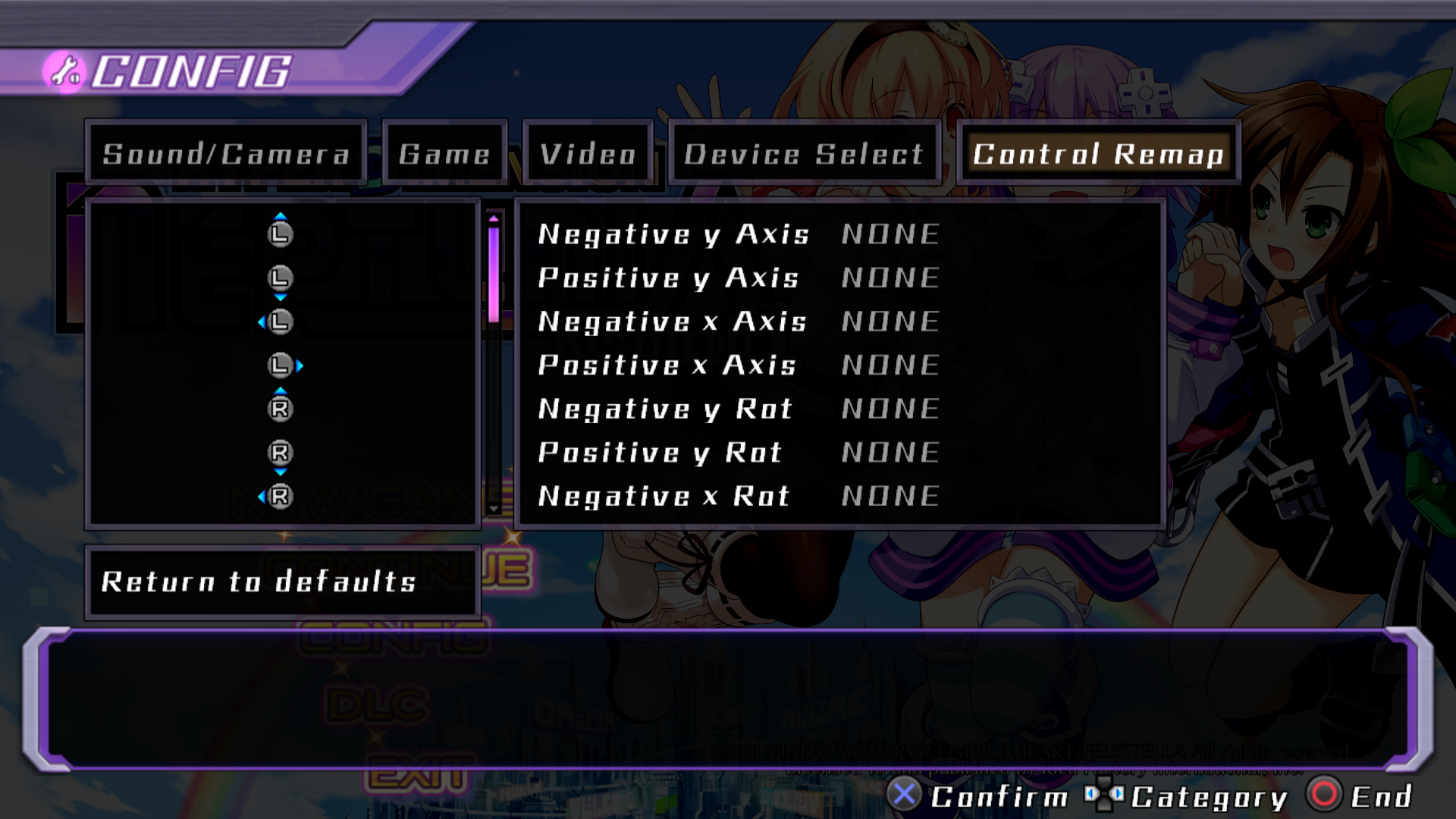
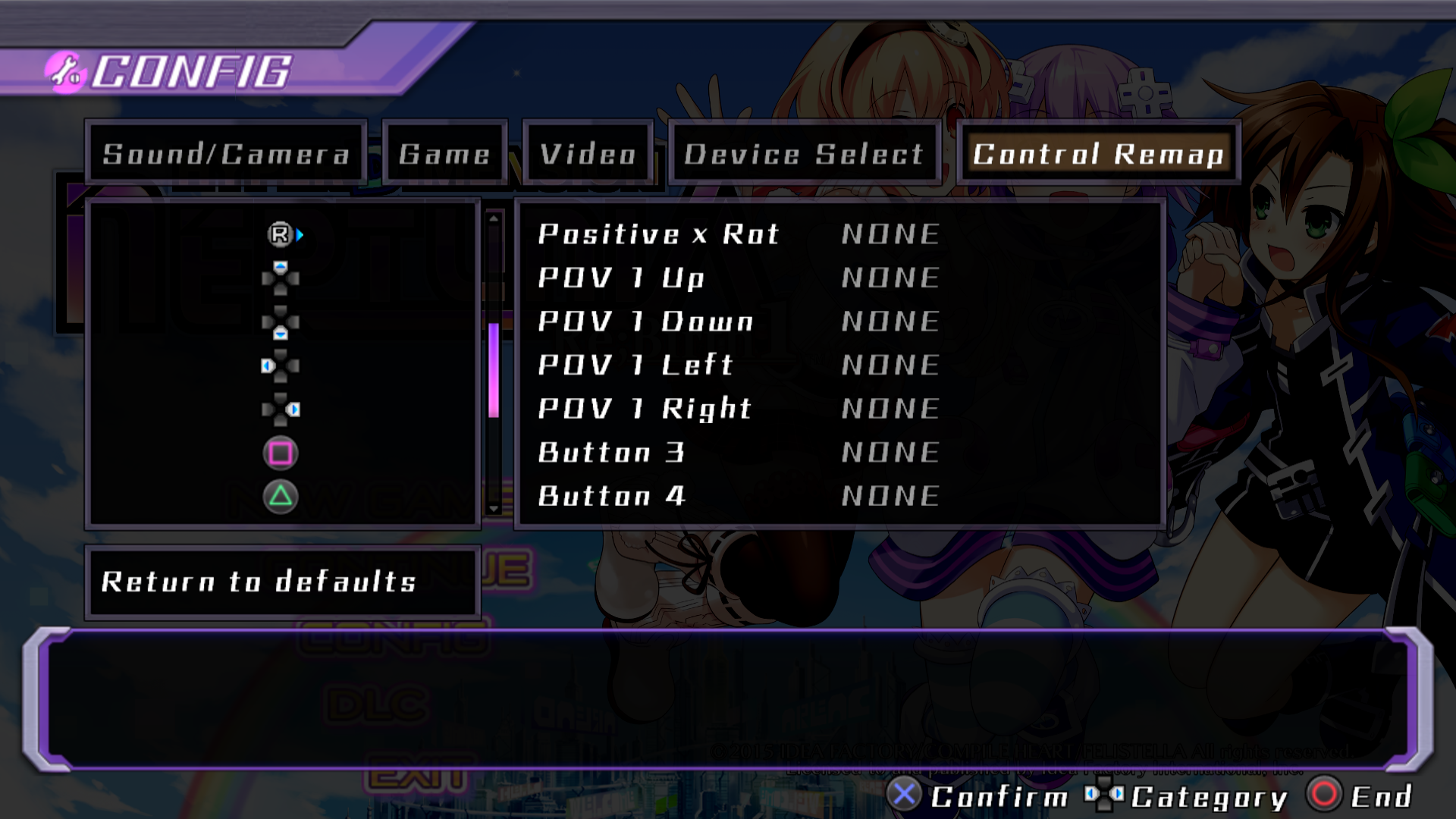
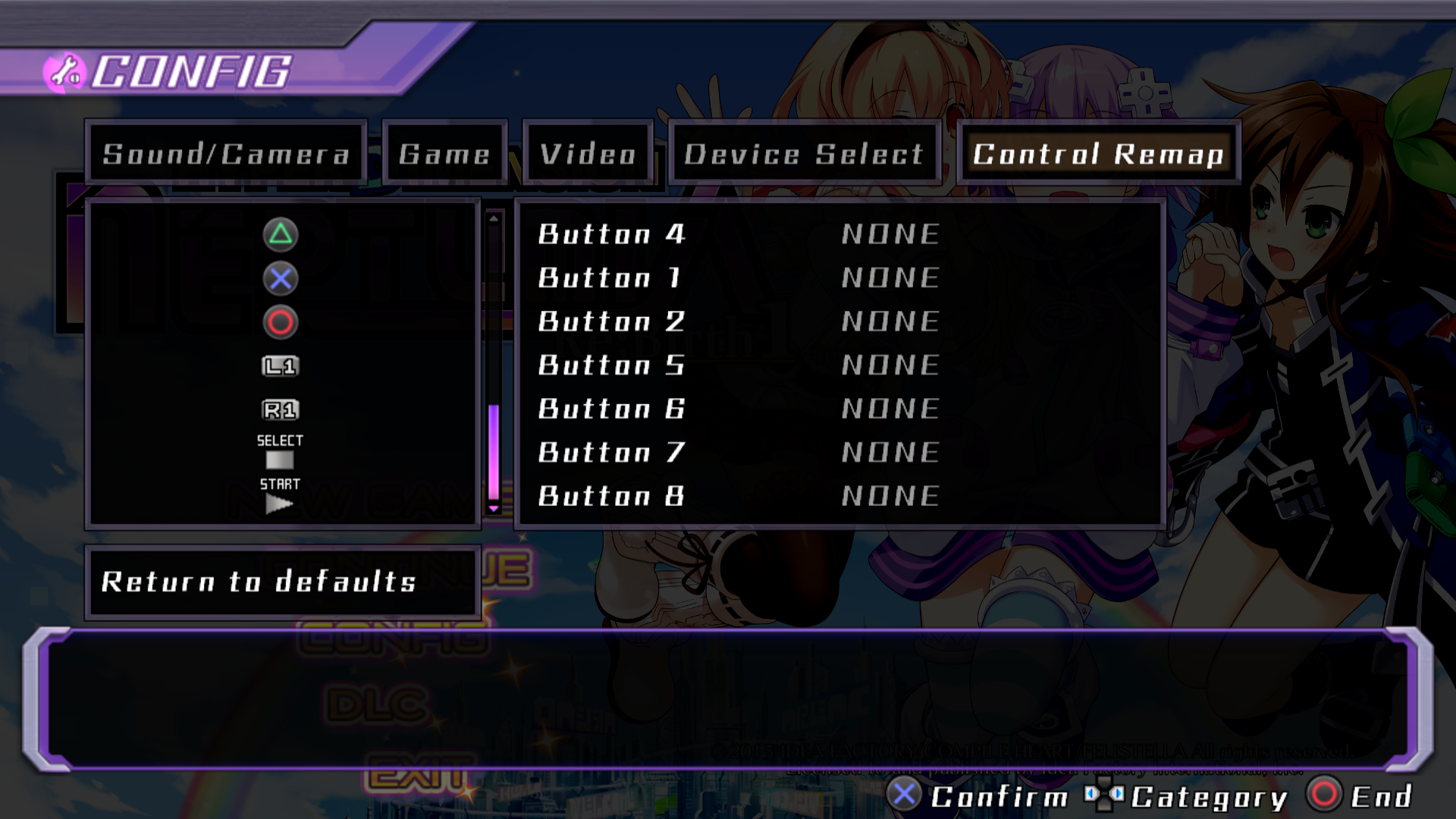
Screenshots
Control remap:


Tutorials:
Old version:
New version (February 1st 2019):
Old version:
New version (February 1st 2019):
Old version:
New version (February 1st 2019):
Old version:
New version (February 1st 2019):


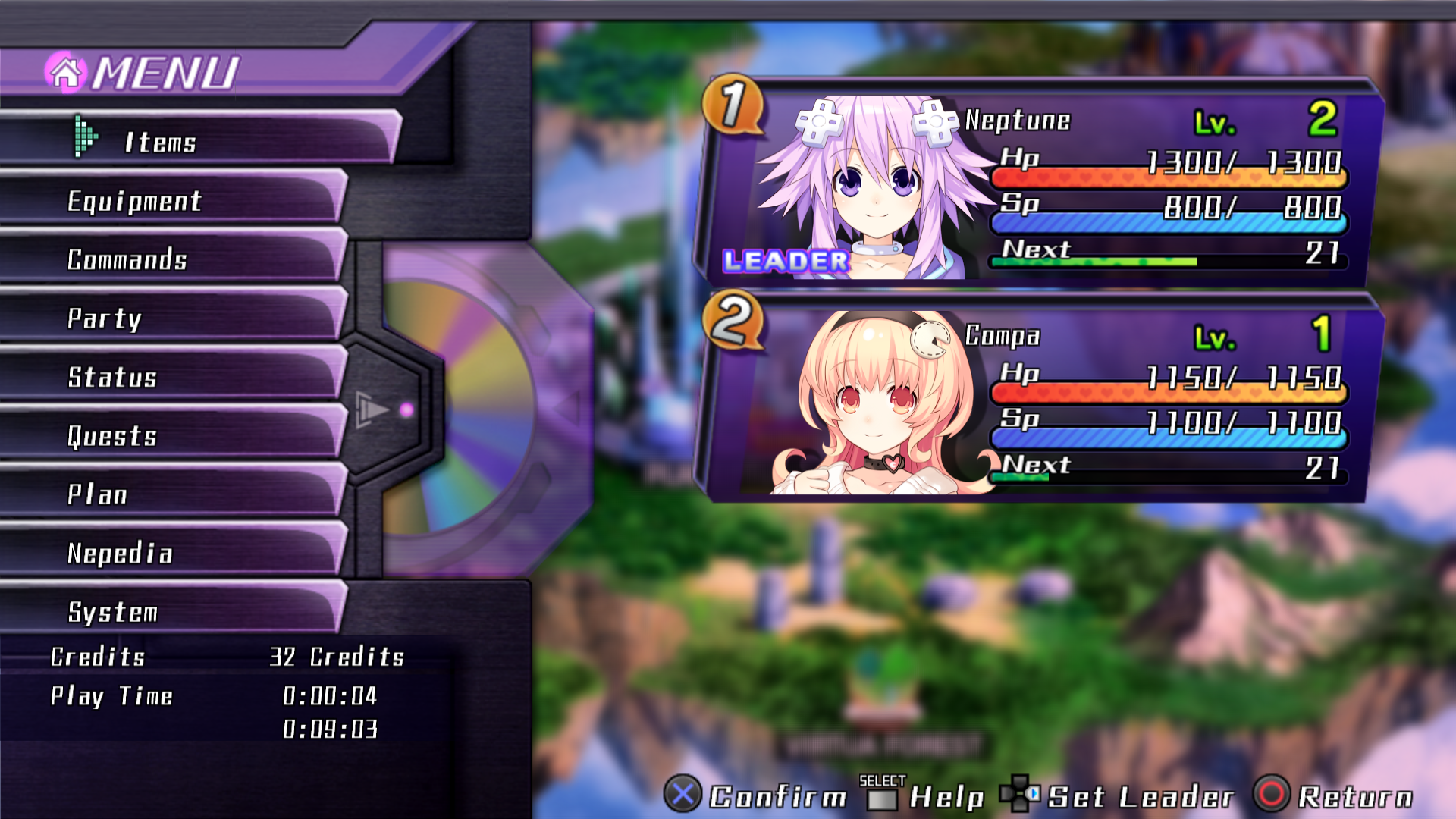
Menu:


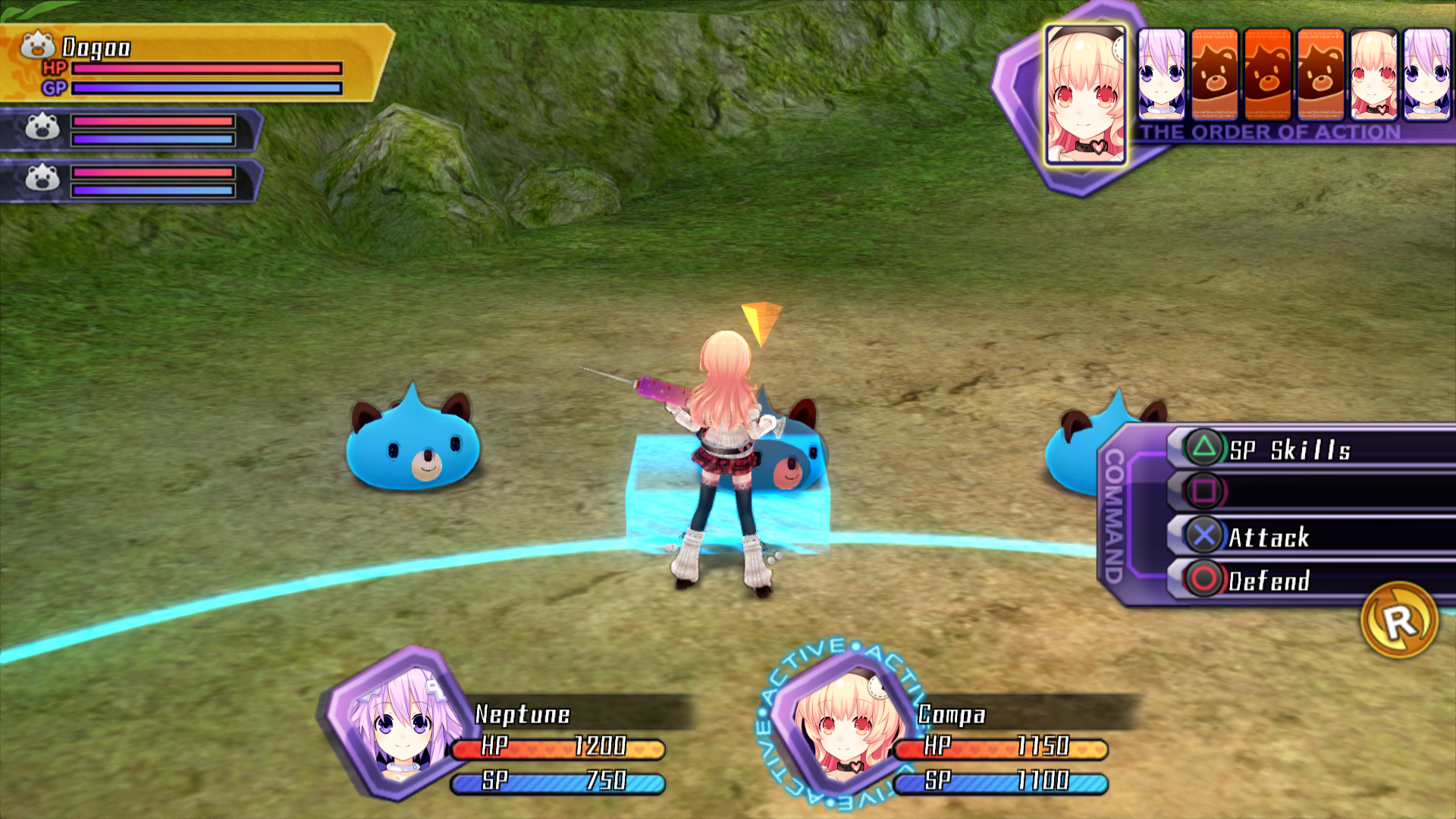
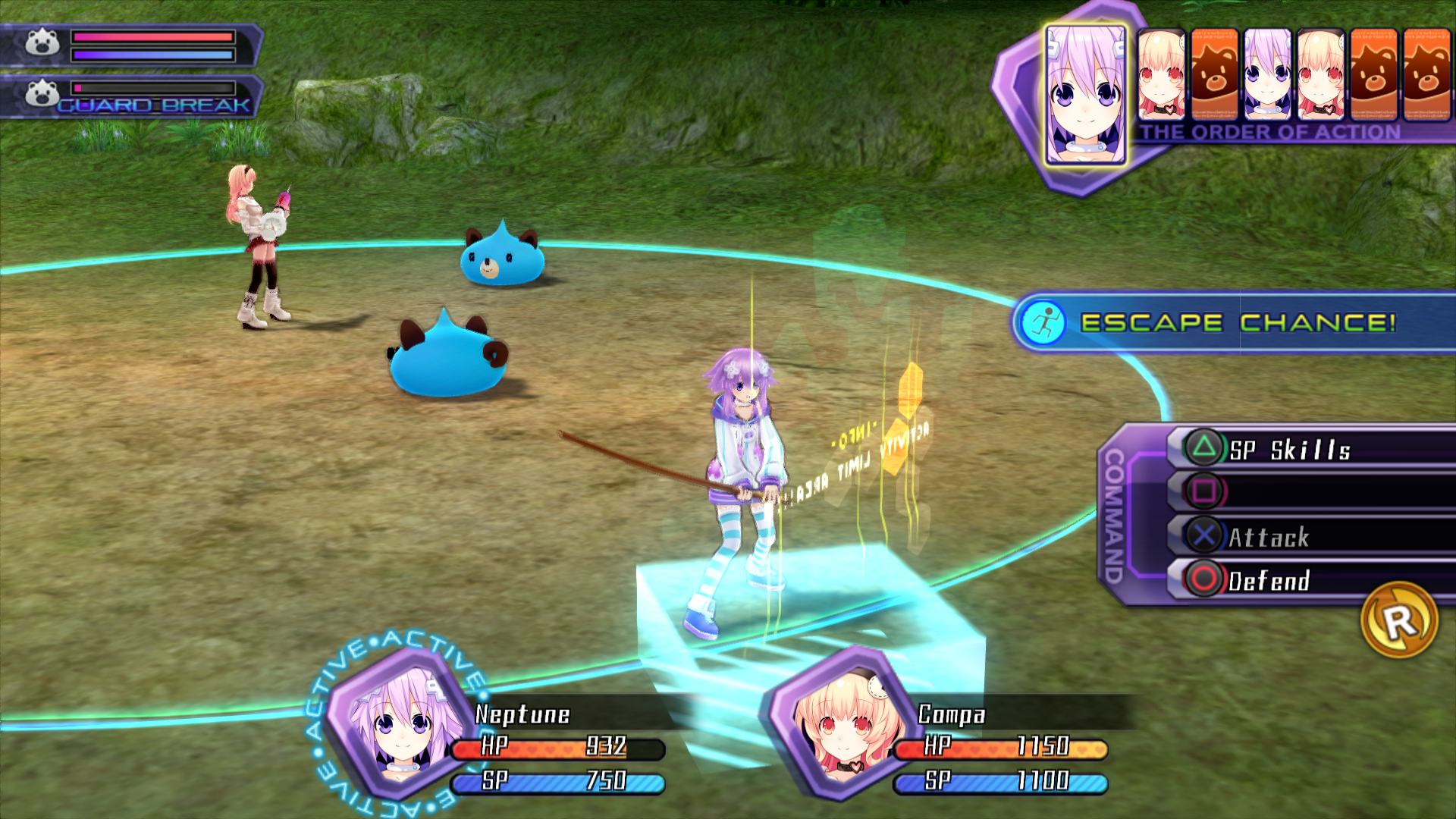
Battle:
Old version:
New version (February 1st 2019):
How to install?
You need Neptools[pastebin.com].
After installing Neptools, you just have to drag and drop my content.
Update
September 10th 2018:
Compatible with Colosseum + Characters DLC if you have it.

February 1st 2019:
All tutorials have been edited with PS3 controls.
Break color has been reajusted.
(New screenshots shows the difference between the old and new version)

May 19th 2019:
Compatible with the last game updates and Uzume's DLC.
Download
Playstation Re;Birth1[pastebin.com]
10 条留言
Mugetsuga  [作者] 2020 年 11 月 2 日 上午 11:24 
I don't know.
MTgamer25 2020 年 11 月 1 日 下午 7:30 
Do you know what's the actual name of the font? It's also used in mk2 and the SISTER GENERATIONS subtitle of Re;Birth2.
Mugetsuga  [作者] 2019 年 4 月 9 日 上午 11:06 
That's a false positive.
Daslim Linol 2019 年 4 月 8 日 下午 11:01 
Neptools is being detected as malware by ESET. Anyone else having this problem?
William 2018 年 9 月 12 日 下午 12:09 
yay <3
Mugetsuga  [作者] 2018 年 9 月 12 日 上午 11:59 
It's compatible with all of them.
William 2018 年 9 月 12 日 上午 11:54 
is this mod compatible with all of the DLCs or only the one that's mentioned in the "update" section of this thread?
ProPyro 2018 年 6 月 7 日 上午 10:33 
Sweet, thanks a lot.
Mugetsuga  [作者] 2018 年 6 月 7 日 上午 9:45 
You can. In the data folder, remove the game folder. In the system folder, remove the global and window folder. And in the database folder, keep only the stitem.gbin.
ProPyro 2018 年 6 月 6 日 下午 11:12 
I like that this fixes item descriptions that don't fit in the boxes, but will I be able to leave my Xbox controller button icons as they are?