



安装 Steam
登录
|
语言
繁體中文(繁体中文)
日本語(日语)
한국어(韩语)
ไทย(泰语)
български(保加利亚语)
Čeština(捷克语)
Dansk(丹麦语)
Deutsch(德语)
English(英语)
Español-España(西班牙语 - 西班牙)
Español - Latinoamérica(西班牙语 - 拉丁美洲)
Ελληνικά(希腊语)
Français(法语)
Italiano(意大利语)
Bahasa Indonesia(印度尼西亚语)
Magyar(匈牙利语)
Nederlands(荷兰语)
Norsk(挪威语)
Polski(波兰语)
Português(葡萄牙语 - 葡萄牙)
Português-Brasil(葡萄牙语 - 巴西)
Română(罗马尼亚语)
Русский(俄语)
Suomi(芬兰语)
Svenska(瑞典语)
Türkçe(土耳其语)
Tiếng Việt(越南语)
Українська(乌克兰语)
报告翻译问题


 Hello!

 Hey everyone,
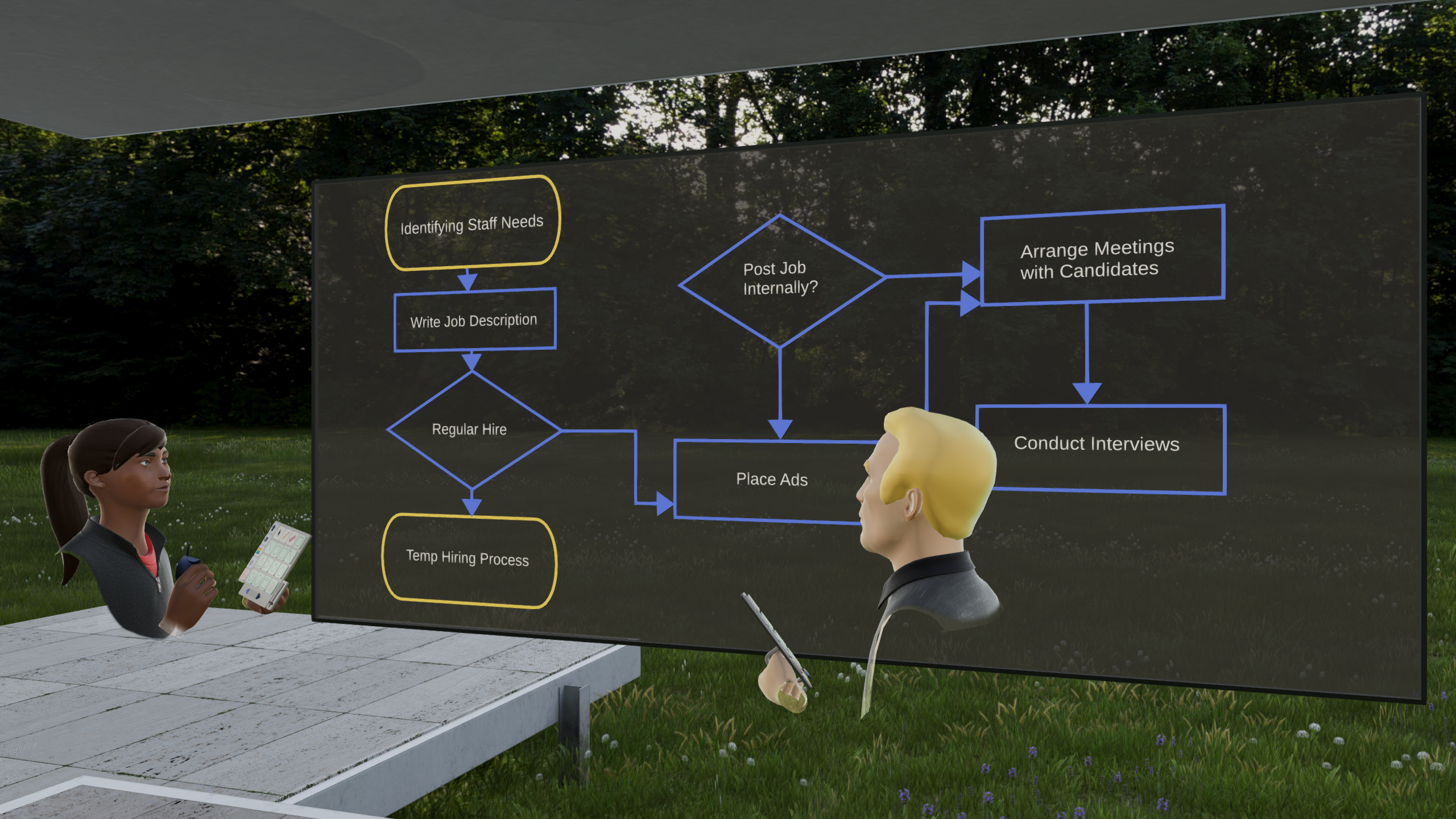
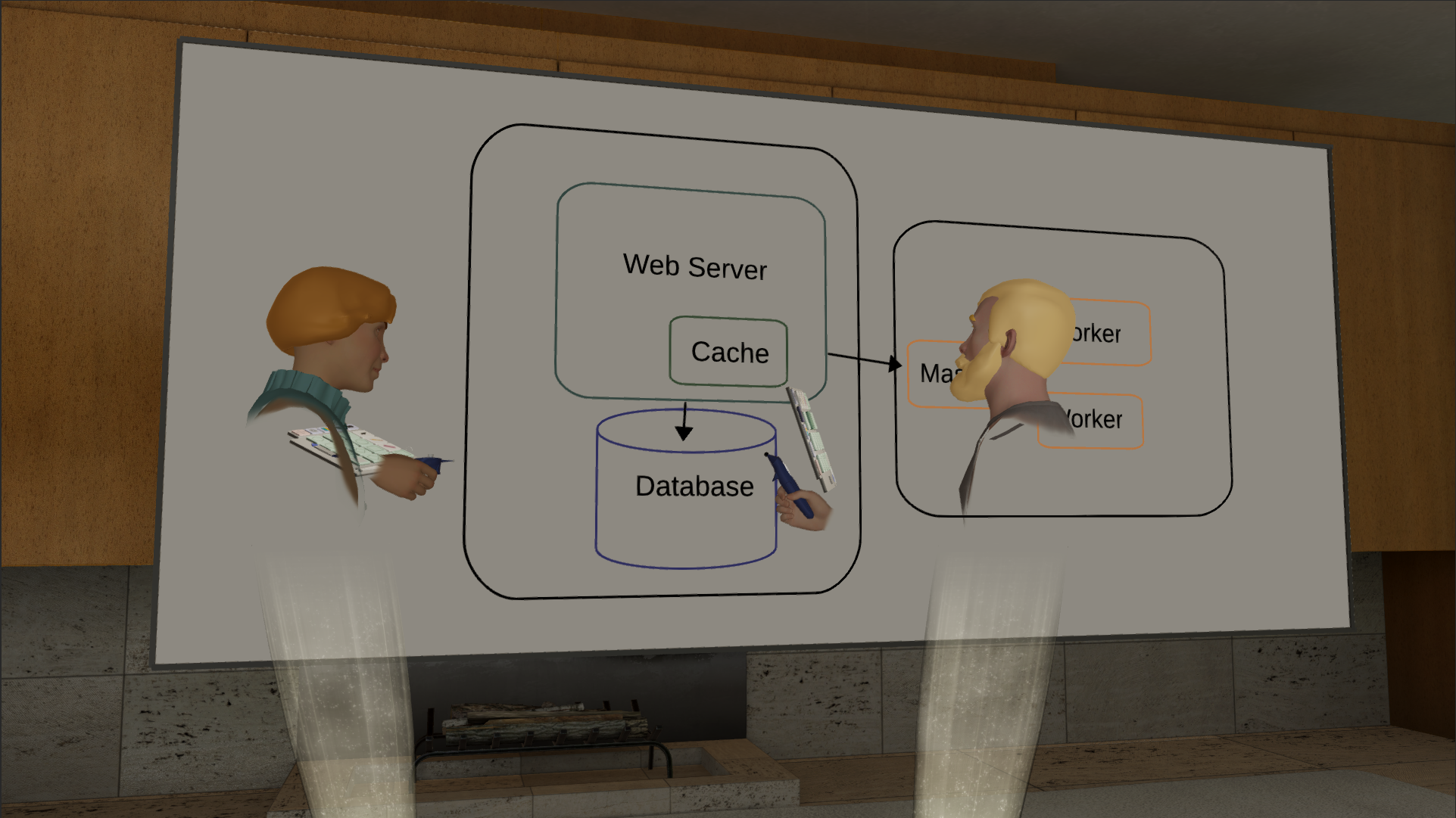
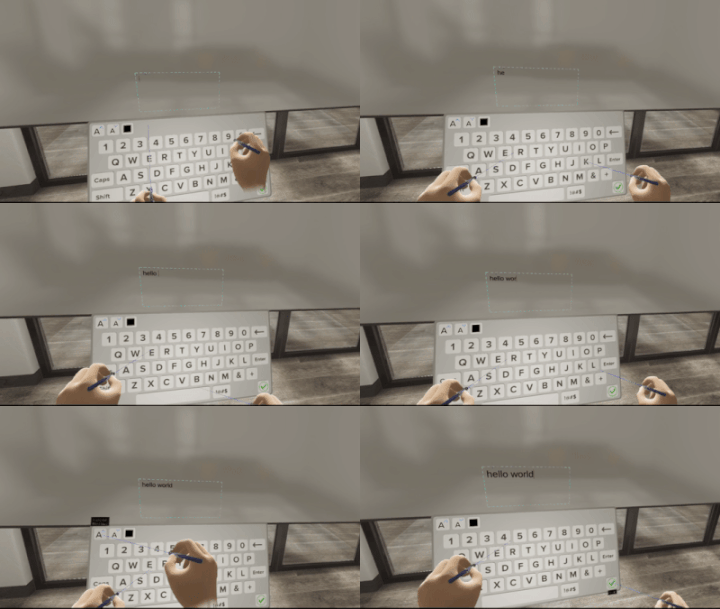
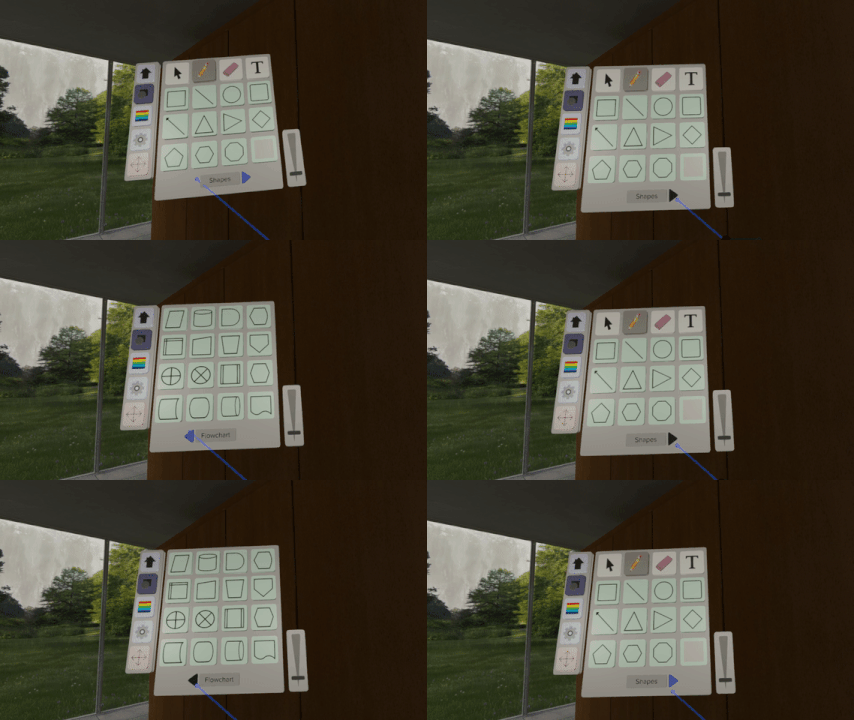 The shapes menu now includes 18 additional shapes, with a whole new page dedicated to shapes for flow diagrams. The newly added selection tool will now let you select shapes that have been drawn and move and resize those shapes, either as a group or single shapes. The new text tool will bring up a virtual keyboard and let you type using laser pointers. Text will be added to the drawing board and the font size can be increased / decreased or font color changed with a set of buttons at the top of the keyboard.
 There are number of performance improvements as well, most notably the load time for the winter scene.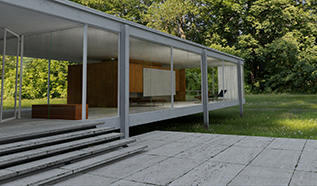
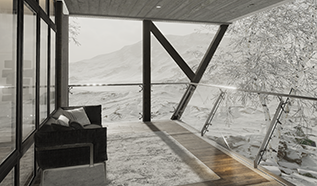 There are 2 beautiful new environments to work in: Summer and Winter. Easily toggle between each environment and load any drawings or diagrams you've done and continue working.
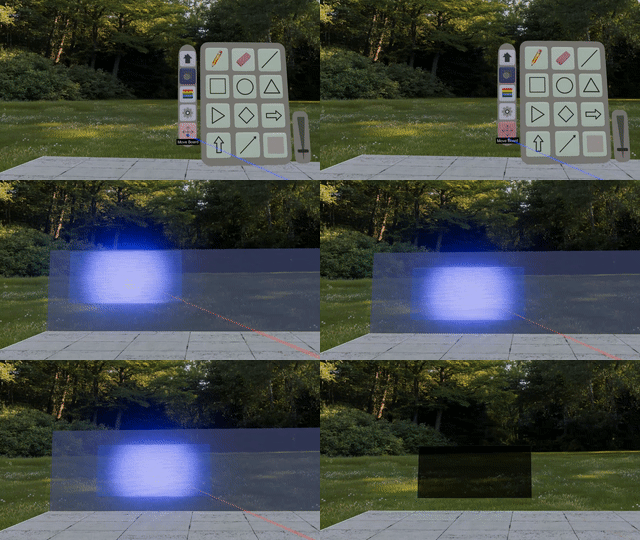 The tool panel now has a 'Move Board' button that when pressed lets you move the board around the environment and place it on a wall of your choice. If you feel like working outside, take your board and work and move it all with you.
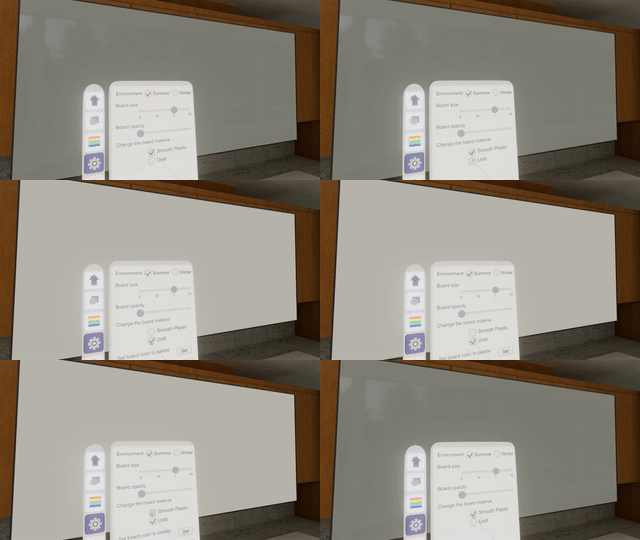 A new 'Smooth Plastic' material becomes the default material. It has a nice smooth feel, while partially reflecting the environment behind you. If you prefer not to have any reflection, there is the 'Unlit' board material. You can also vary the opacity of the board to have a see-through glass feel. With the 'Unlit' board material, you can also change the color.
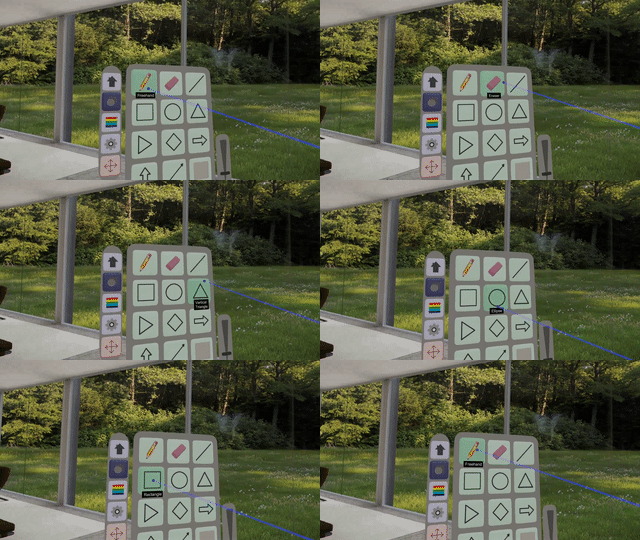 The tool panel has been completely re-modelled and has 3D buttons that pop out as you hover over them. A laser pointer and cursor help you navigate through different options.

 载入中
载入中

