



安装 Steam
登录
|
语言
繁體中文(繁体中文)
日本語(日语)
한국어(韩语)
ไทย(泰语)
български(保加利亚语)
Čeština(捷克语)
Dansk(丹麦语)
Deutsch(德语)
English(英语)
Español-España(西班牙语 - 西班牙)
Español - Latinoamérica(西班牙语 - 拉丁美洲)
Ελληνικά(希腊语)
Français(法语)
Italiano(意大利语)
Bahasa Indonesia(印度尼西亚语)
Magyar(匈牙利语)
Nederlands(荷兰语)
Norsk(挪威语)
Polski(波兰语)
Português(葡萄牙语 - 葡萄牙)
Português-Brasil(葡萄牙语 - 巴西)
Română(罗马尼亚语)
Русский(俄语)
Suomi(芬兰语)
Svenska(瑞典语)
Türkçe(土耳其语)
Tiếng Việt(越南语)
Українська(乌克兰语)
报告翻译问题

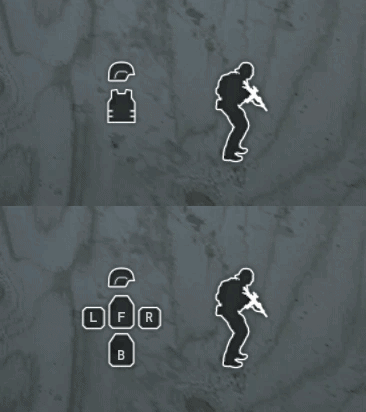 Some plate carriers — such as the JPC — can only carry front and back plates, in which case the 'L' and 'R' side plate icons are hidden from the HUD.
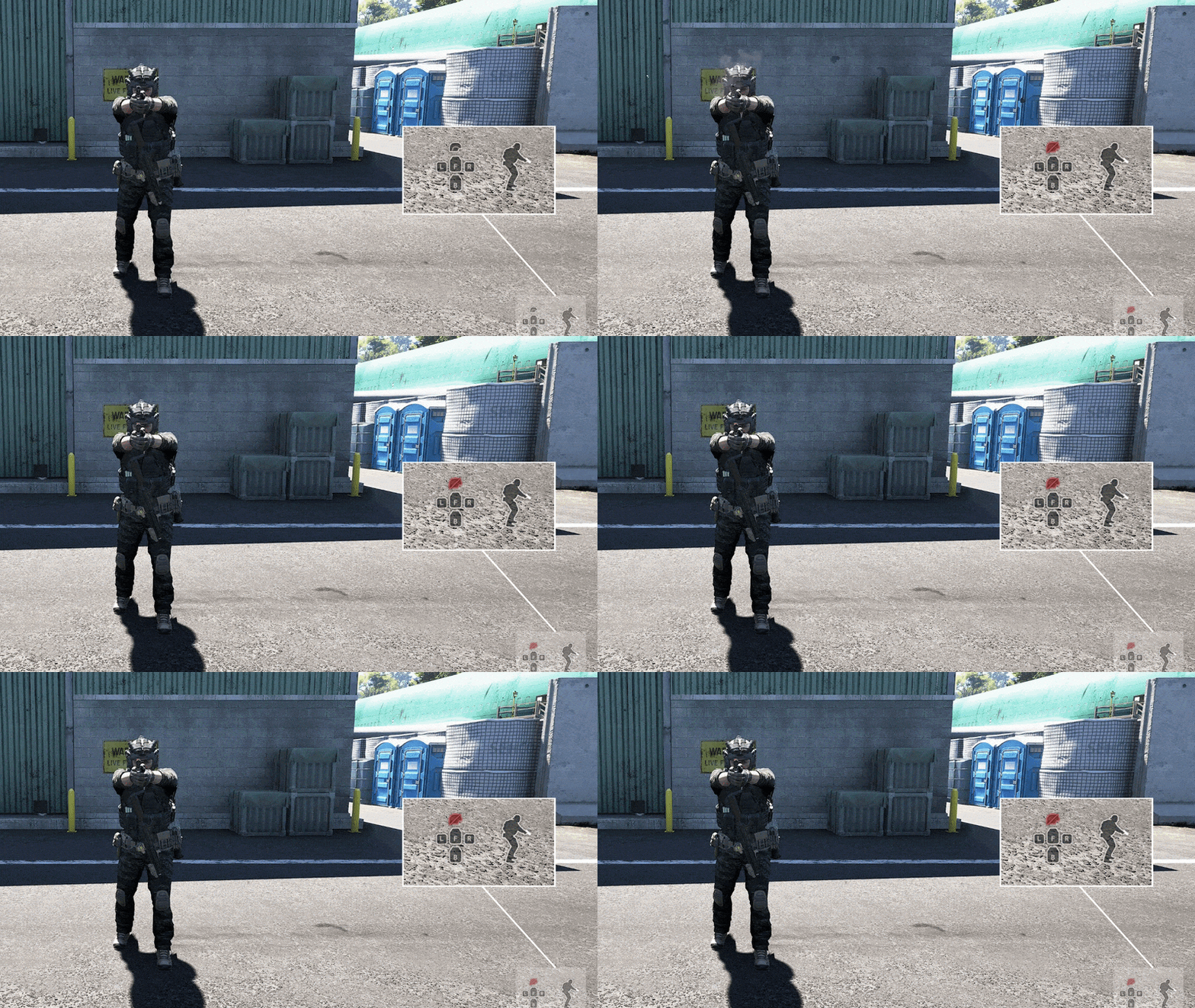 Example #1: The player is being shot in the helmet with a pistol at close range. (In most cases, helmets can only stop a few pistol rounds at most.) Notice how the HUD icon for the helmet turns red and is slashed out — meaning it is now no longer effective and any new shots will pass through.
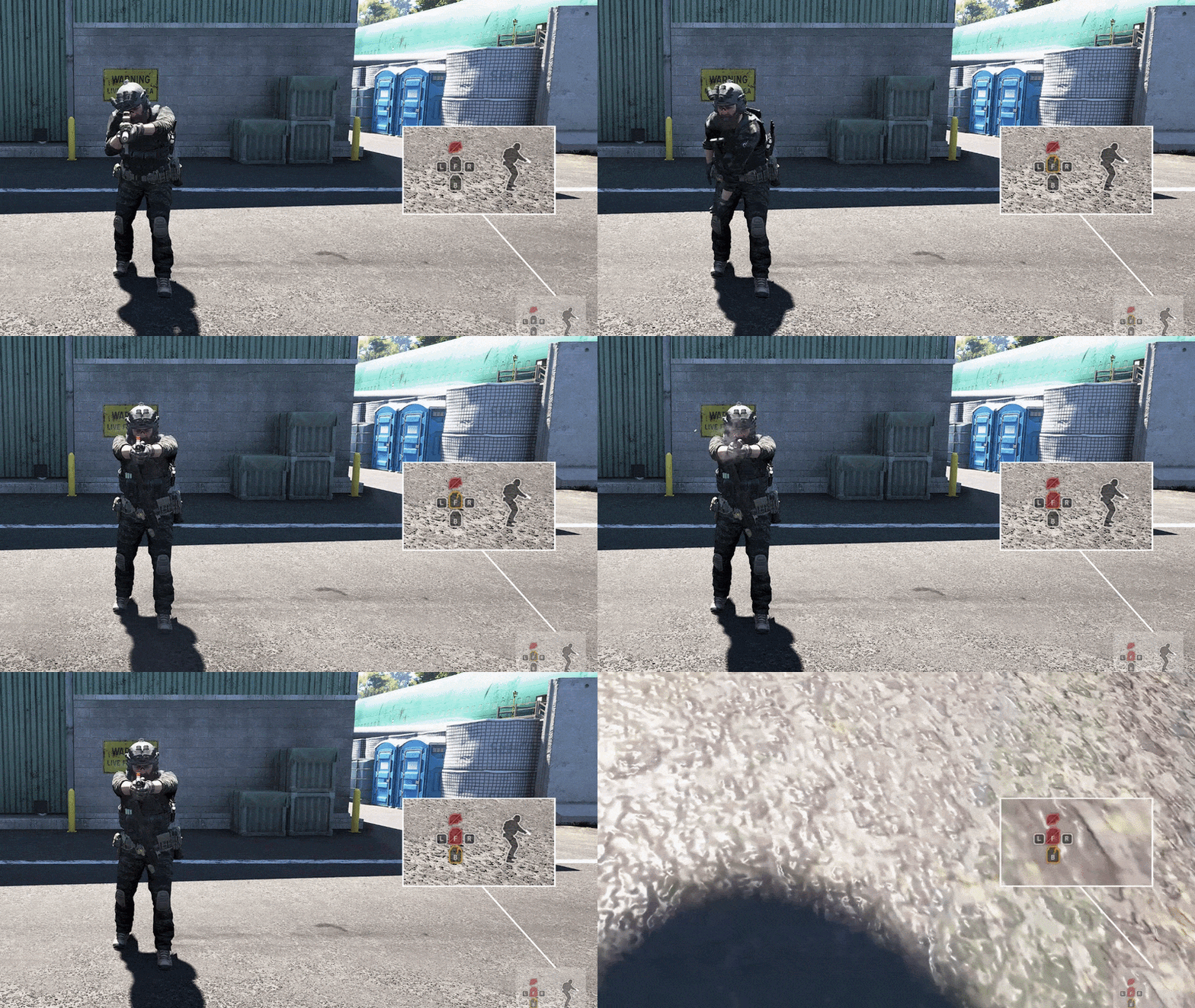 Example #2: The player is shot in the torso with a rifle while wearing a plate carrier. The front plate (represented by the plate icon with a 'F' on it) first becomes damaged (with the icon turning yellow and cracked) and is eventually broken (red/slashed out icon) by subsequent pistol shots. The next shot then hits the player, going through the torso and hitting the back plate (B).And that's what we have for you so far on the armor system! We hope to get the customization interface and other details rounded out in the upcoming weeks.
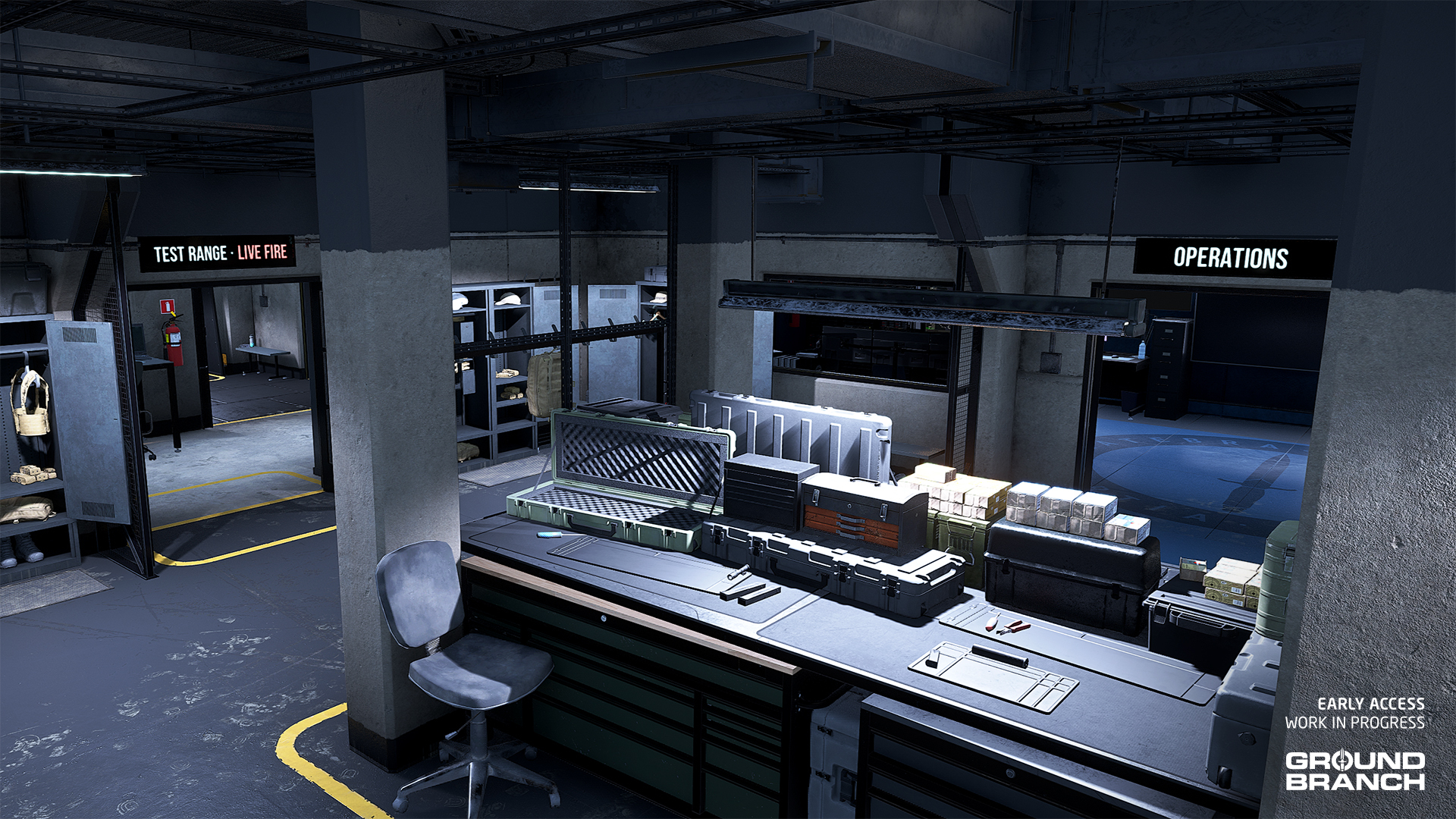
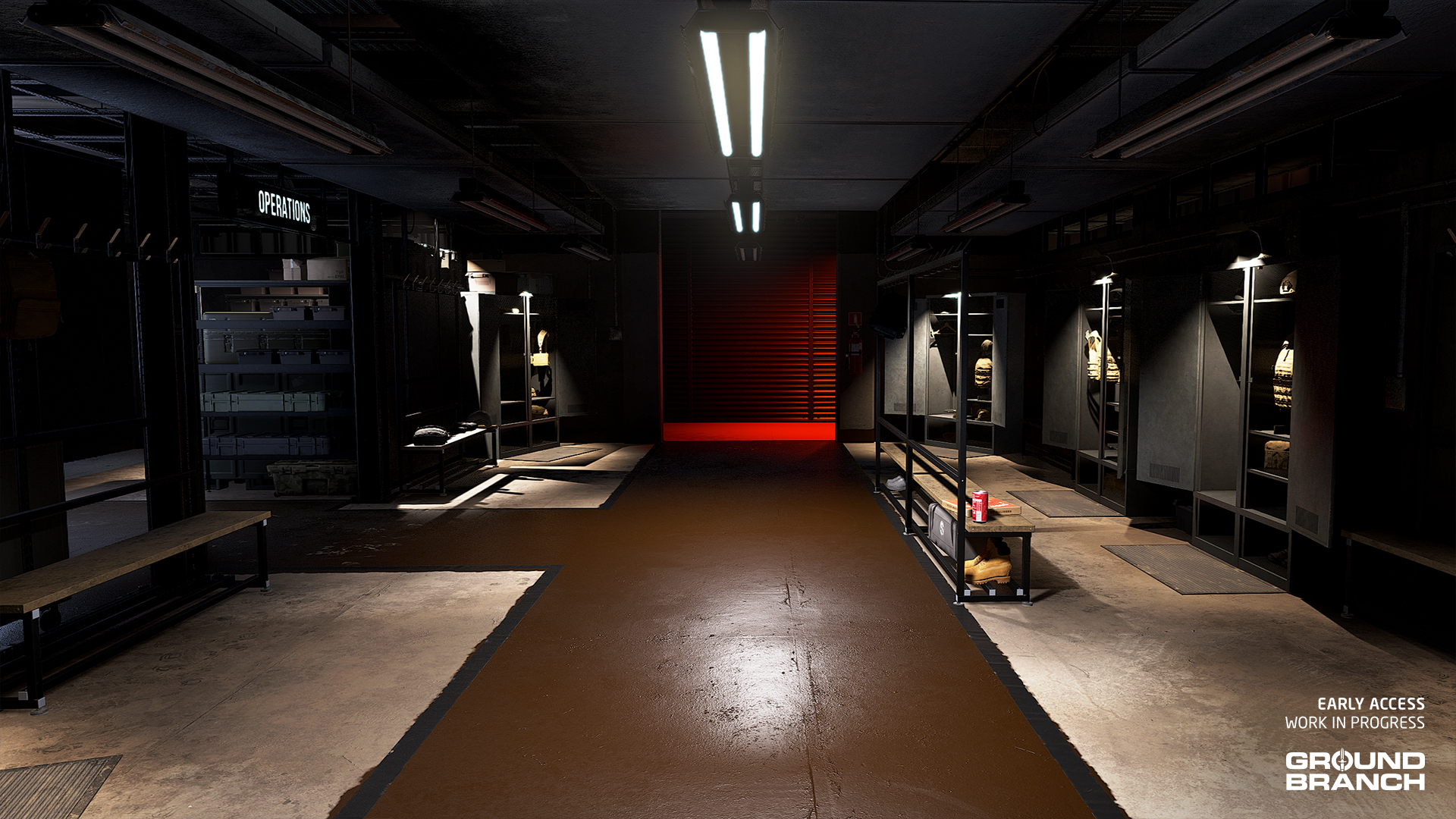
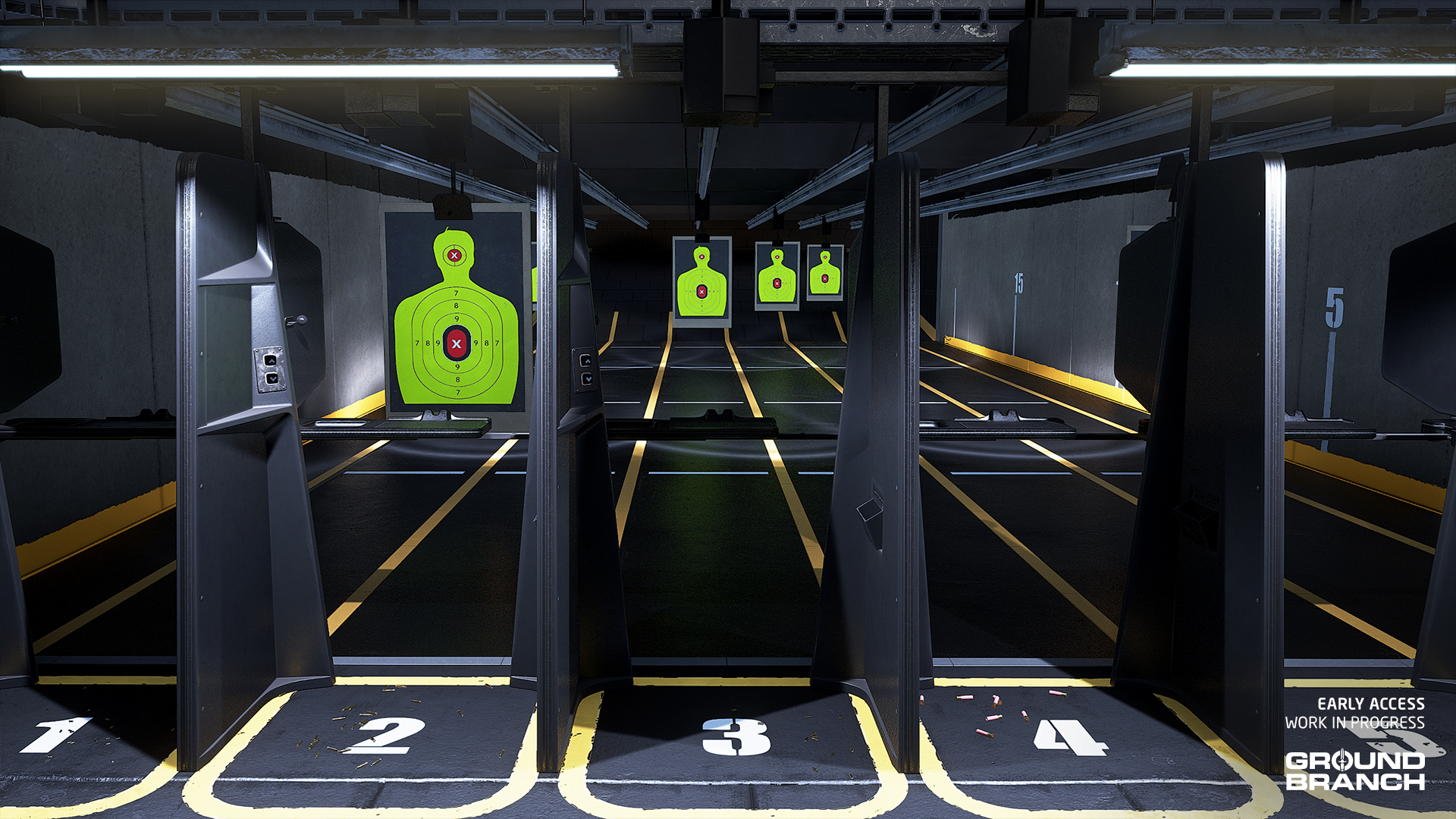 The room flow has also been simplified to allow players to quickly see both room entrances from the spawn — we don't wanna spoil that bit just yet, however.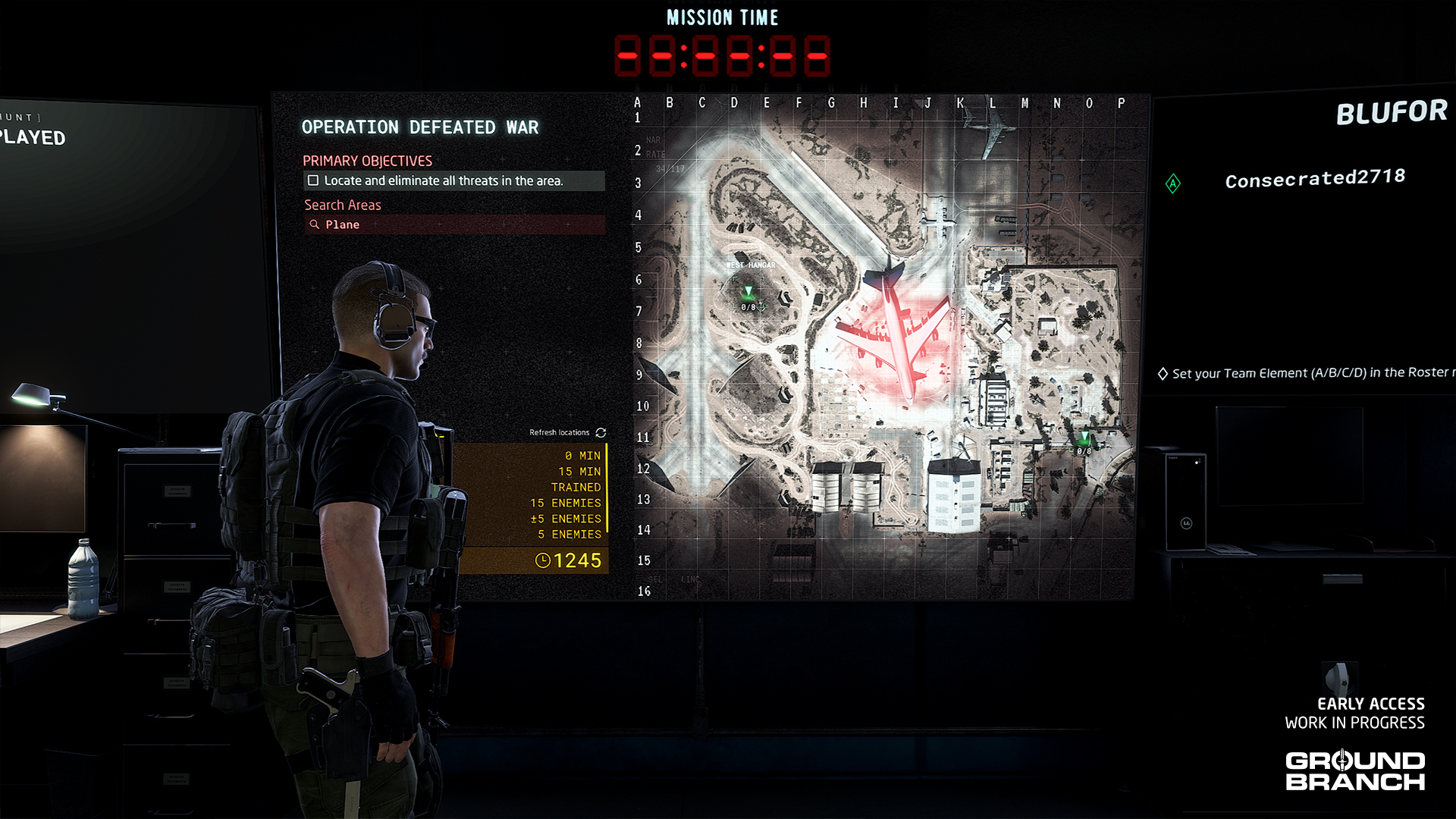
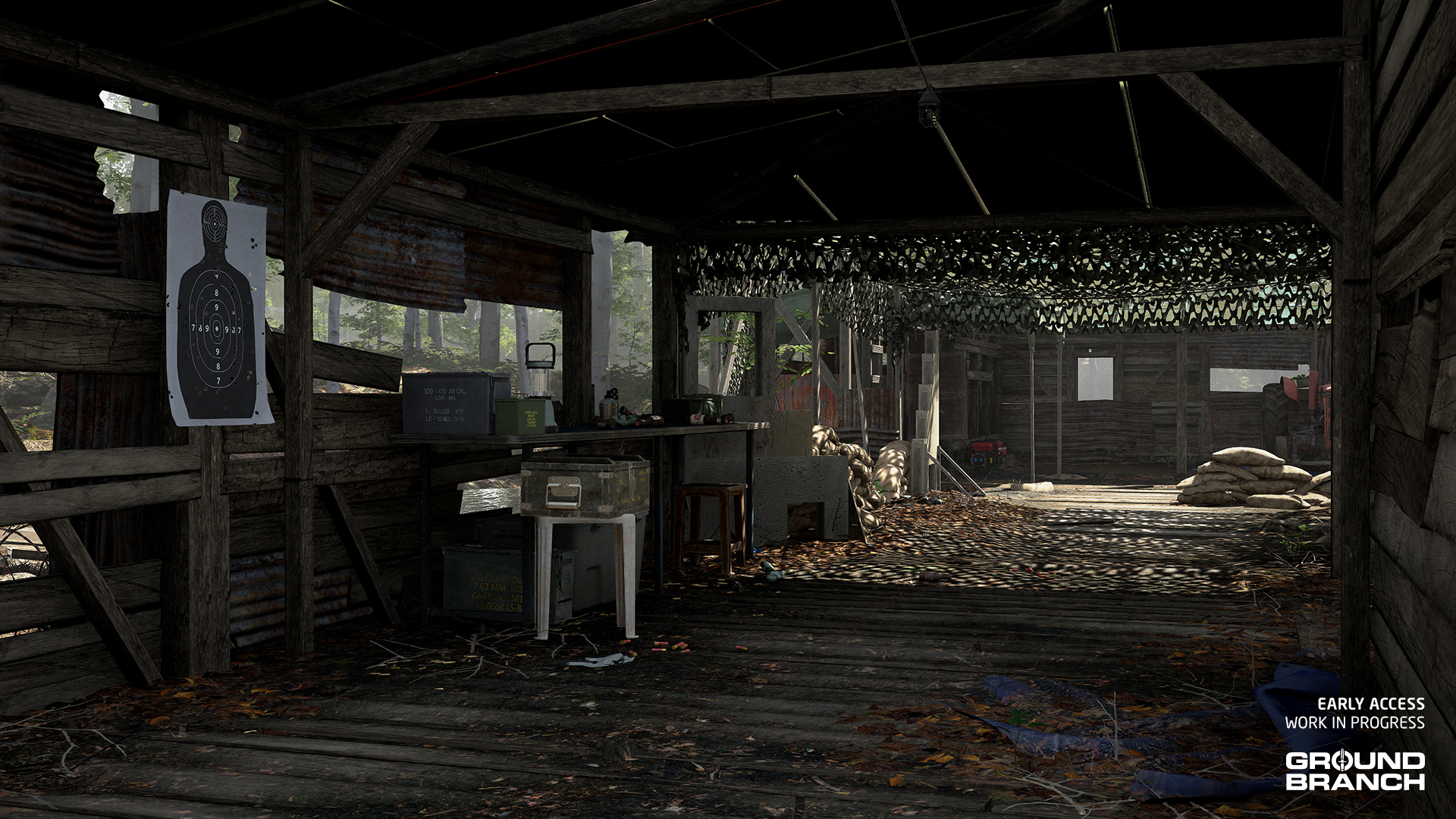
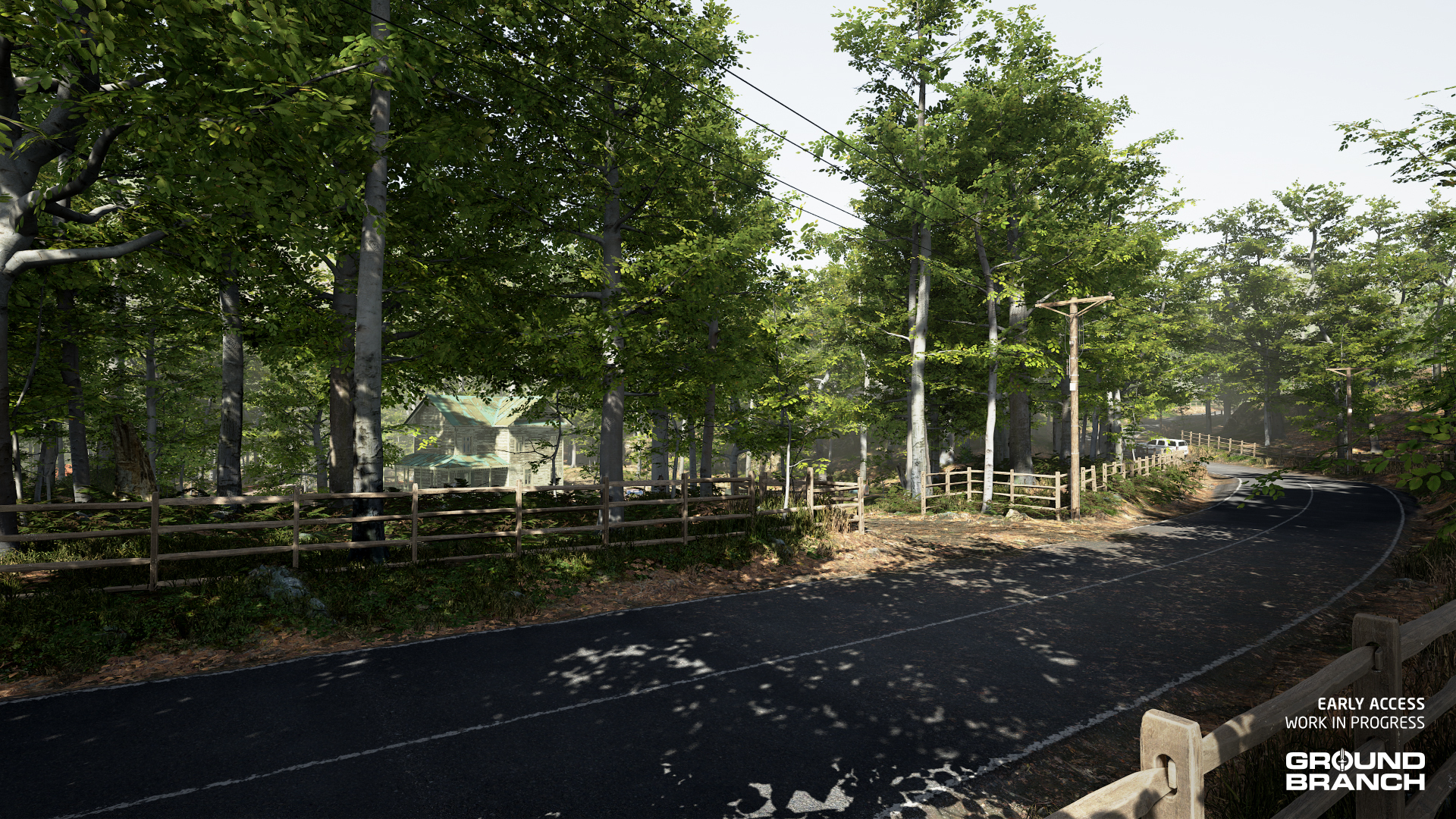 In addition to generally polishing the map's visuals (terrain, textures, assets etc.), Will established several goals for the rework: (1) raise the mine entrance area to a more level plateau in order to create a more defined area, (2) re-arrange buildings and landmark structures in a more inviting way while also better outlining their footprint, (3) make pathways a bit more obvious to improve navigation, and (4) replace the large ruins with European architecture with a more fitting structure, as well as making the surrounding area feel more like an abandoned settlement.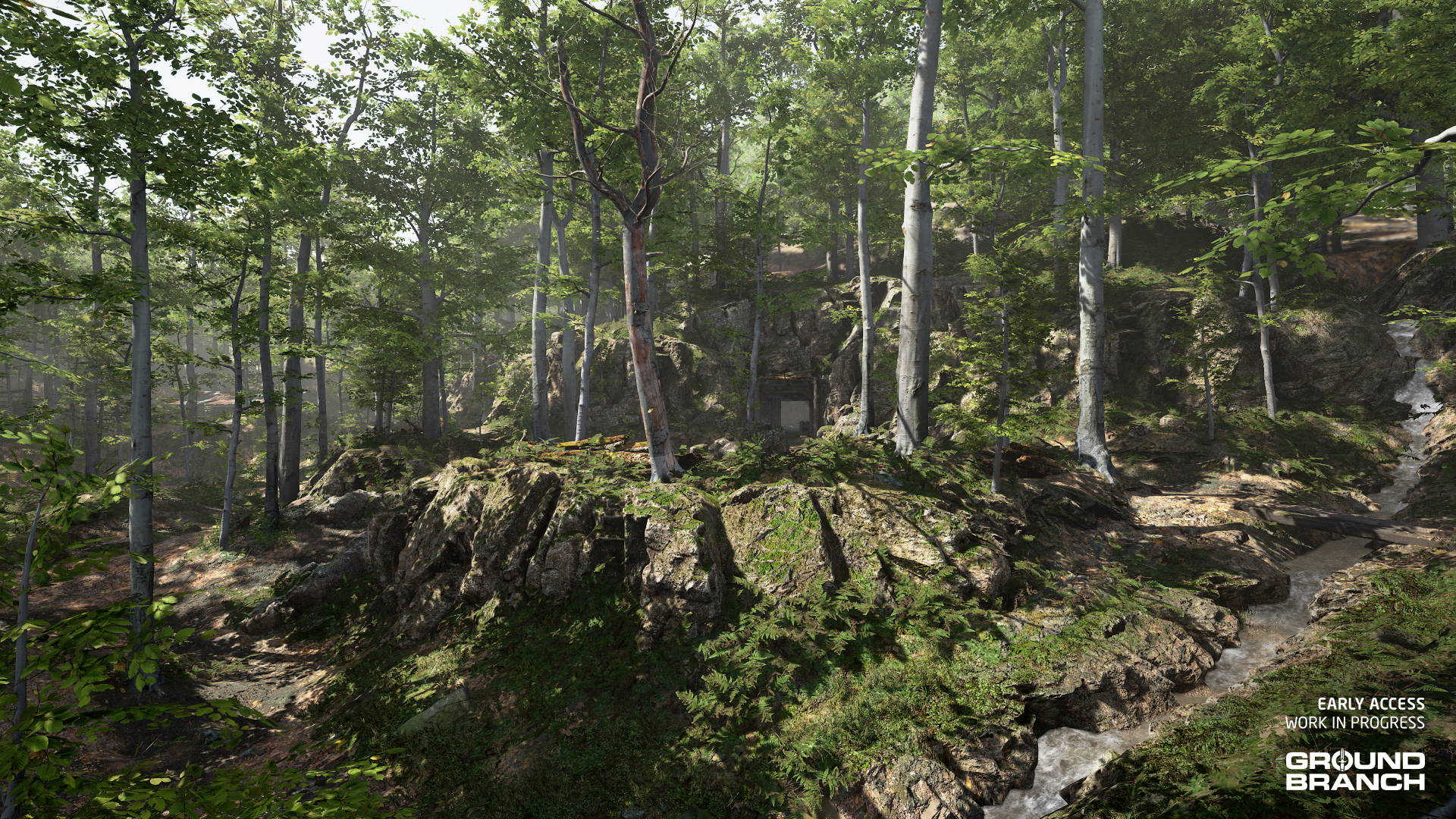
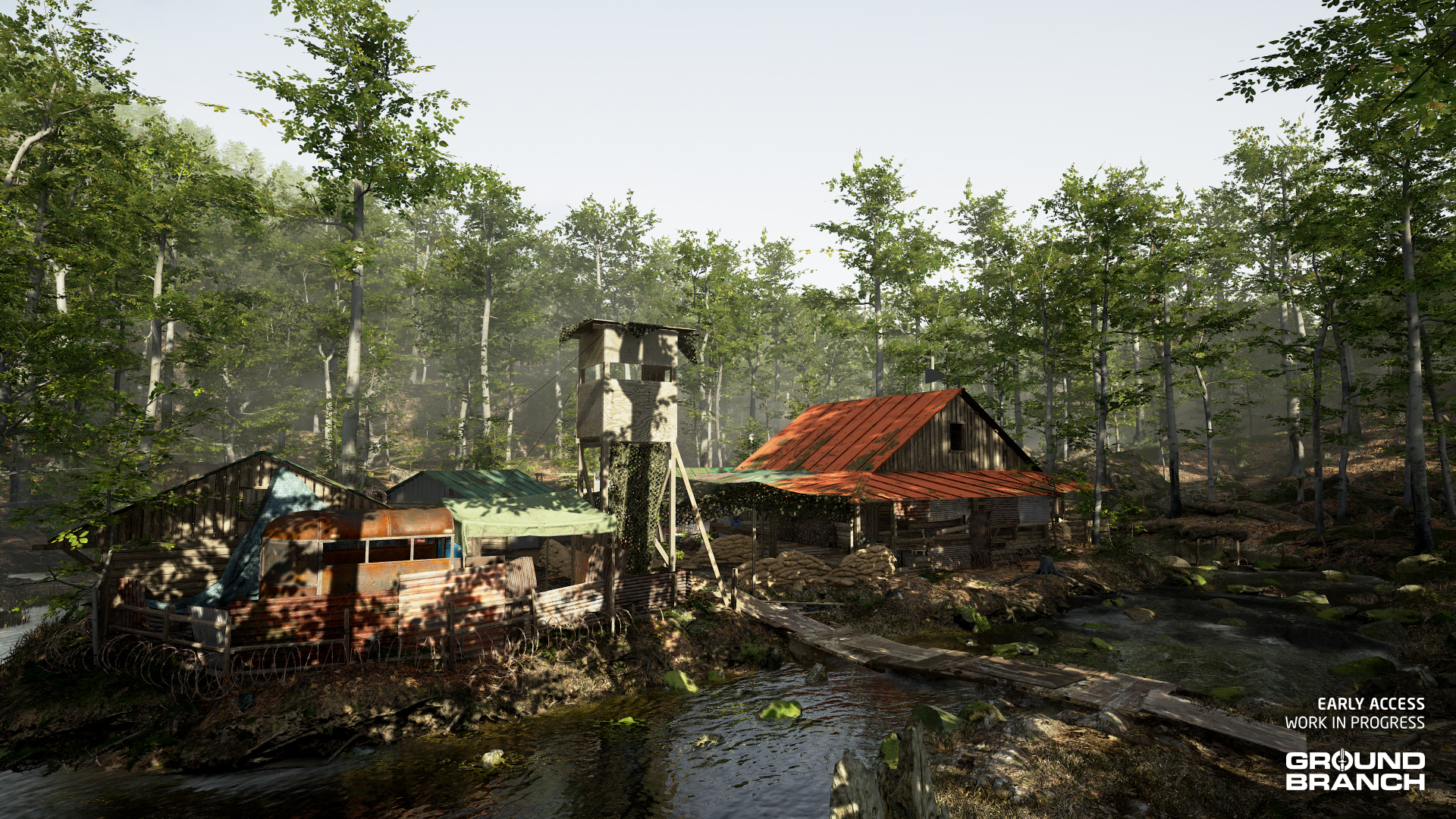 The map remains a fortified militia camp — just with nicer visuals and a more cohesive theme throughout.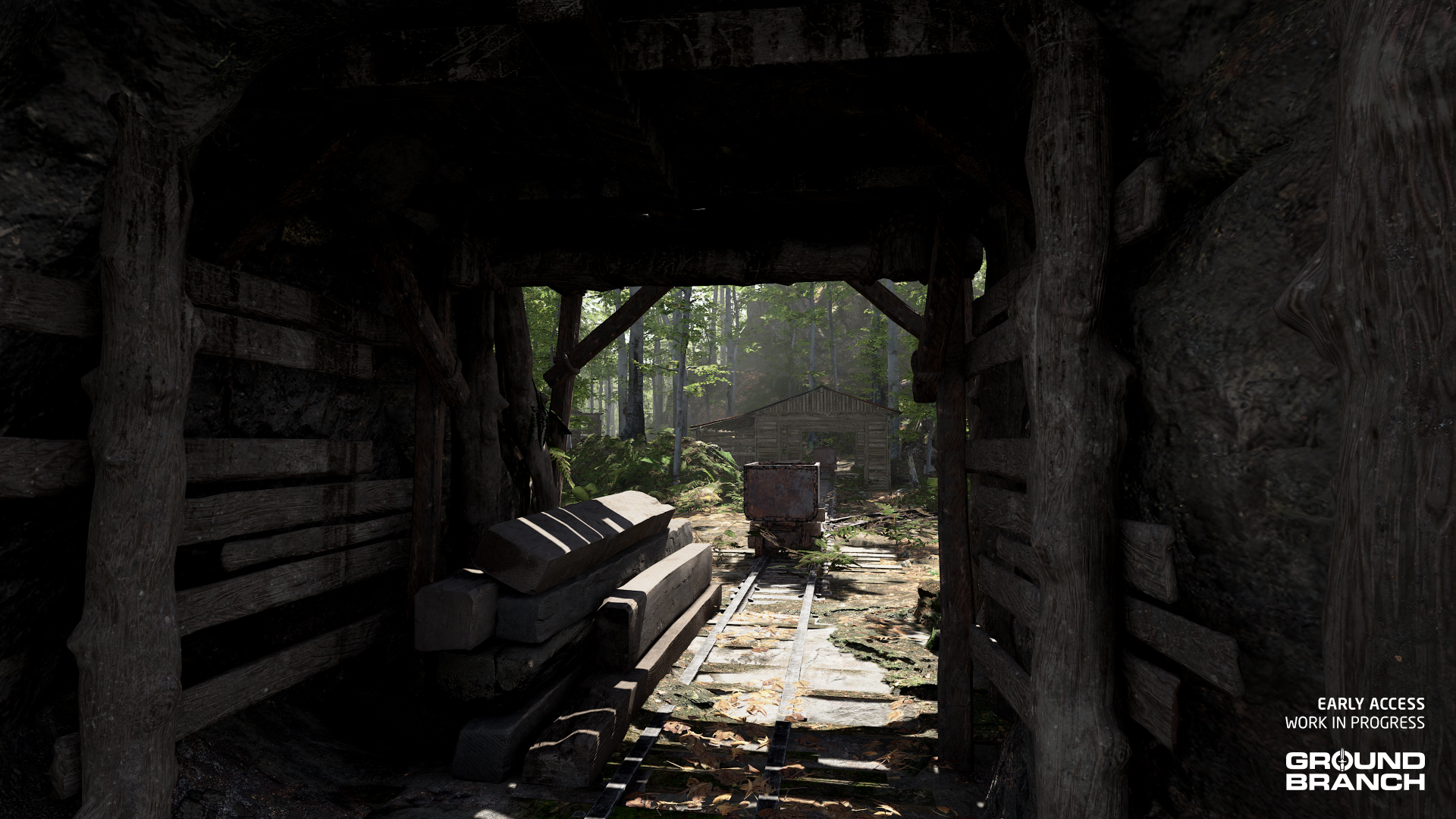
 Now set west of a road with patrol cars blocking the north and south ends, players will be free to come up with their own lore for this map.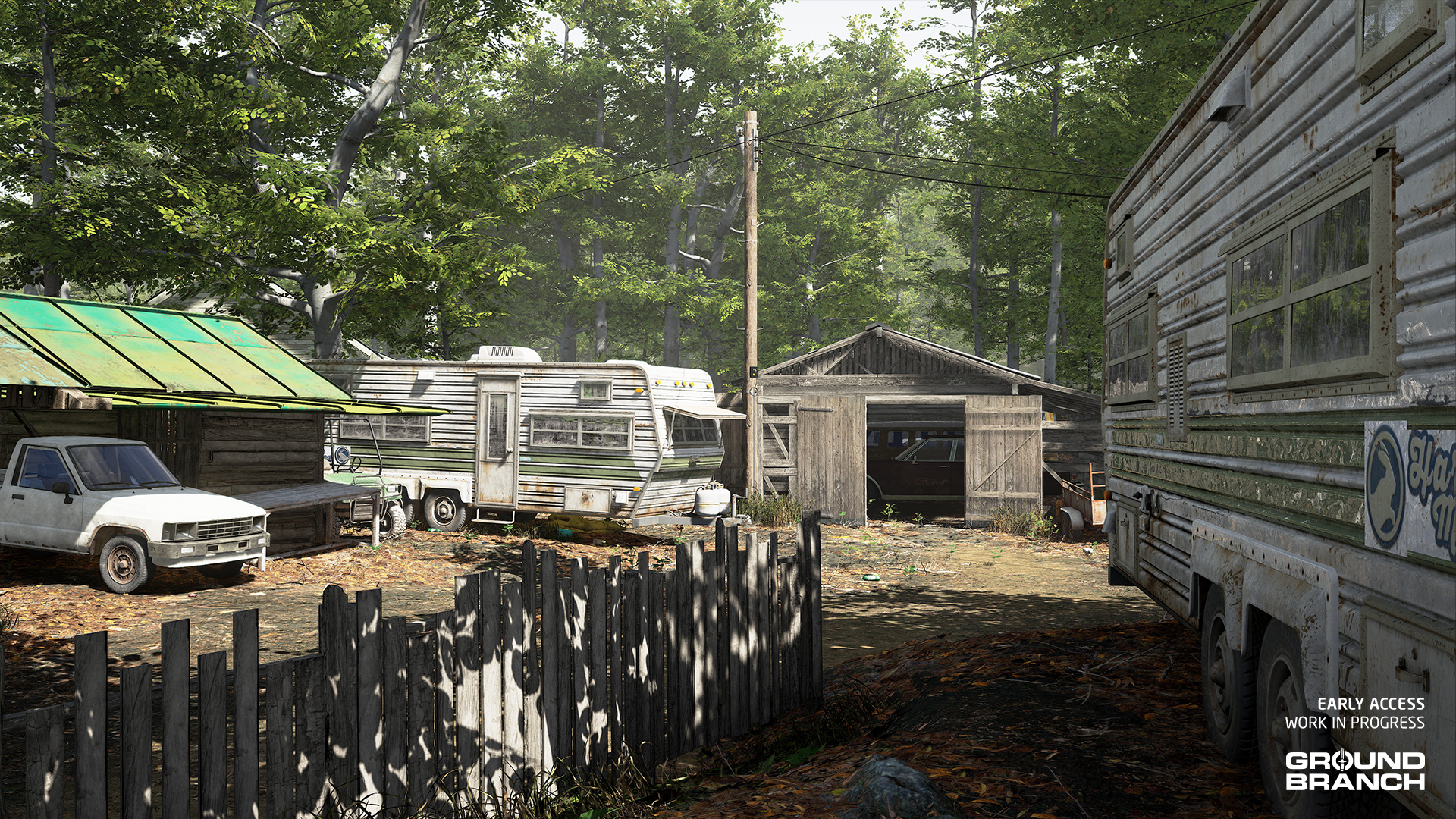
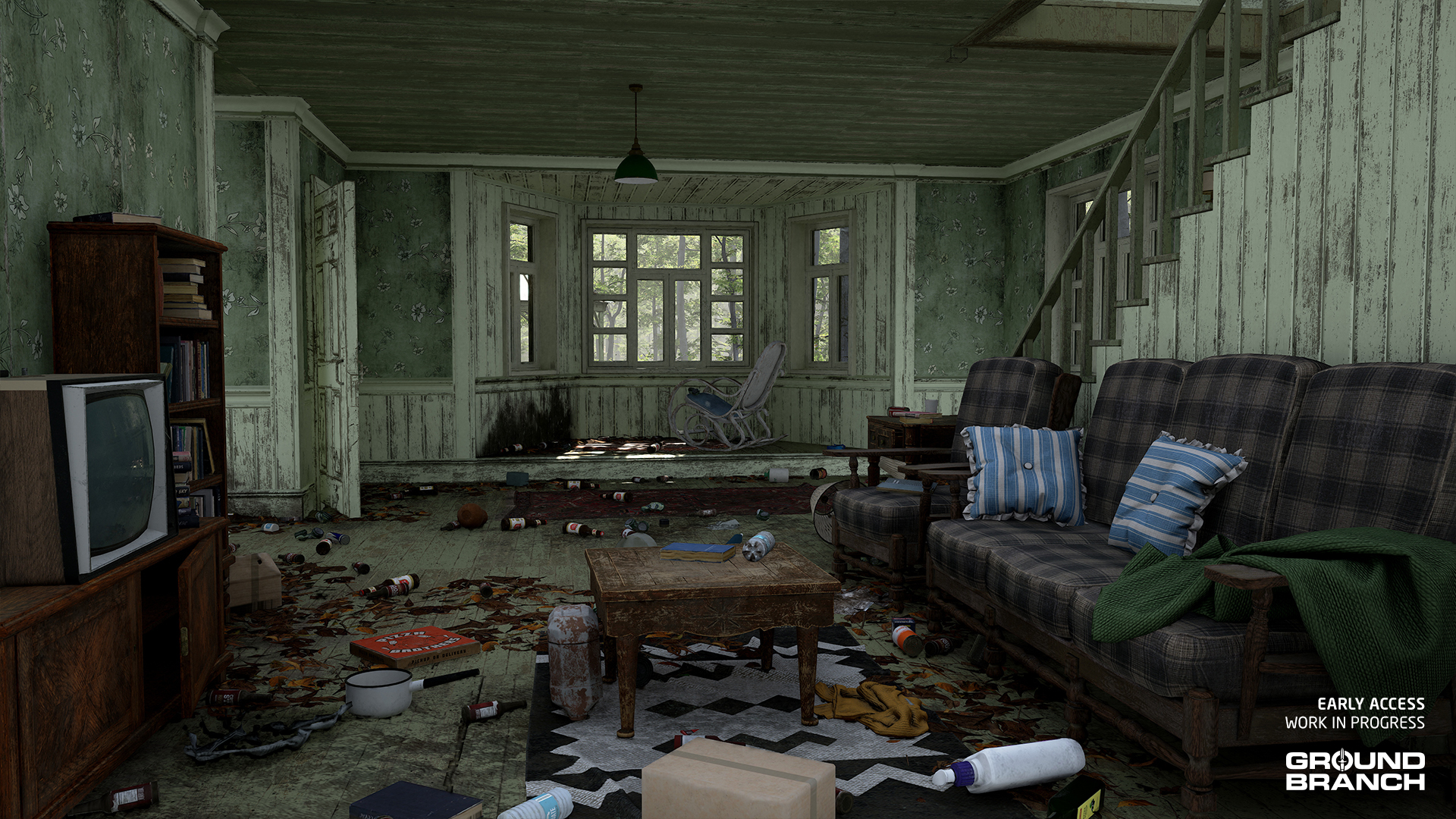 We hope you'll enjoy this overhaul as much as we are!
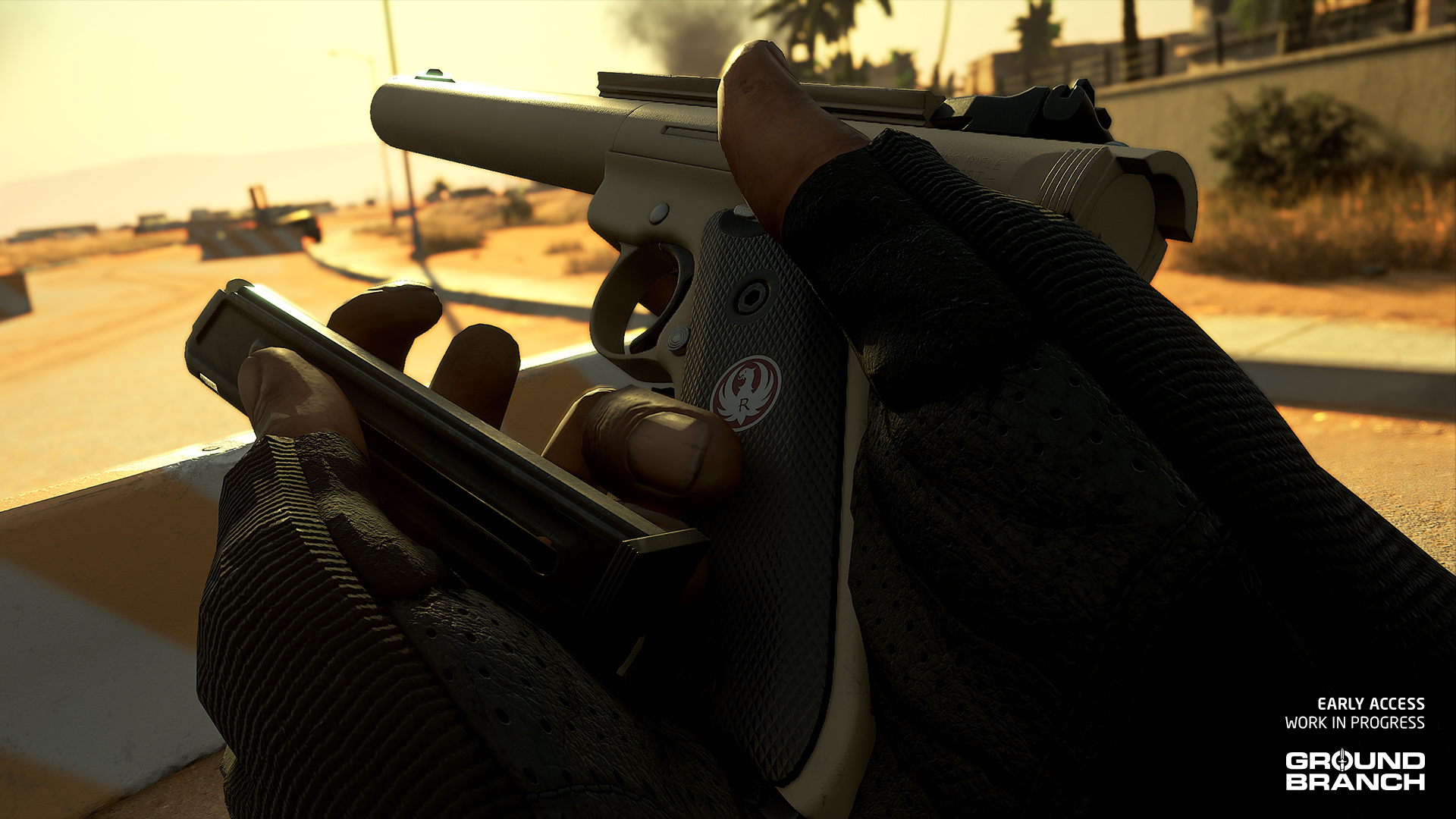 Pretty cool, huh?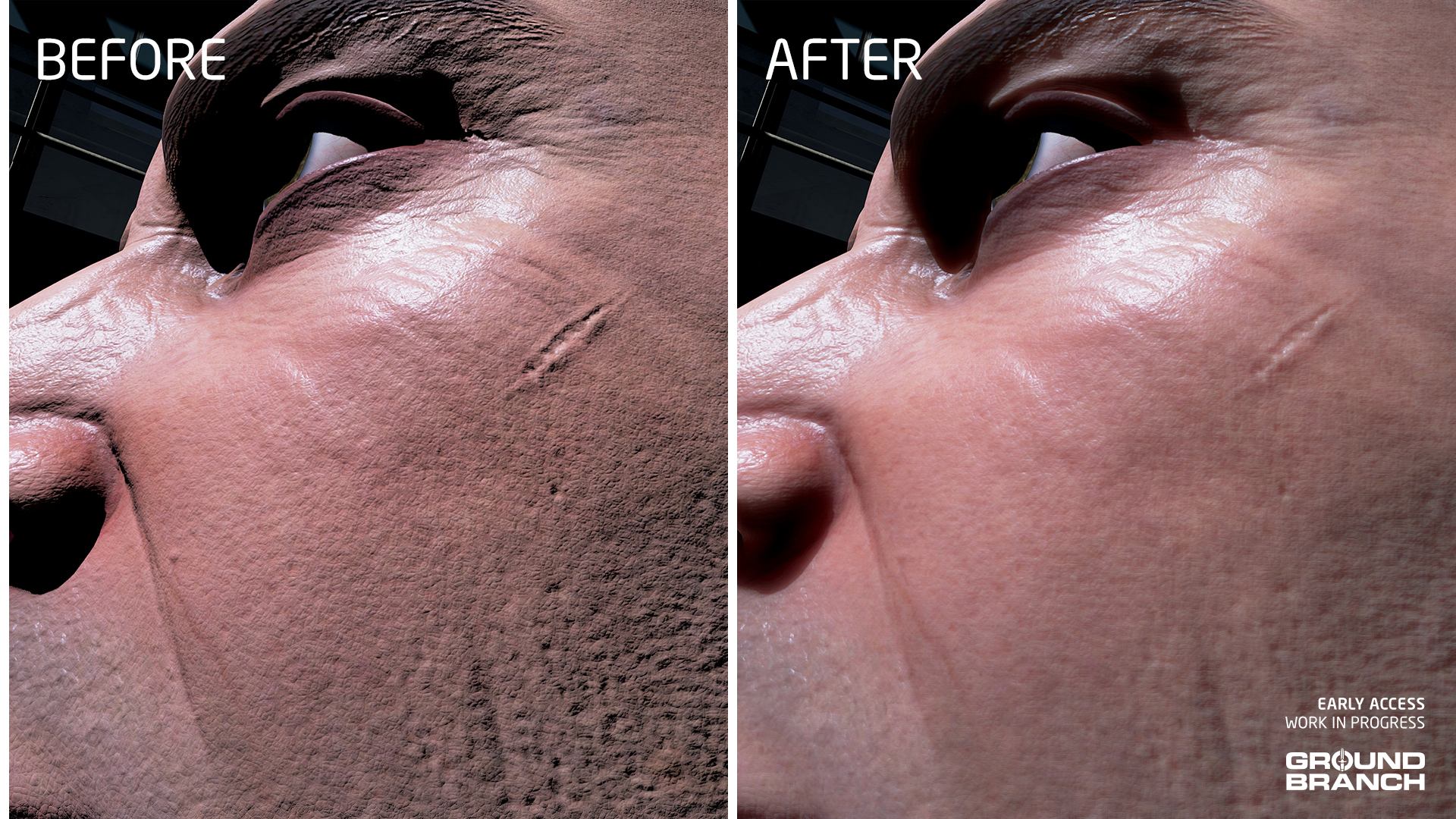
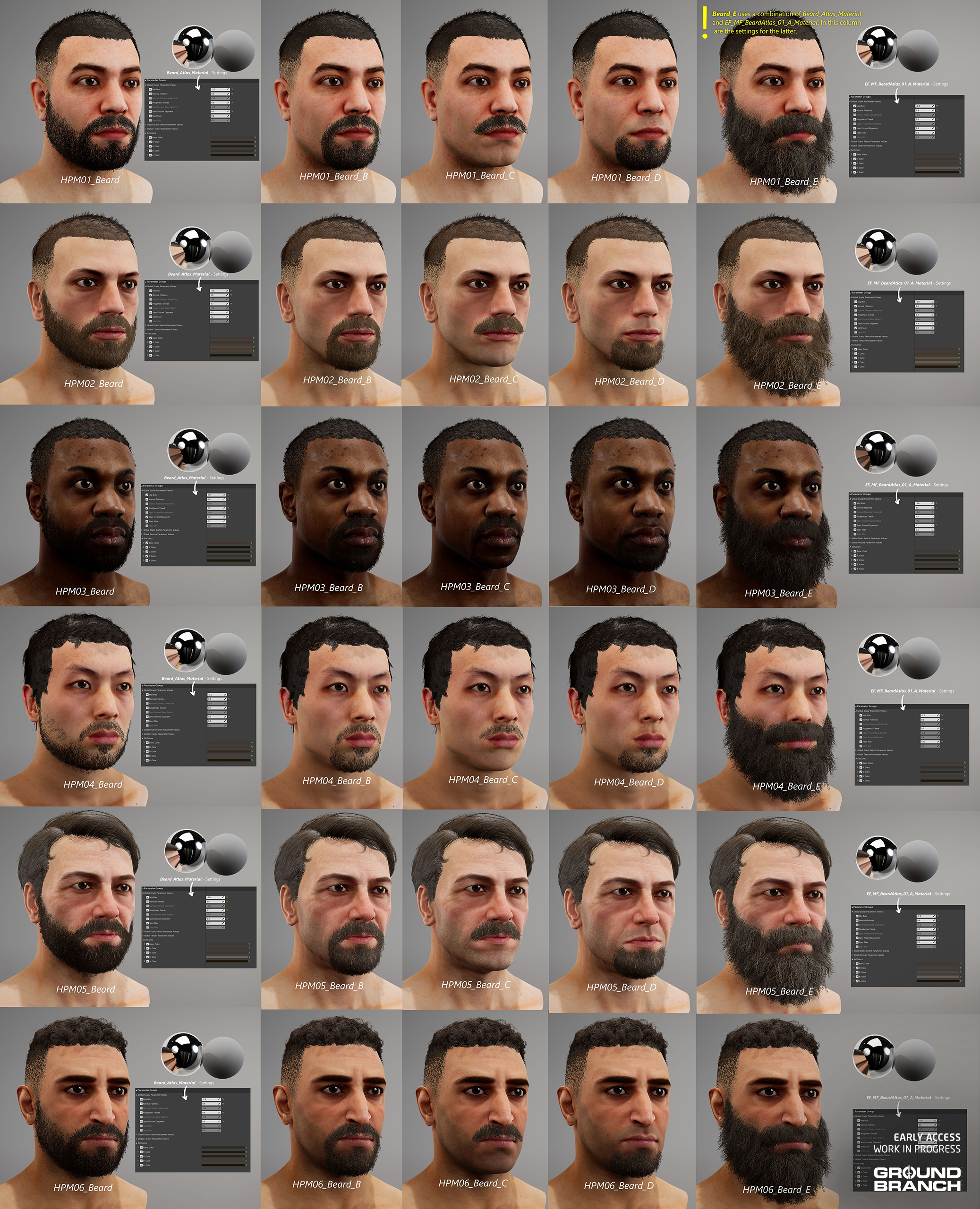
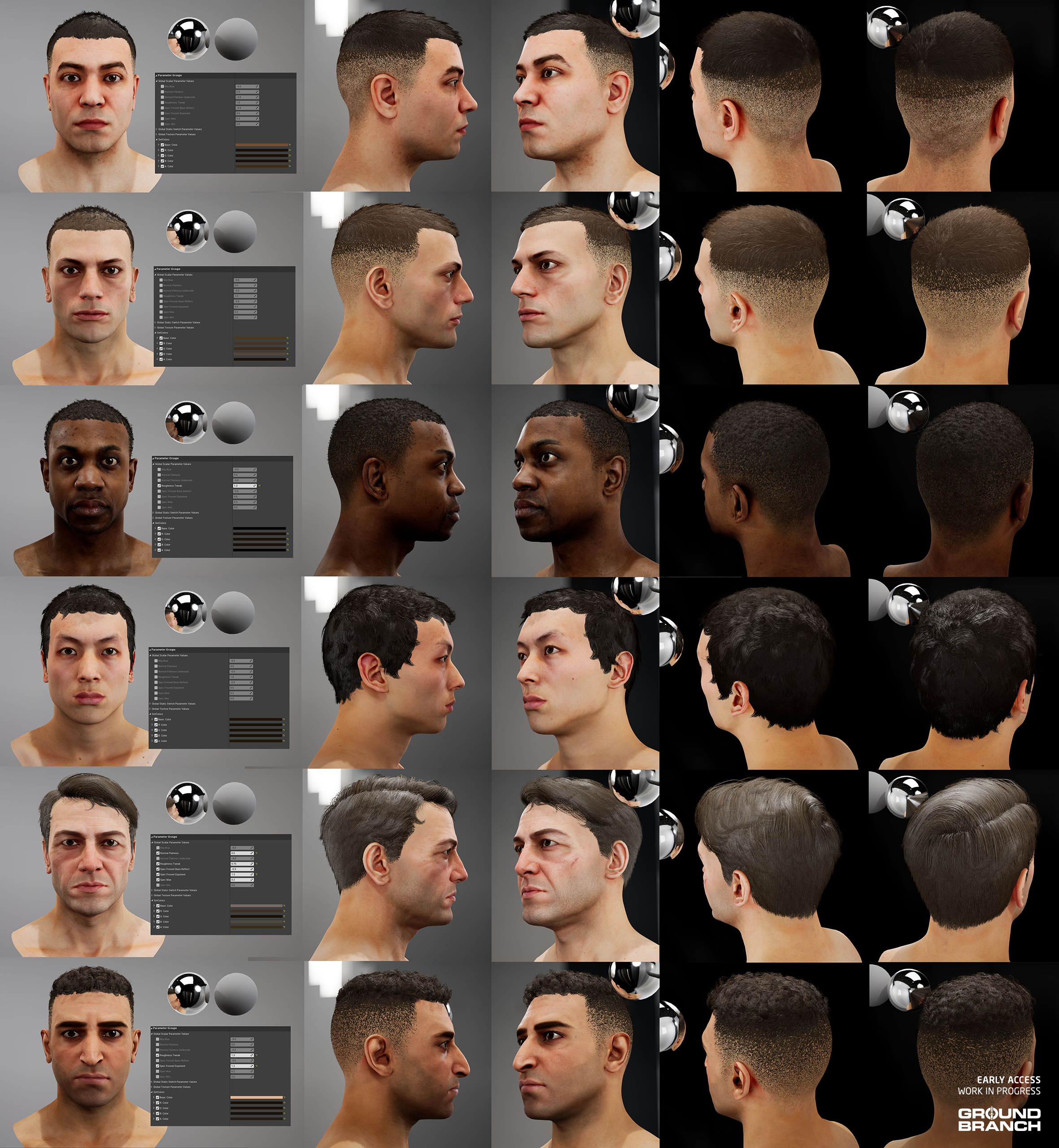
 He has also dialed in other values to make skin less reflective overall, while vastly improving how hair (and facial hair) is rendered:
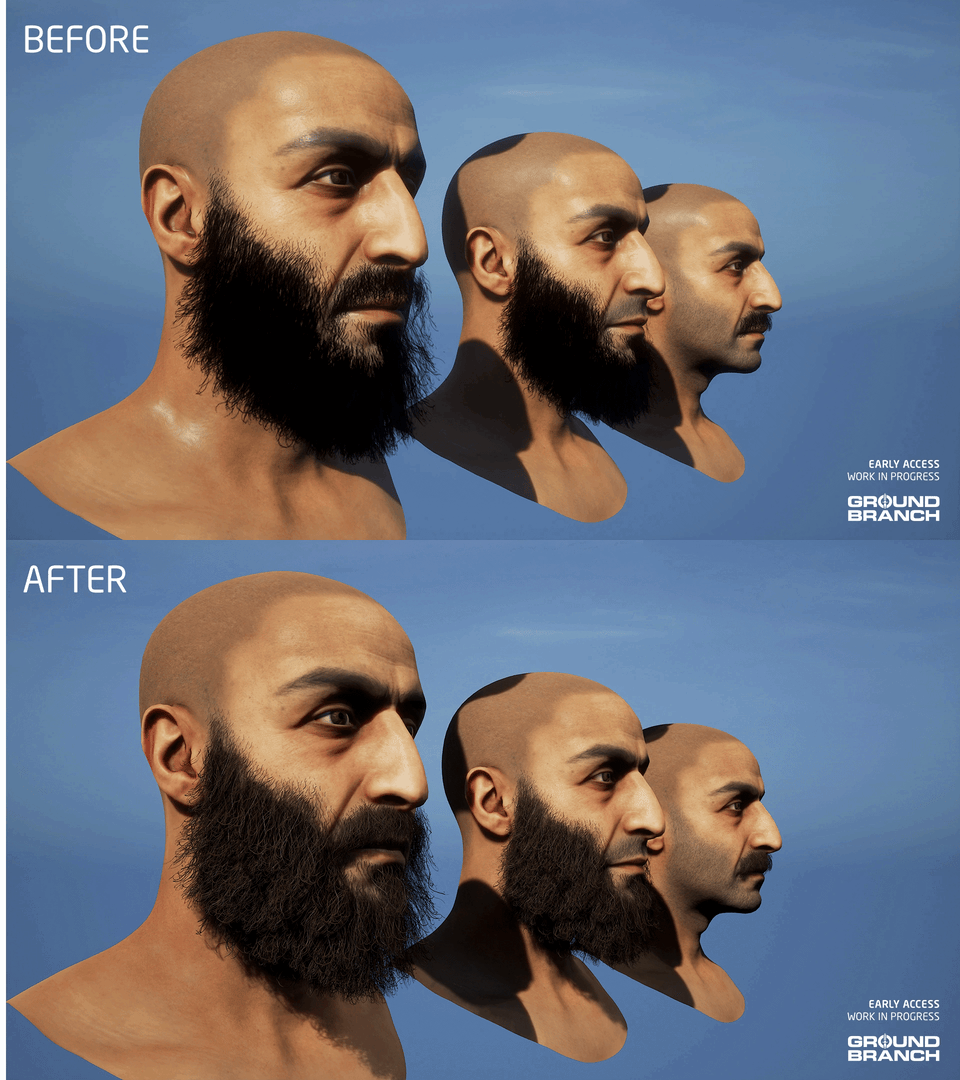
 Notice how the facial hair actually reflects the light now, appearing to have color and depth:
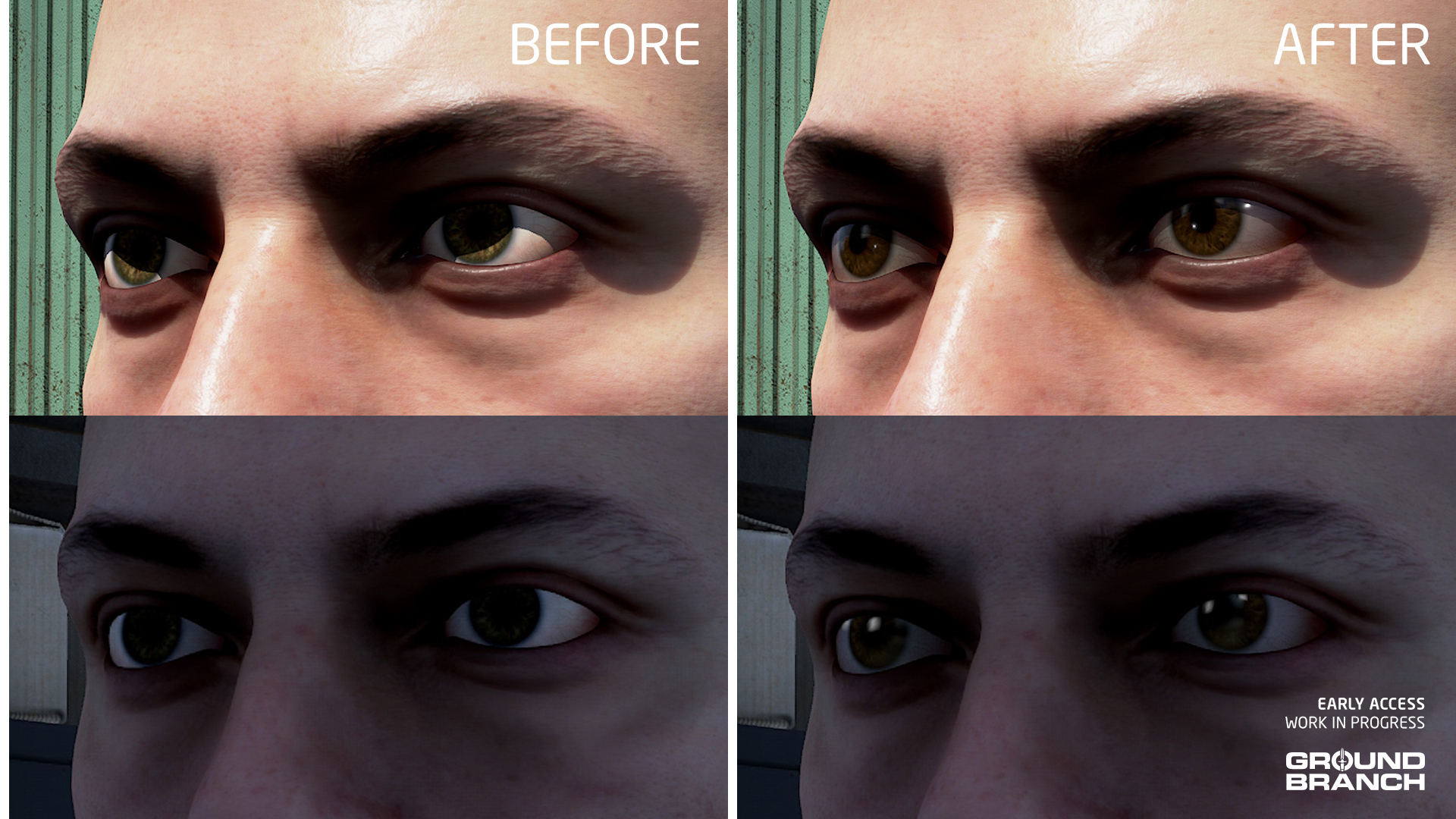
 Another small tweak — this one courtesy of Pau — involved giving the player characters a slightly more determined/focused eye expression, toning down the wide-eyed effect. Some characters required a more noticeable adjustment than others, as this GIF shows:
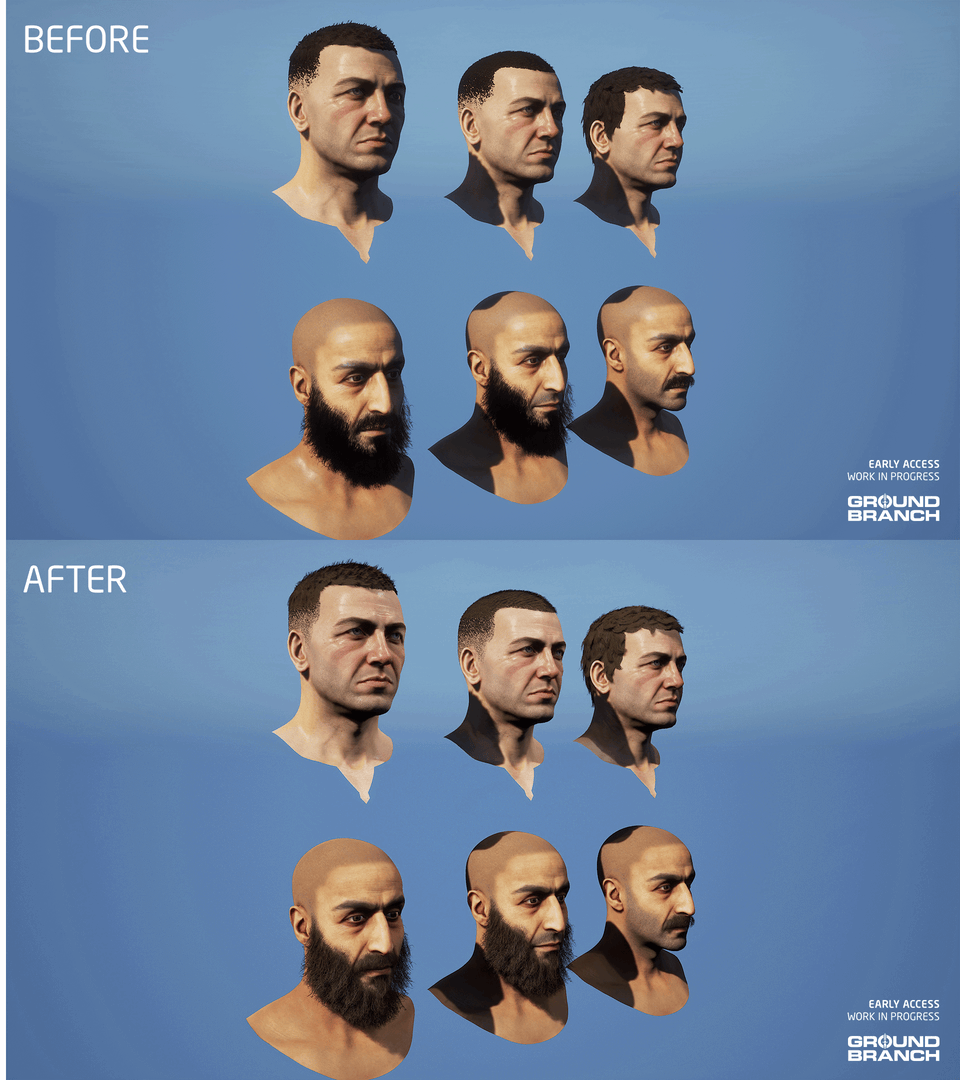
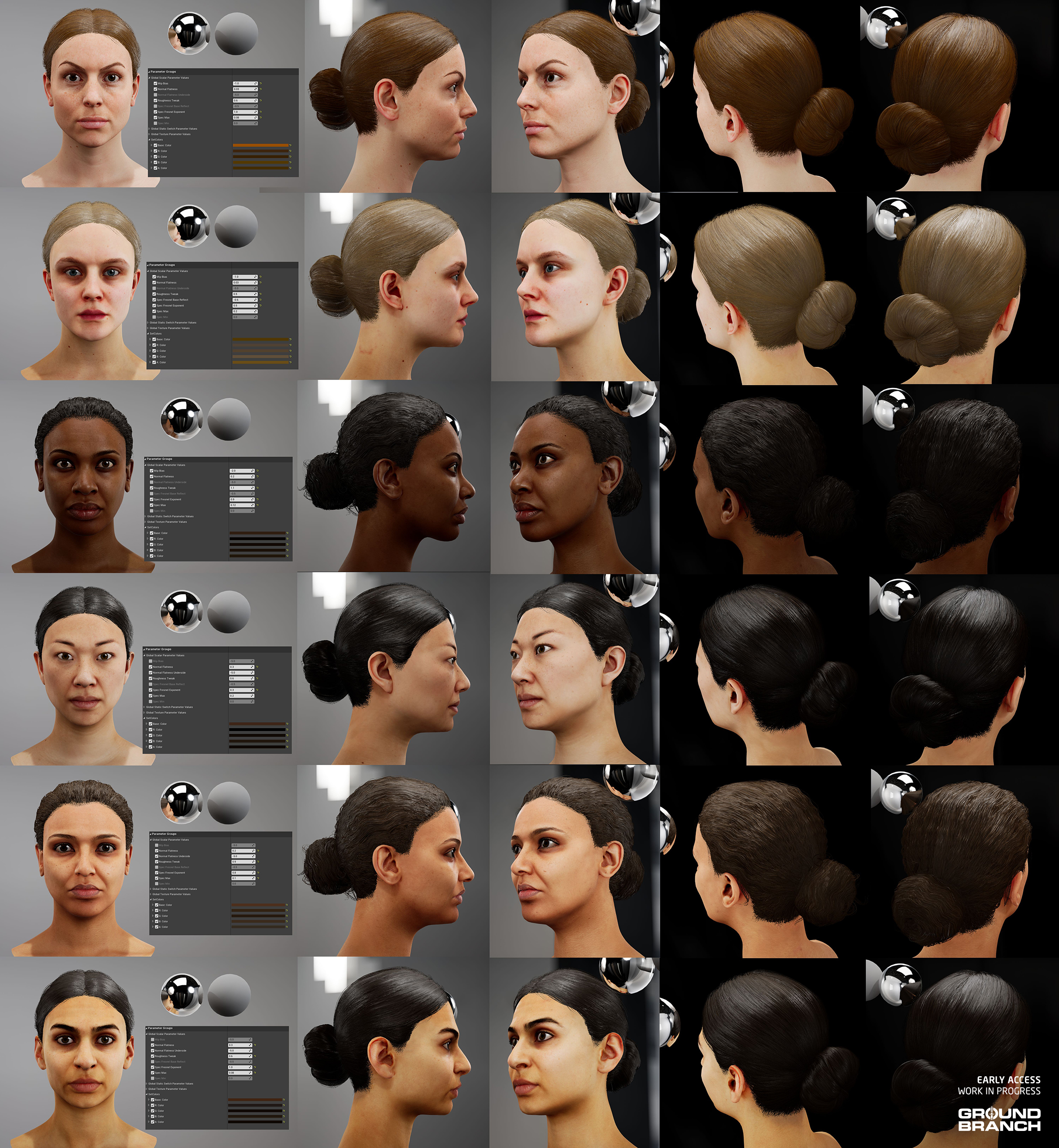
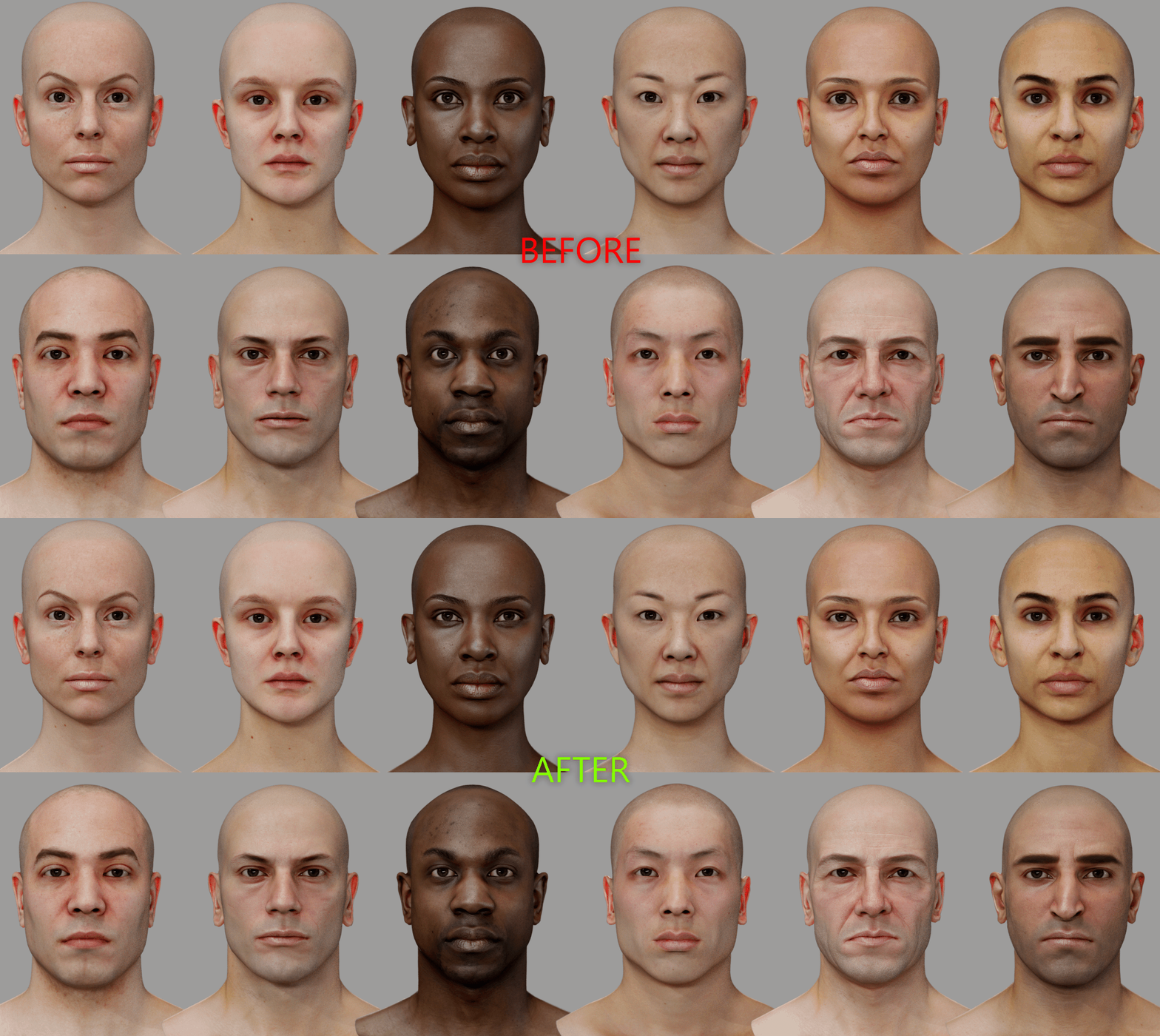 Pau has also set new hair colors for each specific character, giving them some more personality and variety. Take a look at the new shades — and peep some of the new styles while you're at it: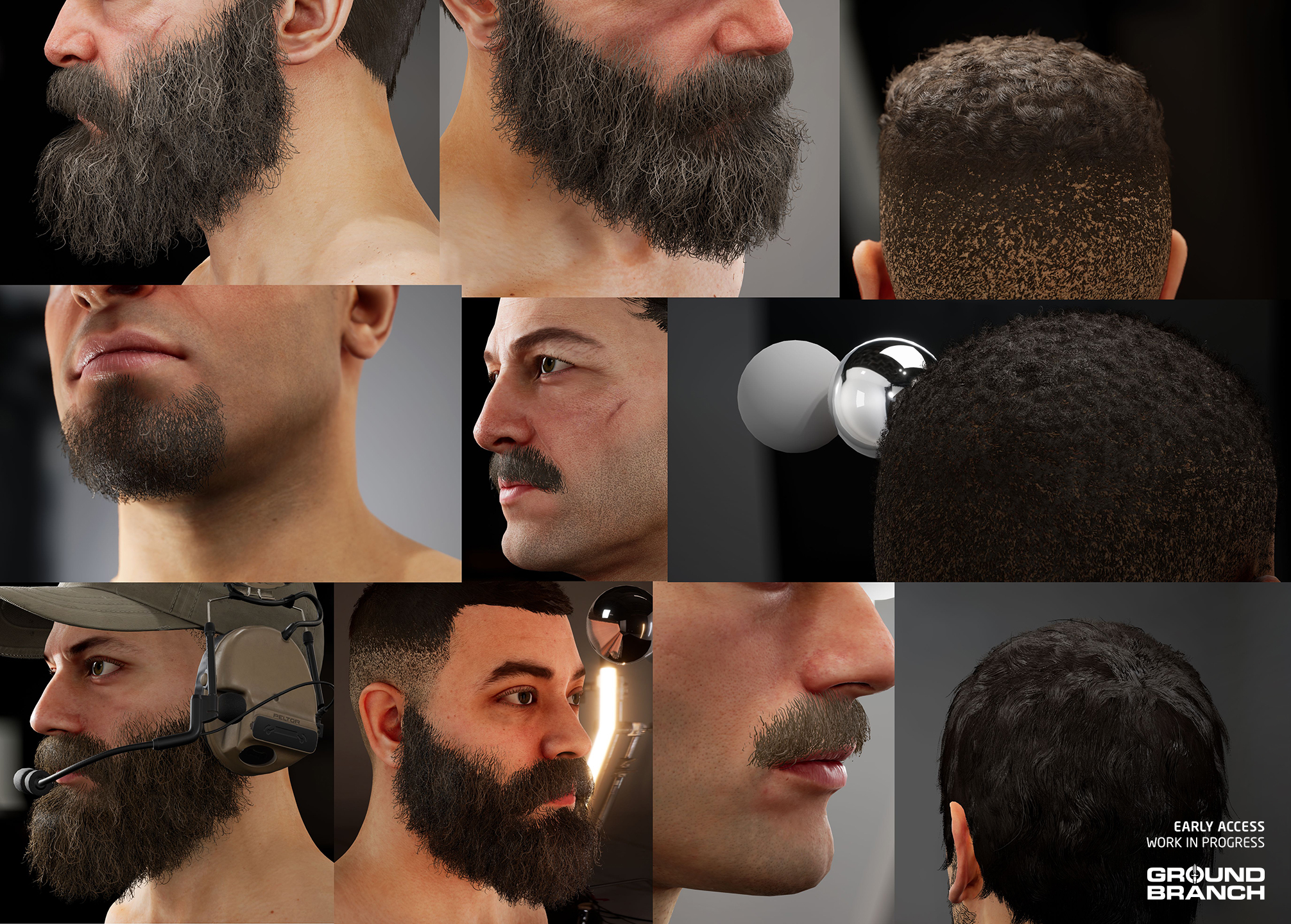


 奖励
奖励 9
9


 (OUTDATED) Individual Operator's Guide

 Campaign: Operation Cake Walk


 Make Tangos Afraid of the Dark

 How To Shoot.
 10x Better Audio














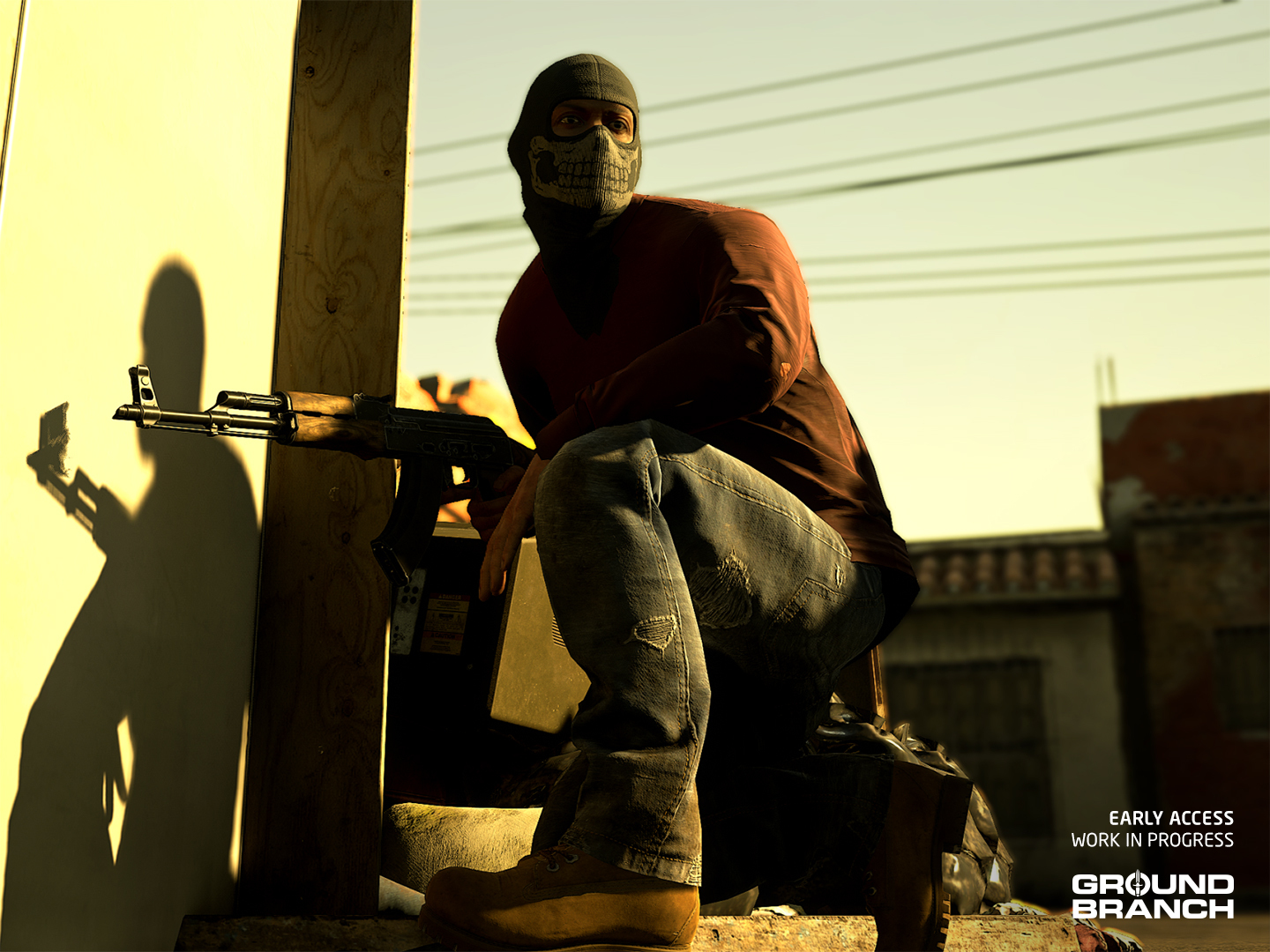 A cartel member on upcoming map Border — new faction assets to be revealed in the future!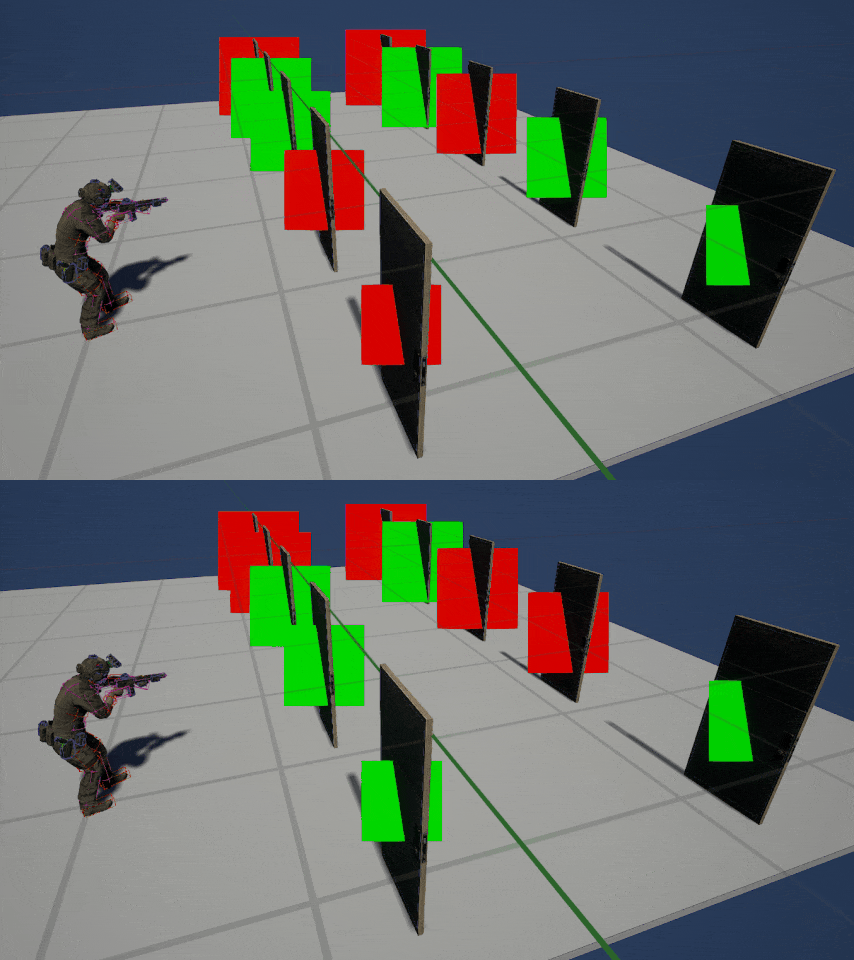
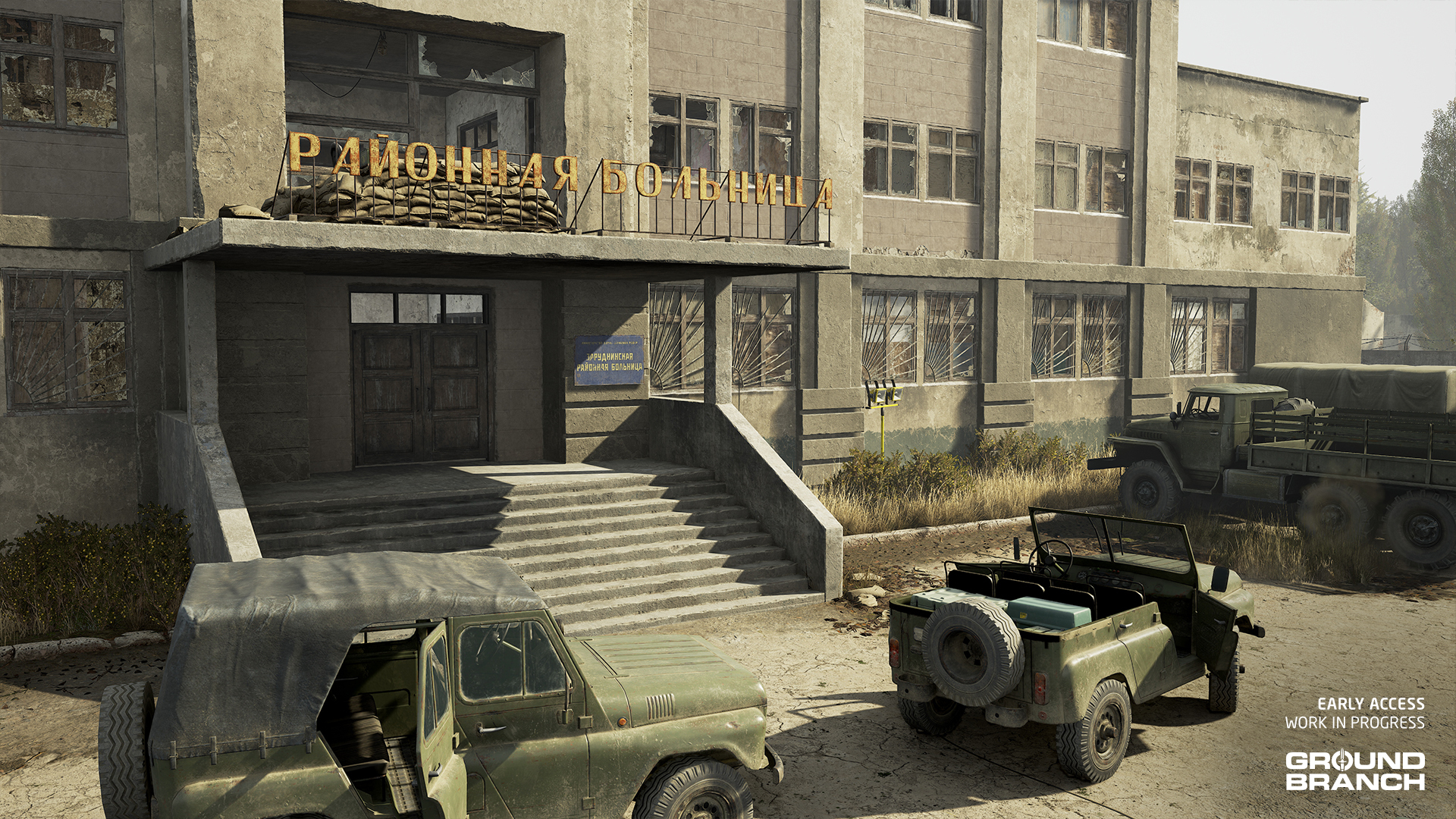 The design philosophy behind the Rundown update was all about improving the close-quarters battle experience, while giving players a more organic and intuitive structure to fight through. To achieve that, we’ve opened up the exterior a bit to create more space and angles from which players can approach the central building — which has itself been transformed from an abandoned school into a deactivated hospital.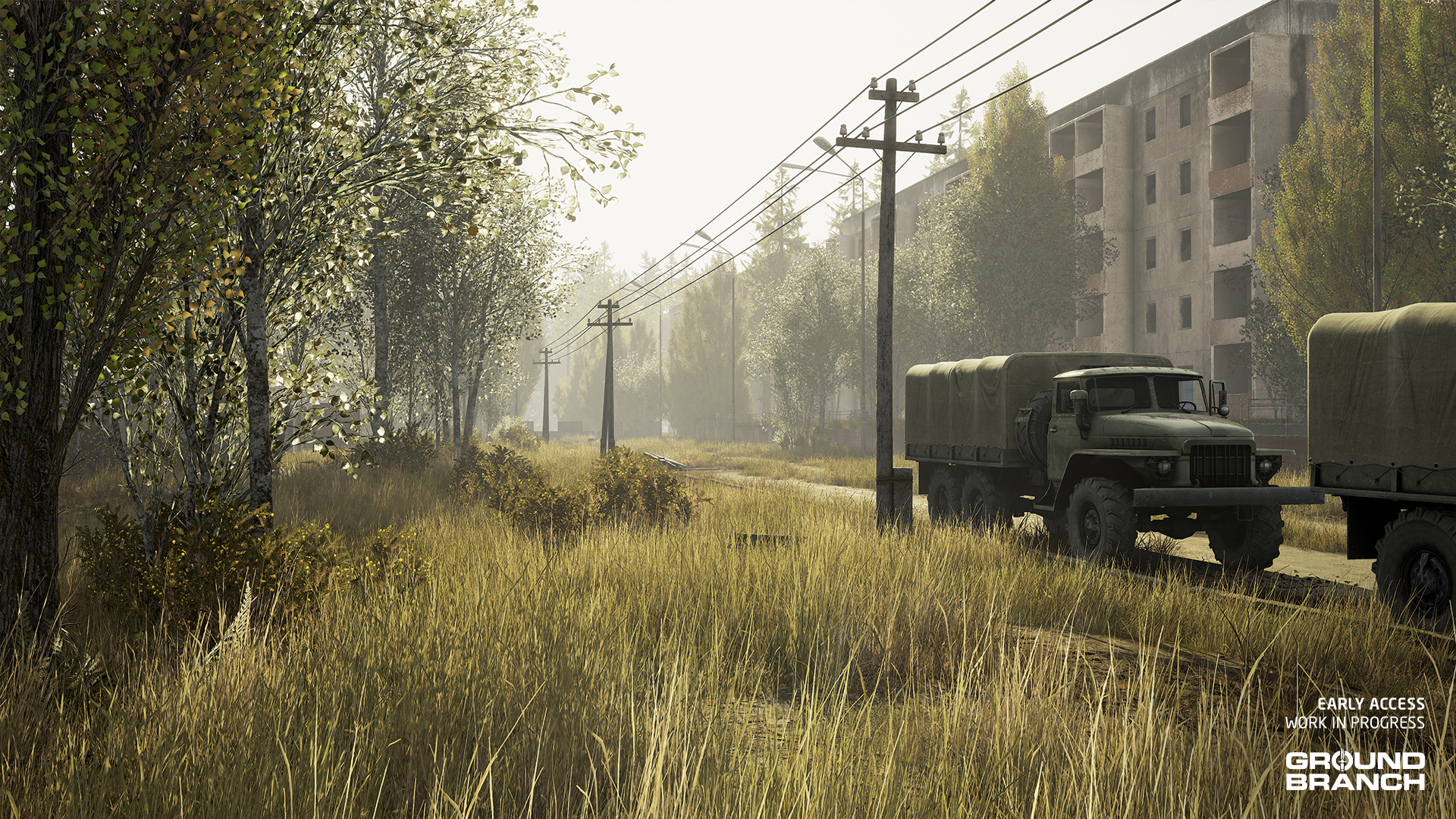
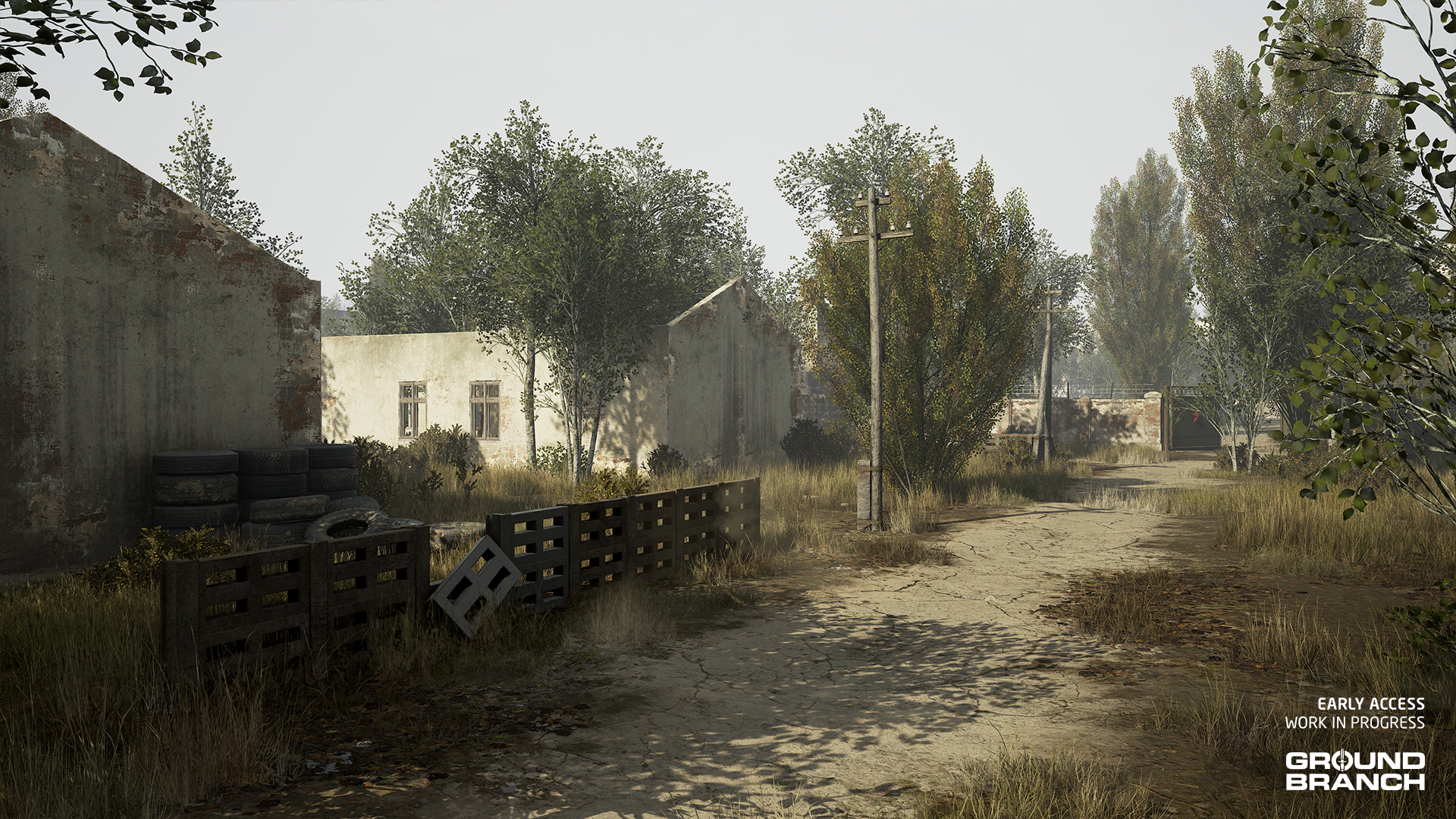 The first step in that transformation was moving away from the overused asset pack that so many games rely on for Soviet-style structures, so we built our own from the ground up. The surroundings now better reflect the campaign’s location and tie into the story far more cohesively than before.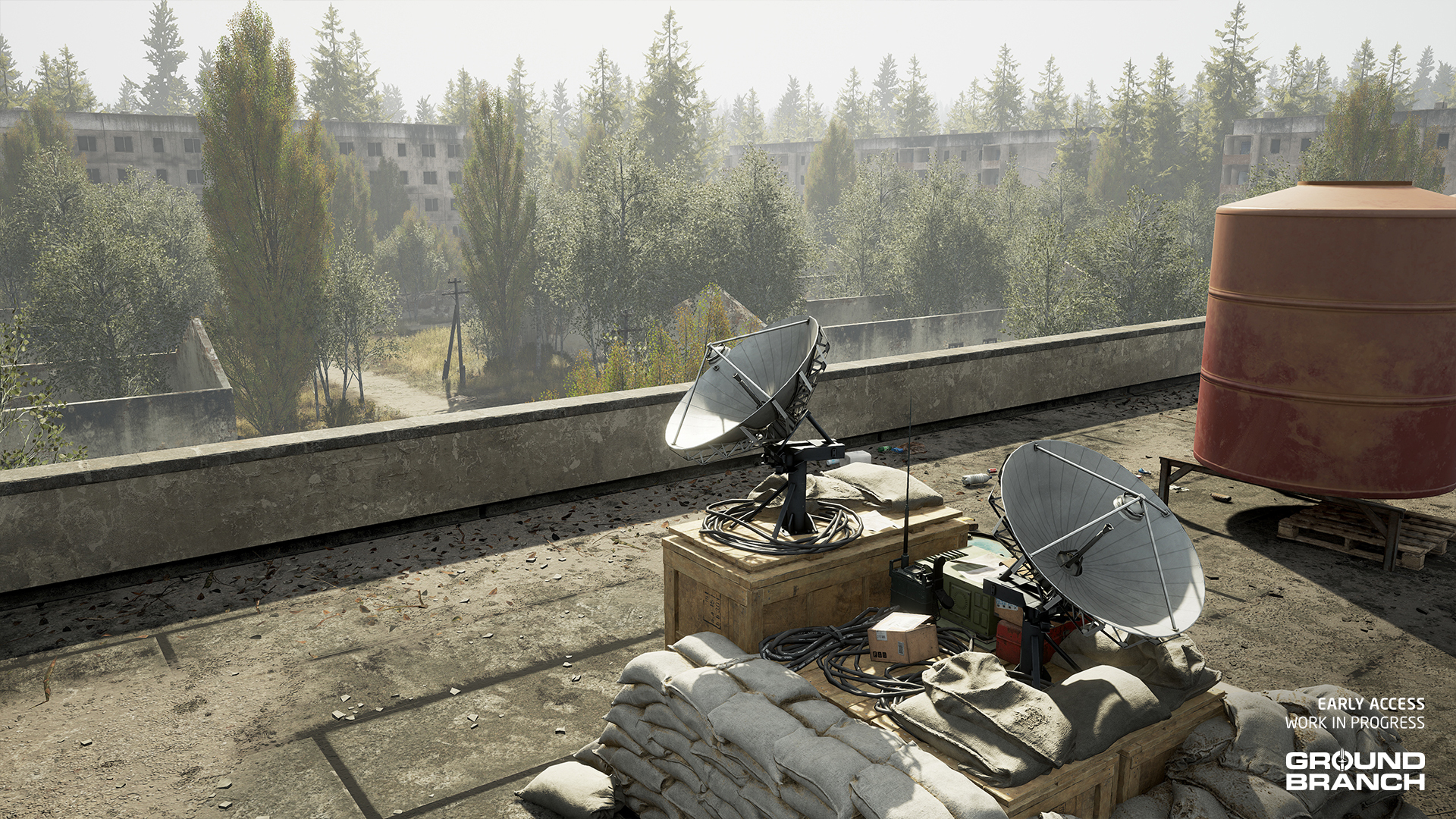
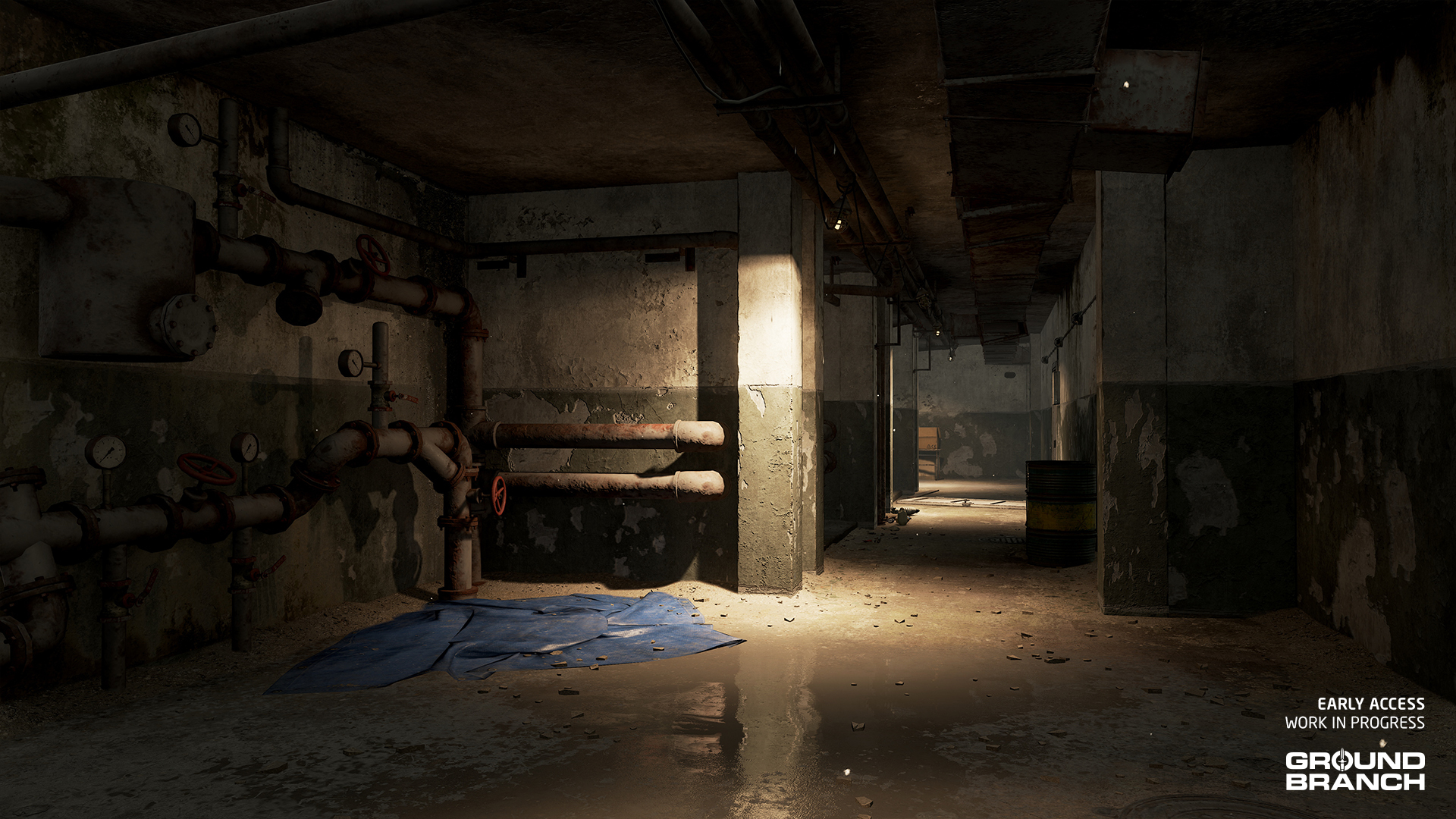
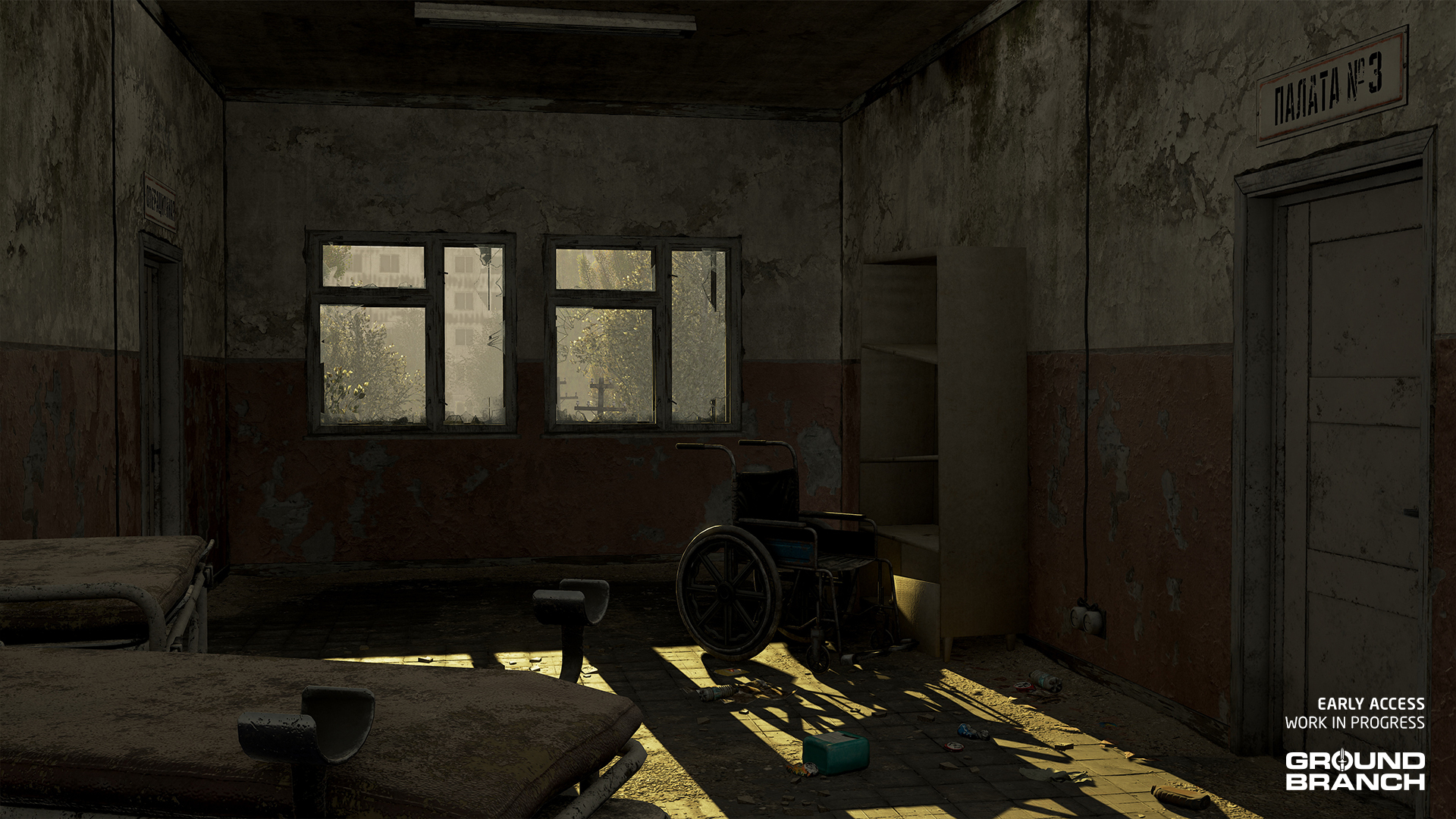 The basement has been expanded into a fully fleshed-out play space, complete with multiple entry and exit points. Up top, the roof has been reworked into a viable defensive position, giving teams a solid foothold to hold and fight from. To help players keep their bearings, each floor now features a consistent wall paint scheme that makes it easier to tell what level you're on. Elliot also introduced a clear visual distinction between the front and back of the building, making callouts and communication much more effective.
 We’ve also given the garage some love — it now includes a playable second and third level, complete with windows that offer firing angles to defend the structure or provide overwatch for teammates pushing toward the hospital.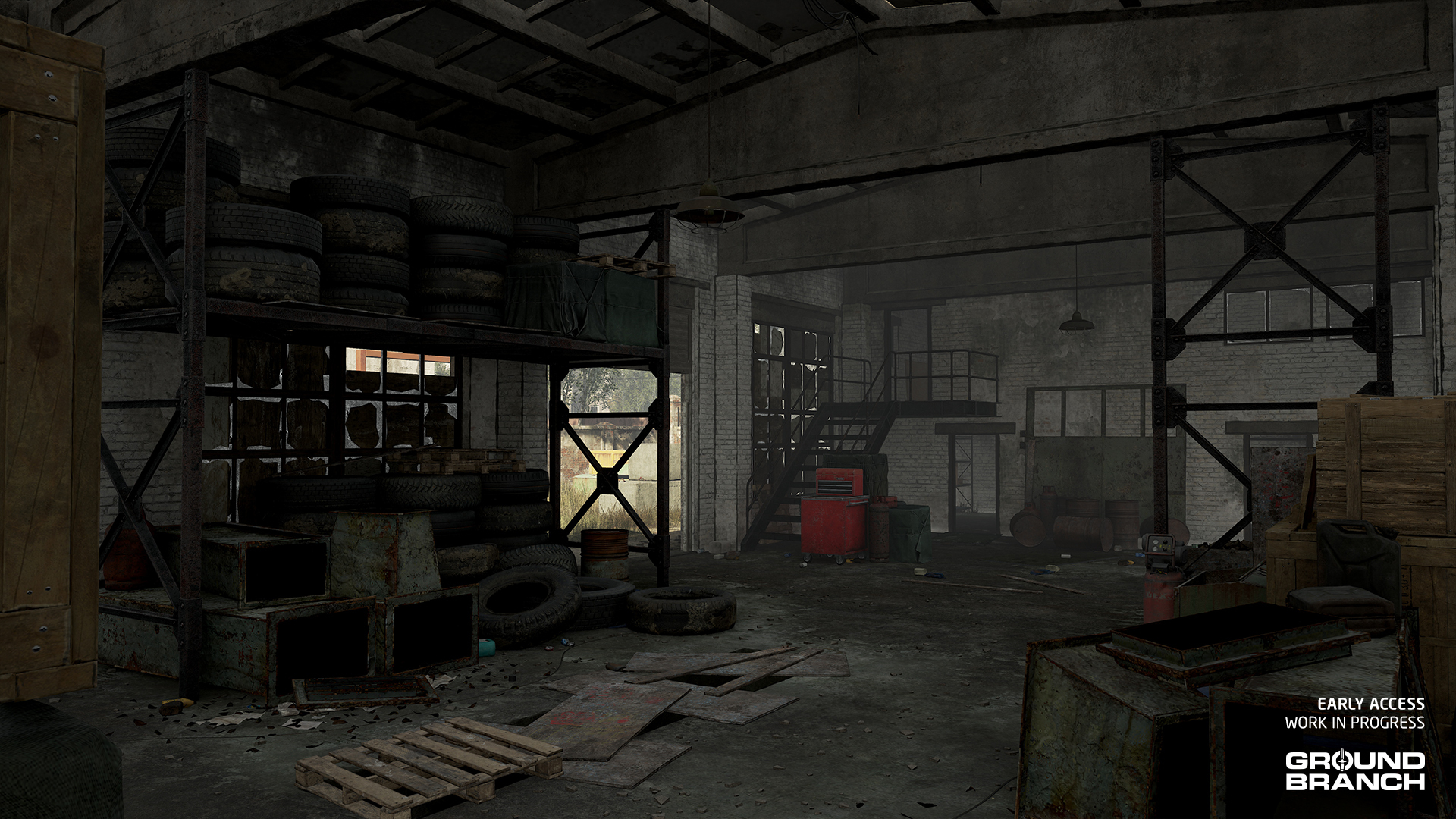
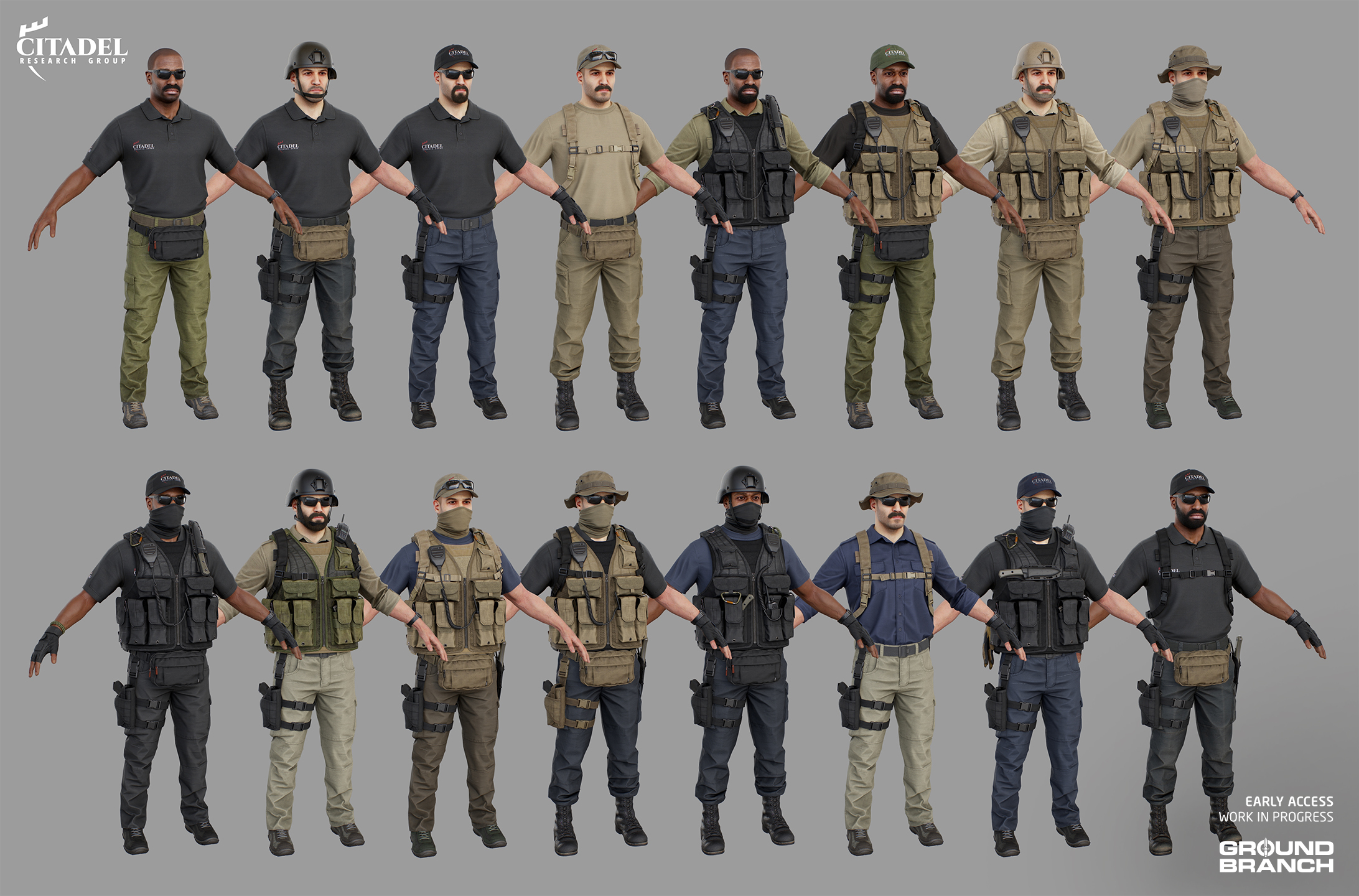 As explained in Intel Report #029, Pau has been creating character assets for the enemy mobs over the last year (see the full post here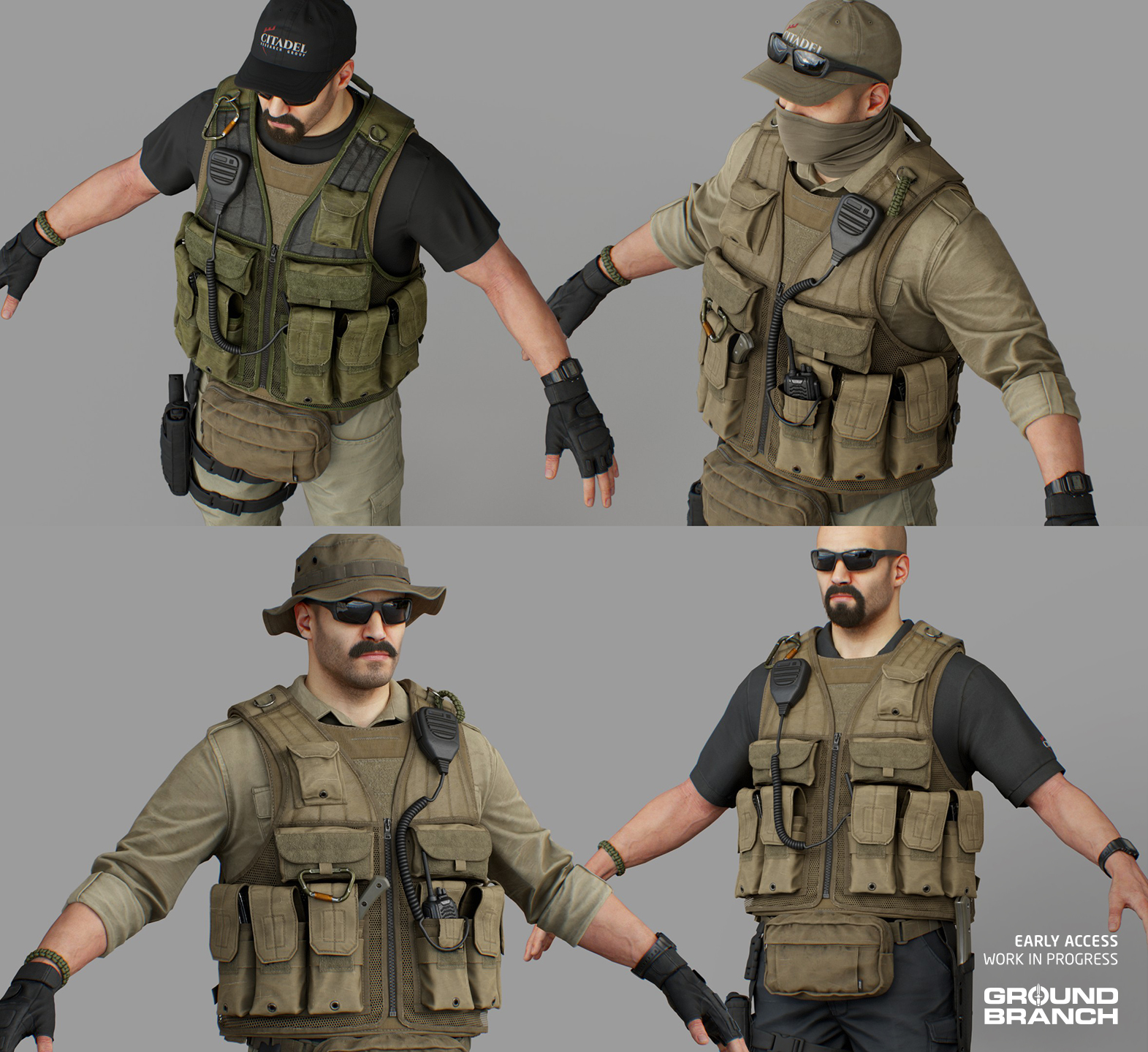
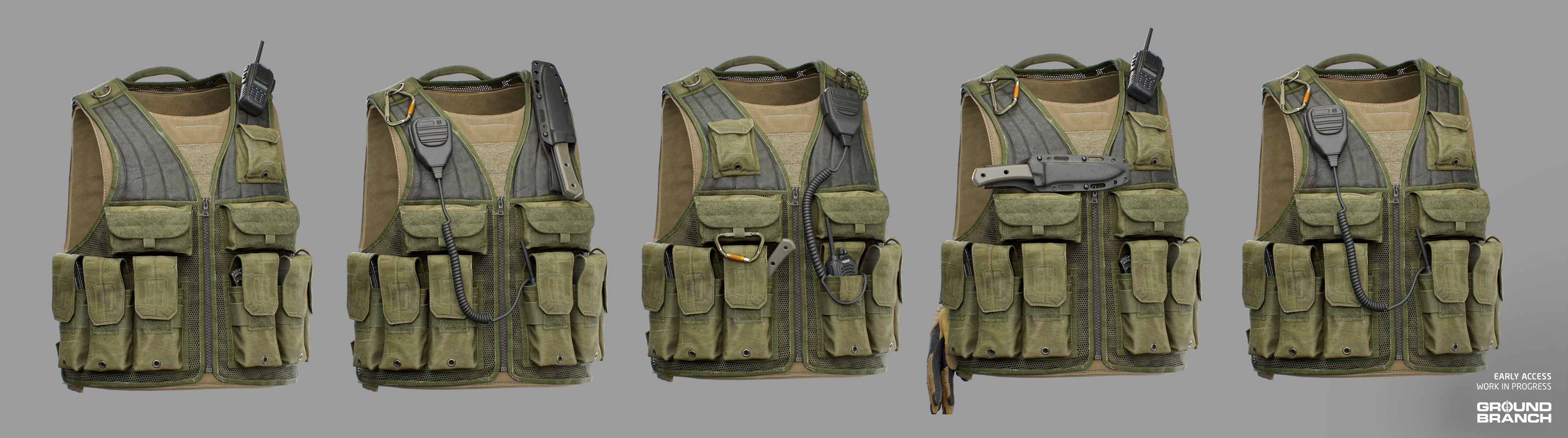 For these assets, we have also created a number of accessories that can be used to add visual interest to loadouts, like the carabiner, radio PTT and knife seen above.
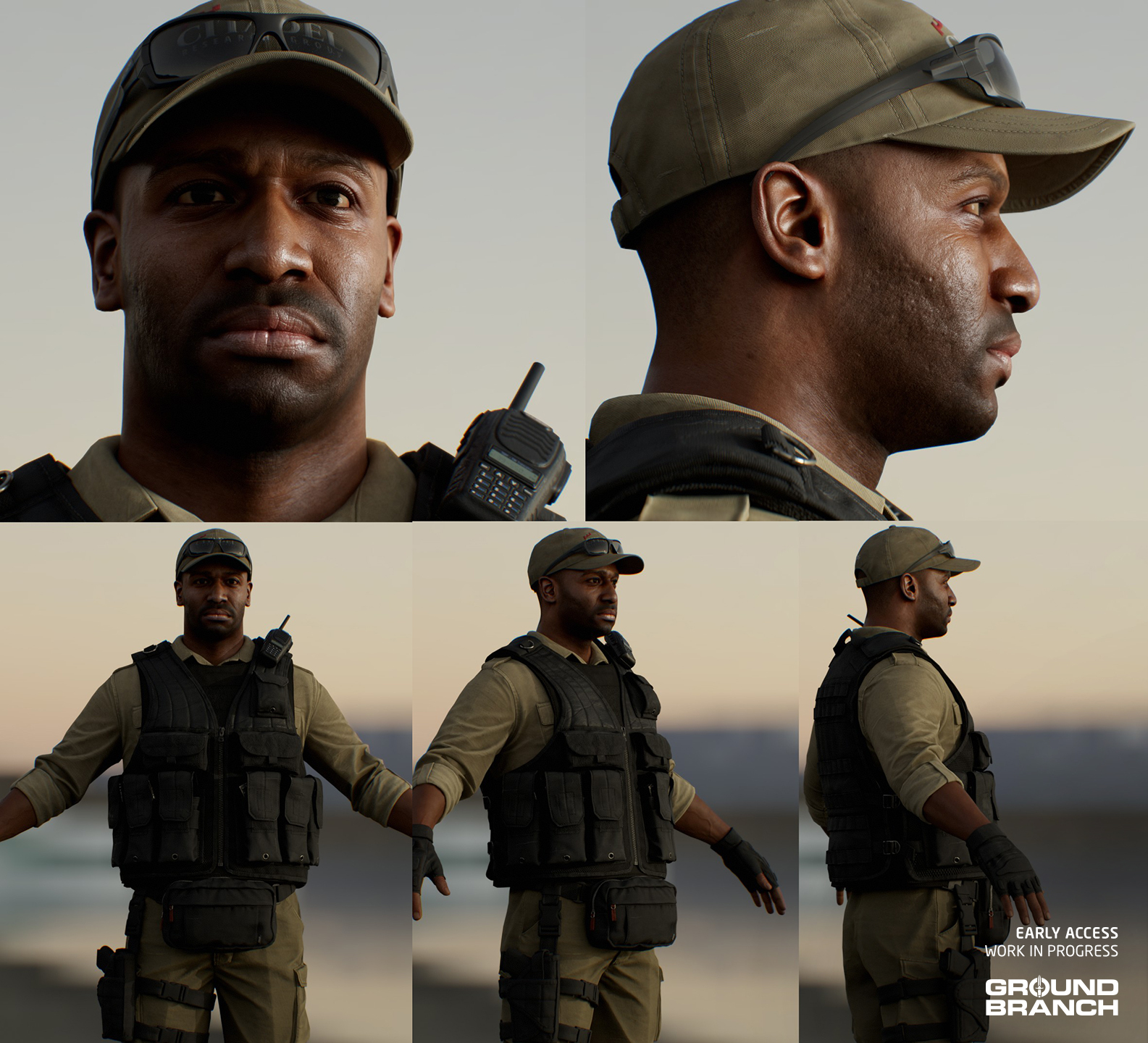 Since a handful of these assets are unspecific (as in unmarked with the "Citadel" logo), they are also being used to compose a more generic militia faction that will be replacing the old "Riot" assets in non-campaign maps like City, Creek and Small Town. Here's an example on the overhauled Creek map: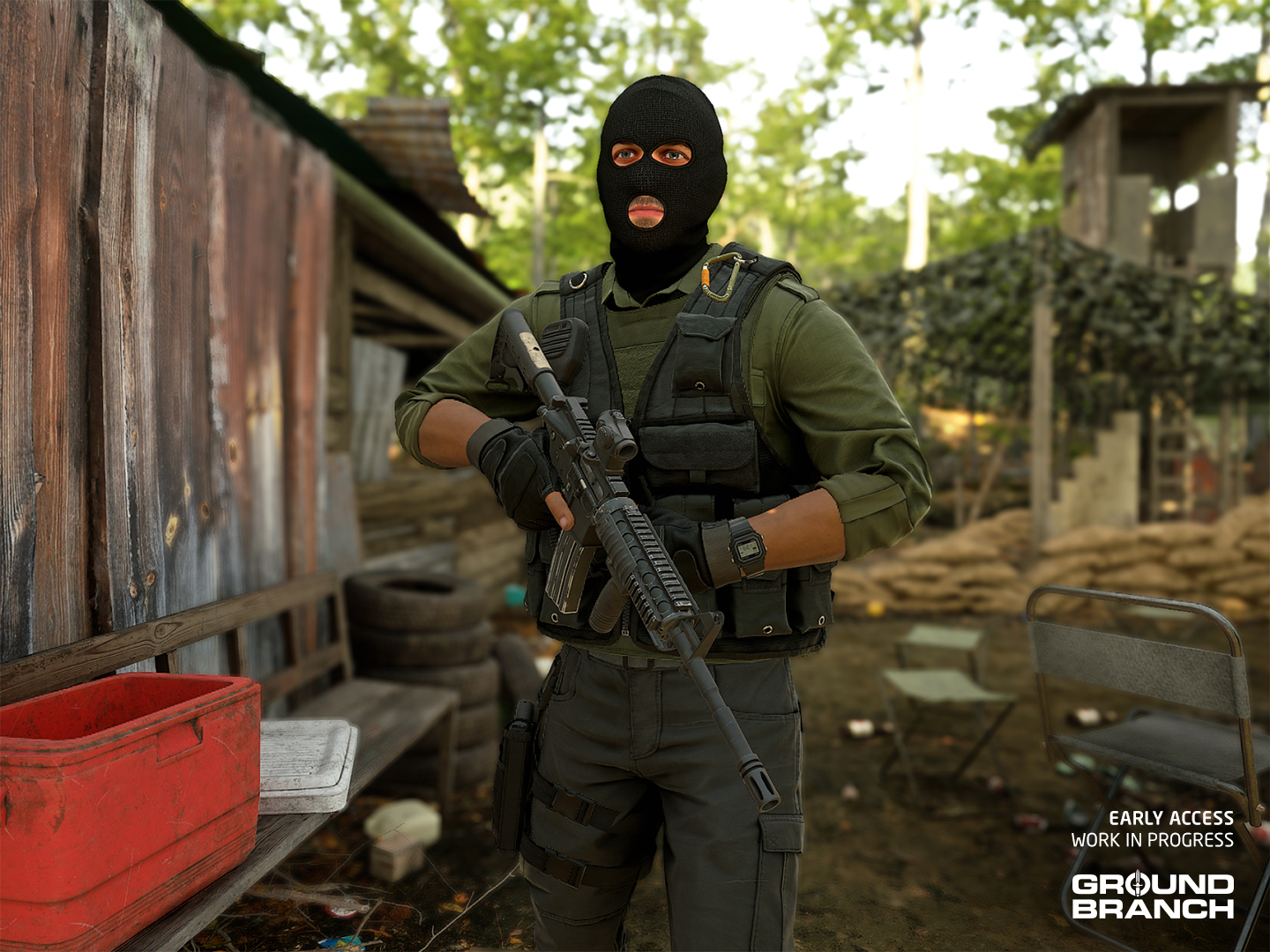
 载入中
载入中

