



Installera Steam
logga in
|
språk
简体中文 (förenklad kinesiska)
繁體中文 (traditionell kinesiska)
日本語 (japanska)
한국어 (koreanska)
ไทย (thailändska)
Български (bulgariska)
Čeština (tjeckiska)
Dansk (danska)
Deutsch (tyska)
English (engelska)
Español – España (spanska – Spanien)
Español – Latinoamérica (spanska – Latinamerika)
Ελληνικά (grekiska)
Français (franska)
Italiano (italienska)
Bahasa Indonesia (indonesiska)
Magyar (ungerska)
Nederlands (nederländska)
Norsk (norska)
Polski (polska)
Português (portugisiska – Portugal)
Português – Brasil (portugisiska – Brasilien)
Română (rumänska)
Русский (ryska)
Suomi (finska)
Türkçe (turkiska)
Tiếng Việt (vietnamesiska)
Українська (ukrainska)
Rapportera problem med översättningen



 Utmärkelse



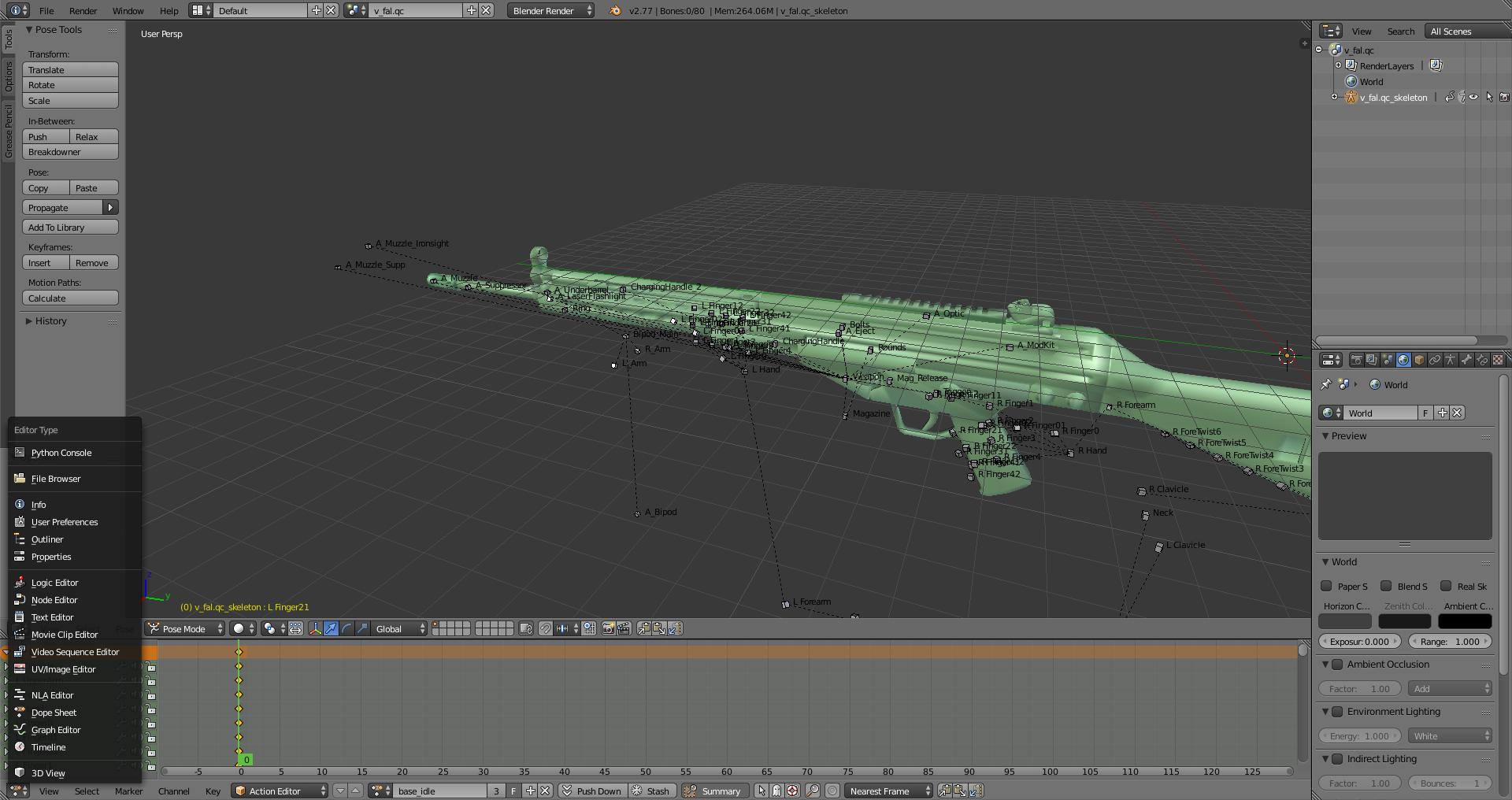
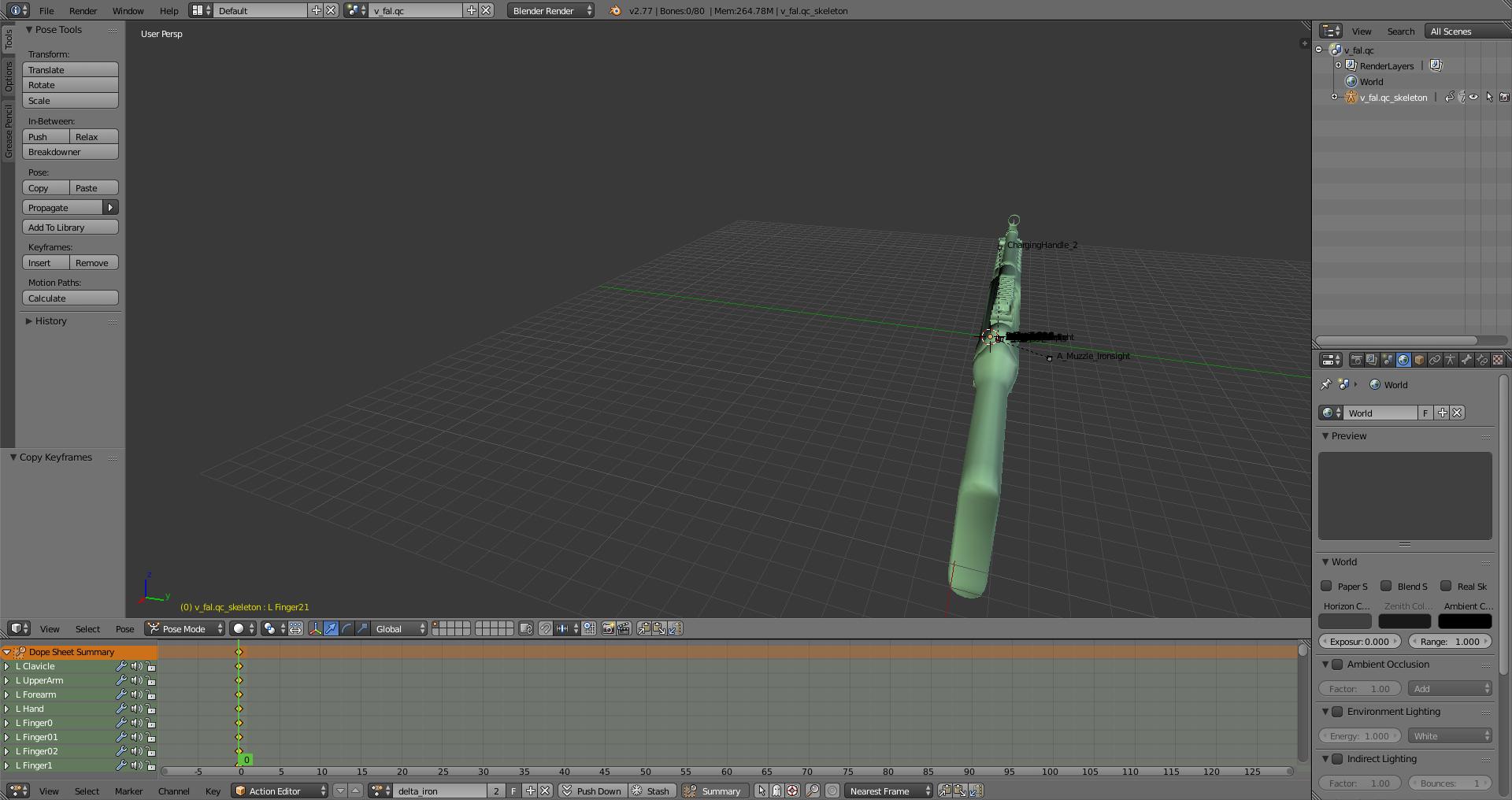
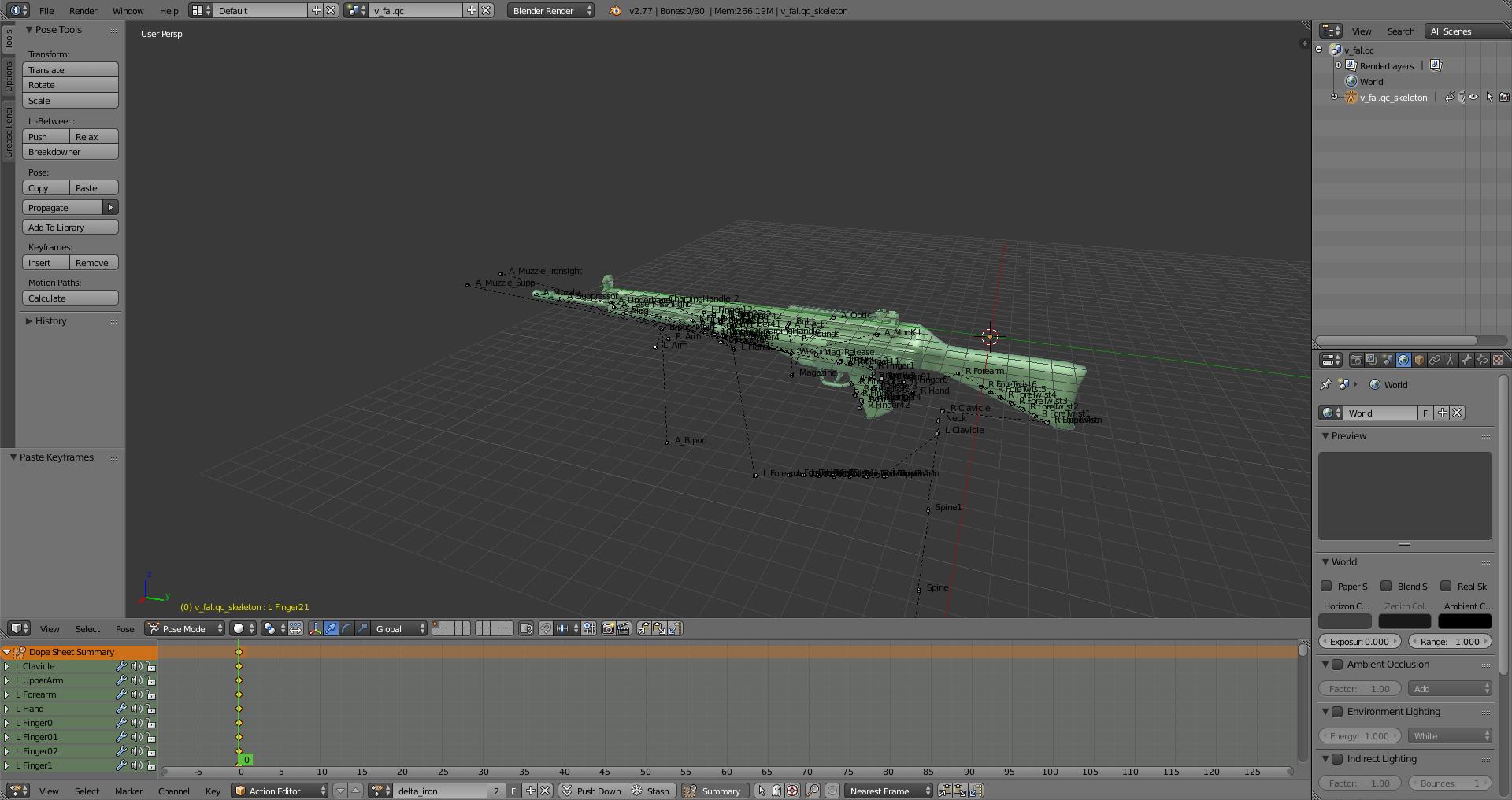
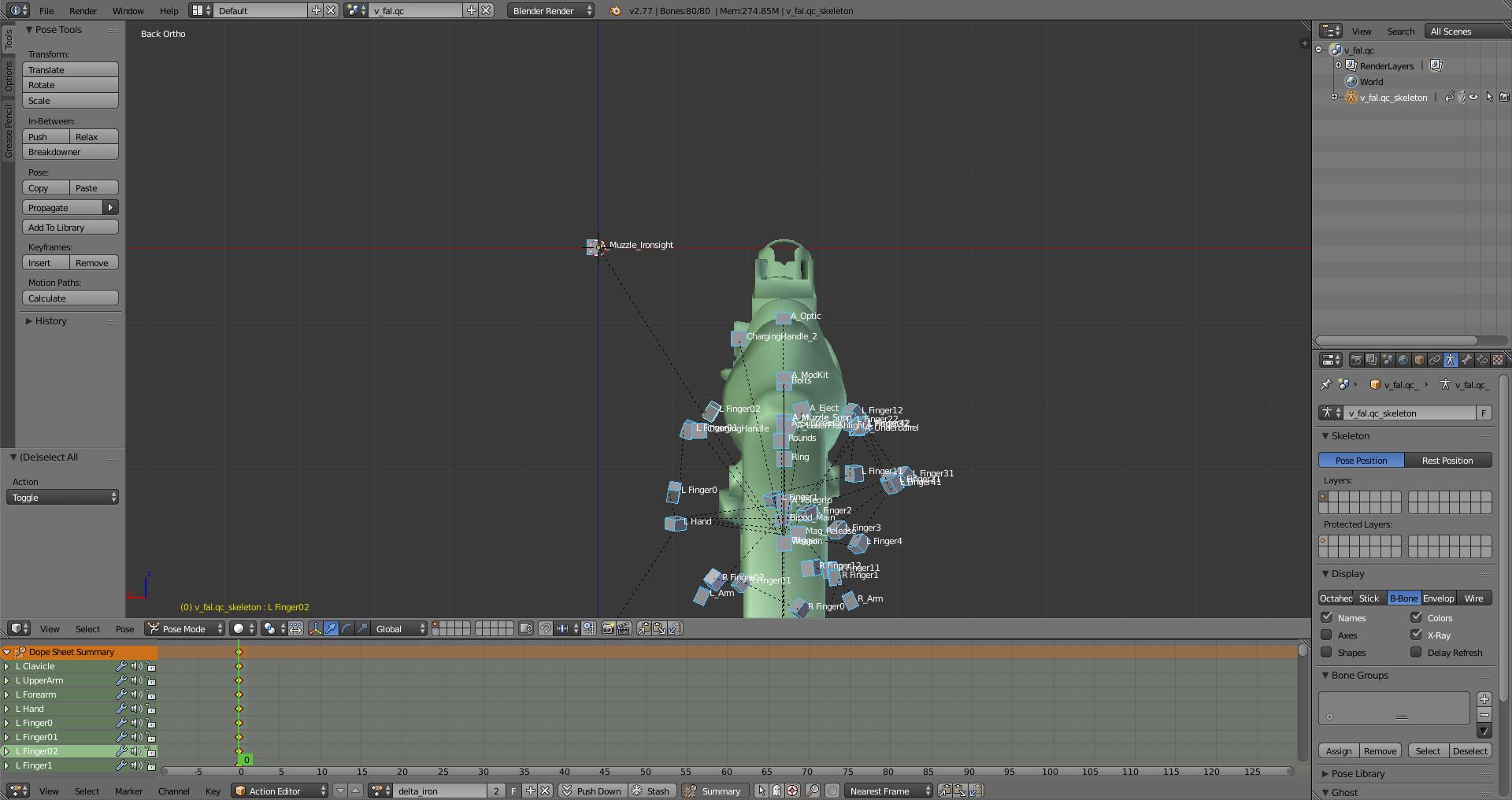
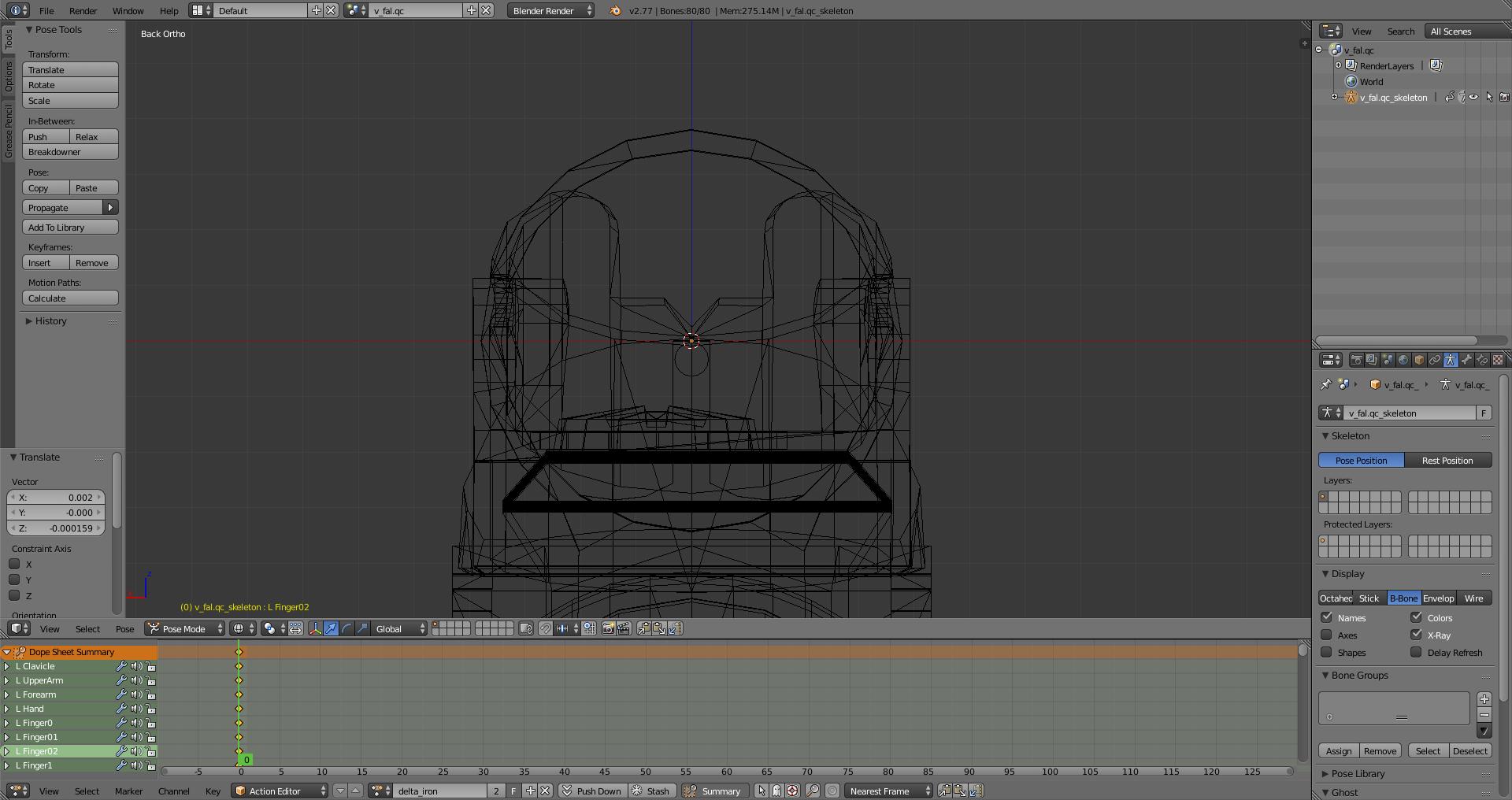
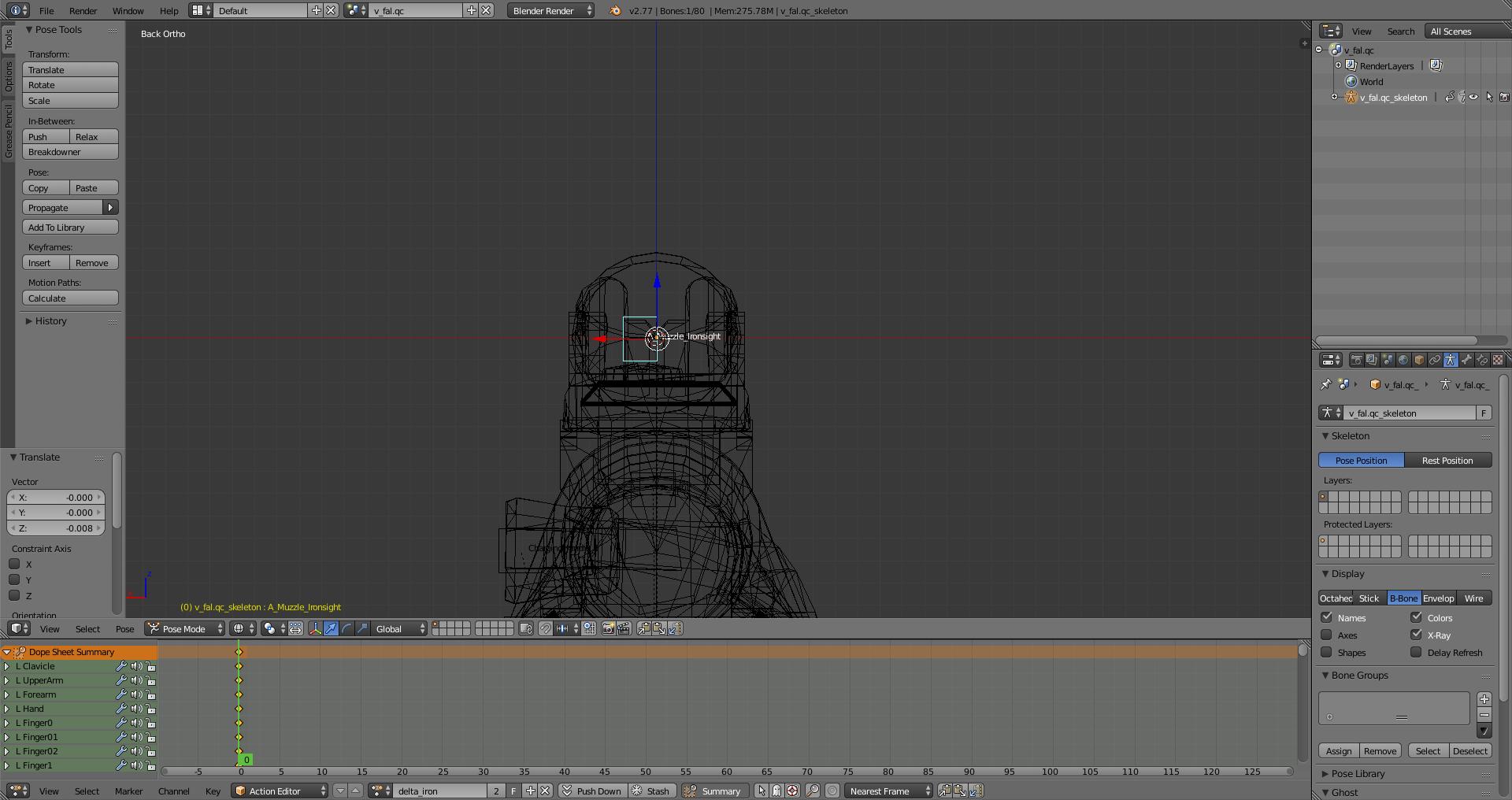
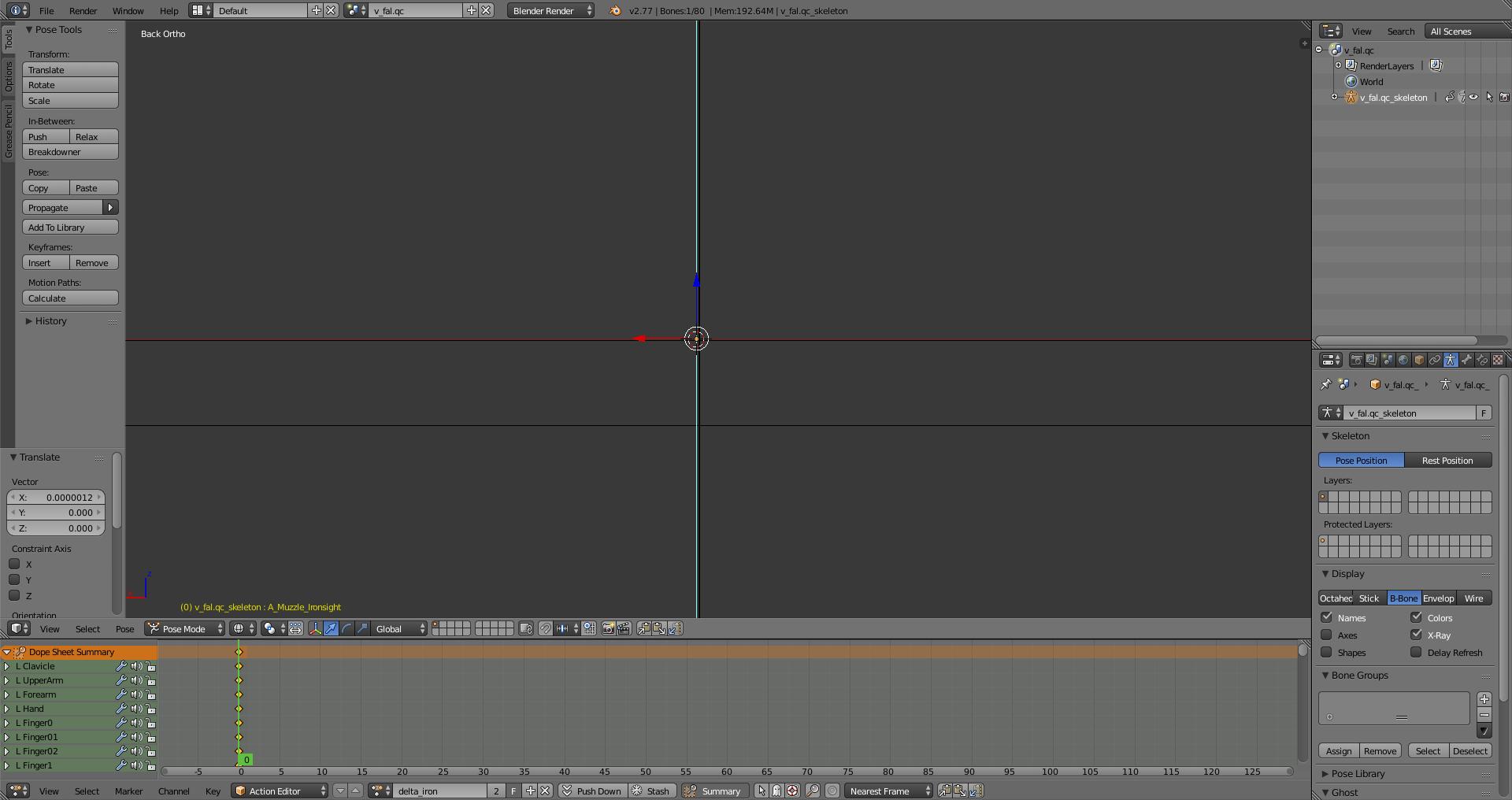
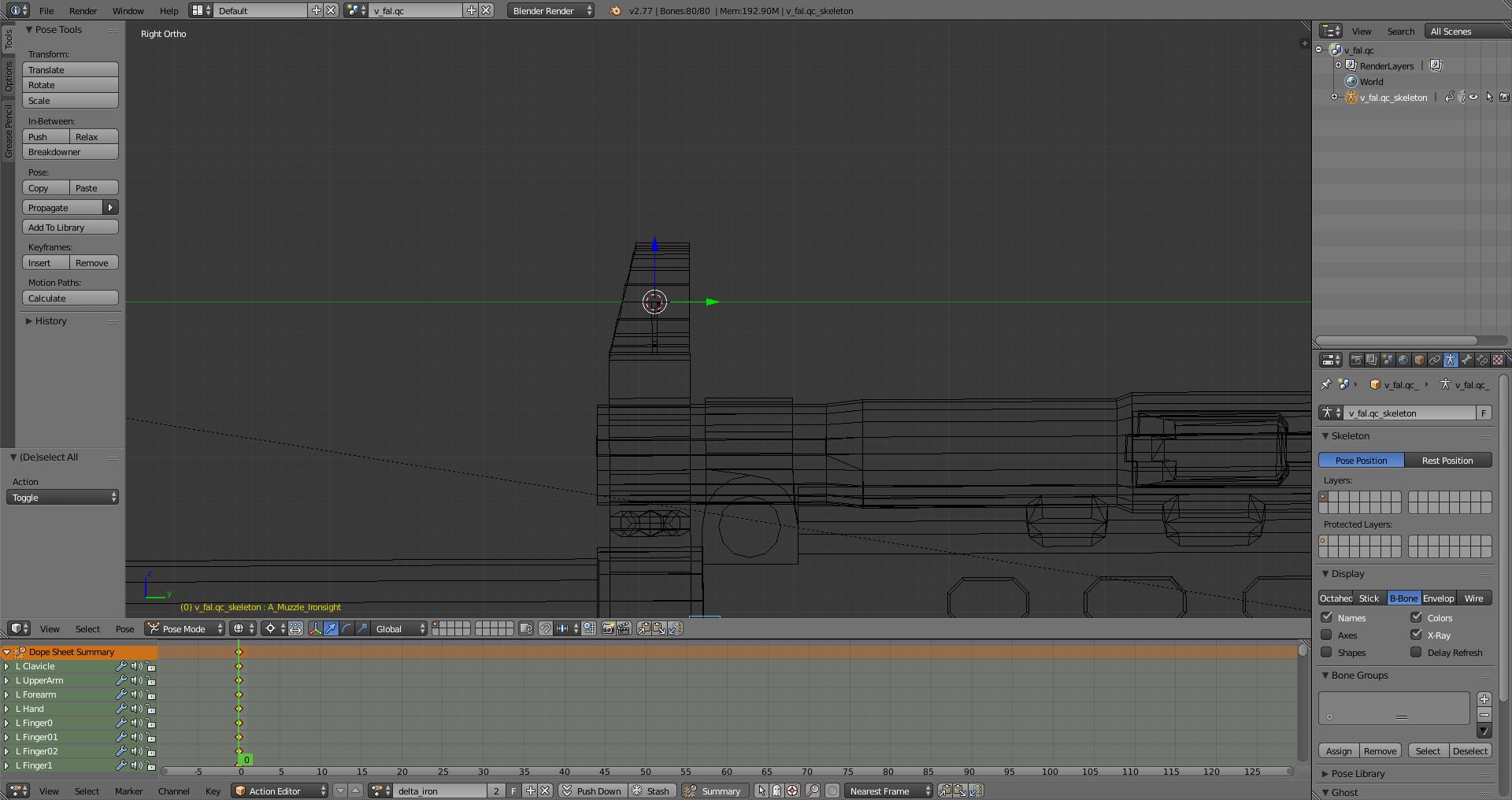
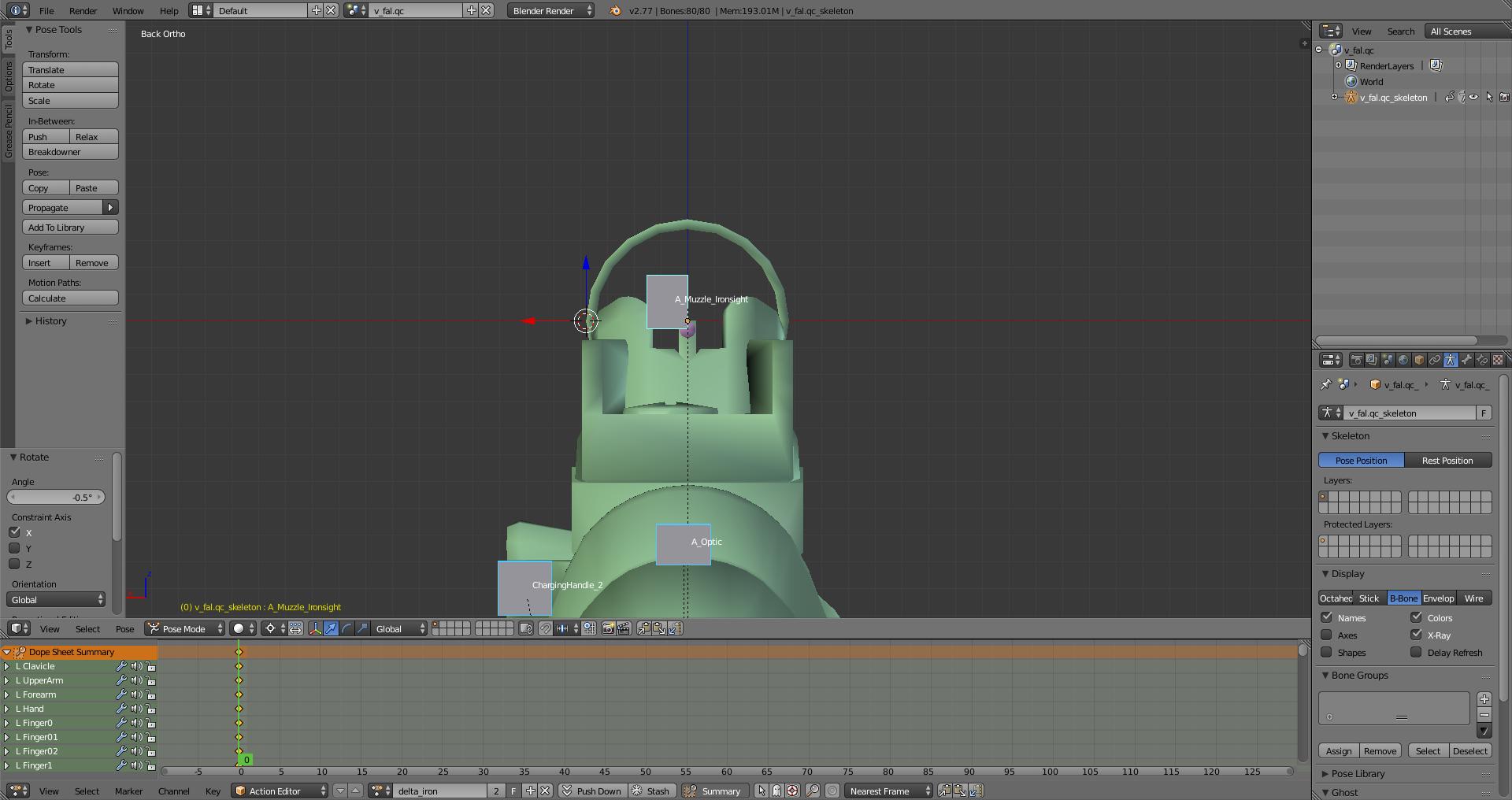
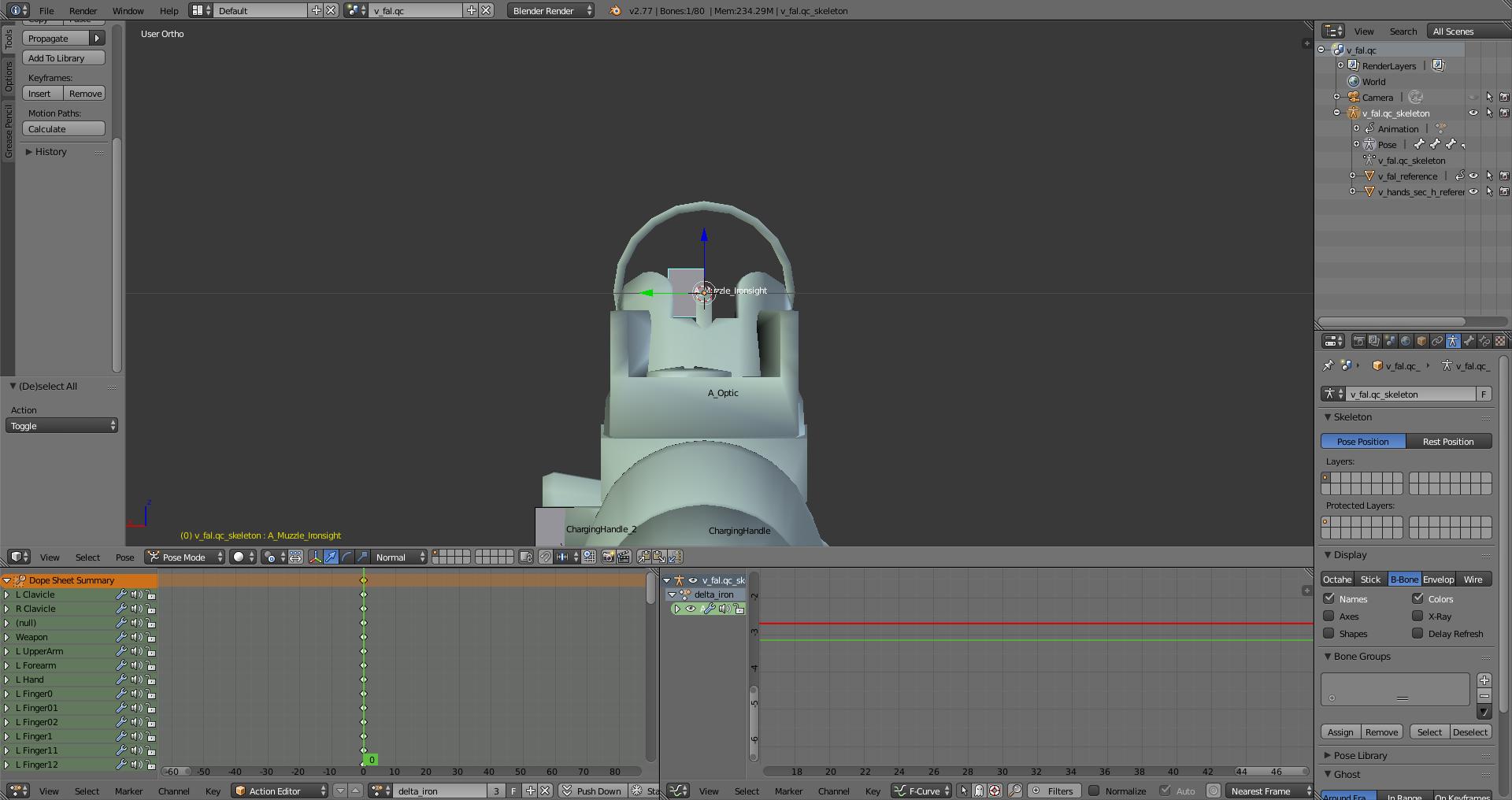
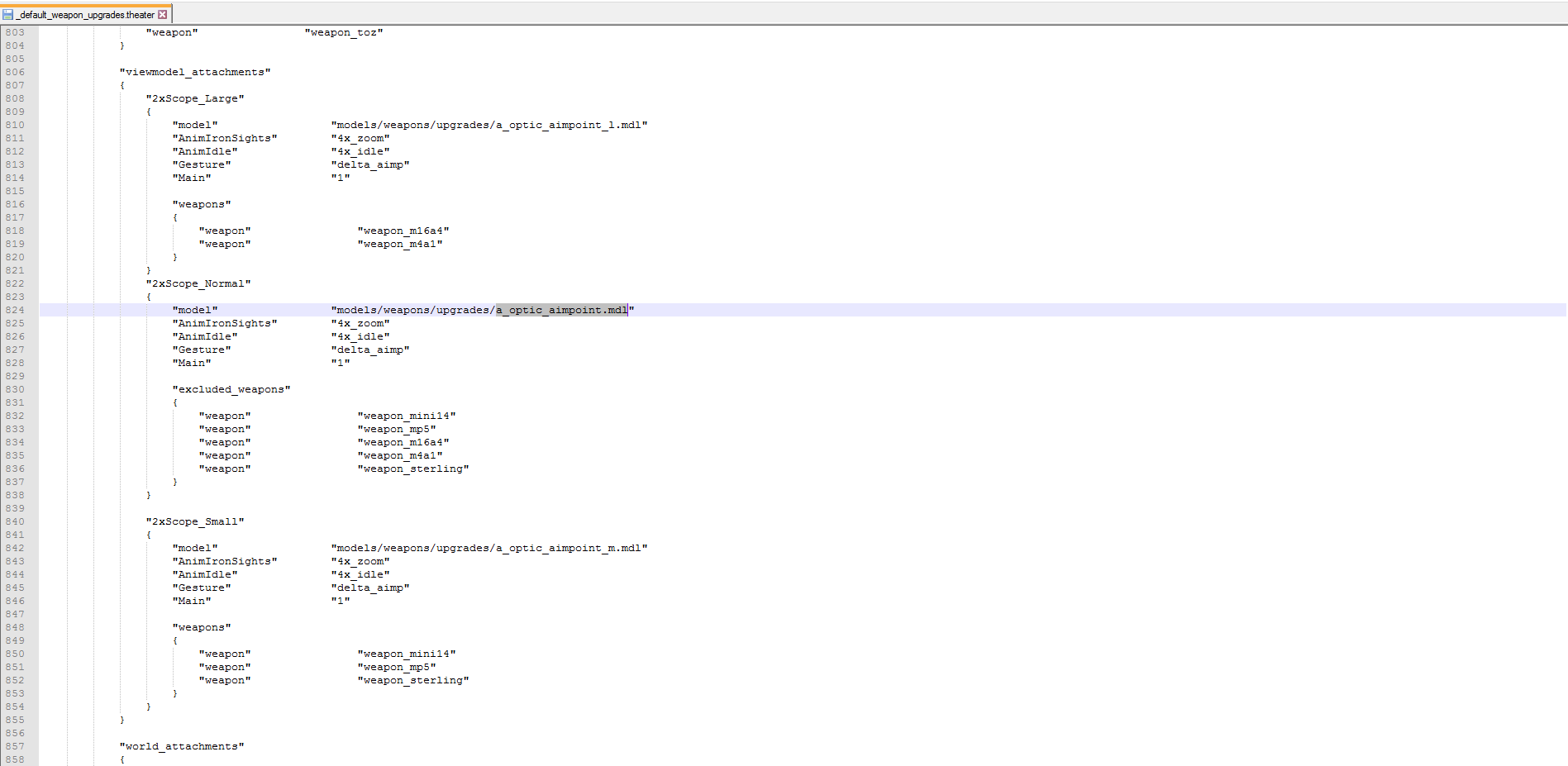
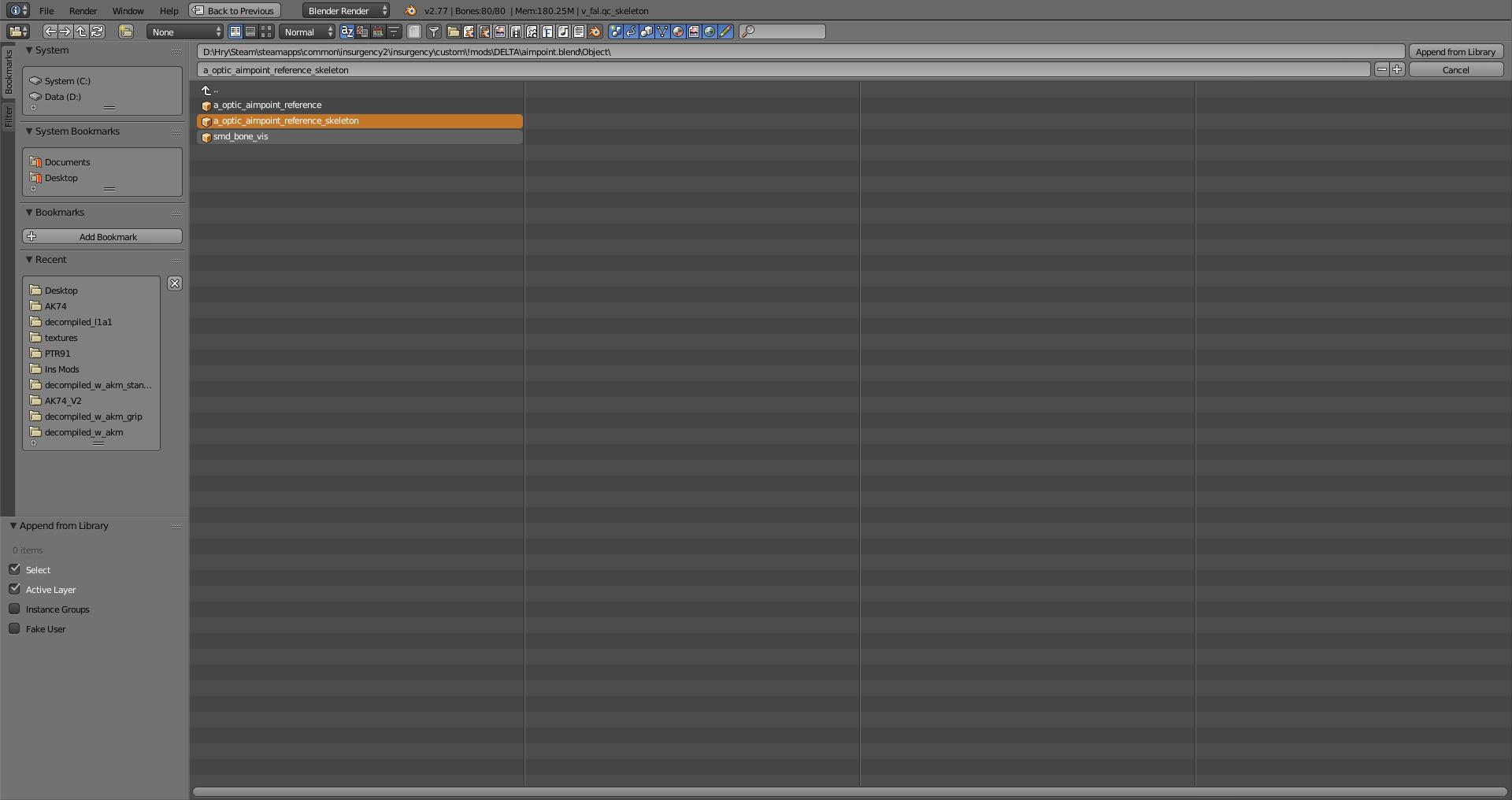
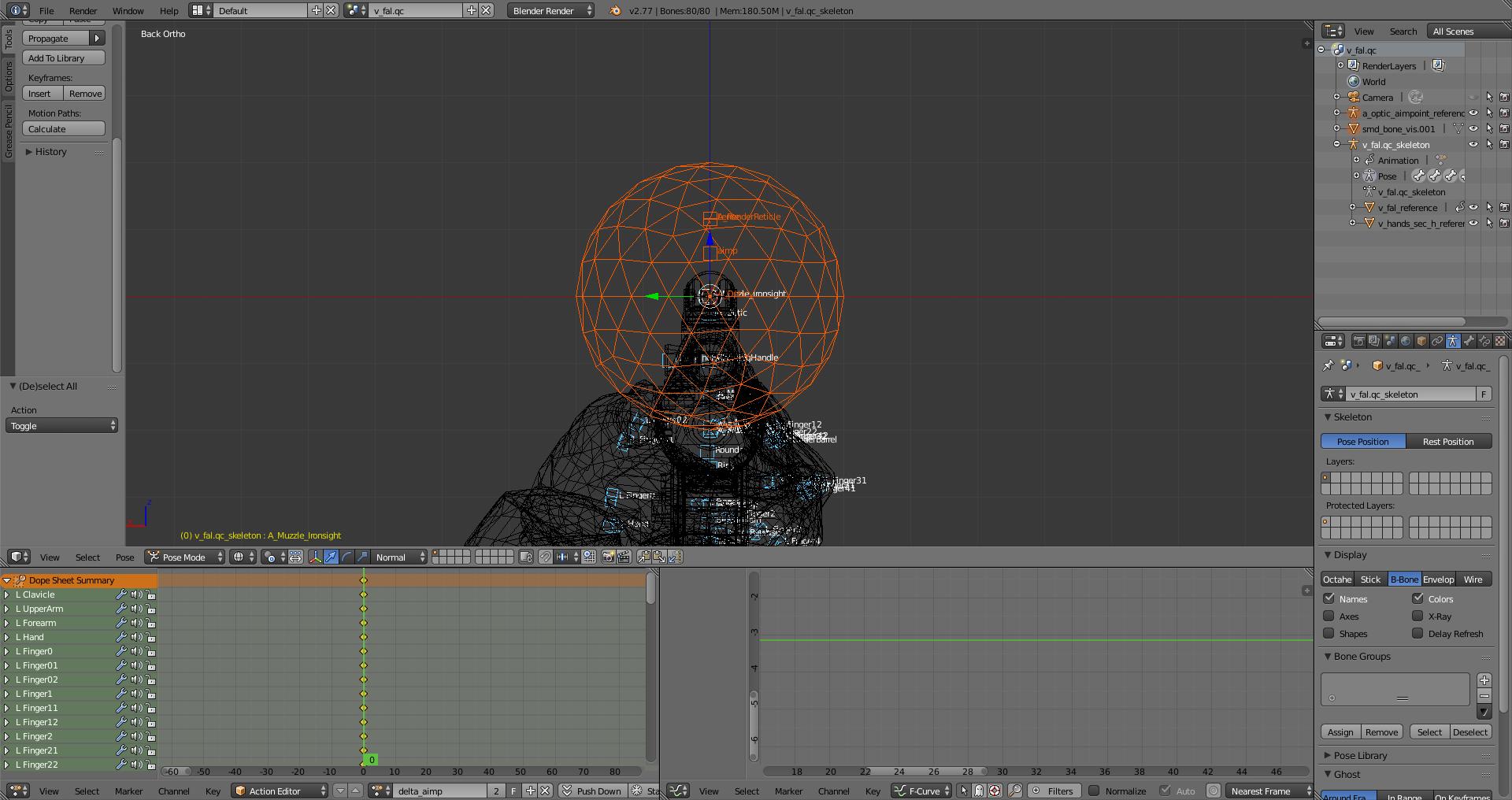
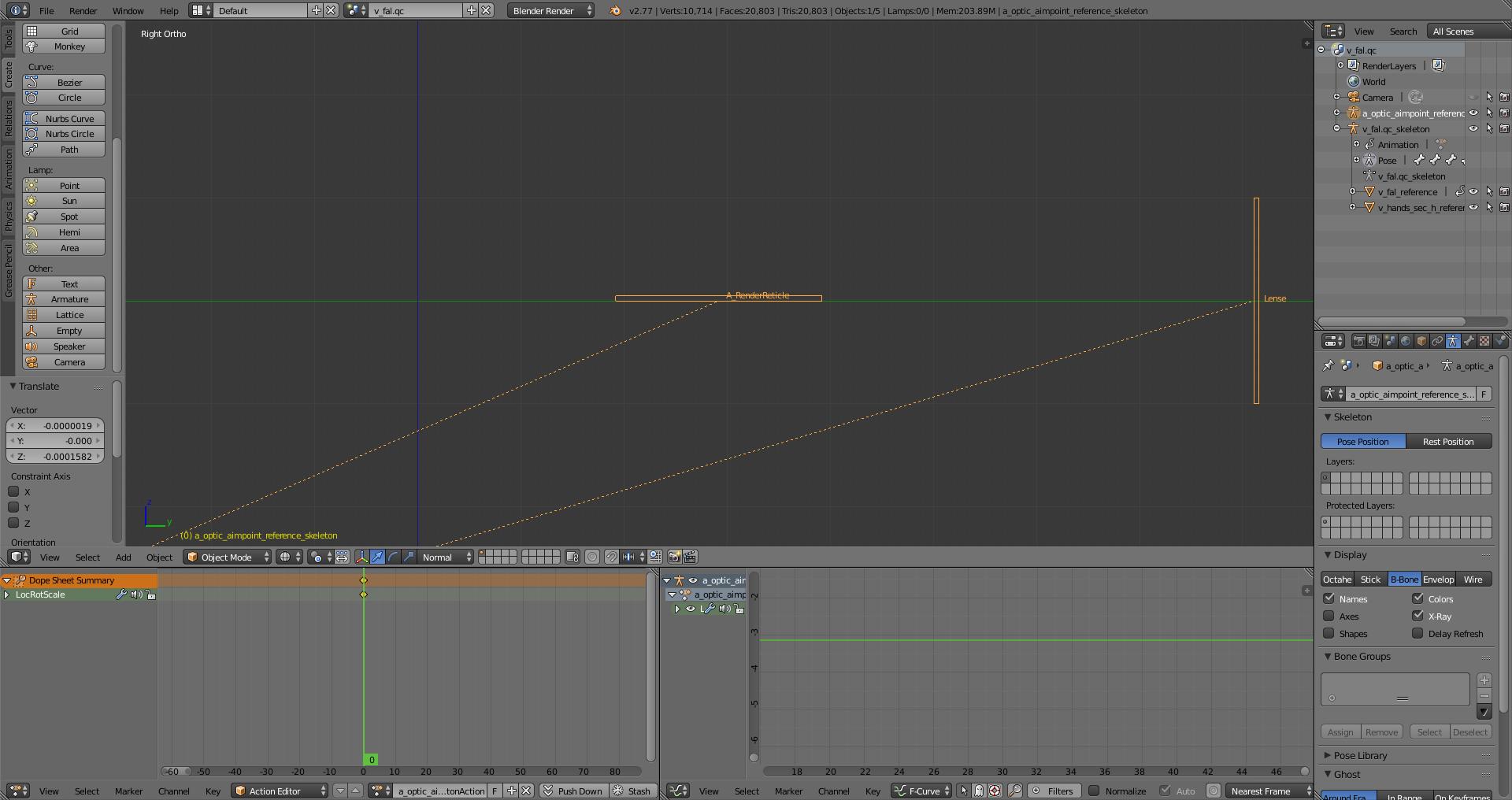
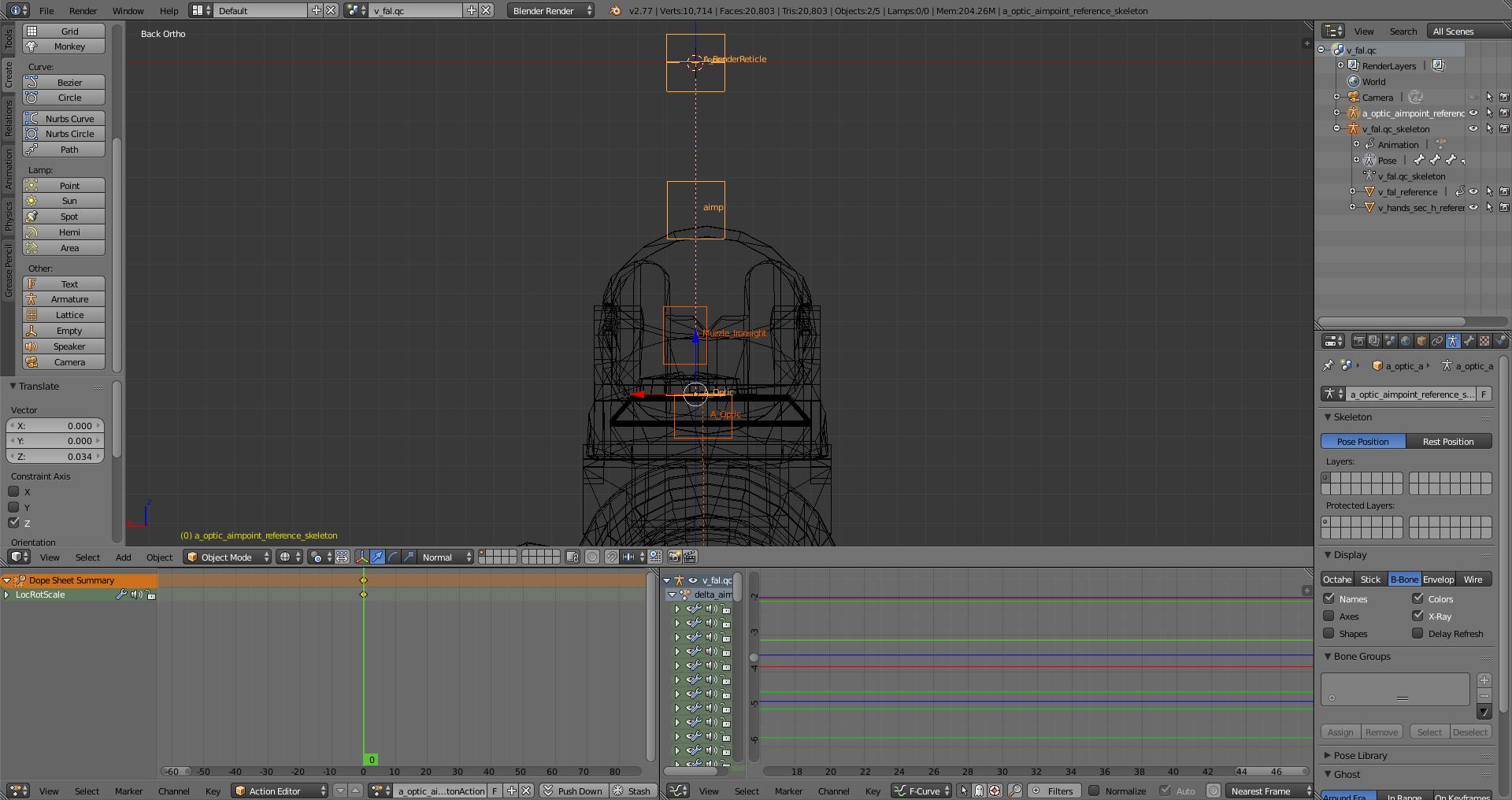
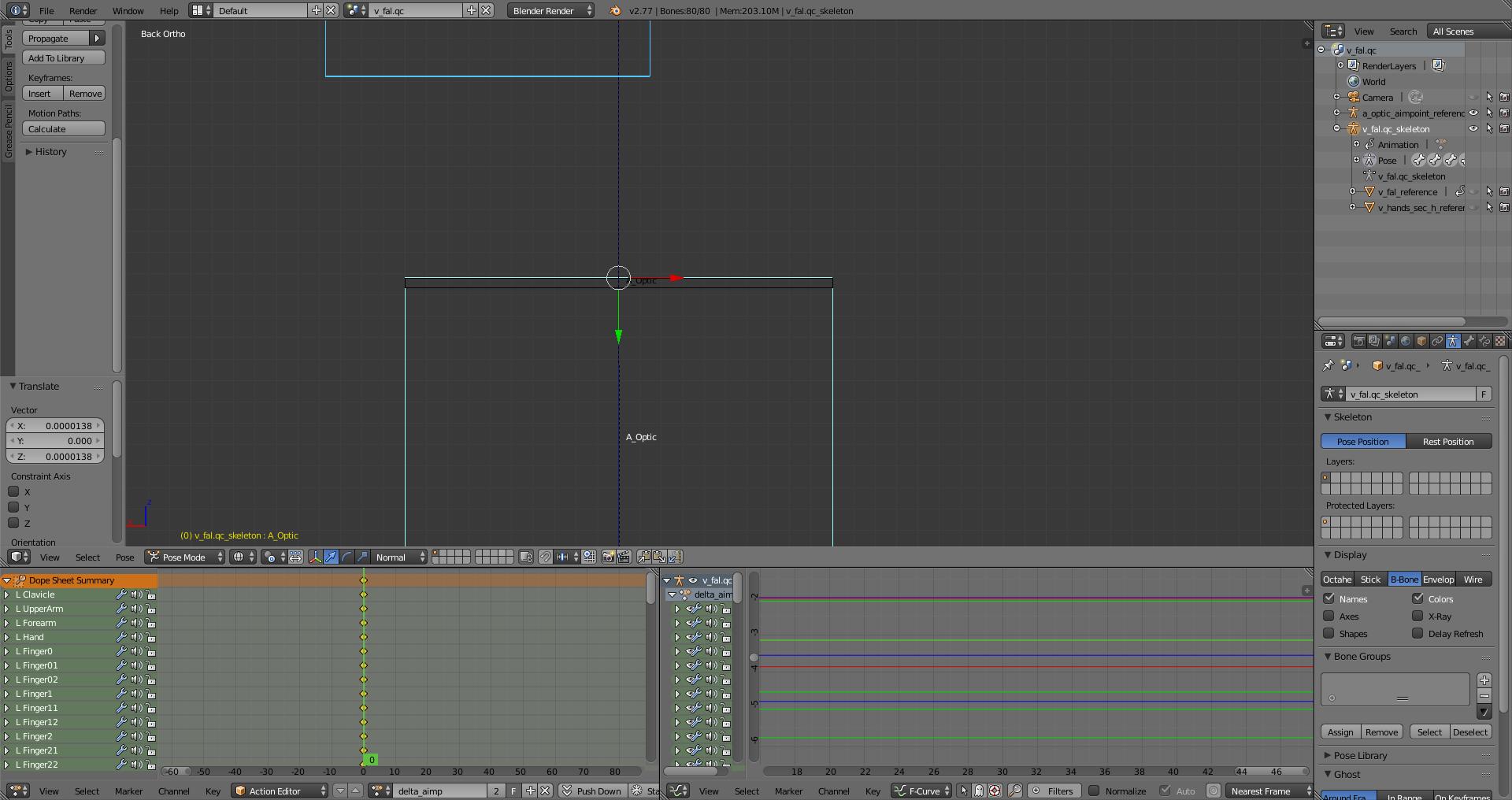
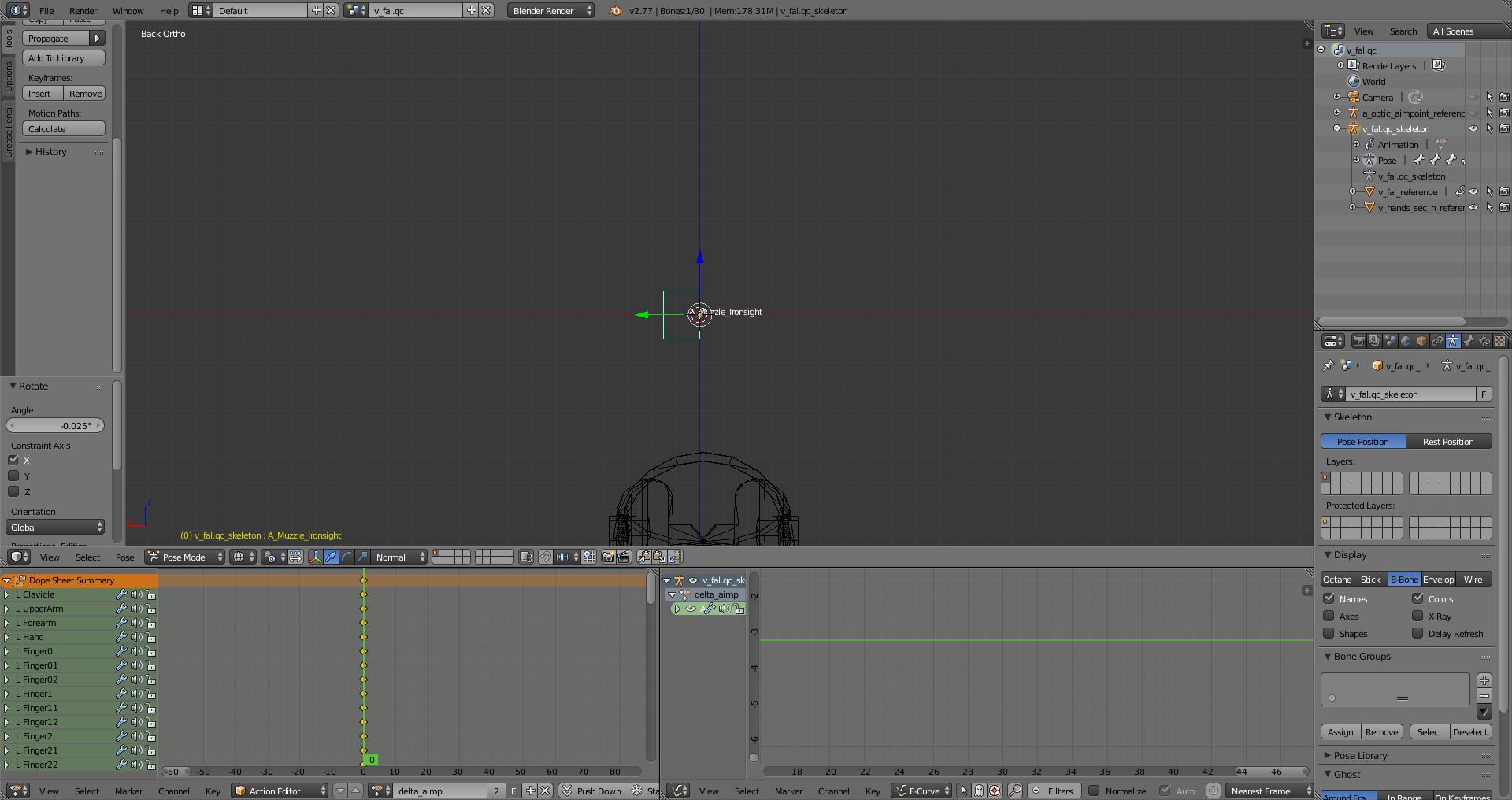
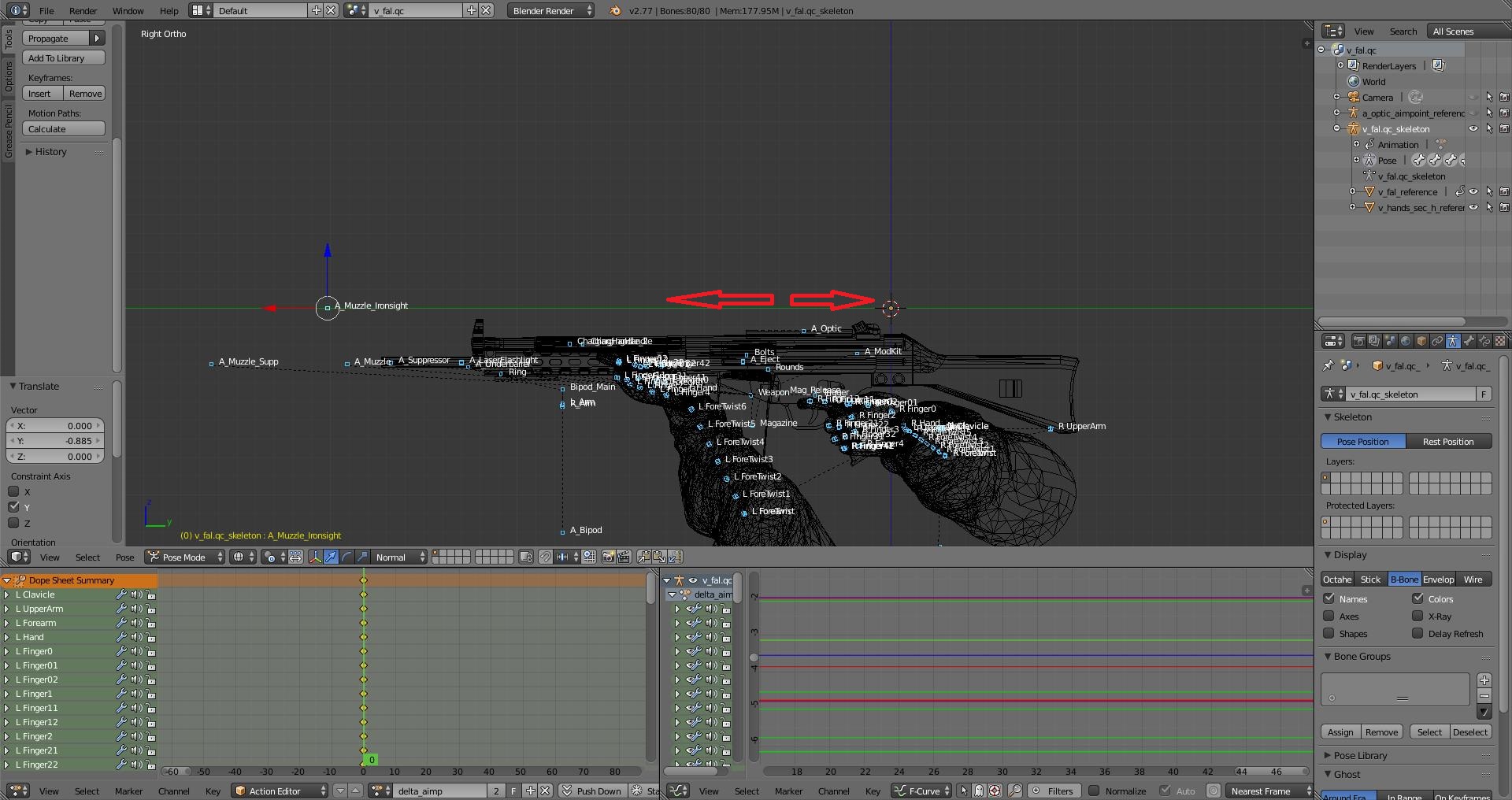


I know I know
I need to delete the【 subtract "menu" 0】 in the qc file.
God, really.
Thank you,I misunderstood this guide.
In an animation with delta
Comment this line (subtract "menu" 0) and add subtract "idle" 0 or modify directly
//subtract "menu" 0
subtract "idle" 0
**************************************************
$Sequence "delta_iron" {
"v_mp5kpdw_anims\delta_iron.smd"
delta
fadein 0.2
fadeout 0.2
fps 30
// This subtract line is a guess of the animation name and frame index. There is no way to determine which $animation or $sequence and which frame were used, so Crowbar uses the name of the first $sequence. Change as needed.
//subtract "menu" 0
subtract "idle" 0
}
About qc I followed your guide and added [subtract "idle" 0 in DELTA animation. But the aiming animation becomes very strange, the gun will choose along the Z axis.