



安装 Steam
登录
|
语言
繁體中文(繁体中文)
日本語(日语)
한국어(韩语)
ไทย(泰语)
български(保加利亚语)
Čeština(捷克语)
Dansk(丹麦语)
Deutsch(德语)
English(英语)
Español-España(西班牙语 - 西班牙)
Español - Latinoamérica(西班牙语 - 拉丁美洲)
Ελληνικά(希腊语)
Français(法语)
Italiano(意大利语)
Bahasa Indonesia(印度尼西亚语)
Magyar(匈牙利语)
Nederlands(荷兰语)
Norsk(挪威语)
Polski(波兰语)
Português(葡萄牙语 - 葡萄牙)
Português-Brasil(葡萄牙语 - 巴西)
Română(罗马尼亚语)
Русский(俄语)
Suomi(芬兰语)
Svenska(瑞典语)
Türkçe(土耳其语)
Tiếng Việt(越南语)
Українська(乌克兰语)
报告翻译问题




 奖励
奖励





It helped me a lot!
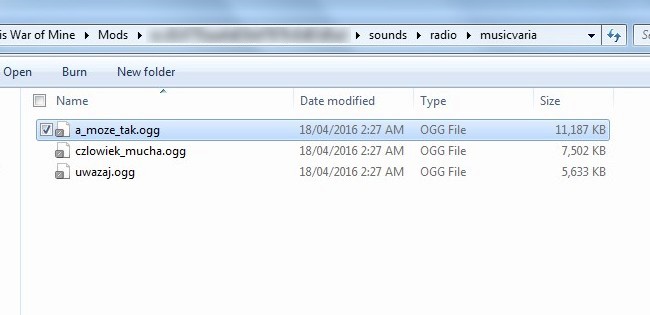
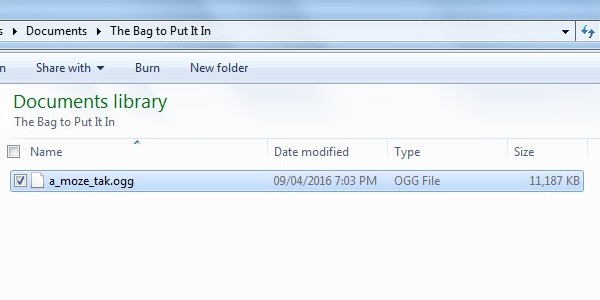
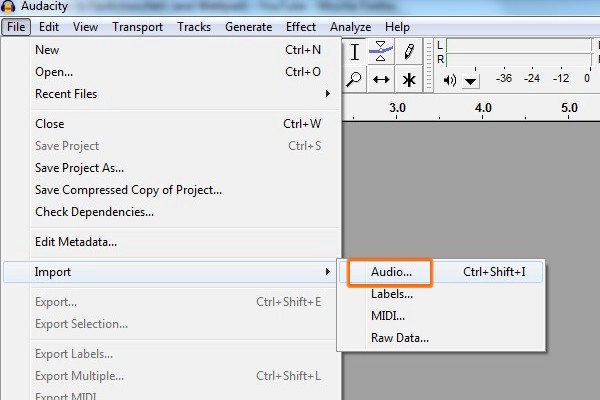
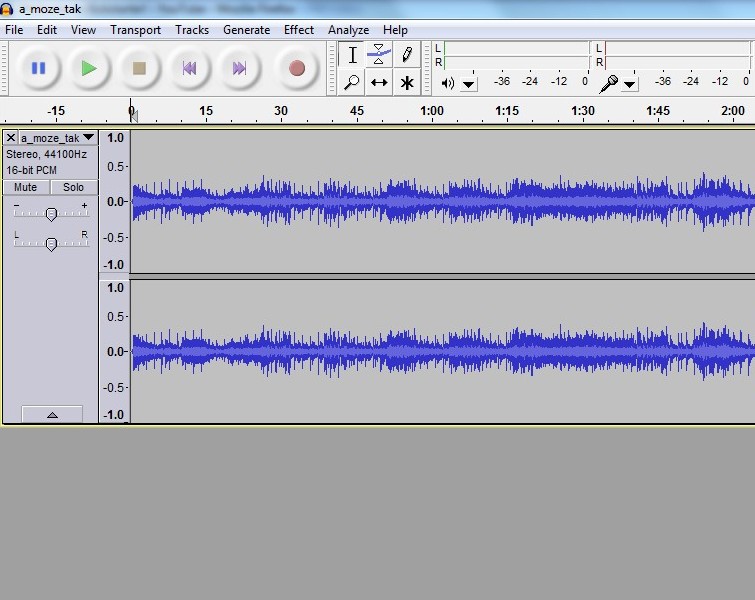
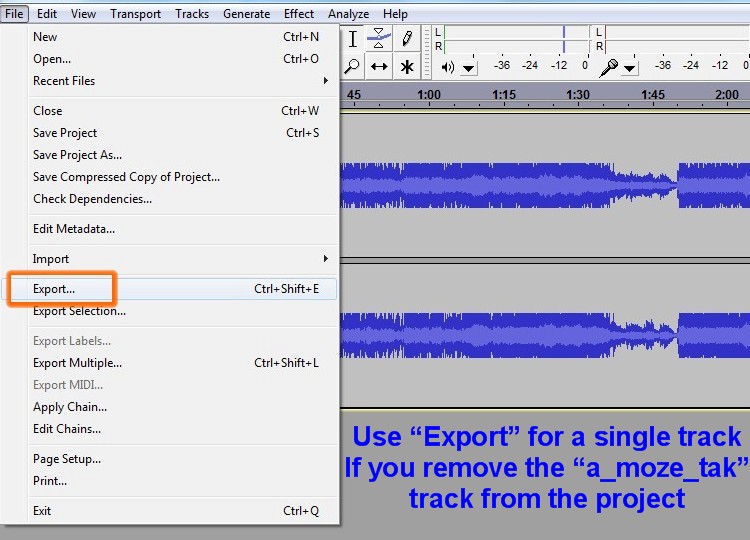
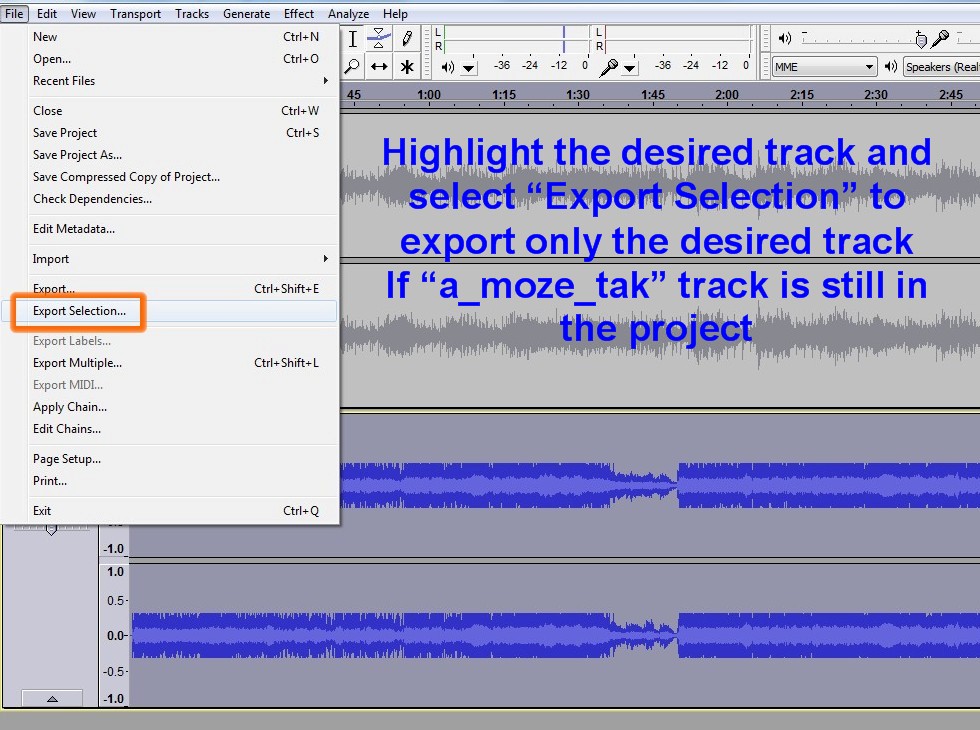
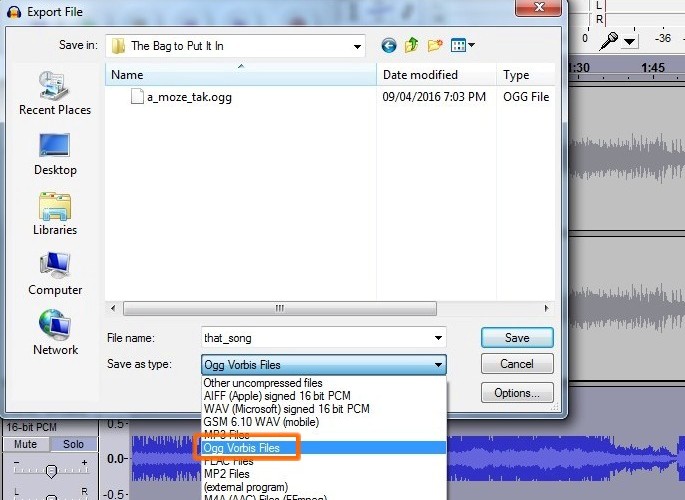
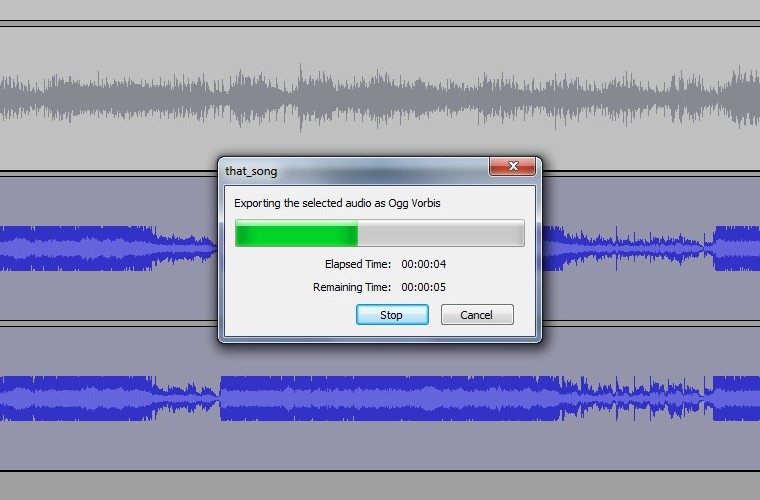
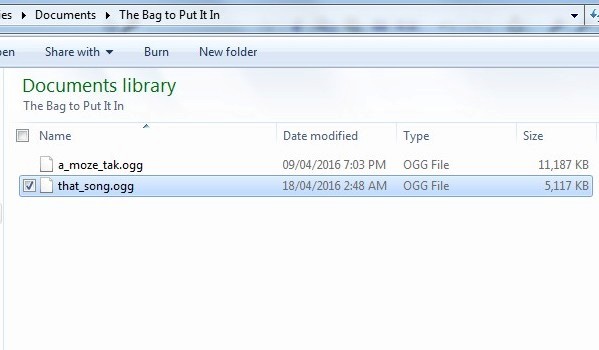
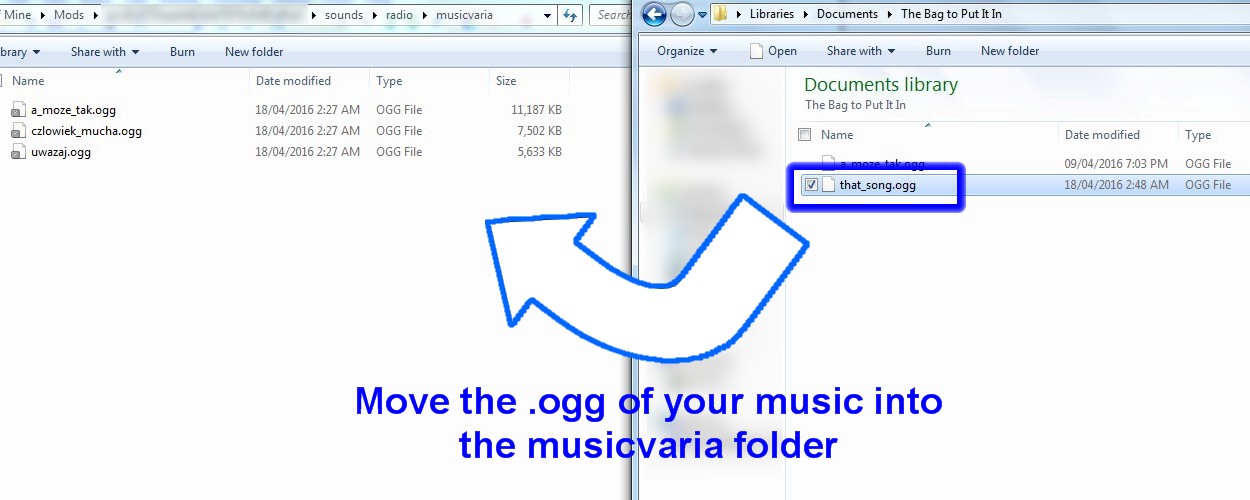
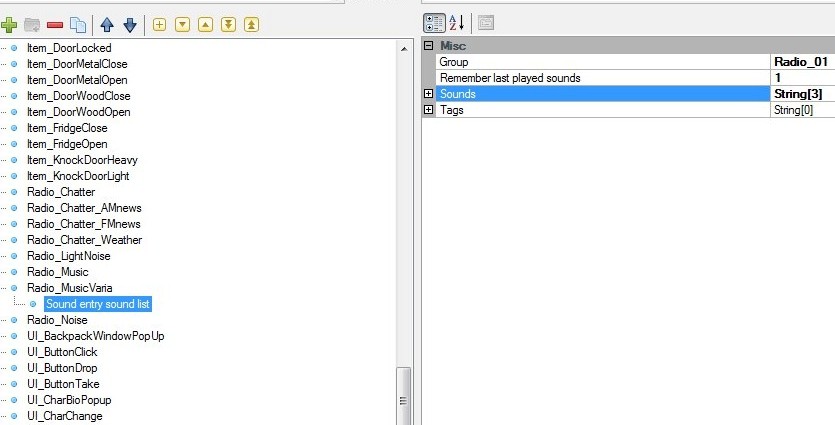
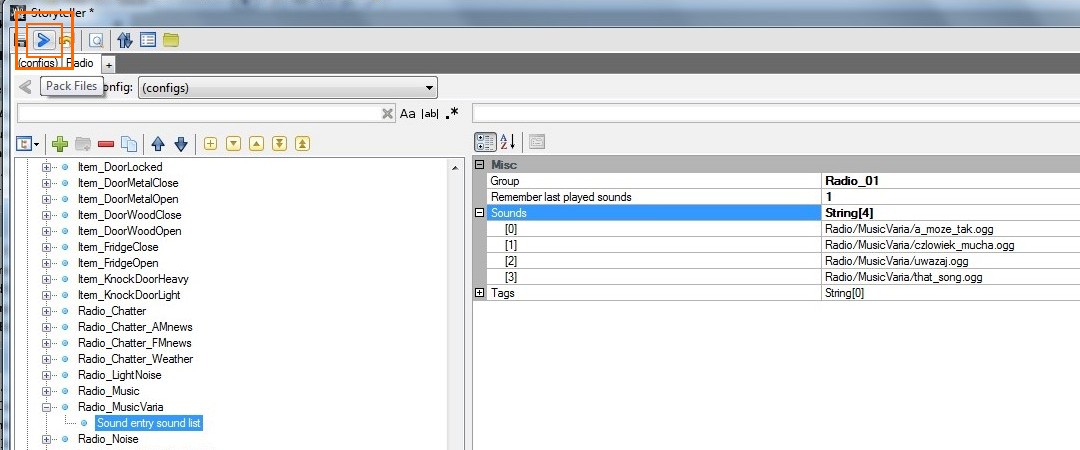
You should have .ogg in both the game files and the modifier. For the files, they must be in .ogg format which you can choose by exporting a song in Audacity. It's like .mp3 or .wav but for this game's radio it uses .ogg in the game files.
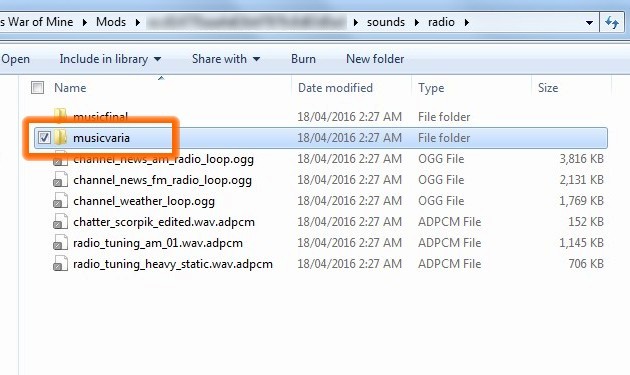
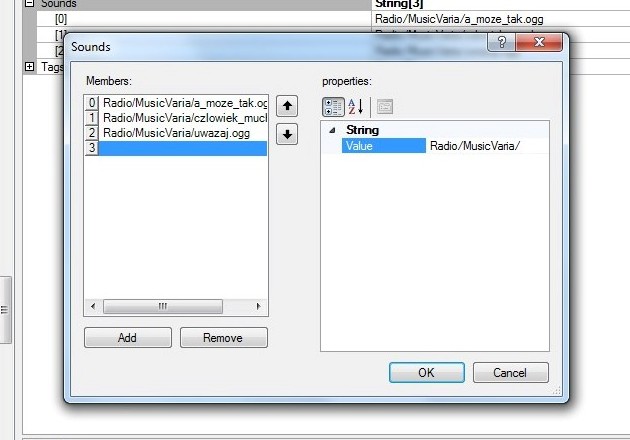
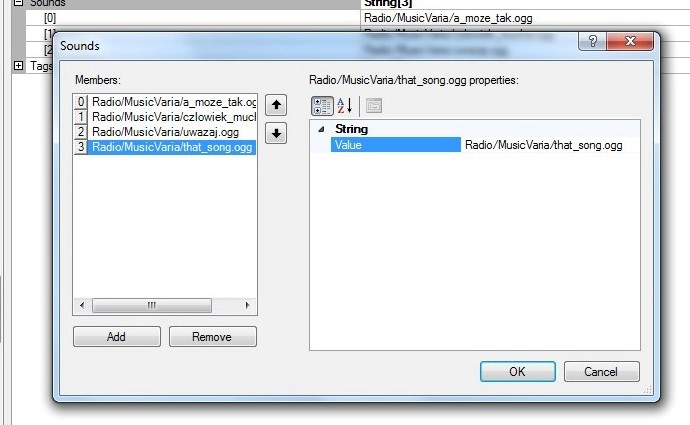
For the modifier, you have to type in the file name manually. For example, if you wanted to add a song called "Sunshine" into the game, and its filename was sunshine.ogg - you would have to type in Radio/MusicVaria/sunshine.ogg
The mod tools will not add the .ogg for you, so you have to type it yourself.
I hope that helps. Sorry if you have any trouble understanding me. If I could, I would explain it in a language you prefer. I had to figure out this modding on my own, and I made this guide to spare people the frustration I went through, so I hope it will work out for you.
I have one last doubt, Should I add ".ogg" only in the game files or do that in the game modifier?
Or do I do that in both?
I don't know if I explain myself well, my English is a bad thing
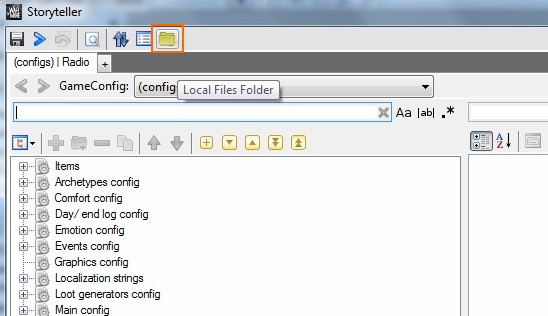
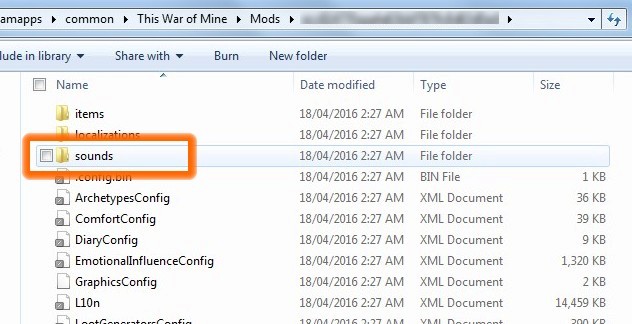
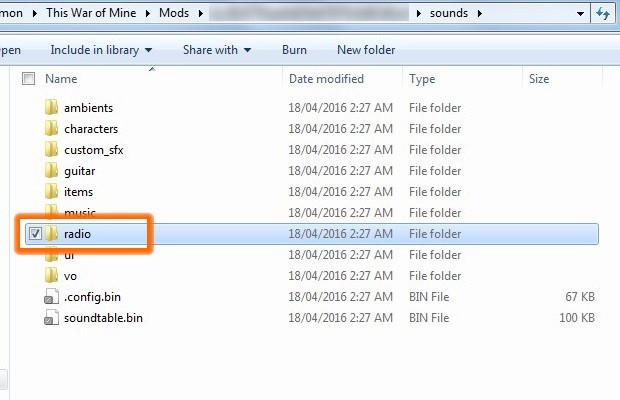
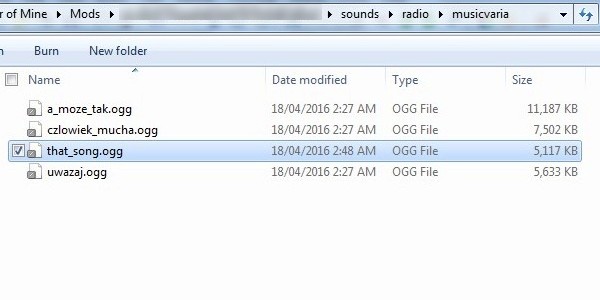
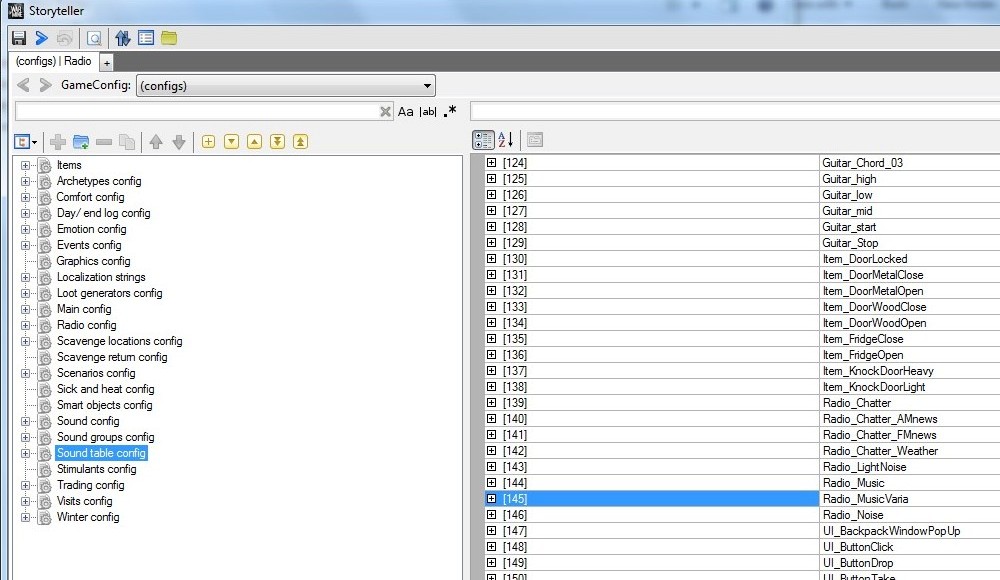
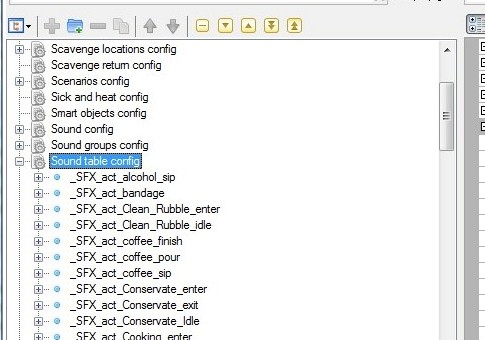
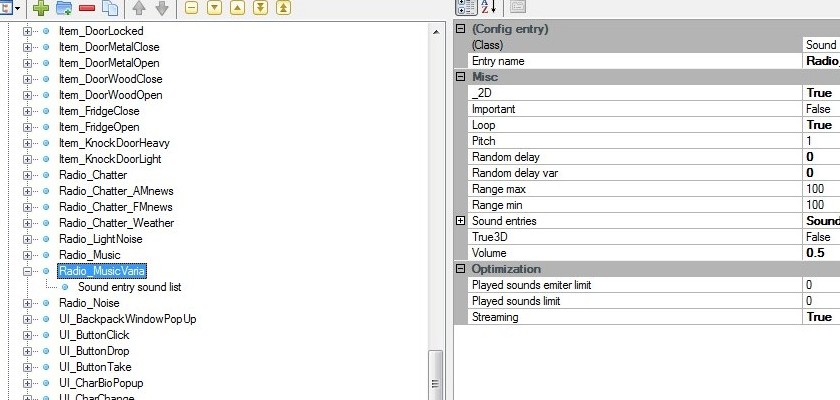
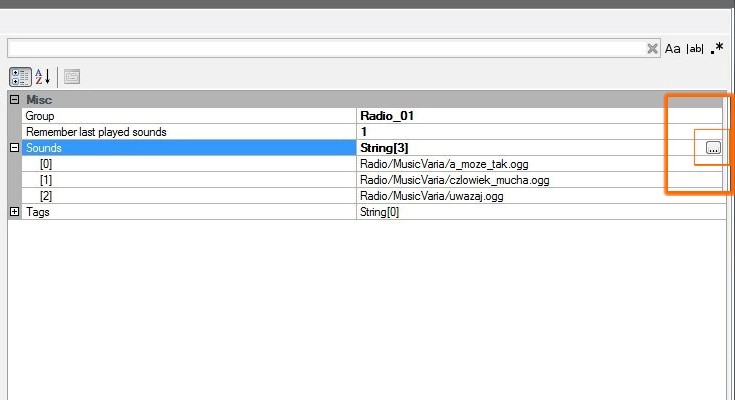
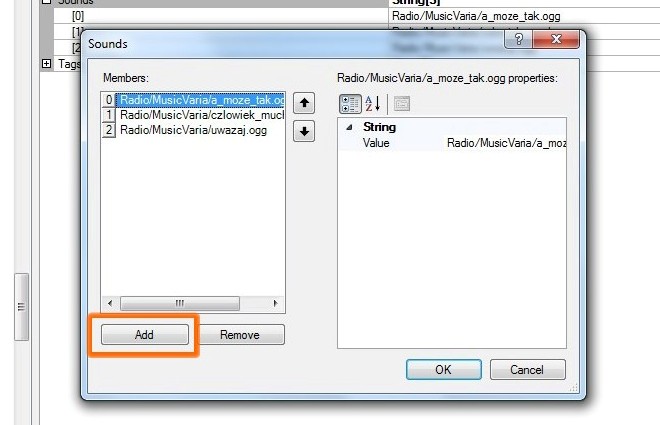
If the songs are in the folder but are not being played, it could be you haven't configured them properly in the mod tools before finishing the mod. Refer to Part 4: Configuring the Song using Mod Tools . Follow that step by step, make sure your songs are in .ogg format, and you have to fill in their file name manually so make sure the spelling is correct when you fill in the "Value" on the Members list for Sounds. Each song should have its own place on the Members list.
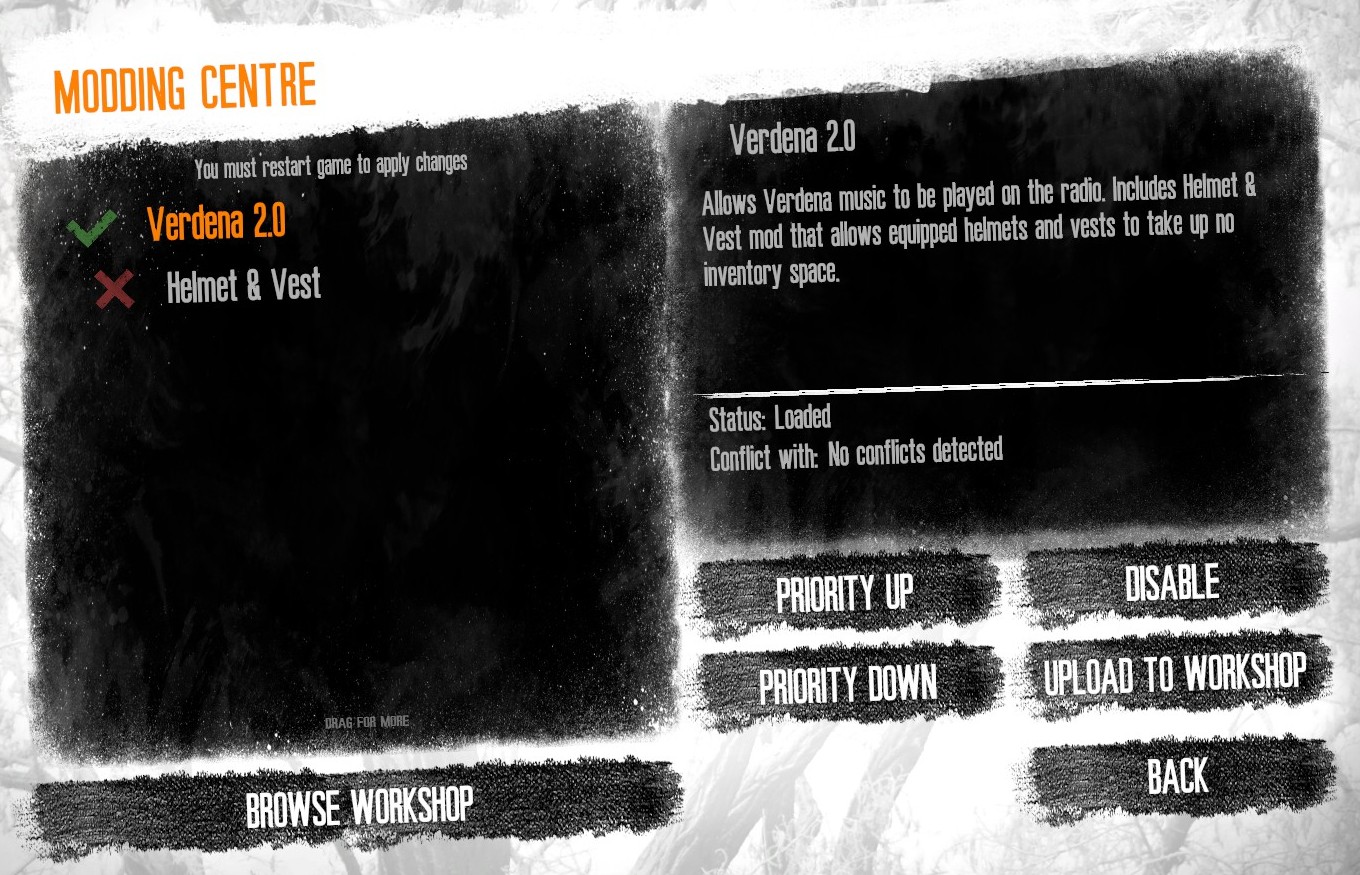
I am assuming that you have followed this guide entirely so it could also be something else. My only advice is to try the guide over again and follow the directions exactly, then after finishing, activate the new mod in the workshop then try it in-game. If it's still not working then unfortunately I cannot really give any answers because I don't know what would be causing the issue - could be an issue with the game itself, but look into it before you give up.
I created the mod and everything but when I enter the game and tune into radio vysena, none of the songs I add to the game sound. When I tried it for the first time I only listened to the songs that came with the original game, then remove the songs that come by default because every time I tuned that radio, only those 3 songs were heard. Now that I remove them, nothing is heard. why is that happening?
That's odd, they should both change simultaneously, and they should both be the same number when one is manipulated. I wouldn't know why there's an imbalance.