



安装 Steam
登录
|
语言
繁體中文(繁体中文)
日本語(日语)
한국어(韩语)
ไทย(泰语)
български(保加利亚语)
Čeština(捷克语)
Dansk(丹麦语)
Deutsch(德语)
English(英语)
Español-España(西班牙语 - 西班牙)
Español - Latinoamérica(西班牙语 - 拉丁美洲)
Ελληνικά(希腊语)
Français(法语)
Italiano(意大利语)
Bahasa Indonesia(印度尼西亚语)
Magyar(匈牙利语)
Nederlands(荷兰语)
Norsk(挪威语)
Polski(波兰语)
Português(葡萄牙语 - 葡萄牙)
Português-Brasil(葡萄牙语 - 巴西)
Română(罗马尼亚语)
Русский(俄语)
Suomi(芬兰语)
Svenska(瑞典语)
Türkçe(土耳其语)
Tiếng Việt(越南语)
Українська(乌克兰语)
报告翻译问题






 奖励
奖励



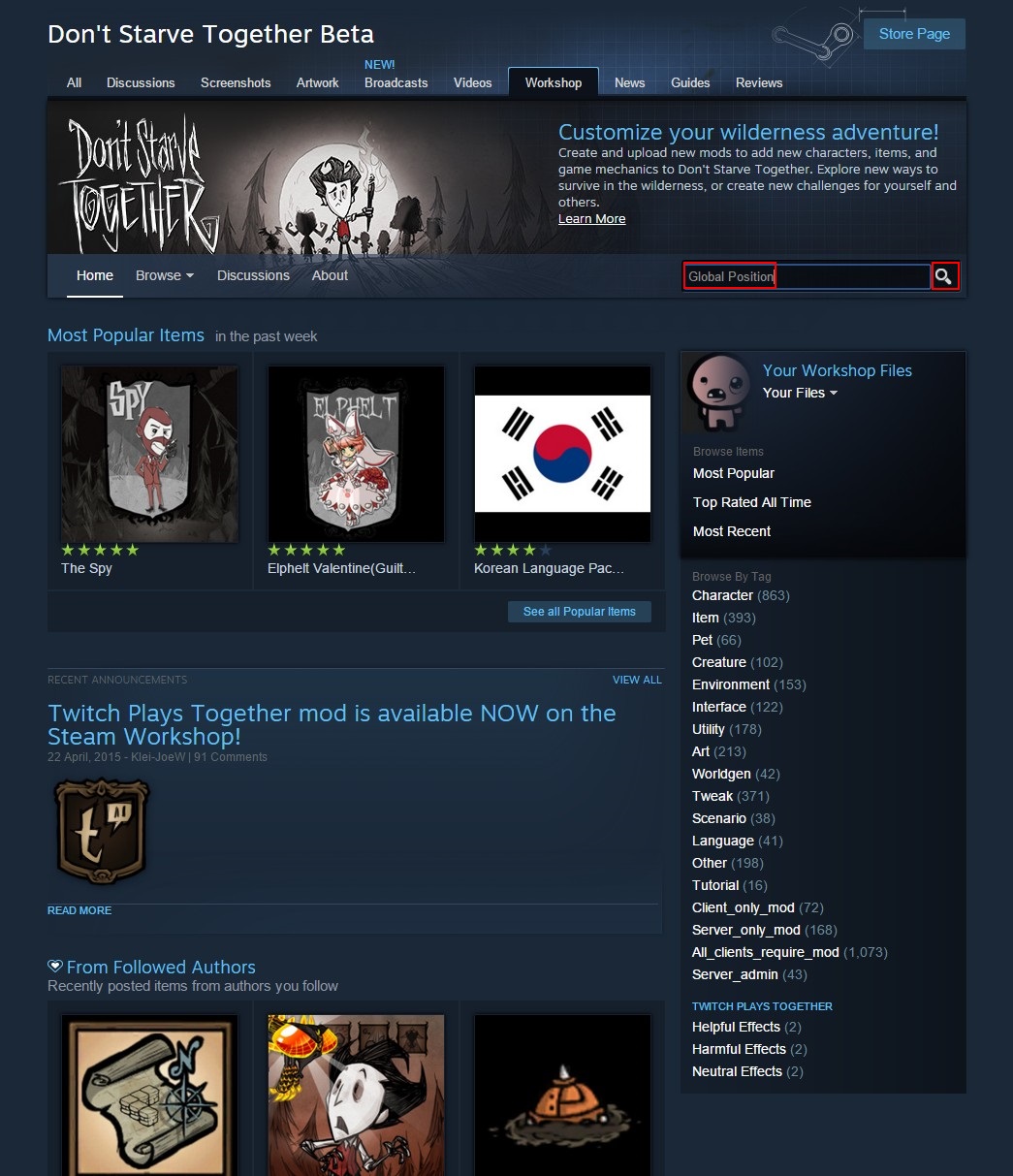
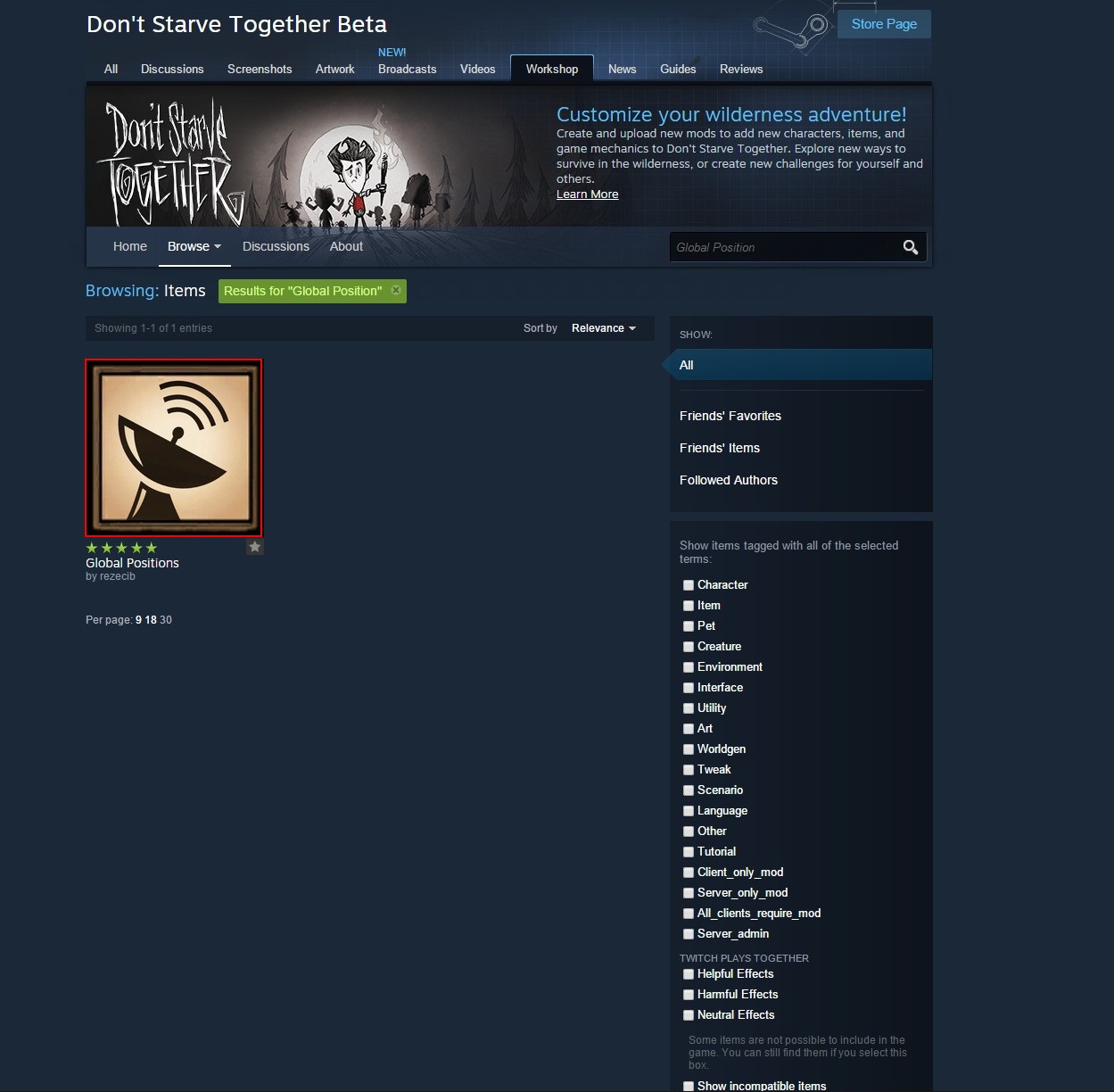
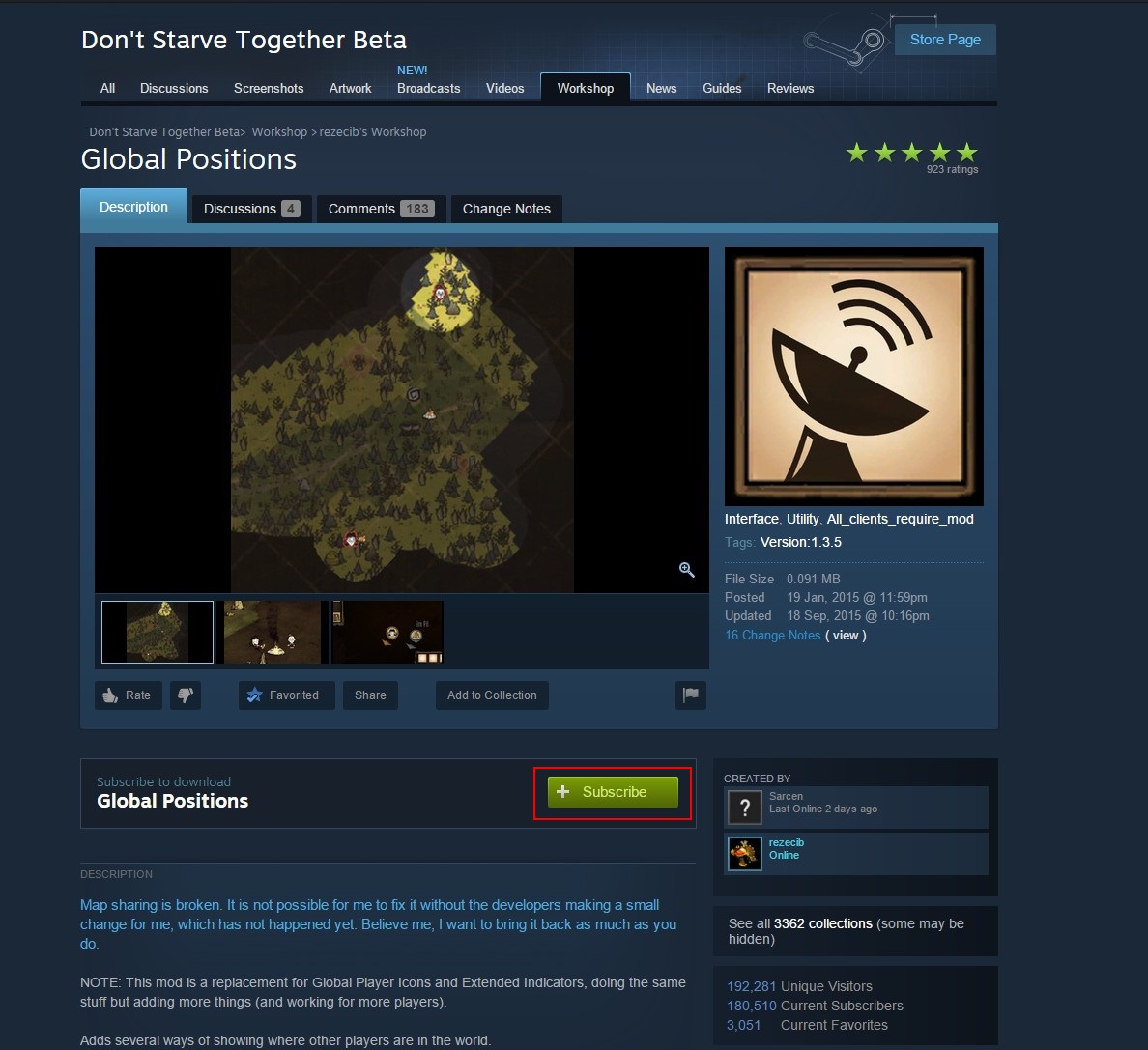
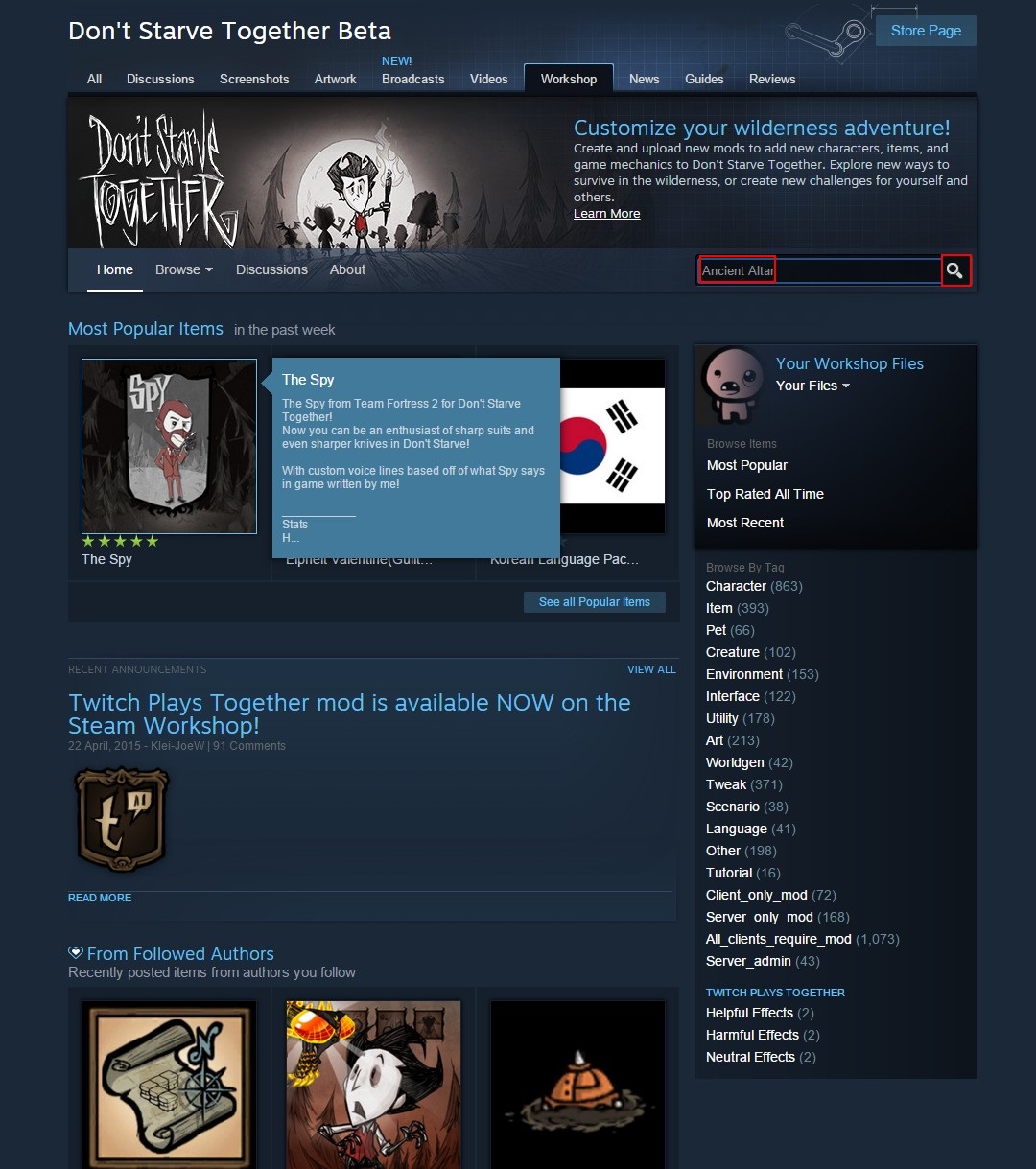
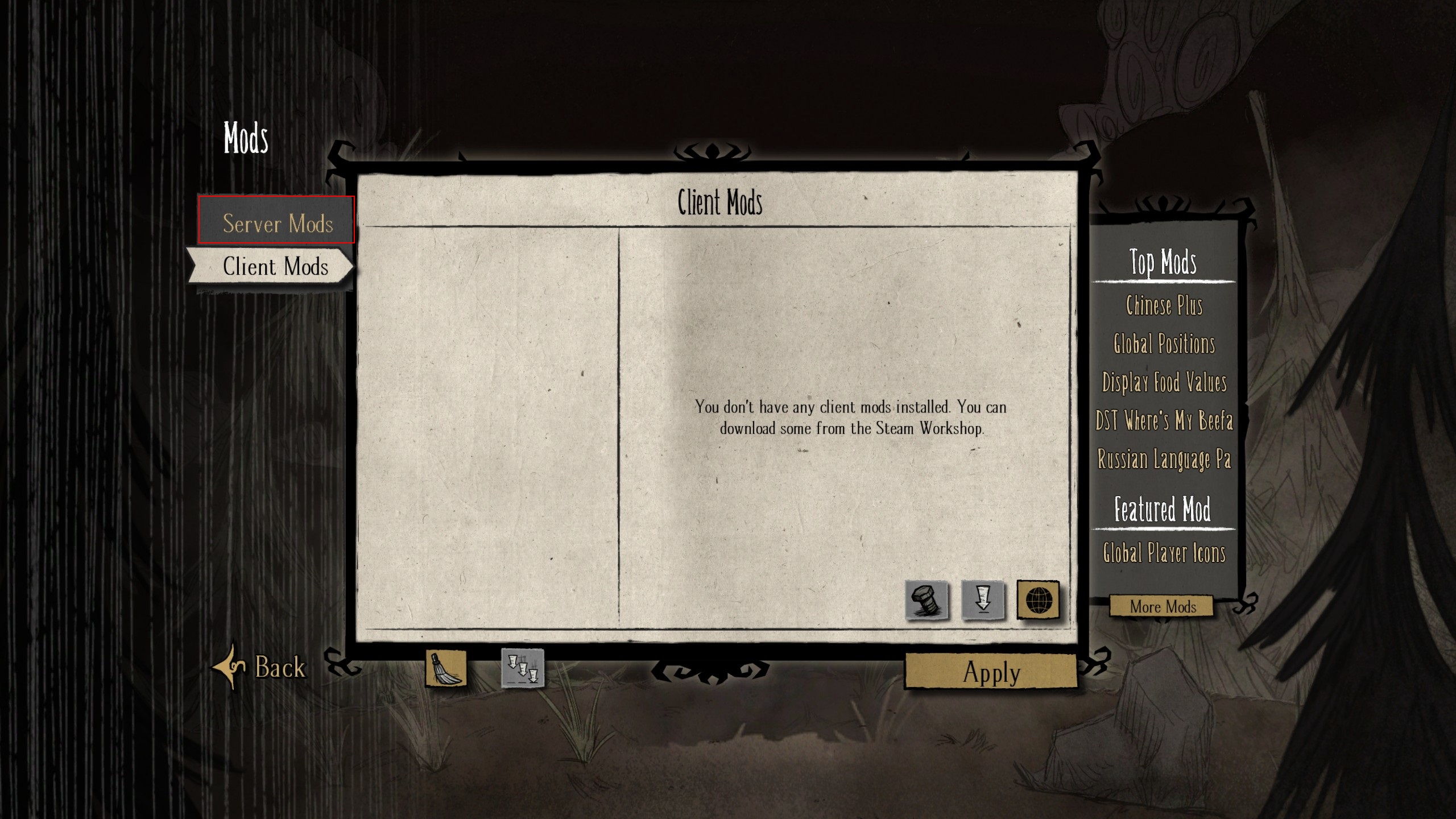
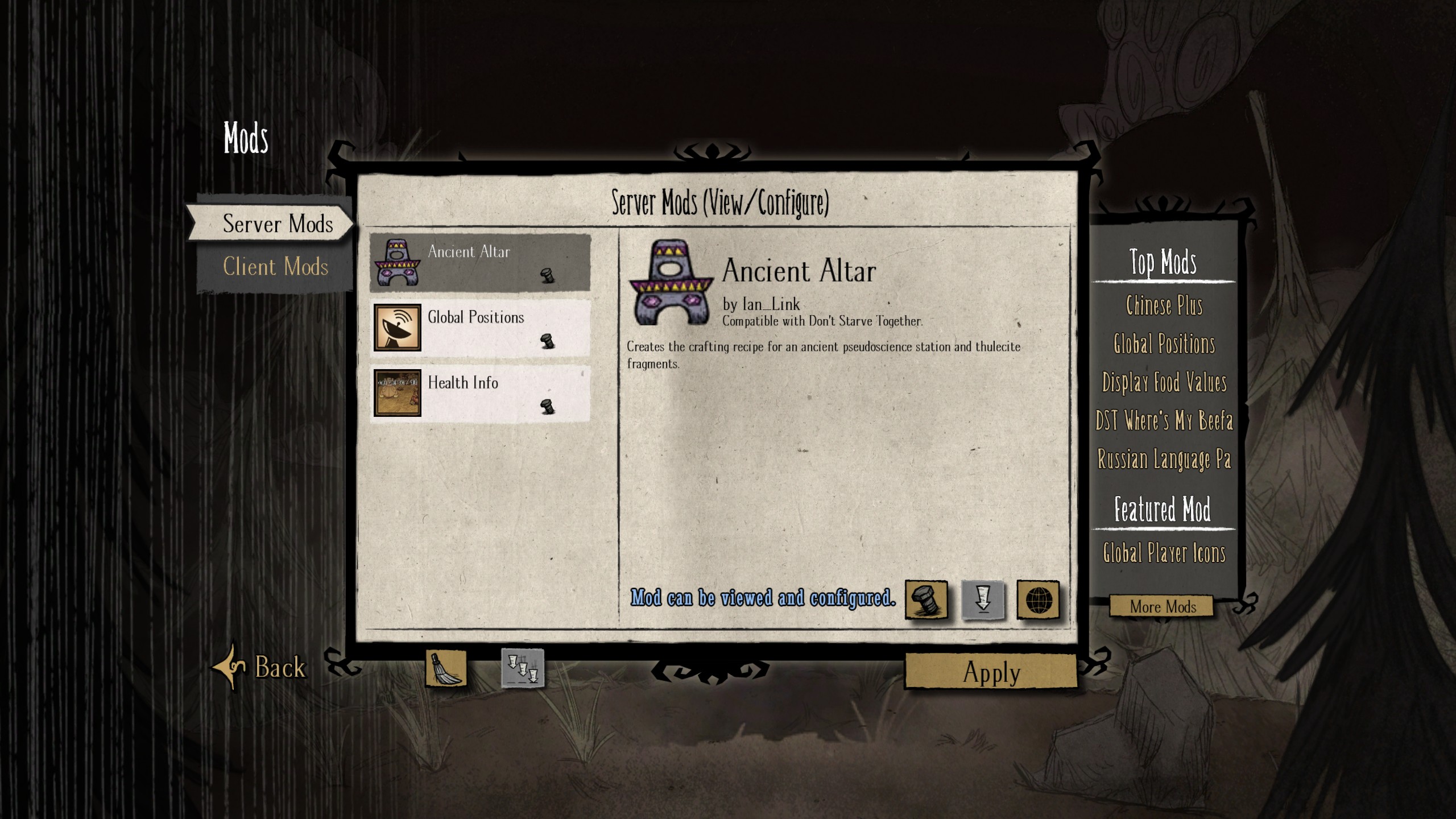
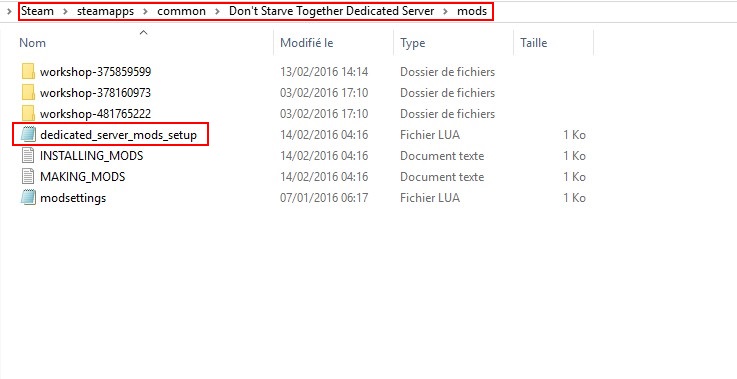
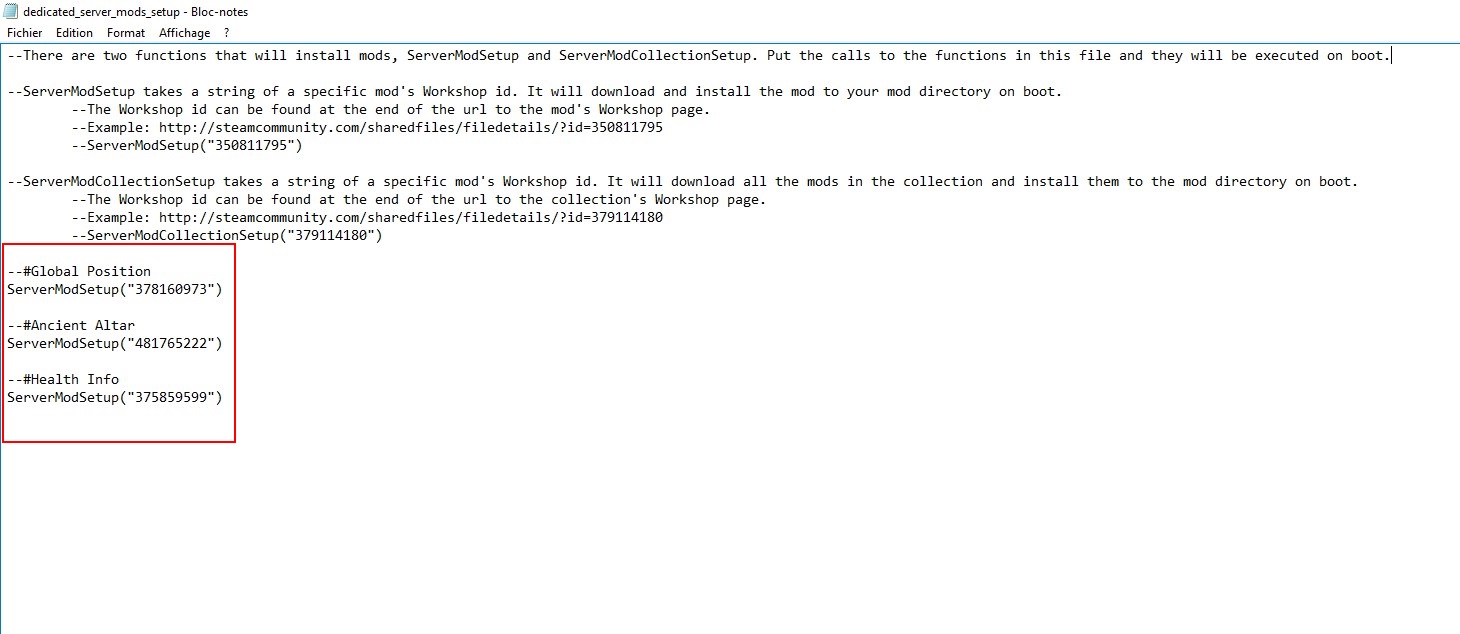
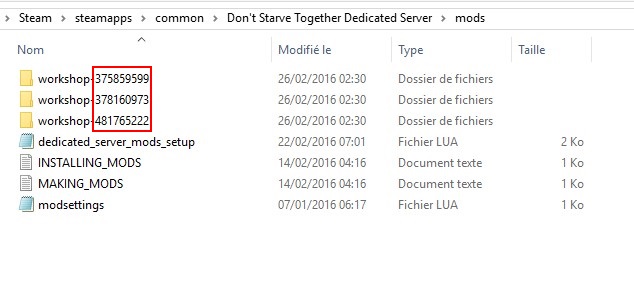
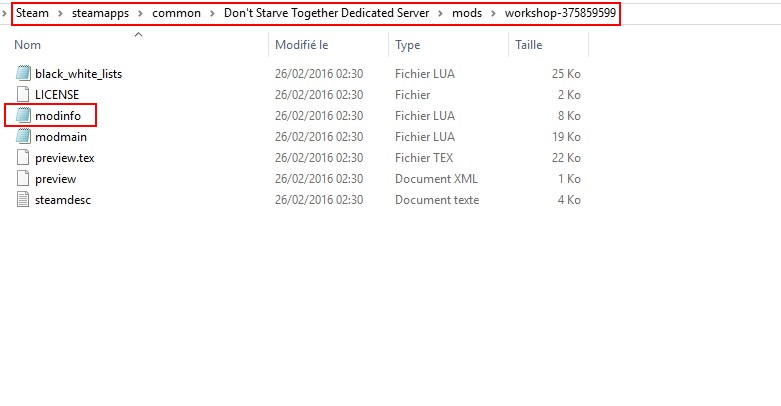
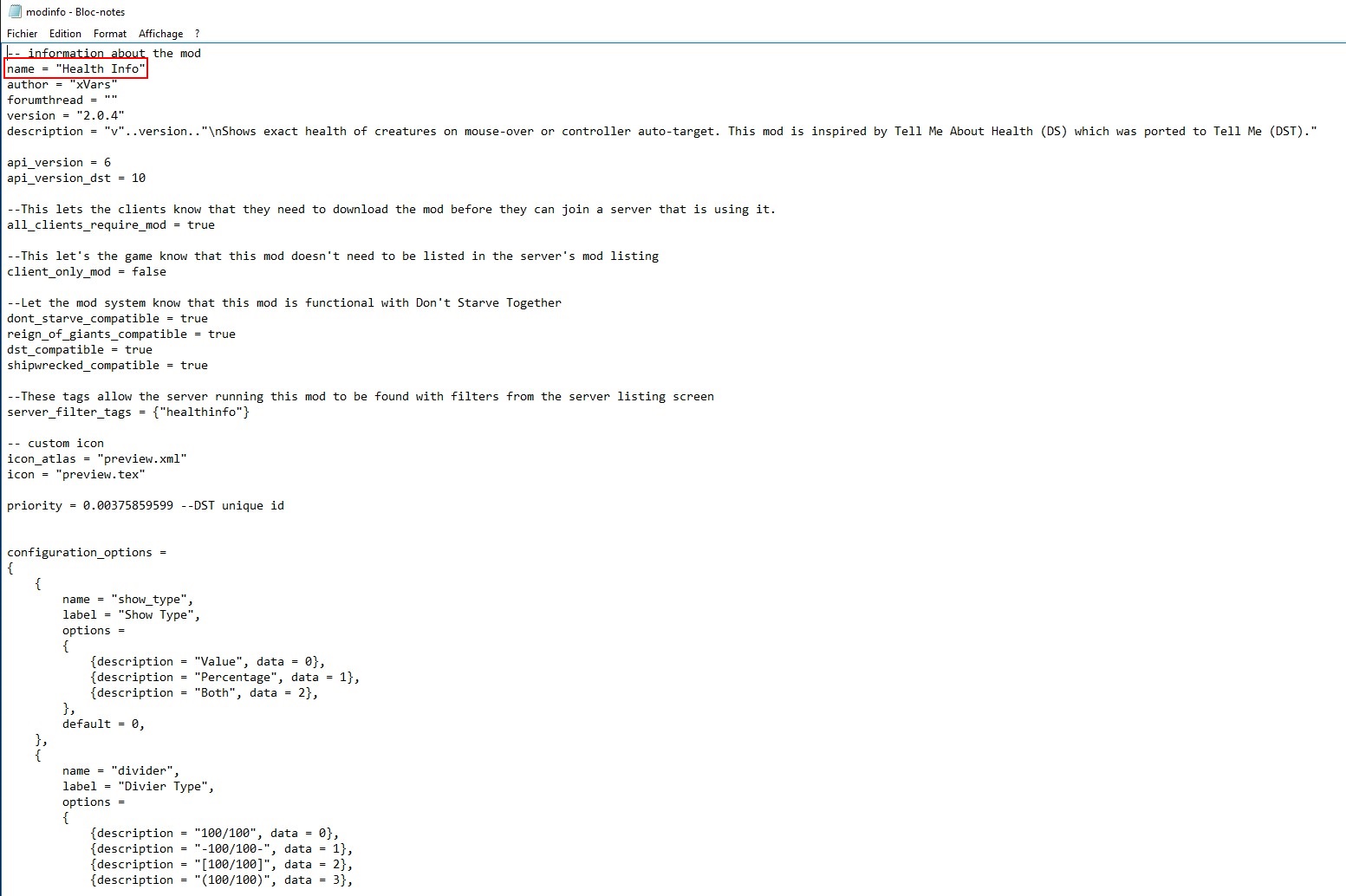

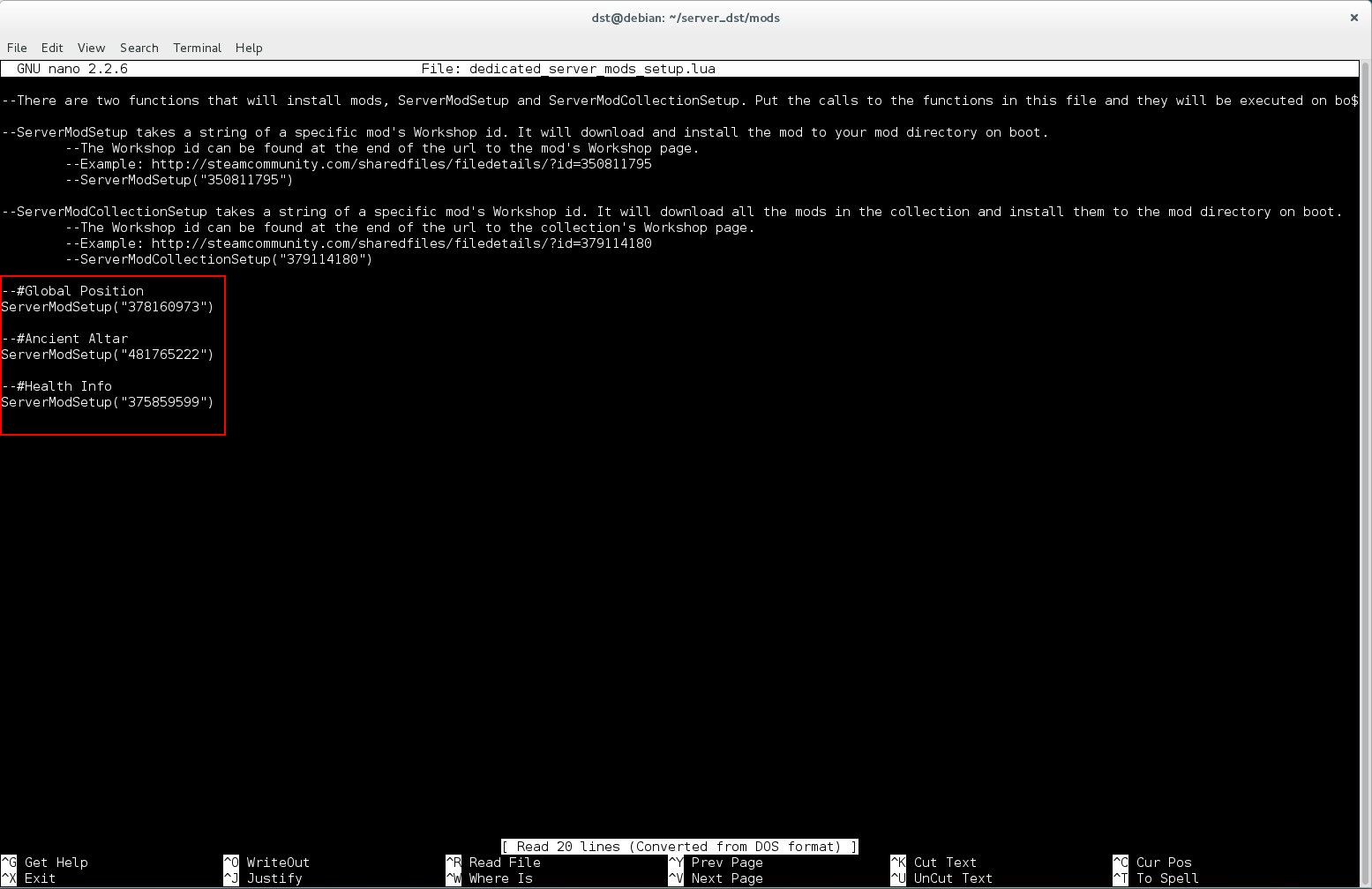
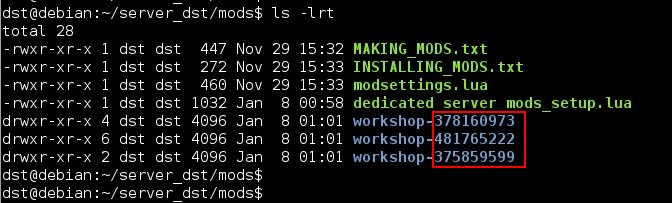
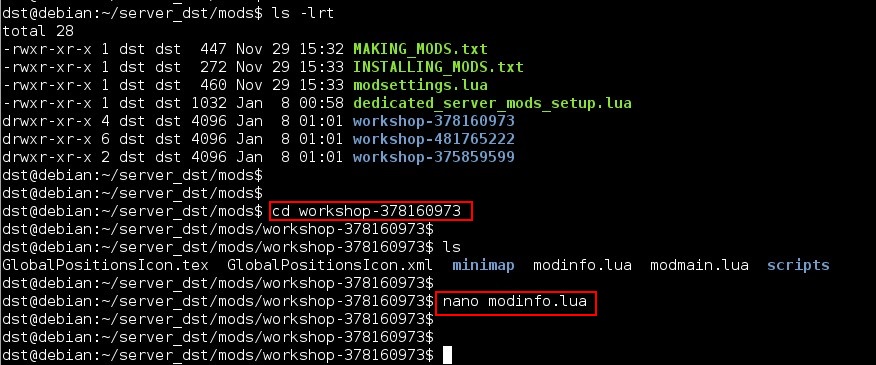
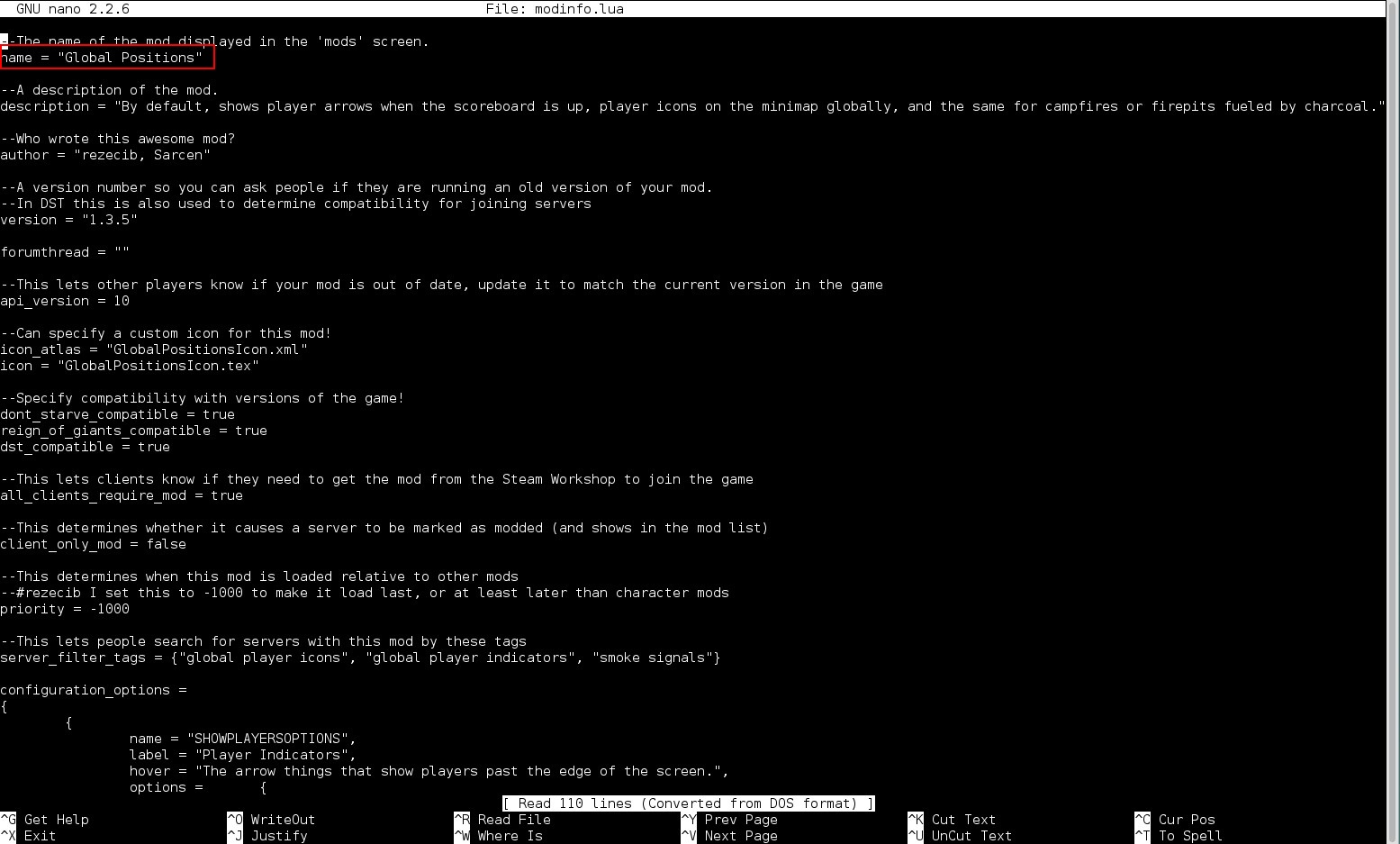
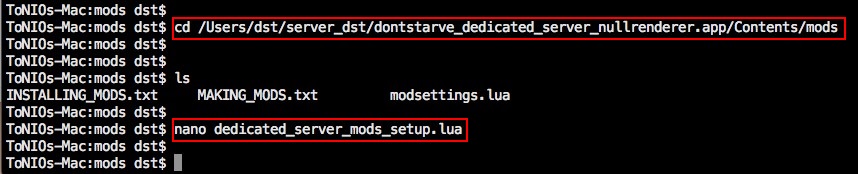
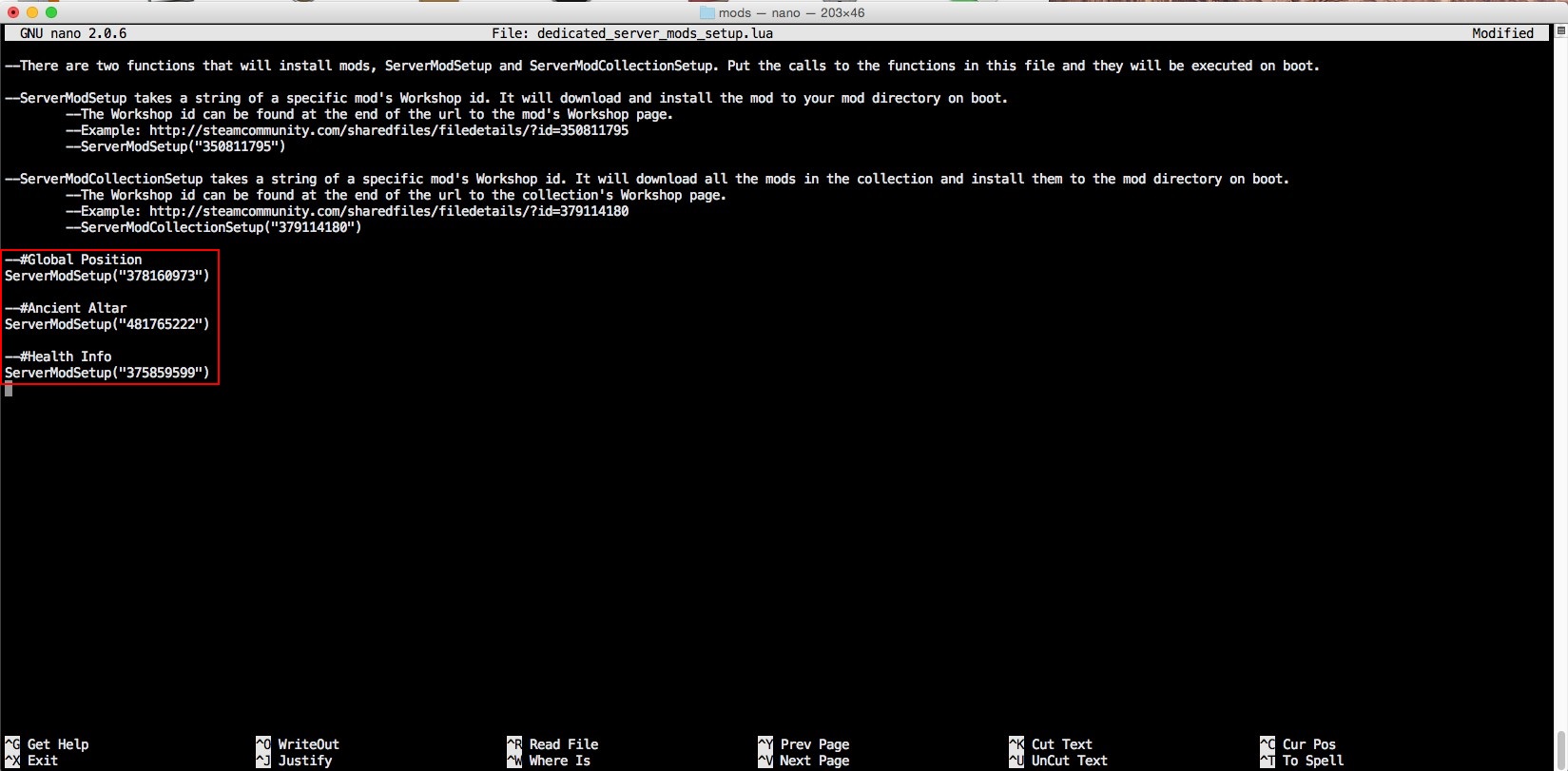
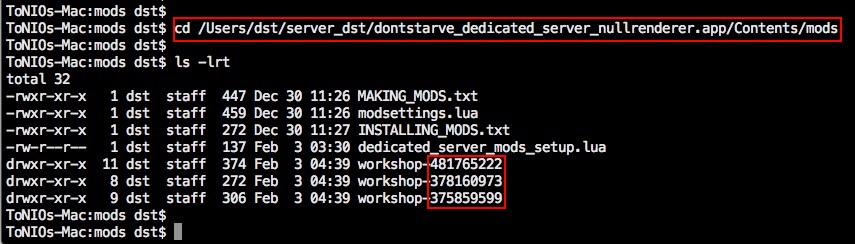
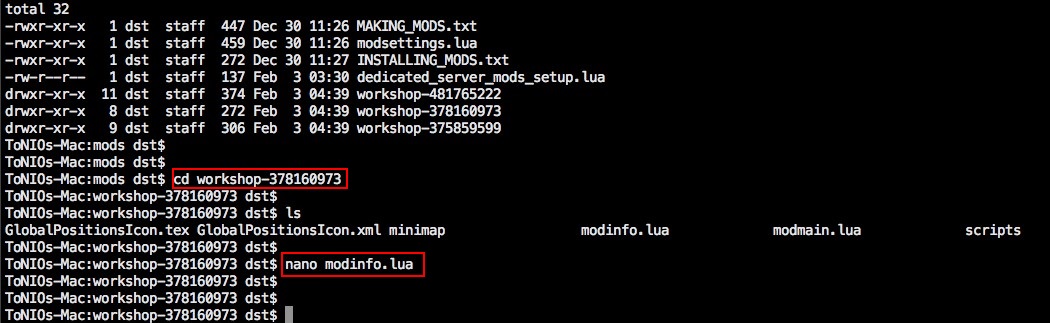
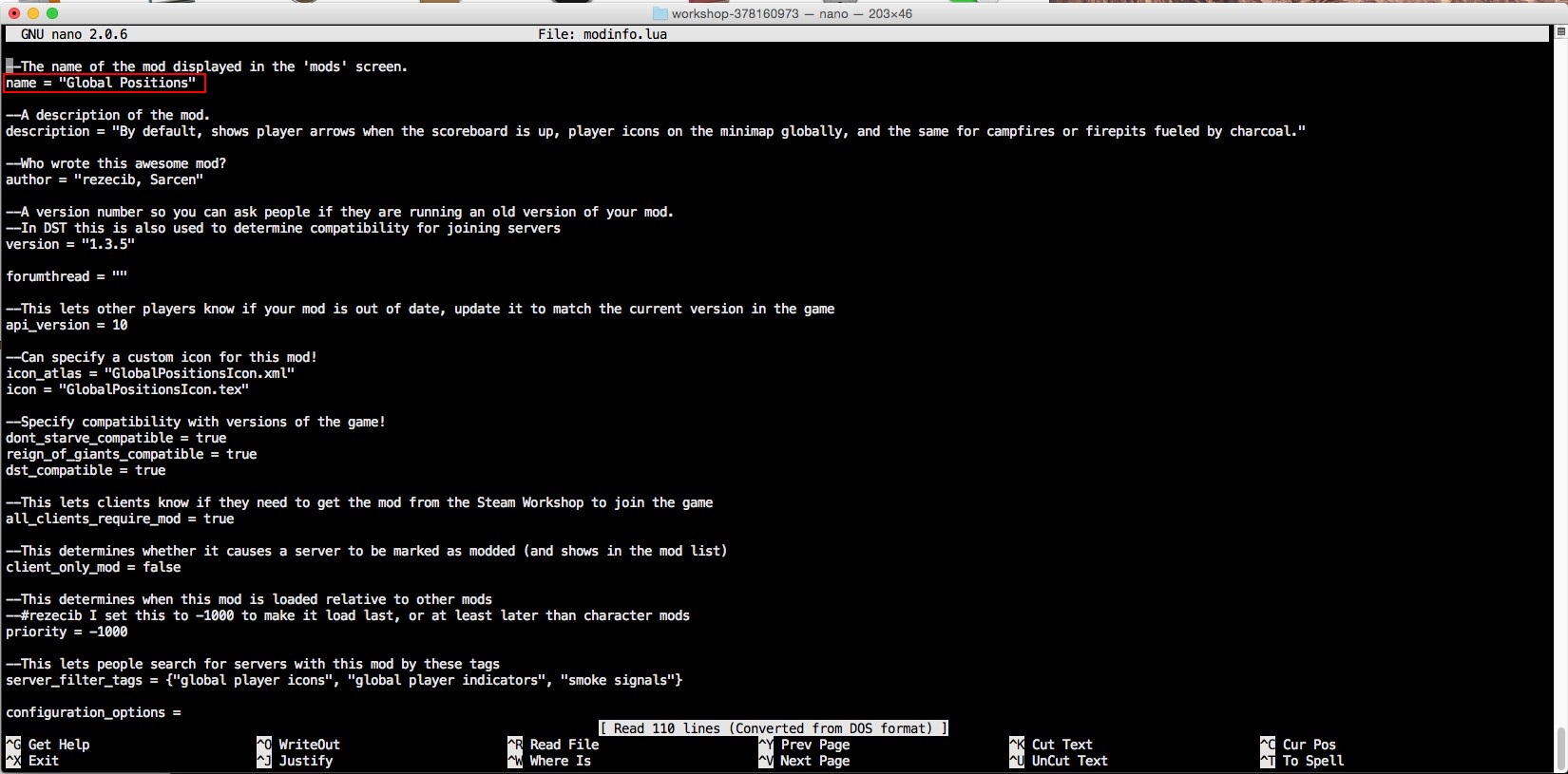
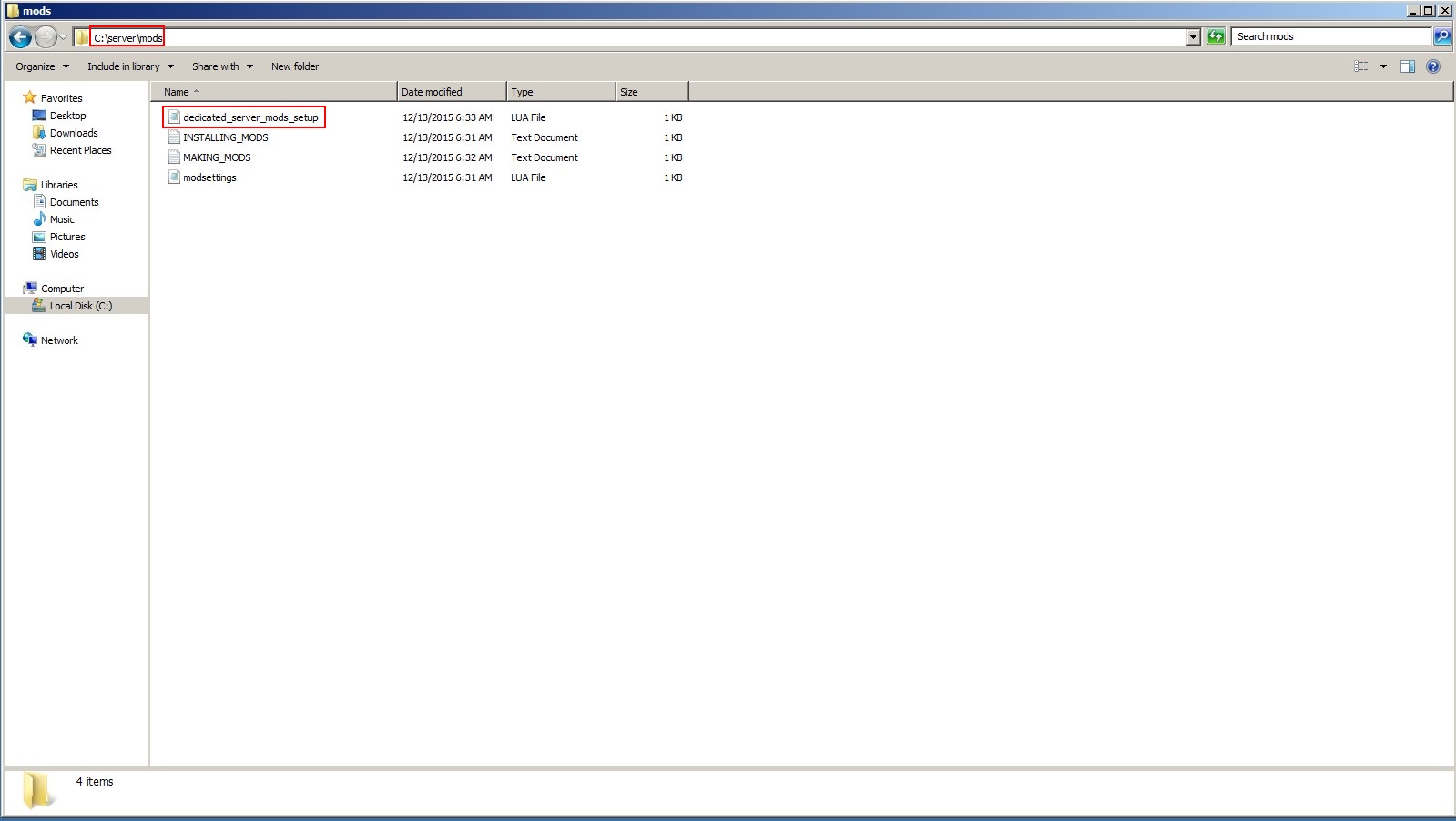
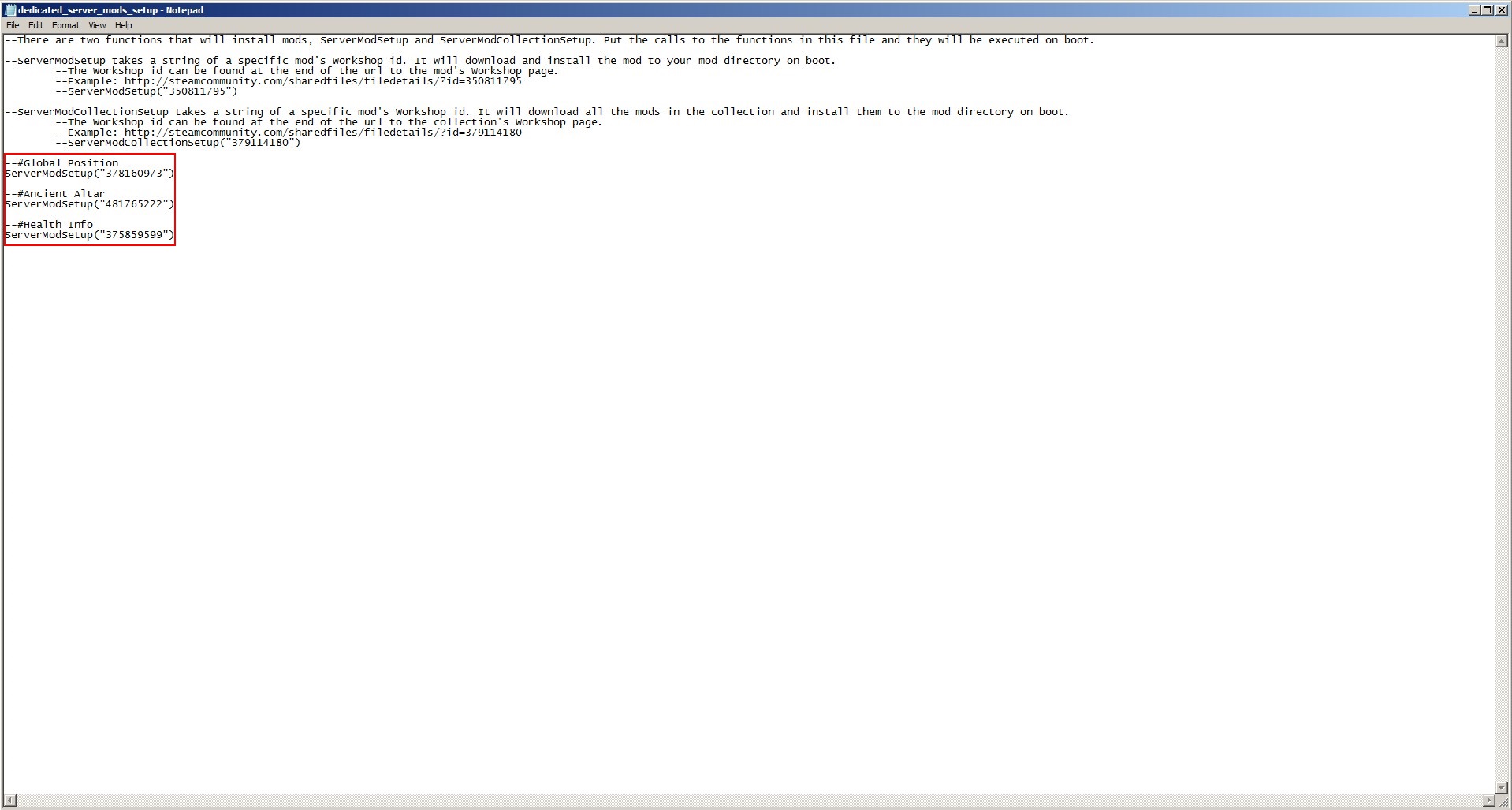
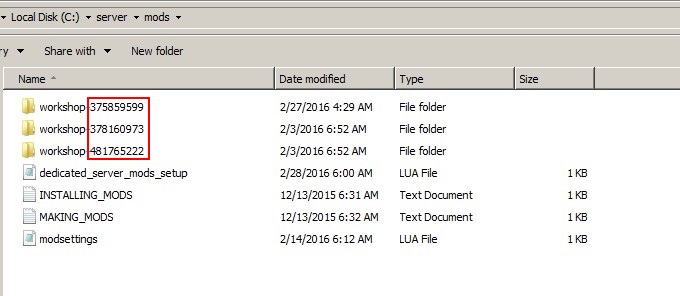
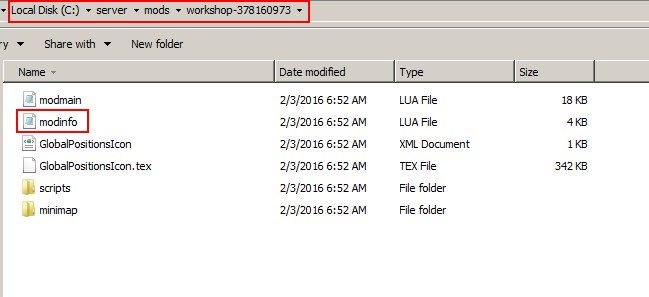
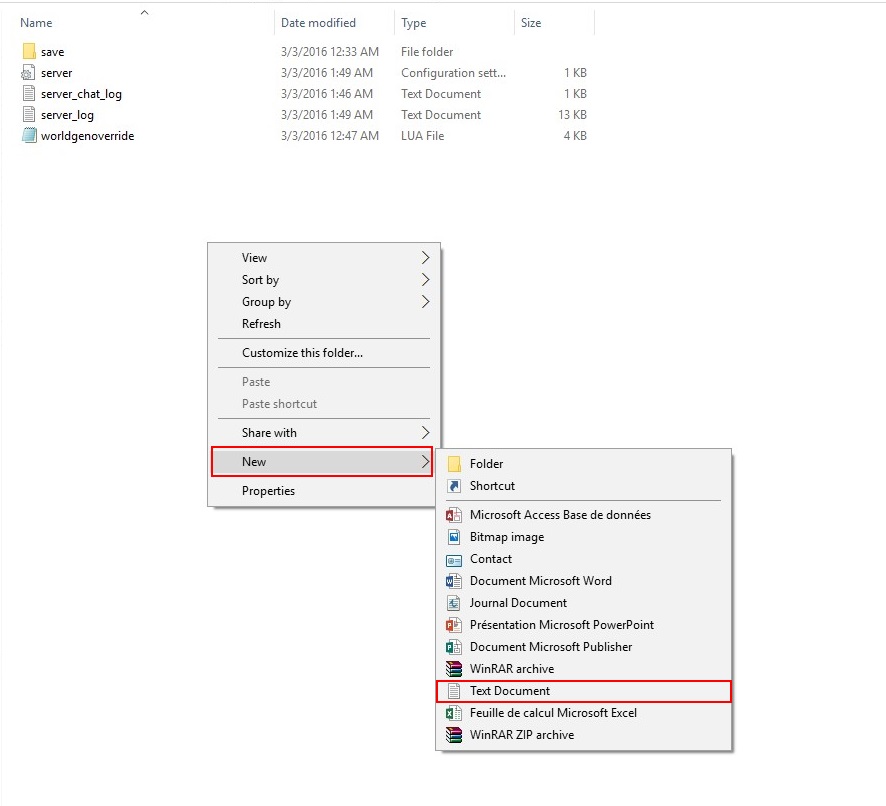
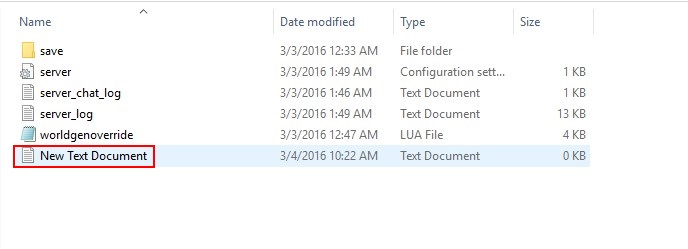
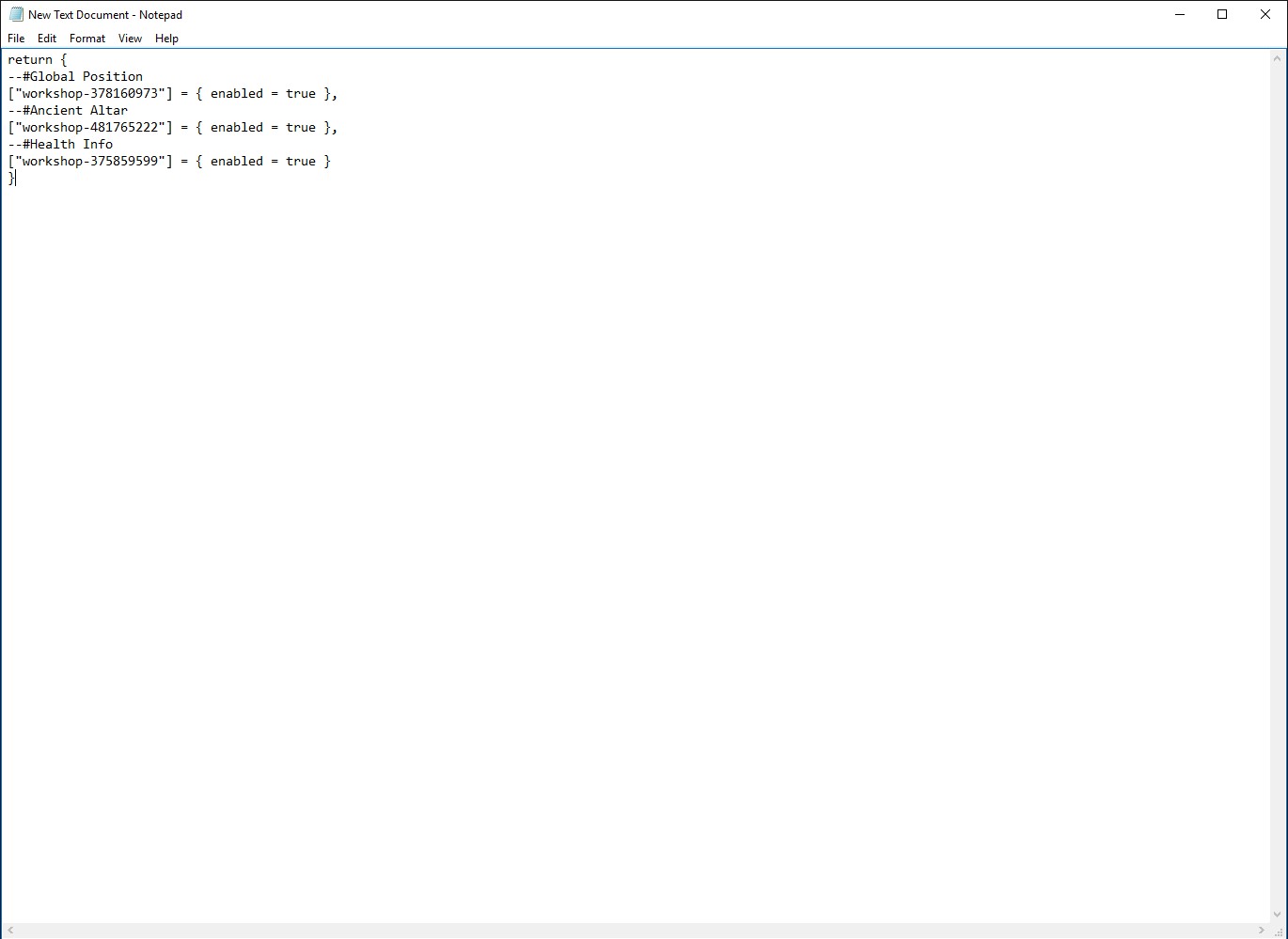
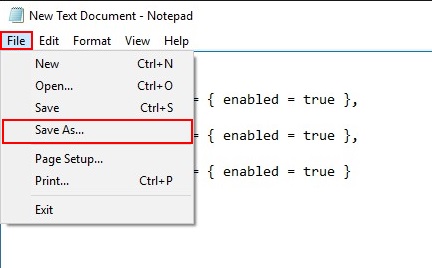
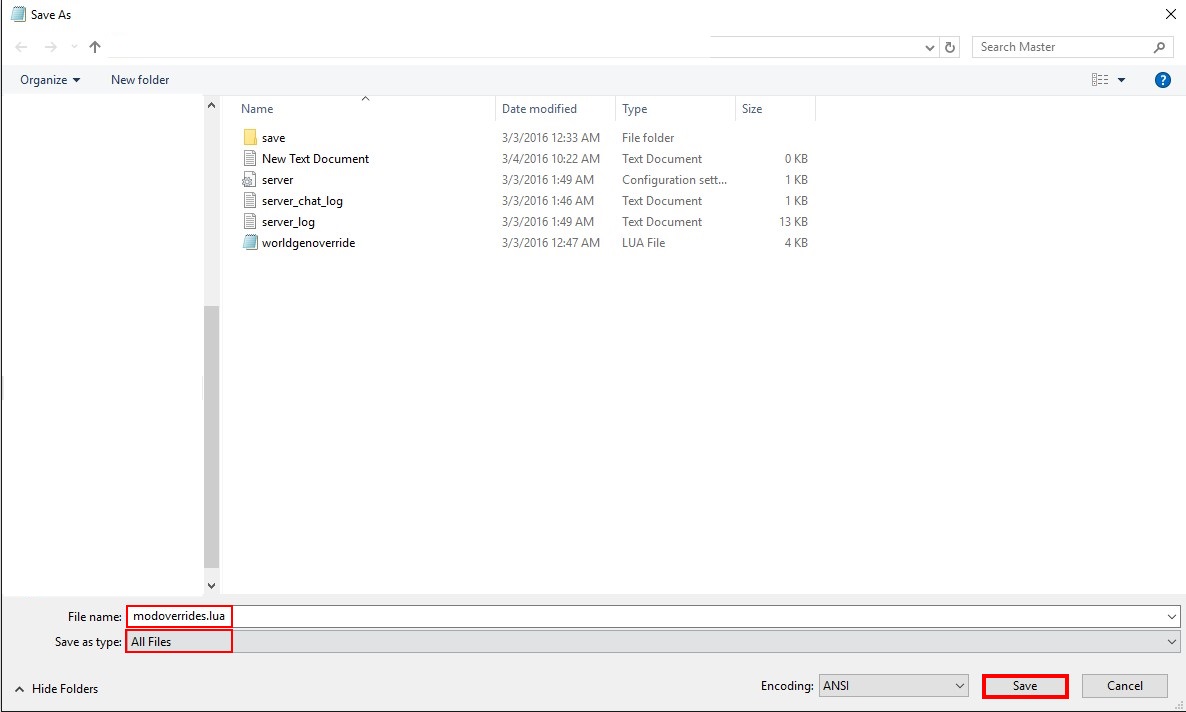
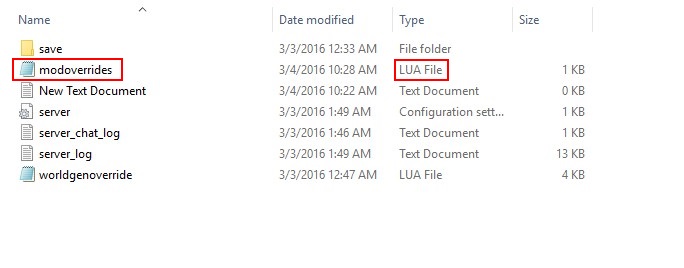
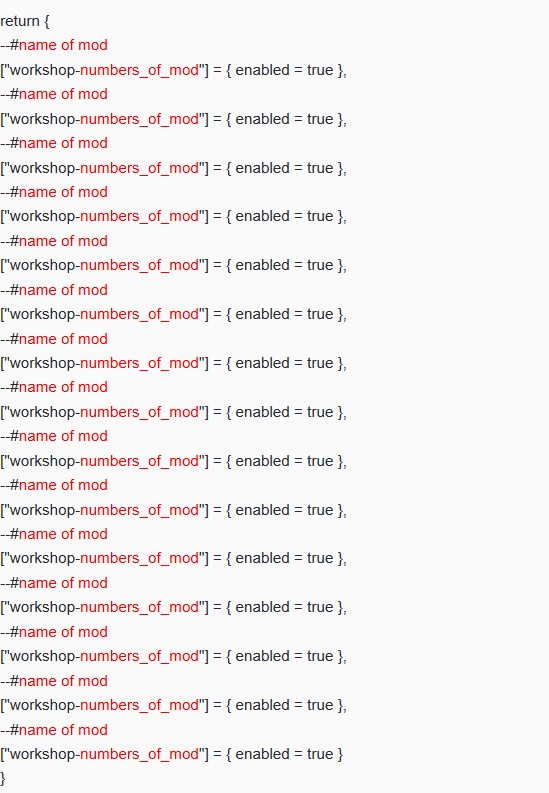
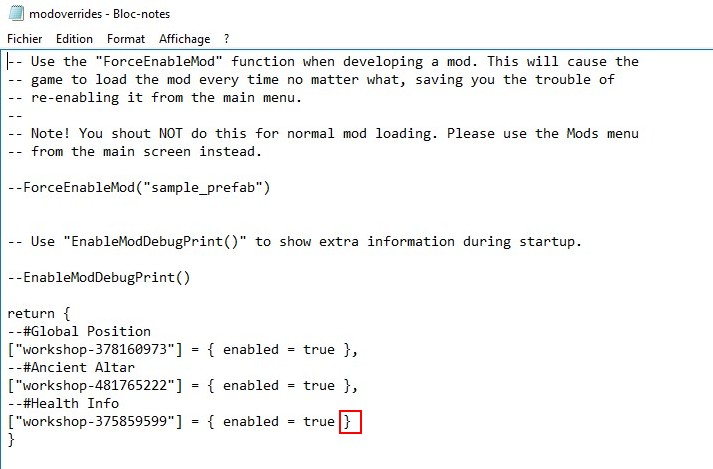
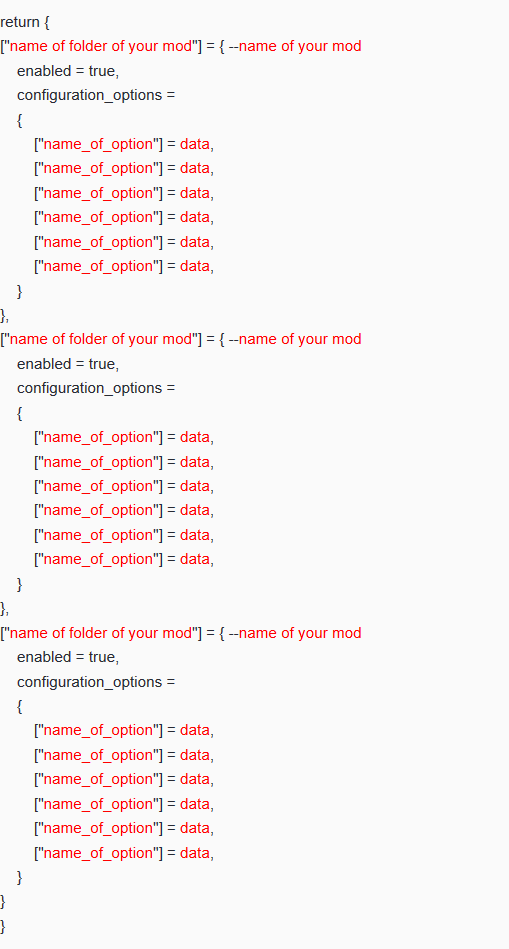
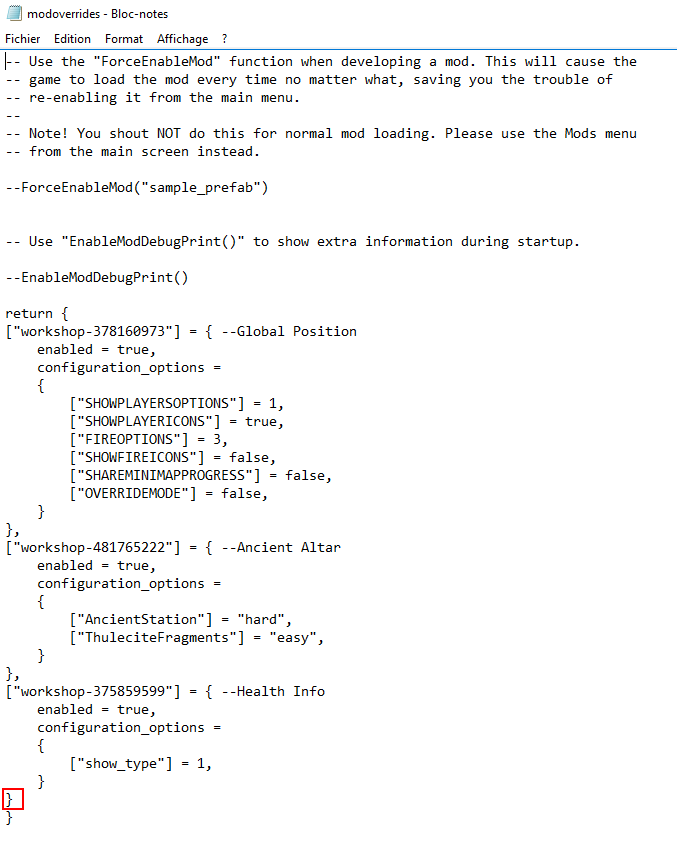
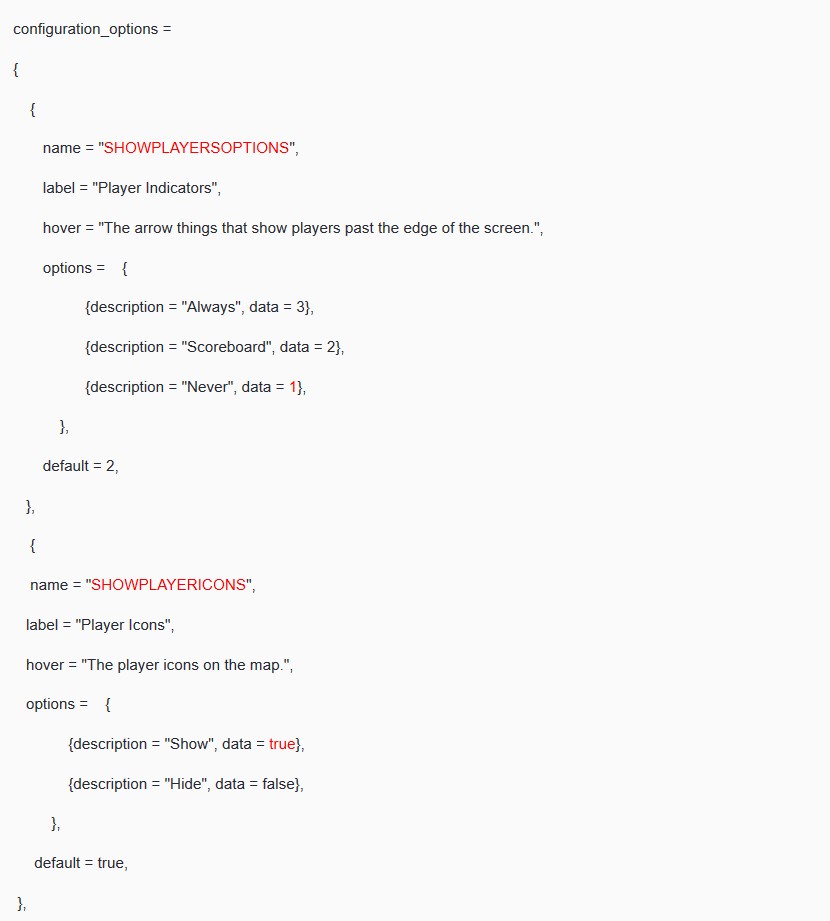
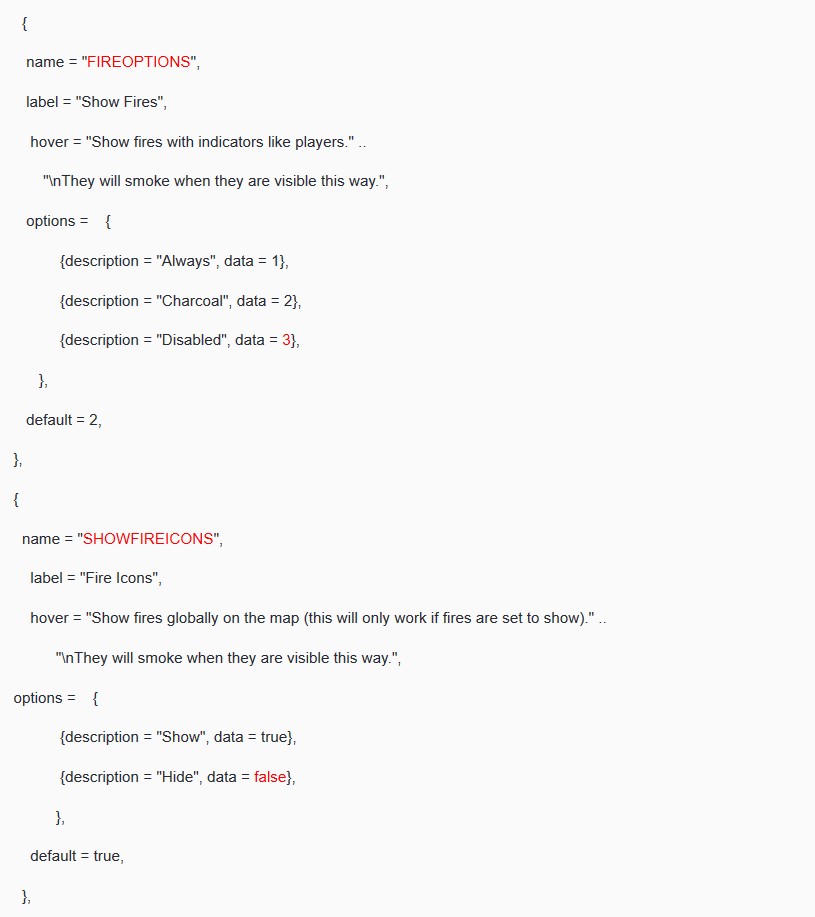
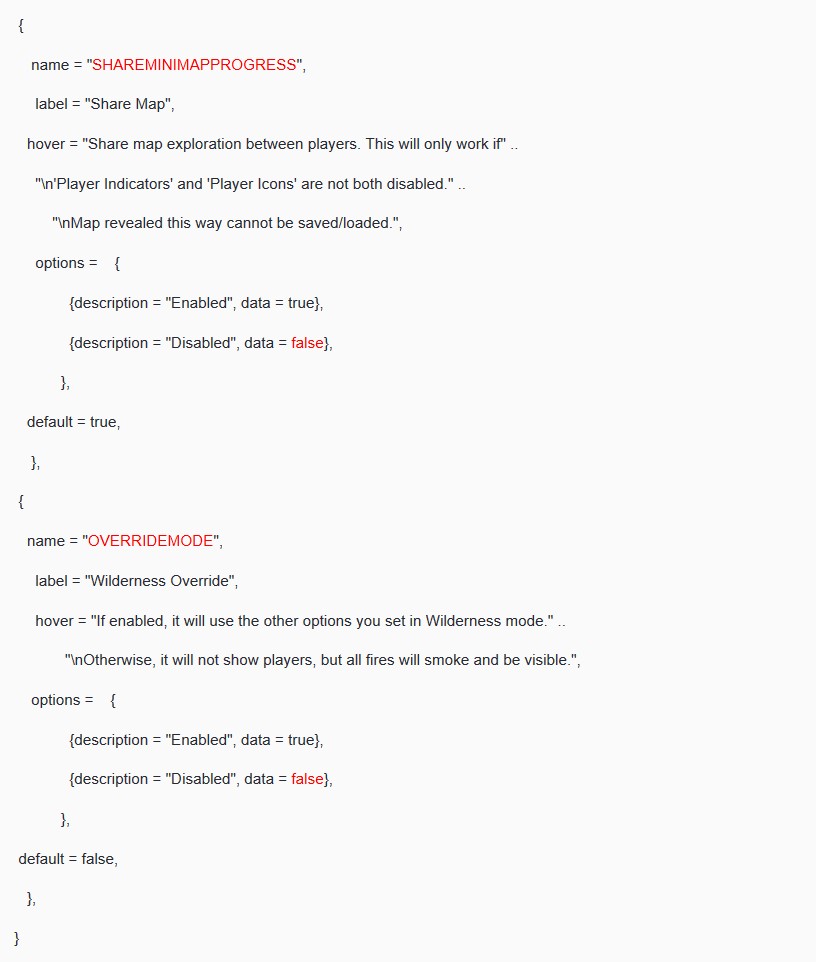
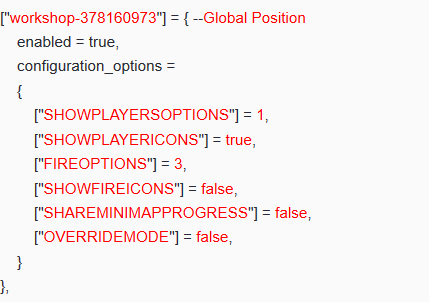
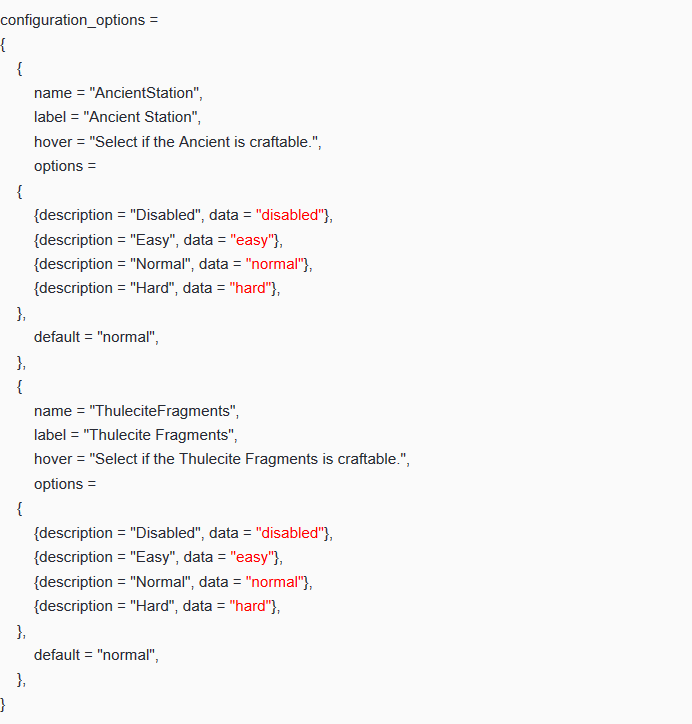
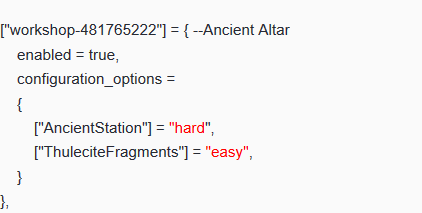

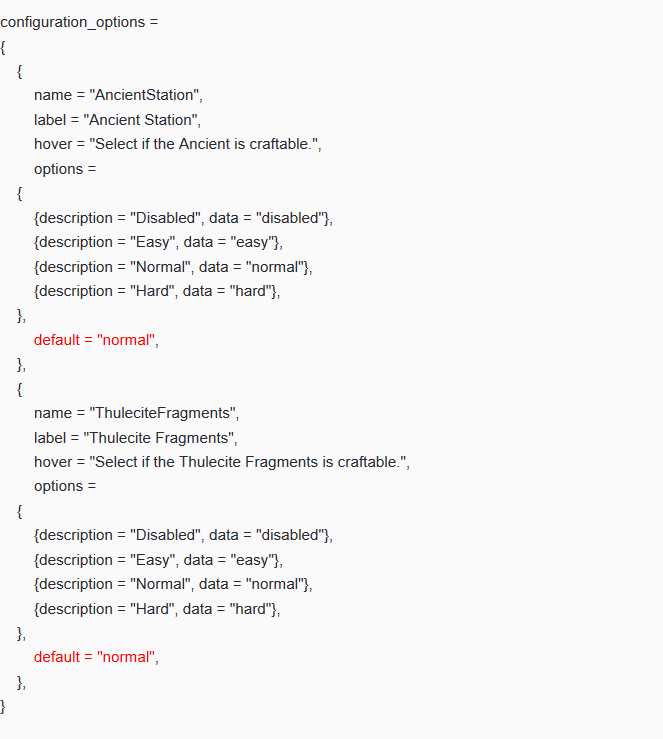
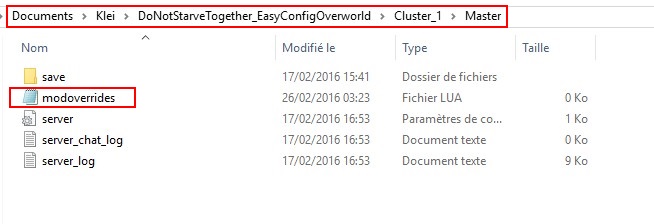
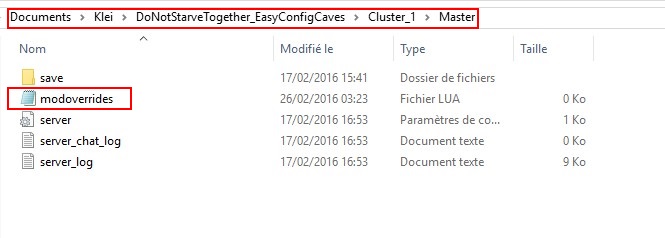
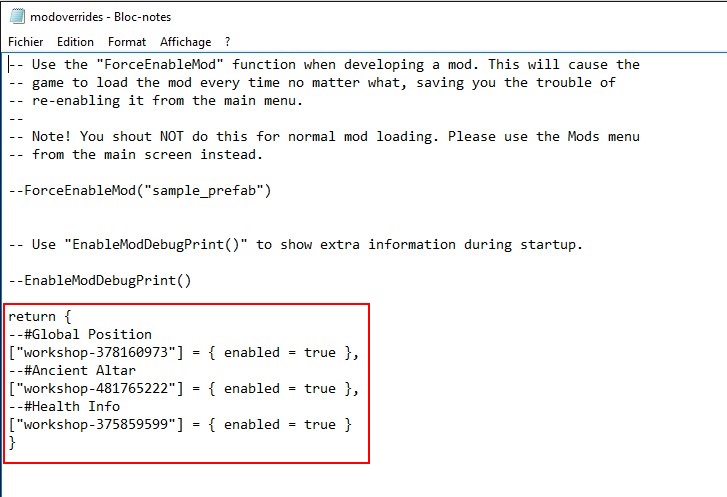
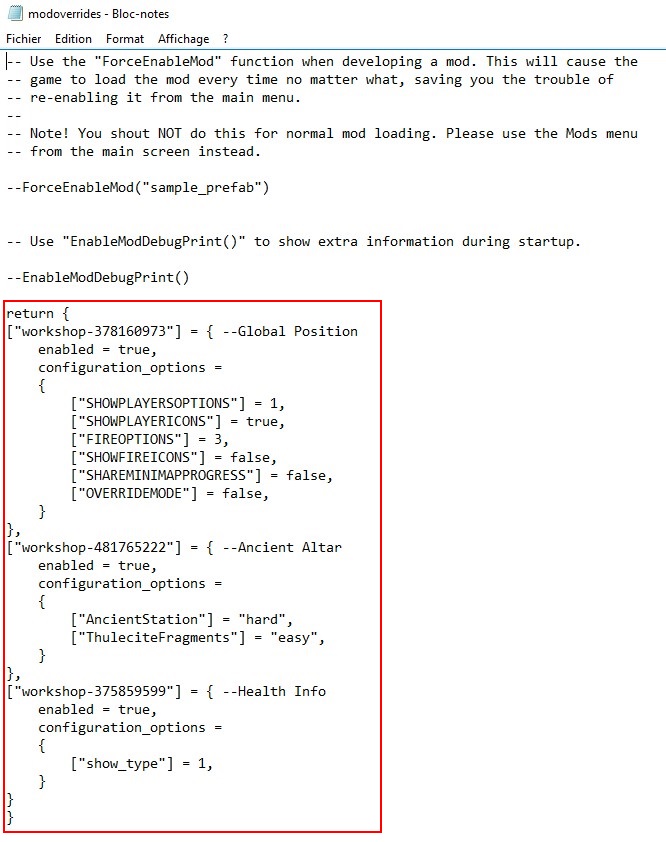
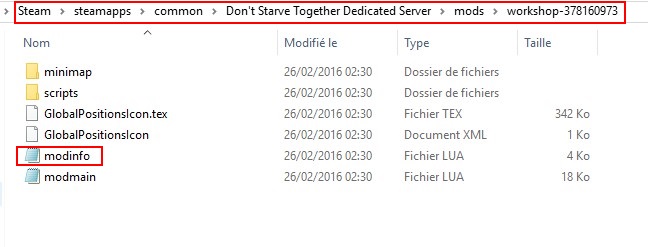
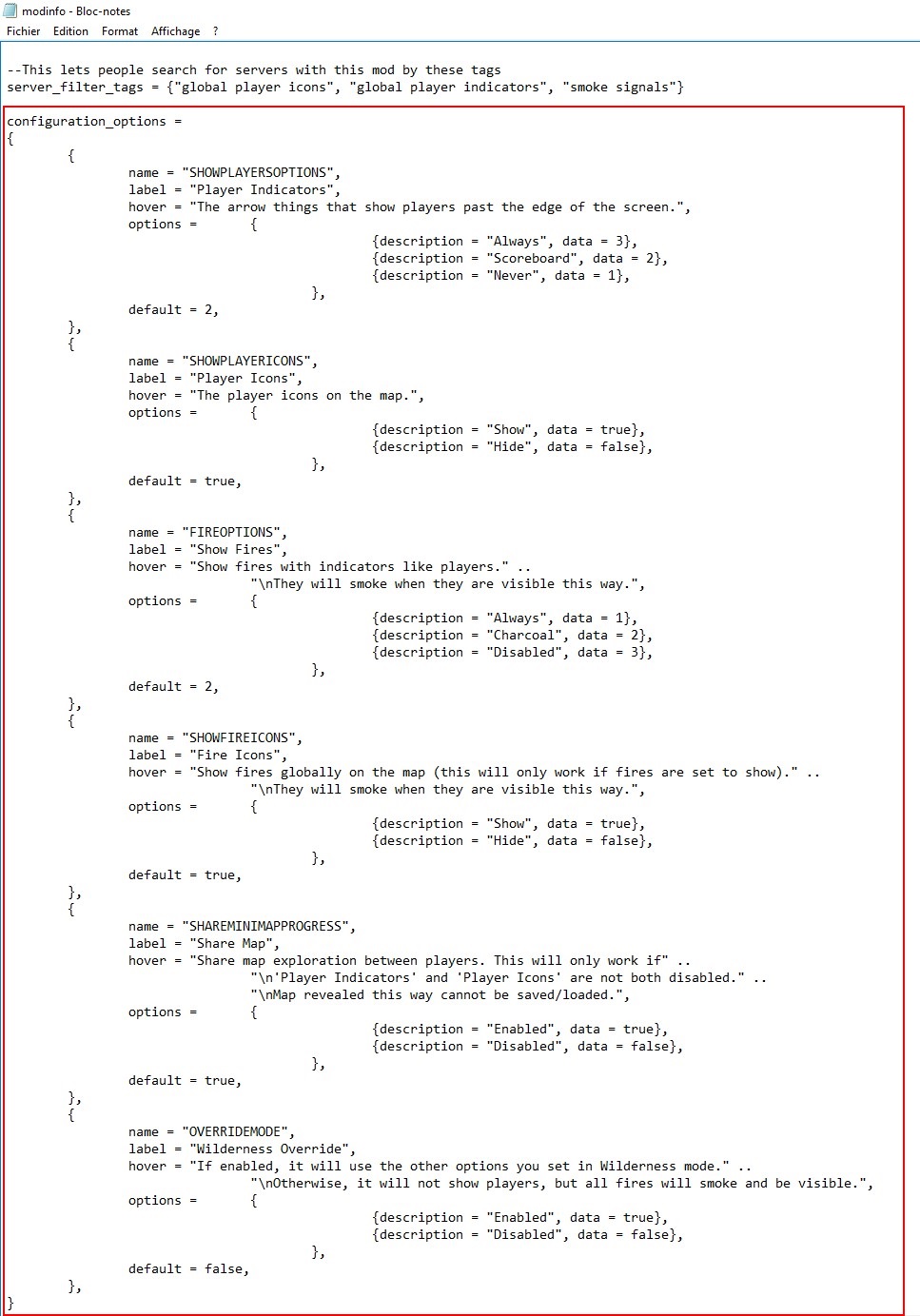
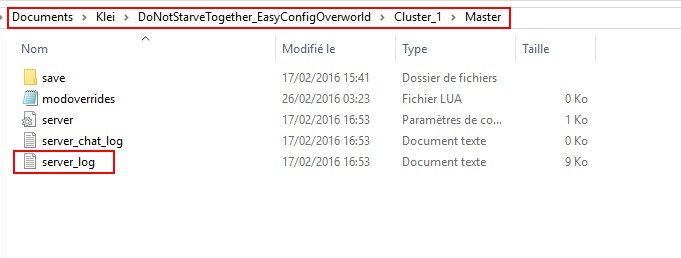
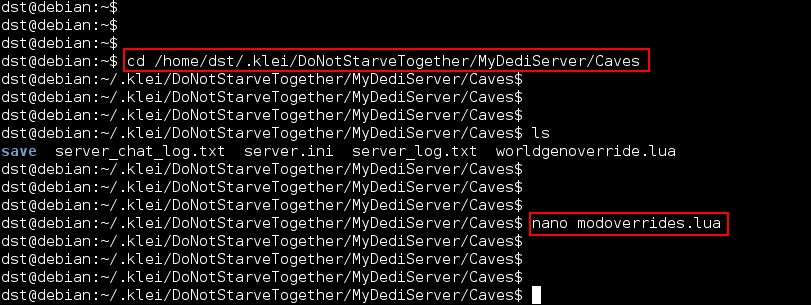
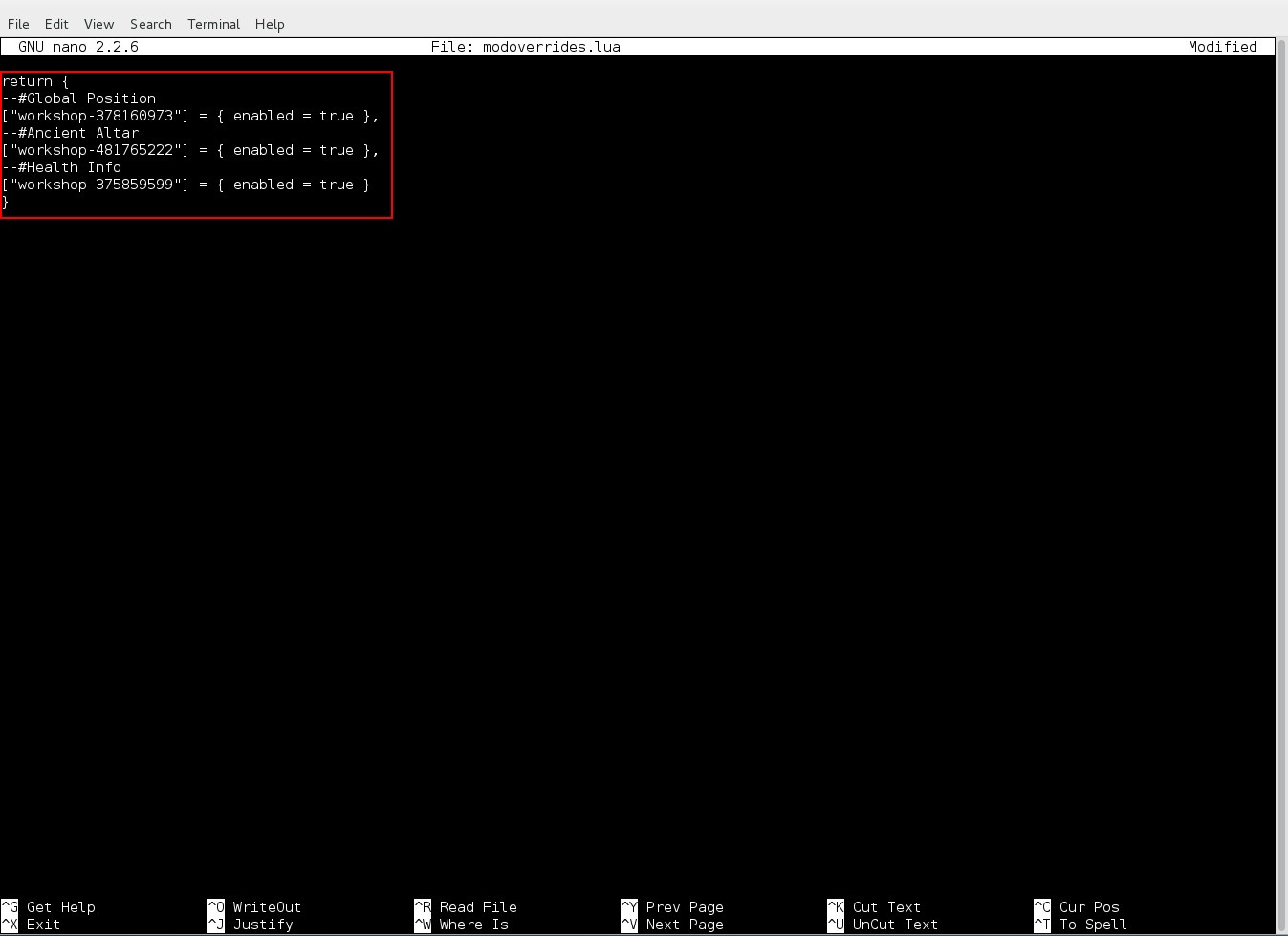
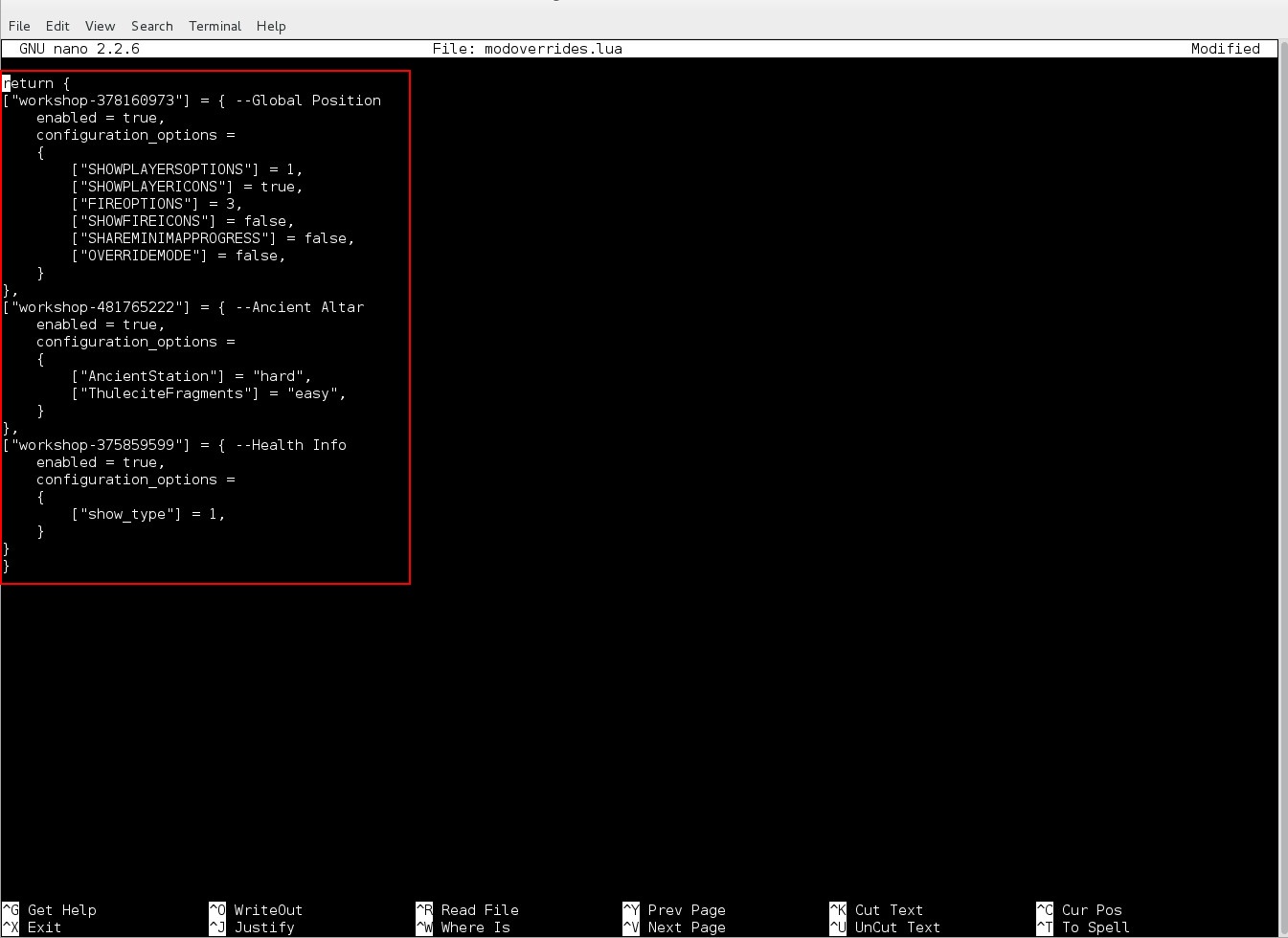
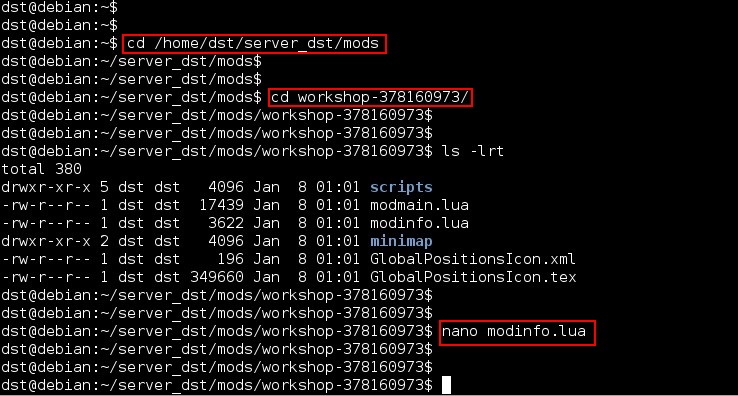
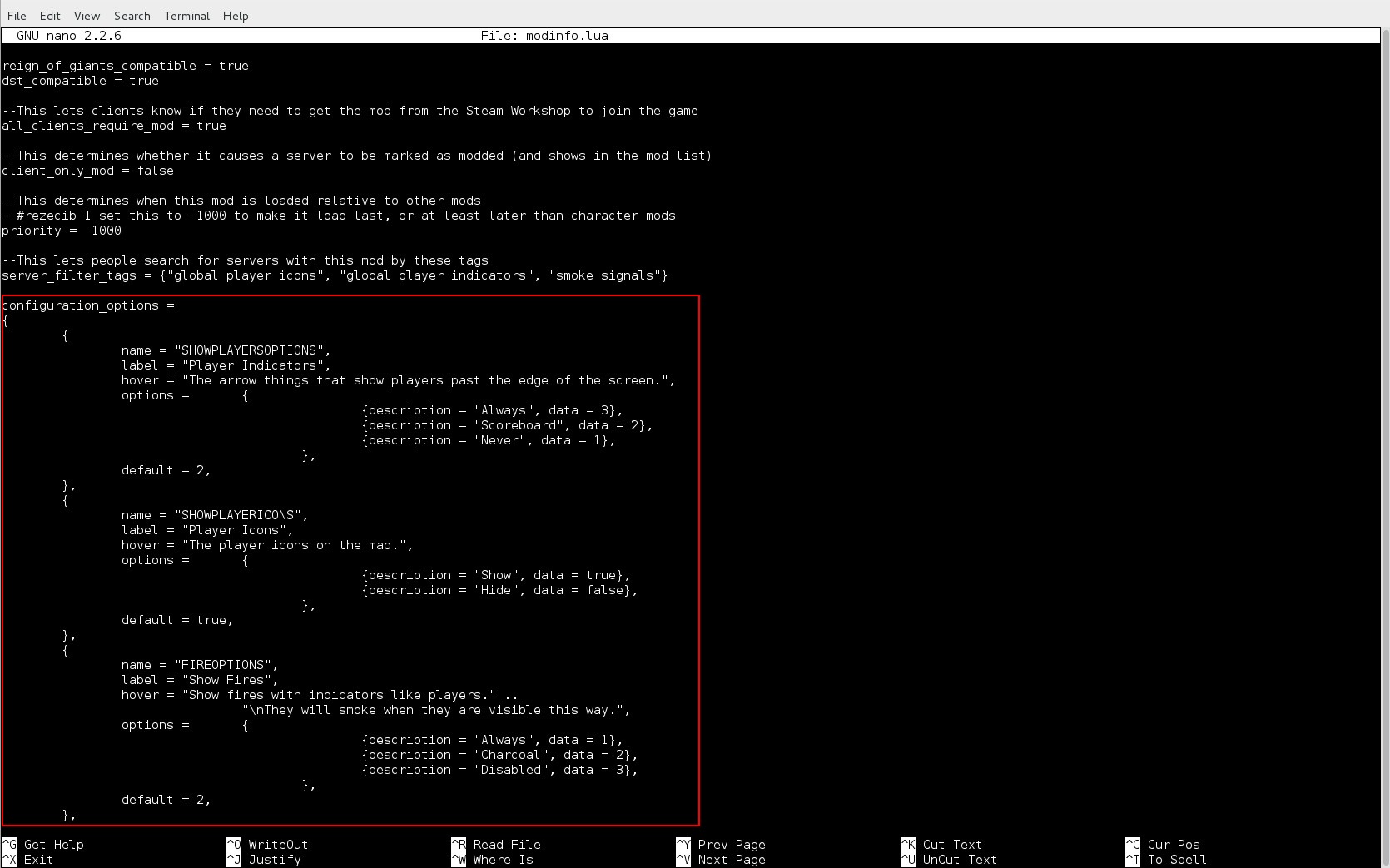
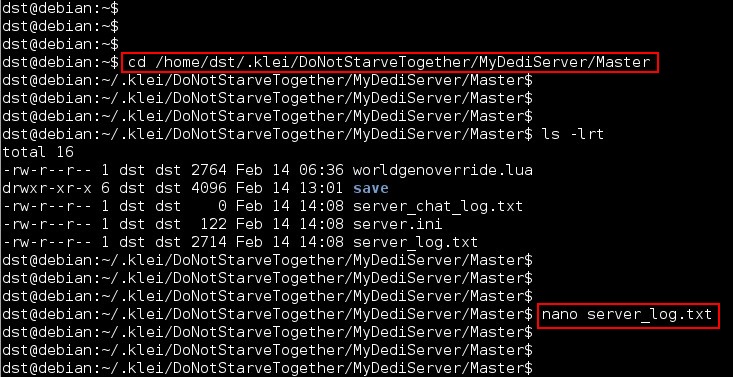
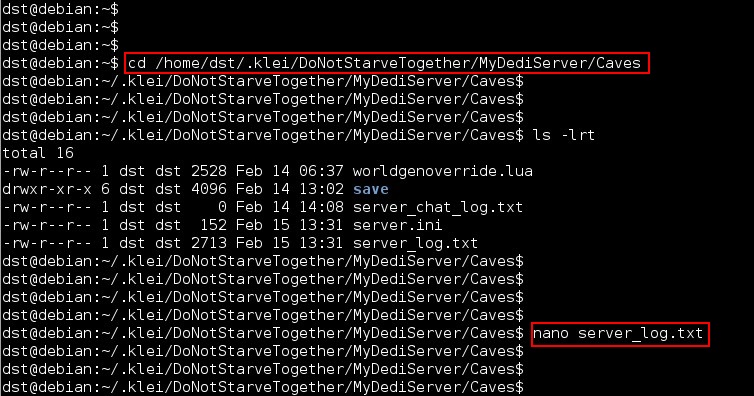
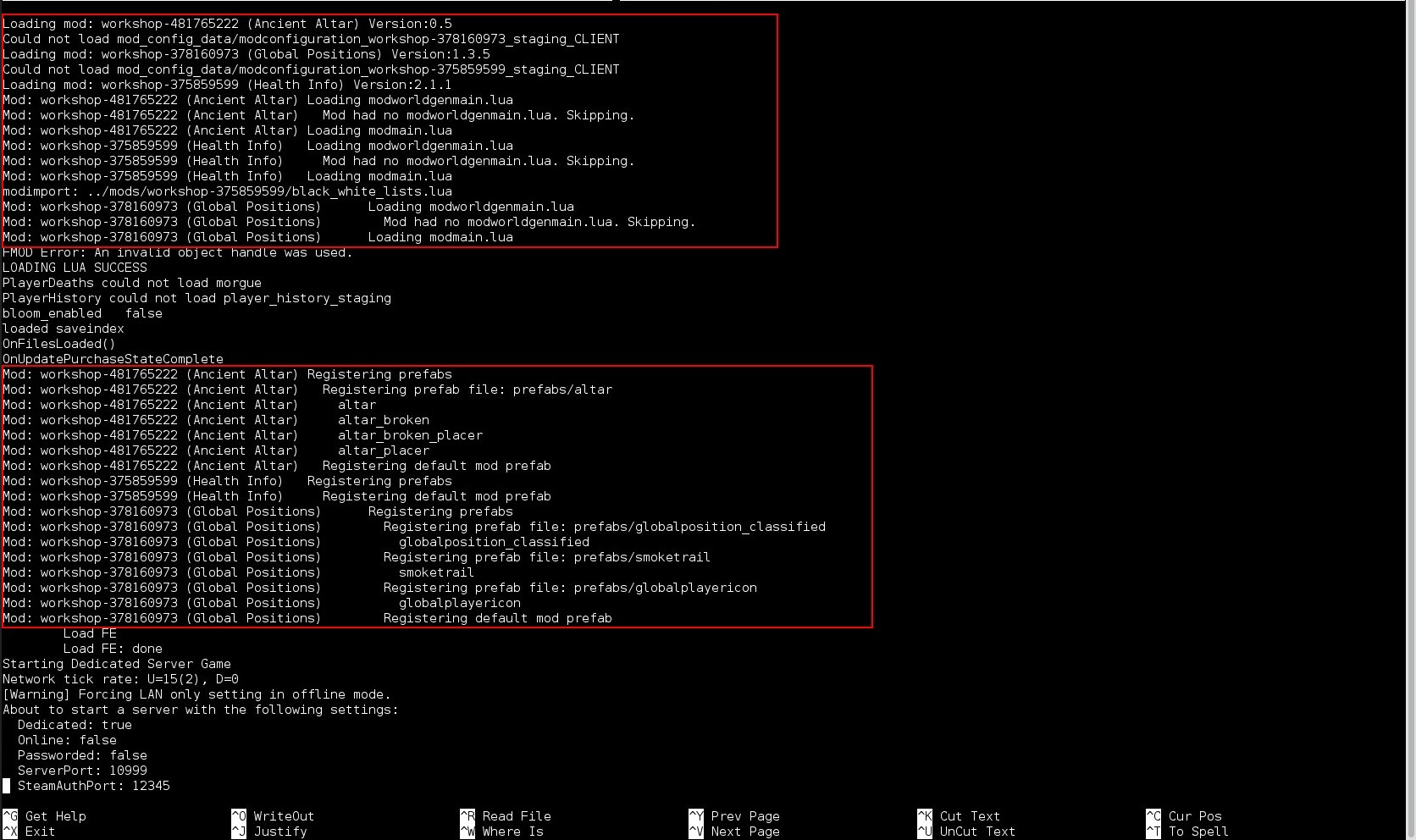
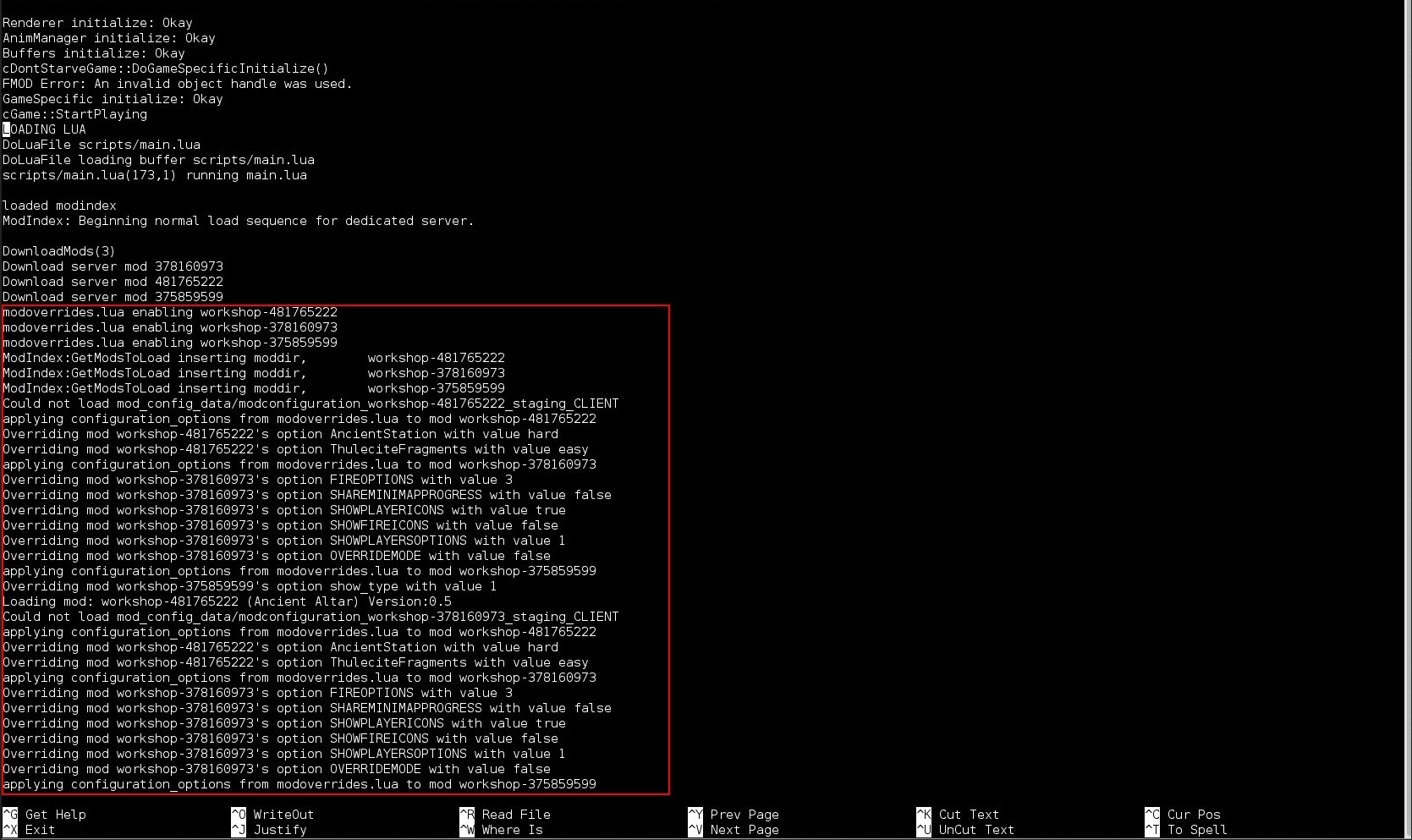
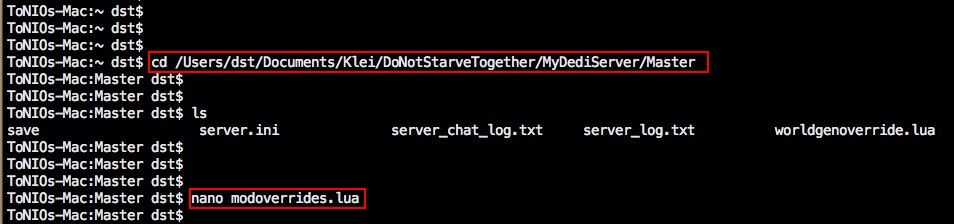
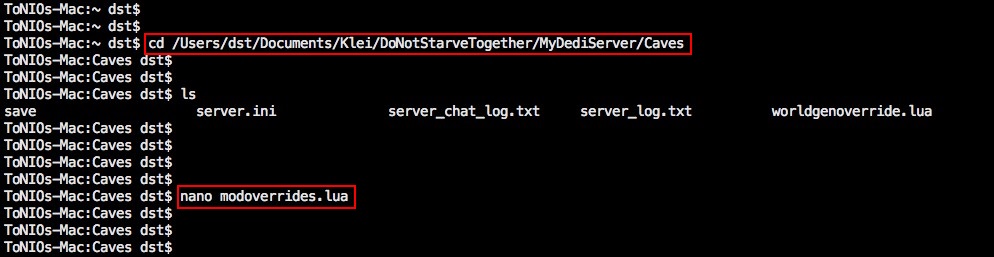
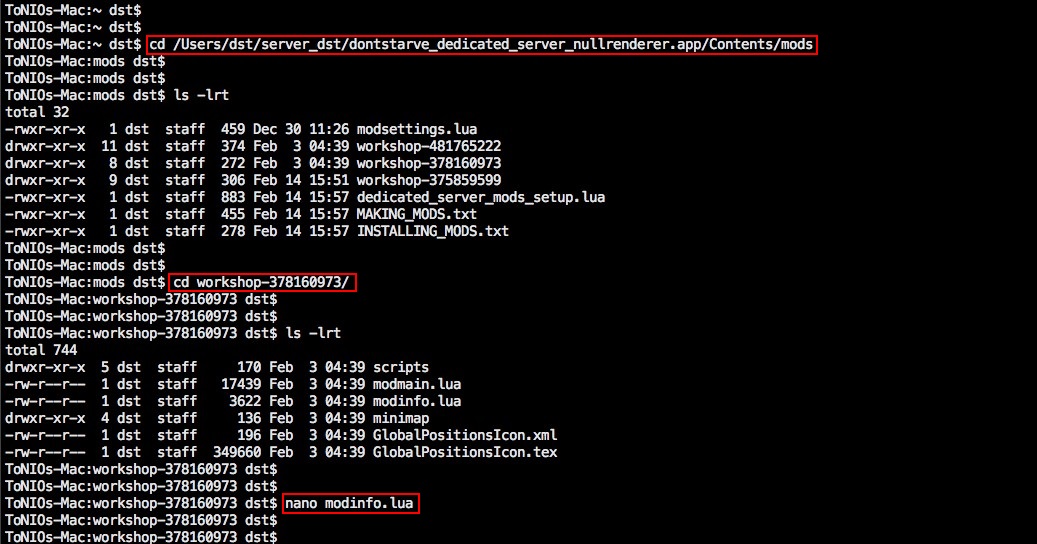
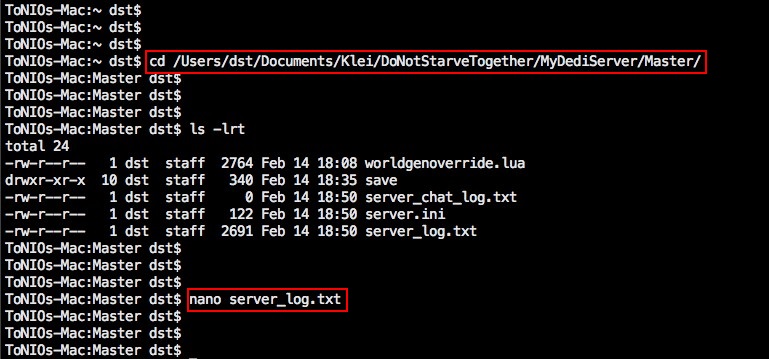
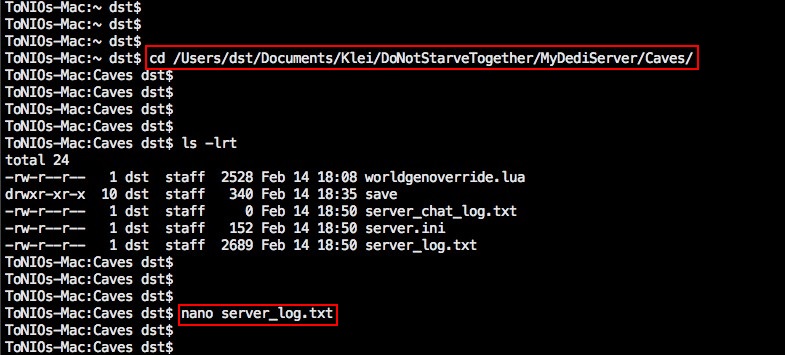
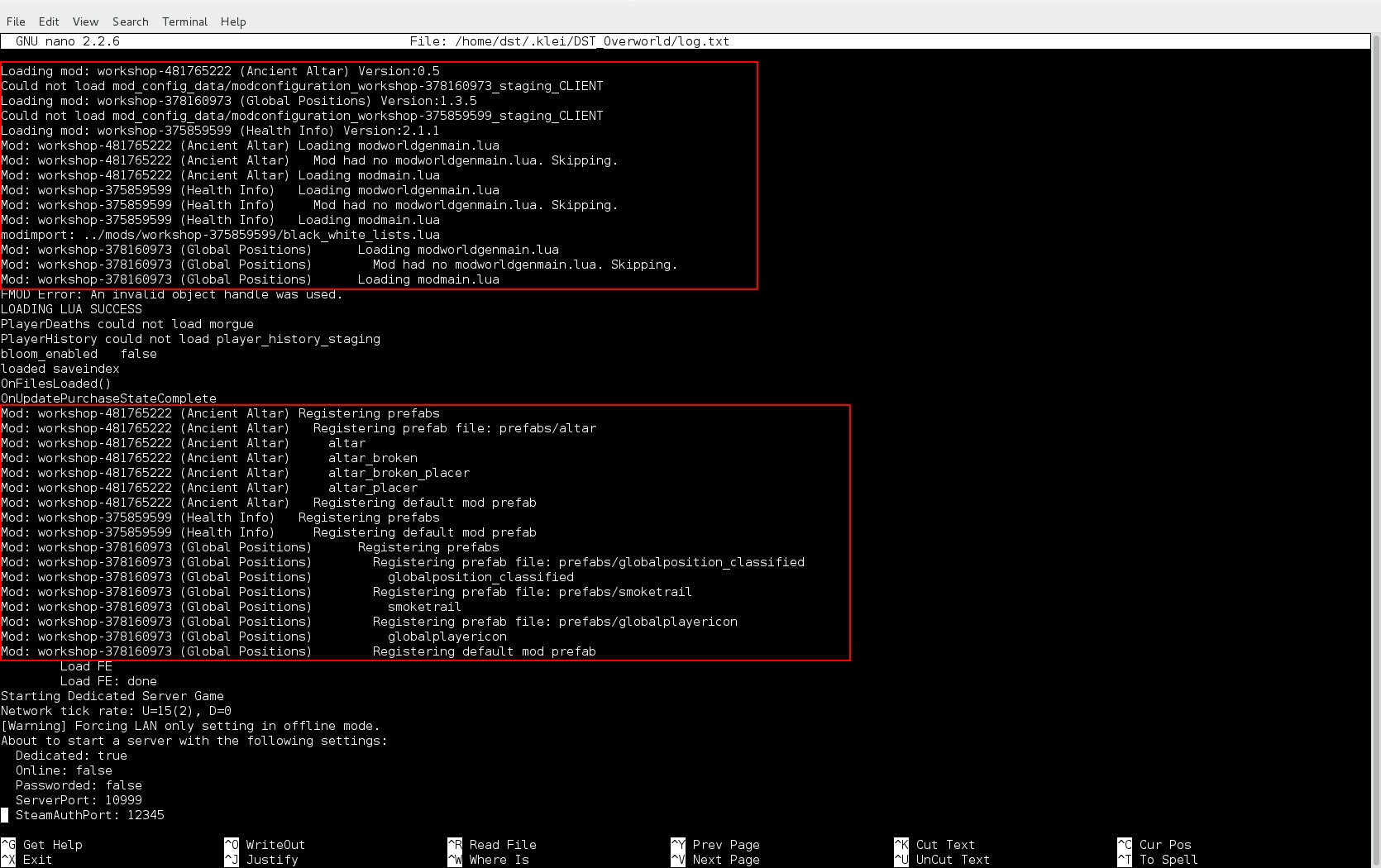
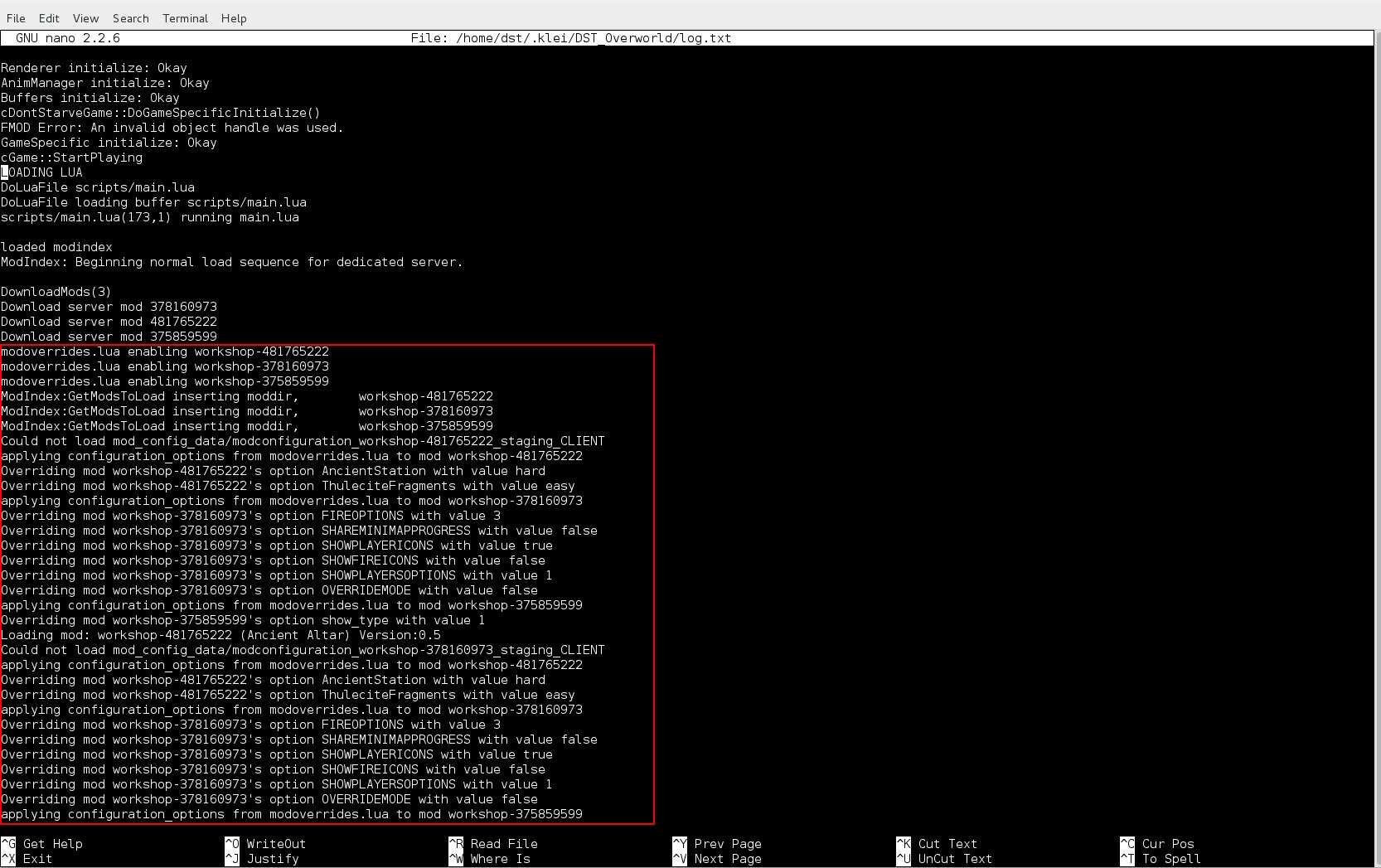
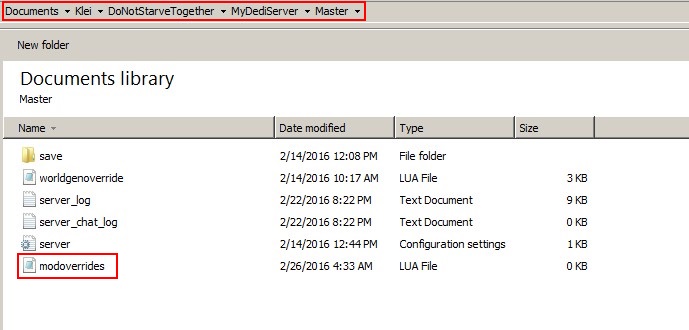
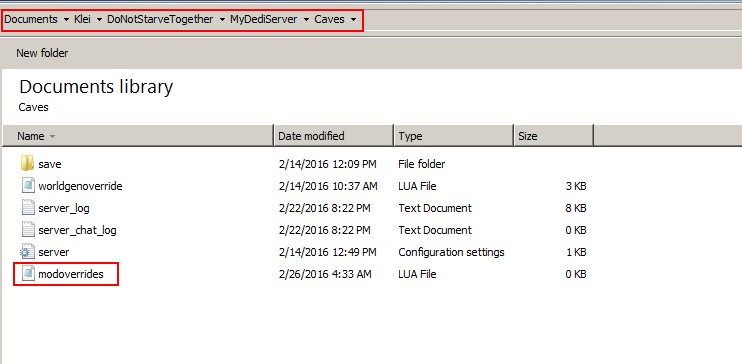
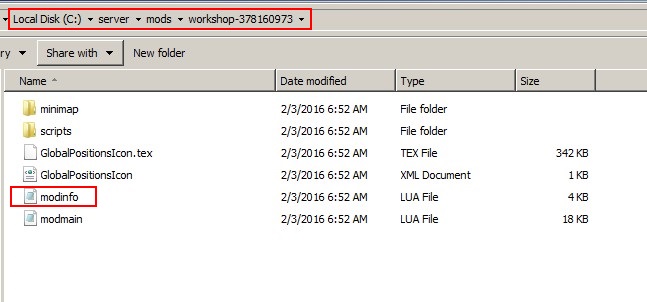
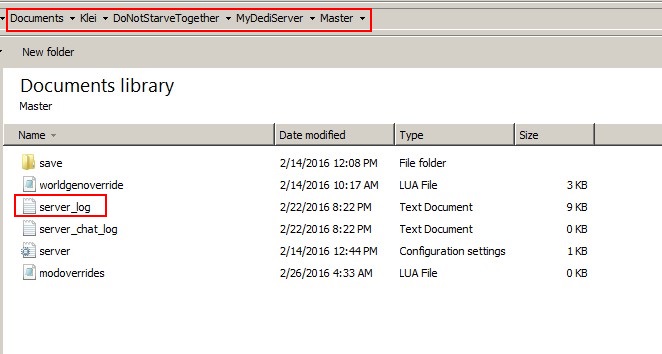
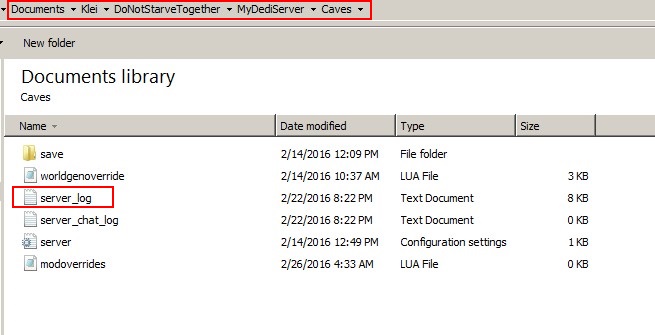
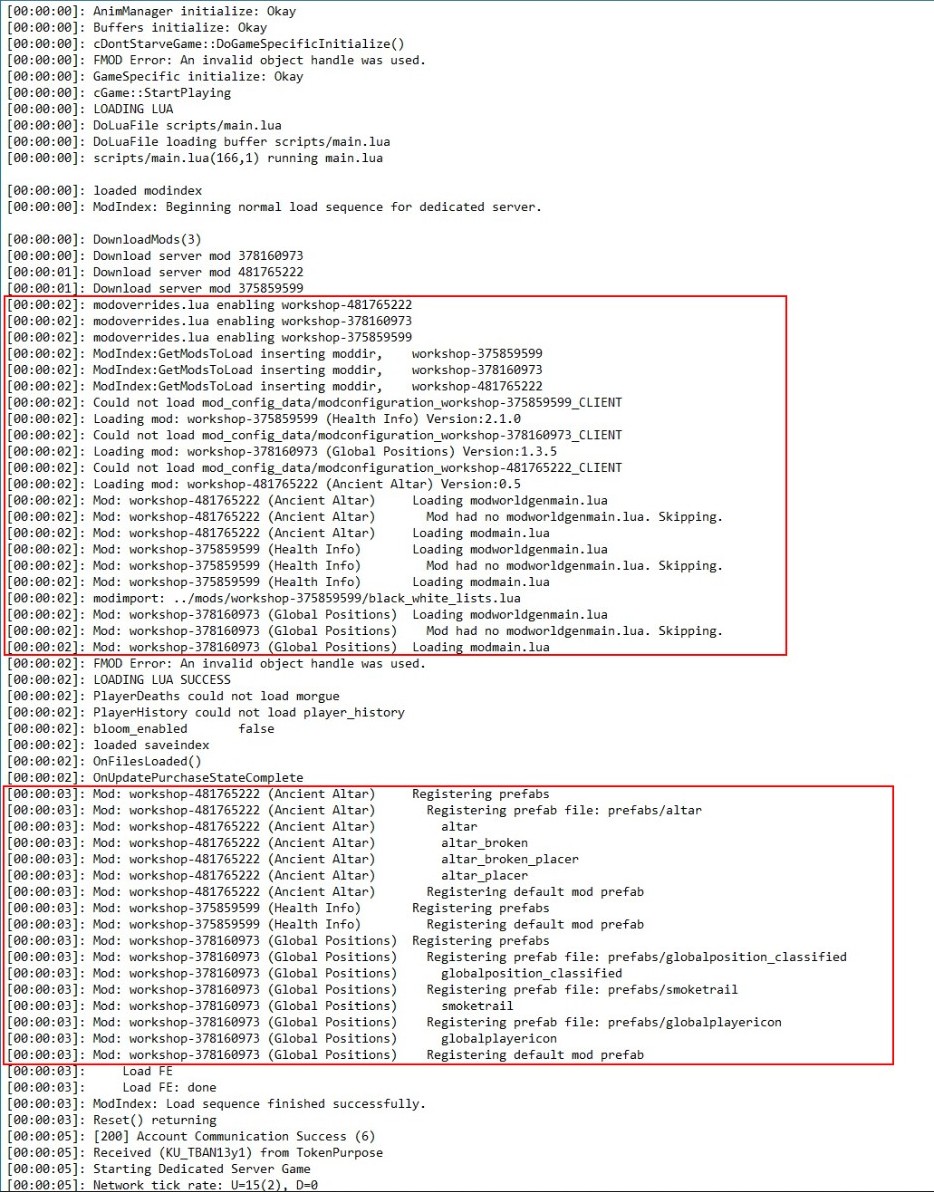
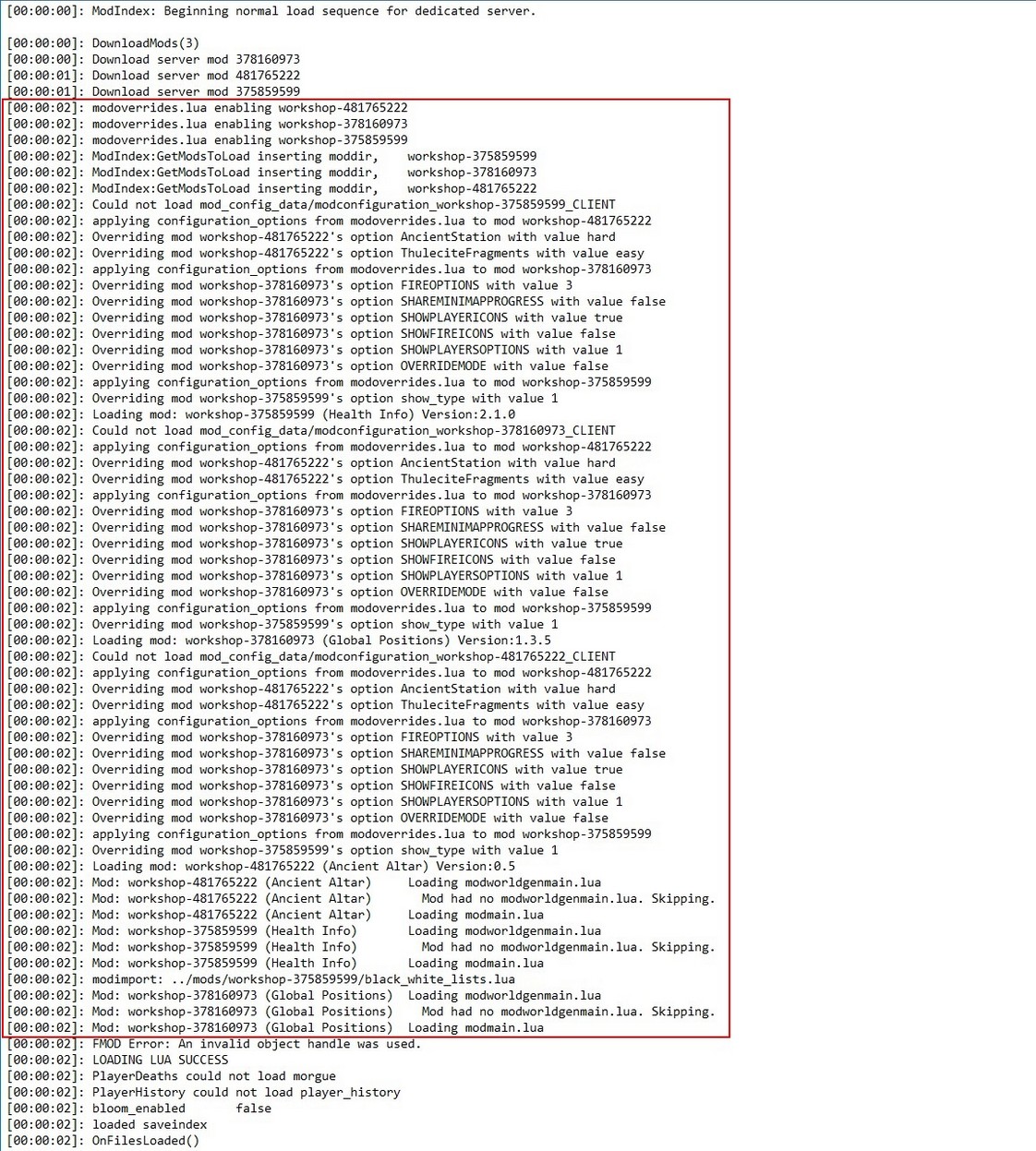
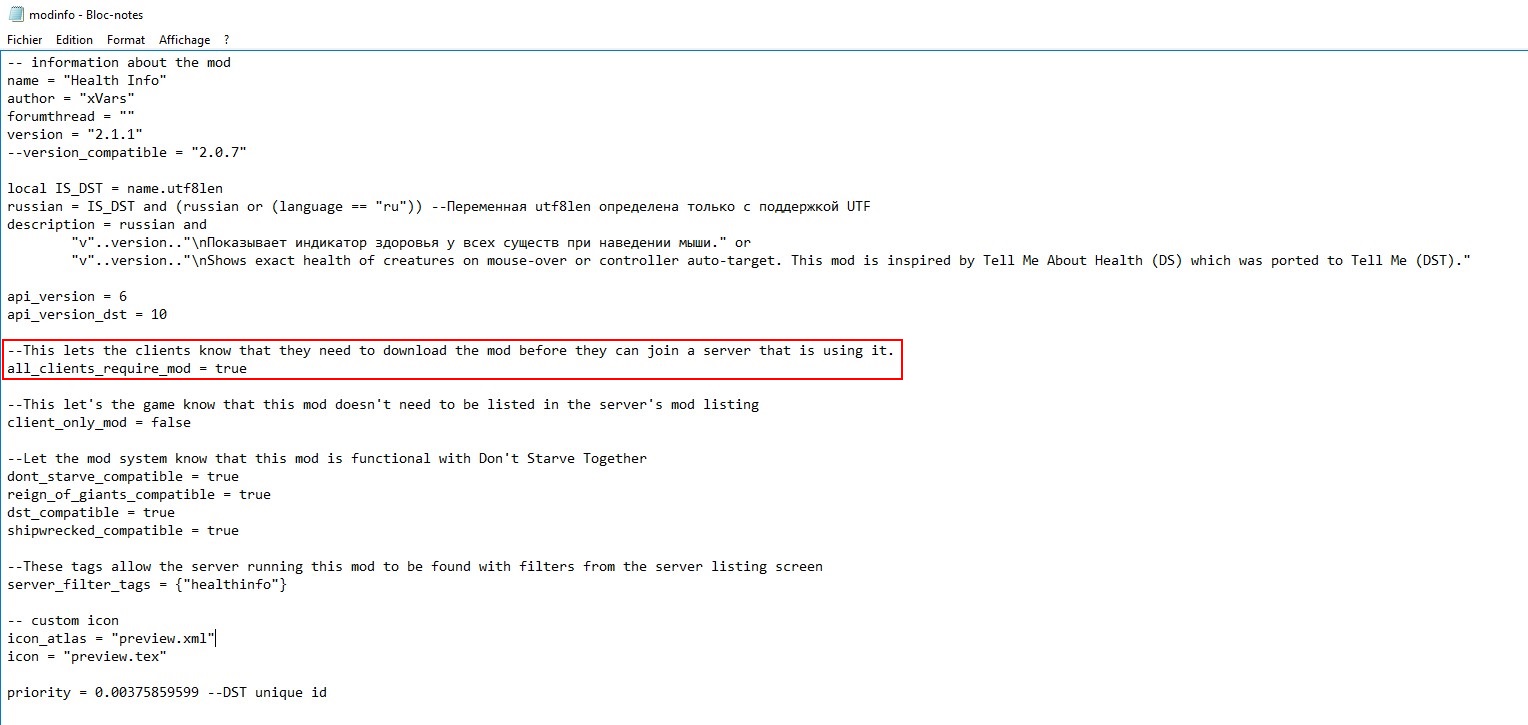
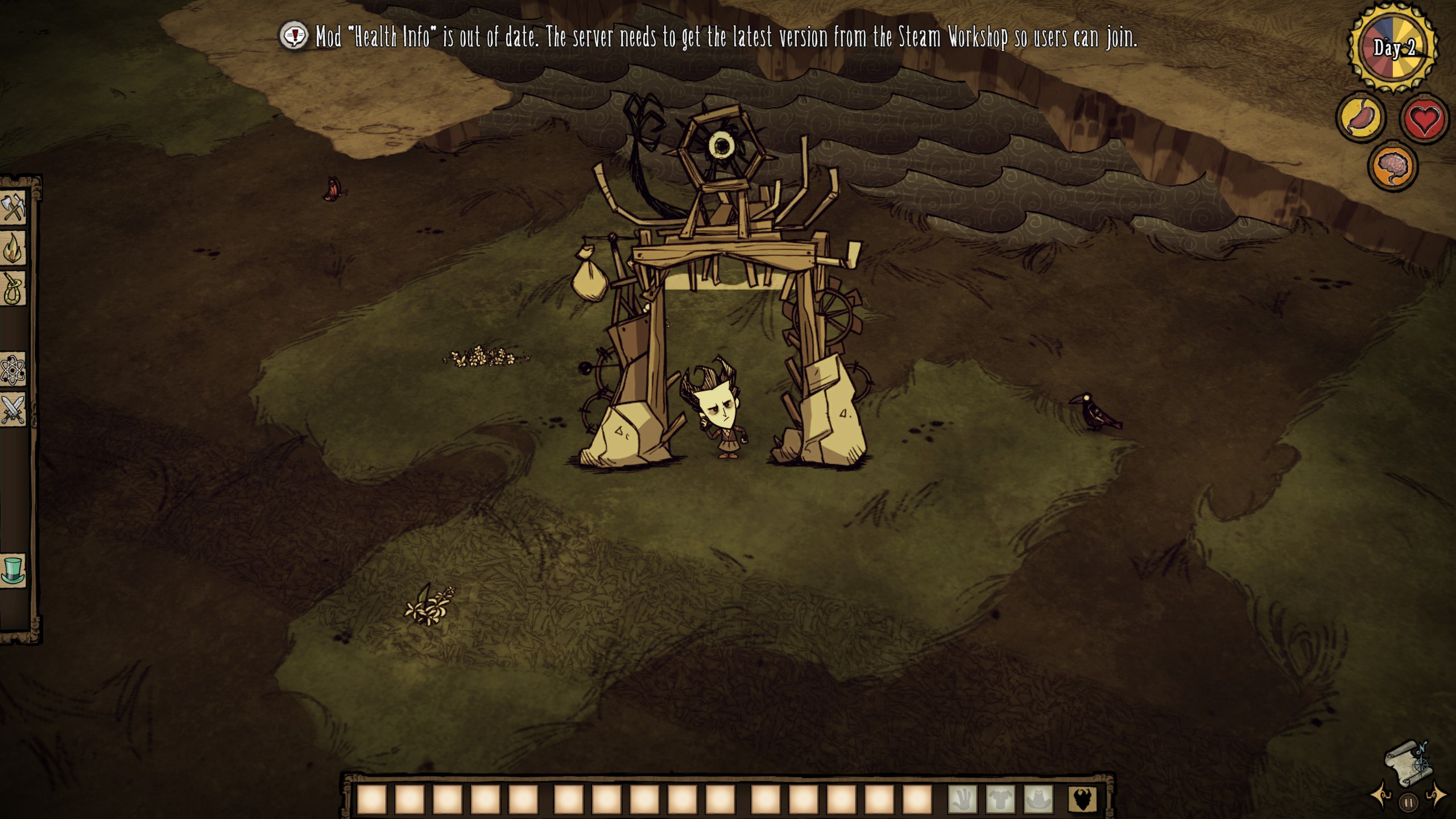
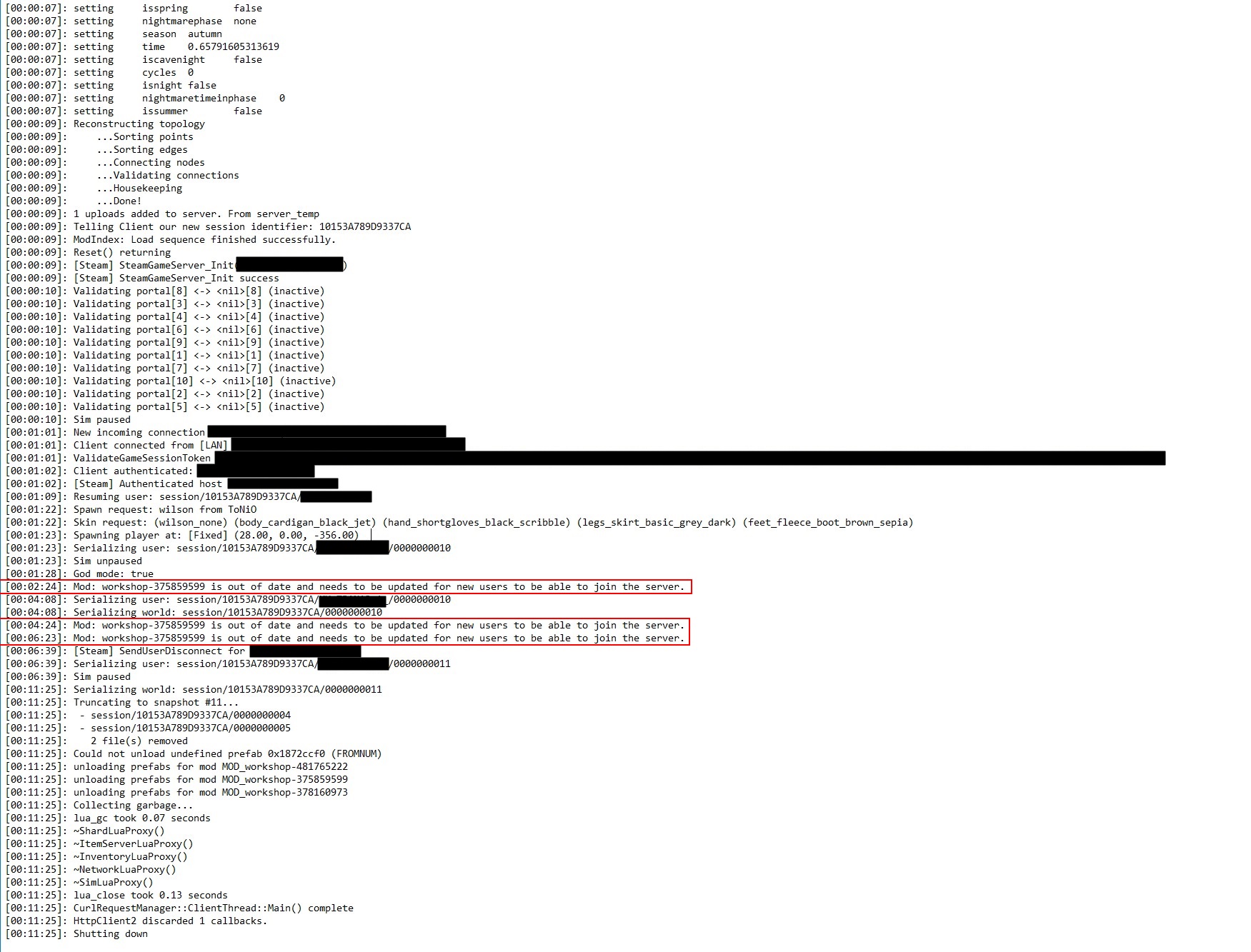
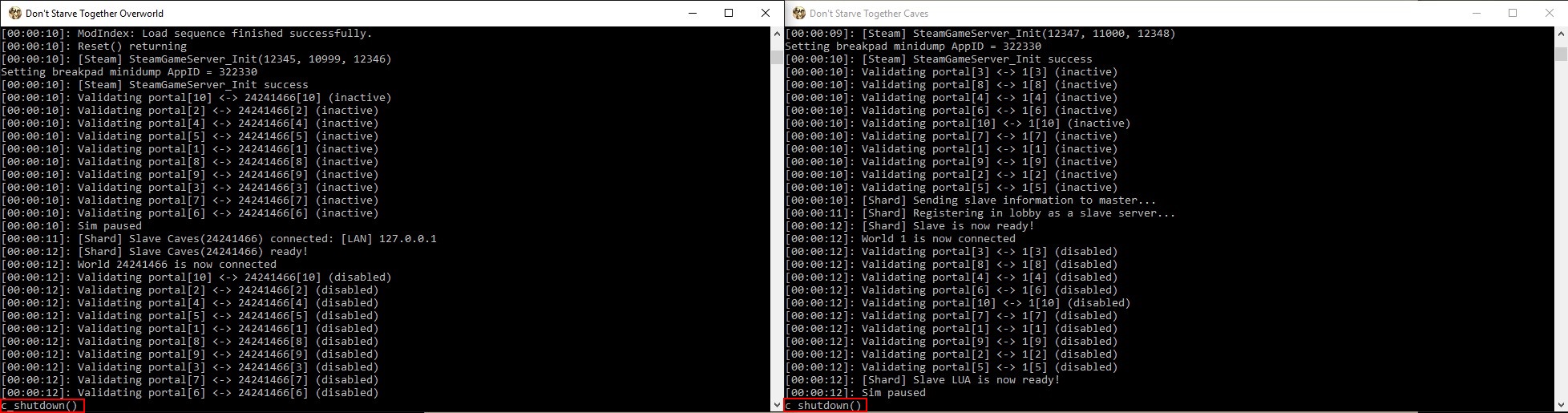
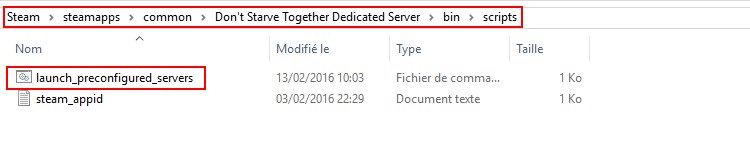



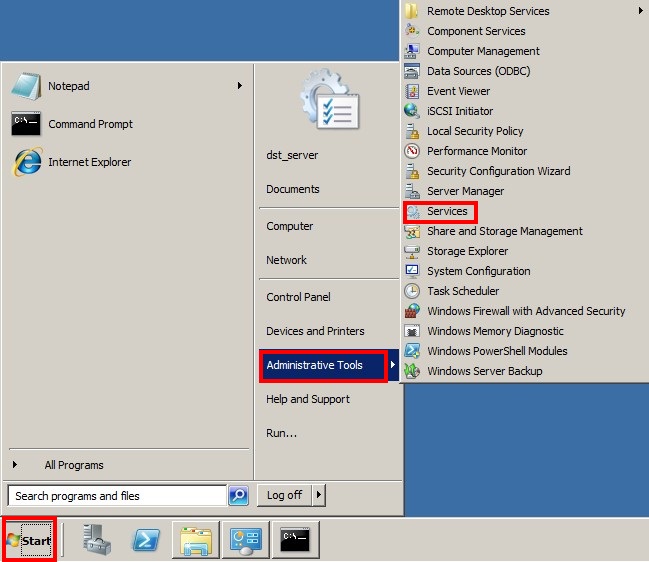
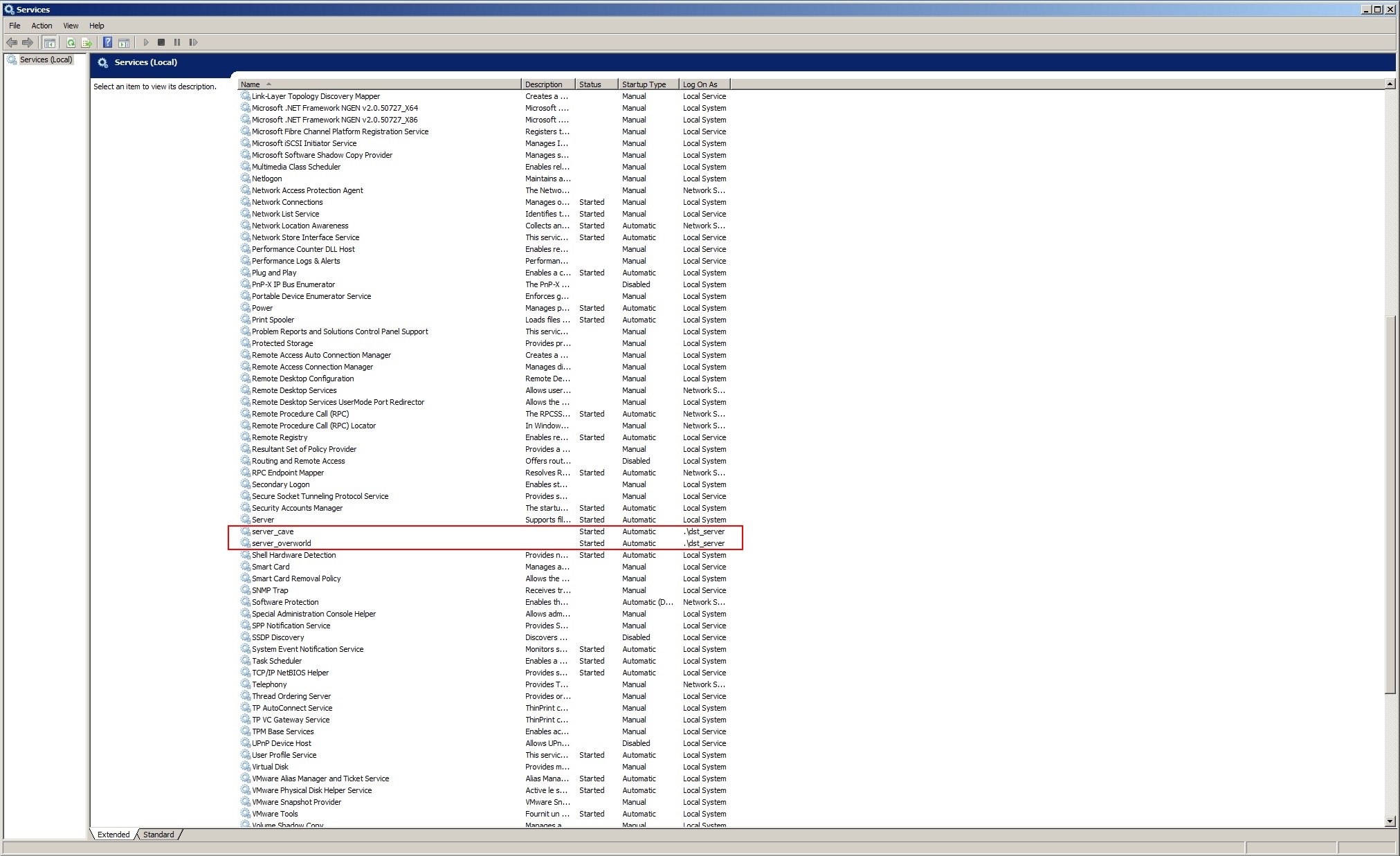
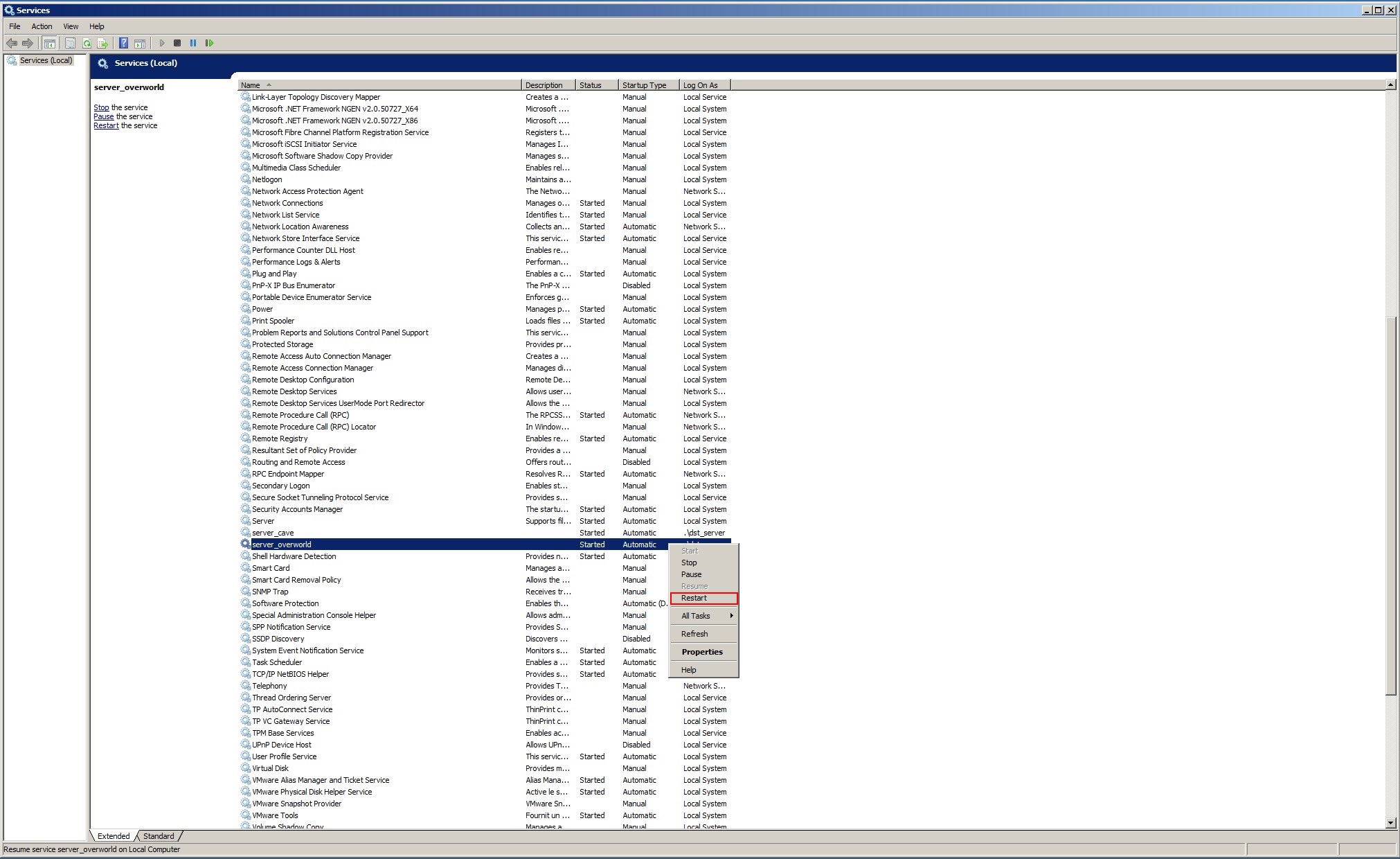
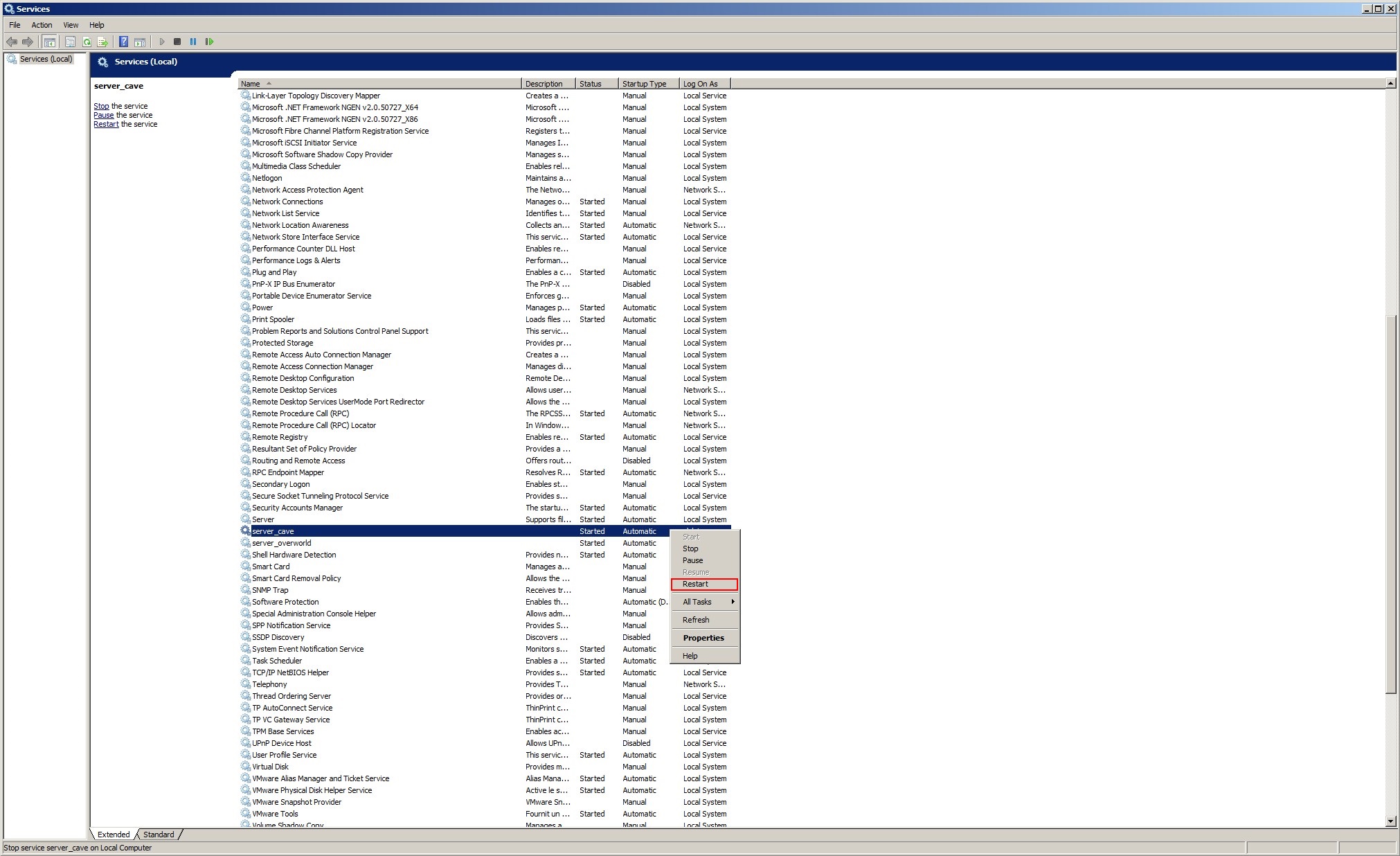
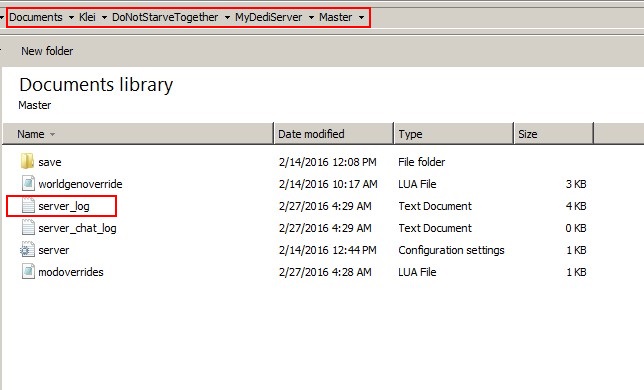
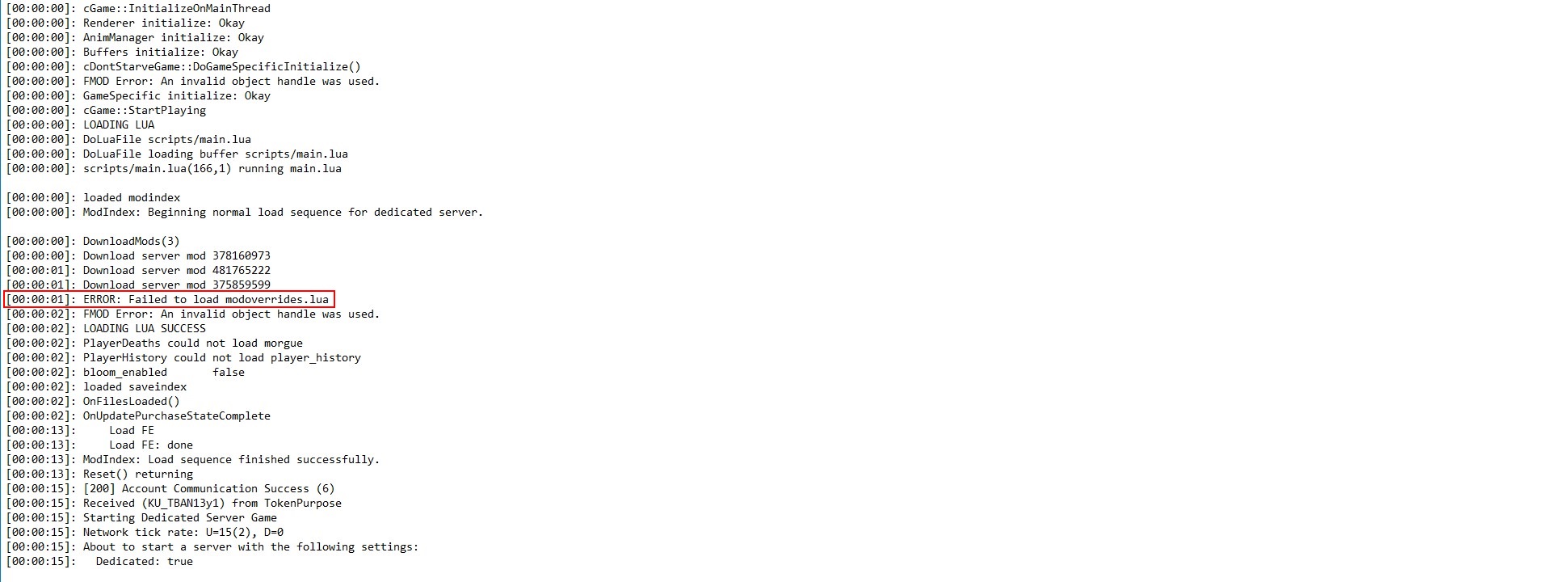
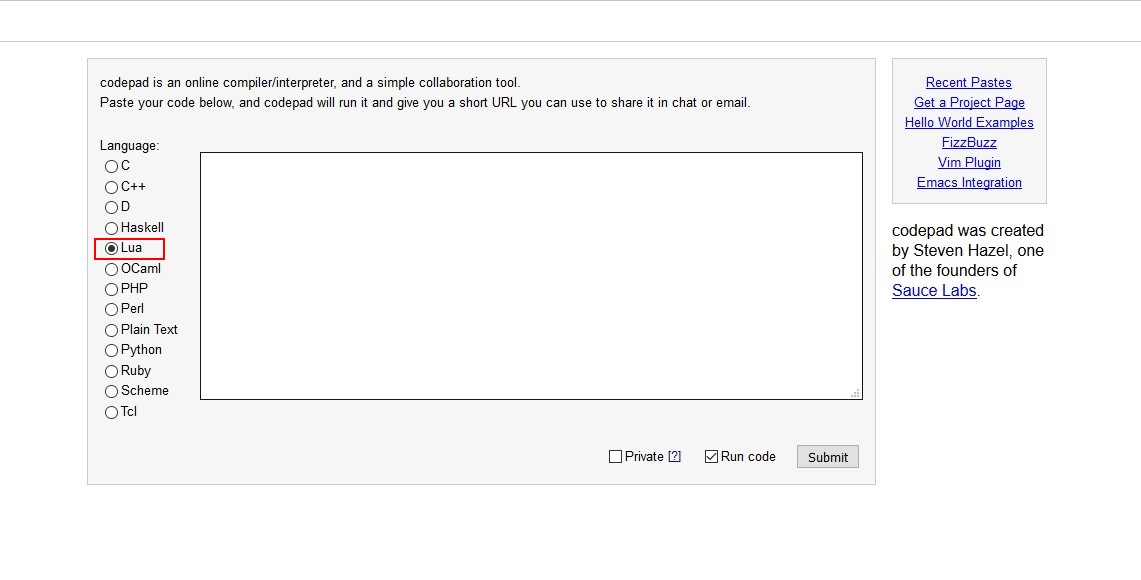
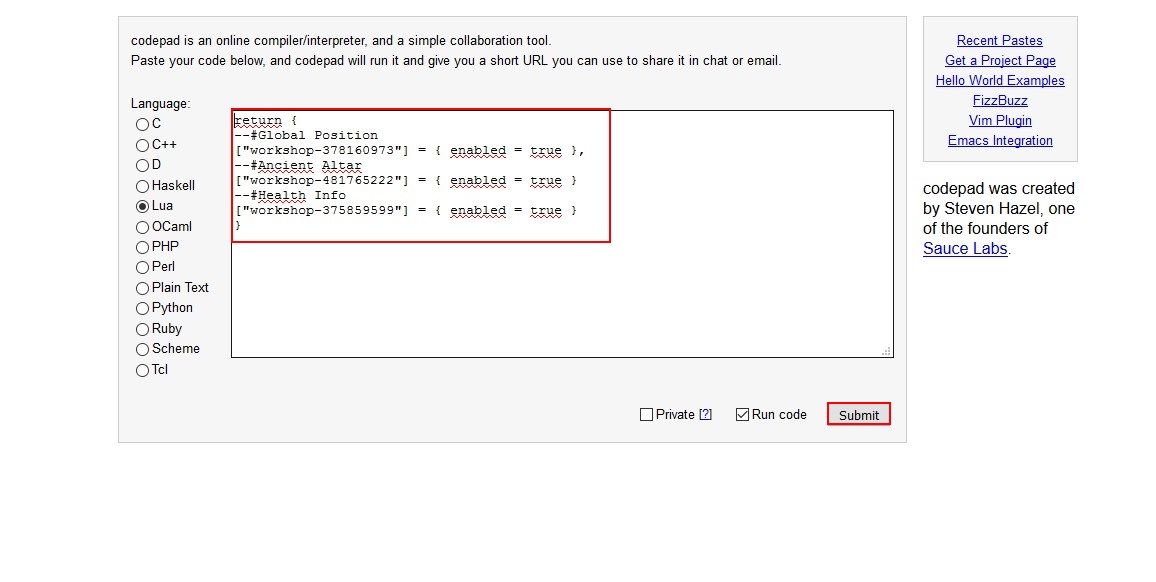
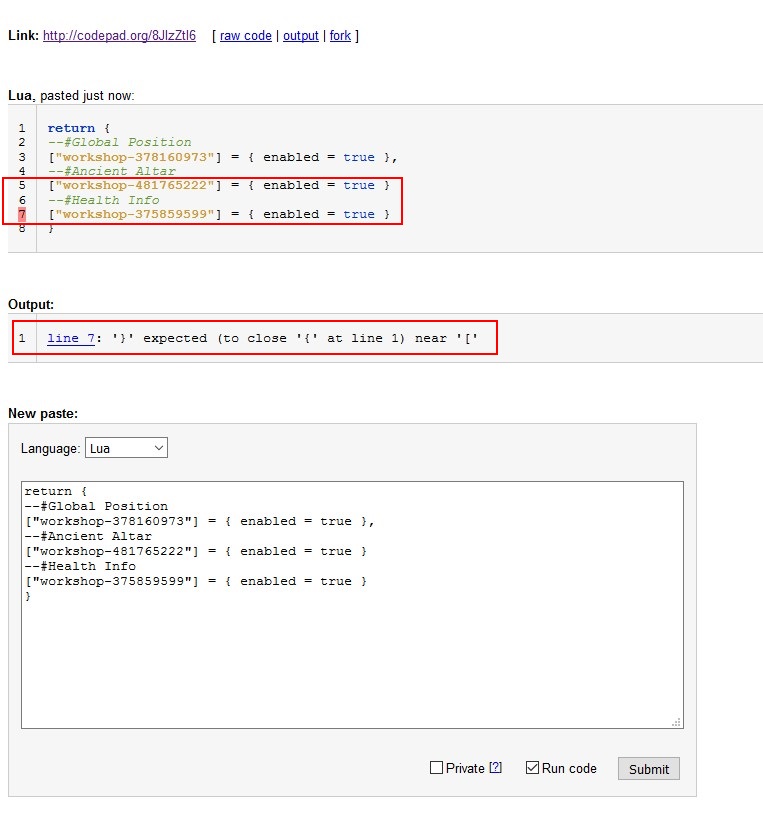
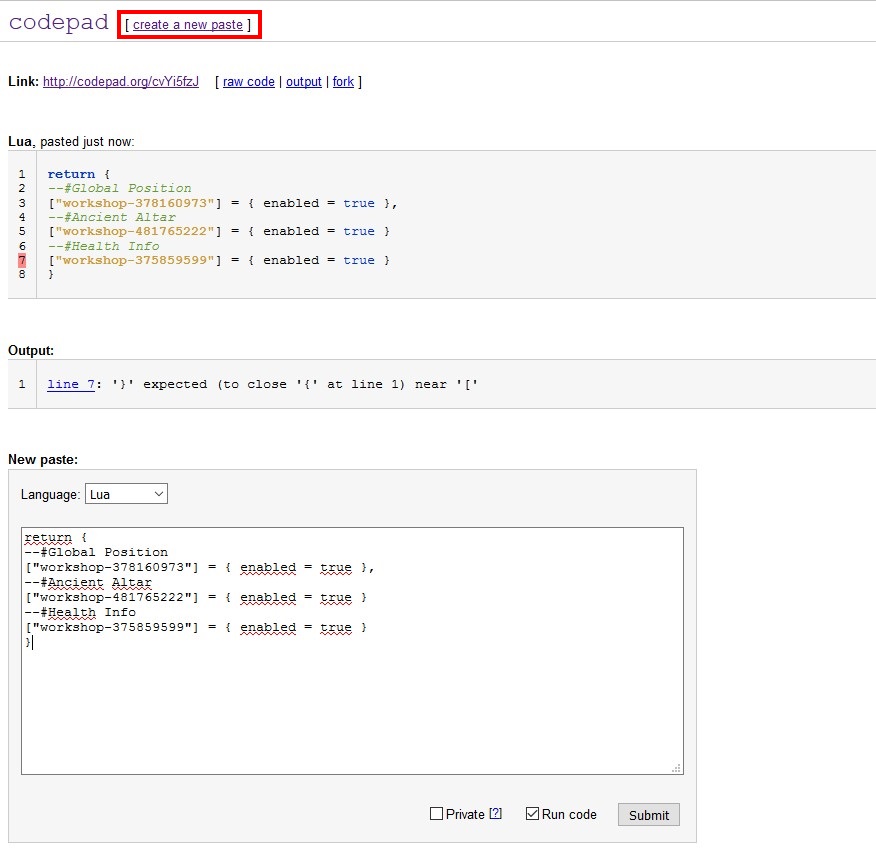
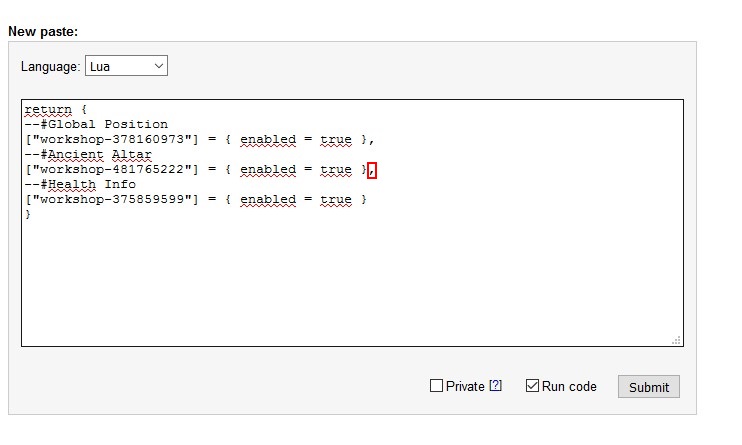
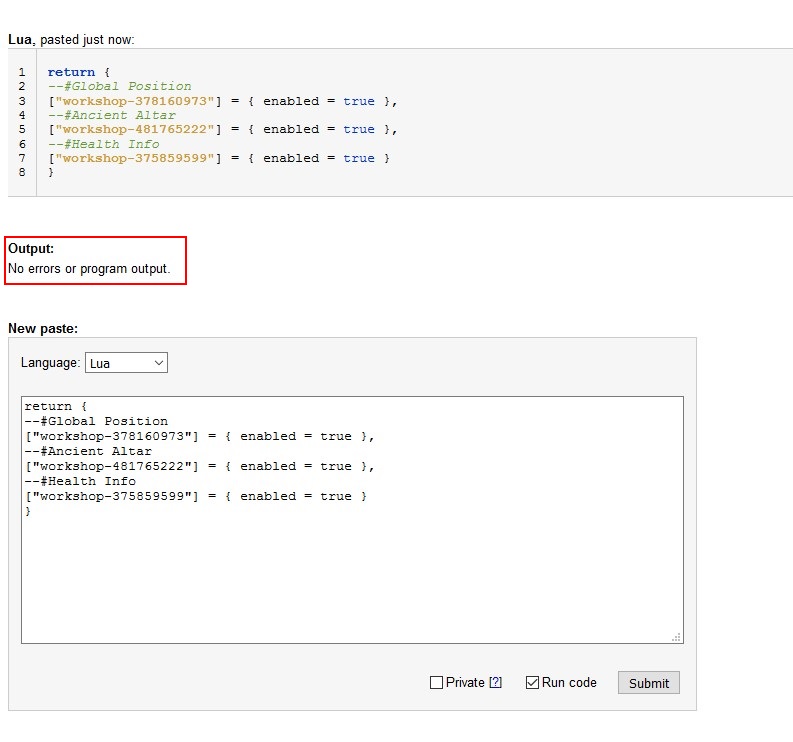


So if I want to use what I setup I have to nuke Tools version and re-download all of that crap again and use the Steam CMD.
*Sigh* I give up, This whole setup is more trouble than its worth. I am gonna go freaken crazy. I dont have the time nor patience to manually type so much info in a lua for 3 freaken mods. There are other servers that I much rather use in other games that are worth more of my time.
Even Sven Co-op's Dedicated Server are easier to setup than DST Dedicated Server and its MANUAL!
I just followed your guide successfully created a windows dedicated server(steam tool) and add mods to it.
I had to say, this author's guide just like digital ocean articles, detailed, clear and easy understand.
hope someone find this useful
import os
out = open("out.txt", "w")
d = "C:\Program Files (x86)\SteamLibrary\steamapps\common\Don't Starve Together\mods"
dirs = os.listdir(d)
for dir in dirs:
if os.path.isdir(d + "\\" + dir):
f = open(d + "\\" + dir + "\\" + "modinfo.lua" , "r")
for line in f :
if "name = " in line:
print "--#" + line.replace('\n', ' ').replace("name =", "")
out.write( "--#" + line.replace("name =", ""))
break
print "ServerModSetUp(\"" + dir.replace("workshop-", "") + "\")\n"
out.write("ServerModSetUp(\"" + dir.replace("workshop-", "") + "\")\n\n")
you can backup of your map and make new map for play with your friend
example you need make backup of the folder save of both server:
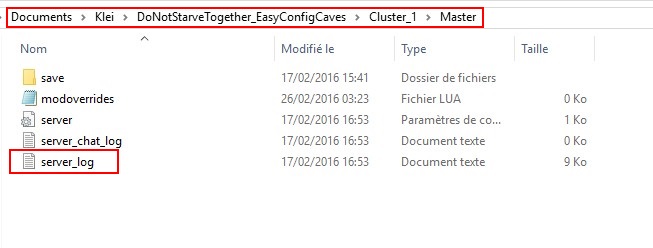
Documents\Klei\DoNotStarveTogether_EasyConfigOverworld\Cluster_1\Master\save
Documents\Klei\DoNotStarveTogether_EasyConfigCaves\Cluster_1\Master\save
after to backup your map, delete all files in your folder save of your server and restart the server
that's going make new map for play with your friend ;)
of course if you want your map come back, just upload both folders save on your servers
i hope that's help you ;)
The advantage of this method is that you can make as much game as you wish with different friends