



安装 Steam
登录
|
语言
繁體中文(繁体中文)
日本語(日语)
한국어(韩语)
ไทย(泰语)
български(保加利亚语)
Čeština(捷克语)
Dansk(丹麦语)
Deutsch(德语)
English(英语)
Español-España(西班牙语 - 西班牙)
Español - Latinoamérica(西班牙语 - 拉丁美洲)
Ελληνικά(希腊语)
Français(法语)
Italiano(意大利语)
Bahasa Indonesia(印度尼西亚语)
Magyar(匈牙利语)
Nederlands(荷兰语)
Norsk(挪威语)
Polski(波兰语)
Português(葡萄牙语 - 葡萄牙)
Português-Brasil(葡萄牙语 - 巴西)
Română(罗马尼亚语)
Русский(俄语)
Suomi(芬兰语)
Svenska(瑞典语)
Türkçe(土耳其语)
Tiếng Việt(越南语)
Українська(乌克兰语)
报告翻译问题




 奖励
奖励



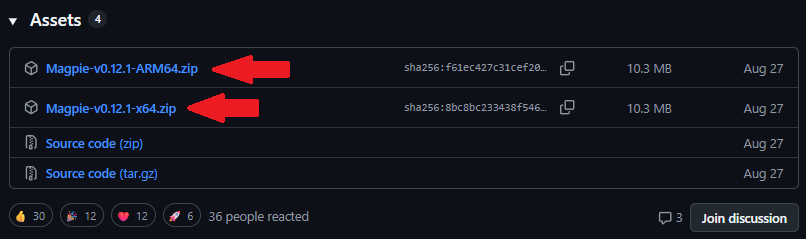
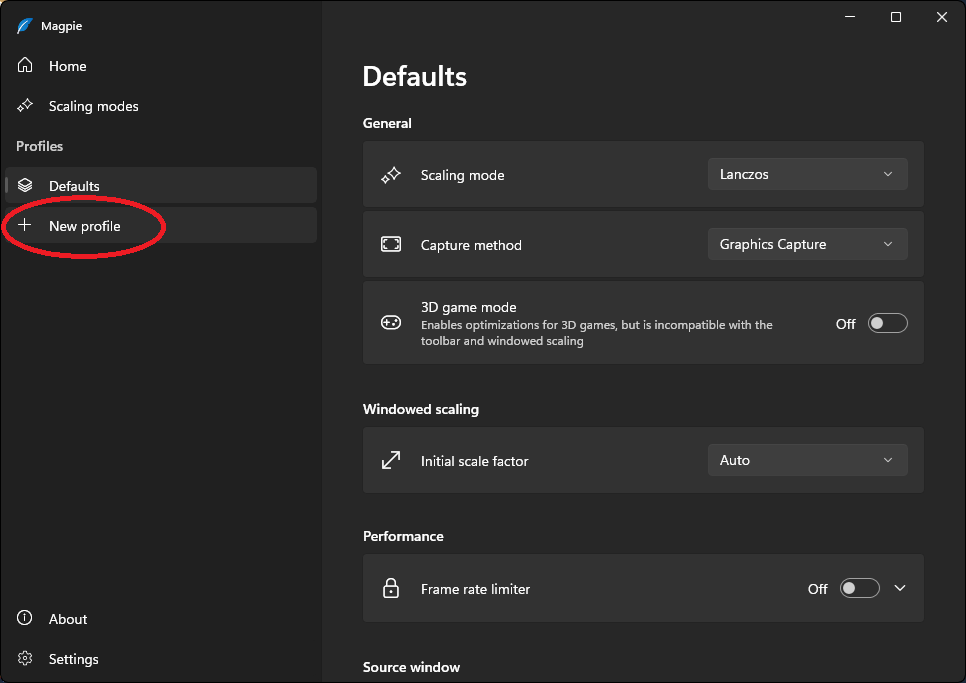

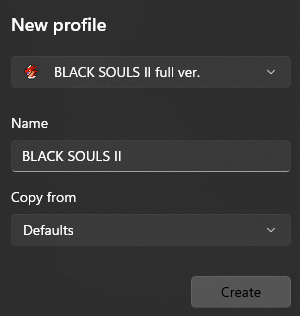
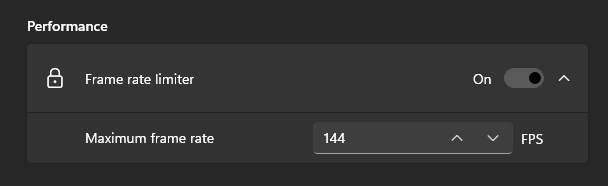
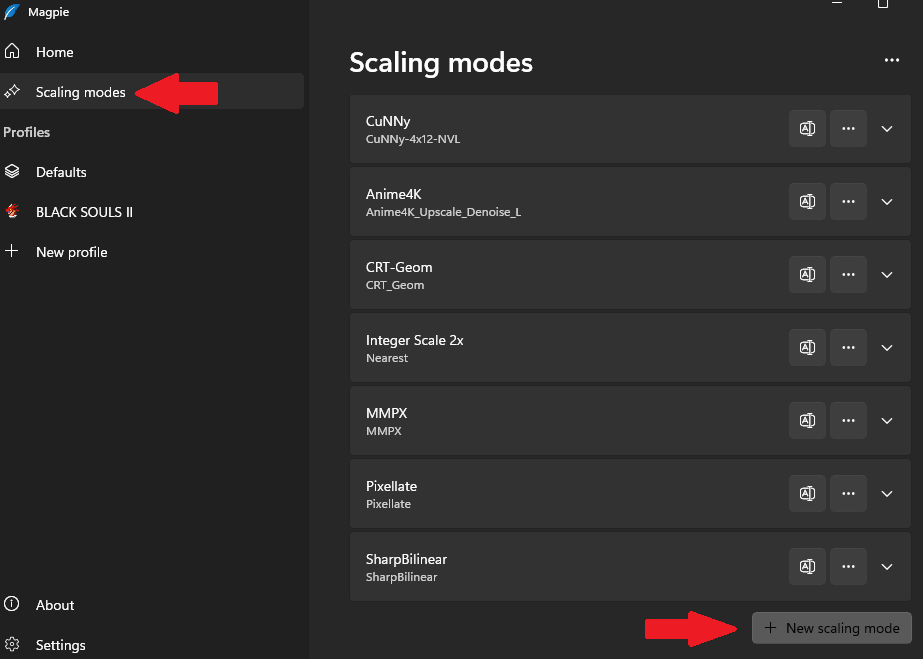
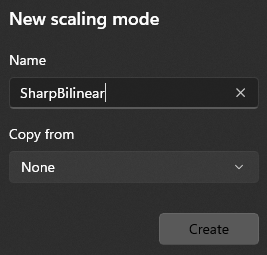
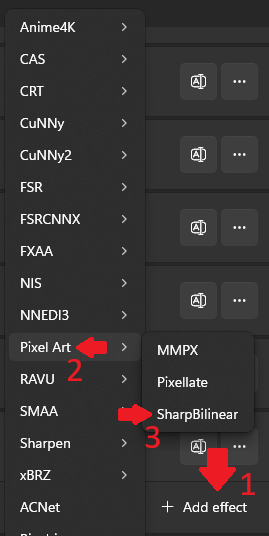
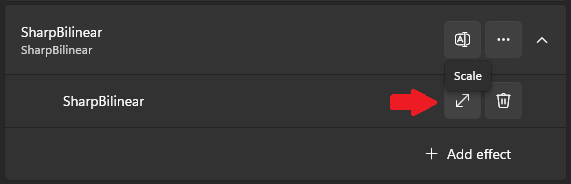
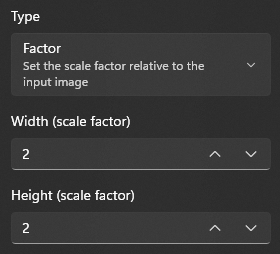
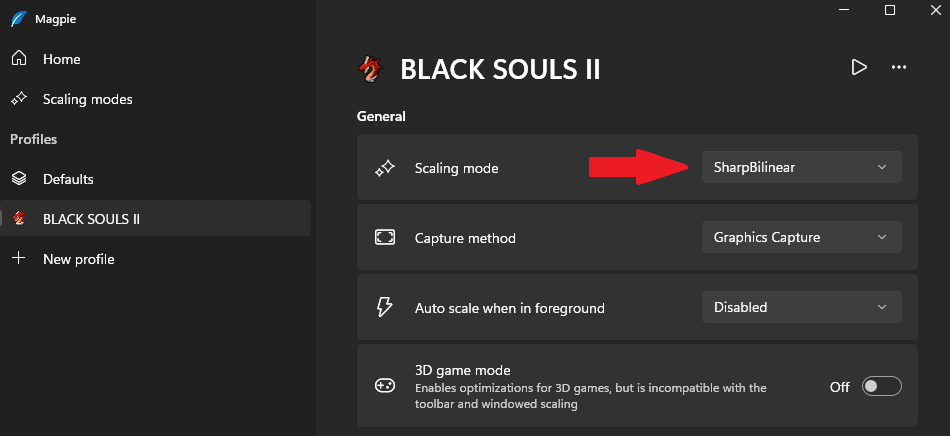
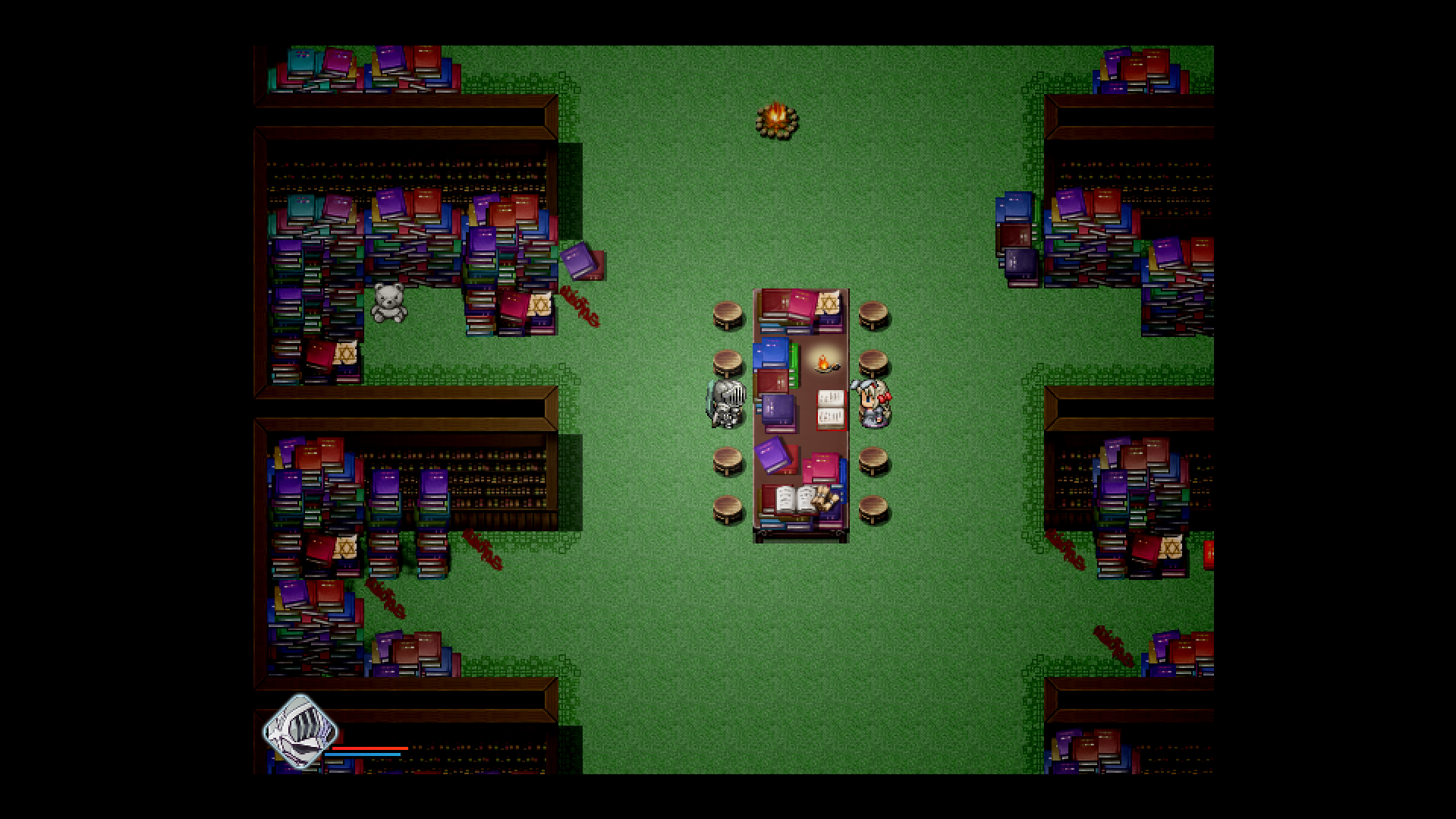
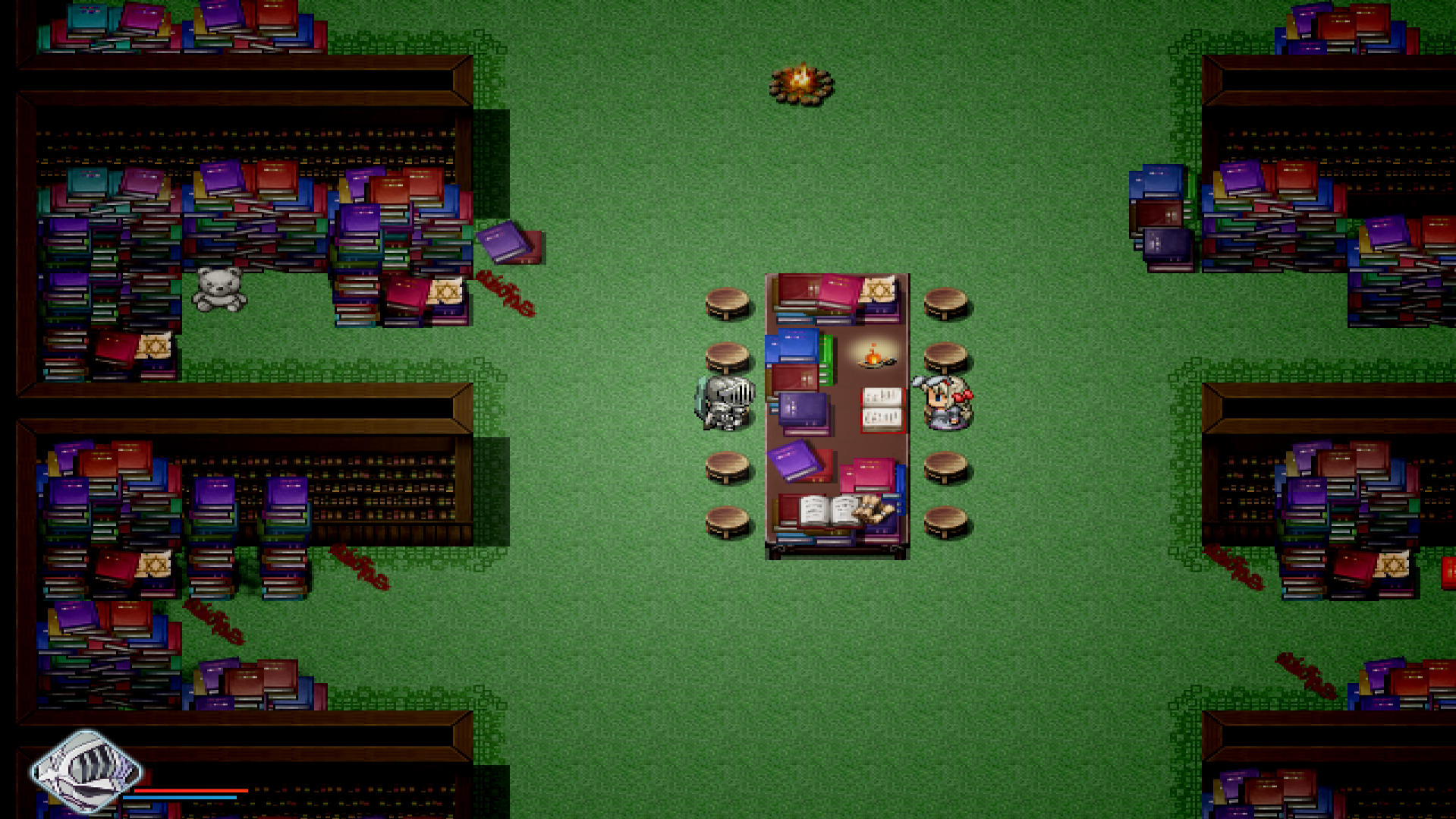


It mind ♥♥♥♥♥ me a bit to see the whole screen to be honest but i'll get used to it.
Note: Gamma status doesn't matter in this case, so you won't have to readjust with ImageAdjustment.
Also setting the type to fit introduces blurriness and/or non-uniform scaling cause of the stretching, the initial scaling should always be factor since RPGMaker VX Ace window size is not a 1:1 factor.
If you wanna do some in-game comparisons, pick the knight skin and look at the inner edges of the helmet, comparing them to Integer Scale 2x (NN), MMPX and SharpBilinear to spot the difference in pixel sharpness and blurriness.
If you don't like how bad it looks from Fill mode, and don't like the black bars top and down of the screen, you can use the "Fit" when selecting the type instead of "Factor".
I think its the best of both worlds.
Just in case anyone is wondering, if your game window is named: "Black Souls || #U"
then that means you still need to get the patch for the full game or you didn't apply it correctly.