Palworld / 幻兽帕鲁

Palworld / 幻兽帕鲁

评价数不足
How to Play Even When the Host Is Offline
由 NullPointer 制作
Host went offline again? Probably got kidnapped by a Pengullet.

Don’t worry, SaveSync has your back. With SaveSync, your world stays alive. It automatically syncs, backs up, and shares your co-op save, so anyone in your group can host and keep your island thriving.

No dedicated servers. No complicated tools. No manual save file sharing.
   
奖励
收藏
已收藏
取消收藏
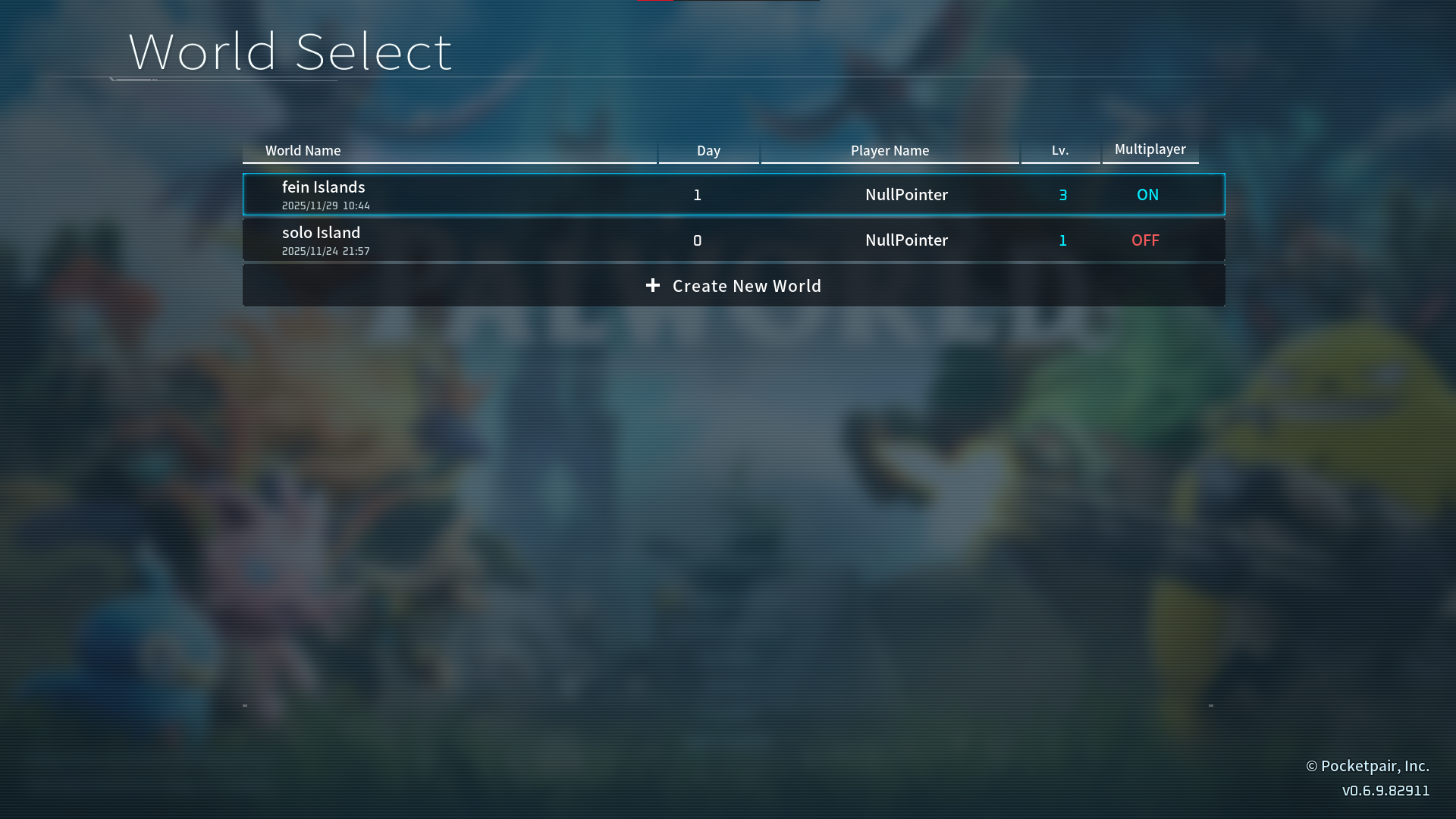
Creating Save
1. Close Palworld
Exit Palworld completely after creating a save

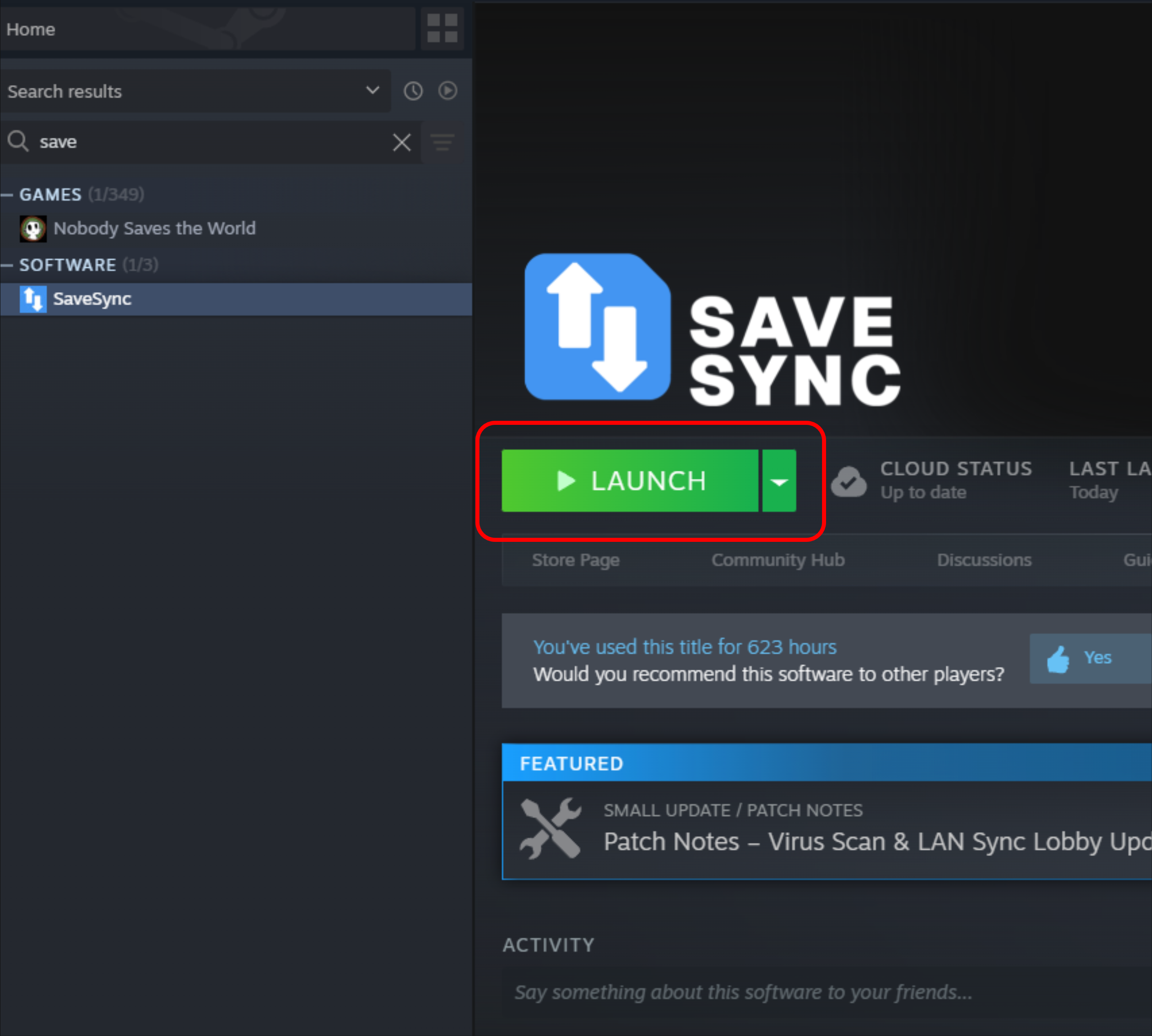
2. Open SaveSync
Launch SaveSync from Steam Library

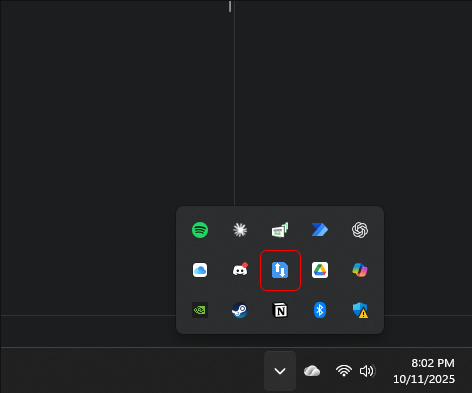
Or click the SaveSync icon in your system tray if its already running


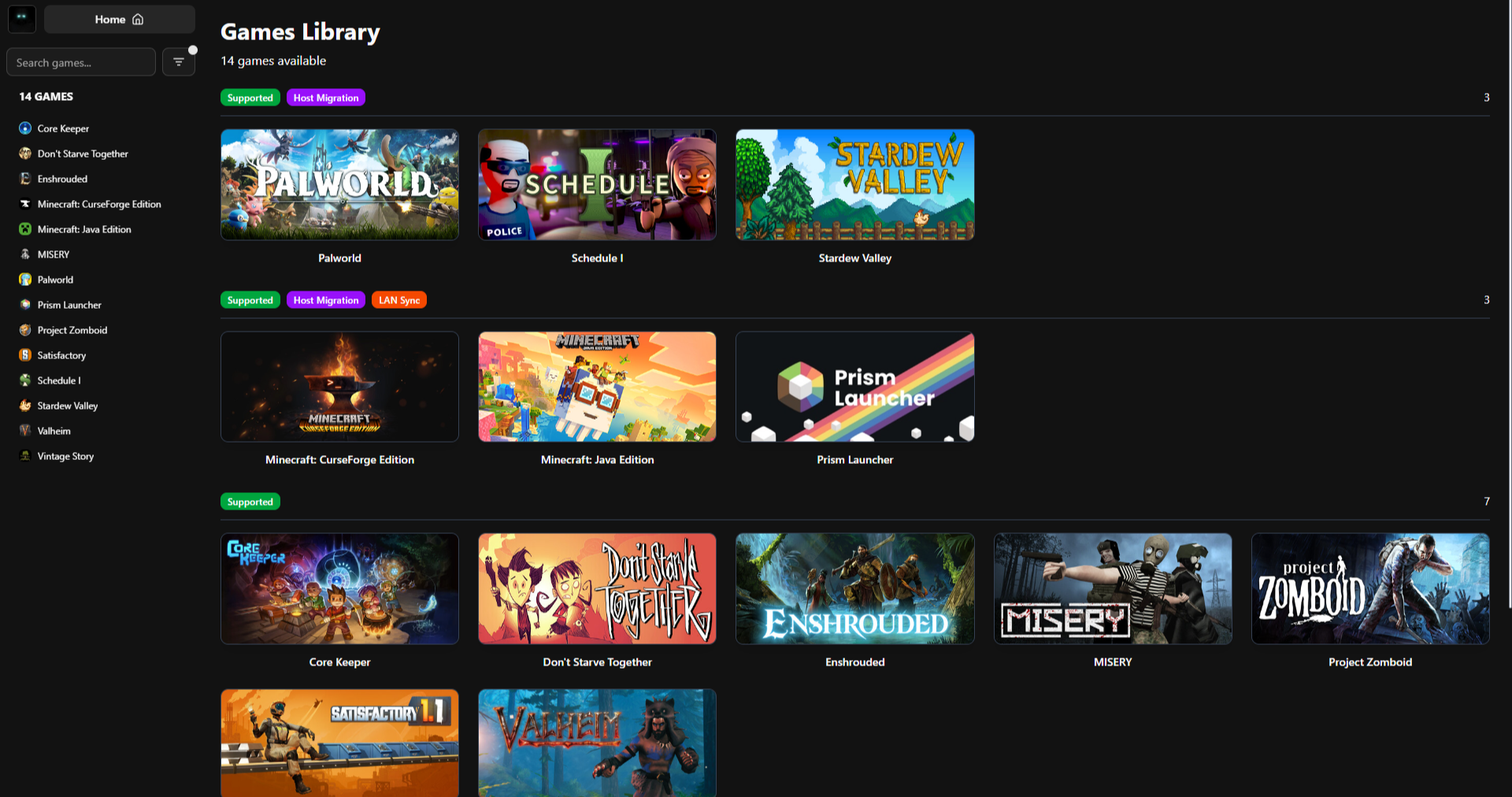
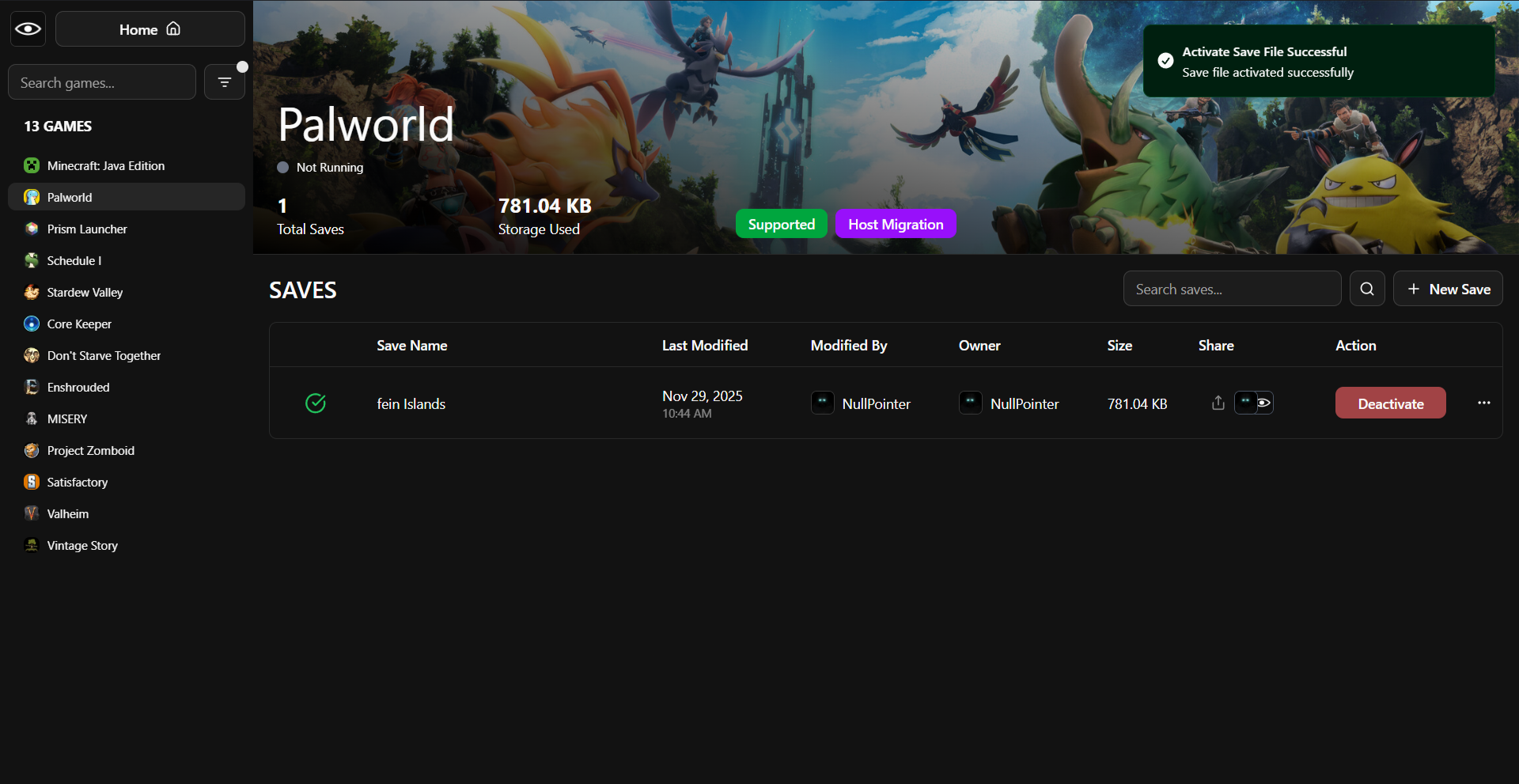
3. SaveSync Main Window
You'll see the home screen with your games list

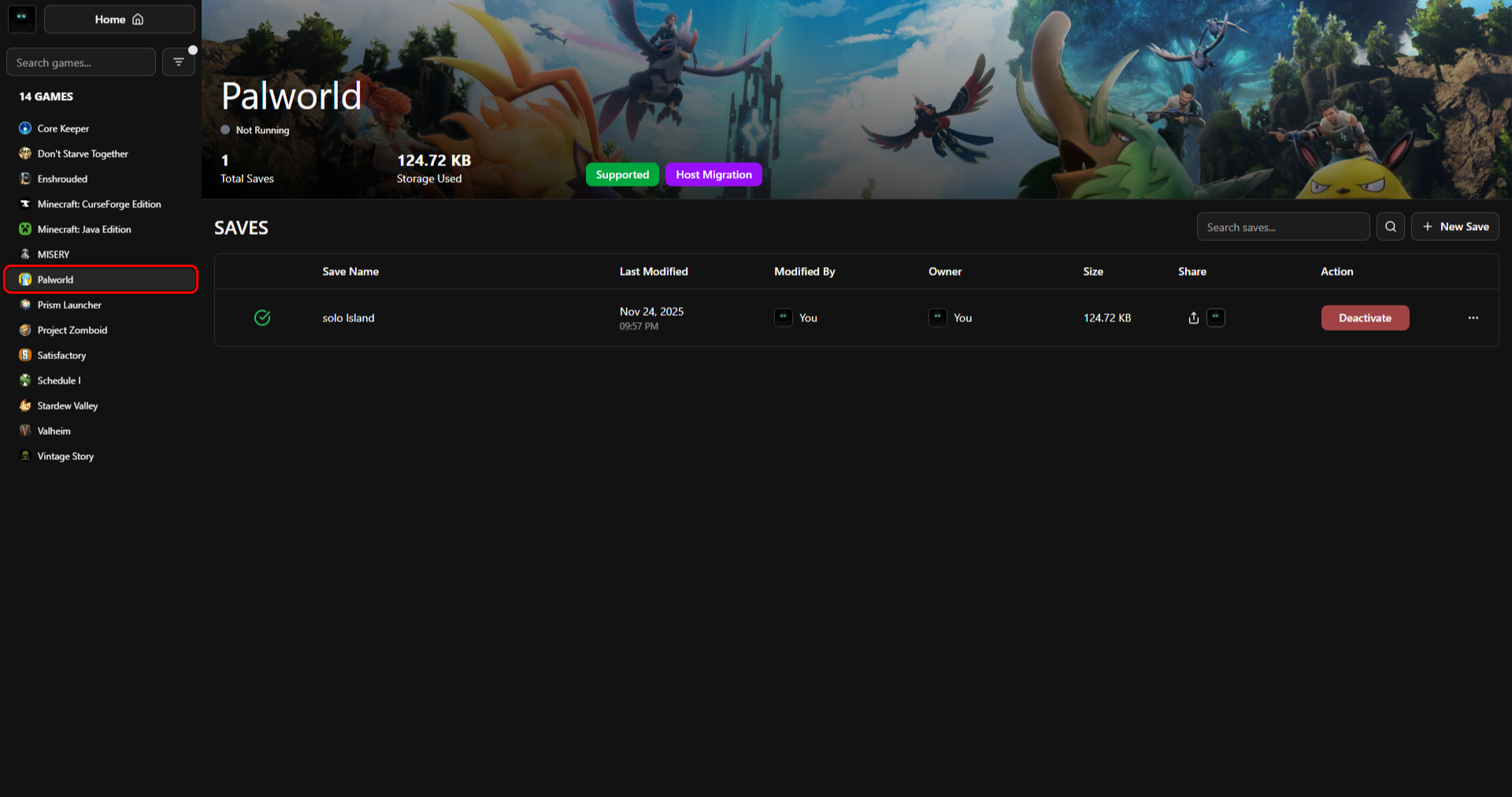
4. Select Palworld
Click on Palworld from the list on the left. You'll see Palworld's save management page

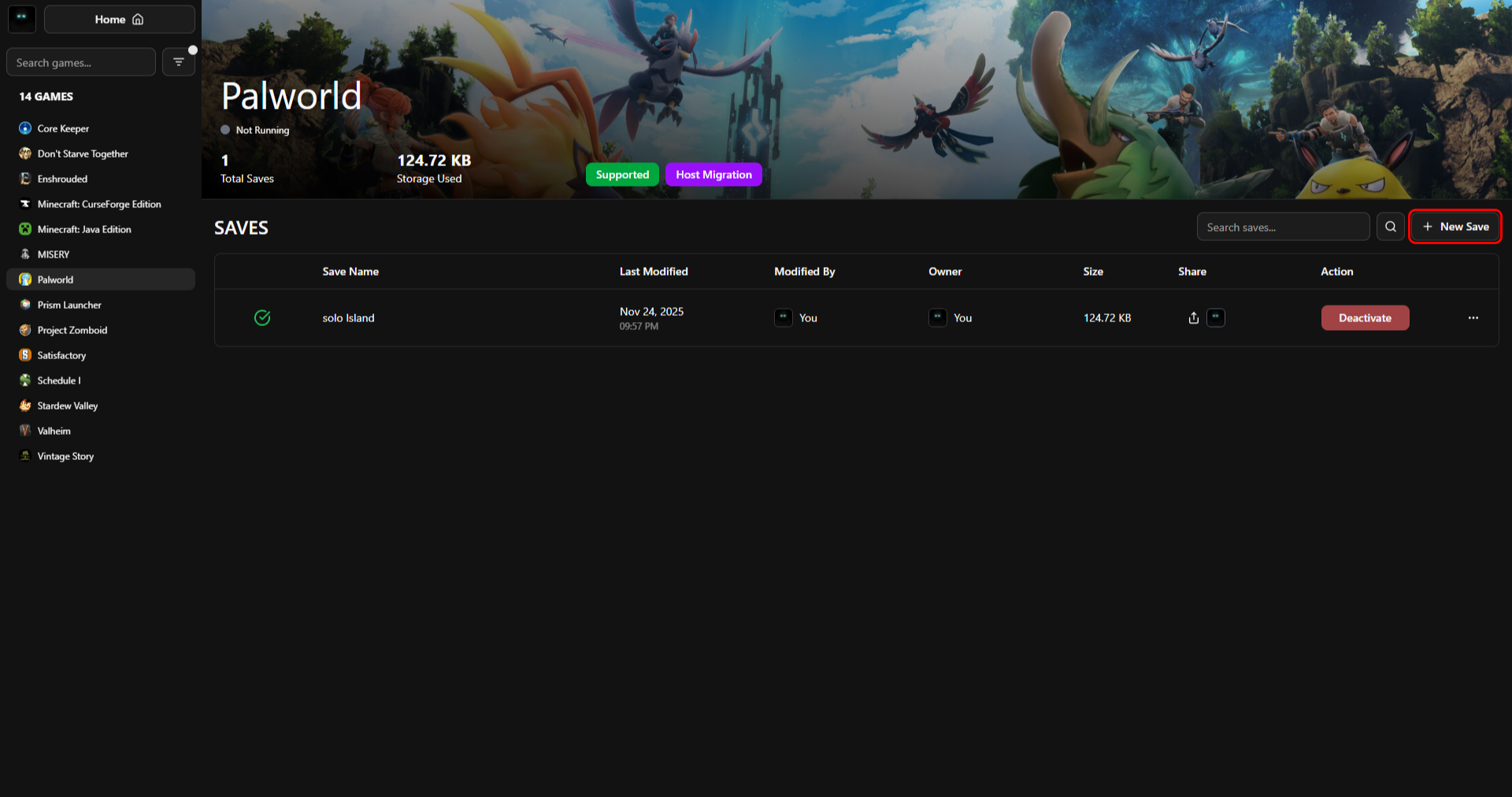
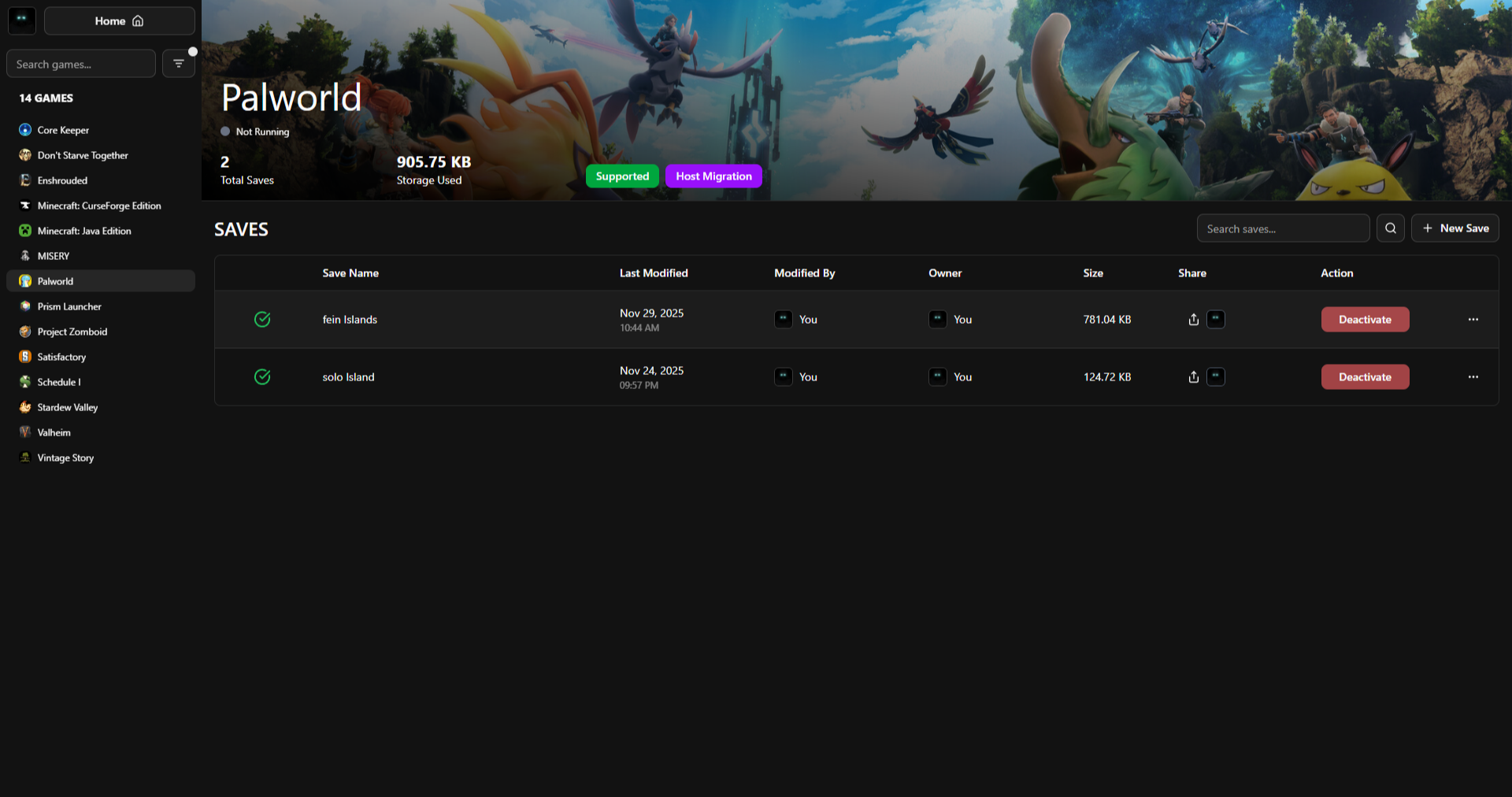
5. Create New Save
Click "+ New Save" button (top right)

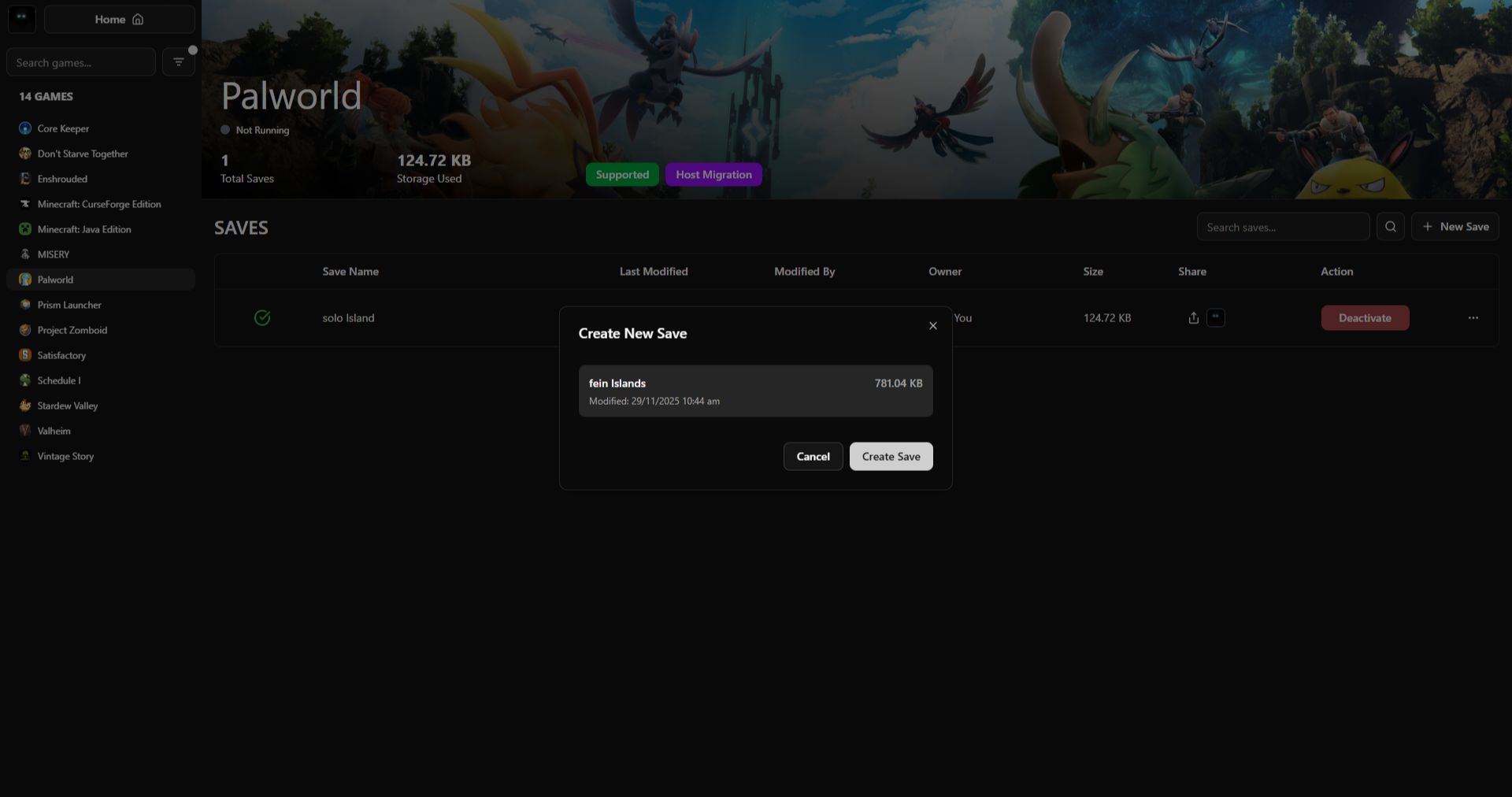
6. Select Save Slot
  • A dialog appears with available save slots
  • Select your save slot from the list
  • Click "Create Save"

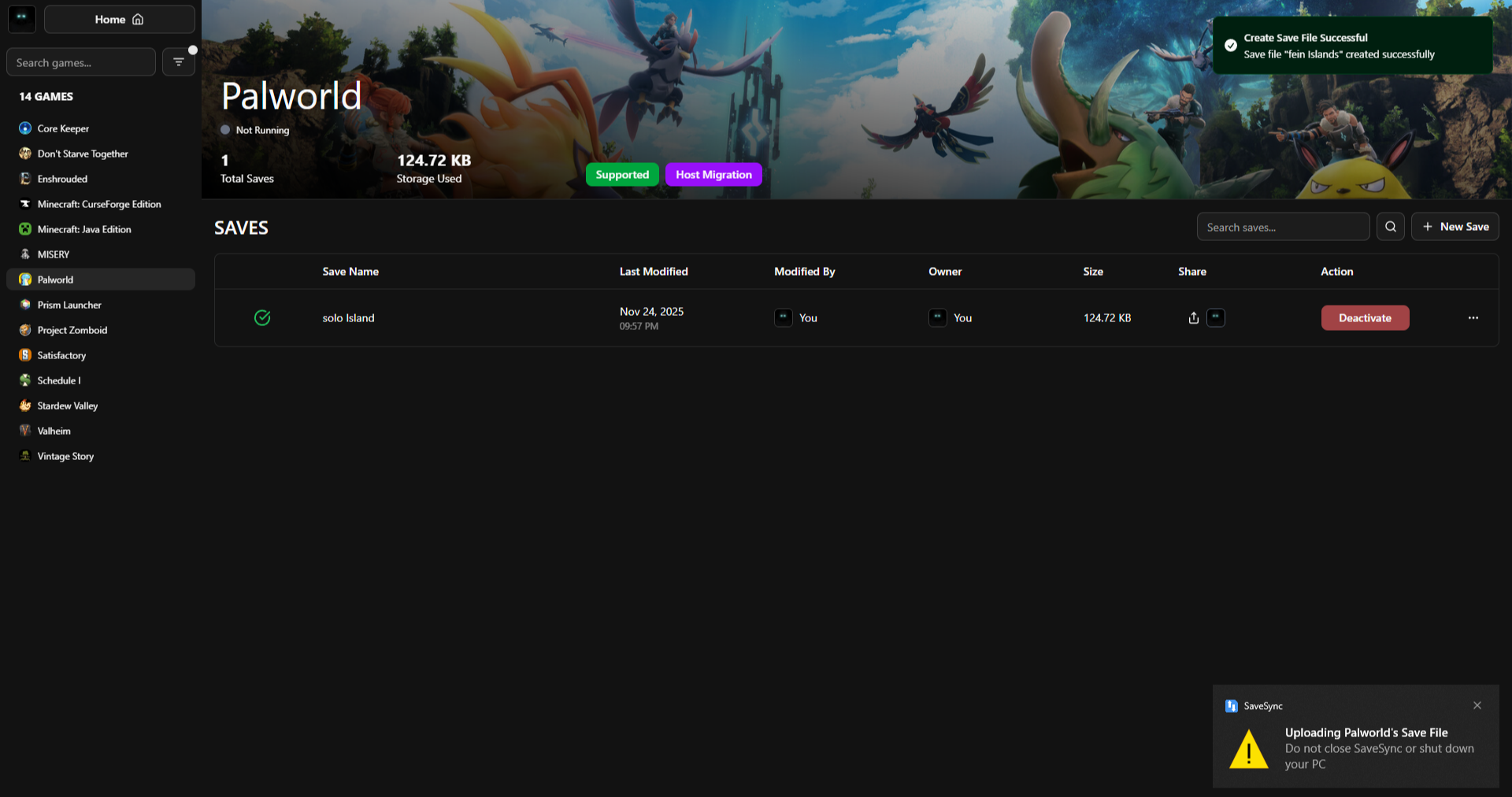
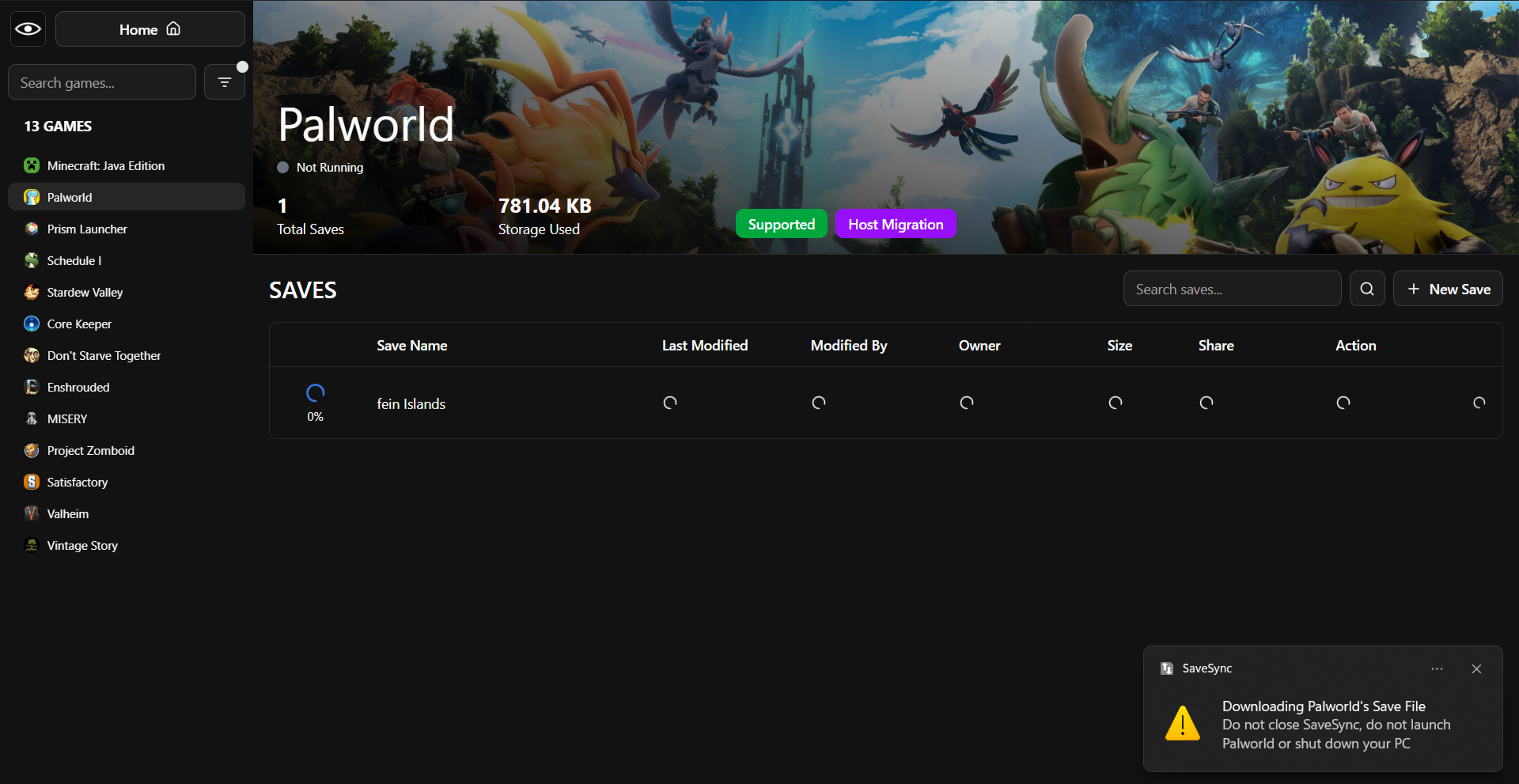
7. Wait for Sync
  • The save will start syncing
  • Wait for it to complete (green checkmark)
Now the save will sync automatically
Share with Friends
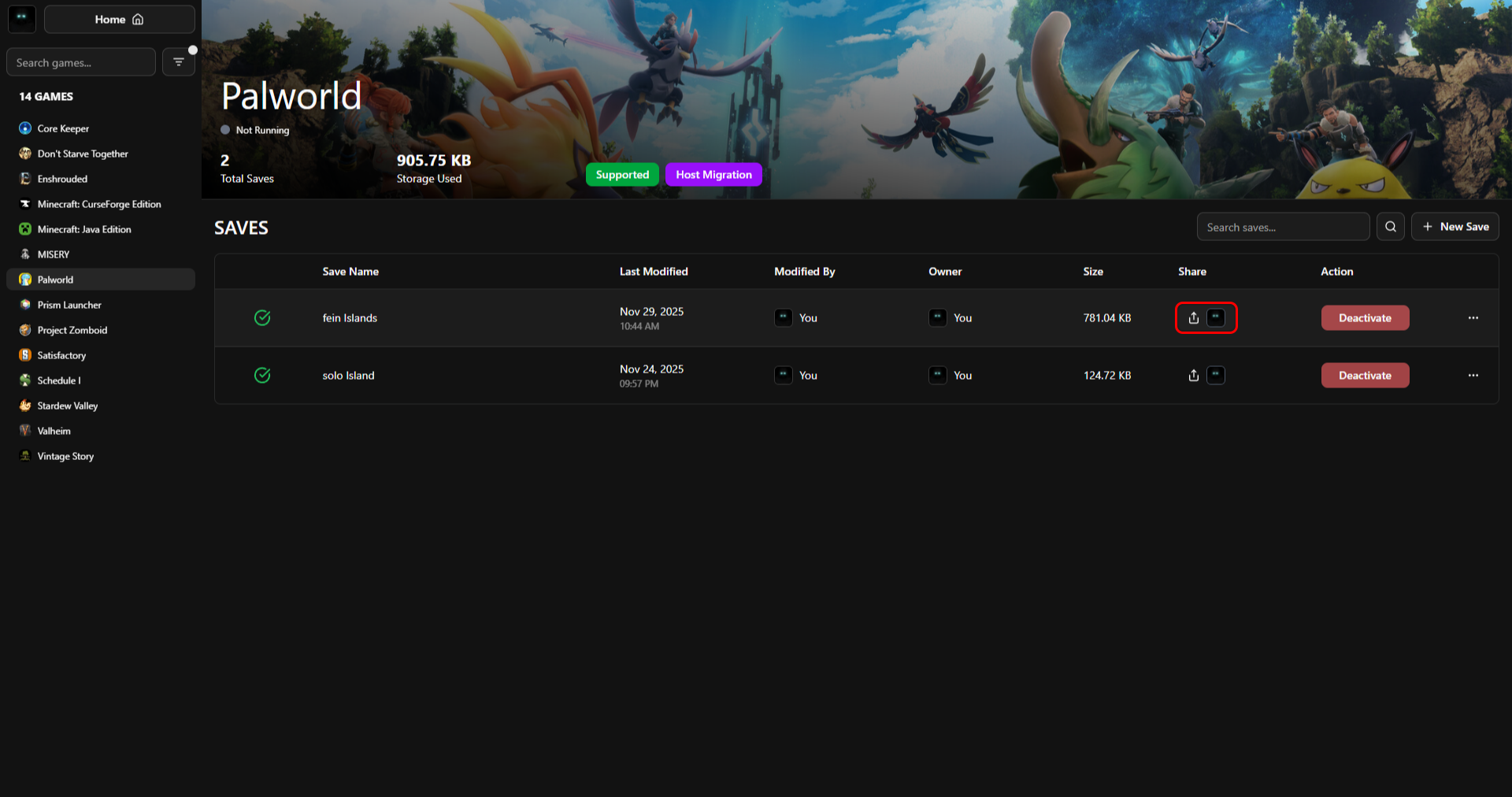
1. Share Icon
Click the share icon on your save row

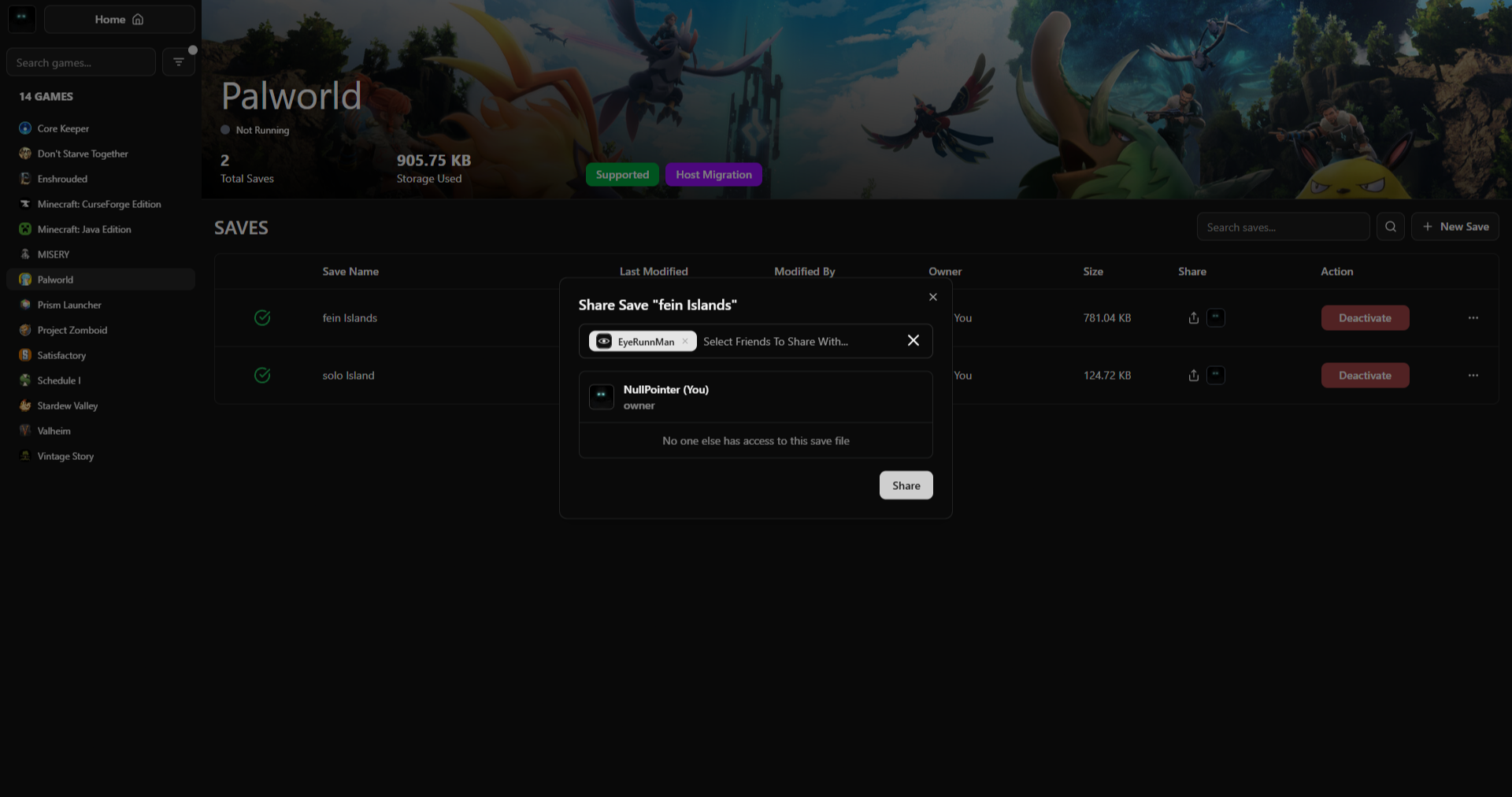
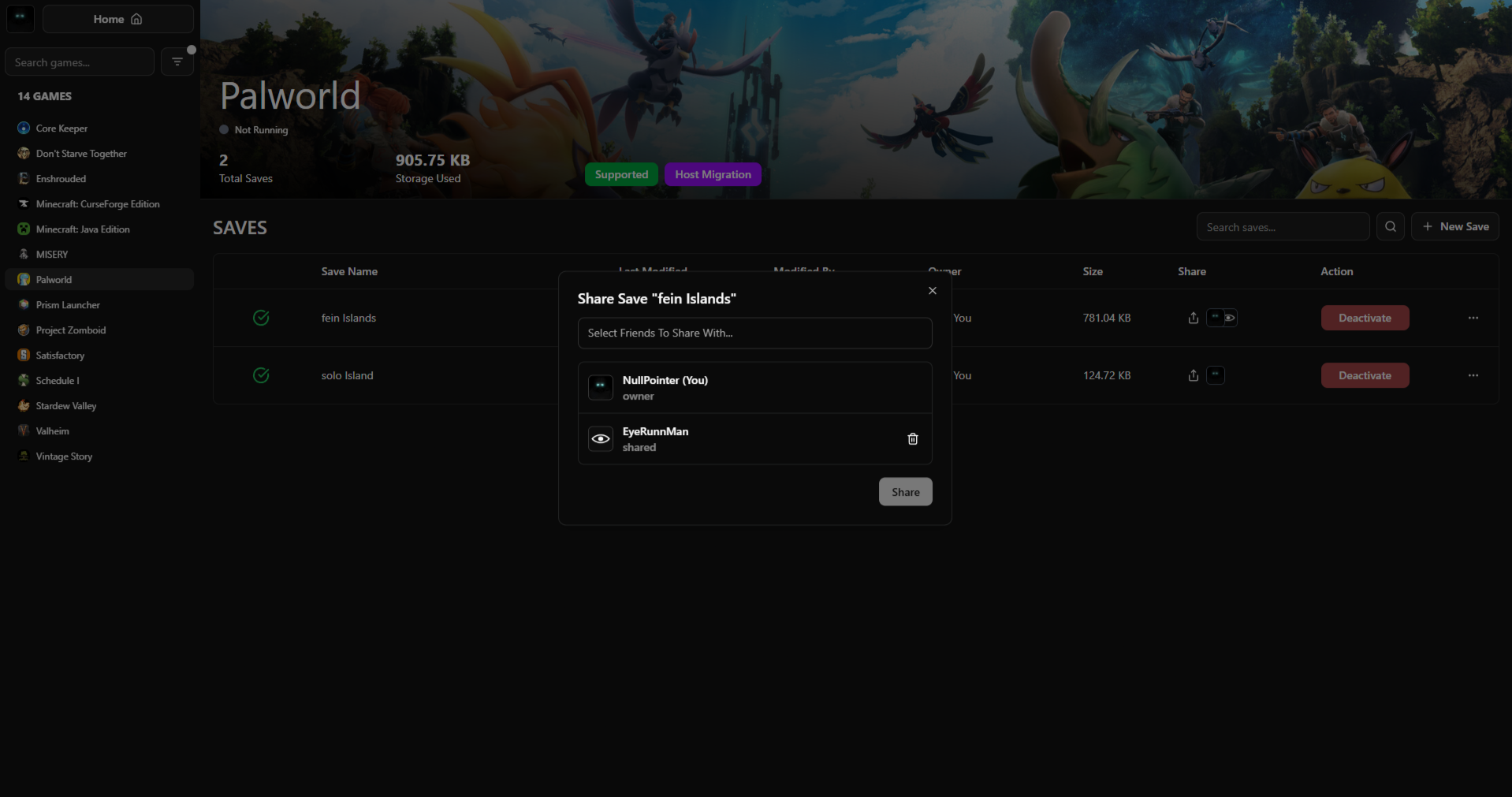
2. Share Dialog
Search for your friend's Steam username
Click on your friend from the search results
Click "Share" button

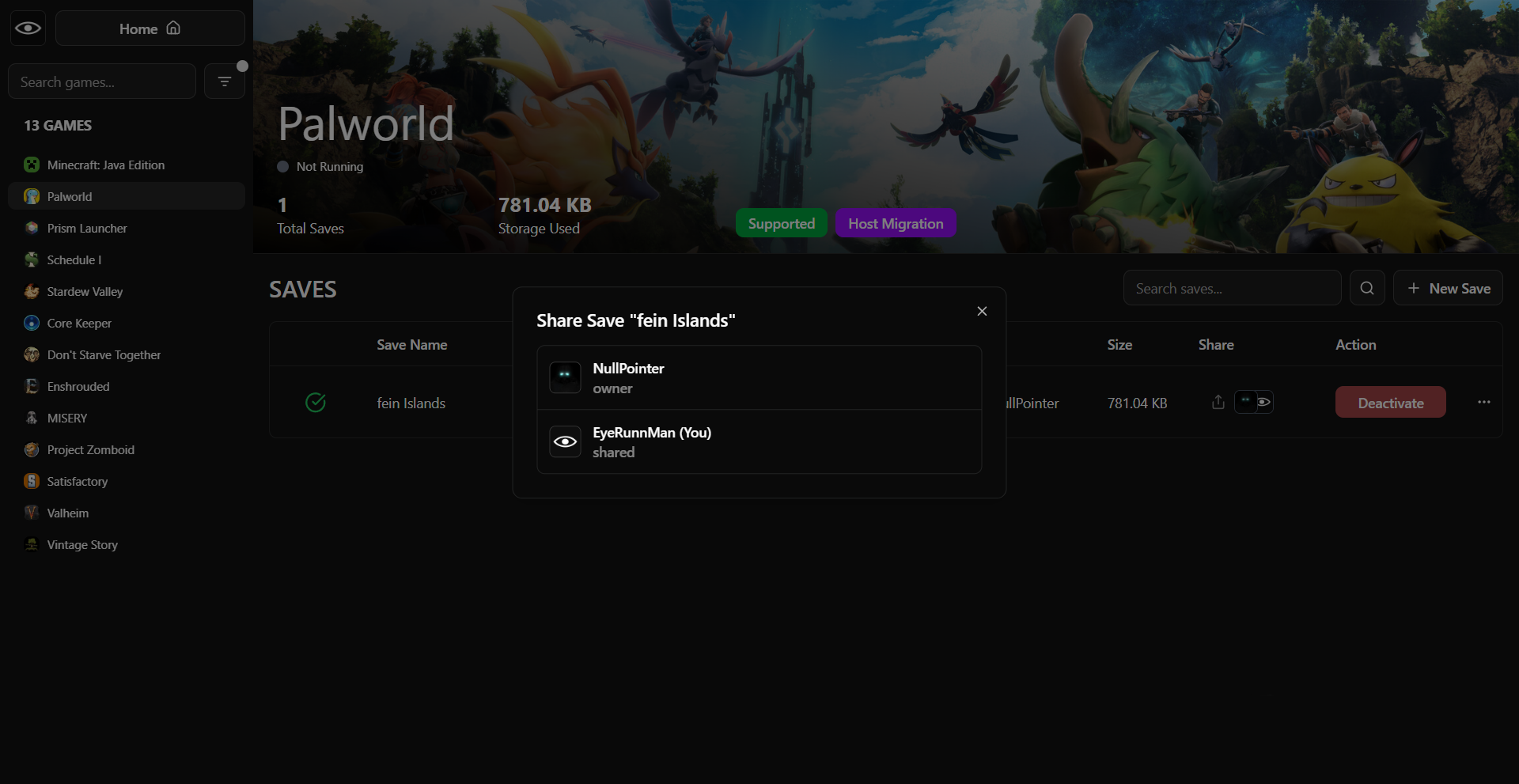
3. Share Complete
Your friend now appears in the shared list
How Your Friend Accesses the Save
1. Friend Opens SaveSync
They launch SaveSync from Steam or system tray

2. Shared Save Visible
They'll see the shared save in their game list
It shows as shared by you

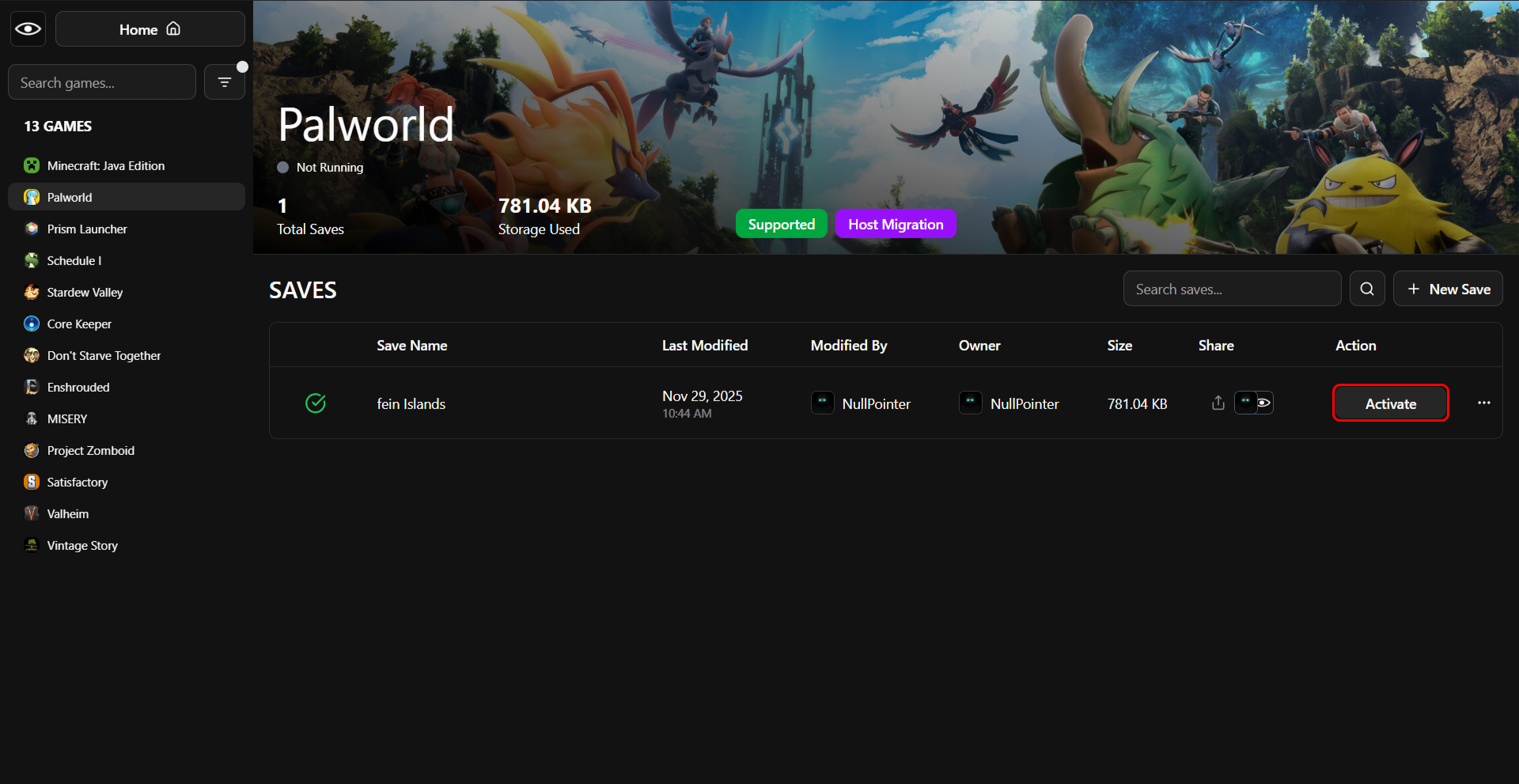
3. Friend Clicks Activate
Click "Activate" on the shared save

4. Save Activated
The save is now ready to use, and your friend can host it