《神力科莎EVO》 Assetto Corsa EVO

《神力科莎EVO》 Assetto Corsa EVO

42 个评价
Moza R5 and Force Feedback
由 Sobol 制作
How to adjust all settings to get the most of the 5Nm wheelbase and get the best traction / car control in game.
2
2
   
奖励
收藏
已收藏
取消收藏
AC EVO


First we need to start setting everything out in Moza Pit House before we can go to the game settings. The most important thing is to get as much as we can get from the 5Nm base without losing any details and avoiding clipping to a minimum. This is going to be universal settings for your Supercar / Hypercar and also GT2 / GT3. It can work on other cars as well, but I haven't test it to be honest.

Tutorial is valid for:

AC EVO 0.4
Moza R5 1.2.6.7
HBP Handbrake 1.2.1.3
HGP Shifter 1.2.1.8
CM2 Dash 1.2.5.13
Moza Pit House 1.3.4.39


ES Steering Wheel Basic
ES Formula Wheel Mod ( recommended )
ES 12-inch Round Wheel Mod


1. Basic


*Hands-off protection must be switched off for better performance and road details.


2. Advanced


Please, before you go any further, read the information below to understand the problem, solution and setup.

What is wheel oscillation in sim racing? Oscillations describe a situation where a wheel is shaking back and forth in an unwanted way. For example, when letting go of the steering wheel while driving in a straight line. So having all settings OFF or VERY LOW (near 0) on this page will result in having problem with unwanted oscillations. FFB will be very sharp but from time to time it may cause loss of car control. You start asking WHY? Oscillations. I have spent lots of time finding sharp detailed settings but without wheel oscillations (absolute minimum). So this is the answer why this page has been adjusted like this. The car is easy to control and stable on track. It can make you faster or your lap times may be much more consistent than before.


3. Equalizer


10Hz - 90%
15Hz - 80%
25Hz - 140%
40Hz - 160%
60Hz - 60%
100Hz - 0%


*If you have a Haptic Pedals Reactor system installed on your SRP-Lite pedals, then use this EQ. ABS vibrations no longer need to be reproduced by R5 Base.


10Hz - 150%
15Hz - 200%
25Hz - 0%
40Hz - 150%
60Hz - 100%
100Hz - 0%


4. FFB Curve


5. Miscellaneous


BT mode you can have On / Off . It's up to you.

6. Button Mapping


7.Steering Wheel LED Settings

*If you have CM2 Dash you shouldn't enable LEDs on your wheel.

8. SRP Lite Pedals


Clutch - 0% / 0% and 90% / 100%
Brake - 5% / 0 % and 100% / 100%
Throttle - 0% / 0% and 95% / 100%

Brake MOD

If you have installed the Moza brake mod, you need to calibrate your pedal travel position. Also, I assume you have your pedals fixed to rig or floor, otherwise there is no point having a brake mod on.
To calibrate, press the calibration button and then press the brake pedal as hard as you possibly do and releasing it. End of calibration. Now, under normal braking, you should be under or around 80% force on the graph and, this way, you can reduce usage of ABS. In one word, better braking equals faster lap times. At the beginning, it may not feel right, but give it some time and get used to the new braking force. I can guarantee you your corner entering times will get faster and lap times as well.


Deadzones explaned

Clutch 10% deadzone at top to make sure you always engage or disengage the clutch fully.
Brake 5% deadzone at bottom to make sure you don't accidently brake for no reason.
Throttle 5% deadzone at top to make sure the throttle is fully pressed when needed.


If you are a "heavy-footed" person, you should use this curve for throttle. This way, you can avoid loosing traction on the exit from the corner. Especially advisable when no TC in use.

9. HGP Shifter


10. HBP Handbrake

*Linear preset is too agresive

11. CM2 Dash

For GT driving I can recommend you Lovely Dashboard. It gives you all the important information, and it's clear to understand.

You can choose your own colors. I have set it to match BMW M4 GT3 dashboard.


*Telemetry LED's (flags) are not working at the moment with AC EVO


Assetto Corsa Evo settings

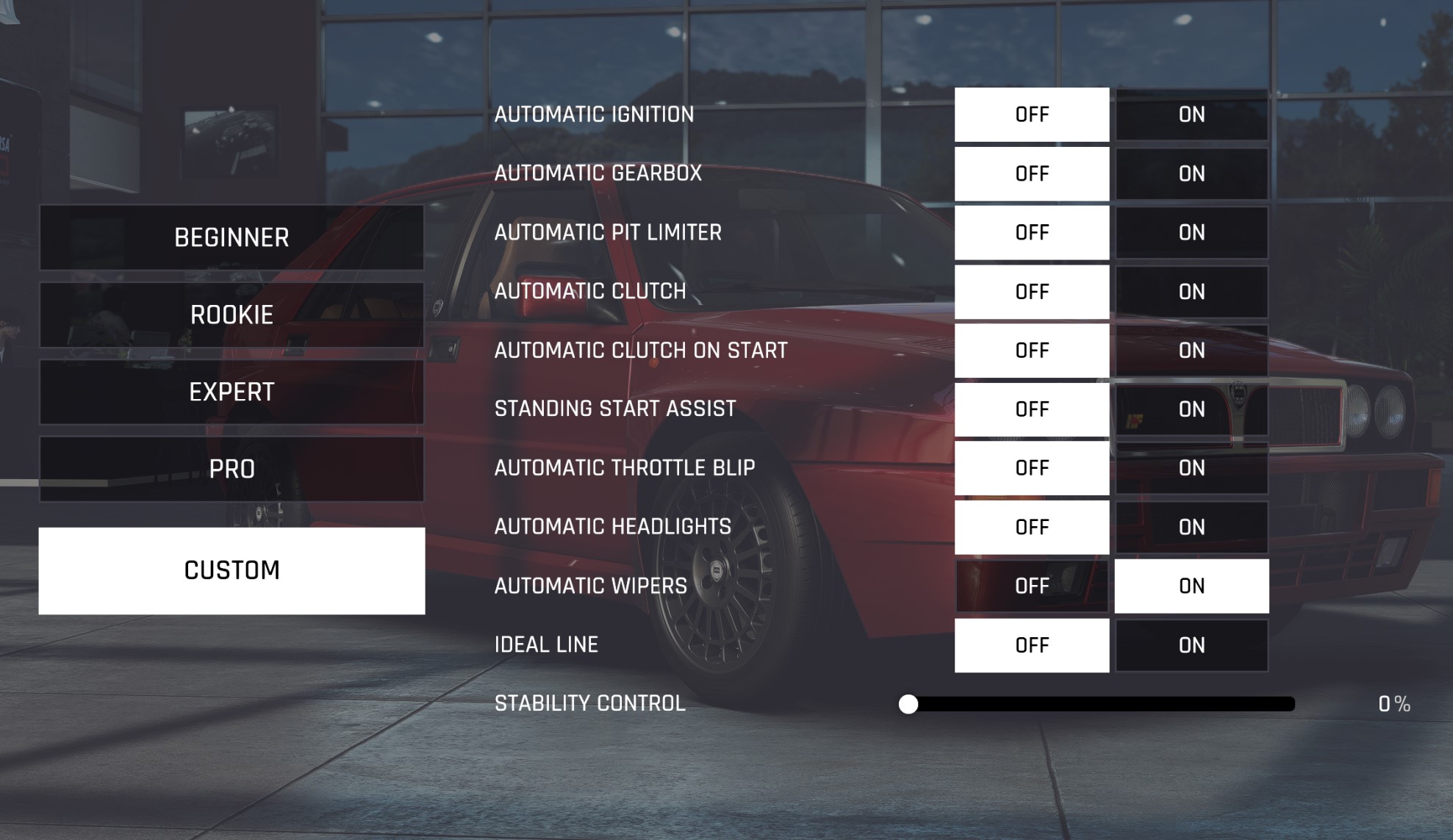
In the game, select your R5 and adjust everything as shown below, and you are ready to go. Remember to set your steering angle correctly. It must be the same in Moza Pit House and in the AC EVO for a good experience. FFB Gain is set to 55% if you plan to play sessions longer than 10 laps. For short races, you can use a 60% FFB Gain.

Max torque 5.1Nm

The main reason to set 55% FFB is to keep R5 from overheating and minimal clipping. I have noticed if sessions are long with 60% FFB, the R5 base is getting too hot, and it reduces performance (more clipping as well). At the moment, I recommend staying around 55% FFB in a game. In-game assists keep OFF so you can control everything by yourself. Hope this helps feel the game as good as it can.


11 条留言
Alex_SPB 12 月 14 日 上午 7:22 
Thanks, I'll try.
Sobol  [作者] 12 月 14 日 上午 12:35 
I would suggest to remove all device's from stering page and add them again. Also in DOCUMENTS folder there is ACE save data. Remove it from there to different location and start the game again and set everything from begining. There may be a corrupted file causing the issue. If not it just may be a game bug...
Alex_SPB 12 月 13 日 下午 2:46 
Hi all There is a problem here and maybe someone can suggest something or help I have two bases Moza ru and moza r5 And when starting the game online, the steering wheel and pedals stop working on some cars. But the buttons on the steering wheel are pressed and work, and in the steering wheel settings in the game it is fully displayed as it should be. And in single player mode everything works. Let's say this happens in a Mazda or Porsche car, and specifically online. Thank you in advance for your reply and help.
Sobol  [作者] 12 月 4 日 上午 10:05 
Working on it / testing in progress
Cafardinho 12 月 4 日 上午 8:20 
Is an update planned for version 0.4 or is it still working well?
Sobol  [作者] 11 月 6 日 上午 8:55 
Let me explain this way. FFB Gain in game is set to 55% because it is the maximum value before clipping takes over. The second thing is, in-game, settings, like damping, curbs, tire slip and so on are set to 0% because we want a clean, flat FFB signal from the game so it can be tweaked in Moza Pithouse. Just trying to say having an FFB signal from a game with "EQ" going to Pithouse software passing another "EQ" makes no sense at all. Pithouse settings are much more beyond what ACE settings offer. After hours of testing and mostly comparing my lap times, I came up with this. Sending an equalized FFB from ACE to Pithouse makes no sense.
Partizan 11 月 6 日 上午 8:12 
Why did you set all the game's power settings to zero? Do you think the direct input tuning module is a gain control and not a filter?
Sobol  [作者] 5 月 24 日 上午 10:08 
Update to 0.2.2
FFB Gain
SRP Lite Pedals
Reference lap times
Sobol  [作者] 5 月 17 日 上午 5:23 
Update to game version 0.2.1
Sobol  [作者] 5 月 4 日 上午 11:34 
Update 2.0