SteamWorld Build

SteamWorld Build

31 个评价
SteamWorld Build - Simple Layouts
由 Stapper 制作
Basic explanation and examples of how to place your buildings in districts to keep your city looking tidy and organised.
   
奖励
收藏
已收藏
取消收藏
Introduction
I've made this guide for people that can't stand their city looking like a mess and want to do something about it, but cannot be bothered to figure it out themselves.

There isn't a best approach for layouts in SteamWorld Build and you're fine to use whatever placement you want. The game isn't that complicated or finicky and you can complete it with buildings all over the place just fine. However if you want some simple examples of one way of doing things a little more organised, you're in the right place!
Creating Districts
The key to an organised and well-oiled city is to group buildings together in districts. I stick to these couple of basic rules:
  • Separate the different tiers of bots
  • Don't mix residential and resource or production buildings
  • Keep relevant resource and production buildings close together

Begin by measuring if you have space to do what you want before you place any buildings. When starting a map, plan out where you want your Worker and Engineer districts.


Make sure you don't place these districts too close to patches of trees as you'll want to keep those clear for your Foresters. It is also a good idea to keep plenty of space near the Mineshaft to place your Production buildings there.
Worker District
Residential buildings only need access to Service buildings, they don't need to be near Production buildings. The game doesn't explain this very well, but you can place these as far away as you want.

For the Workers, this means they only need a General Store and a Service Shop. All their other needs are Production buildings, so place those somewhere else.

This works well in four rows of four, with the Service buildings on one of the sides where all roads connect. They will reach all houses. You can place 16 houses within the roads, and build around them if you need more Workers, or just set up a second district elsewhere.

If you have less space, you can keep easily adapt this to three or two lanes. Another nice looking way of placing these is with both Service buildings in the middle of a 2*3 grid of 3 houses:
Engineer District
As you can see in the planning image, for the Engineer district it works better to keep to a 2*2 grid of 6 buildings each. That means each quarter is 8 by 12 squares. These handy bots require more Service Buildings so place those in the middle.


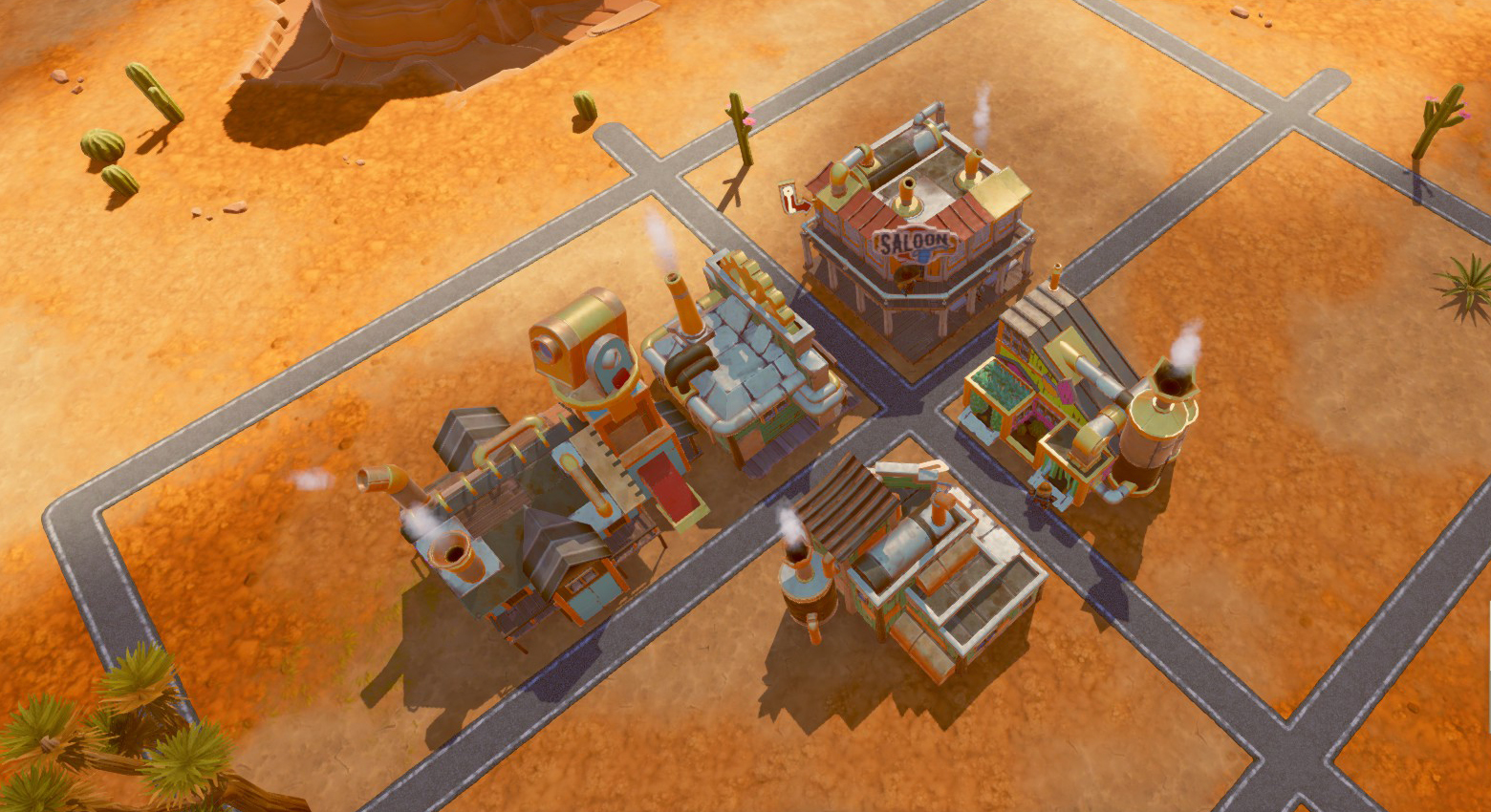
Start with the General Store and Service shop again and place them in different corners of the crossroads. Add a Saloon in the third corner, and the Wash Service Shop in the last one. The Surveyor's Office is 4*5 squares, so place it behind either the General Store or Wash Service Shop as these are both 3*4 buildings. This leaves enough space for another house behind it for a total of 19 houses within the roads. Place more houses around the district when needed.

One of these Engineer Districts is enough to beat the game. Be sure to slot a Citizens Item Modification in one of these Service Buildings for a large extra number of Engineers per house as well.

Aristobot District
By the time you can start up the Aristobot district, you should have unlocked another area of the map. Time to find a good spot for your final district. This one uses the exact same setup as for the Engineers, with needing a little extra room on at least one side.

There are two extra Service buildings that need placing in the middle here. One is the Waxing Shop which is also a 4*5 squares building. It fits nicely behind your other 3*4 building just like the Surveyor Office. The other is the Sheriff's Office which can go next to either the Service Shop or the Saloon.


This leaves space for 17 homes within the roads. The last Service building the Aristobots needs is the Casino, this one is too large to go in the centre so is better placed on one of the sides. This setup also benefits from slotting a Tax Item Modification in one of these Service Buildings, as it generates a lot of extra money.

Note that technically you don't need the lower tier buildings here, but it is much easier to place Worker Houses and level them up than having to move them one by one from the Engineer District. If you don't need to level new houses anymore, you could also remove these and replace them with the Scientist Service Buildings!
Scientists
Time to break the rules and tack the Scientists onto the Aristobots district! You can get by with only 6 houses for these clever bots but there is plenty of room for more. You don't need the space outside of the roads for more Aristobots, so you can use this for Science! Good thing we planned a little extra space on one side of their district.

It doesn't matter how you place the extra houses for the Scientists, they'll be able to reach the central Service buildings from any side. They need a few Service buildings themselves but these can be placed next to their homes or even on the opposite side if that is clear:


They'll only need access to the University, Large Stuff Collider, and the Observatory.
Closing Words
These are just the very basic and simple layouts. Now that you know them, feel free to mix it up to make them a little more dynamic or leave some room for decorations.

That's it for my examples of how I set things up. Use them however you like! But if you do, I hope that you'll be able to enjoy the game a little more!
2 条留言
Ninian 5 月 8 日 上午 5:15 
This is a very good guide and exactly what I was looking for. Thank you!
Steeb 2 月 21 日 上午 9:47 
Really nice guide, thank you !!