Spirit City: Lofi Sessions

Spirit City: Lofi Sessions

评价数不足
MacOs - Launch the game on Apple Silicon Macs
由 iSlammedMyKindle 制作
Wanna run the app before the team builds a MacOs release? CrossOver helps launch & run games by using a translation layer instead of emulation. Graphics acceleration* has some support, read on to find out more!

* not best performance due to translation layers, nonetheless it is capable of running full speed
2
   
奖励
收藏
已收藏
取消收藏
What is CrossOver?
In General


CrossOver[www.codeweavers.com] Is a compatibility layer that helps windows programs launch on MacOs. It uses a lot of the same technology as Valve's Steam Deck, so a lot of the games that are compatible with that (or linux in general), will also work here.

Not everything that the steam deck can run will work with CrossOver because they aren't exactly the same, but thanks to some magic from the layer, plus a little apple magic, it opens the door to a lot of titles, even though they wern't specifically made for MacOs!

Performance won't be the same as a native game, but M1 and M3 macs are able to launch the game well.

For the Nerds (skip me to view instructions!)

CrossOver is a compatibility layer based on Wine[www.winehq.org], an entire environment designed to translate different calls into the operating system's respective calls directly from the kernel, or other areas. Steam deck uses an enhanced version of wine called Proton, which has a lot more game-specific related tweaks.

On linux, proton is responsible for converting DirectX calls to Vulkan. On MacOs, CrossOver instead translates DirectX to Metal. In either of these cases, there's conversions being made that vary in performance. On linux, the graphics translation does not have performance impacts much of the time (sometimes running faster), on MacOs, it is a mixed bag since this is early in development. The reason for the translation layer existing was because apple was building it to help developers port their games to MacOs. The Game porting toolkit[developer.apple.com] is responsible for the translation layer CrossOver uses to ultimately display the graphics.

On top of the rosetta translation layer, this ultimately means a layer on top of a layer, plus another layer to finally reach the game. Performance will not be as efficient as natively porting the game to ARM and Metal. Despite that, M1 and M3 macs will be able to handle the game pretty well.

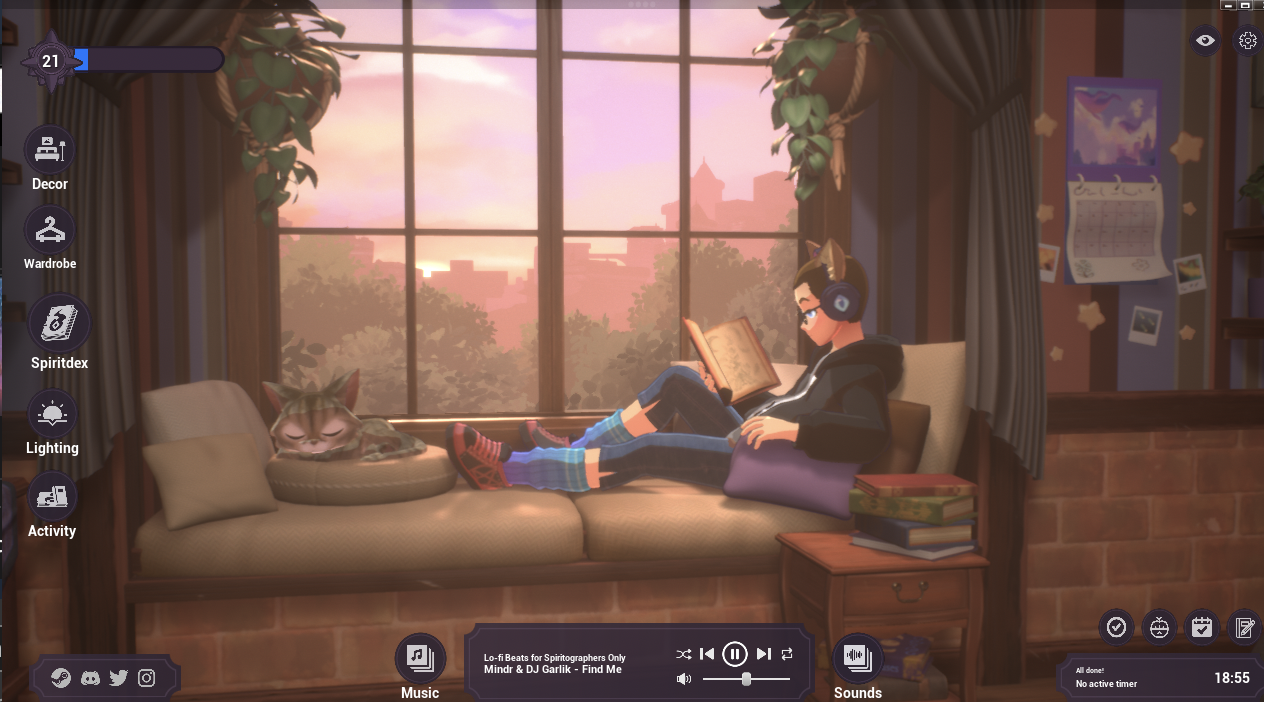
Oh yeah and the game runs on unreal engine.
Do you need to buy CrossOver?
Yes, but you can have a 14-day trial of the application.

CodeWeavers, the makers of CrossOver, even recommend taking it for a spin to ensure apps that you want to run, work effectively on your target Mac before purchasing.

This tutorial makes use of that 14-day trial, so the experience emulates a new user installing spirit cities for the first time via crossover.
What Macs are supported?
Currently the ones that have been tested & work are the M1 and M3 Macs, using Apple silicon. (Thank you ladymix on discord for testing out the M1!)

A 2019 Intel-based macbook pro (i5) has also been tested, but can't get past the loading screen. When the game attempts to launch on this intel mac, it gives a new window that says "Unknown Error!"

Considering M1 and M3 Macbooks have been tested, it wouldn't be a surprise if M2-based Macs would also work.

Performance on the M3 appear be able to use the app at it's fullest. At lower resolutions, the app can run on a 120hz display using the full framerate. If the app is in fullscreen, the framerate will dip a little, but the full resolution of the display can be made use of, allowing for a very crisp image overall.
Step By Step Instructions
1. Install CrossOver

That can be found over here[www.codeweavers.com]; there's a 14 day trial.

Upon entering the email address & your name, the site will start downloading the application.

Open the zip file, and move the app to the applications folder. Double-click and start!

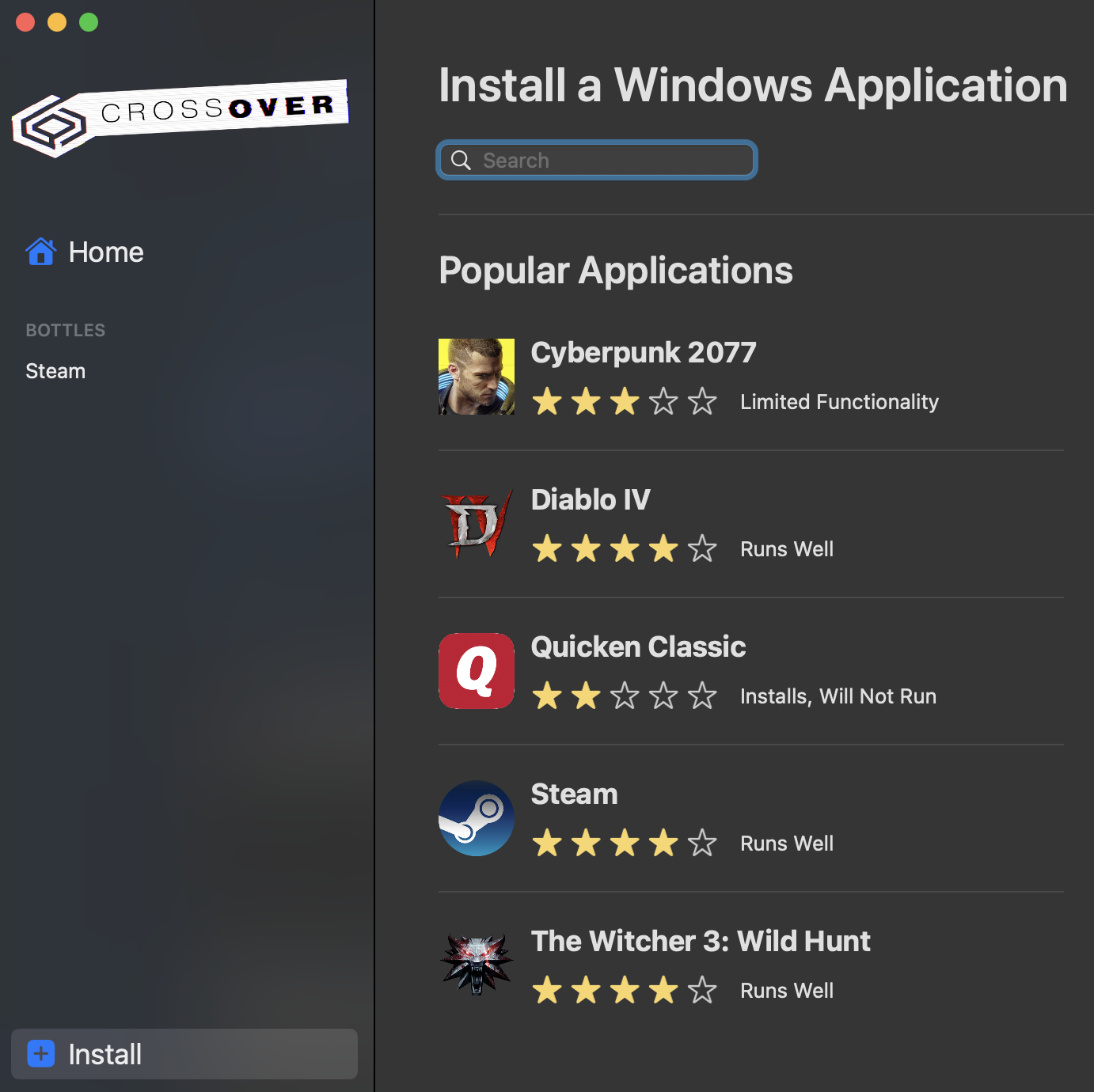
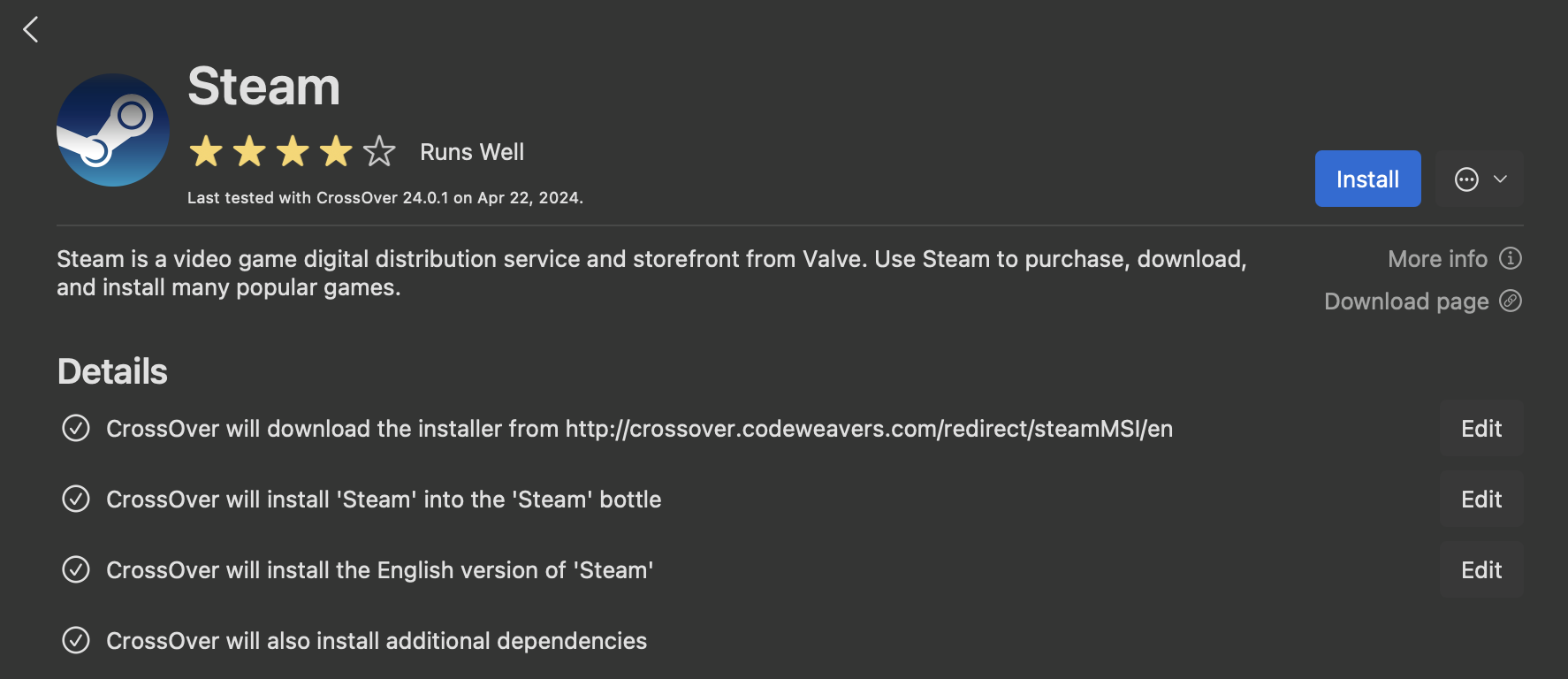
2. Select Steam from the list of windows applications to install


On the app description, select "install"


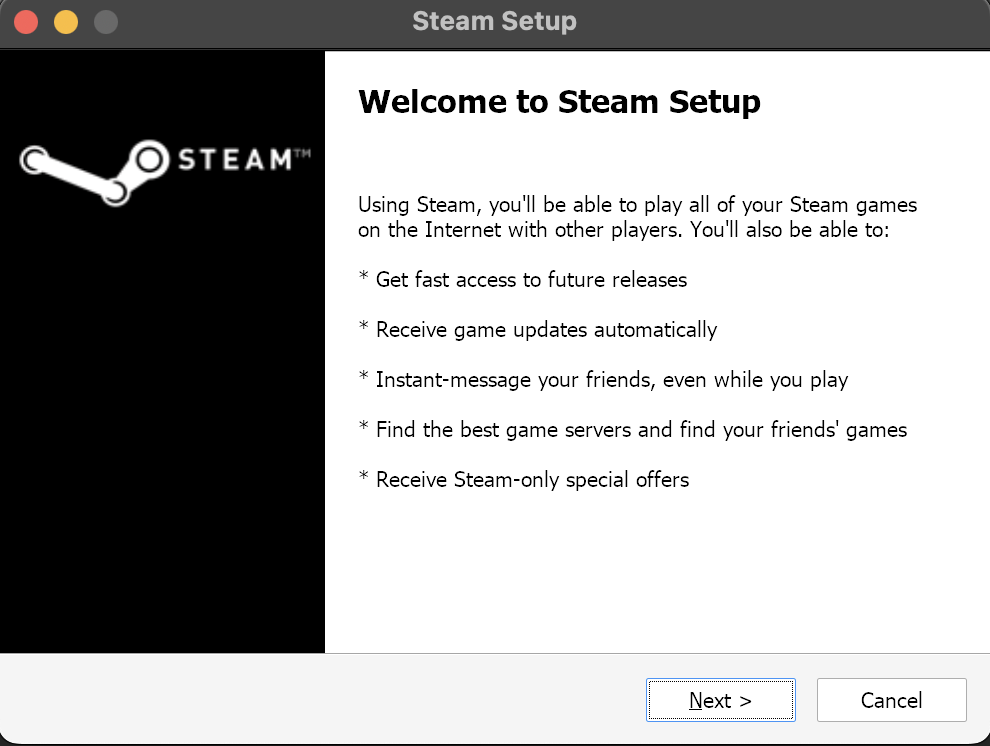
Steam will bring up it's install prompt, as well as other prompts while steam itself is installing. Select next for everything and install steam.

Close Steam! There's some things you need to toggle


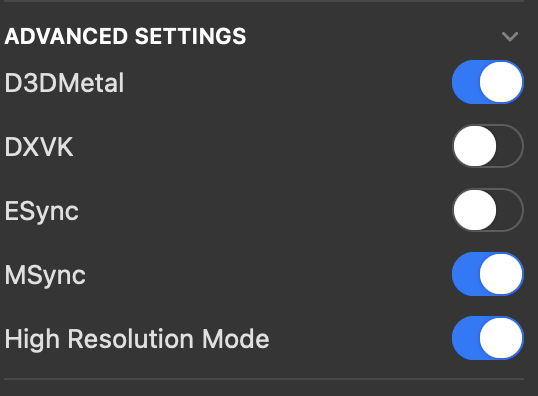
Under the advanced settings for your steam container (bottle), there should be some options for enabling the graphics for the apple silicon mac. For the best experience, enable the following:

  • D3DMetal
  • MSync
  • High Resolution mode

Login and download the game!


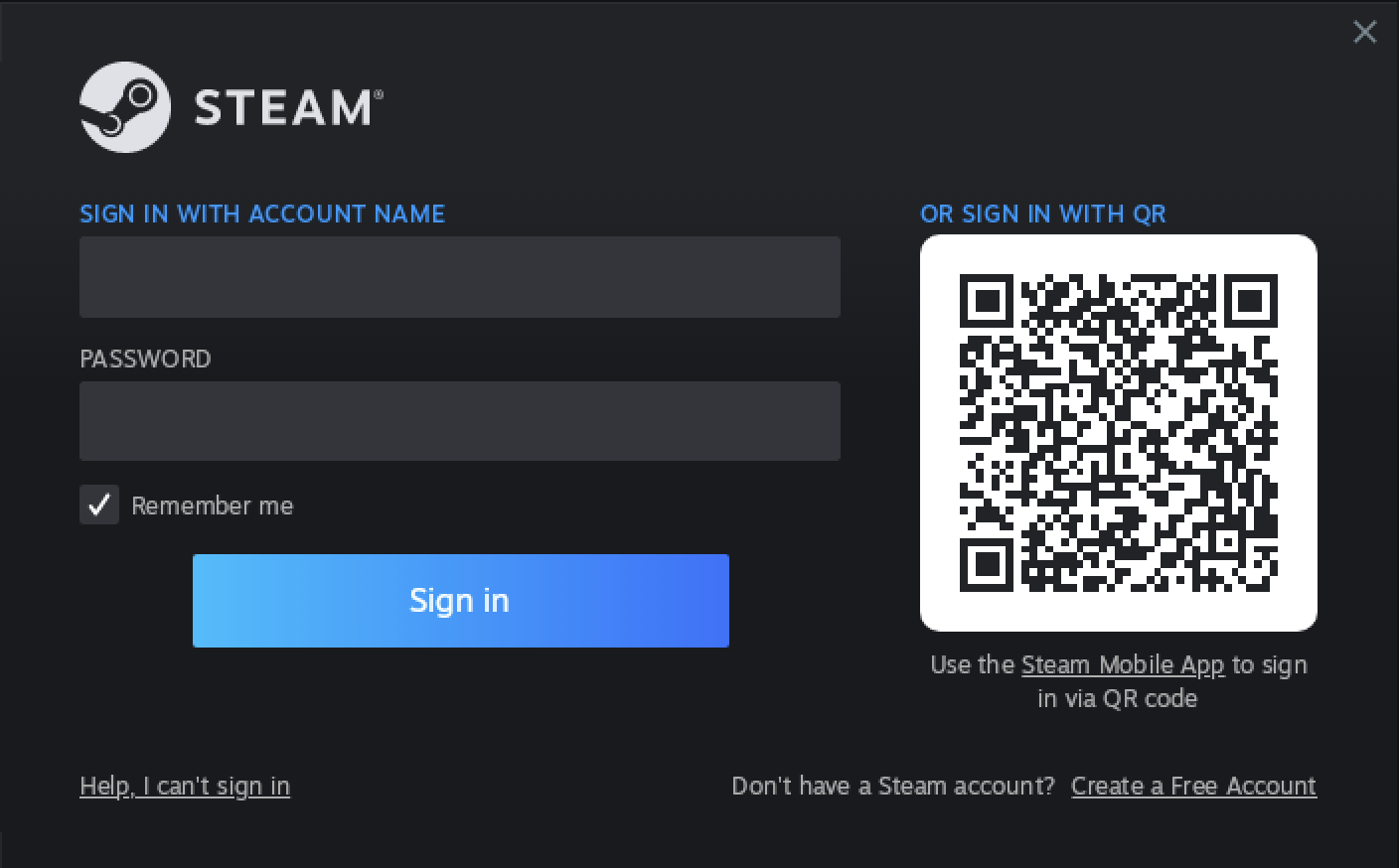
The steam login prompt will show up, allowing you to login.


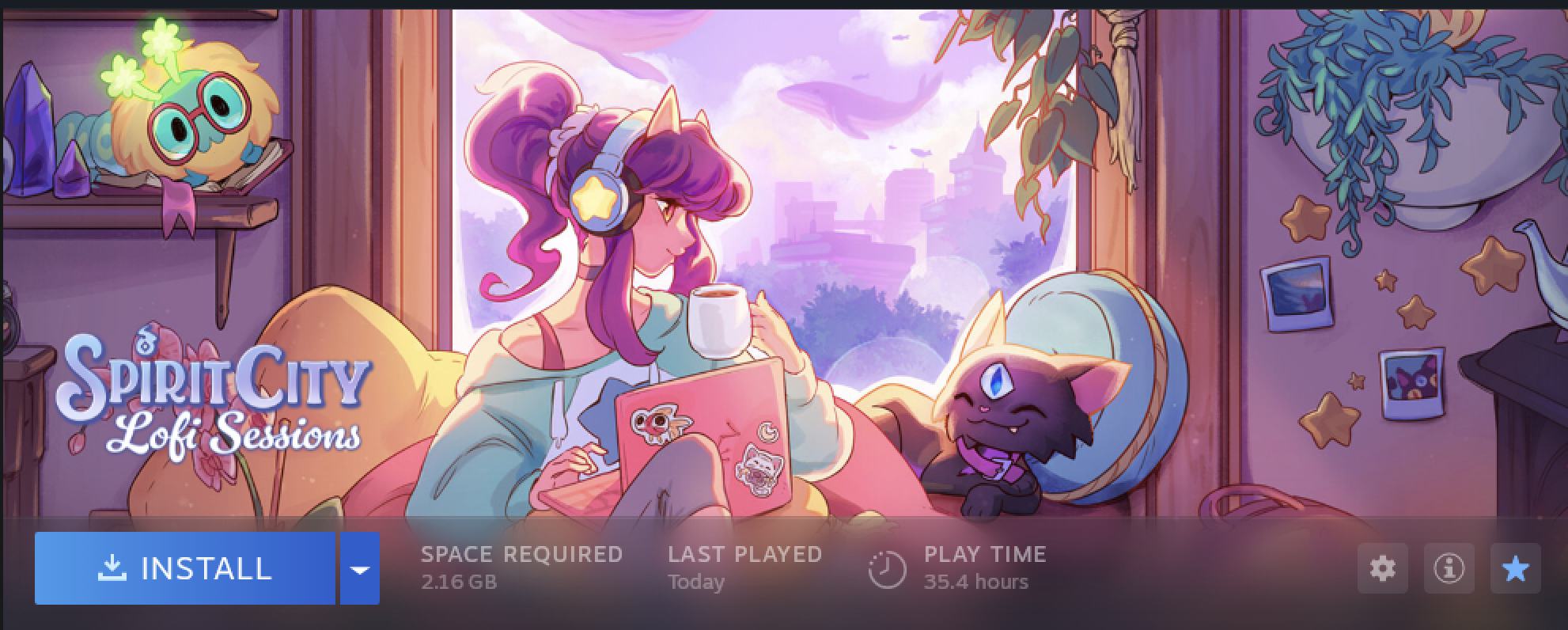
Download the game from your steam library.

Launch The Game!!


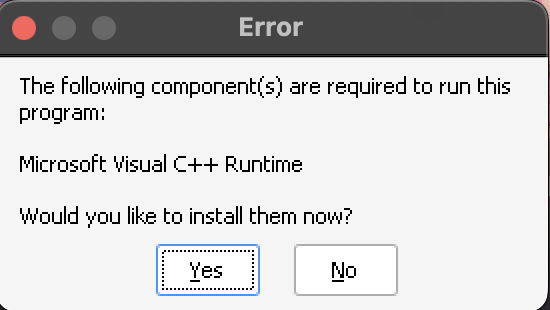
The game will ask you to install a couple of things on the first run, after which... the game should launch!

Given the proper settings were configured in your environment (bottle), the game should fully load up. It should operate as normal, and if the in-game settings for refresh-rate is set to 120, the mac can make use of it's proMotion display.
Current Hurdles & Issues
The game runs using the unreal engine, so most things are functional out of the box. Given Crossover is a translation layer, there are a couple of things that it trips up on by accident since the MacOs Environment is different, for example DPI settings or keyboard inputs. Below are some examples:

keyboard inputs

(Edit: it seems like most of the times I'm launching the game now, the keyboard actually works! It's like this issue is once in a bluemoon)

The experience will not be perfect as of this writing. While most things work, one of the main hurdles is keyboard inputs.

There are shortcuts that operate, such as "F1" to hide the UI, and "ESC" to close the game.

Actual physical inputs (not in-game shortcuts), do not work. For example, typing in the journal, or setting the pomodoro timer will not accept key inputs. However, the way to work around this is to right click on the input box, and select "paste", to insert text from a copied location.

To set 25 minutes on the timer for example, use a text editor on mac, copy the text, then on spirit cities, right click, and finally select "paste"

I can't reach the other half of the app with my mouse!


There may be a chance that your mouse will decide to only use half of the screen. If this happens, close steam, turn off "high resolution mode", and relaunch the game.

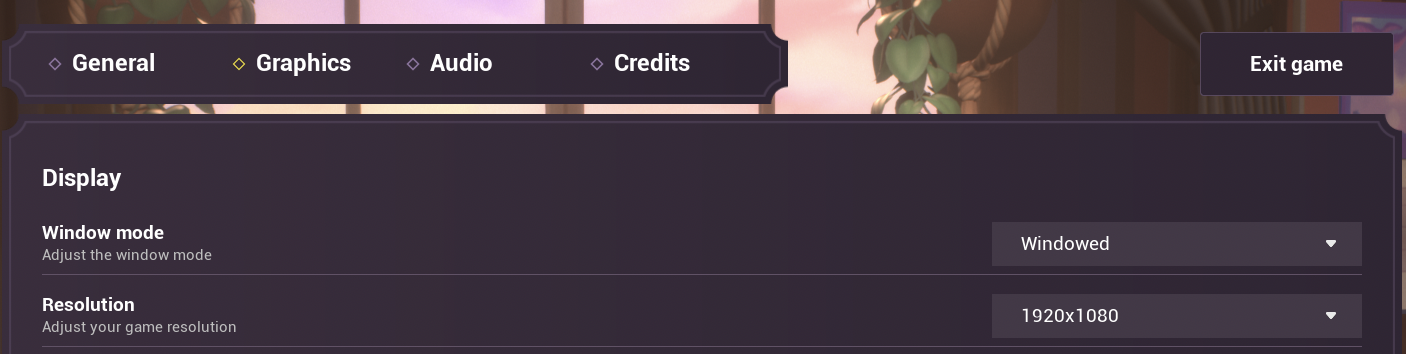
The game will need to be set to windowed mode and also set to a lower resolution.

If you close steam again, re-enable "high resolution mode", and come back to the game, it should be possible to use the entire window again, and even get into fullscreen.

The in-game buttons won't click!

The same steps that fix the screen issues above should also fix this issue. It's related to how the window wants to render on screen, versus the DPI settings it actually has.

I'm not sure how it directly correlates, but the fix does work for both.
Fin
That's it!

One thing left to emphasize is that as of this writing (4/23/24), an official MacOs release has not been made for the game, therefore this configuration is something the developers do not support yet.

It is something however they confirmed is on the cards. There is no announced date for the time of a mac release, but until then, progress about the app in general (updates, sneak peaks, etc) is being pushed to their discord server[discord.com]

While the game may eventually get a macOs release, this guide will likely stay up afterwards to describe the process of what was done, since this applies to any unreal engine game, and likely other game engines as well.

If there's a mistake I made here in the guide, feel free to add it in the comments.

Good luck!
12 条留言
iSlammedMyKindle  [作者] 2024 年 10 月 18 日 上午 8:20 
Hello there em! Sorry for the late reply.
The only thing I can think of is DXVK could possibly be turned on. For the app to work, it needs to be switched off.

I would double-check the advanced settings screenshot above to ensure that the toggles are the same. Also; testing has been done mostly on M1-M3 macs, not sure if your mac is a different one

If you need more help, I'm on the spirit cities discord; don't hesitate to reach out! :steamhappy:
em 2024 年 10 月 10 日 下午 8:57 
hello! i installed everything correctly but sadly when i open the game, i can see all the foreground aspects of the game like icons and menus, but the rest of the game itself is just a black screen. is there any fix for this?
iSlammedMyKindle  [作者] 2024 年 9 月 21 日 上午 7:34 
Hey there @raediantvixen; what mac model is currently in use? M1 and M3 macs have been tested, it's likely M2 also works
raediantvixen 2024 年 9 月 20 日 下午 9:44 
Mine isn't working :( Every step works right except when I go to open it and it loads the icon but then just disappears and closes.
iSlammedMyKindle  [作者] 2024 年 6 月 27 日 上午 11:34 
hmm... I see
on my side I don't really see any slowdowns, but my mac does tend to get warmer than usual; what I do is set the framerates lower in the settings. For active window, it's set to 120, and for inactive, it's 5. That tends to help with performance a lot, while it might be a little warm, it's not blazing hot when going at 5fps
minty99 2024 年 6 月 26 日 下午 7:00 
I'm using M2 MacBook Air
iSlammedMyKindle  [作者] 2024 年 6 月 26 日 下午 1:50 
I was able to install whiskey today and got it running, which mac are you running the game on? The one in the tutorial is an M3
minty99 2024 年 5 月 28 日 上午 6:42 
It seems Whisky consumes too much resources and makes the whole computer slow. Is this just for me?
iSlammedMyKindle  [作者] 2024 年 4 月 29 日 上午 7:38 
@Quentintum very nice! That's good to hear that it's working, might try it after my trial expires for crossOver
Quentintum 2024 年 4 月 28 日 上午 6:36 
I've tried it on Whisky and the game runs fine on my Mac Mini M1.