



安装 Steam
登录
|
语言
繁體中文(繁体中文)
日本語(日语)
한국어(韩语)
ไทย(泰语)
български(保加利亚语)
Čeština(捷克语)
Dansk(丹麦语)
Deutsch(德语)
English(英语)
Español-España(西班牙语 - 西班牙)
Español - Latinoamérica(西班牙语 - 拉丁美洲)
Ελληνικά(希腊语)
Français(法语)
Italiano(意大利语)
Bahasa Indonesia(印度尼西亚语)
Magyar(匈牙利语)
Nederlands(荷兰语)
Norsk(挪威语)
Polski(波兰语)
Português(葡萄牙语 - 葡萄牙)
Português-Brasil(葡萄牙语 - 巴西)
Română(罗马尼亚语)
Русский(俄语)
Suomi(芬兰语)
Svenska(瑞典语)
Türkçe(土耳其语)
Tiếng Việt(越南语)
Українська(乌克兰语)
报告翻译问题






 奖励
奖励





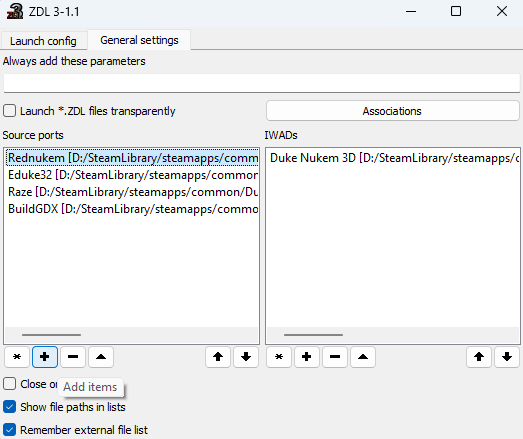
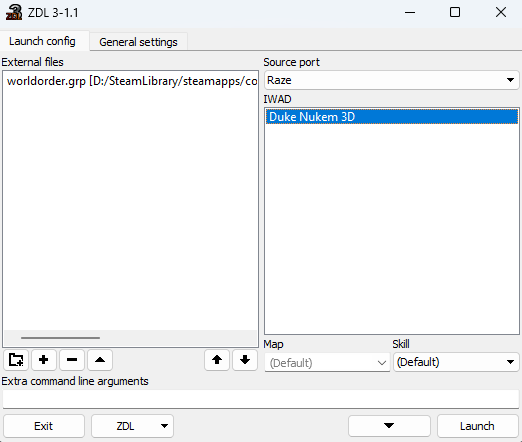
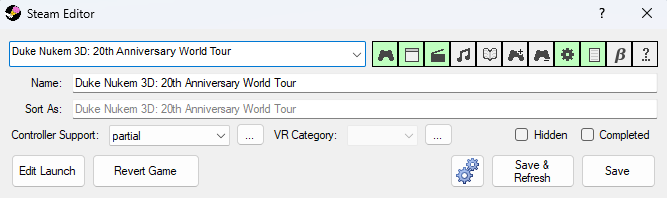
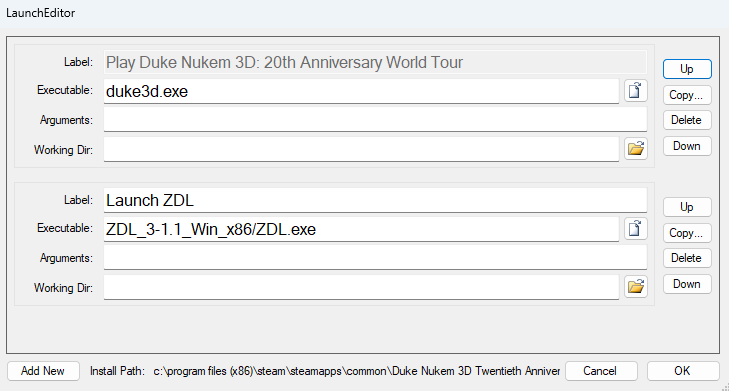
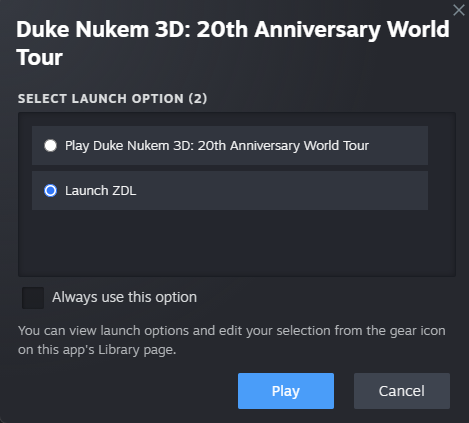


Add this to the properties of your Duke Nukem 3D game on steam:
"F:\Program Files (x86)\Steam\steamapps\common\Duke Nukem 3D Twentieth Anniversary World Tour\ZDL\ZDL" %Command%
Replace that long file location with the specific one that matches the location of the ZDL program on your computer, and ZDL at the end there is just for the exe (don't put .exe at the end there because it doesn't like that for some reason). Then it should always run ZDL now for you.
As for Shadow Warrior Redux, you can try launching the source port through a launch parameter on Steam instead - it will be a permanent fix, but you may lose access to Steam Overlay depending on the source port (it works just fine with the Raze though, if I'm remembering correctly).
Check out my DOOM + DOOM II guide - I explain how to use the parameter in there, and the logic is exactly the same.