



安装 Steam
登录
|
语言
繁體中文(繁体中文)
日本語(日语)
한국어(韩语)
ไทย(泰语)
български(保加利亚语)
Čeština(捷克语)
Dansk(丹麦语)
Deutsch(德语)
English(英语)
Español-España(西班牙语 - 西班牙)
Español - Latinoamérica(西班牙语 - 拉丁美洲)
Ελληνικά(希腊语)
Français(法语)
Italiano(意大利语)
Bahasa Indonesia(印度尼西亚语)
Magyar(匈牙利语)
Nederlands(荷兰语)
Norsk(挪威语)
Polski(波兰语)
Português(葡萄牙语 - 葡萄牙)
Português-Brasil(葡萄牙语 - 巴西)
Română(罗马尼亚语)
Русский(俄语)
Suomi(芬兰语)
Svenska(瑞典语)
Türkçe(土耳其语)
Tiếng Việt(越南语)
Українська(乌克兰语)
报告翻译问题















 奖励
奖励





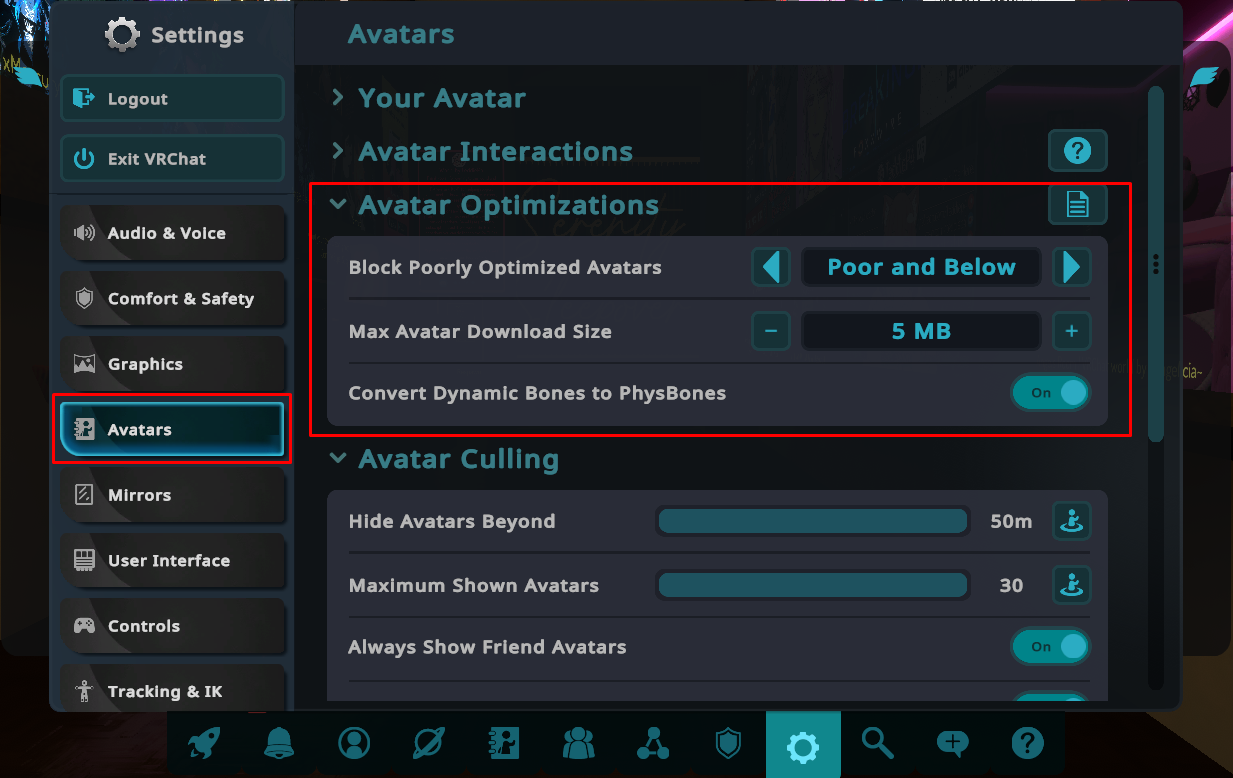
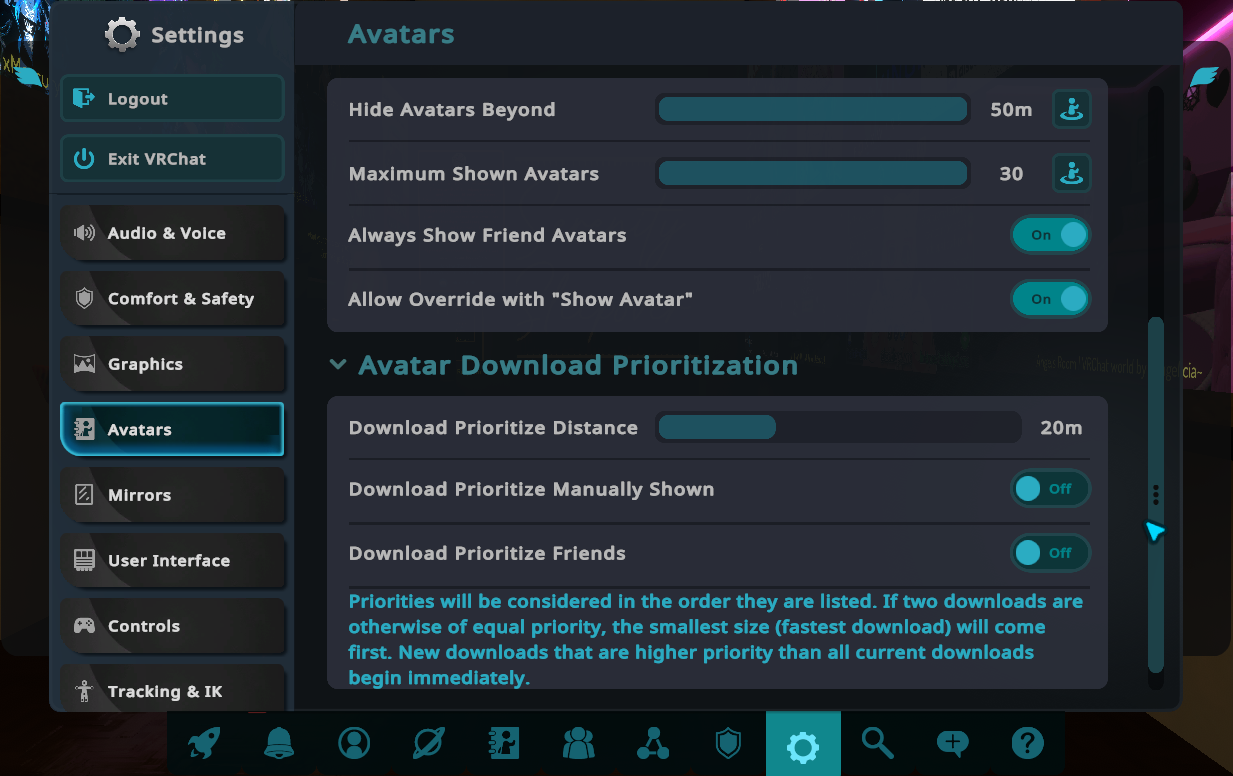
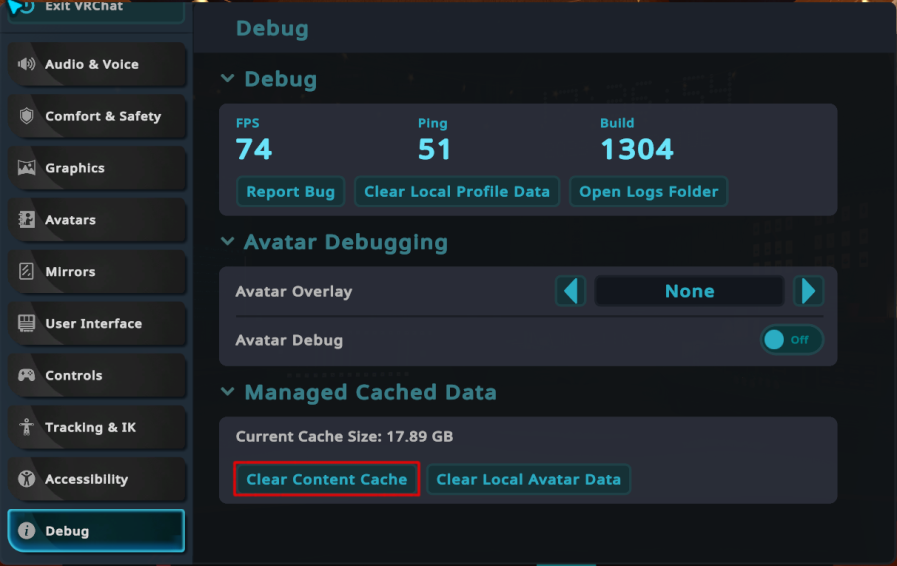



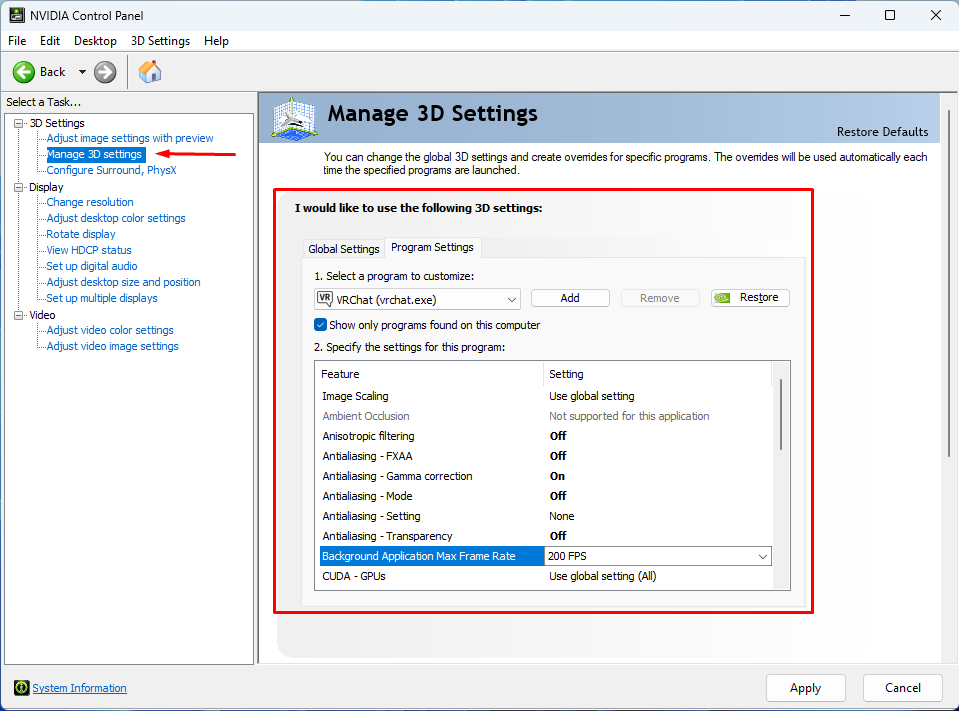
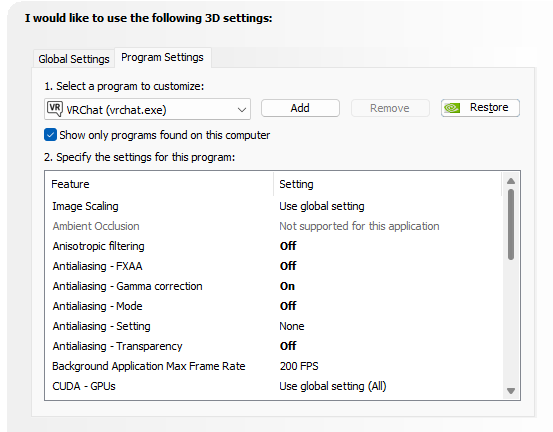
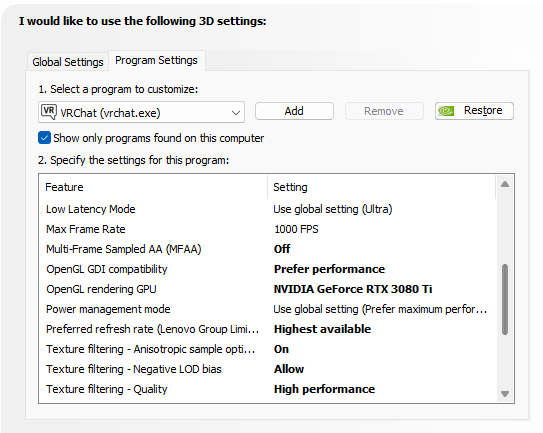
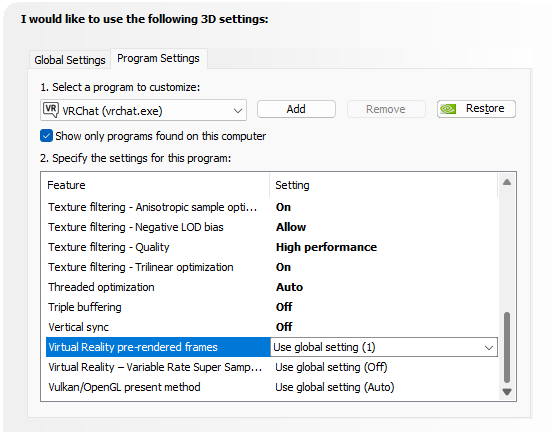
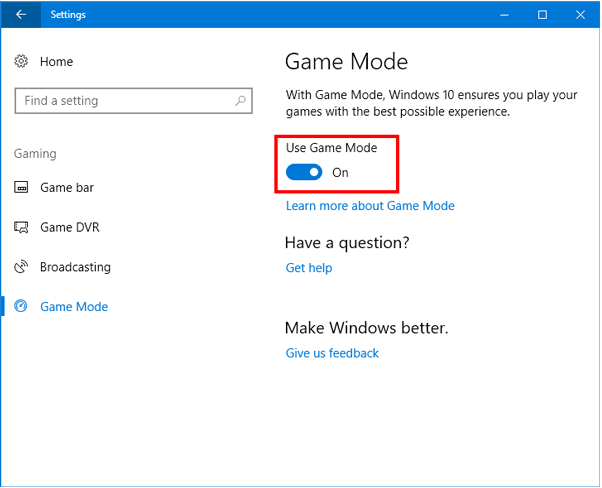
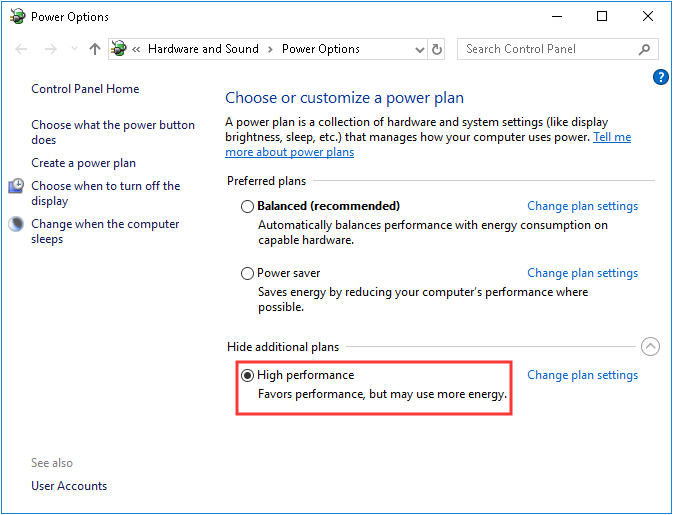
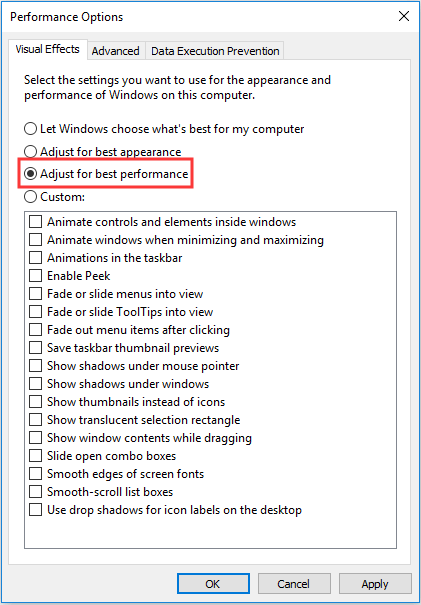
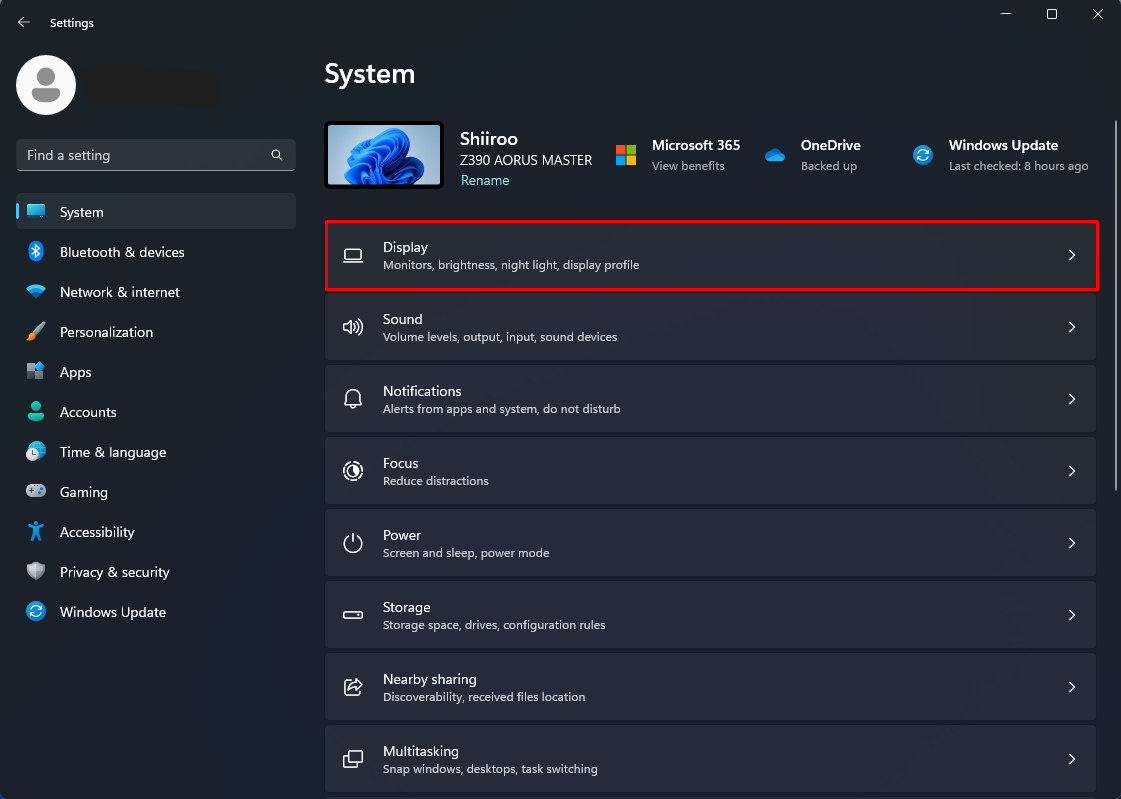
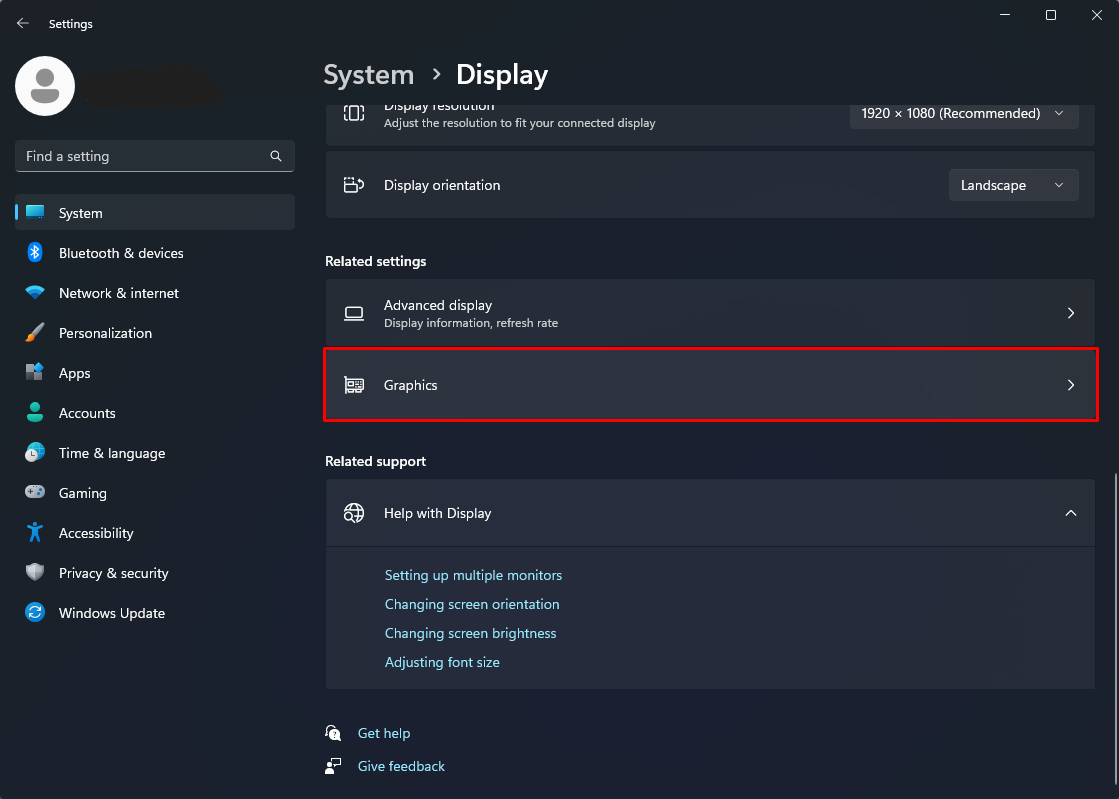
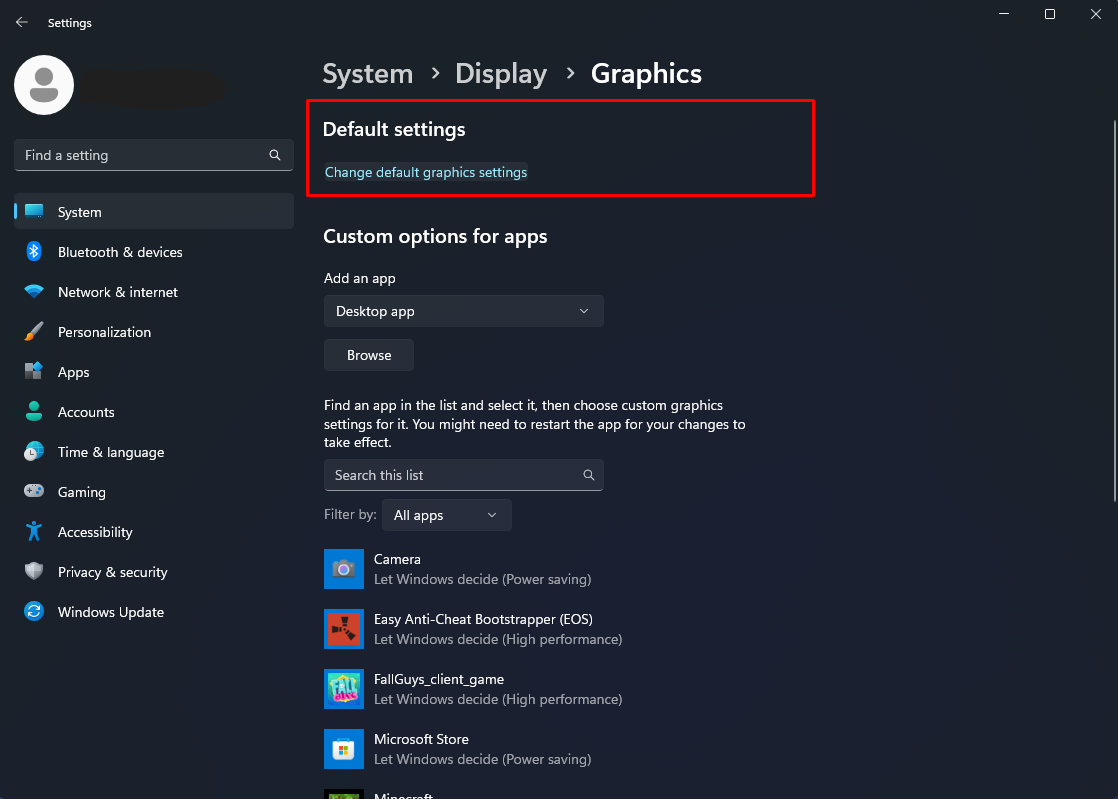
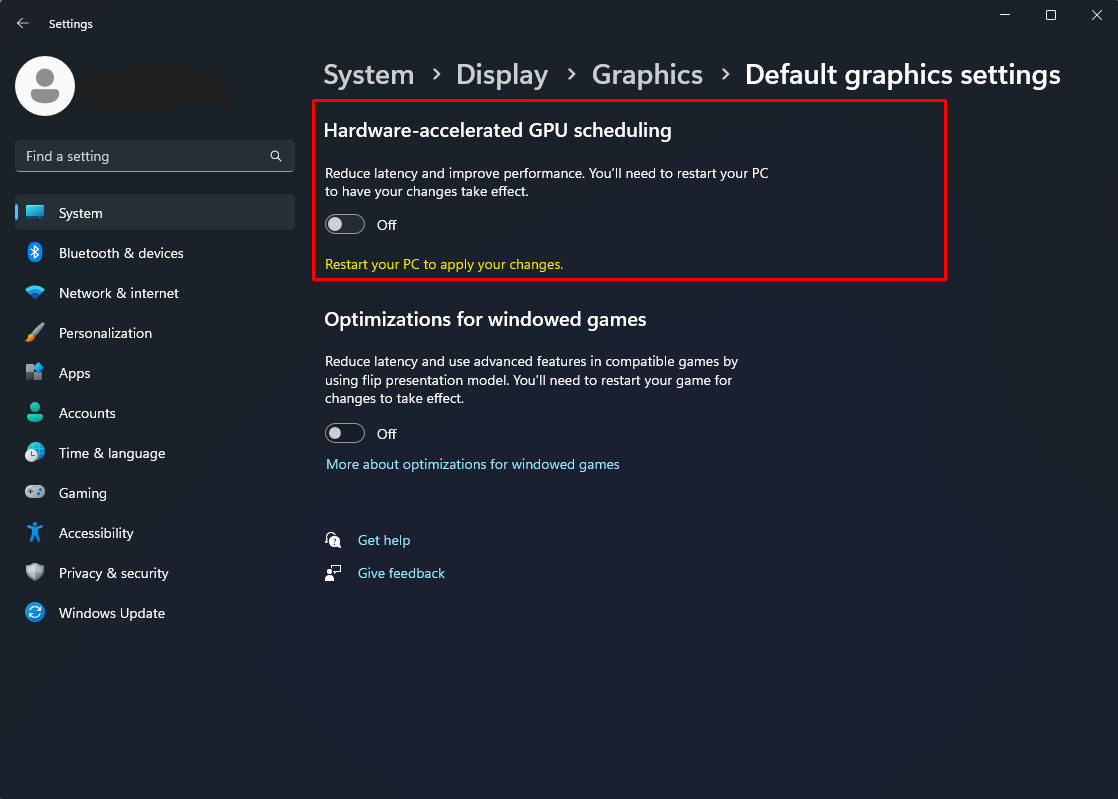
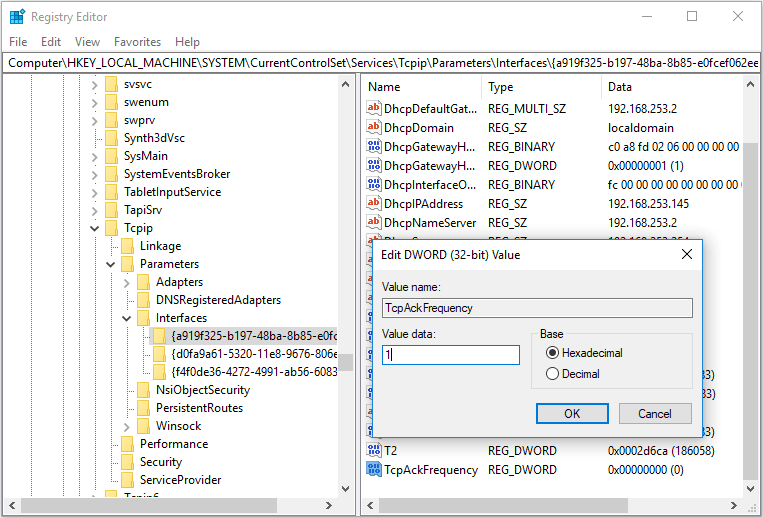
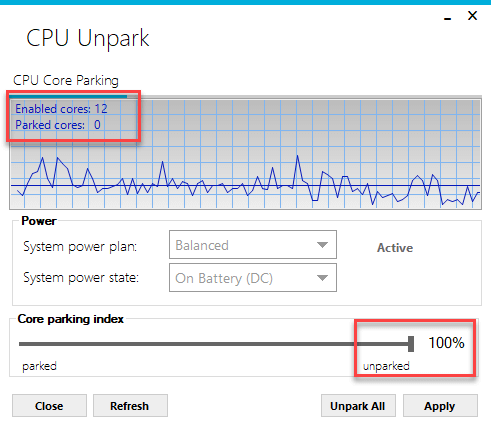



So you basically never changed your battery/performance options on windows. Usually, you don't have to use that tool, if you are setting PC performance to maximum, disabling and canceling any kind of "hiberation" function for harddrives, CPU performance adjustments and Co.
The tool to "unpark" the CPU cores can also be changed literally inside the windows performance settings. Simply run the "Additional power settings", and no, this does not only affect laptops or any kind of device running WITH batteries, expand the available options there, choose high performance settings, get into editing mode and krank up everything which logically makes any sense to do so, to increase CPU and usual computer performance.
Profit from: Not using some 3rd party applications, which will most likely not set those settings permanently and must be unnecessarily ran on every start up.