Euro Truck Simulator 2

Euro Truck Simulator 2

34 个评价
ETS 2 - Disable Adjustable Suspension Reset
由 Miguel 制作
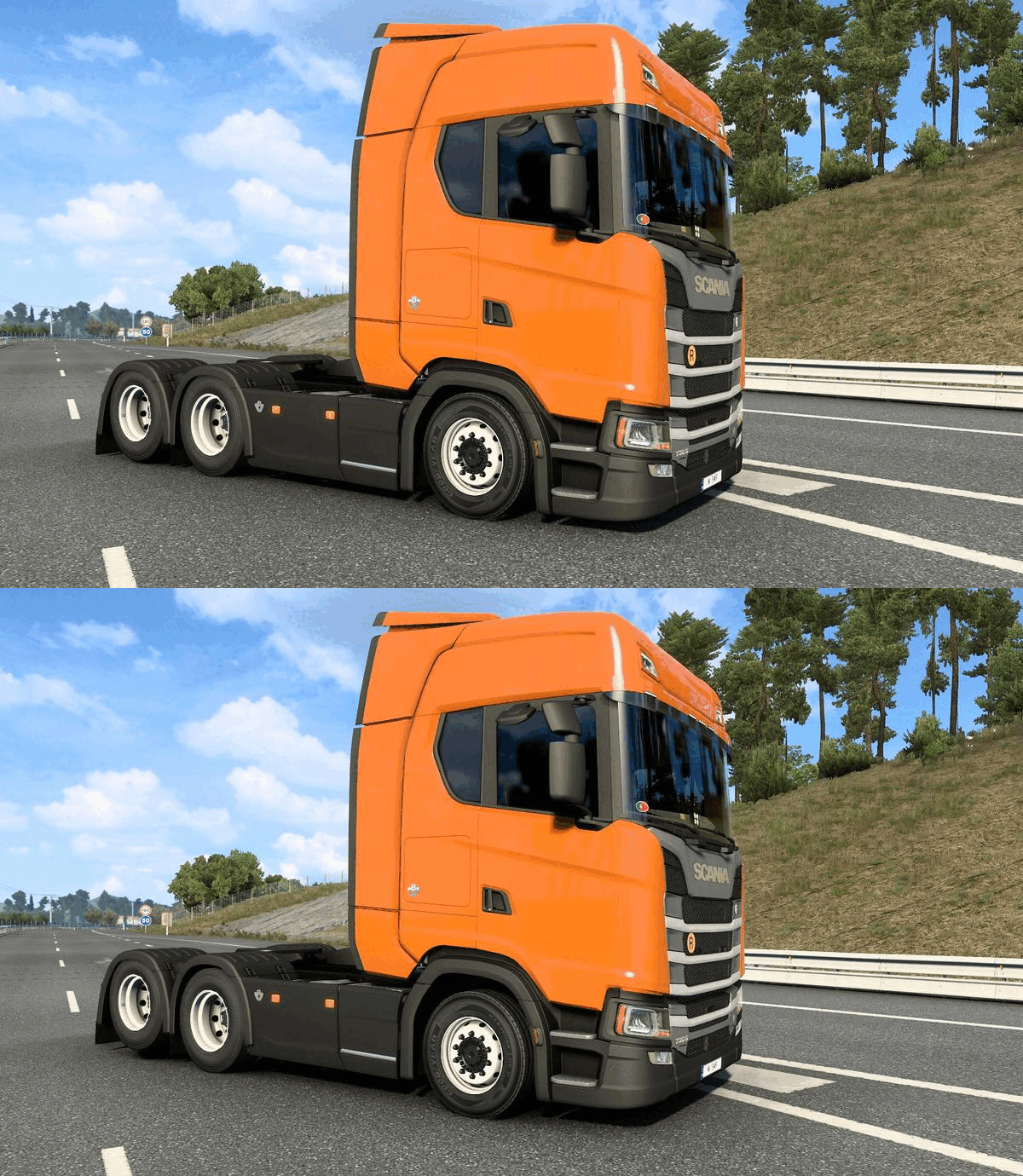
This Guide Shows how to Disable Adjustable Suspension to Reset Position!
3
2
   
奖励
收藏
已收藏
取消收藏
Description!
  • SCS was introduced the Official option Adjustable Suspension that is great but returns to the original position after exceeding a certain speed limit, there is a way to turn it off just follow the tips below!!


Euro Truck Simulator 2 Folder!
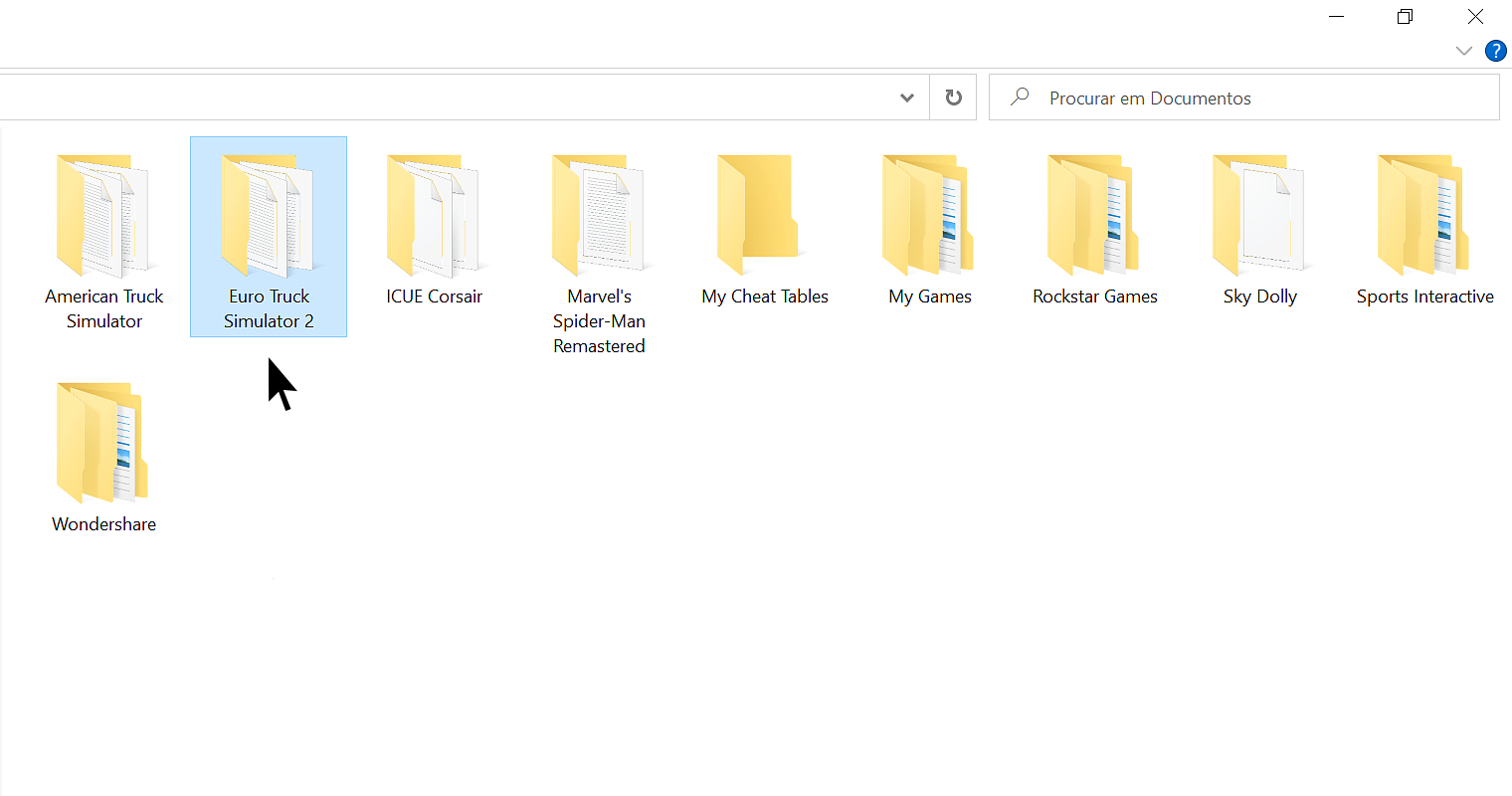
  • First go to ''Documents'' then open the ''Euro Truck Simulator 2'' folder!


Locate and Open the File!
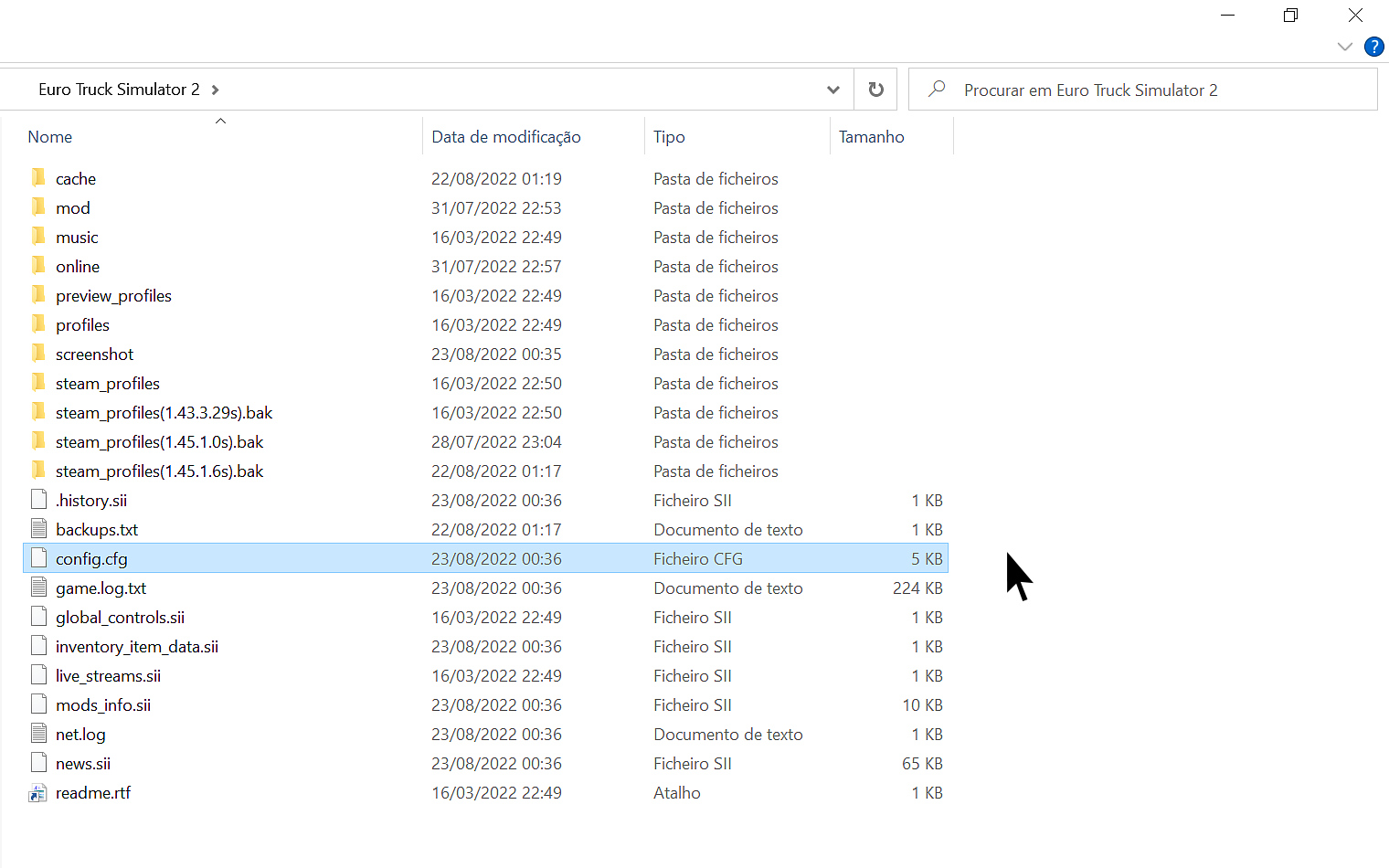
  • Find the file named ''config.cfg''
  • Open with NotePad or WordPad!


Edit the File!
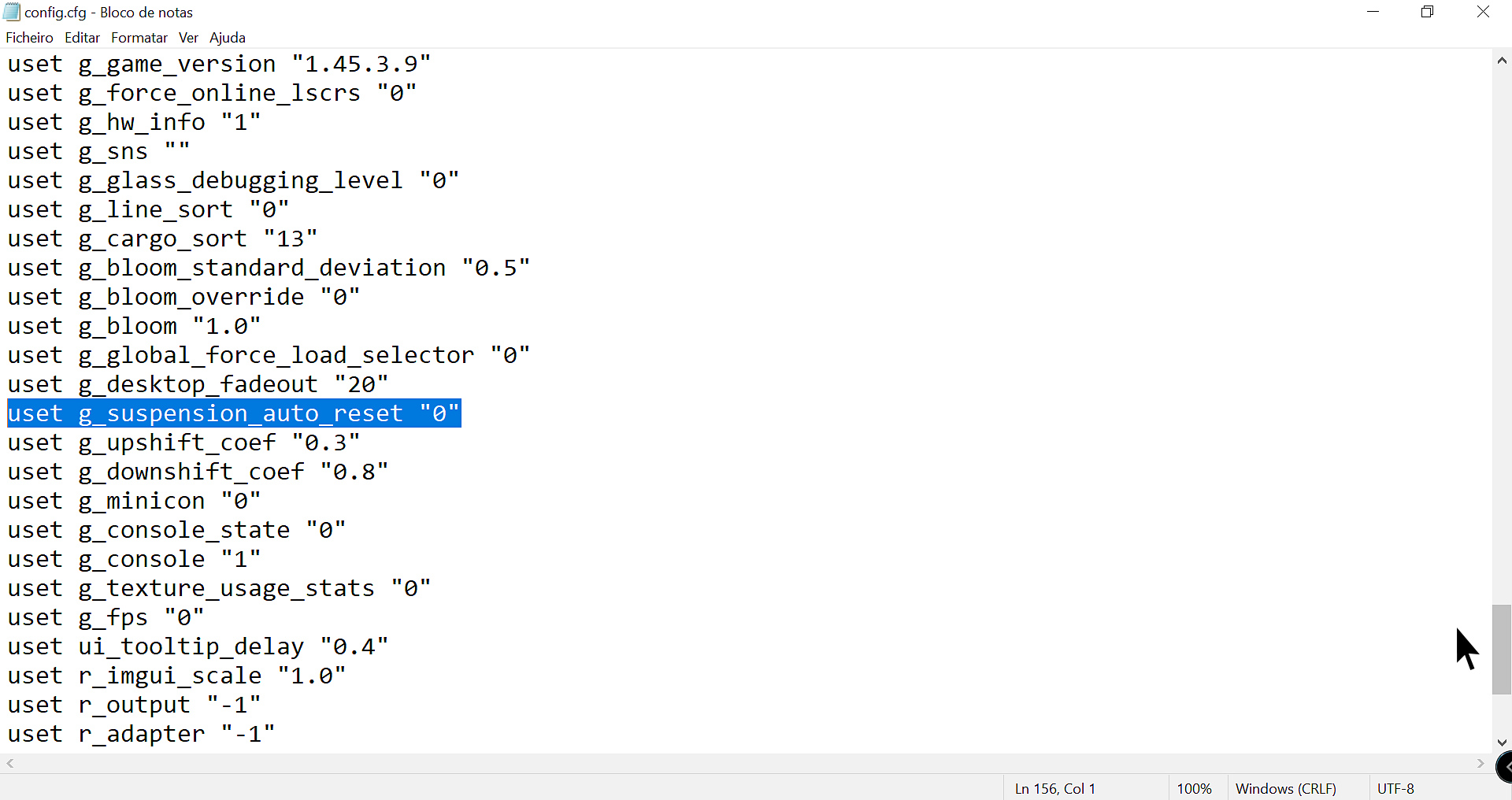
  • Locate the line near the bottom of the page - uset g_suspension_auto_reset "1" and change the value from "1" to ''0'' save and close the file!


Tips and Suggestions!
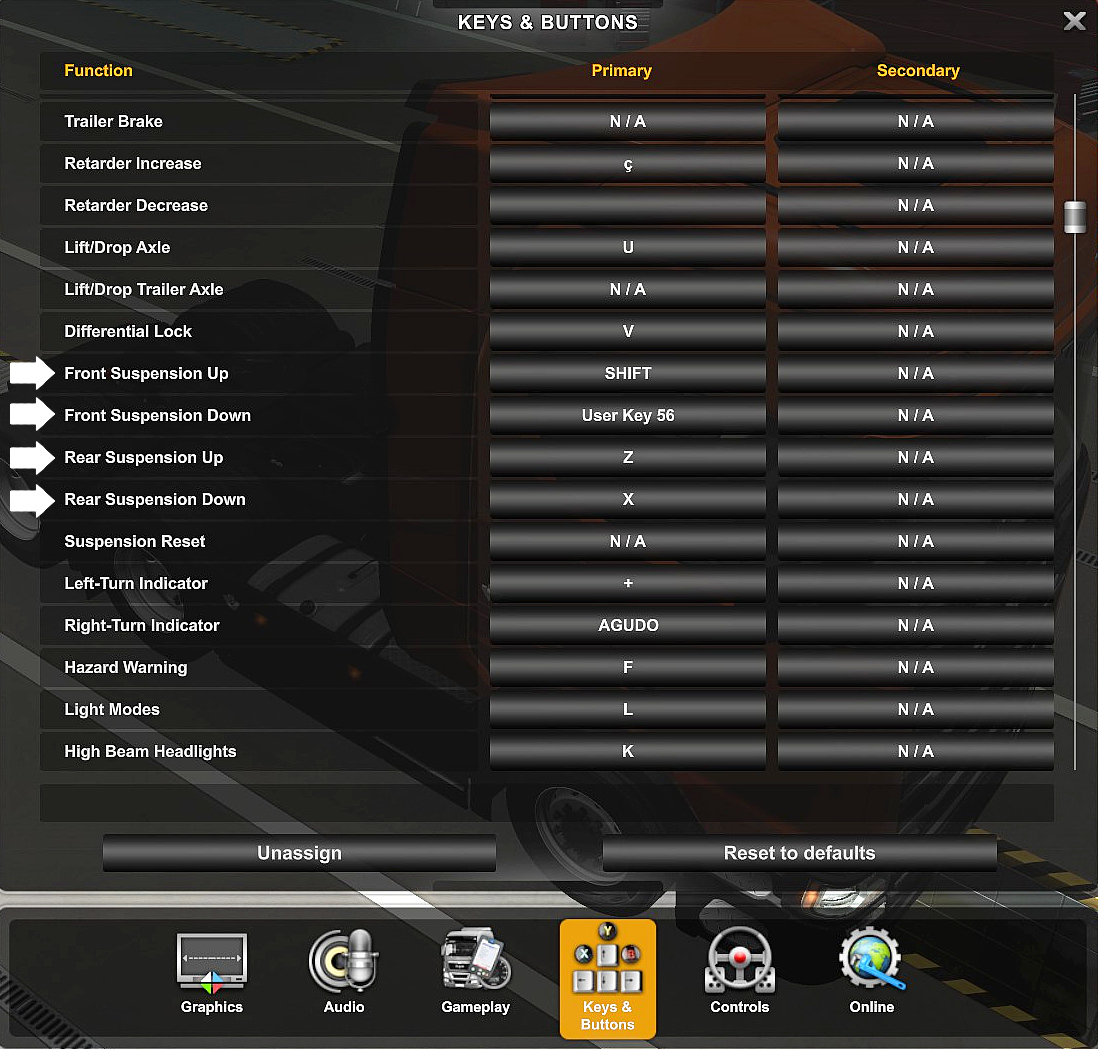
  • Make sure already Selected the Keys on the Keyboard to be able to use the Adjustable Suspension!


Notes!
  • I hope this was reliable and helpful!
  • Can use the same method for American Truck Simulator!


3 条留言
jasonbrydon5 6 月 11 日 下午 11:12 
it works:steamhappy:
-SANЁK- 2024 年 4 月 12 日 上午 10:37 
так её можно прописать команду в консоле в игре если включена консоль
wonderj 2023 年 11 月 12 日 上午 11:53 
1222111