System Shock: Enhanced Edition

System Shock: Enhanced Edition

评价数不足
Quick and Easy Controller setup (includes gyro support)
由 Nuclear Kangaroo 制作
Want to play System Shock comfortably with a controller? this guide will help you set everything up in 7 quick steps, this entire game can be beaten without ever touching the mouse and keyboard.
   
奖励

收藏
已收藏
取消收藏
Configuring System Shock to work properly with controllers
  • Step 1:
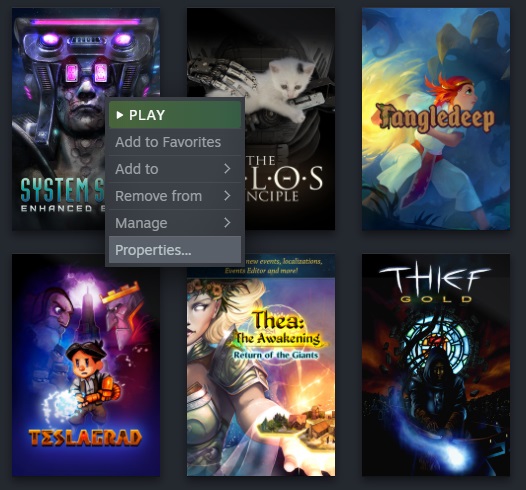
Right click System Shock Enhanced Edition in your library and select "Properties..."


  • Step 2:
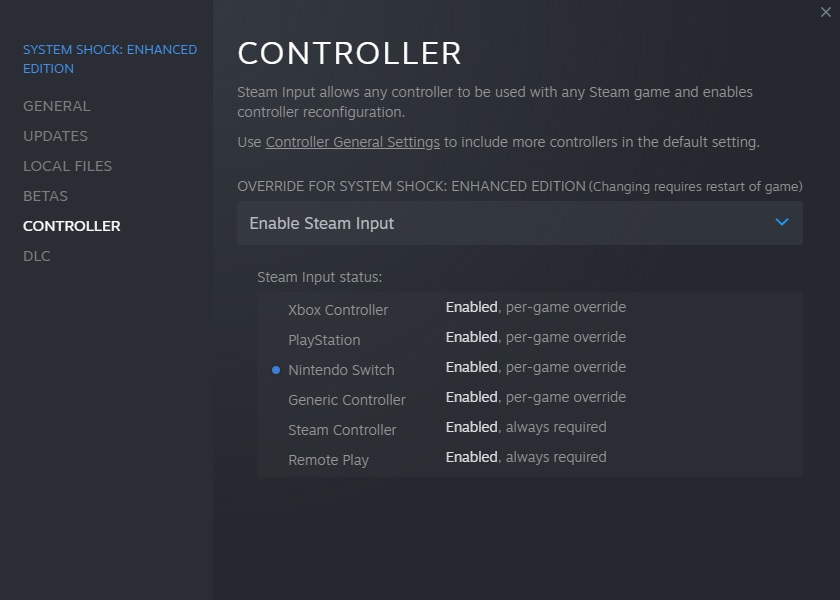
Go to the Controller section and enable Steam Input.


  • Step 3:
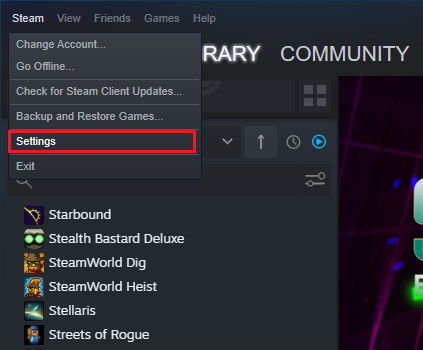
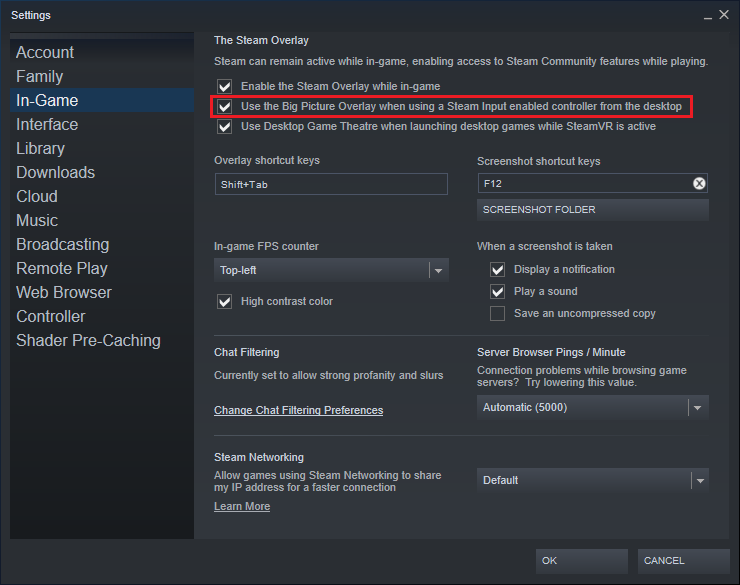
Go to Steam settings and enable the "Use the Big Picture Overlay when using a Steam Input enabled controller from the desktop" option.


  • Step 4:
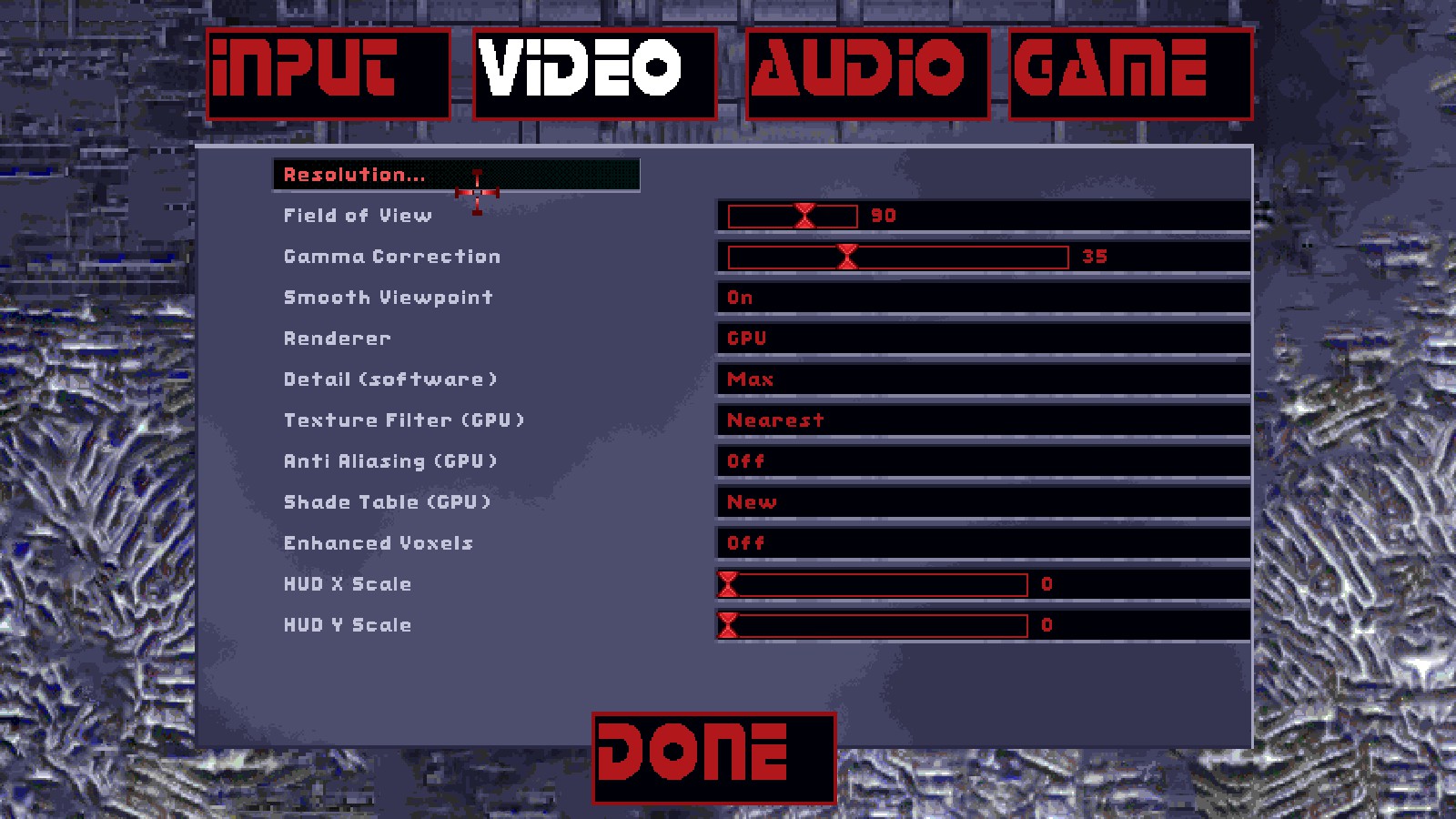
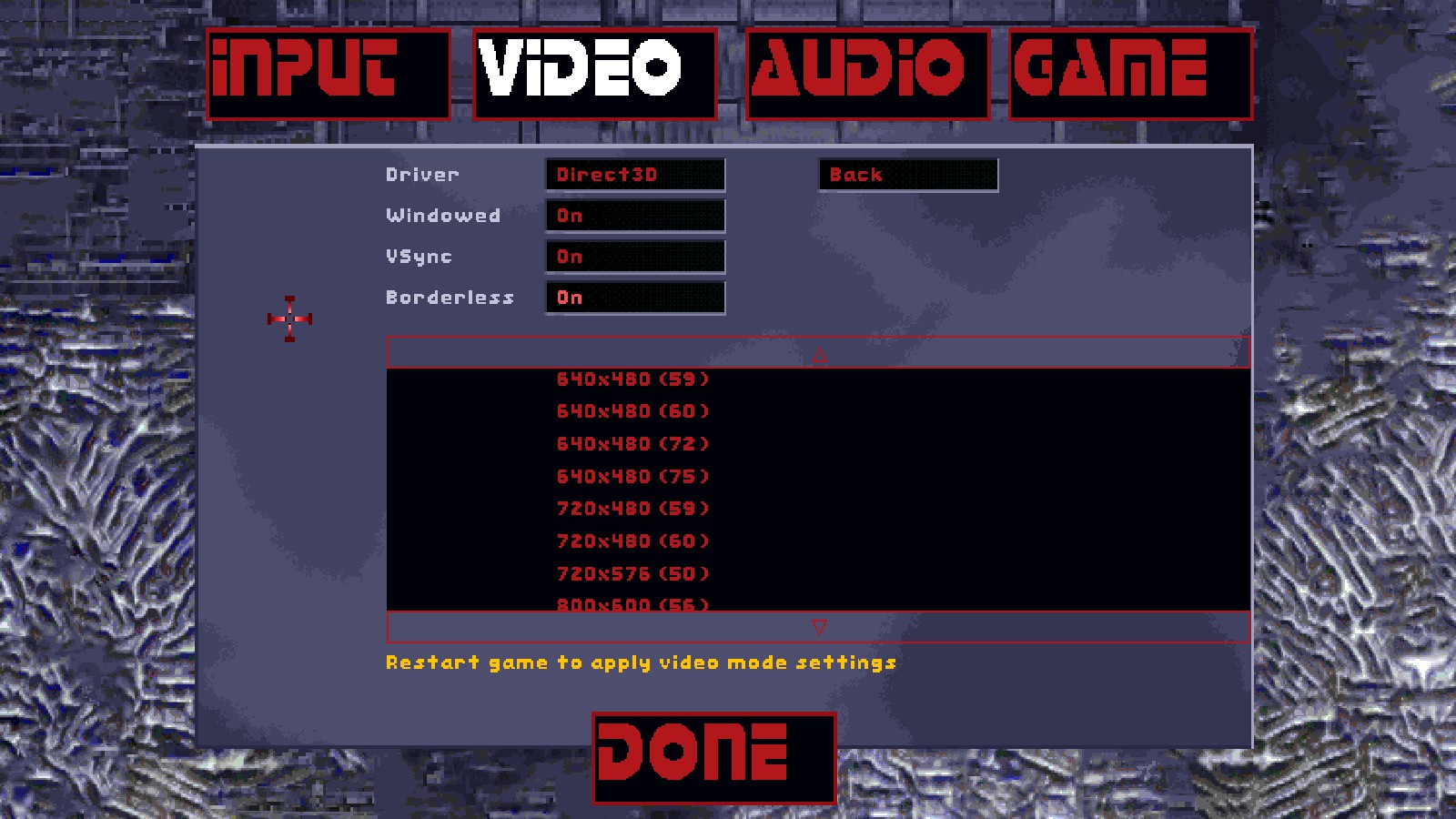
Once in-game, go to video options, resolution, and set the game to borderless window mode.


  • Step 5:
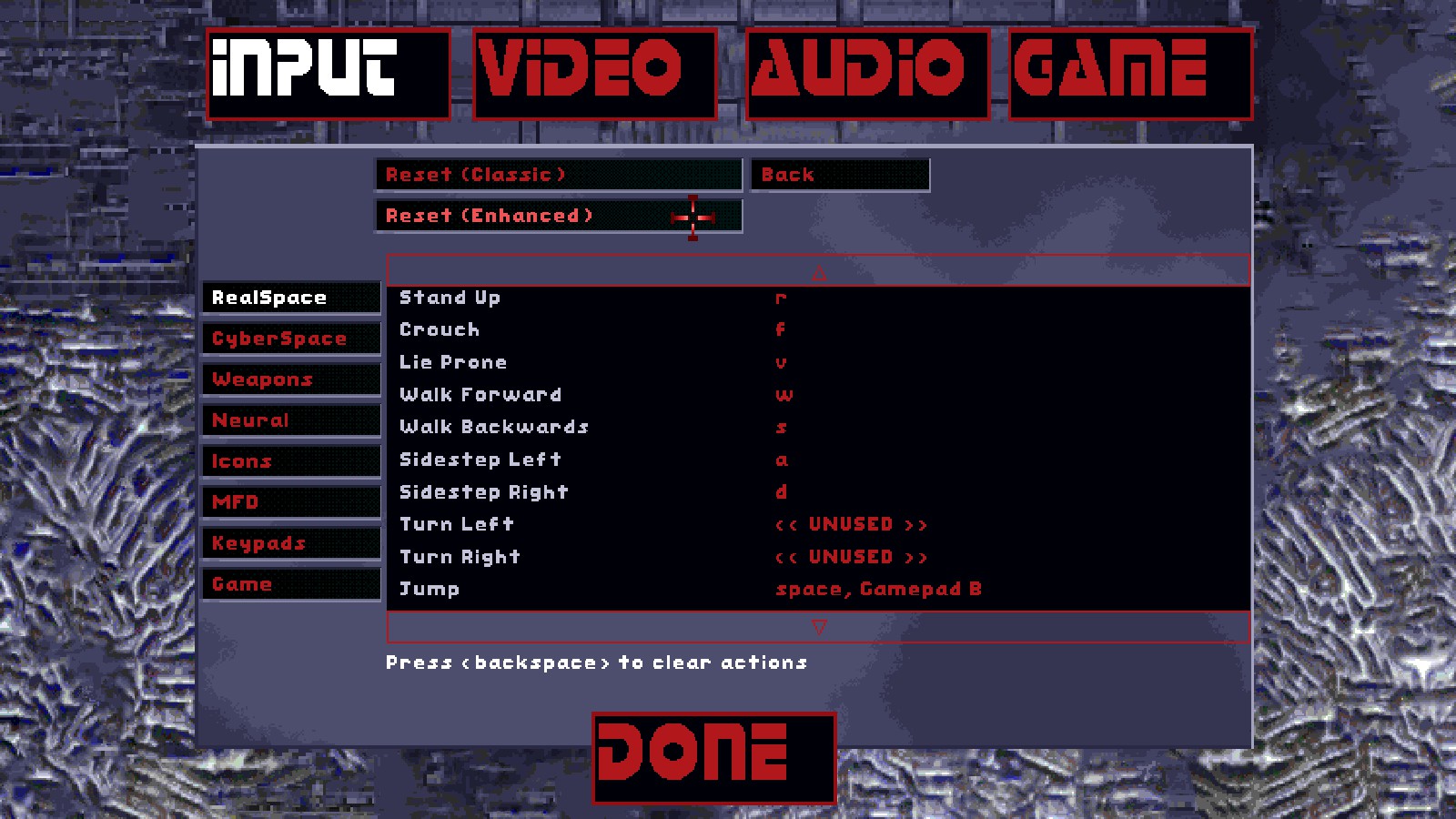
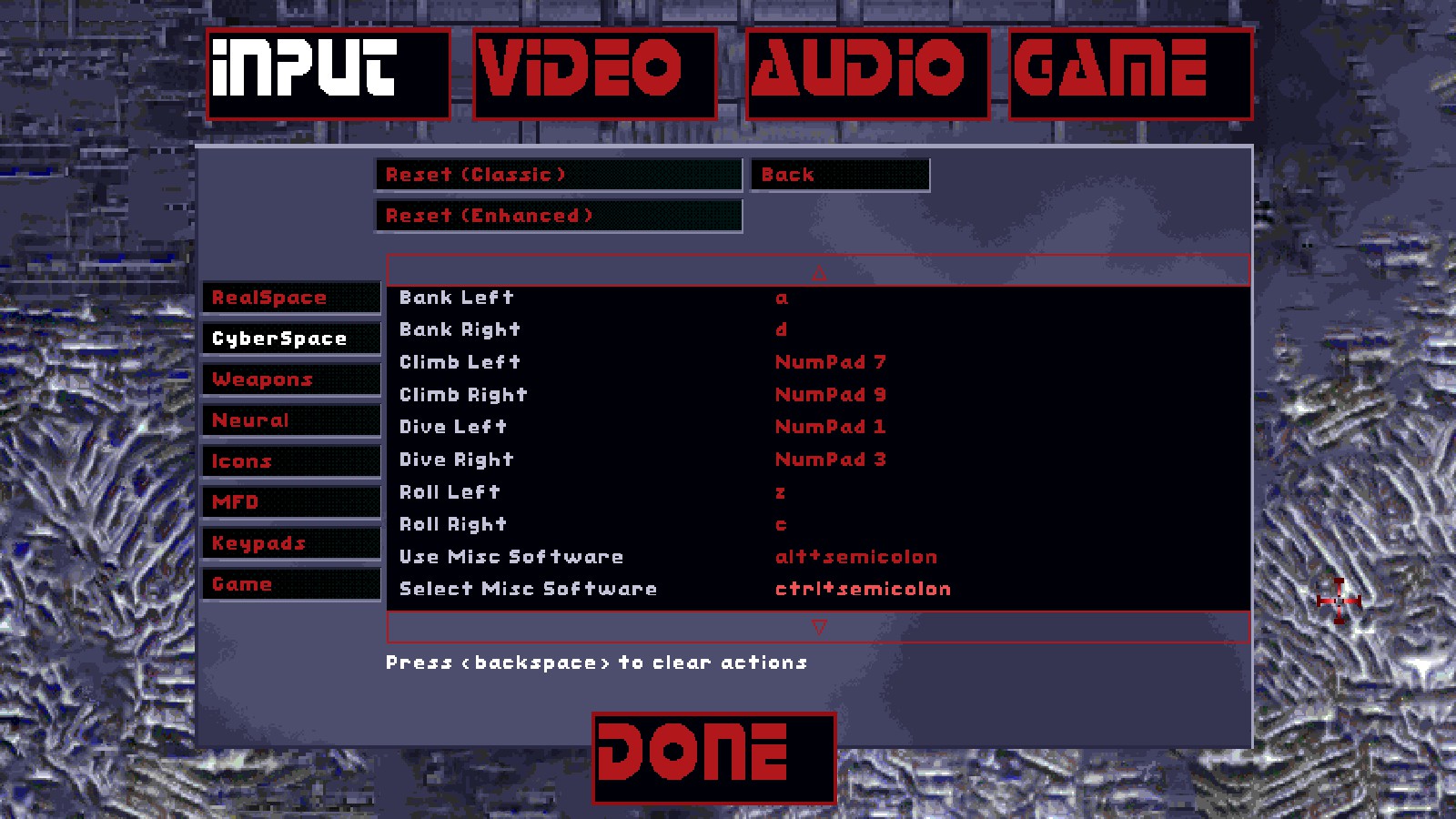
Make sure you reset the key bindings to the Enhanced default.


  • Step 6:
Restart the game.


  • Step 7:
Open this link on steam, it should download my controller config for System Shock on steam

steam://controllerconfig/410710/2836712768


  • Did it work?:
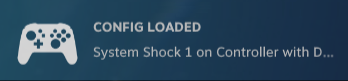
If you see the following prompts shortly after you launch the game, its all working properly


Controls
The entire game can be beaten with this setup, every important action is mapped and fairly easy to use.

  • Realspace controls:

Movement:


Toggle run:


Lean Left:


Lean Right:


Jump:


Toggle Crouch:


Toggle Prone:


Look around:


Toggle Freelook:


Interact:


Quick Pickup:


Shoot:


Reload:


Switch Ammo Type:


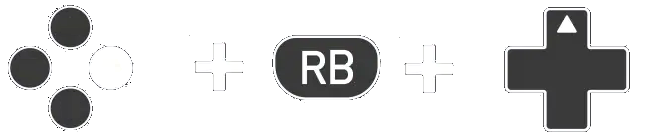
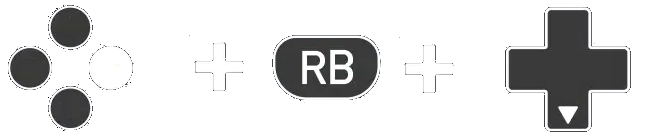
Select Next Weapon:


Select Previous Weapon:


Cycle through available Grenade Types:


Use/Arm Grenade:


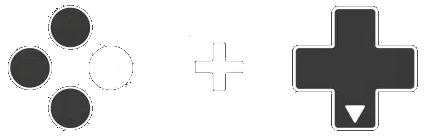
Cycle through available Patch Types:


Use a Patch:


Select Next Page of the Inventory:


Select Previous Page of the Inventory:


Open the Map:


Navigate through the Map:


Zoom in on the Map:


Zoom out on the Map:


  • Multi-Function Display controls:

Weapon (Left MFD):


Item (Left MFD):


Map (Left MFD):


Target (Left MFD):


Data (Left MFD):


Weapon (Right MFD):


Item (Right MFD):


Map (Right MFD):


Target (Right MFD):


Data (Right MFD):


  • Hardware Attachment controls:

Fullscreen:


Compass:


Bioscan:


Sensaround:


Lantern:


Shield:


Infrared:


Data Reader:


Booster:


Jump Jet:


Change Lantern settings:


Change Shield settings:


  • Cyberspace controls:

Look around:


Toggle Freelook:


Interact:


Shoot:


Select Next Software Weapon:


Select Previous Software Weapon:


Roll left:


Roll right:


Thrust:


  • General controls:

Open the game menu:
Extra Features
Heres some extra features of this setup just to make things more comfortable.

- Leaning auto-reset (after you stop pressing either bumper button your character will recenter):


- Enable/Disable Gyro aiming (you need a controller that supports it):


- Very Precise aiming (useful for hacking, using keypads, electronic circuits and minigames! also works well with the quick pickup mapping):


- On-Screen Keyboard (you can freely write stuff on the map):


- Mapping for the Enter key (very convenient to confirm a save):


- Radial Menus (handy if you cant remember the button combination for every attachment and MFD):

Activate/Deactivate Radial Menus:


Select Hardware Attachment:


Activate Hardware Attachment:


Select MFD:


Activate MFD:

Recommendations
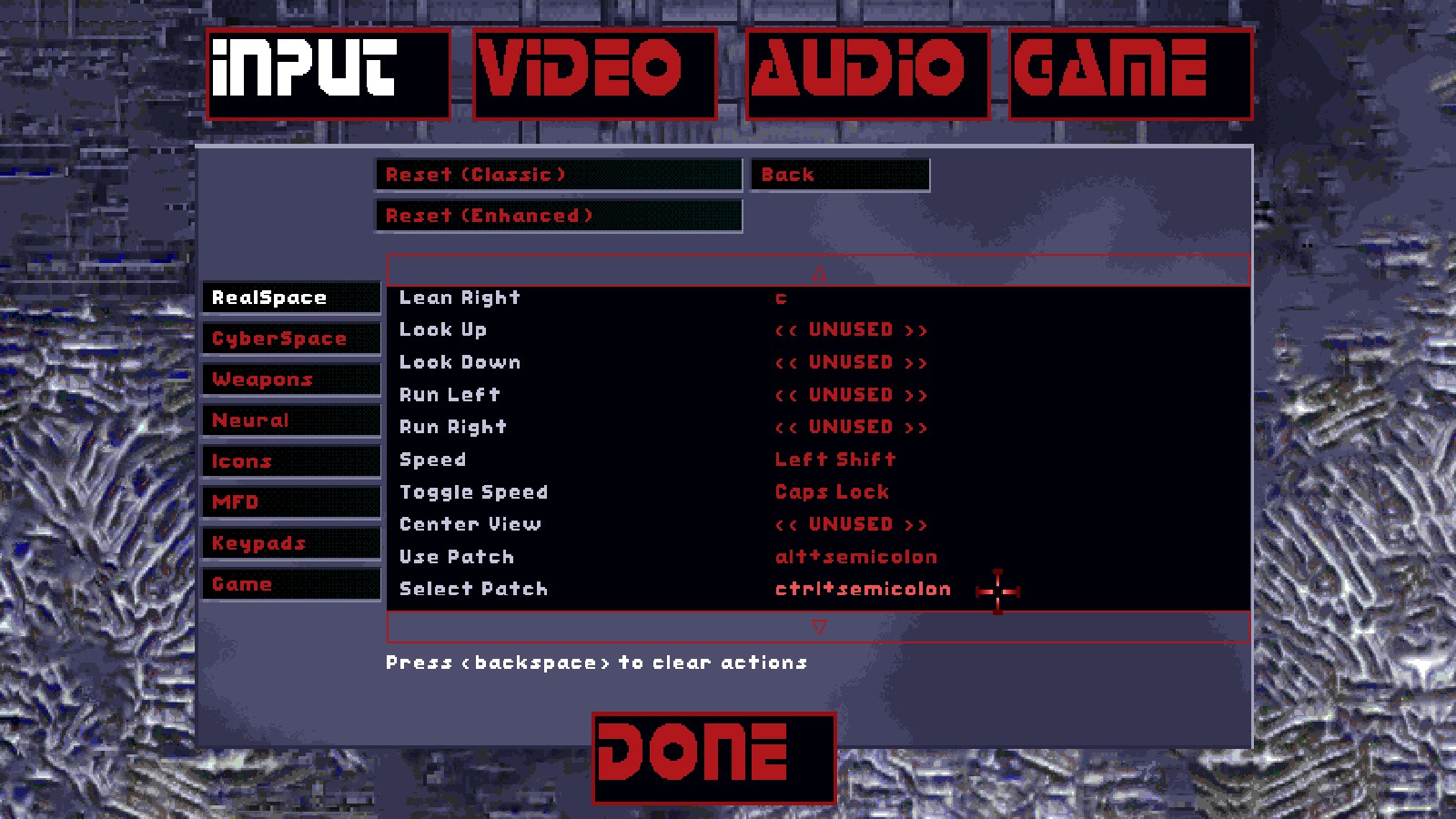
In the default configuration, the Cyberspace key mappings for "Use Misc Software" and "Select Misc Software" are not set, i recommend assigning them the same key mappings for selecting and using patches, that way with this config you can select and use misc software the same way you select and use patches:


Also with this config sometimes if you die while standing/crouching/prone and revive or load the game in a difference stance, the controls might get a bit out of synch, if this happens i recommend jumping once and it should fix itself.

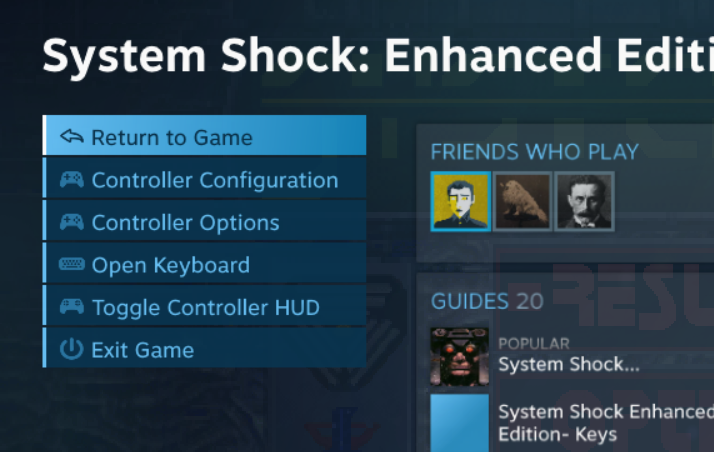
ive seen in some cases the radial menus might stop working properly, i think this is a glitch with steam input, open the steam overlay and select Controller Configuration.


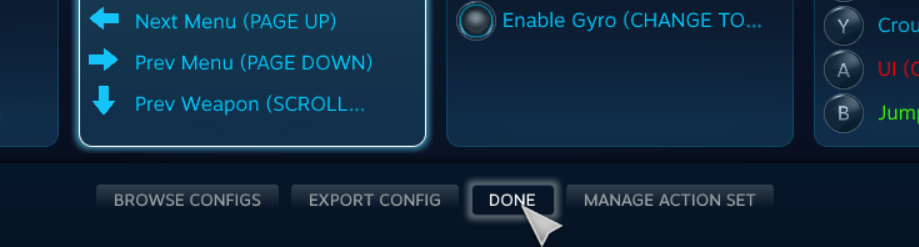
in the new menu that opens, dont change anything and just press Done, this seems to fix the problem.


Finally i STRONGLY recommend using a controller with gyro, this config will work for a normal controller just fine, but due to the level of precision System Shock sometimes demands, i believe gyro aiming is the best way to make the game enjoyable for you.
Enjoy!
5 条留言
Nuclear Kangaroo  [作者] 2024 年 3 月 17 日 上午 4:44 
nope, not yet sorry
Slugbait 2024 年 3 月 16 日 下午 9:30 
Did you ever fix this?
Slugbait 2023 年 6 月 14 日 下午 2:44 
Hope it all works out!
Nuclear Kangaroo  [作者] 2023 年 5 月 30 日 下午 6:33 
yeah im sorry bro, the update to steam input completely broke this config, ill try to recreate it using the new steam input interface when i find the time

good excuse to replay System Shock at any rate
Slugbait 2023 年 5 月 30 日 下午 5:17 
Sadly it doesn't work for me