Tom Clancy's Rainbow Six: Vegas 2

Tom Clancy's Rainbow Six: Vegas 2

28 个评价
How to use the FACE SCAN feature/Webcam(Initializing Camera workaround)
由 cesartele3000 制作
An easy way fix for the broken Webcam/Facescan feature.
   
奖励
收藏
已收藏
取消收藏
Introduction
After messing around with some programs, uninstalling drivers, and using other crap, I finally found a way of using the "Face Scan" feature of Rainbow Six Vegas 2.

Installing some software on your PC and Android phone will be required for this method to work.

So with that being said let's just jump right in!

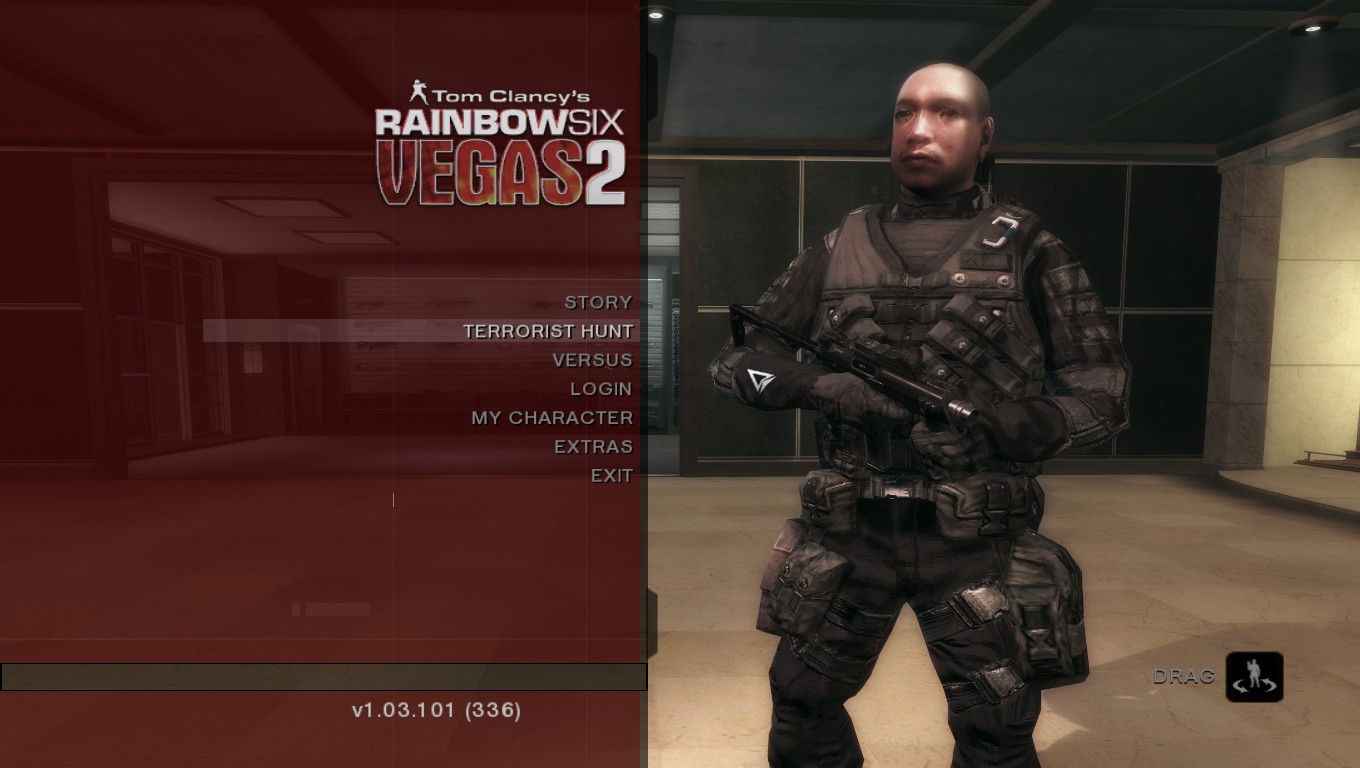
My terrifying character
Software
Step-by-step
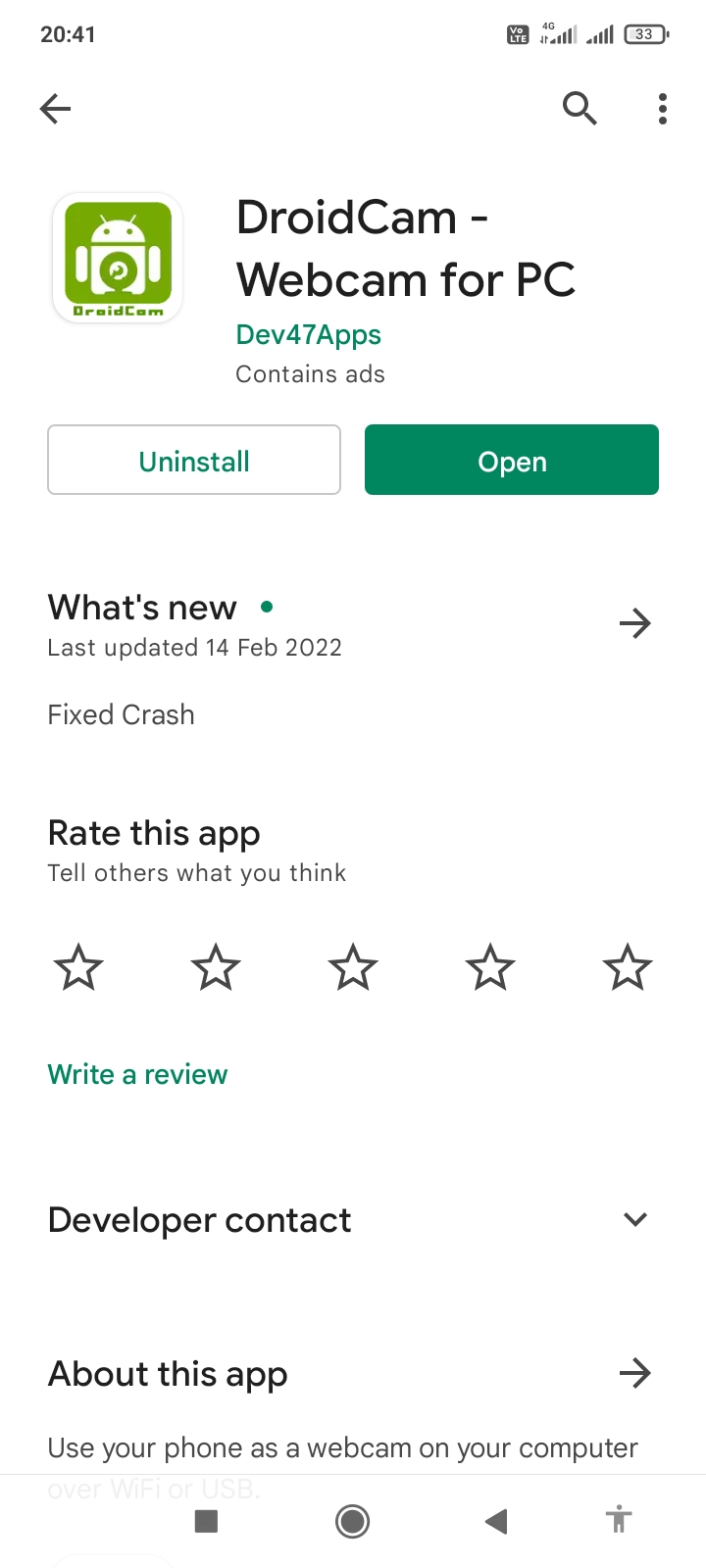
1.- First of all, let's download Droidcam from the official Google Play Store.
This one.

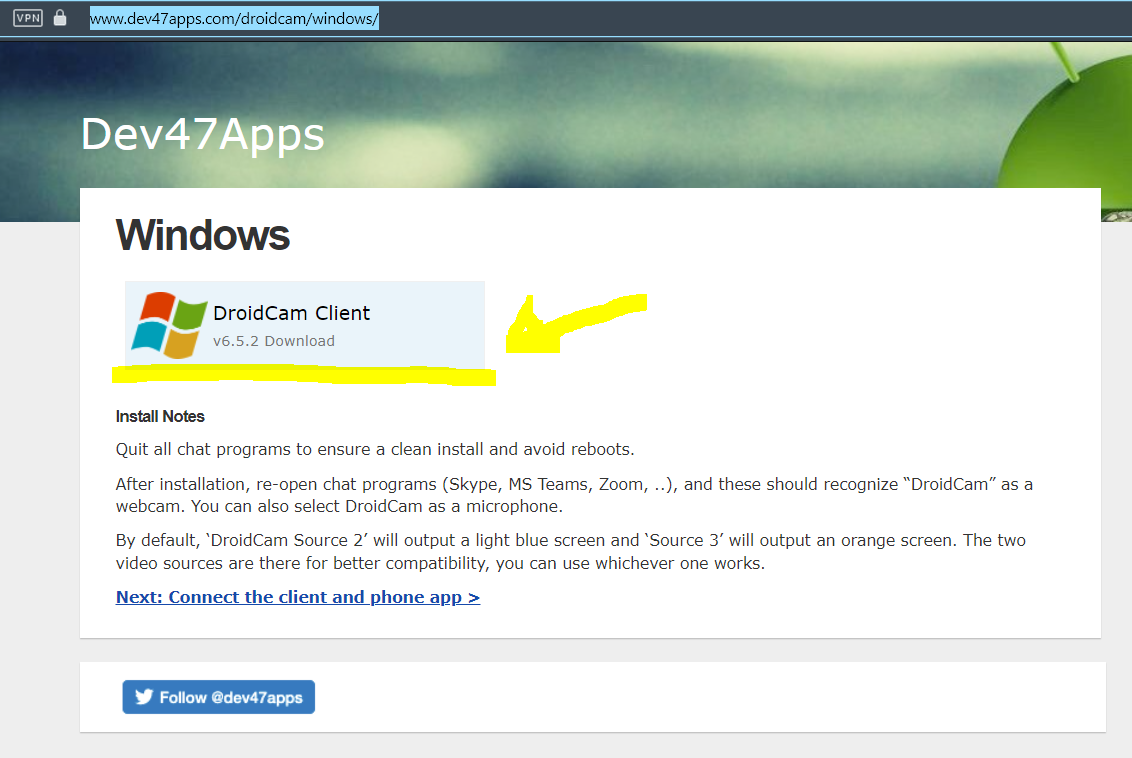
2.- Now We'll install the pc client of Droidcam using this link and install it as you would normally do with any other program:
https://www.dev47apps.com/droidcam/windows/


2.1 Droidcam is safe and virus-free, according to this scan from VirusTotal.


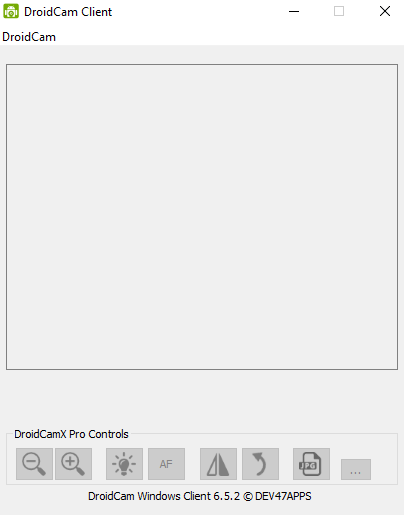
3.-Open the Droidcam app on your phone and the Droidcam client on your PC. And We are done for now.


Setting up your Webcam.
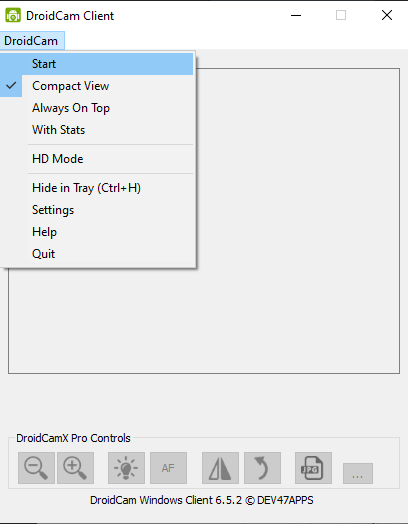
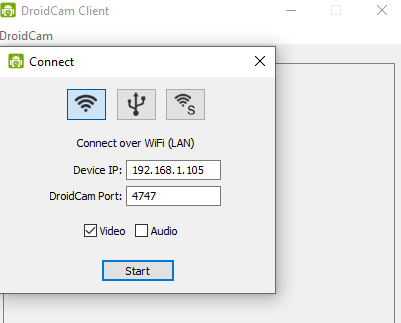
1.-On the PC client click on Droidcam -> Start and then a window will pop-up


2.-Type the IP address shown in your Droidcam phone app into "Device IP"


3.- Now Droidcam should be working. Check if your phone is broadcasting.

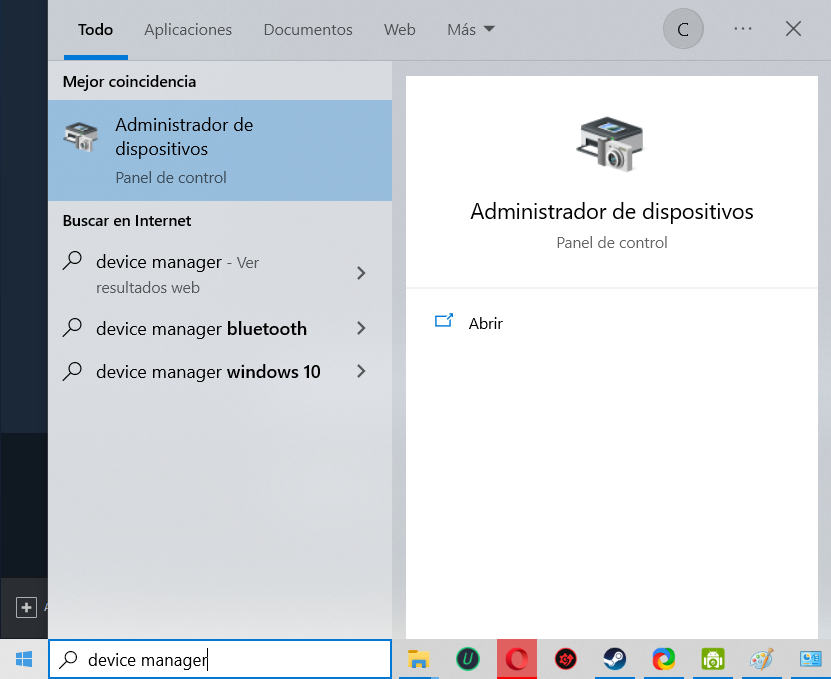
4. Now let's go to the Windows search bar and type "Device Manager" and click on it(My pc language is set to Spanish, ignore that for now lol).


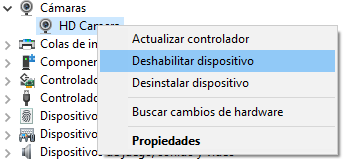
5 I have a laptop with a built-in Webcam, so We are going to disable it temporarily(If you have a USB Webcam ignore this step)


6.- We are done. So now let's just go and open "Rainbow Six Vegas 2".
That's all folks
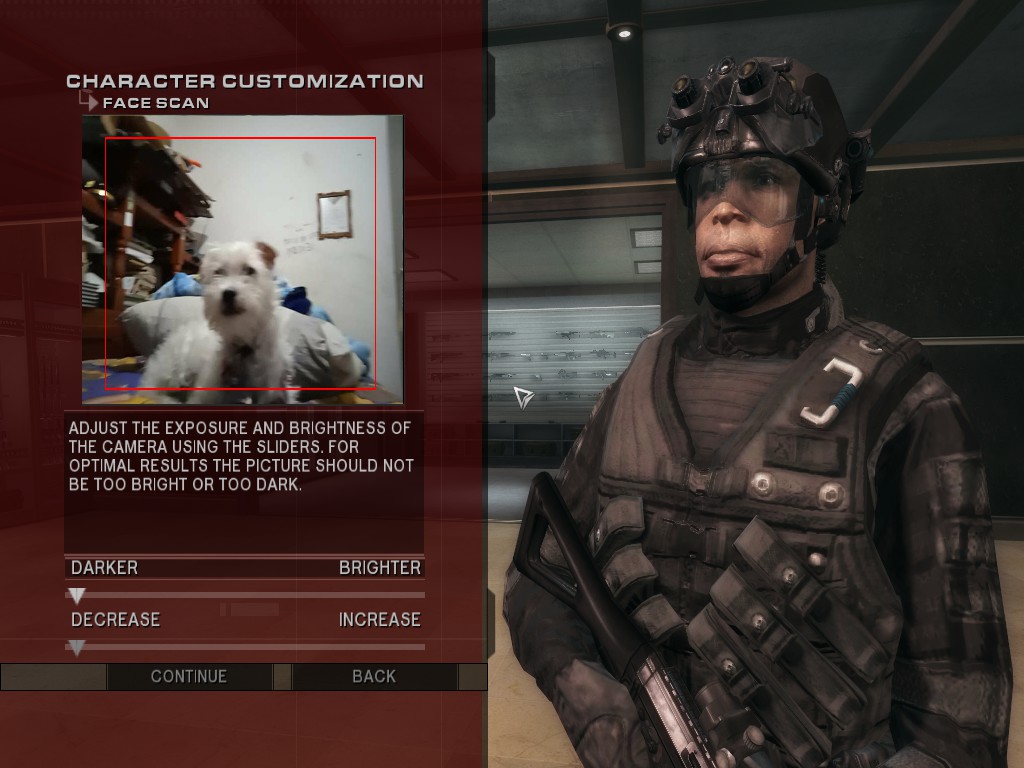
Now we open the game and see how our phone/Webcam is working so now we can customize our character in any wacky way we may want to. Here is my doggie "Misha" saying hello inside "Rainbow Six Vegas 2".

And there is a picture of this ugly character I made a while ago...


I'll fix any mistake or spelling error in version 2.

Thanks for reading, have a good one and I hope this was useful.
14 条留言
Price Punto 3 月 15 日 上午 9:52 
thanks dude it worked but idk on coop i don't see other people faces. using radmin. pls help i wanna see hitler
BookAboutBirds 2024 年 6 月 3 日 下午 7:59 
@author No. I am running Win 10 Home Edition. :AOEHouse:
cesartele3000  [作者] 2024 年 5 月 22 日 下午 6:41 
BookAboutBirds: I really don't know. Are you using Windows 11?:sadfaye:
BookAboutBirds 2024 年 4 月 16 日 下午 8:57 
Tried using DroidCam so that it would get past initialization ingame but to no avail. Also tried my Ausdom 1080p usb webcam but it doesn't work either. I was really hoping to get the face cam working. I assume something has changed with DroidCam or I am missing some step even though I have followed the guide?
cesartele3000  [作者] 2023 年 7 月 29 日 下午 9:42 
The video is up.
Ayto 2023 年 7 月 27 日 上午 9:27 
Thanks for looking into it.
cesartele3000  [作者] 2023 年 7 月 27 日 上午 4:10 
Ok I just reinstalled the game and the app in both my pc and phone, and it works just fine. I'll try to update the photos and maybe upload a video tutorial. Thank you all so much for reading this guide.
cesartele3000  [作者] 2023 年 7 月 9 日 下午 7:22 
Ayto: I'll be checking if this tutorial still works in the next two weeks and will also share my feedback.

Holy-MOsey: It's not the best, but the important thing is that it works during gameplay and is really funny to see. Regarding the Oblivion thing, both games were released about a year or two apart. Also, I remember using face capture features from PS3 games back in the day. I would say that the camera quality is an important factor in determining how the final character will look.
Ayto 2023 年 7 月 9 日 上午 10:16 
Does this even still work? Didnt work for me.
$P!TMyKidsOut 💦 2023 年 7 月 8 日 下午 9:34 
first off, what is that face LOL.

secondly, how does the game's inner workings, well, work when scanning faces compared to something like "meta-human" with contemporary technology? why do the faces, when scanned, look like oblivion character faces, but if it were a game for a flip phone?