Quake
45 个评价
Quake Remastered (KEX Engine) - Useful Console Commands You Should Use
由 TRYKON 制作
This guide will show you some useful console commands that you should use in Quake Remastered version by Nightdive Studios. This commands can be use on console or by putting in the launch options.
   
奖励
收藏
已收藏
取消收藏
Recommended Commands
clear - Clears all console text.
g_showintromovie "1" - Skips(0/1) the intro videos and goes straight to the game menu.
con_showfps "1" - Displays(0/1) current FPS at the top right corner of the screen.
cl_engineFPS "<value>" - Sets a custom max fps value.
cl_sensitivity "<value>" - Changes the sensitivity of your mouse.
r_fov "<value>" - Changes the Field of View value from 1 to 141.
snd_volume "<value>" - Changes the volume of the game from 0 to 1.
snd_musicvolume "<value> - Changes the volume music of the game from 0 to 1.
r_brightness "<value>" - Changes the brightness of your screen from 0 to 2.
gamma "<value>" - Changes gamma value.
cl_skipCrosshair "0" - Disables(0/1) crosshair.
cl_skipViewBob "'0/1" - Disables(0/1) the bob viewmodel animation. Preview[i.imgur.com]
cl_drawViewModel "1" - Shows(0/1) the viewmodel.
r_renderwaterviewfx "0/1" - Disables(0/1) water effects when your underwater. Preview[i.imgur.com]

con_fontsize "<value>" - Changes the font size of console text and also some other text for example fps text(if you have con_showfps set to 1 of course). Default value: 14.
con_fontsize "16"

con_fontsize "12"

con_fontsize "8"


r_rhirenderfamily "<render>" - Changes the render of the game. Choose between "vulkan" or "d3d11"(DirectX 11).
ui_showquitmessage "1" - Enables the classic quit prompt.
Crosshair Commands
crosshairStyle "<letter>" - Crosshair is controlled by a letter of your choice. In the options you are limited by the ones the menu gives you. But with this command you can choose whatever you want.
Examples[i.imgur.com]

crosshair_red "255" - Changes the color red of the crosshair from 0 to 255.
crosshair_green "255" - Changes the color green of the crosshair from 0 to 255.
crosshair_blue "255" - Changes the color blue of the crosshair from 0 to 255.
Hud Commands
cl_hud "<value>" - This changes the type of the hud.
cl_hud "0" - Disabled

cl_hud "1" - Minimal

cl_hud "2" - Health and Ammo

cl_hud "3" - Standard


If you have cl_hud set to 1(Minimal) then you can make a custom hud of yours by changing the position of the icons, health, ammo, etc with this commands. Try to mess around with these to get something you like.

cl_hdhud_face_x
cl_hdhud_face_y
cl_hdhud_armor_x
cl_hdhud_armor_y
cl_hdhud_ammo_x
cl_hdhud_ammo_y
cl_hdhud_health_num_x
cl_hdhud_health_num_y
cl_hdhud_armor_num_x
cl_hdhud_armor_num_y
cl_hdhud_ammo_num_x
cl_hdhud_ammo_num_y
cl_hdhud_key_x
cl_hdhud_key_y
cl_hdhud_face_alignment
cl_hdhud_armor_alignment
cl_hdhud_ammo_alignment
cl_hdhud_healthnum_alignment
cl_hdhud_armornum_alignment
cl_hdhud_ammonum_alignment
cl_hdhud_key_alignment

Here's an example:
End
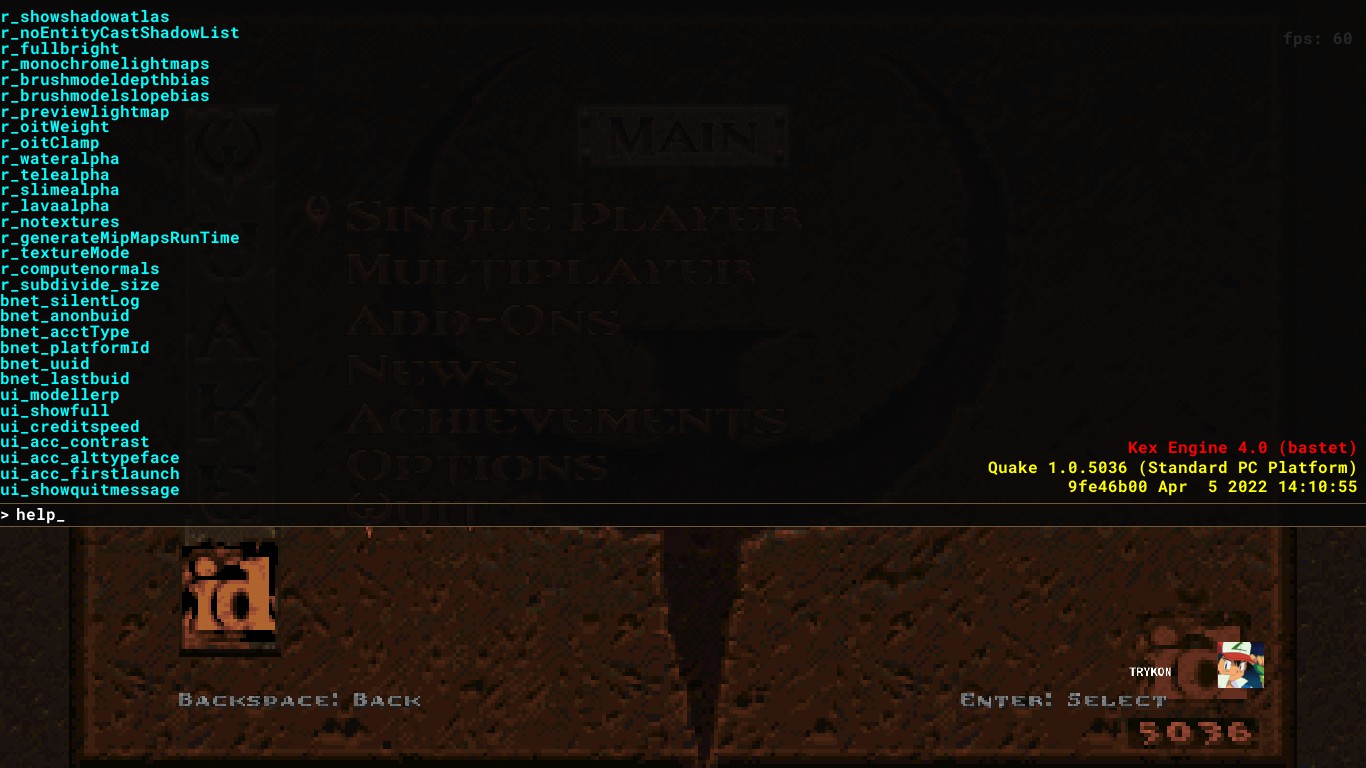
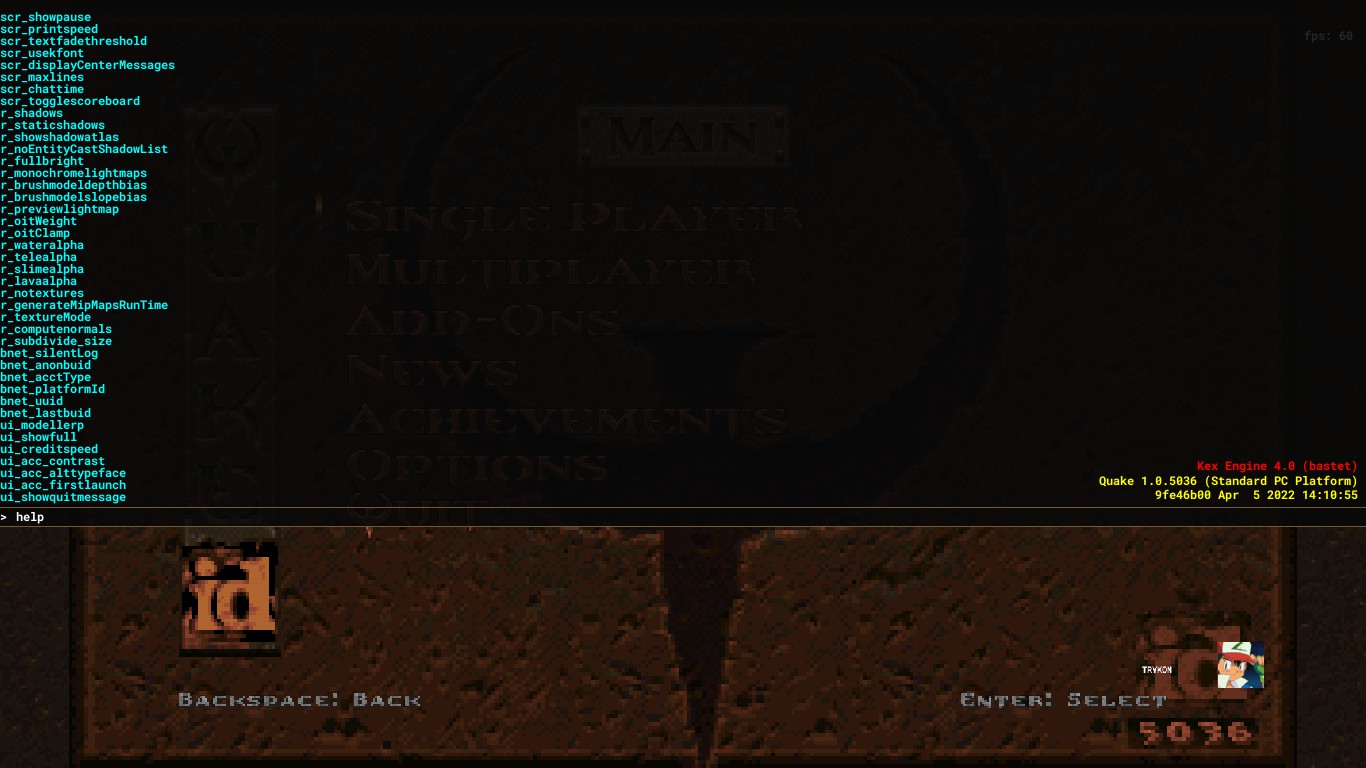
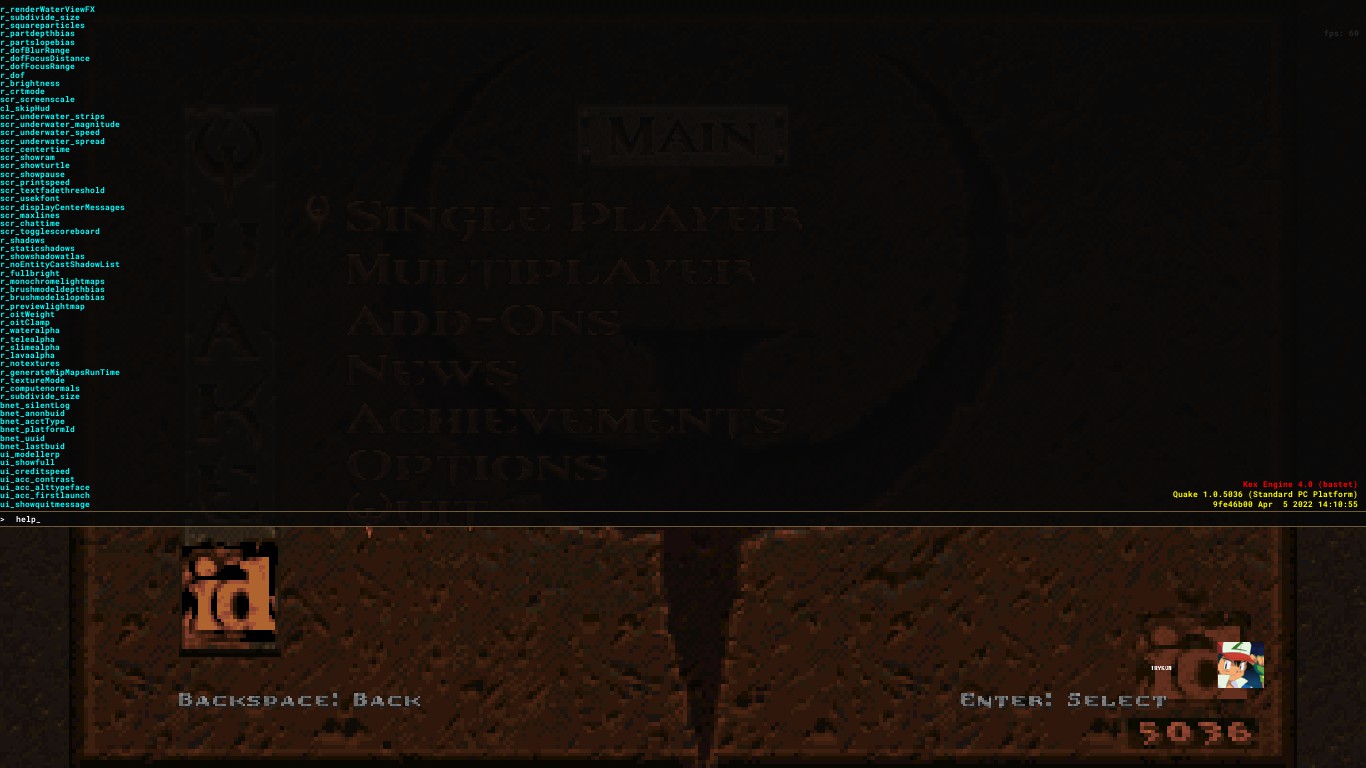
If you want to more console commands there are a bunch of websites and steam guides that tell you all the commands and what they do. Or you can just type "help" in console and it will show you all console commands.
15 条留言
Critoniuum 5 月 6 日 上午 12:30 
Quake 2 Kex has gun placement commands along the x, y, and z axis. Does Quake 1 have similar commands?
Non-Employee 2024 年 12 月 30 日 下午 9:15 
I tried a crosshair overlay, and they ARE off-center. However it seems to only be an issue when you're NOT using the Minimal hud. When using the Standard or Full hud, you can sometimes notice rockets or other projectiles going above where you point your crosshair.

I would mess with cl_crossy(and cl_crossx if you want) to get it where you want it.
Wonderfulness 2024 年 8 月 7 日 下午 9:44 
No they're not,
StrayHALO_MAN 2024 年 7 月 28 日 上午 8:10 
All of the crosshairs are off center.
The Wanderer 2024 年 4 月 22 日 上午 5:54 
Thanks for the quick reply! Worked like a charm
TRYKON  [作者] 2024 年 4 月 22 日 上午 2:52 
@The Wanderer Yes its possible.
Here's a small example: bind "k" "cl_drawViewModel 0; r_fov 100"

You need to add ; between commands. Remember that.
The Wanderer 2024 年 4 月 21 日 下午 4:02 
Hi! Is there a way to bind two or more commands to a key? I can bind a command to a key but I don't know how to bind multiple commands, if even possible.
Molochmolch 2023 年 10 月 10 日 上午 4:01 
r_renderwaterviewfx does not work for me :(
KD6-3.7 2023 年 8 月 25 日 上午 6:35 
I've noticed that Quake Enhanced includes a 'nomonsters' console command, set to either 1 or 0, unlike notarget, but when I set it to 1, it doesn't work. Does anyone have any ideas on how to get this to function properly?
Teal Master 2023 年 8 月 10 日 下午 2:29 
Now do one for Quake II. The r_fov command doesn't change anything. :'(