



安装 Steam
登录
|
语言
繁體中文(繁体中文)
日本語(日语)
한국어(韩语)
ไทย(泰语)
български(保加利亚语)
Čeština(捷克语)
Dansk(丹麦语)
Deutsch(德语)
English(英语)
Español-España(西班牙语 - 西班牙)
Español - Latinoamérica(西班牙语 - 拉丁美洲)
Ελληνικά(希腊语)
Français(法语)
Italiano(意大利语)
Bahasa Indonesia(印度尼西亚语)
Magyar(匈牙利语)
Nederlands(荷兰语)
Norsk(挪威语)
Polski(波兰语)
Português(葡萄牙语 - 葡萄牙)
Português-Brasil(葡萄牙语 - 巴西)
Română(罗马尼亚语)
Русский(俄语)
Suomi(芬兰语)
Svenska(瑞典语)
Türkçe(土耳其语)
Tiếng Việt(越南语)
Українська(乌克兰语)
报告翻译问题




 奖励
奖励



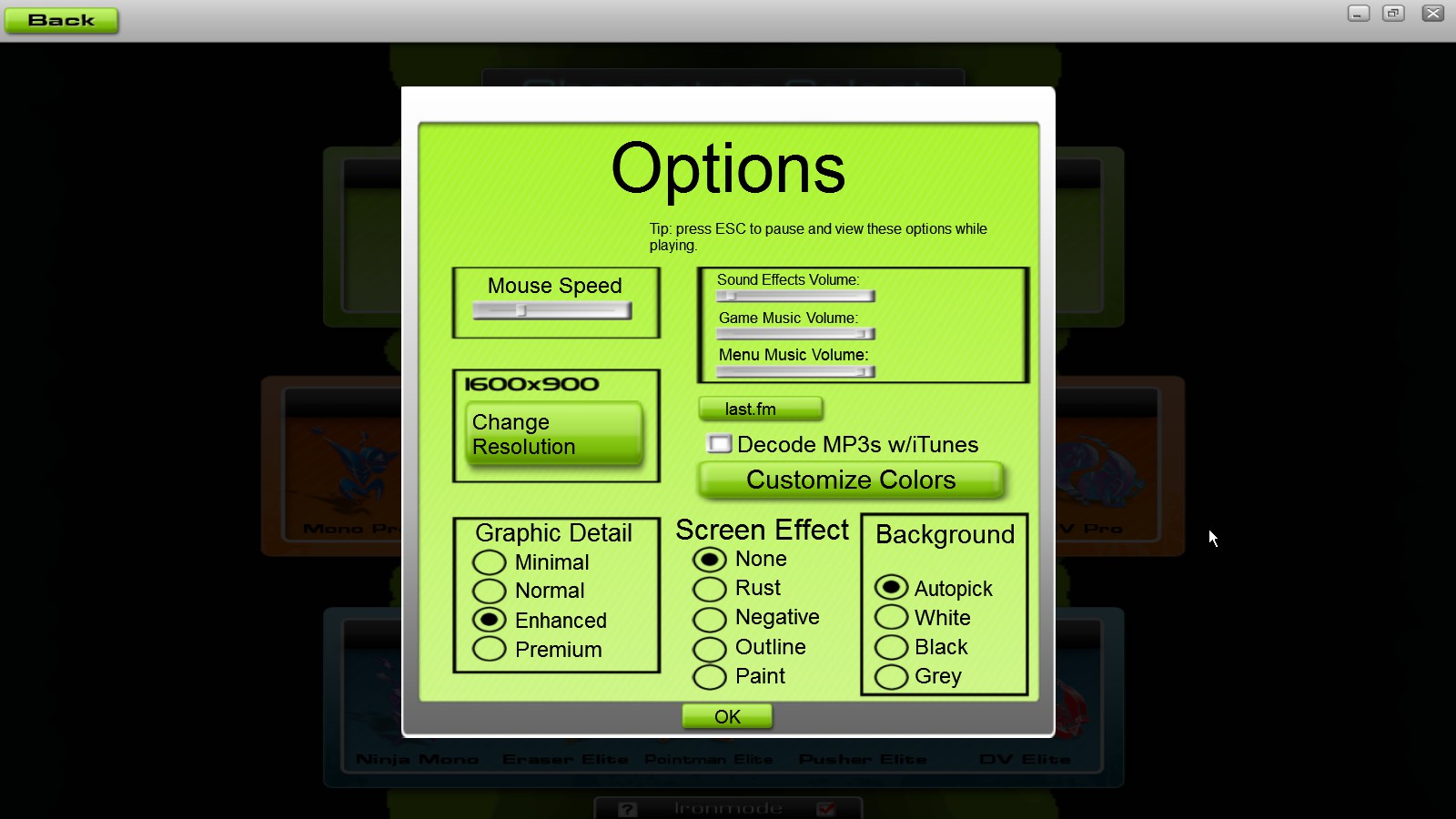
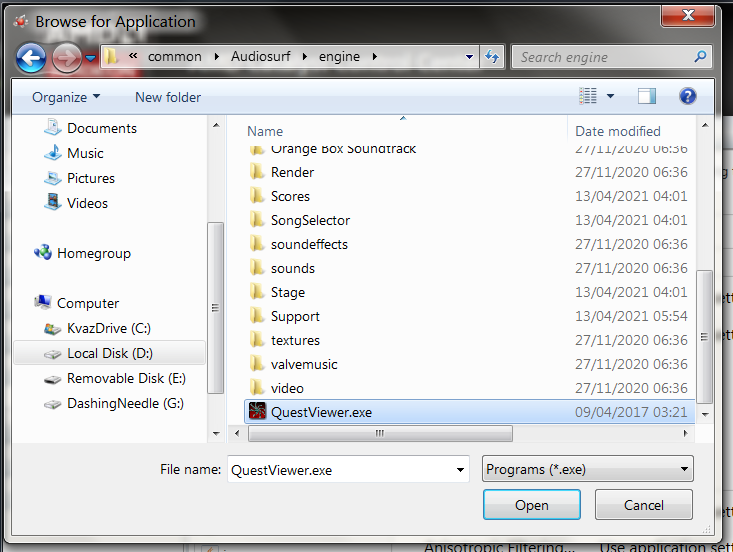
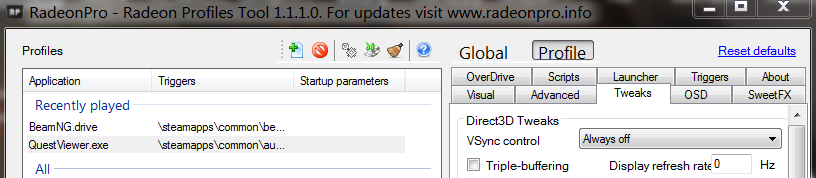
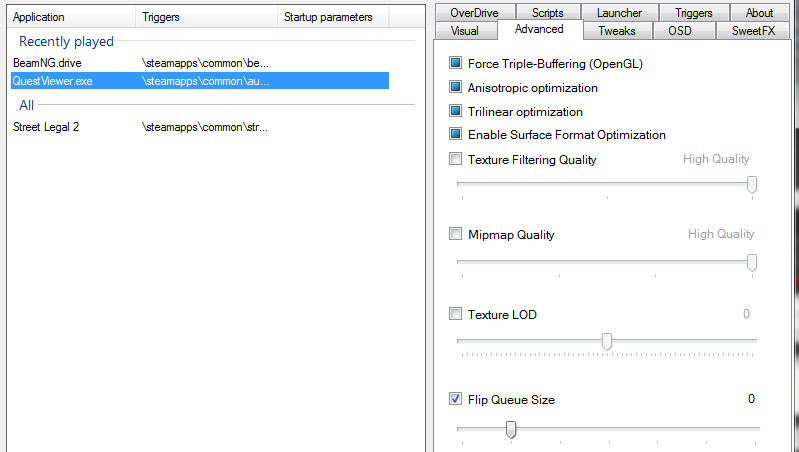
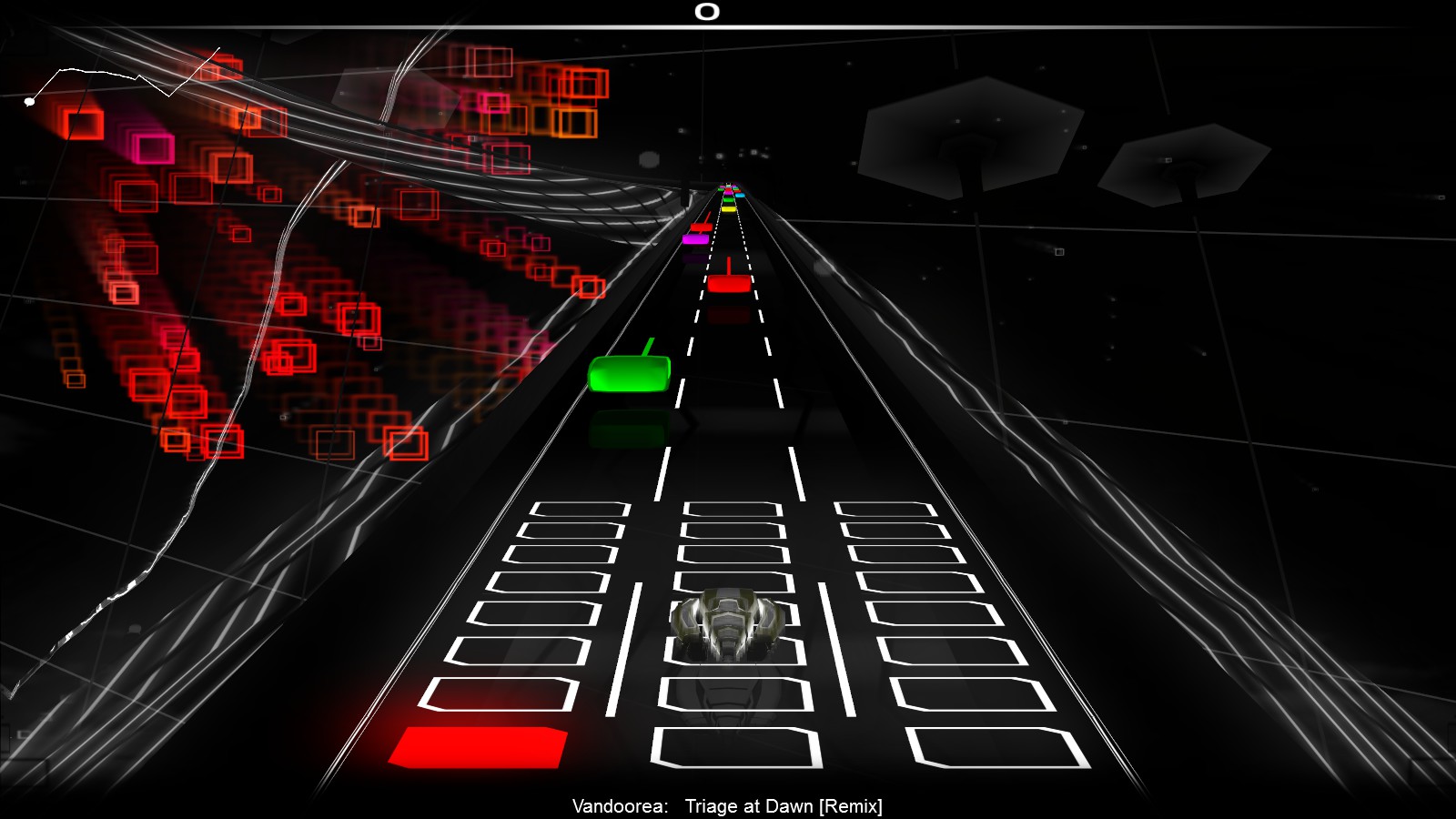
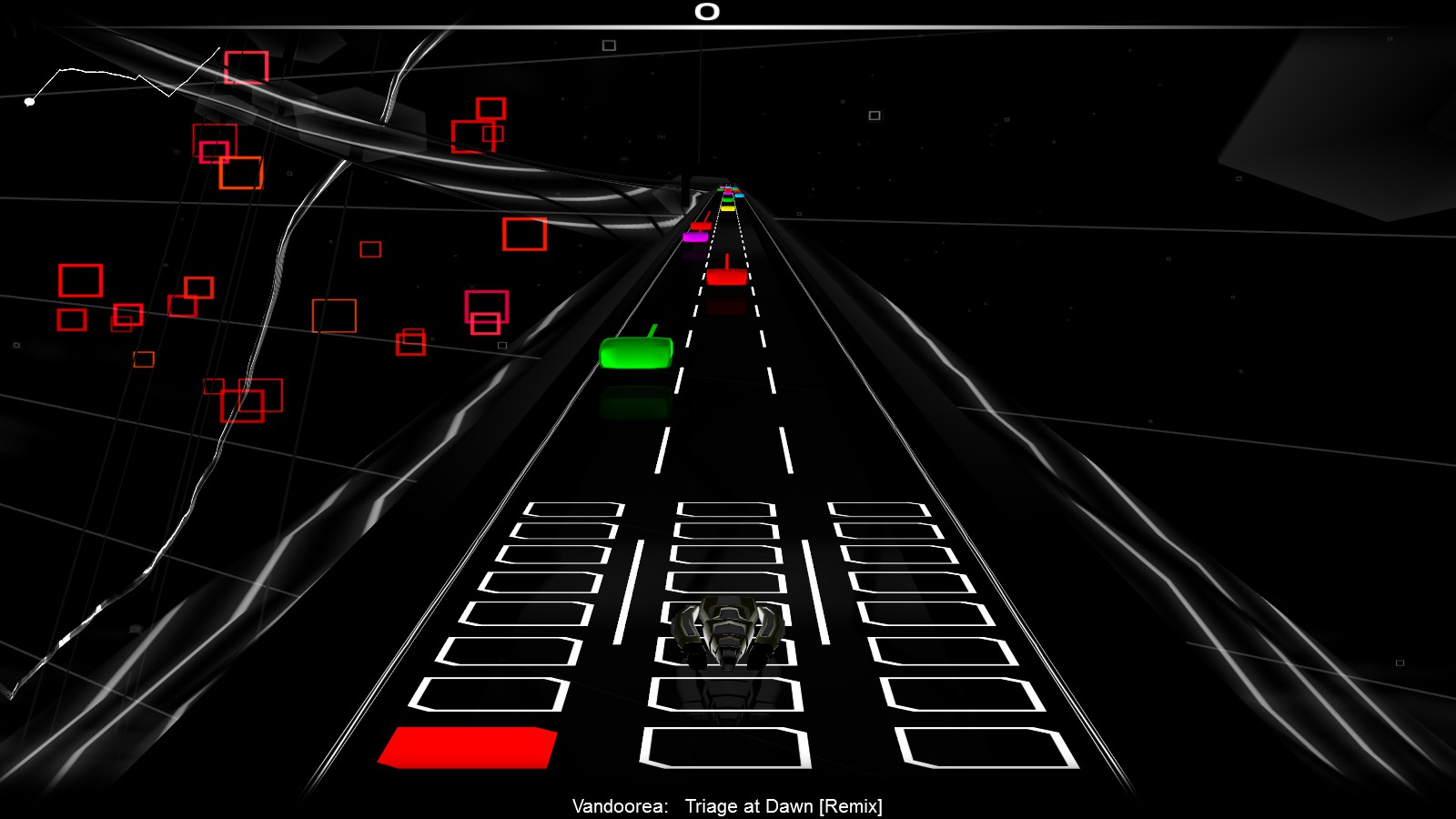
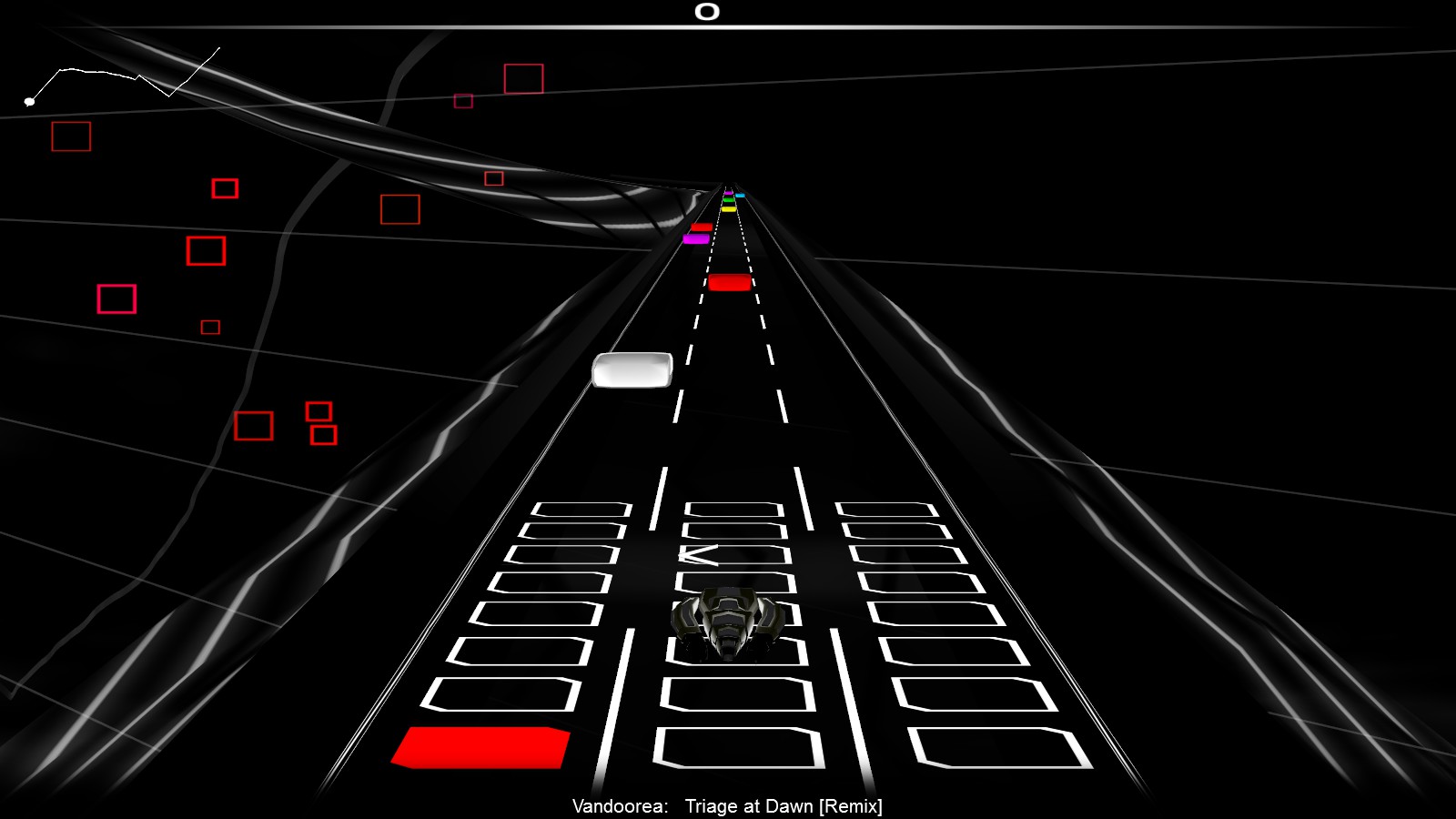



Some games like to set your monitor to a lower refresh rate too, which you can solve by deleting / editing resolutions via CRU. (Your monitor OSD should have an info panel showing refresh rate, or may show it after you switch inputs).
Does switching to windowed mode make the problem go away?
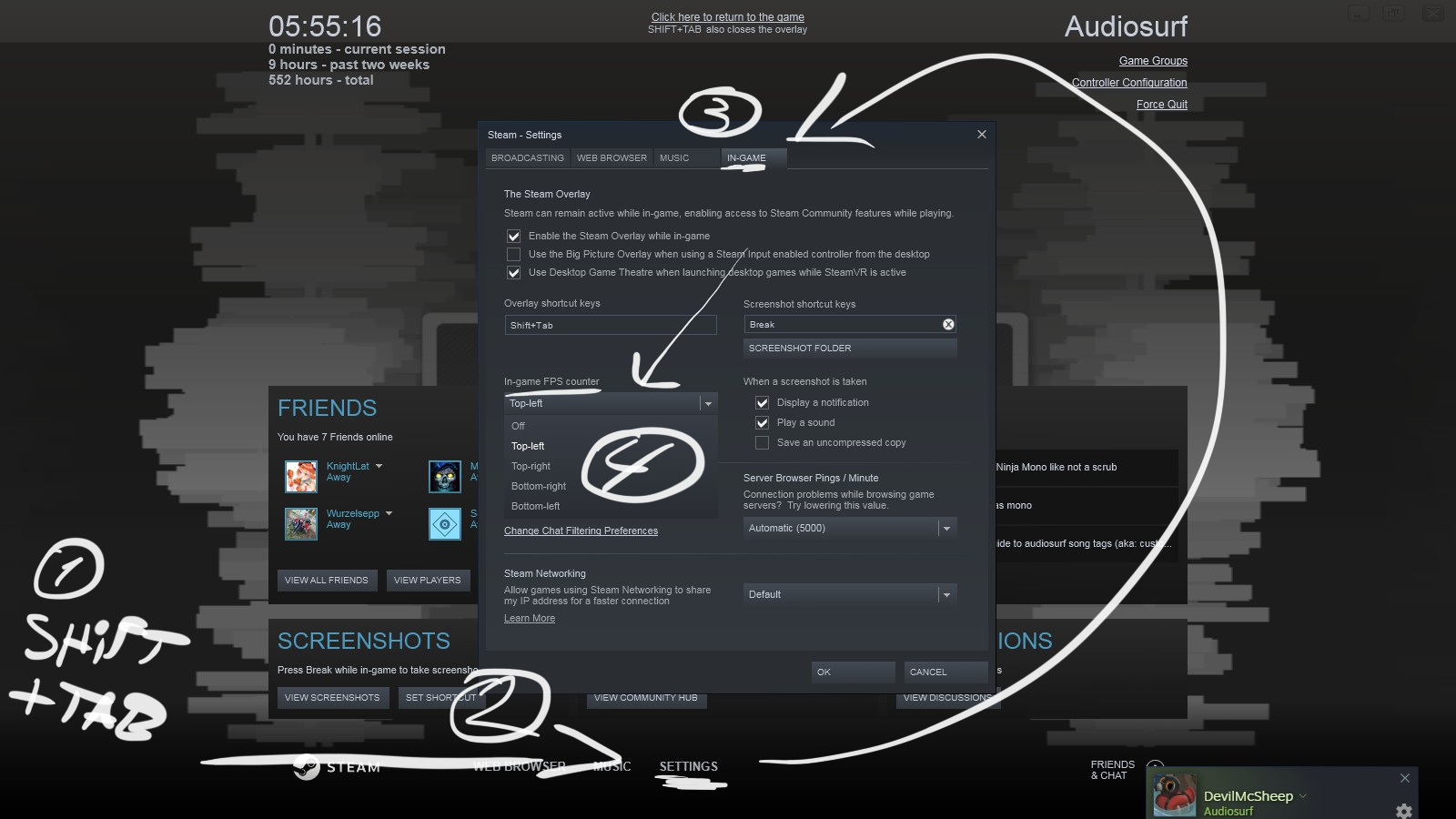
Is this 30fps something you're measuring by feel, or do you have Steam overlay/Riva/whatever measuring framerate? So it's locked at exactly 30?
ive tried everything above btw
Hope that you do! Nerdy details are always interesting! (:
Apparently so! :D
Thanks, added this to the guide! :)
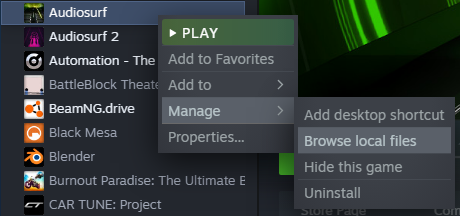
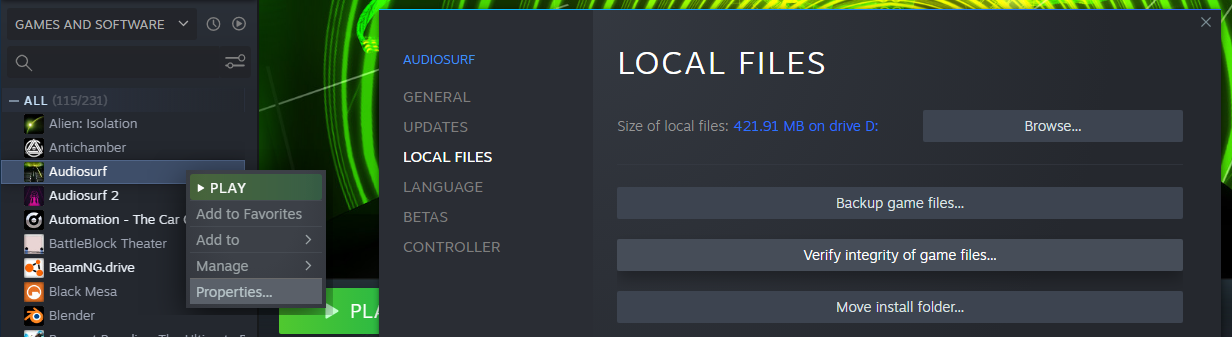
For example for me, the location of the config is C:\Program Files (x86)\Steam\steamapps\common\Audiosurf\engine\options.ini
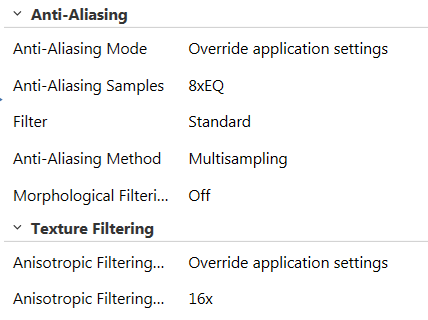
The AA value in the config goes up to 8.