



Zainstaluj Steam
zaloguj się
|
język
简体中文 (chiński uproszczony)
繁體中文 (chiński tradycyjny)
日本語 (japoński)
한국어 (koreański)
ไทย (tajski)
български (bułgarski)
Čeština (czeski)
Dansk (duński)
Deutsch (niemiecki)
English (angielski)
Español – España (hiszpański)
Español – Latinoamérica (hiszpański latynoamerykański)
Ελληνικά (grecki)
Français (francuski)
Italiano (włoski)
Bahasa Indonesia (indonezyjski)
Magyar (węgierski)
Nederlands (niderlandzki)
Norsk (norweski)
Português (portugalski – Portugalia)
Português – Brasil (portugalski brazylijski)
Română (rumuński)
Русский (rosyjski)
Suomi (fiński)
Svenska (szwedzki)
Türkçe (turecki)
Tiếng Việt (wietnamski)
Українська (ukraiński)
Zgłoś problem z tłumaczeniem









 Przyznaj nagrodę




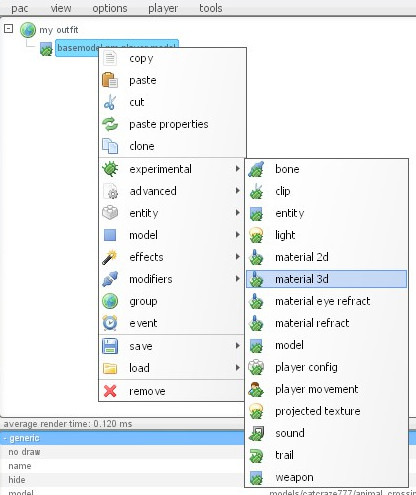
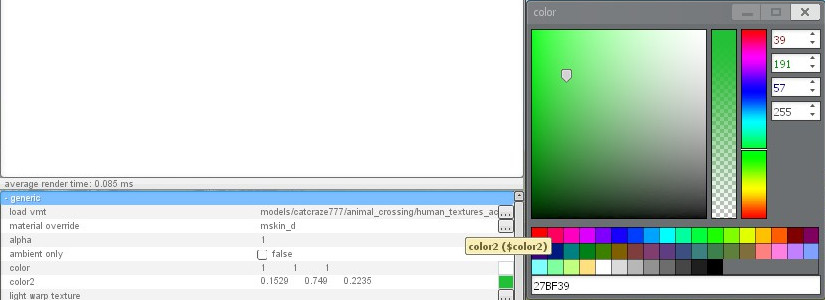
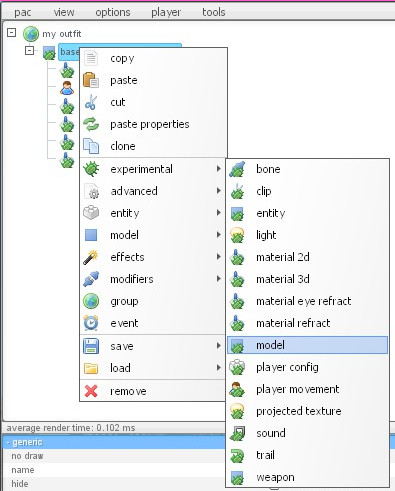
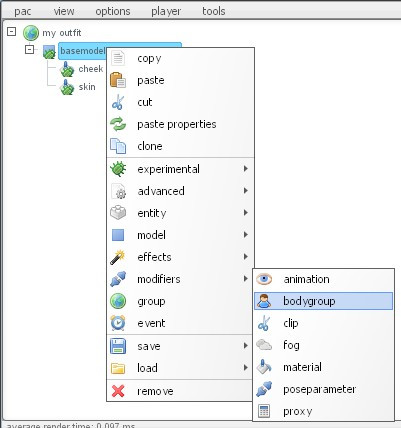





{
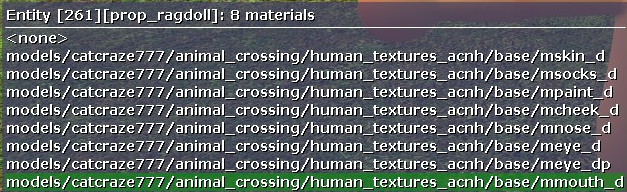
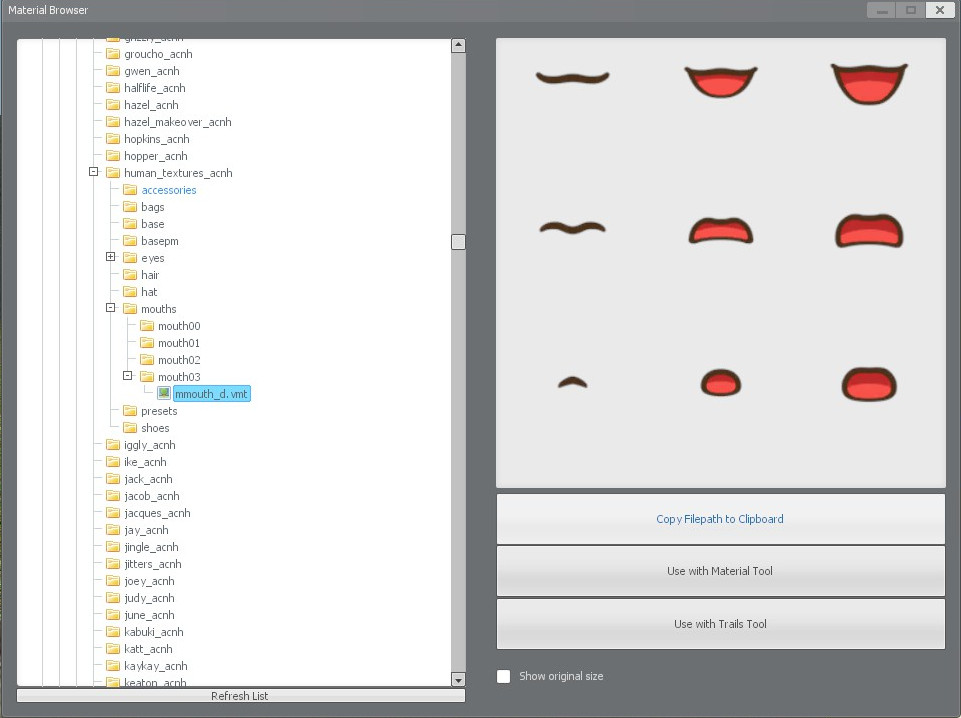
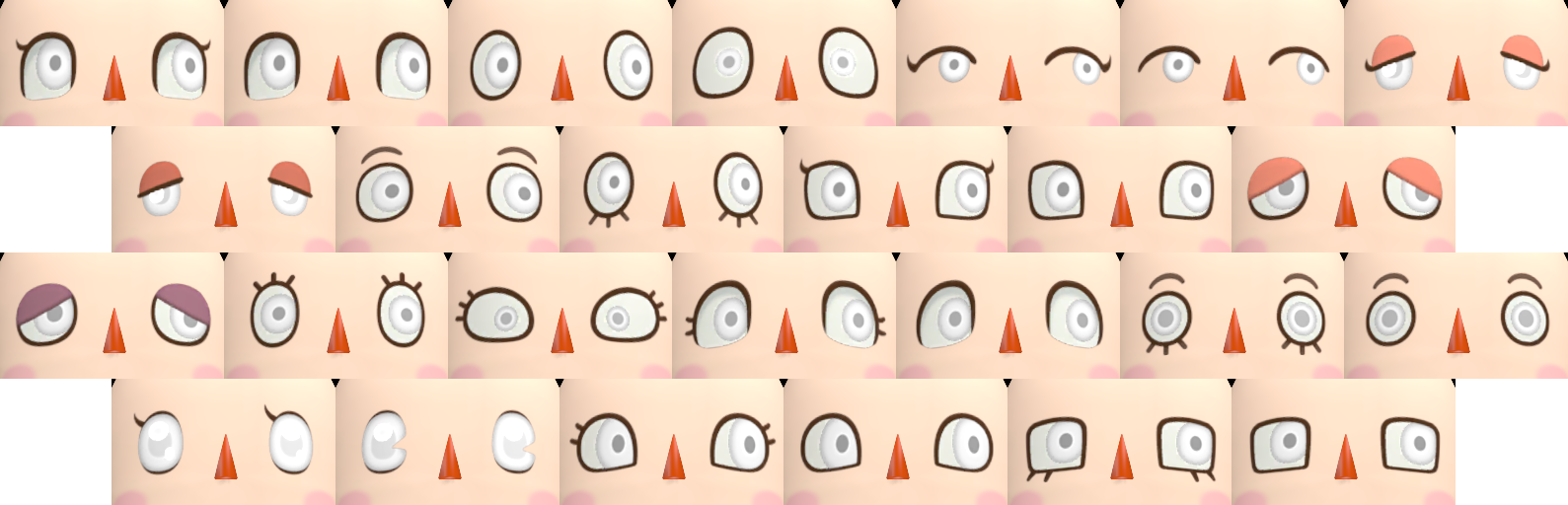
"$basetexture" "models\catcraze777\animal_crossing\human_textures_acnh\eyes\Eye16\mEye0_DP"
"$bumpmap" "models\catcraze777\animal_crossing\human_textures_acnh\eyes\Eye16\mEye0_N"
"$phongdisablehalflambert" "1"
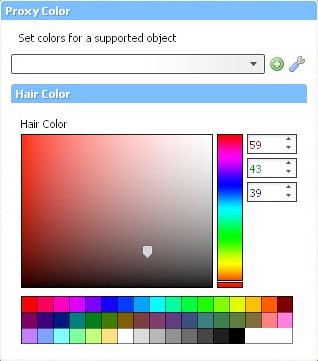
"$color2" "《《[3.4 0.101 0.48]"》》
"$translucent" "1"
"$phongexponenttexture" "models\catcraze777\animal_crossing\human_textures_acnh\eyes\defaultE"
"$phong" "1"
"$phongboost" "23.076"
"$phongfresnelranges" "[0 .225 1]"
}
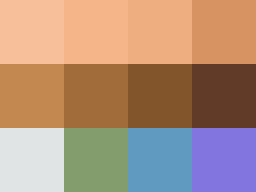
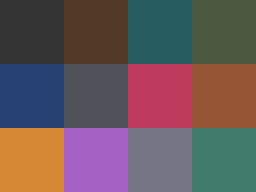
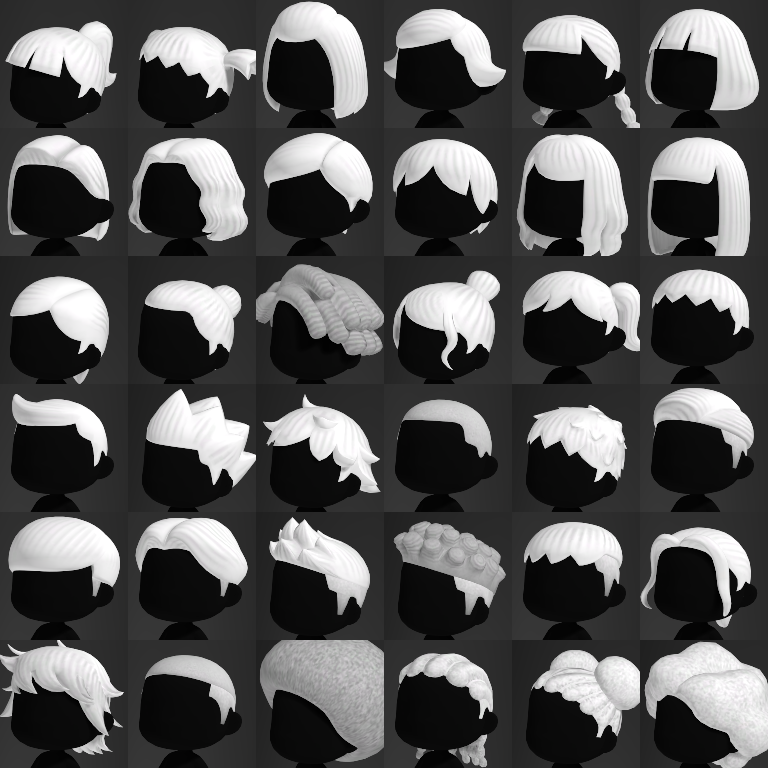
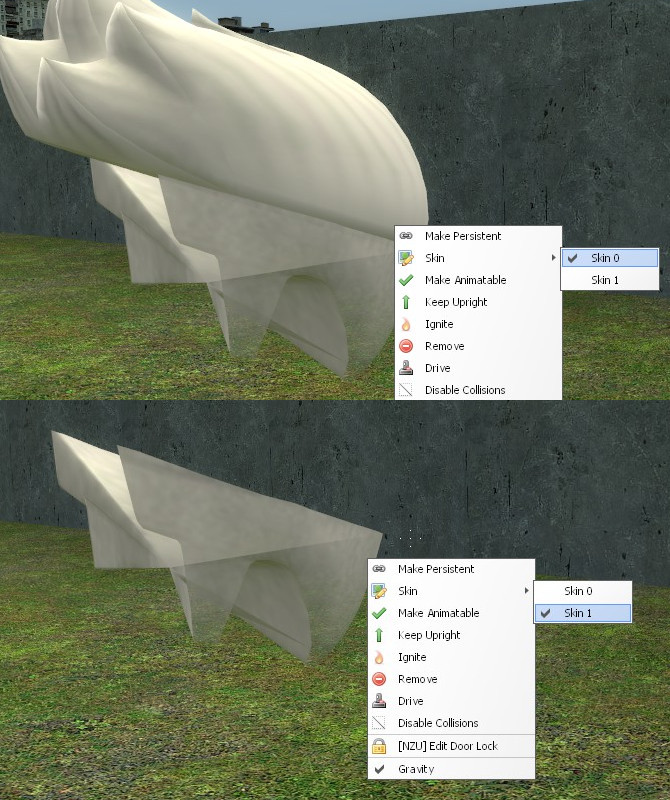
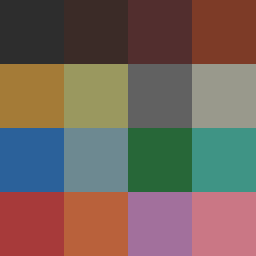
Can anyone tell me the corresponding number of skin, eyes and hair color?
Use the Material URL Tool
It worked for me
(Just make sure you use imgur)
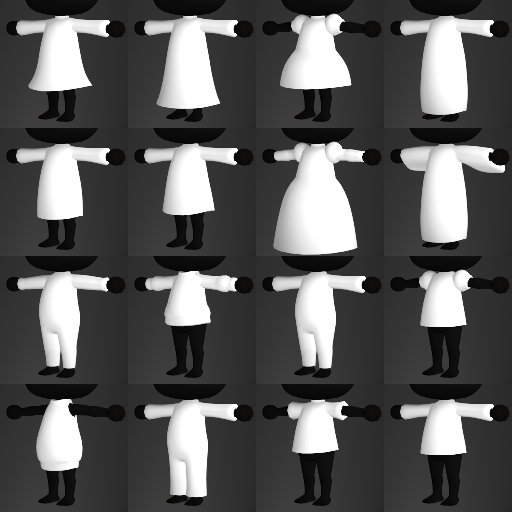
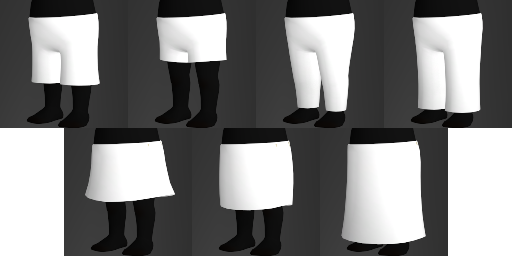
all clothing that uses the shirt/dress/skirt/bottom models use transparency to create the illusion of different clothing
it will be in the name of the texture which one you should use out of the above list