



安装 Steam
登录
|
语言
繁體中文(繁体中文)
日本語(日语)
한국어(韩语)
ไทย(泰语)
български(保加利亚语)
Čeština(捷克语)
Dansk(丹麦语)
Deutsch(德语)
English(英语)
Español-España(西班牙语 - 西班牙)
Español - Latinoamérica(西班牙语 - 拉丁美洲)
Ελληνικά(希腊语)
Français(法语)
Italiano(意大利语)
Bahasa Indonesia(印度尼西亚语)
Magyar(匈牙利语)
Nederlands(荷兰语)
Norsk(挪威语)
Polski(波兰语)
Português(葡萄牙语 - 葡萄牙)
Português-Brasil(葡萄牙语 - 巴西)
Română(罗马尼亚语)
Русский(俄语)
Suomi(芬兰语)
Svenska(瑞典语)
Türkçe(土耳其语)
Tiếng Việt(越南语)
Українська(乌克兰语)
报告翻译问题





 奖励
奖励






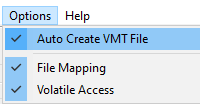




If so, check your qc file (specifically look for where it says $cdmaterials) and your vmt file (specifically $basetexture) and make sure they have the same filepath (case sensitive).
If they do not have the same path, this would happen.
https://psteamcommunity.yuanyoumao.com/sharedfiles/filedetails/?id=444750868
(In case steam removes the link, search Auto-Rigger v1.9 for Biped Models, or just auto rigger)
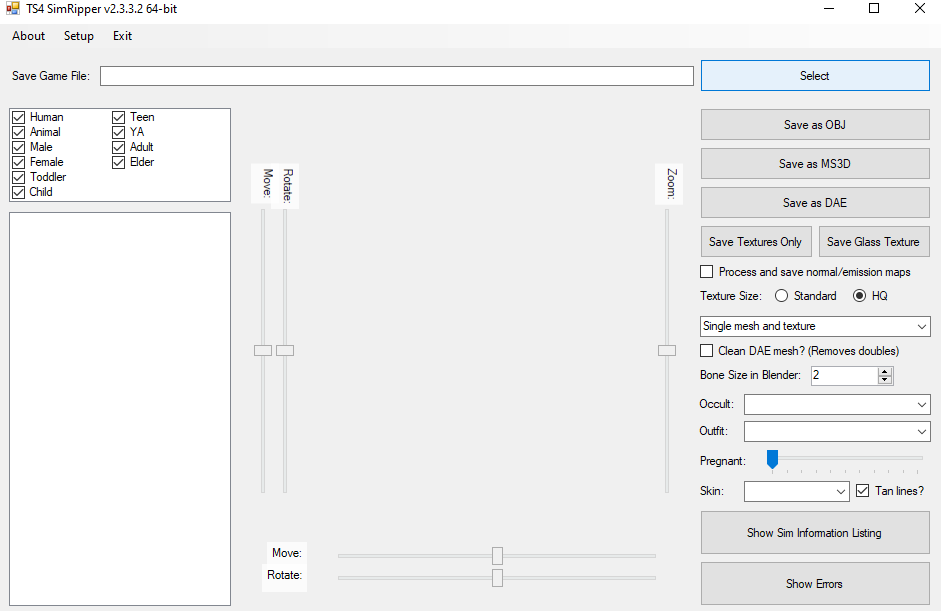
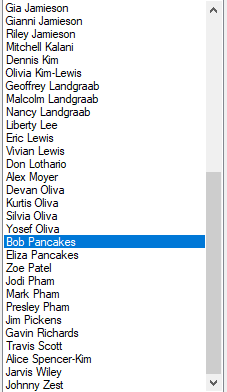
Select the sim you want to port to sfm to in the bottom left
(It should be the first and last name of you're sim) and select the outfit you want them to have (Bottom right side of the screen underneath occult)
that part. I select the sim, and then "working..." then that "Unhandled error exception" popped up.