



安装 Steam
登录
|
语言
繁體中文(繁体中文)
日本語(日语)
한국어(韩语)
ไทย(泰语)
български(保加利亚语)
Čeština(捷克语)
Dansk(丹麦语)
Deutsch(德语)
English(英语)
Español-España(西班牙语 - 西班牙)
Español - Latinoamérica(西班牙语 - 拉丁美洲)
Ελληνικά(希腊语)
Français(法语)
Italiano(意大利语)
Bahasa Indonesia(印度尼西亚语)
Magyar(匈牙利语)
Nederlands(荷兰语)
Norsk(挪威语)
Polski(波兰语)
Português(葡萄牙语 - 葡萄牙)
Português-Brasil(葡萄牙语 - 巴西)
Română(罗马尼亚语)
Русский(俄语)
Suomi(芬兰语)
Svenska(瑞典语)
Türkçe(土耳其语)
Tiếng Việt(越南语)
Українська(乌克兰语)
报告翻译问题










 奖励
奖励



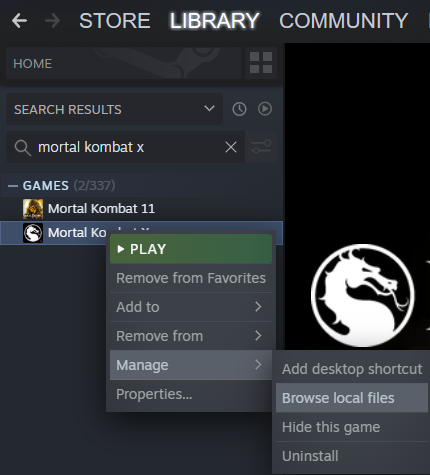
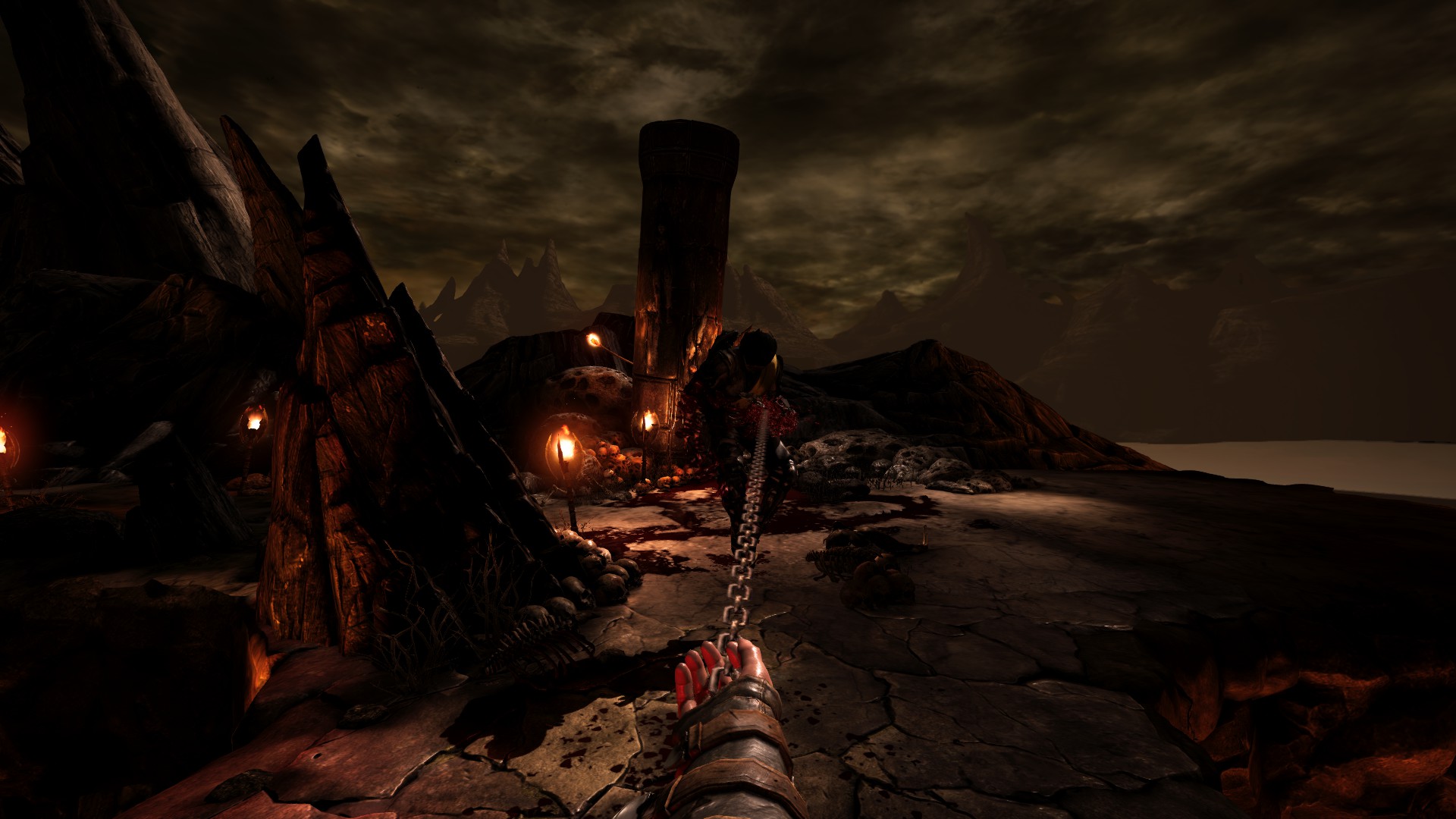
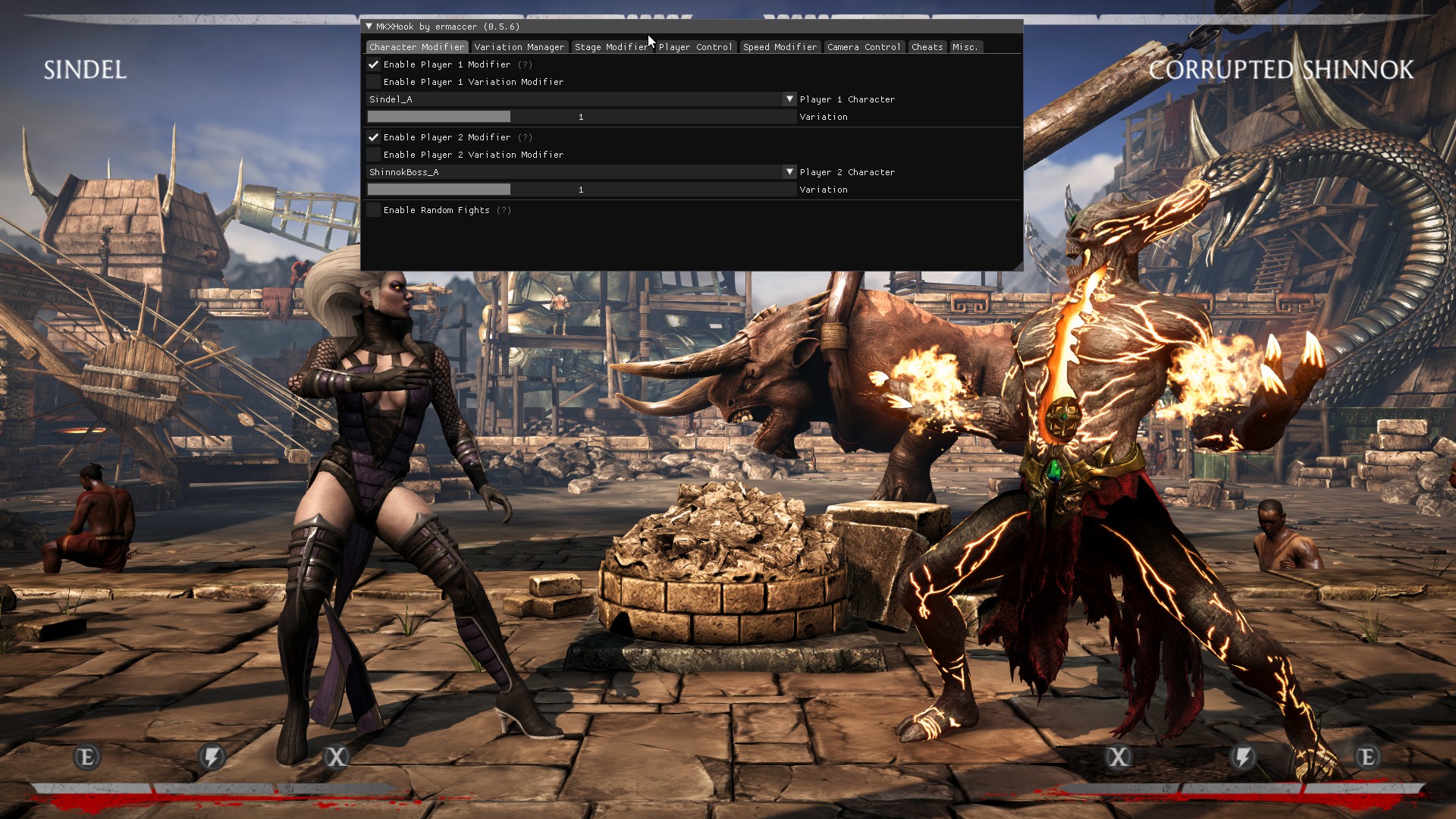


Open the game running the hook.
Press F1 to access the menu.
Click on Settings
Then Keys.
Then hit save, this will generate a user .ini file in the folder where the hook is installed.
Exit the game and go to the location of the hook install and open the user.ini file mentioned.
In there there will be two lines that you need to edit:
iToggleCustomCamKey & iResetStageInteractablesKey
Both will end with =0, simply change the 0 to another keybind. I used 107 and 135H which is the multiply key and F24 respectfully since you won't ever need to use these keys ingame.
Save the file.
Load up the game and you are good to go.
There is also a constant banner while in the main menu about "Custom Banners can only be activated in-game!" So I suspect there is some phantom input happening.
Does anyone know how to fix this?