猎杀:对决 1896

猎杀:对决 1896

91 个评价
HUD HIDE
由 caves 制作
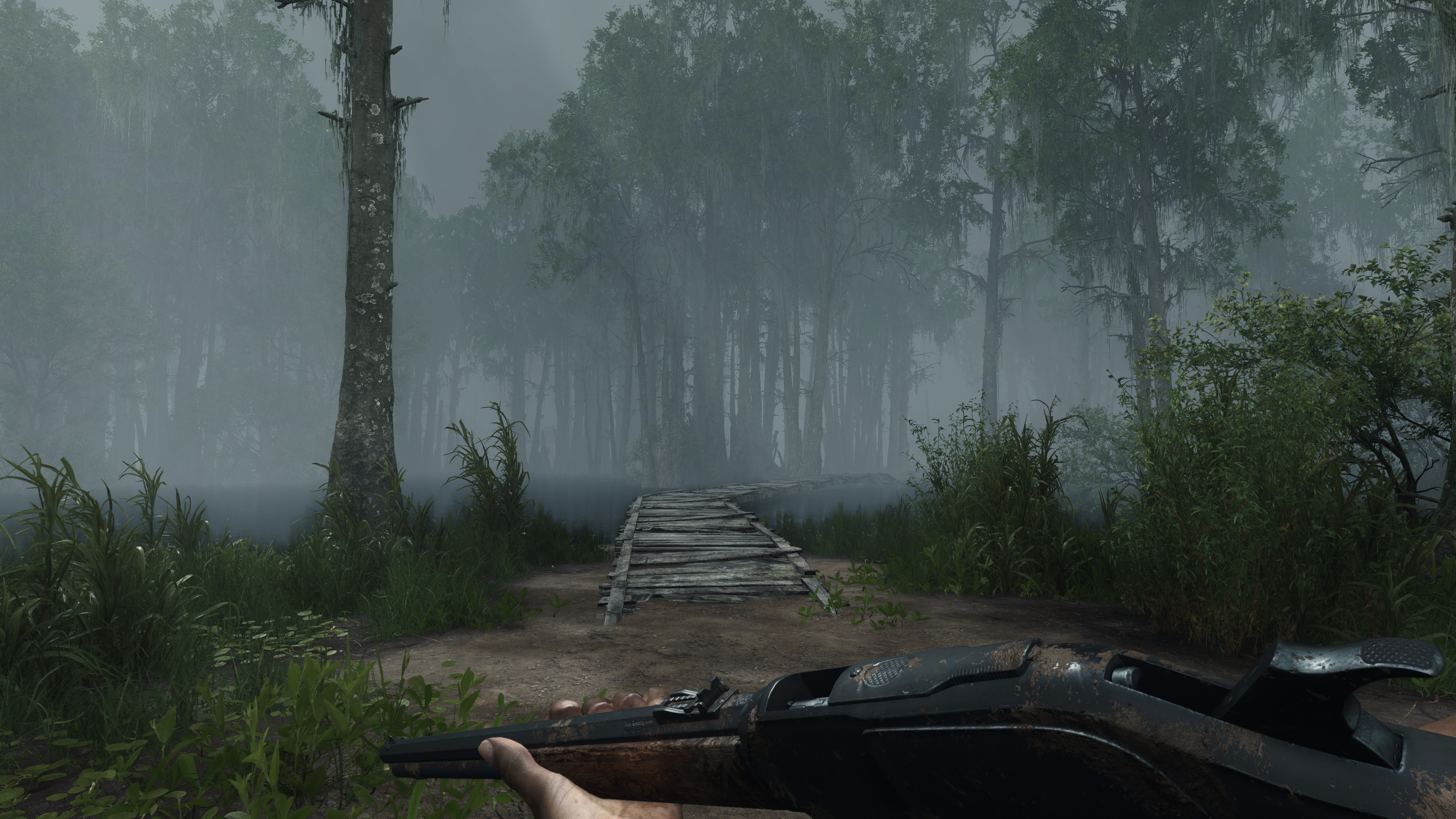
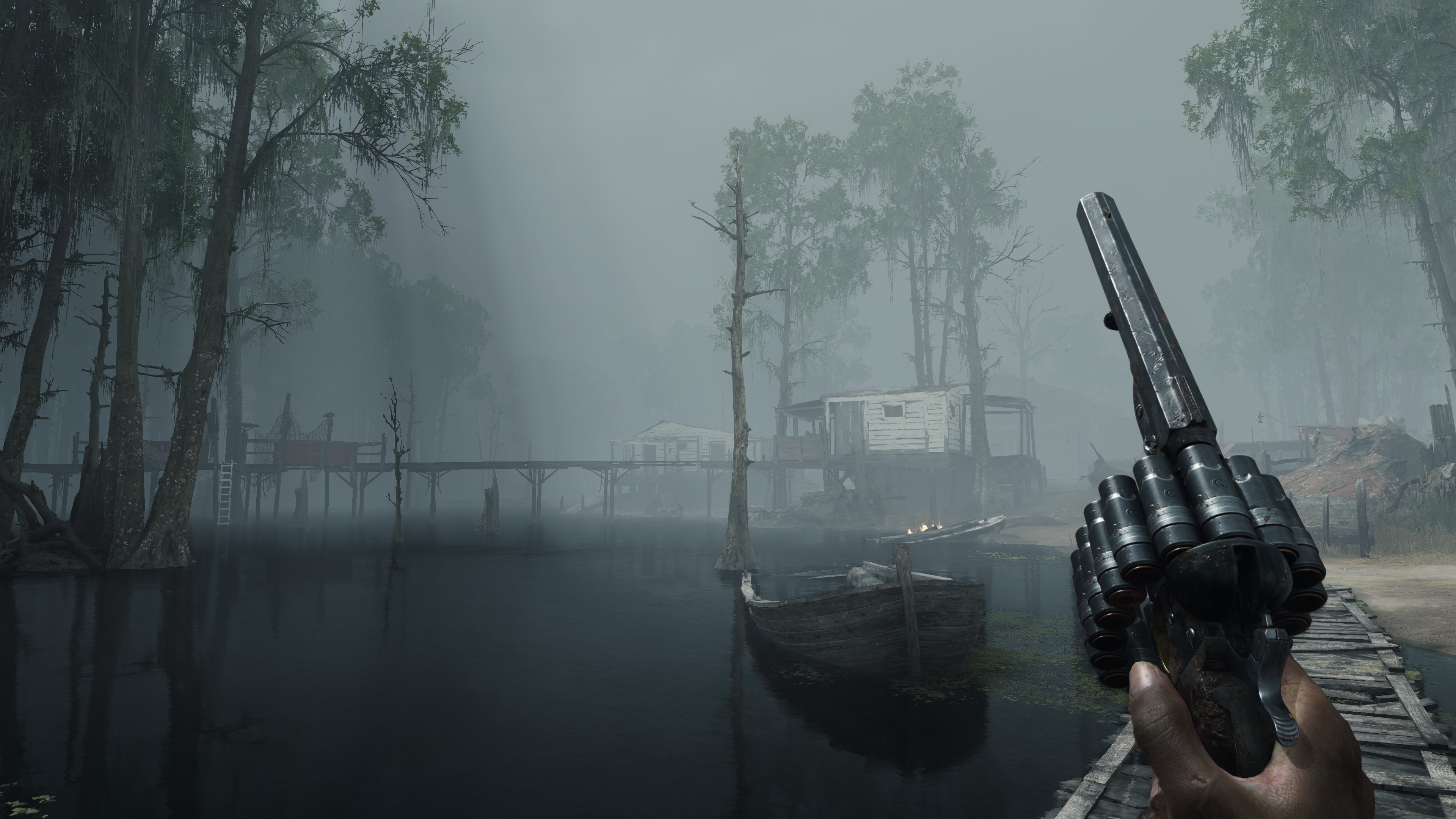
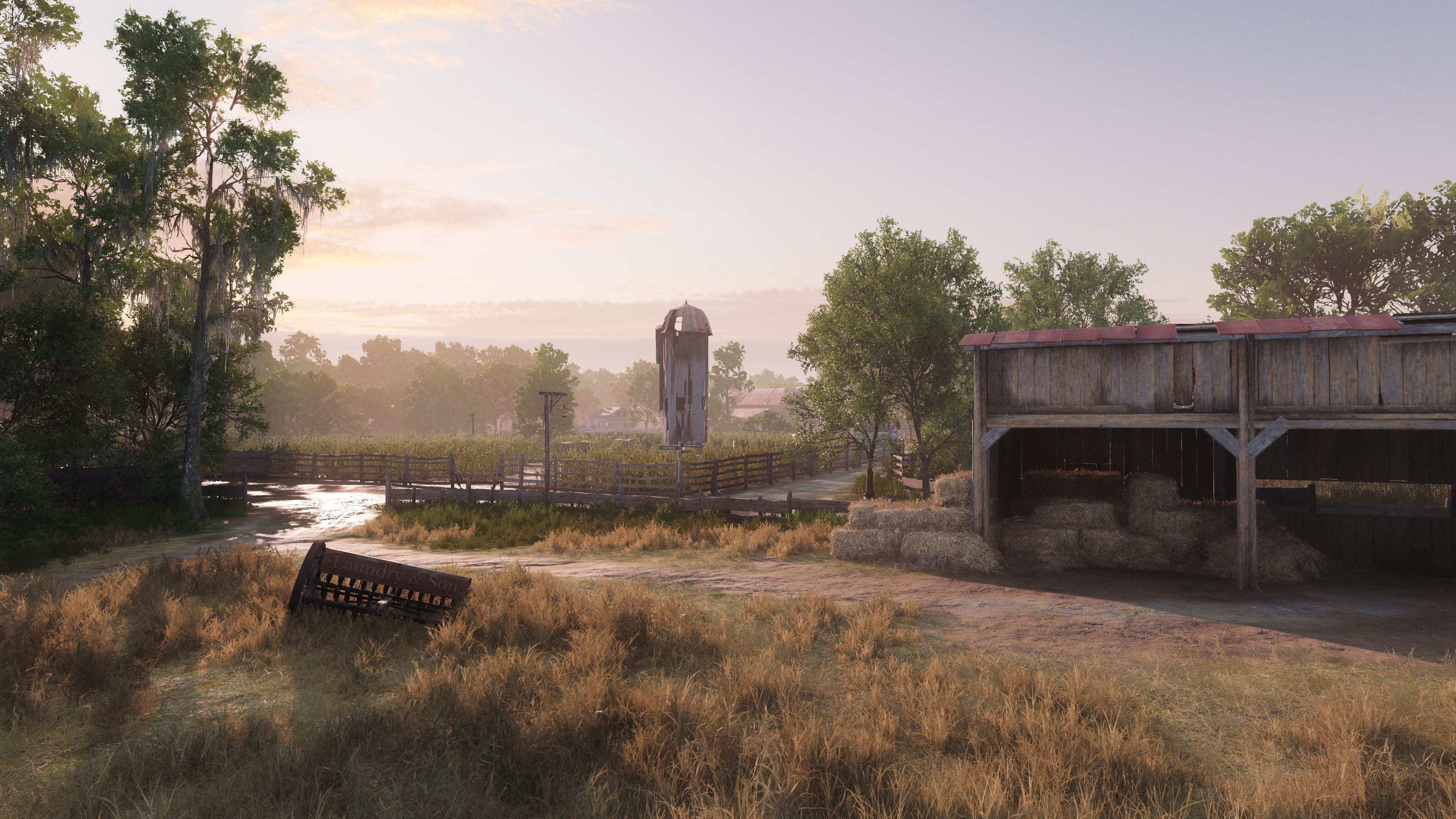
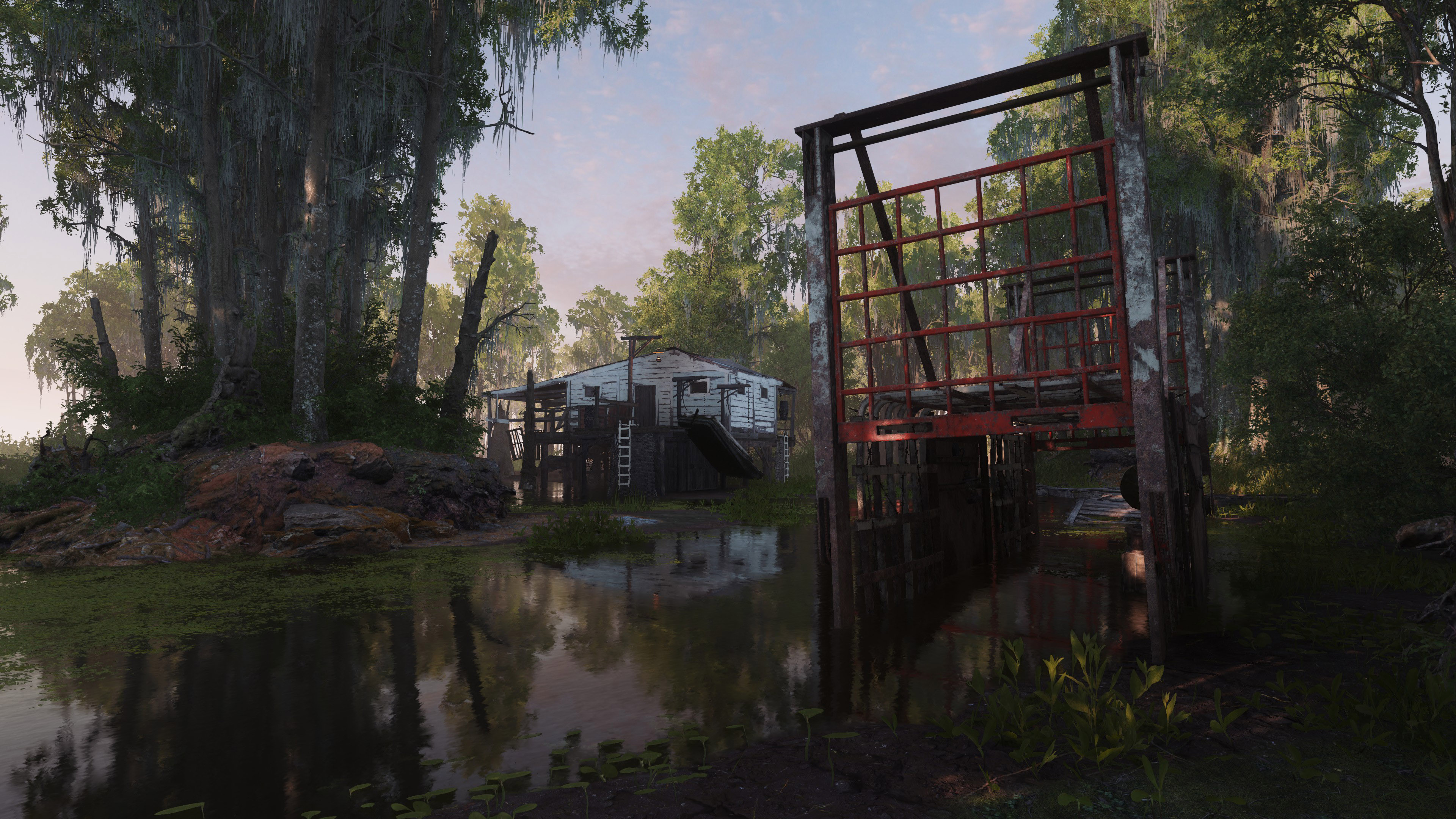
Eng: This guide describes how to hide the interface, as well as how to hide hands and weapons. The guide will be useful for those who want to take a beautiful screenshot, record a video without an interface, or just immerse themselves in the atmosphere of the game.

Ru: В этом руководстве описан способ, как скрыть интерфейс, а также возможность скрыть руки и оружие. Руководство будет полезно тем, кто хочет сделать красивый скриншот, записать видео без интерфейса или просто погрузится в атмосферу игры.

2
4
   
奖励
收藏
已收藏
取消收藏
introduction


All subsequent actions will be performed in the console. The commands that will be used in the guide are not prohibited by developers. If they were banned, they wouldn't work at all


Все последующие действия будут выполнены в консоли. Команды, которые будут использоваться в руководстве, не запрещены разработчиками. Если бы их запретили, они бы вообще не работали.
developer console
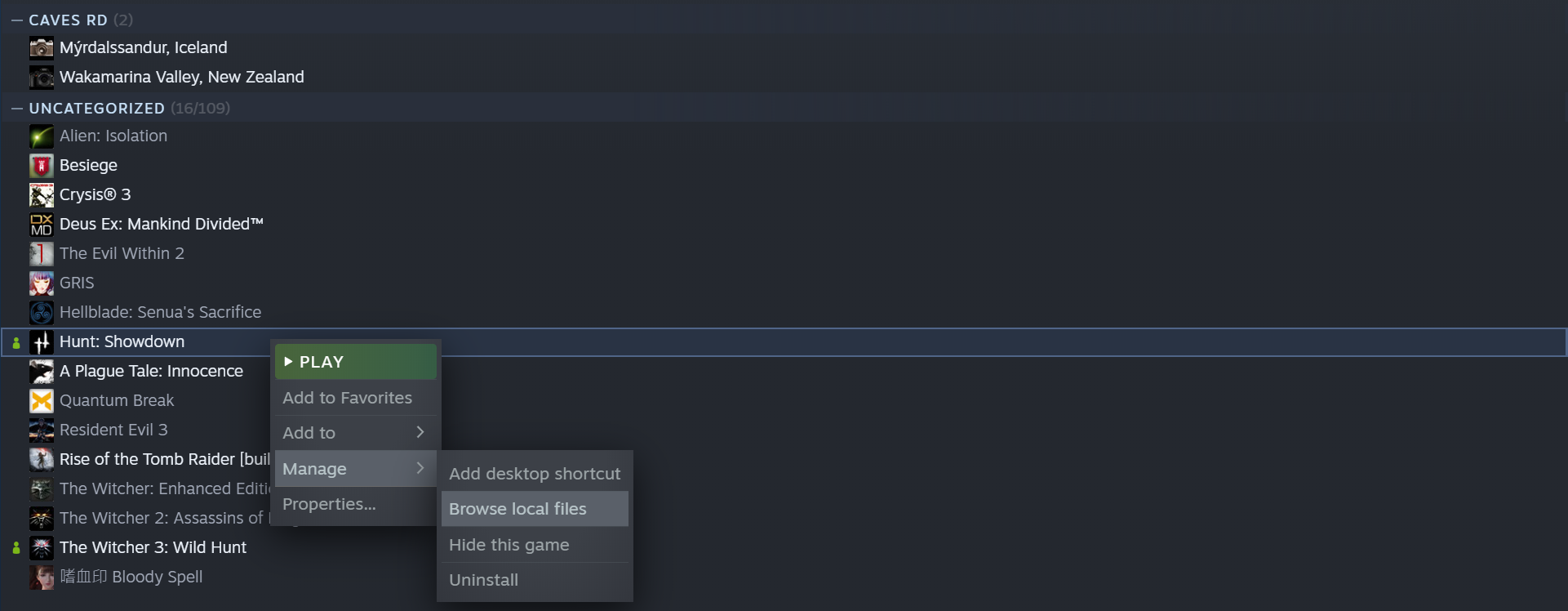
1. Open the location of the game.

Открываем расположение игры.


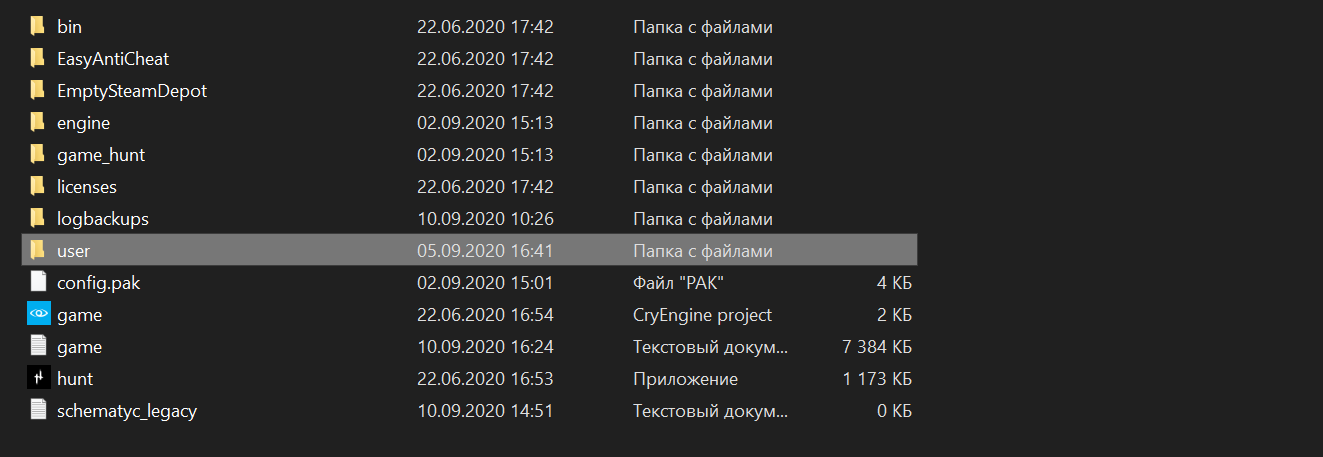
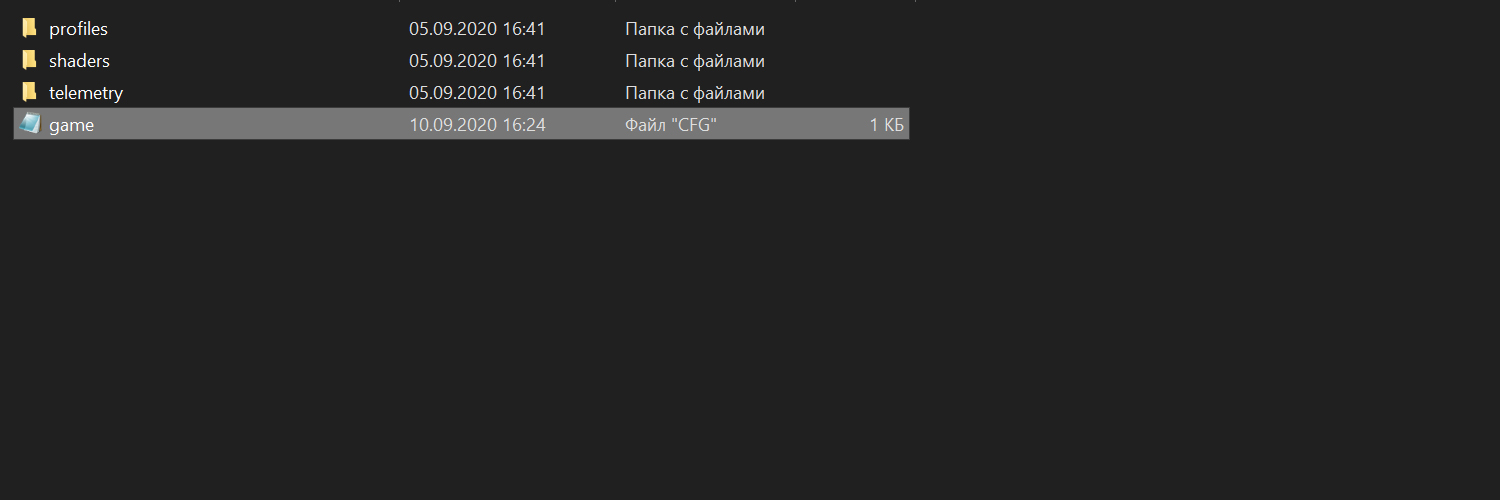
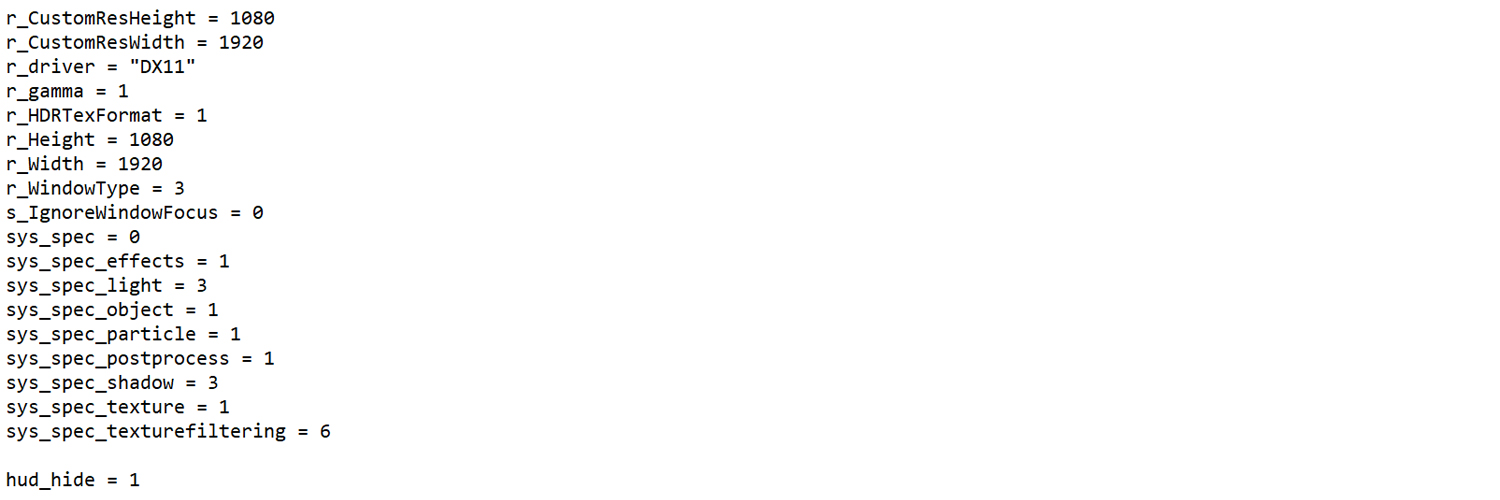
2. Opening file «game» using a text editor and enter the desired command, for example «hud_hide».

Открываем файл «game» с помощью текстового редактора и вписываем нужную команду, например «hud_hide».


3. Be sure to set the «read-only» attribute after you save the modified file.

Обязательно установите атрибут «только чтение» после того, как вы сохраните измененный файл.
сonsole commands
hud_hide = [0/1]
[1] enable
[2] disable

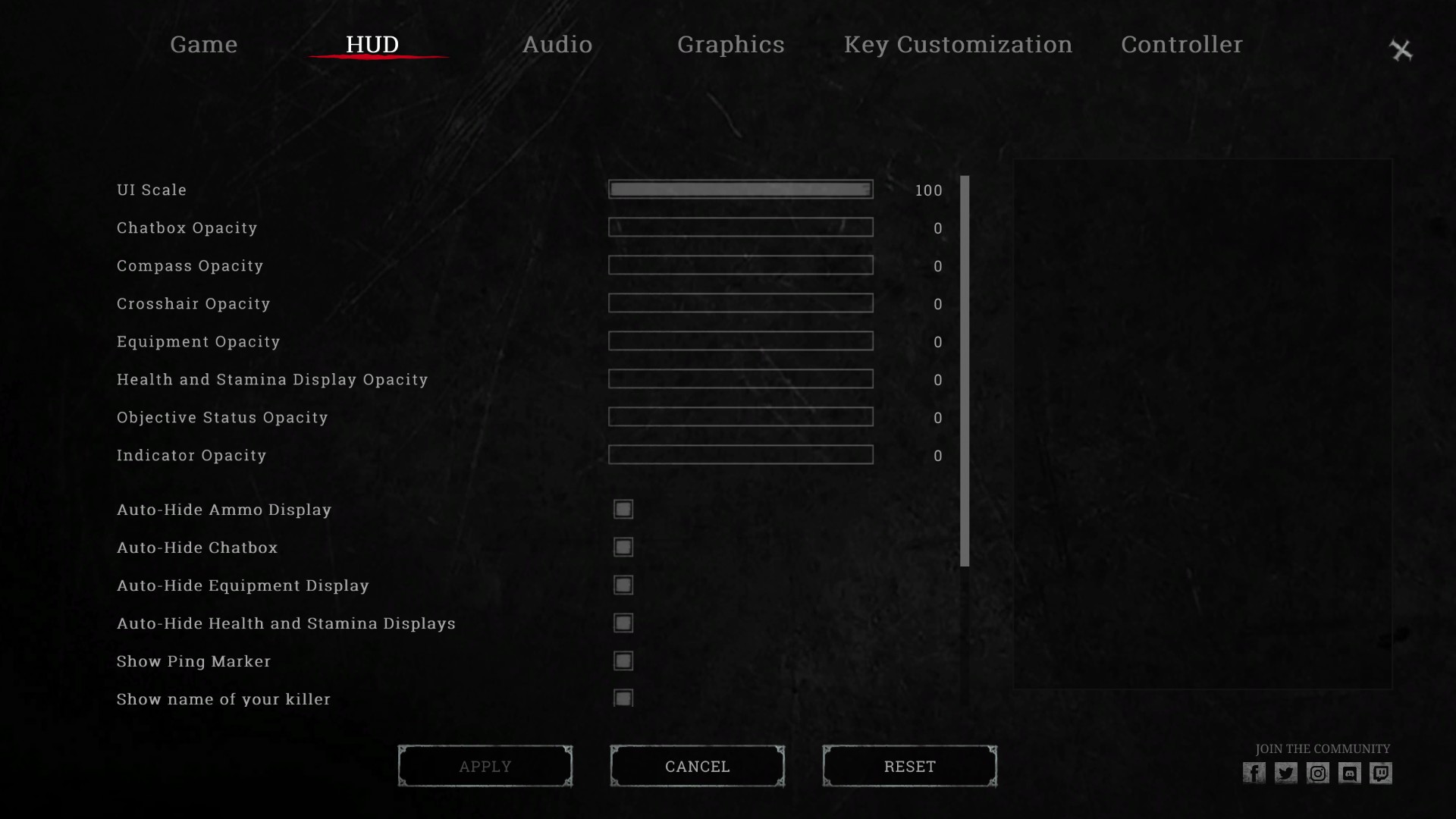
A command that completely disables the entire interface, including the boss icons. During the game, some interface elements may appear on the screen, so additionally disable them in the game settings.


Команда, которая полностью отключает весь интерфейс, в том числе значки боссов. В процессе игры некоторые элементы интерфейса могут появиться на экране, поэтому дополнительно отключите их в настройках игры.


r_NoDrawNear = [0/1]
[1] enable
[2] disable

A command that disables drawing near objects, such as hands and weapons. You just won't see them


Команда, которая выключает отрисовку ближних объектов, а это руки и оружие. Вы просто не будите их видеть.


conclusion
Thanks for your attention! I hope in the future developers will add the ability to disable the interface completely. Drop your screenshots :)


Спасибо за внимание! Надеюсь в будущем разработчики добавят возможность отключать интерфейс полностью. Скидывайте ваши скриншоты :)


55 条留言
Kelvin 2024 年 10 月 17 日 上午 9:53 
Yo, one question, is there a command I can use to only turn off the glowing blue highlights on teammate hunters? Its like the one thing that doesnt look good of the HUD and there is no setting to turn it off.
Kriipah 2024 年 7 月 10 日 上午 8:50 
Since "r_NoDrawNear = 1" no longer works, I found another method to take photos. I entered the trials bare handed and used Q to switch between my equipment and took a photo in the split second where my hands were invisible "switching weapons". This method works only for a photoshoot. For cinematics, there is nothing we can do :D. Sorry Kirk.
TTV Kirk_2223 2024 年 6 月 21 日 上午 5:29 
It always worked, but since today the "r_NoDrawNear = 1" doesnt work anymore, i can still hide the HUD but i can't hide anymore my weapon and my hand to do cinematic, do you have an idea how to do it again ? I think it's maybe an update that changed something :lunar2019piginablanket:
[P18] Zappelschuppengenießer 2023 年 11 月 14 日 上午 9:20 
i fixed it alrdy... thanks :)
caves  [作者] 2023 年 11 月 14 日 上午 2:33 
put it in the startup parameters
[P18] Zappelschuppengenießer 2023 年 11 月 1 日 上午 7:24 
still not working... idk why
caves  [作者] 2023 年 10 月 31 日 下午 7:33 
r_NoDrawNear = 1
[P18] Zappelschuppengenießer 2023 年 10 月 29 日 上午 7:23 
is the r_NoDrawNear = [0] still working ? bc i put it in the Game cfg but its still there
caves  [作者] 2023 年 10 月 9 日 下午 11:24 
unfortunately you can't bind buttons
SutekhG 2023 年 10 月 2 日 上午 2:53 
thanks, it's working

but

is no there any option to switch on/off in the middle of the game? it is really bad that you have to quit the game, change that game.cfg, open the game again and so on