Arma: Gold Edition

Arma: Gold Edition

111 个评价
ARMA Gold Starting Problem. FIX!
由 d e x 制作
"It happened to me. It can happen to anybody. The problem with starting ARMA Gold is caused by the latest patch of the game, which is breaking some aspects of the game, making it unable to run properly on some computers. I was able to find this solution after some searching.
In this guide, I will show you how to solve the black screen on startup or buggy menu with no textures."


奖励
收藏
已收藏
取消收藏
STARTING:
So, Lets Start.
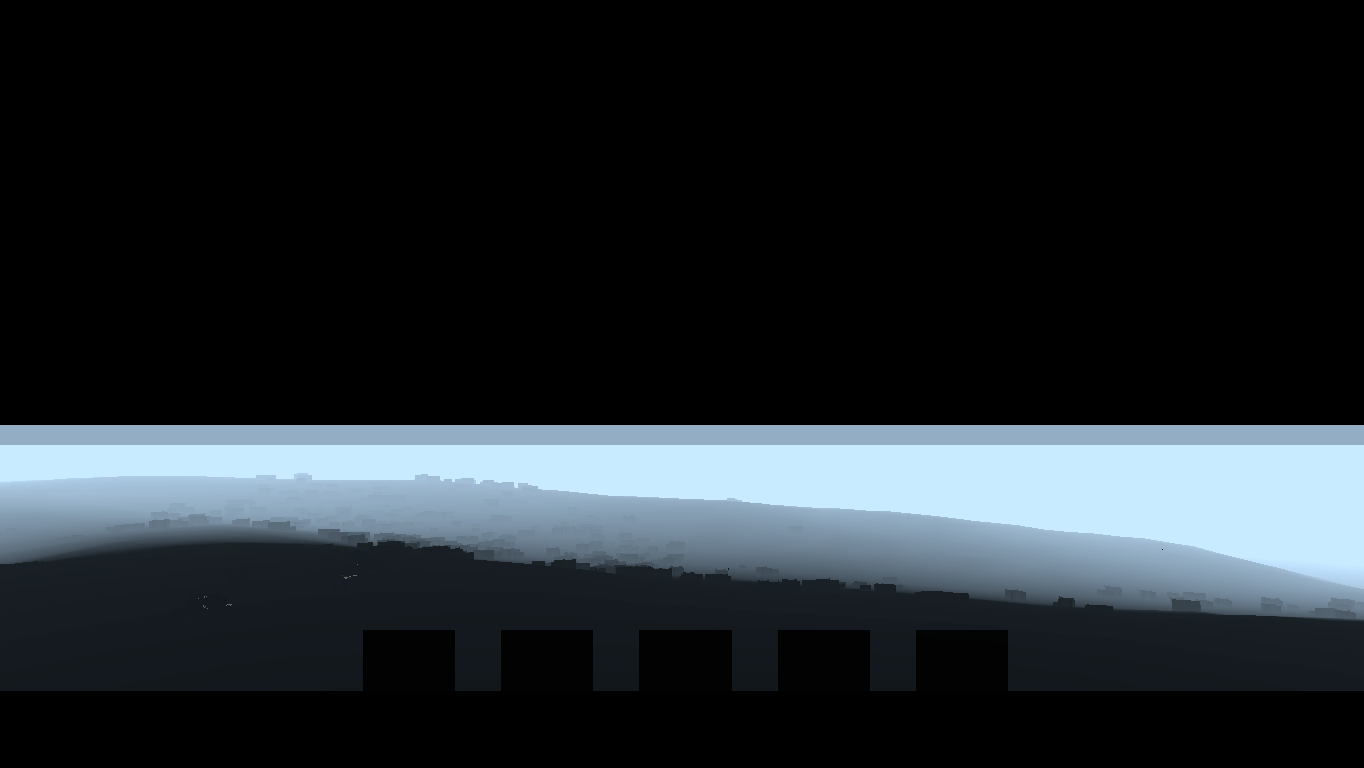
Your game looks something like this probably:


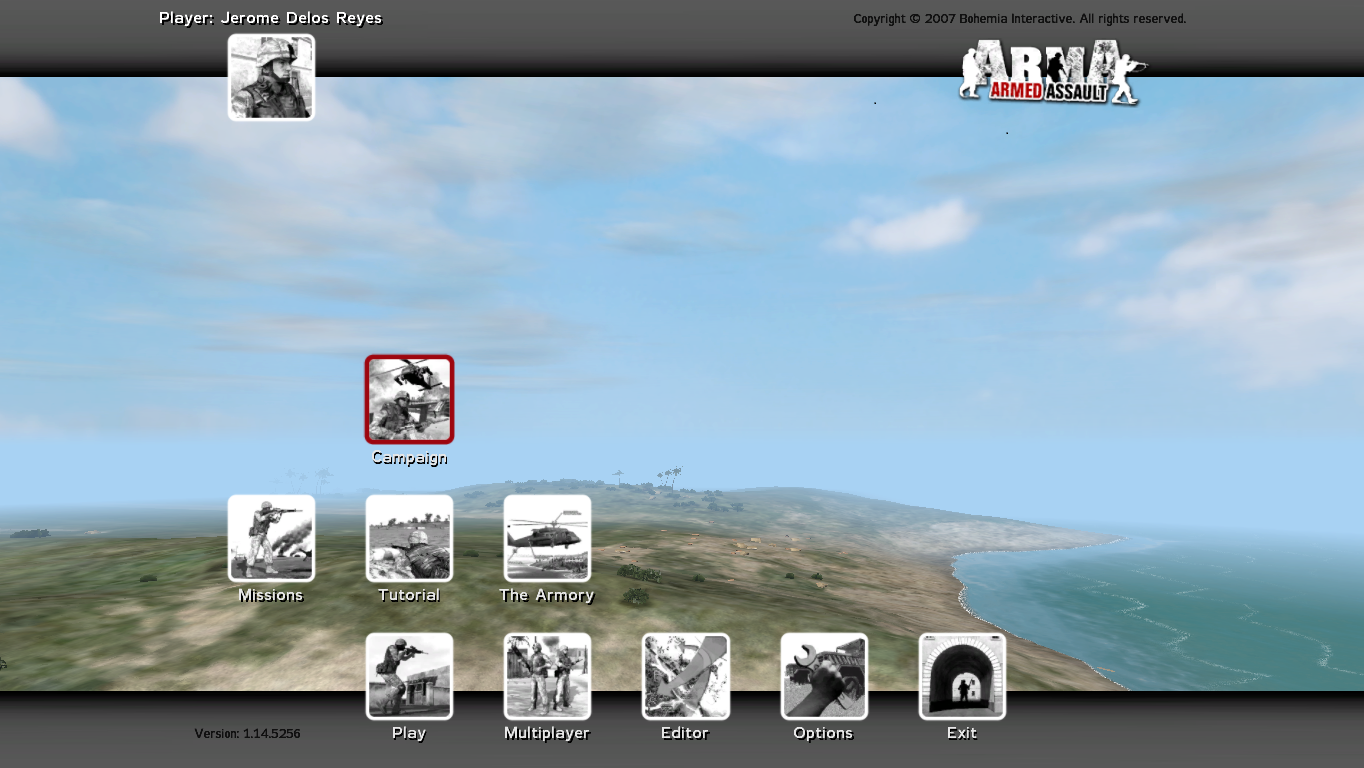
After this guide, It will be like this:


~~~~~~~~~~~~~~~~~~~~~~~~~~~~~~~~~~~~~~~~~~~~~~~~~~~~~~~~~~~~~~~~~~~~~~~~~~
LET'S SOLVE THIS PROBLEM:

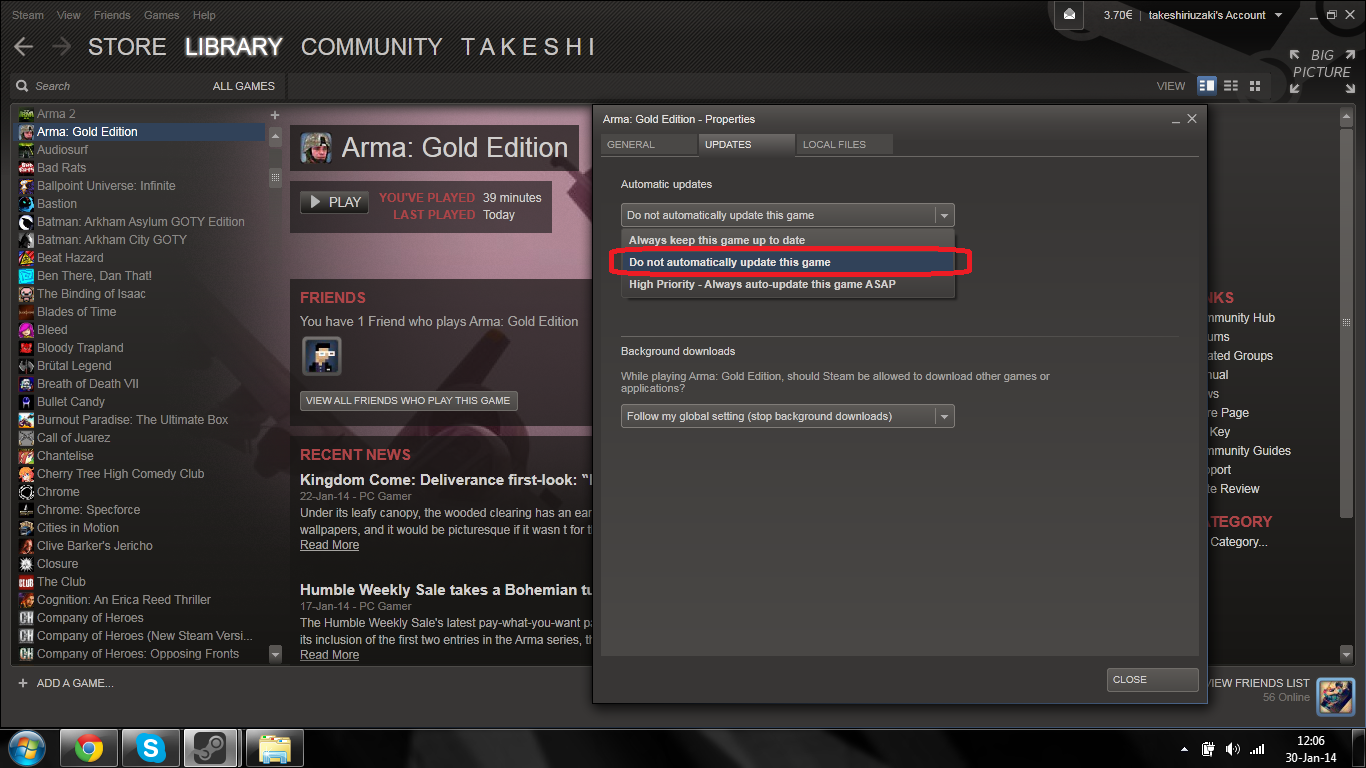
1. Right click on Arma Gold shortcut in your Steam Game Library.
Click on UPDATES, Just to be sure that this problem will not come again later,
Choose Do Not Update Automaticaly.


2. Now, You must download ARMA.EXE version 1.14
Its version of game which was before 1.18. (which creating this problem)

DOWNLOAD LINK: http://originaldll.com/file/arma.exe/37358.html
(if u will be not able to download it from this link, just somehow get ARMA.EXE 1.14)


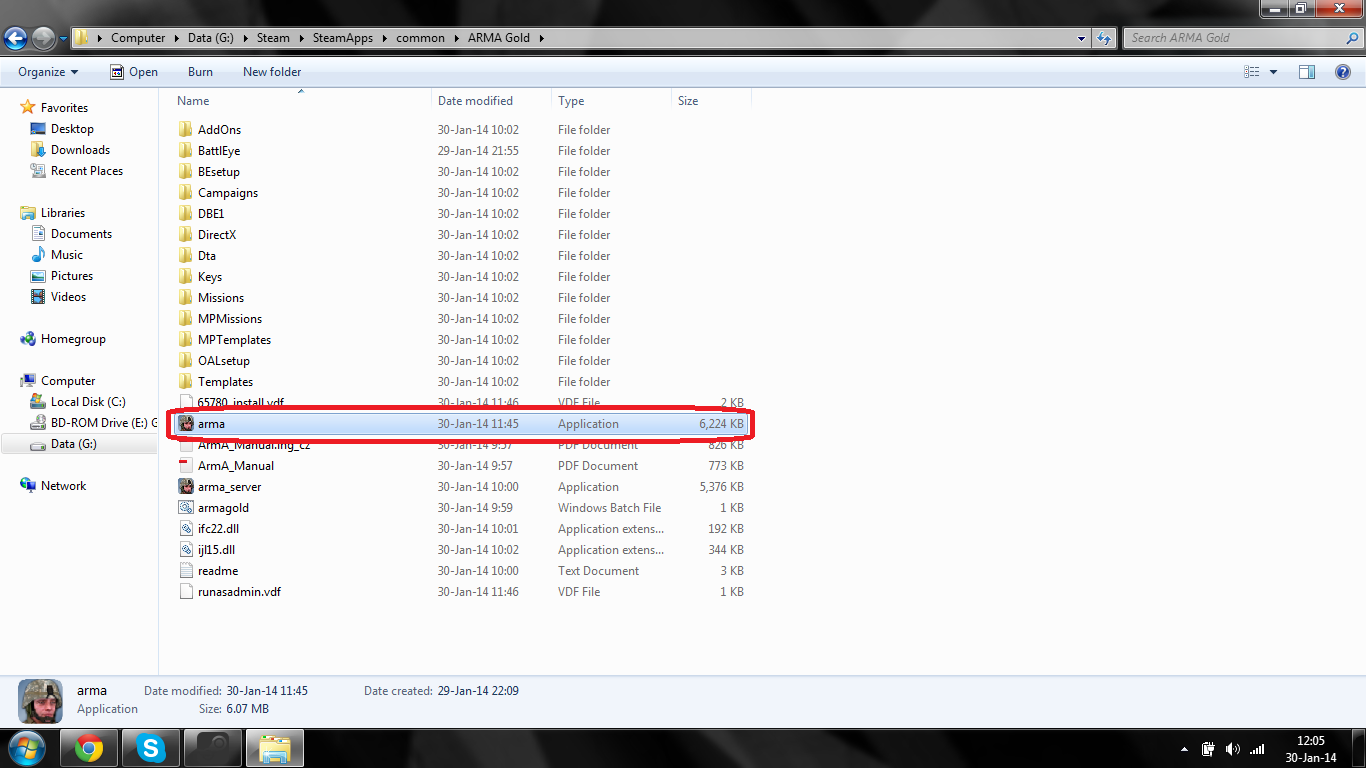
3. Go to game folder. [ usualy: C/Program Files/Steam/SteamApps/Common/Arma Gold]
When you will be in ARMA GOLD folder. You will see Arma.exe file. (version 1.18)
REPLACE IT WITH DOWNLOADED ONE (1.14)


AFTER THIS. YOU DONT NEED TO RESTART STEAM.
JUST RUN GAME. YOU WILL SEE DIFFERENCE!!!

Game works after this 100% no problems.

IF THIS GUIDE HELPED YOU, PLEASE
HIT FOLOW BUTTON HERE https://psteamcommunity.yuanyoumao.com/id/mhlq/myworkshopfiles/?section=guides

ENJOY!!!
100 条留言
Sha 2023 年 5 月 21 日 下午 9:47 
Thank you for this created guide. I tested on my rig and confirmed 1.18 would work on Nvidia processor but wouldn't display correctly on Intel Integrated graphics card.

So the required setup needs to be done in the Nvidia Control Panel application, select Manage 3D Settings, under Program Settings tab, at 1. Select a program to customize: search for the entry ArmA (arma.exe) then at 2. Select the preferred graphics processor for this program: set i to High-performance NVIDIA processor, the click Apply.

Then you're golden, 1.18 on Nvidia graphics card works like a charm...
WOCBAM 2023 年 1 月 18 日 下午 12:36 
Steam blocked the link as a malicious treat
panzersturm SKINS 2022 年 6 月 6 日 上午 3:06 
hey please you can send me the exe the link is not working
The1Wolfcast 2021 年 11 月 22 日 上午 11:30 
my man really replying to comments 7 YEARS LATER, that's some dedication
FromShambleSdl 2021 年 5 月 10 日 下午 12:10 
thats alright
d e x  [作者] 2021 年 5 月 8 日 上午 11:15 
hello, you are right. but at the time I was making this guide it was necessary
FromShambleSdl 2021 年 5 月 7 日 上午 11:47 
you dont have to turn the auto updates off i have done this and it works through steam
2025 2020 年 10 月 1 日 下午 3:35 
;(
Verily 2020 年 9 月 29 日 下午 12:41 
As steam has removed the "do not update" option; you can just run a shortcut of arma.exe and NOT through steam. Still works.
d e x  [作者] 2020 年 9 月 14 日 上午 10:07 
still this bug because noone is updating this game anymore... i guess this ís only way to solve it