Borderlands 2

Borderlands 2

242 个评价
Console in Borderlands 2
由 Dreamer42 制作
Disable the interface for screenshots.
   
奖励
收藏
已收藏
取消收藏
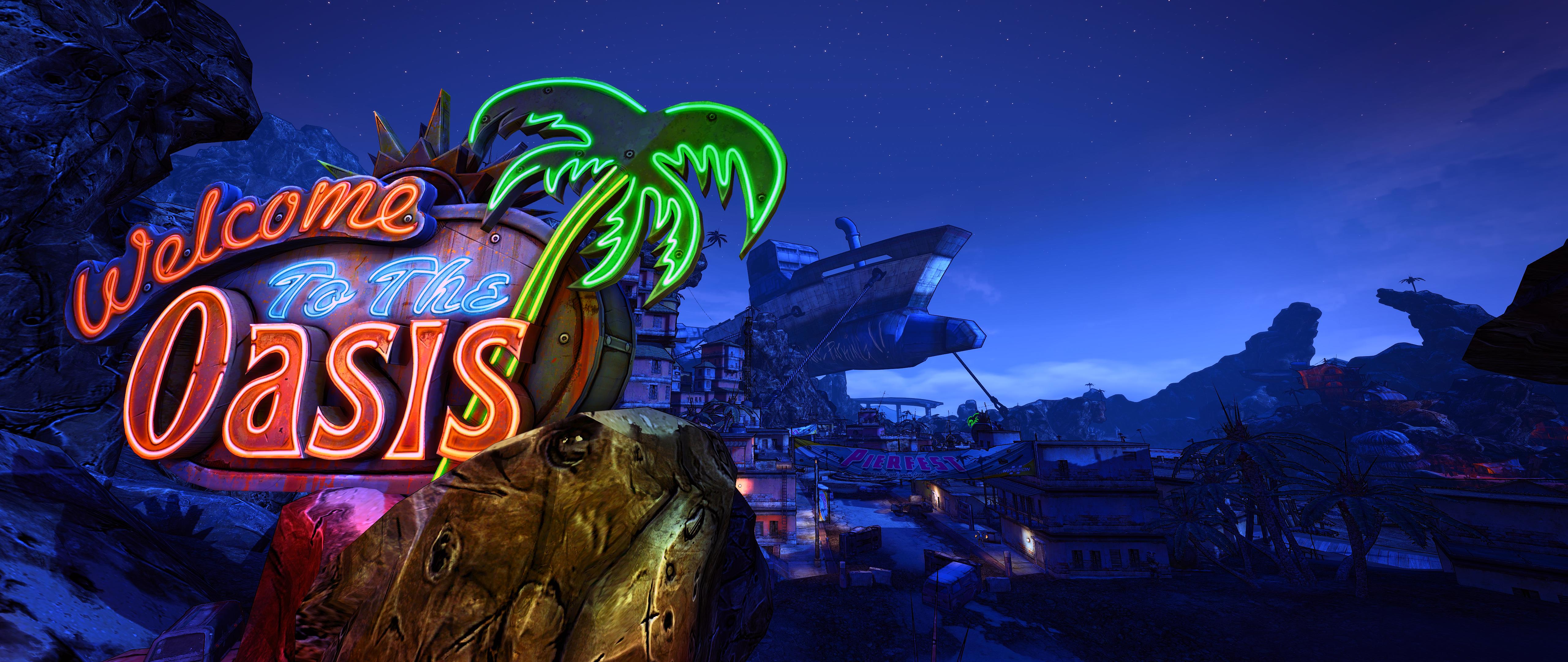
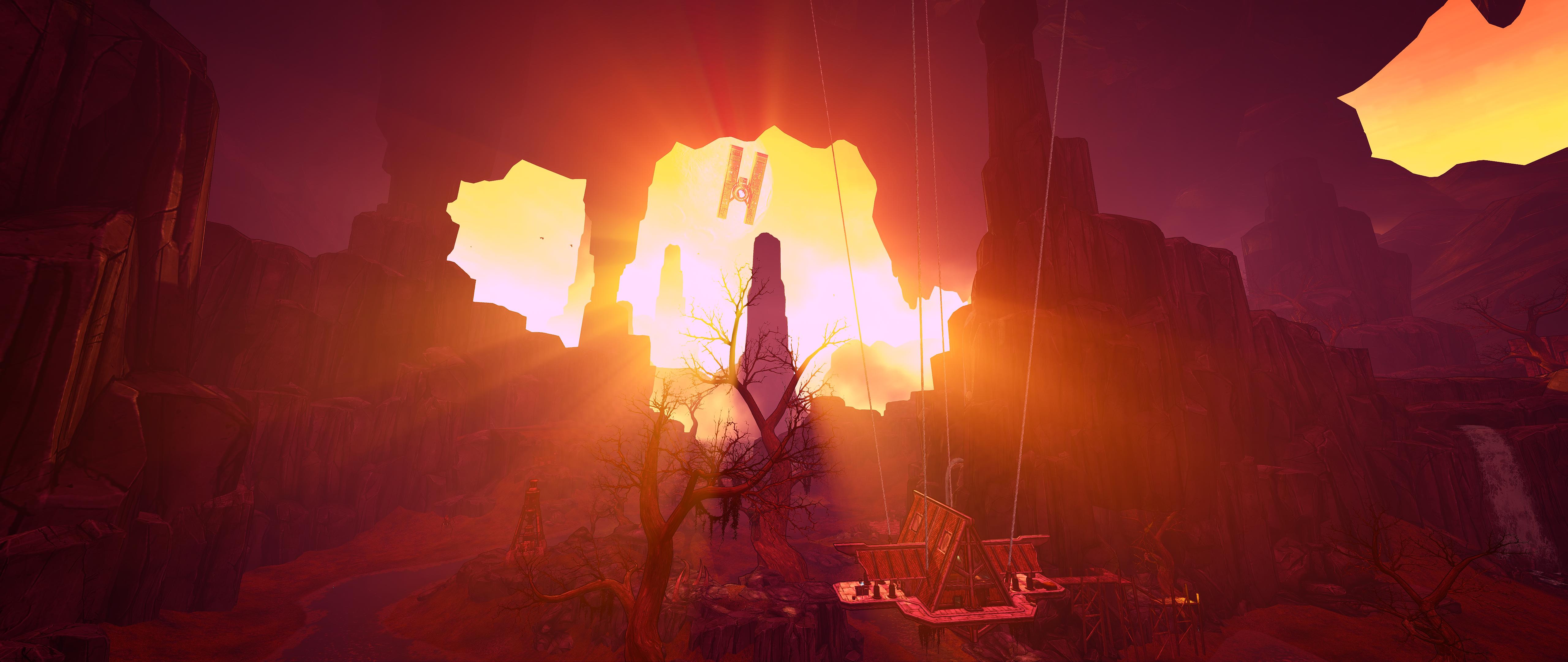
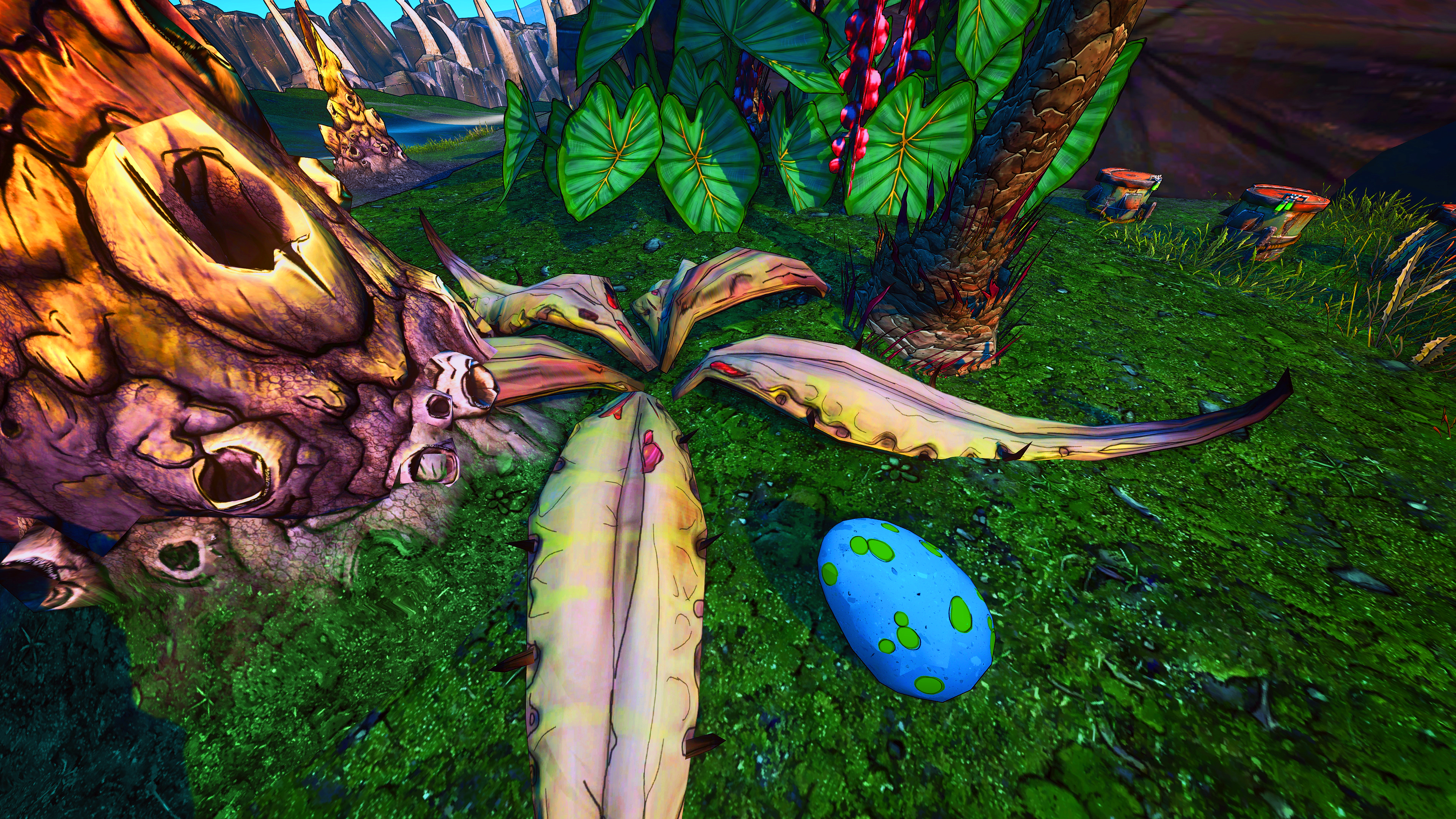
Some of my screenshots


P.S. Screenshots made with a SweetFX, custom FOV & resolution.
How to enable ?
Here’s how to enable the console on the PC version of the game and some console commands that you can use:

To enable the command console window in the game, you will need to edit the DefaultInput.ini file used by the game. Run the game at least once, create a character in the game, exit and save your game, then exit the game from the main menu. Open Windows Explorer and browse to the “C:\Program Files (x86)\Steam\steamapps\common\Borderlands 2\WillowGame\Config” folder. In that folder you will see a “DefaultInput.ini” file, open that file in a text editor (like Notepad). Find the “[Engine.Console]” section and add the following line right after it:

ConsoleKey=Tilde

This will use the Tilde ‘~’ key (the key above the Tab key and to the left of the 1 key on QWERTY keyboards) to pull down the console window so that you can enter console commands.

You might also want to enable the “single line console command window” (useful when turning off the HUD and taking screenshots). Do this by adding following line (just below the “ConsoleKey=” line):

TypeKey=Backslash

This will use the backslash key ‘’ (the key between the Enter key and the Backspace key on QWERTY keyboards) for the single line console window. The single line console window will automatically close itself when you hit Enter after typing in a console command (this prevents the console window from being captured in screenshots generated from the console window).

When you get done you should have something like this (if you added both lines above):

[Engine.Console]
ConsoleKey=Tilde
TypeKey=Backslash

Now save the file and exit from the text editor. Start up the game, select ‘Continue’ from the menu and you should be able to pull down the console using the ‘~’ key (or bring up the single line console using the ‘’ key).

The following console commands can be used in game:

ToggleHUD - Toggles the HUD on and off (useful for screenshots where you don’t want the HUD to be displayed). To remove a weapon from the screen, you can move it into inventory.

Stat FPS - Displays the current FPS (frames per second) in game.

FOV - Allows you to adjust the FOV beyond the range available from the Video Options menu. Note that some rendering issue may occur with very large or very small FOV settings.

Exit - Allows you to quickly exit the game.
Quit - Same as ‘Exit’

Gamma value - Allows you set the Gamma value (brightness) beyond the bounds of the Video Options menu. Value is a floating point number (for example, 2.5).

SetRes HxV - Allows you to set a custom screen resolution to a value other than what is offered in the Video Options menu. H is the horizontal resolution. V is the verical resolution (for example, “setres 1920x1080”).

Shot - Take a screen shot.
Screenshot - Same as ‘Shot’
41 条留言
Elbow Removal Service 2022 年 1 月 2 日 下午 6:50 
As a note: You can use Borderlands Hex Multitool by codycode or Borderlands Community Mod Manager to enable console in your game much quicker and easier. Both also have quite a few additional uses.
gary 2020 年 11 月 8 日 下午 4:45 
wrong
Boltte man 2018 年 12 月 14 日 上午 2:44 
That note could have been helpfully added in the guide, *stares at ExtremaL* with angry death stare 😡.... Had to take all my good shots with the blasted weapons in the way......aw man............nah screw it, I'm not gonna go back and replay the entire game just to take the same or similar screenshots without the gun in the way.....heh. Maybe next time......
Boltte man 2018 年 12 月 14 日 上午 2:35 
@DargTheWaffle - ♥♥♥♥♥♥♥♥♥, why didn't I think of that?!

It works: https://psteamcommunity.yuanyoumao.com/sharedfiles/filedetails/?id=1590433328 Thanks dude! :steamhappy:
DargTheWaffle 2018 年 11 月 29 日 下午 12:46 
@Boltte the (-) key should drop your guns from your hand. in your inventory you can drop them with (q)
Boltte man 2018 年 11 月 3 日 上午 1:08 
How do u get the gun out of the way???
ibdizzy 2017 年 9 月 18 日 下午 8:11 
Anytime I put anything in the console command, it puts it as text. Do you have any solutions?
剣聖 [Sabo] 2017 年 8 月 7 日 上午 8:16 
anyway to remove my hands while moving?
chungus deluxe 2017 年 7 月 1 日 上午 10:38 
doesnt work :/

Andromeda 2017 年 6 月 14 日 上午 4:16 
How do you remove the weapons though? whenever i toggle hud my weapons remain and sit right in the way