Journey
382 értékelés
How To Meditate With Keyboard Controls (KB+M)
Készítő: ShugoTheRipper
A simple explanation to an unexplained mechanic.
20
   
Díjazás
Kedvenc
Kedvenc
Törlés
How to Meditate


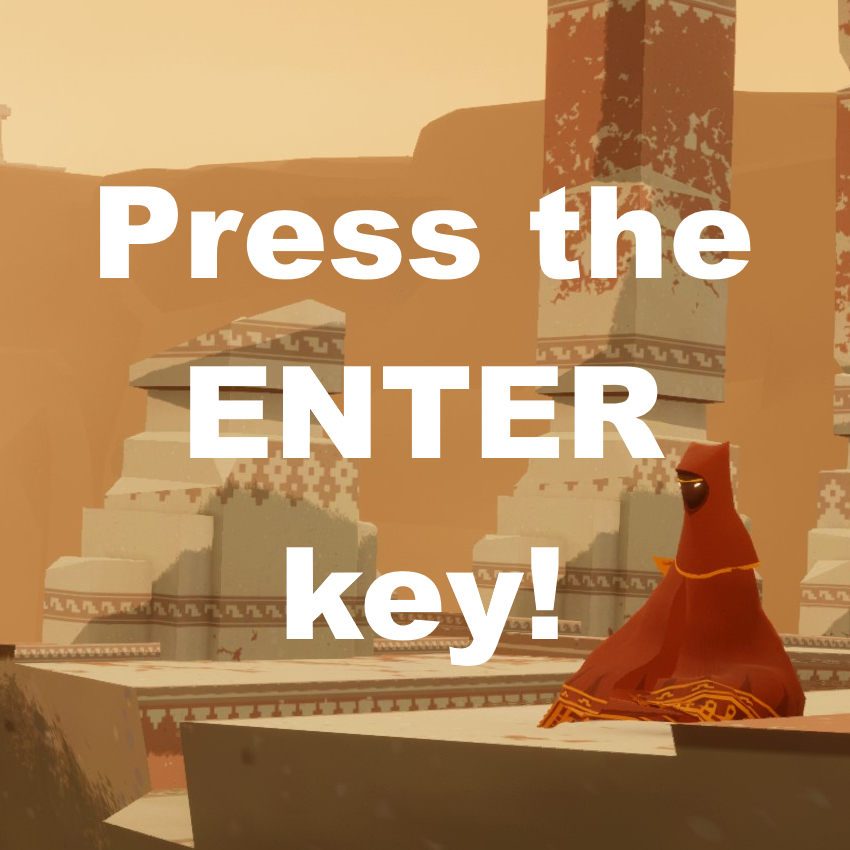
Press the Enter key.
Related Achievement: Reflection


Now you can use this new knowledge to get and help other get the Reflection achievement. All you need to do is get someone to sit with you for 20 seconds.

Thanks For Reading
I don't often make guides.

But after finding a bunch of answers for controller players only; I decided to try and spread this knowledge the best way I knew how.

Complex feedback or section suggestions? Visit my group discussion! Posting is publicly open.


25 megjegyzés
Macaroni and cheese 2024. júl. 25., 11:56 
in tons of guids
Macaroni and cheese 2024. júl. 25., 11:56 
its litraly explained
KIMDORO 2023. nov. 20., 18:33 
thx i have always pressed P button lol Everyone should know this :steamthumbsup:
validlily 2023. máj. 12., 20:33 
you are so cool thank you
Spaceman.EXE 2022. aug. 18., 9:25 
I had just idled long enough for the characters to sit down. Handy when your partner decides to go eat or bathroom or something
Cherrypaw 2022. jún. 11., 6:47 
thank you
The Accordion Man 2022. máj. 30., 5:37 
I have no idea why but the “Press the ENTER key!” Image sounds so passive-aggressive it feels like something you would send to someone really bad with computers
talcuaranda 2022. jan. 11., 20:11 
Answer: Meditate is also an extra gesture you can use when trying to communicate with your companion. When using the P key or other pause menu key, pressing it a second time will cancel the pause screen, but not the Meditate emote. That doesn't stop until you use WASD. Note that you can't jump or speak while Meditating.
paulson 2022. jan. 6., 19:23 
Mmmmm._. it is just an aesthetic thing, it doesn't do anything other than give you the achievement as far as i know
ShugoTheRipper  [készítő] 2021. szept. 3., 14:06 
Very nice!