The Uncertain: Last Quiet Day

The Uncertain: Last Quiet Day

评价数不足
21:9 / Ultrawide Support
由 Qamok 制作
Quick solution showing how force game to run in ultrawide (21:9) resolution.
   
奖励
收藏
已收藏
取消收藏
Let's get to the point
Unfortunately The Uncertain: Last Quiet Day don't support 21:9 aspect ratio natively, ultrawide resolution can not be selected in launcher. But since game was made in Unity, we can force engine to render in wider resolution and developers did not block that option.

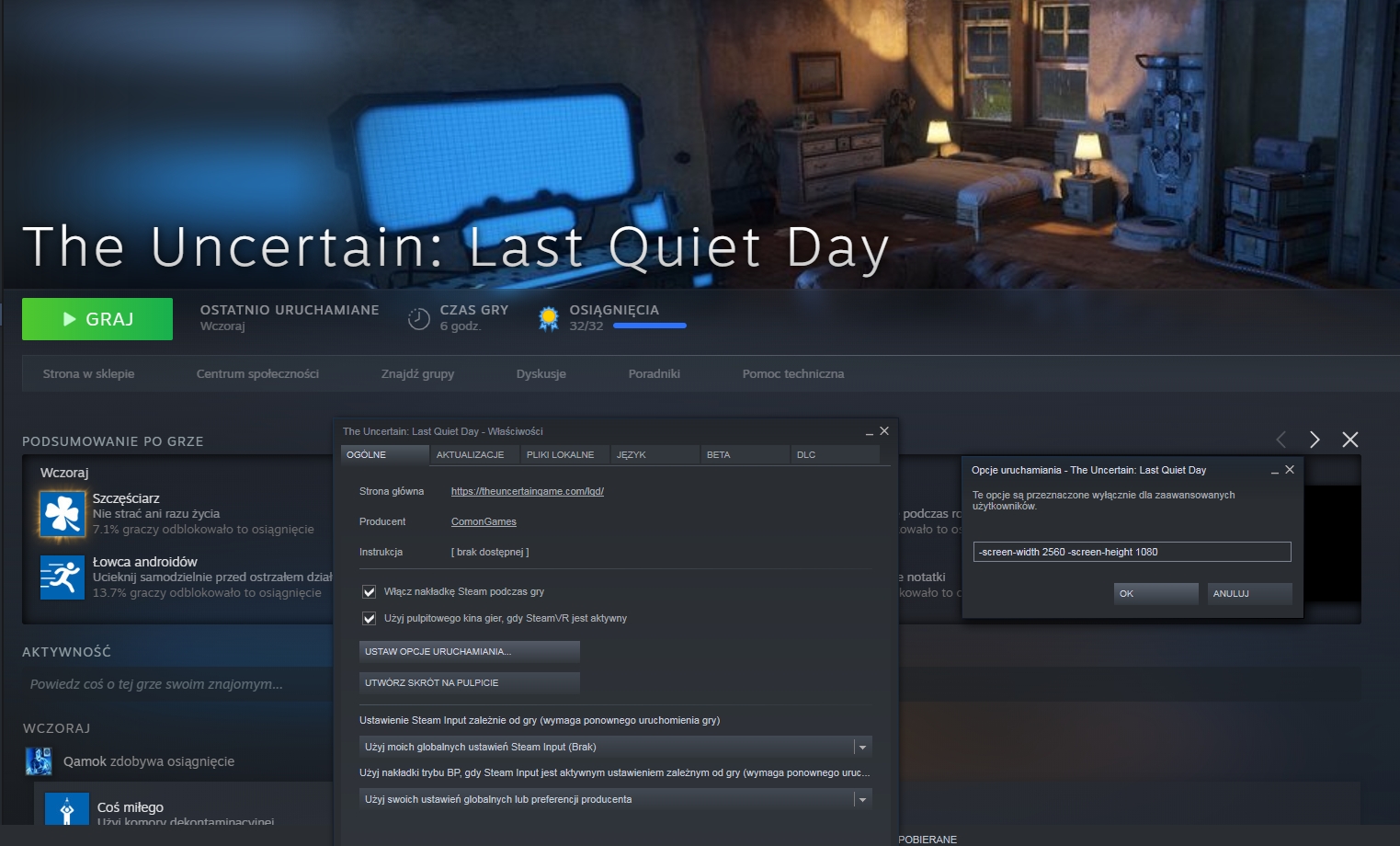
  1. We have to "set Launch Options" in properties of game itself. right click->properties->General
  2. In the window that appears, enter: "-screen-width 2560 -screen-height 1080" or other resolution you want to force.

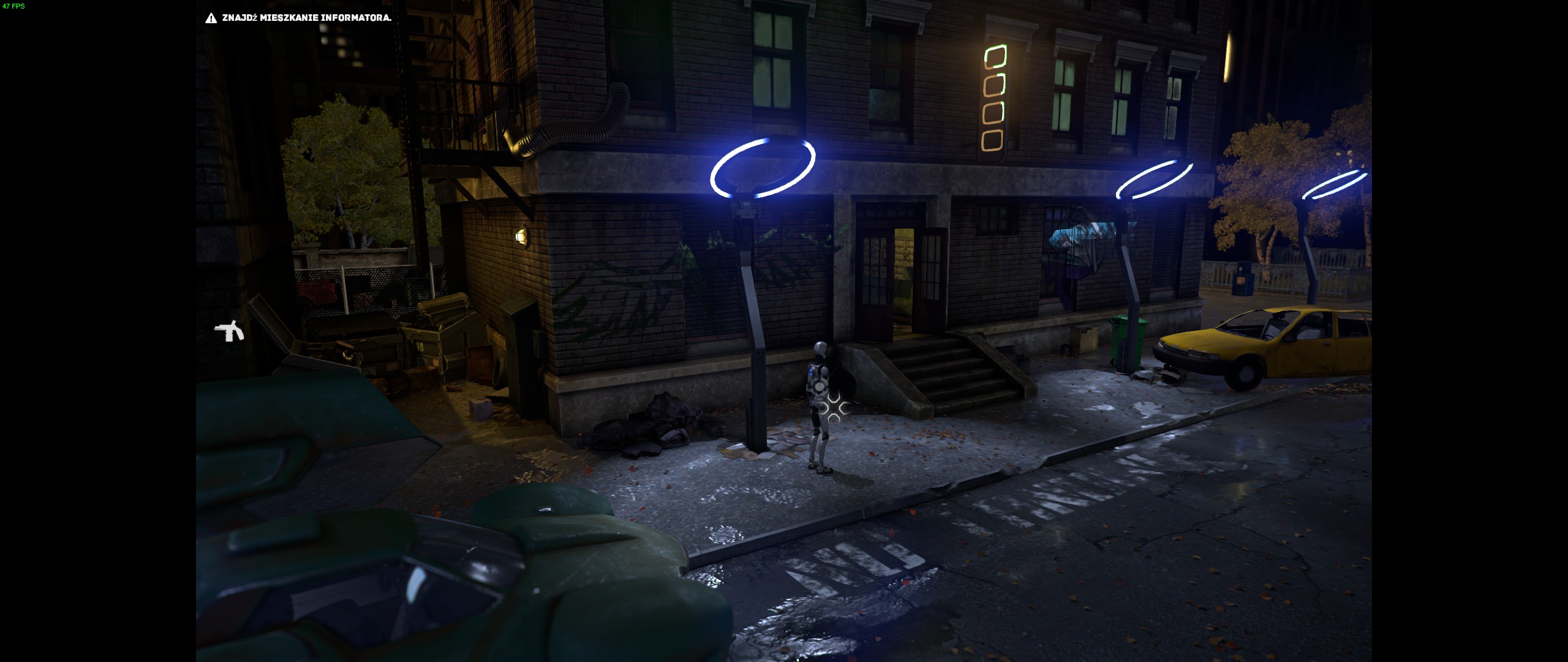
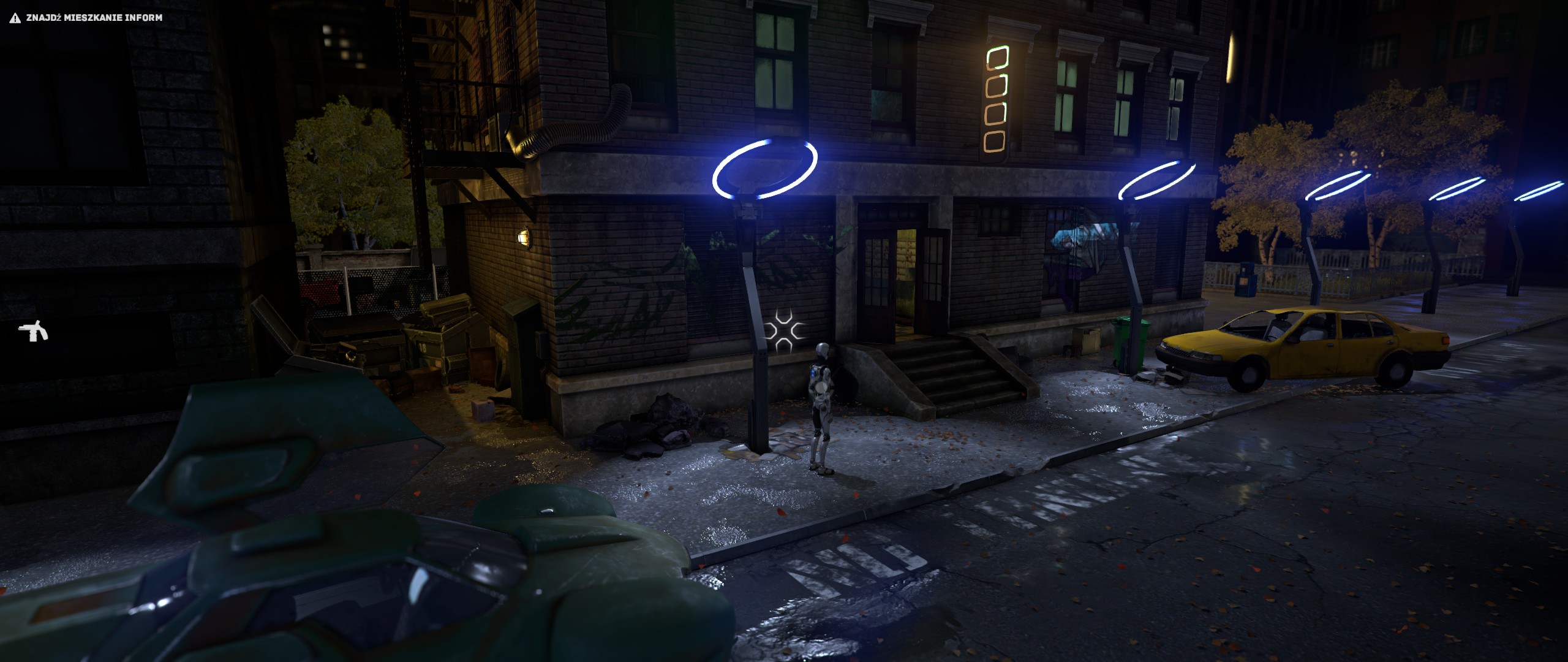
Comparison
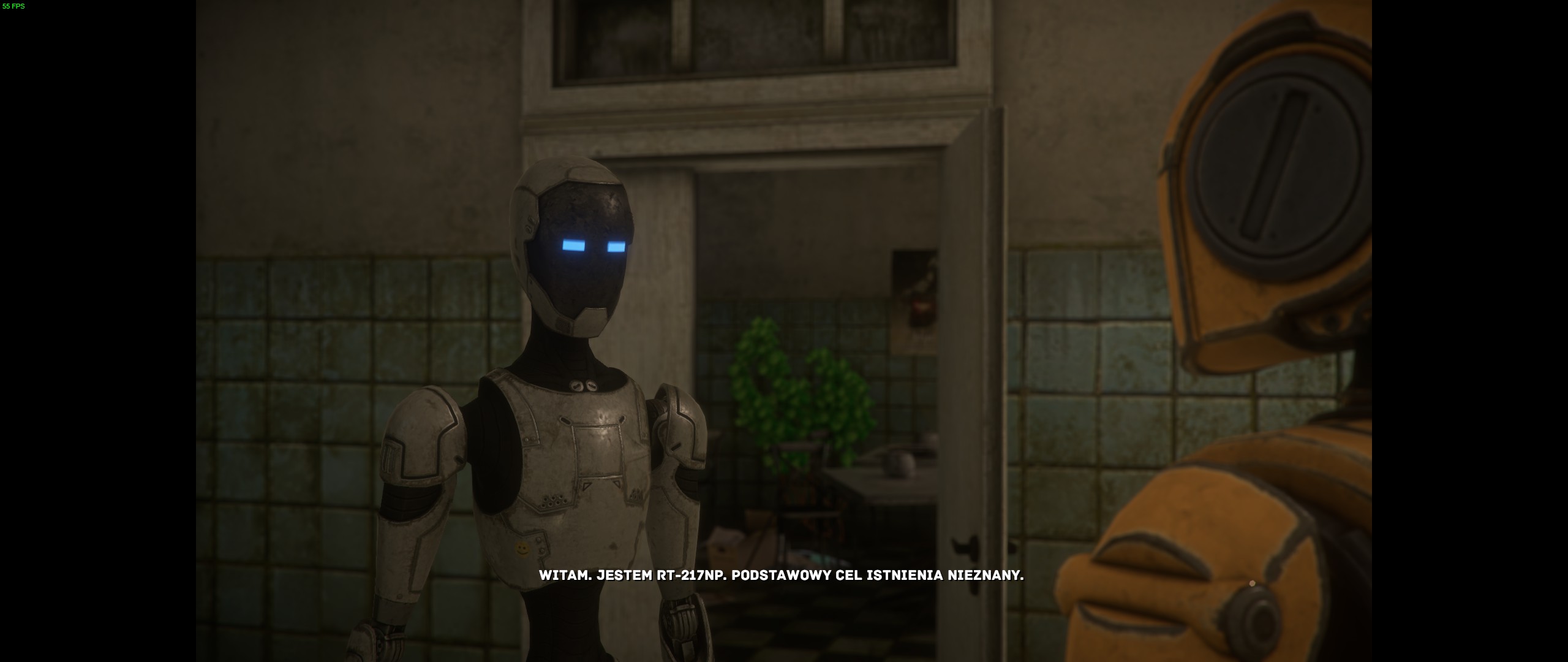
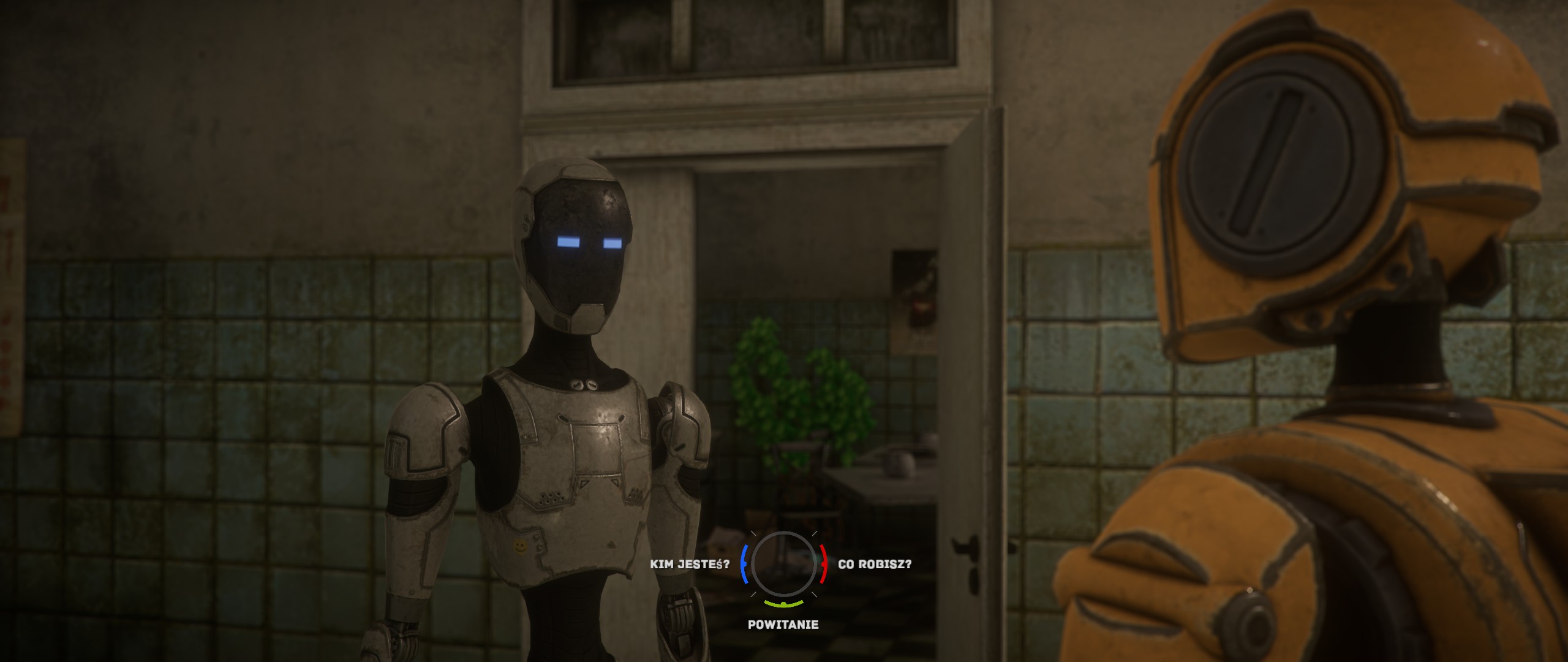
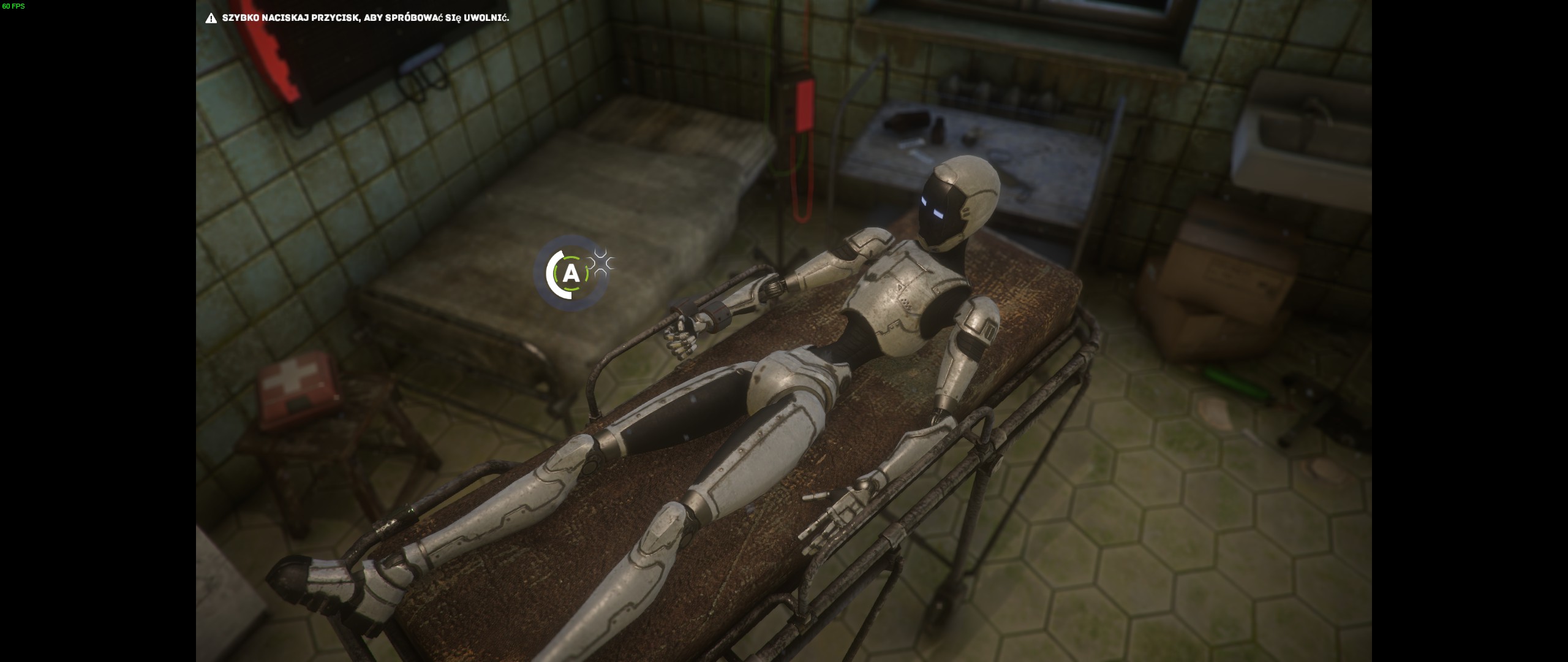
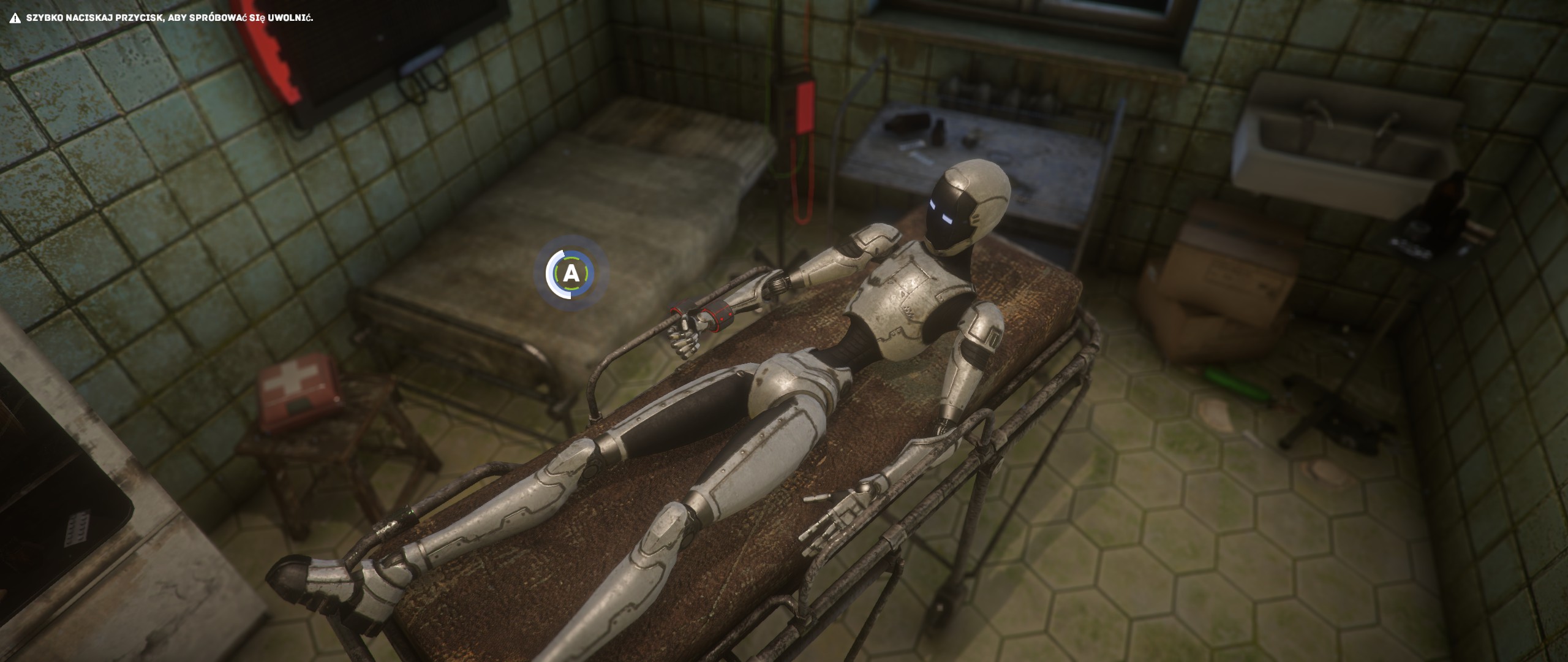
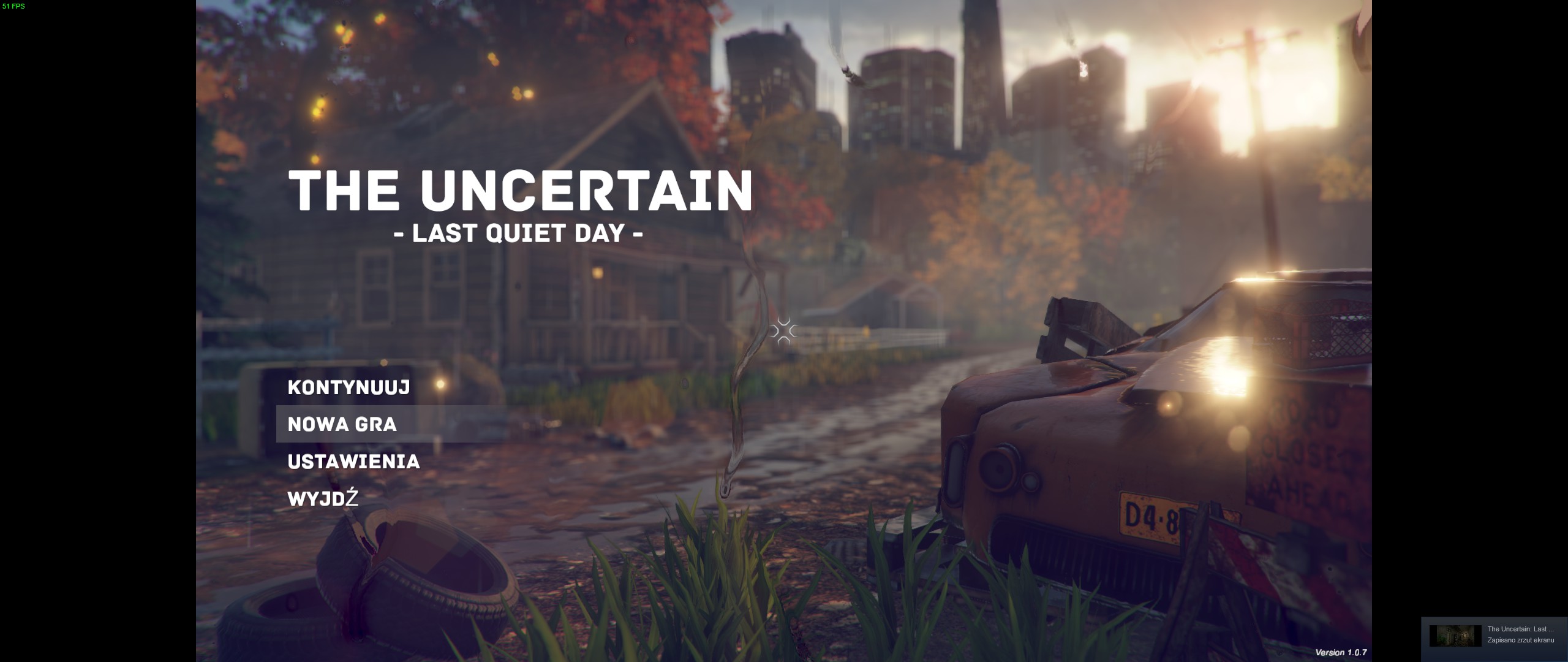
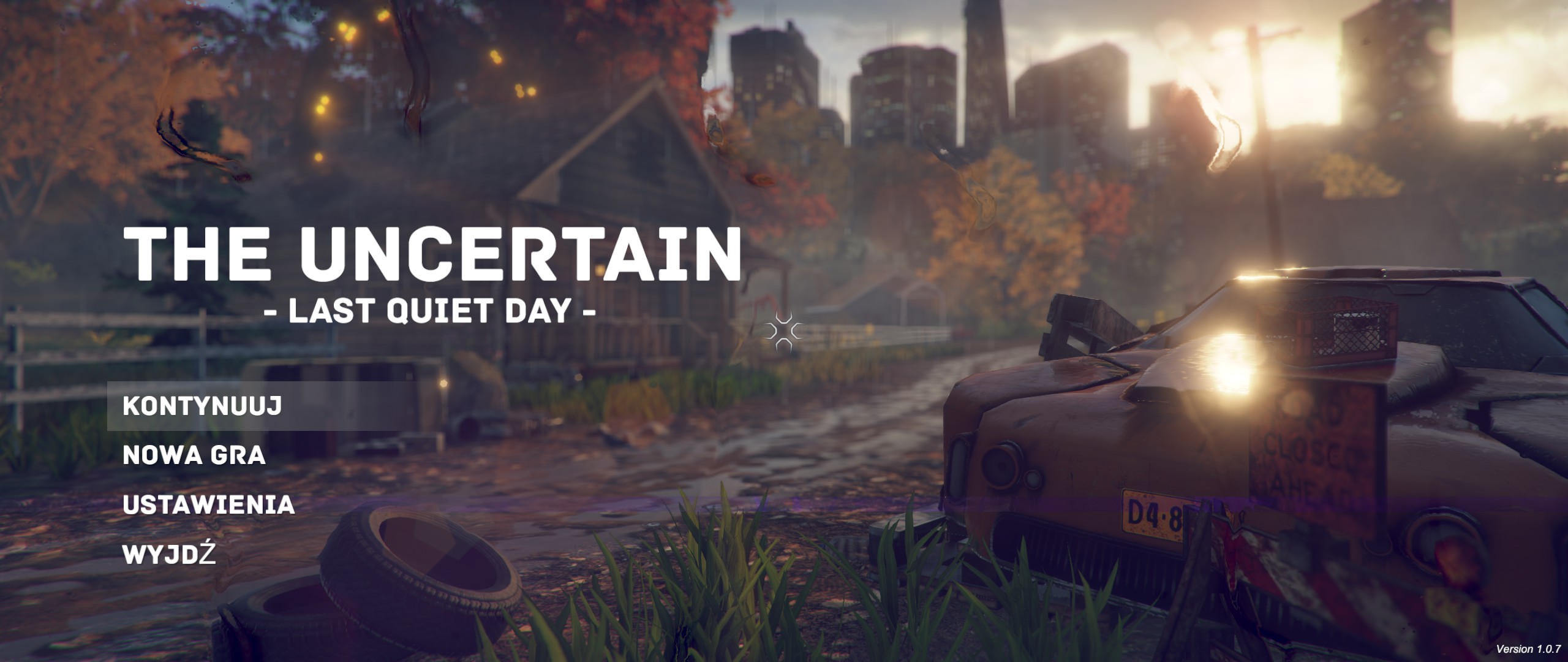
From that point engine going to render everything with extra image on the side of the screen (Hor+), without any glitches. Entries in menu, and every icon going to be shifted to edges of the screen. Dialogs and QTE icon are exactly in same place as in 16:9 resolution. Support seems to be flawless.

Game elements
16:9
21:9
Conclusion
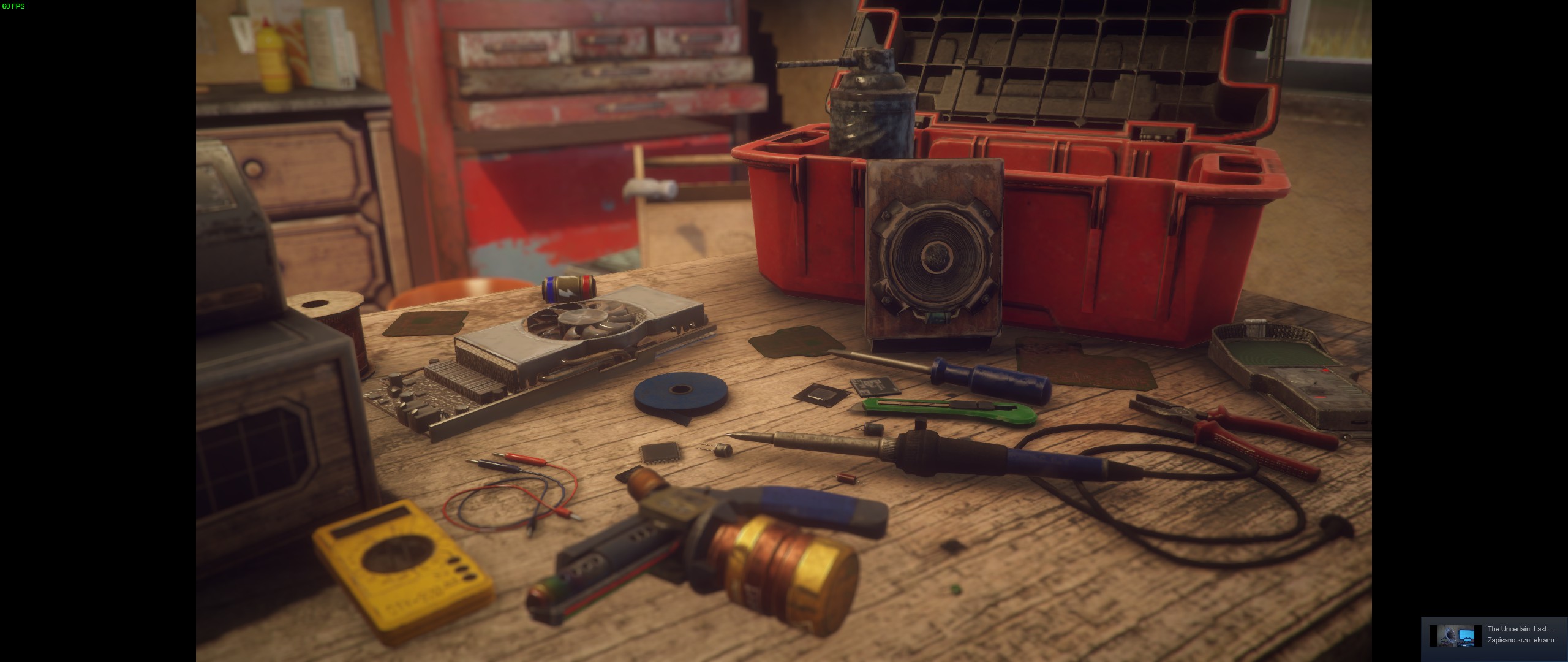
Gameplay
Game correctly render extra image on sides of the screen.
+
Cutscenes
Game correctly render extra image on sides of the screen when cutscenes are playing.
+
Dialogs
Game correctly render extra image on sides of the screen when dialogs are happen. Text isn't stretched or zoomed.
+
QTE
Game correctly render extra image on sides of the screen when QTE are happen, icon is correctly on center of the screen without and distortion.
+
Menu Screen
Game correctly render extra image on sides of the screen in menu, Entries are shifted to the left edge of the screen.
+

Link to gallery of screenshots in 21:9

Game is fully adjusted to 21:9, playable and enjoyable on wider resolution.
14 条留言
Hatlábú Farkas [LINUX] 2021 年 7 月 15 日 下午 1:18 
Yoshiki doenst mention the LINUX client, and the double HD (3840X1080) 📺📺
Qamok  [作者] 2021 年 7 月 10 日 上午 4:56 
Finde your aspect ratio and replace 398EE33F just like Yoshiki said. https://www.wsgf.org/article/common-hex-values
Hatlábú Farkas [LINUX] 2021 年 7 月 10 日 上午 3:23 
dual HD display ? ( 3840 x 1080 )
Yoshiki 2021 年 4 月 5 日 上午 11:16 
Works like a charm by editing the TUE1.exe :steamthumbsup:

1. Open TUE1.exe in an hex editor.
2. Find ALL occurences of 398EE33F and replace it with your Hex value:
- 2560x1080 is 26B41740
- 3440x1440 is 8EE31840
3. Save and play in Hor+

The thing is: You have to replace ALL occurences of 398EE33F. Not just the first one.
𝖖𝖚𝖆𝖉 2021 年 3 月 27 日 上午 2:59 
Does not work even with hex edit i can't get it to work :mansob:
Accursed 2020 年 7 月 1 日 下午 1:04 
I'll give it a try, thank you!
Qamok  [作者] 2020 年 7 月 1 日 上午 11:45 
It shouldn't matter what launcher show, my guide doesn't tells to change nothing in it. At least it was that case back when i make that guide, maybe some update change things up. You can try hex edit exe, change 39 8E E3 3F to 8E E3 18 40 (3440x1440), it work for some unity game.
Accursed 2020 年 7 月 1 日 上午 10:30 
yes, I did that, also went into the registry for the game Computer\HKEY_CURRENT_USER\Software\ComonGames\The Uncertain and changed the width value from a00 (2560) to d70 (3440), also didn't work. seems like the launcher always changes it back. I wonder if their is a launch option to skip the launcher? As I think that changes it to whatever value is shown.
Qamok  [作者] 2020 年 7 月 1 日 上午 10:21 
Probably for that resolution you should use command "-screen-width 3440 -screen-height 1440"
Accursed 2020 年 7 月 1 日 上午 10:09 
Hello Qamok, Yeah I tried a few different things, including uninstalling and re installing, Trying to play at 3440x1440. No luck. But thank you for the reply and I hope it continues to work for other.