



安装 Steam
登录
|
语言
繁體中文(繁体中文)
日本語(日语)
한국어(韩语)
ไทย(泰语)
български(保加利亚语)
Čeština(捷克语)
Dansk(丹麦语)
Deutsch(德语)
English(英语)
Español-España(西班牙语 - 西班牙)
Español - Latinoamérica(西班牙语 - 拉丁美洲)
Ελληνικά(希腊语)
Français(法语)
Italiano(意大利语)
Bahasa Indonesia(印度尼西亚语)
Magyar(匈牙利语)
Nederlands(荷兰语)
Norsk(挪威语)
Polski(波兰语)
Português(葡萄牙语 - 葡萄牙)
Português-Brasil(葡萄牙语 - 巴西)
Română(罗马尼亚语)
Русский(俄语)
Suomi(芬兰语)
Svenska(瑞典语)
Türkçe(土耳其语)
Tiếng Việt(越南语)
Українська(乌克兰语)
报告翻译问题






 奖励
奖励



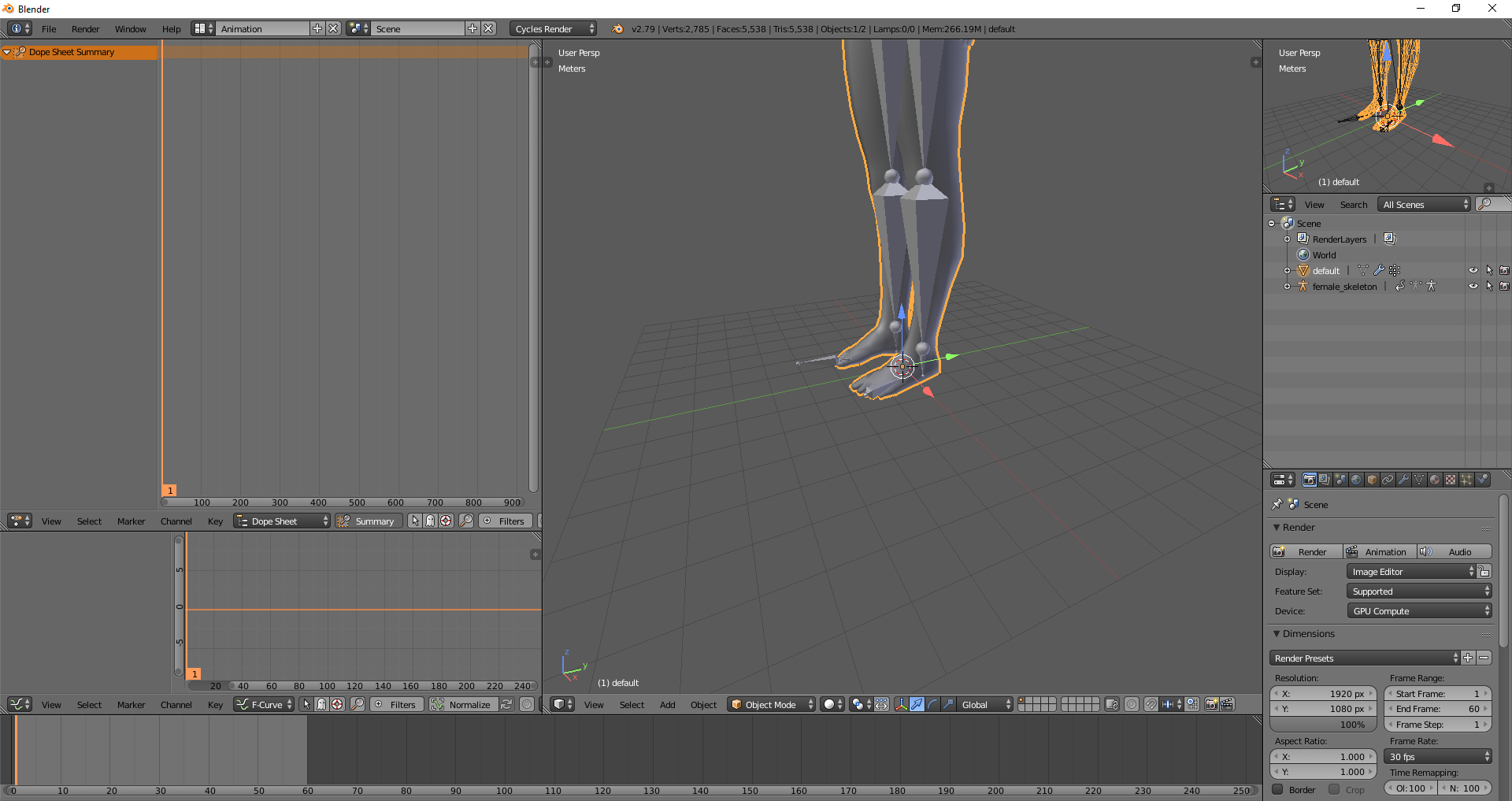
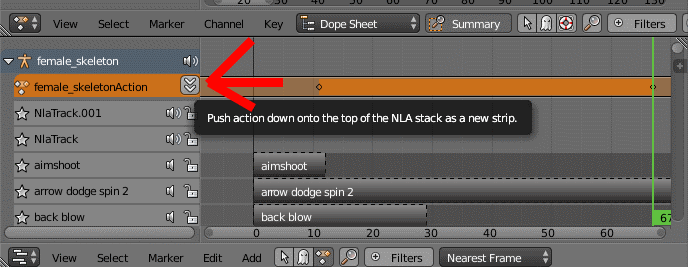


Trying to slow down some modded animations, don't want to edit them all just to find out I went the wrong direction..
So I might be able to get a bit further now, Thanks again. This is a great guide and you've been a great help. I might have more questions, or I might not.
I've made a video doing that, the shortcuts I use are in the corner https://imgur.com/QQlZxp4
Basically what you need to do is in Object mode, select your weapon, hold Shift and select any part of the armature, CTRL + P, Parent it to the armature with Empty Weights. Then, select your weapon, enter Edit mode, select all it's vertexes, and assing it to the Prop02 like I do in that window in Properties. You will have a problem though, that the Origin point of your weapon and the bone you want it to follow must be in the same place. That's why in the beginning I select the bone and make "Cursor to selected", because then when I create a object to be my sword, it will already have it's origin in the right place