Cities: Skylines

Cities: Skylines

49 个评价
Sinking Tram Road - Manual
由 clus 制作
   
奖励
收藏
已收藏
取消收藏
How to build the road
Hello guys !

This is a short "guide" on how to build the "sinking tram road".
So....lets start ! :)


FIrst of all:
Alle the needed segements are numbered in the right order, which means you start
with segment #01 and you fiinish it with segment #05.
There are segments with -and without nodes.

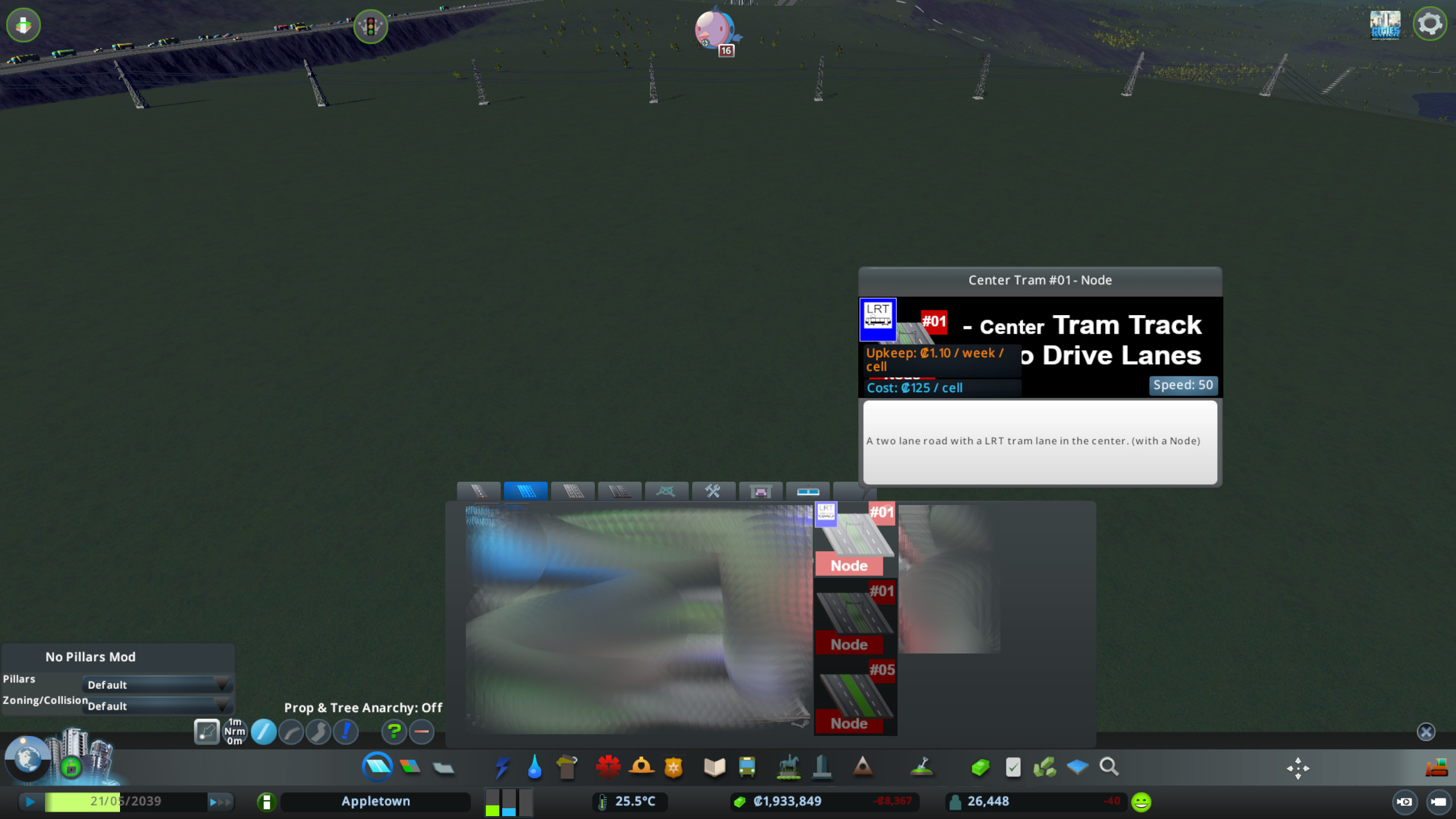
You´ll find the segments with nodes under the first "wide roads tab".
The segments witrhout nodes are located under the second "wide roads tab".


Building the road


Take segment #01 and lay it down.
[The same applies for the Vanilla Segment #01]


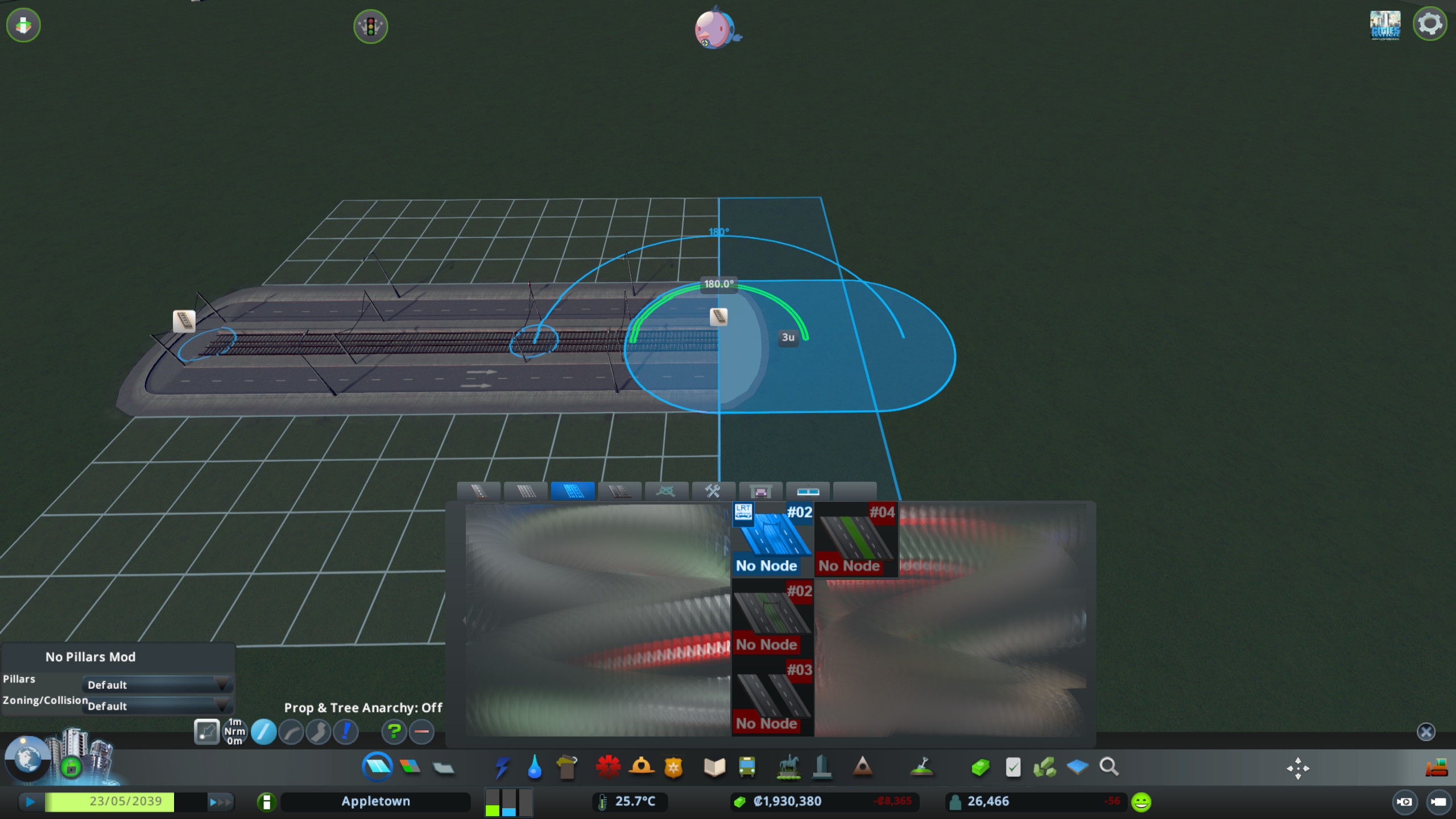
Take segment #02 and prolong the first one.
Segment #02 has the same mesh as segment #01 but without a node.
[The same applies for the Vanilla Segment #01]


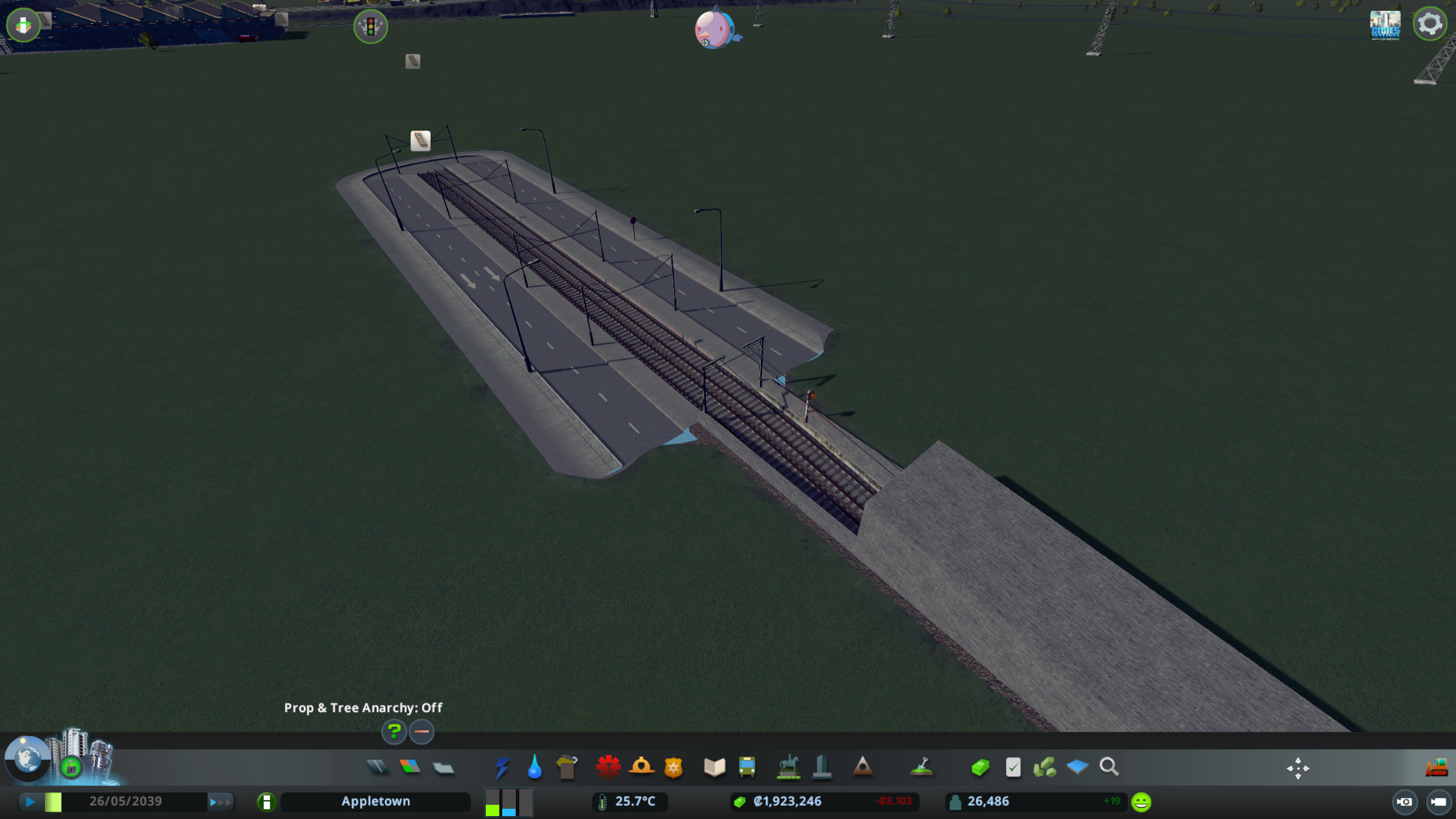
Take the tram tracks...


...connect them to the street segment (segment #02) and sink them down to your
desired depth.
I recommend that you also prolong the underground tram track already. That way it will be easier to complete the tram track later, because picking the right nodes will be very difficult when the roads are already build over it.


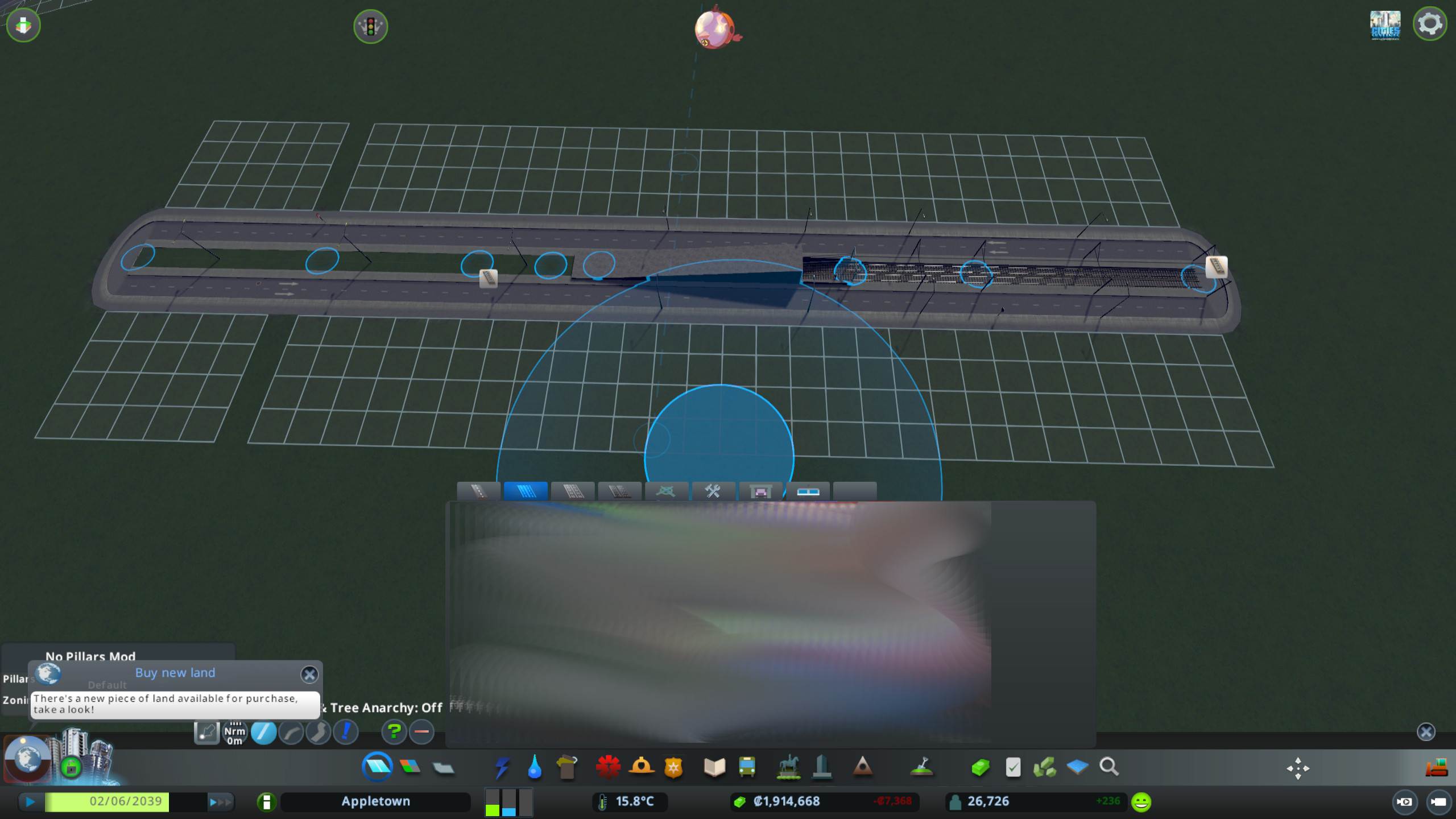
It should look like that if you´ve done it right.


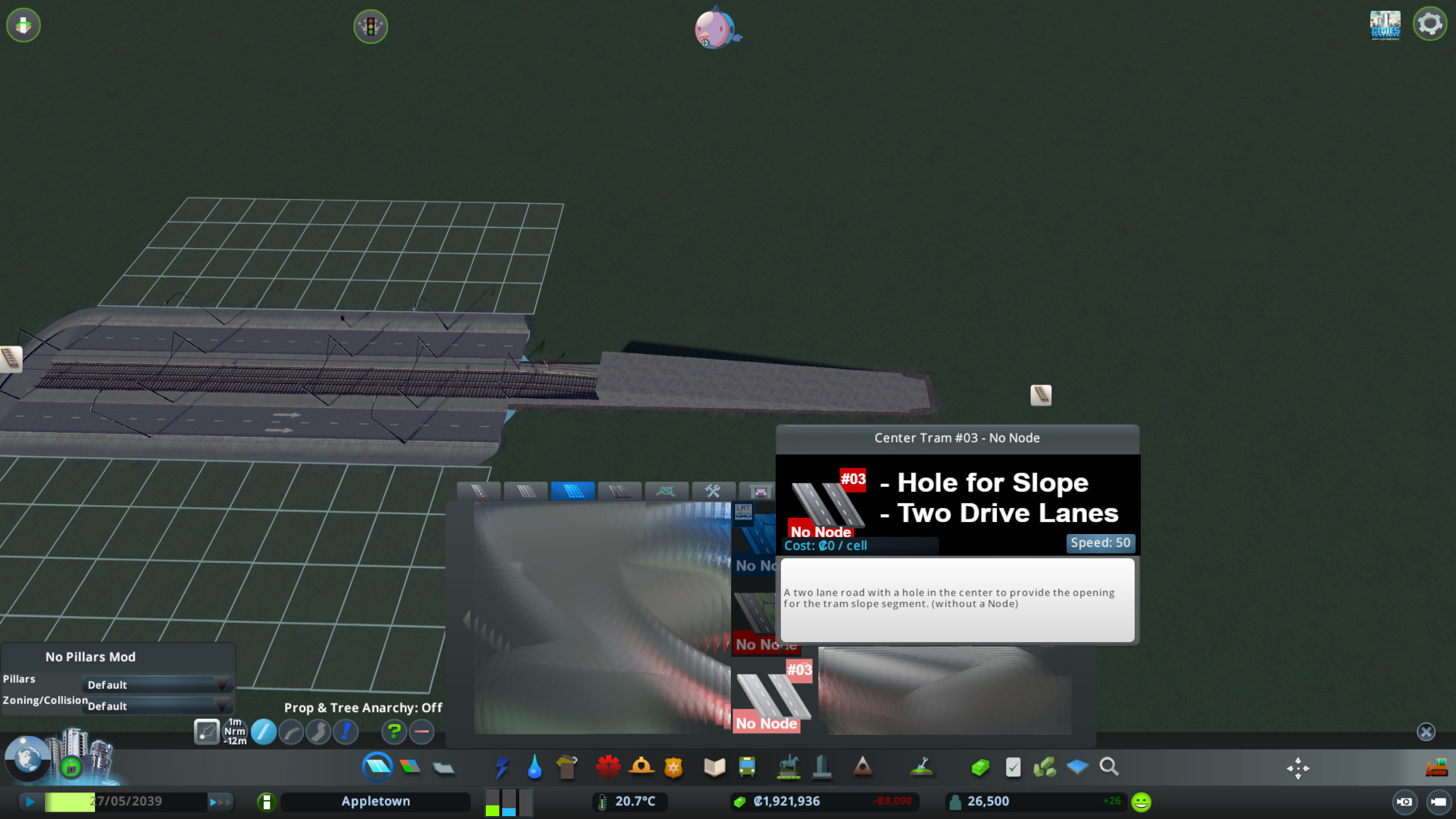
Now take the third segemt (segment #03, also without a node).


With that segement you can prolong the road further. But be careful, that you´re not accidentally connect the end to a underground tram node. You have to place it on "empty" ground.
For this action its mandatory, that anarchy is enabled. Otherwise it won´t work. (As you can see in the upper pictiure).
I suggest that you build more than one segment, because it will be
easier later to just update the already build segments instead of connecting new ones.


Fine Road Anarchy - by Boogieman Sam
https://psteamcommunity.yuanyoumao.com/sharedfiles/filedetails/?id=802066100&searchtext=anarchy

Move the roads later with the help of the Move It - Mod.


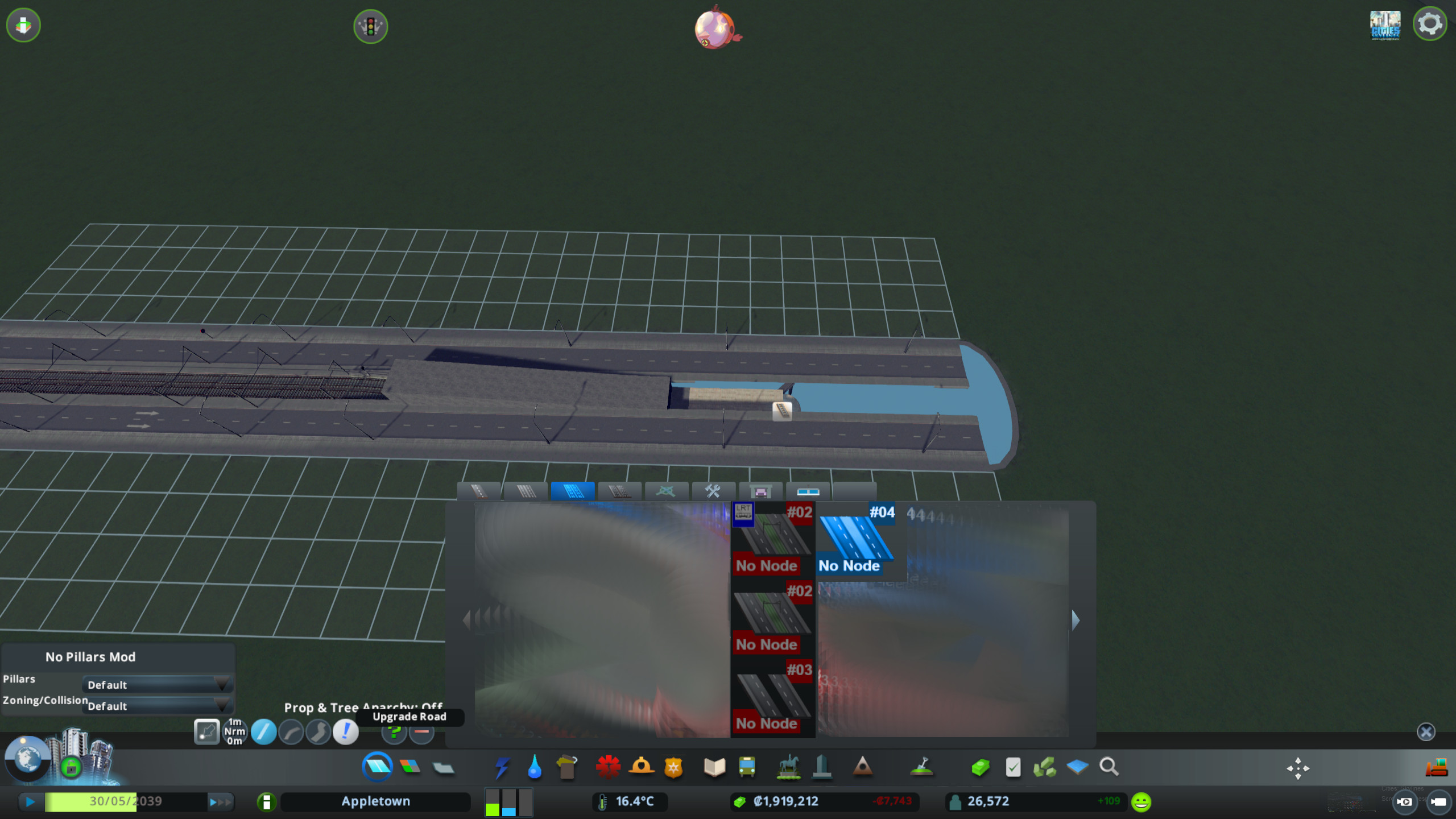
Then take segment #04 (also without a node) and prolog the road, or just update it, if
you´ve already layed down two or more #03 segments, as suggested above.


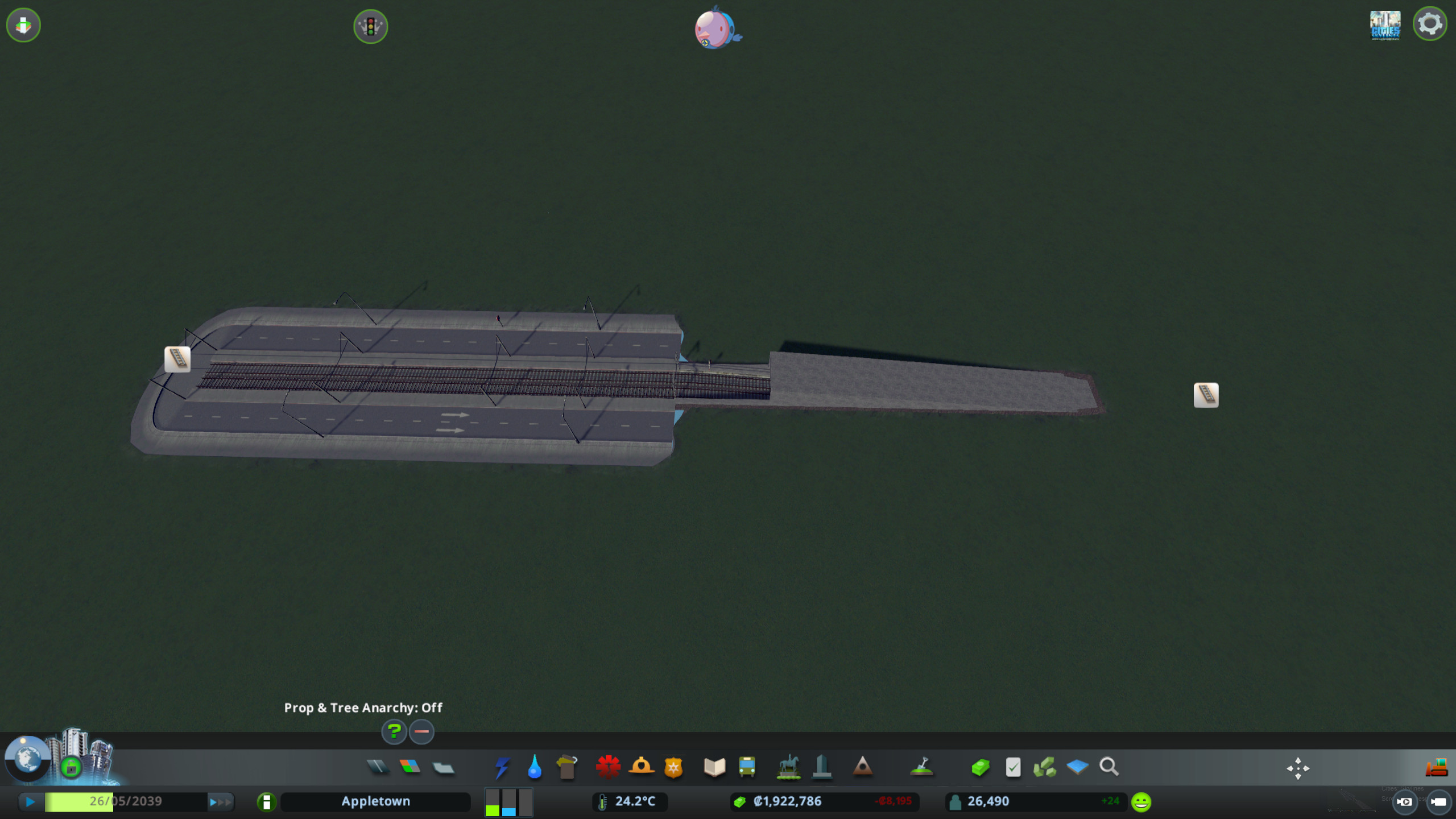
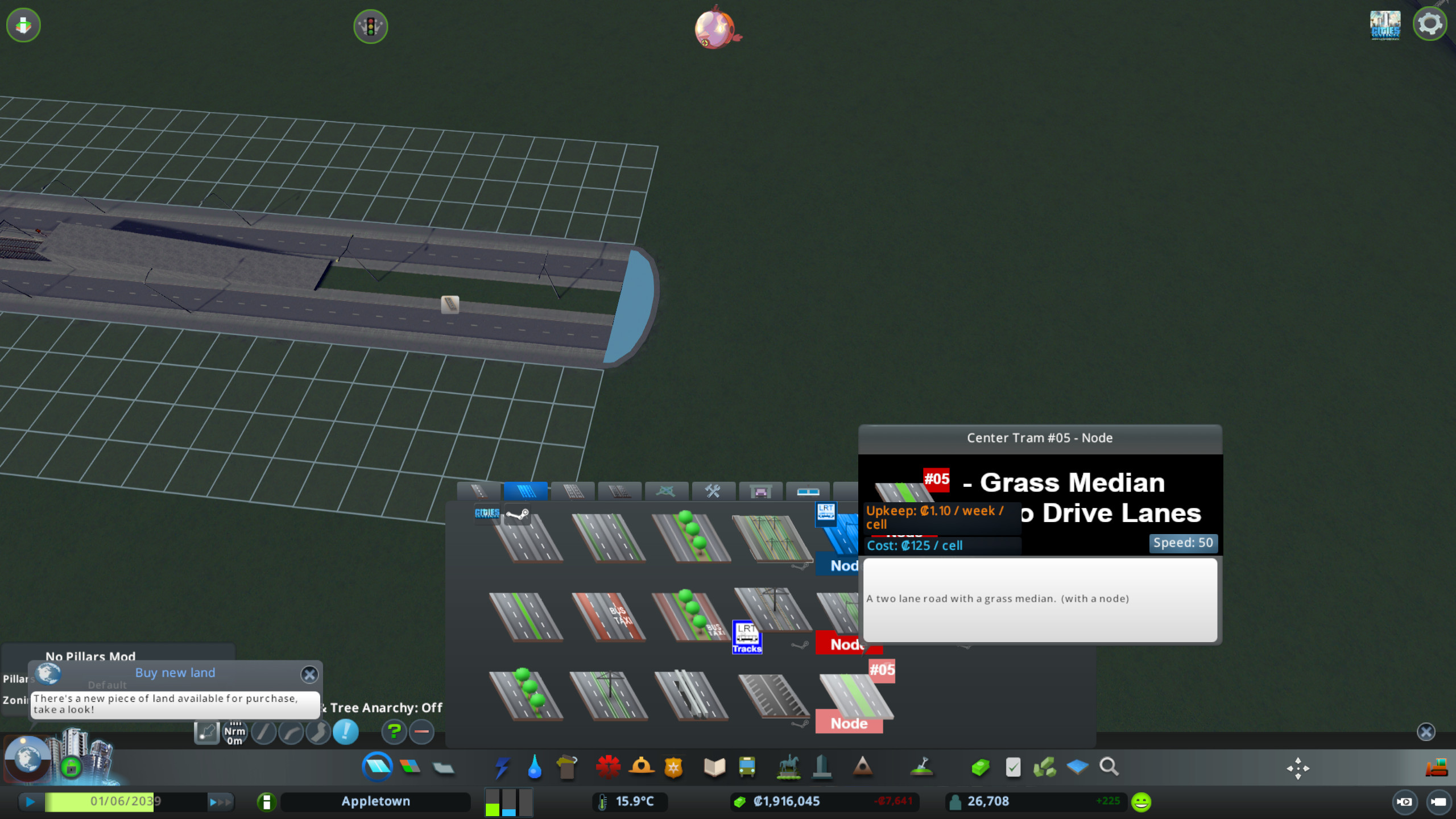
Finally take segment #05 (with a node) and finish the road.


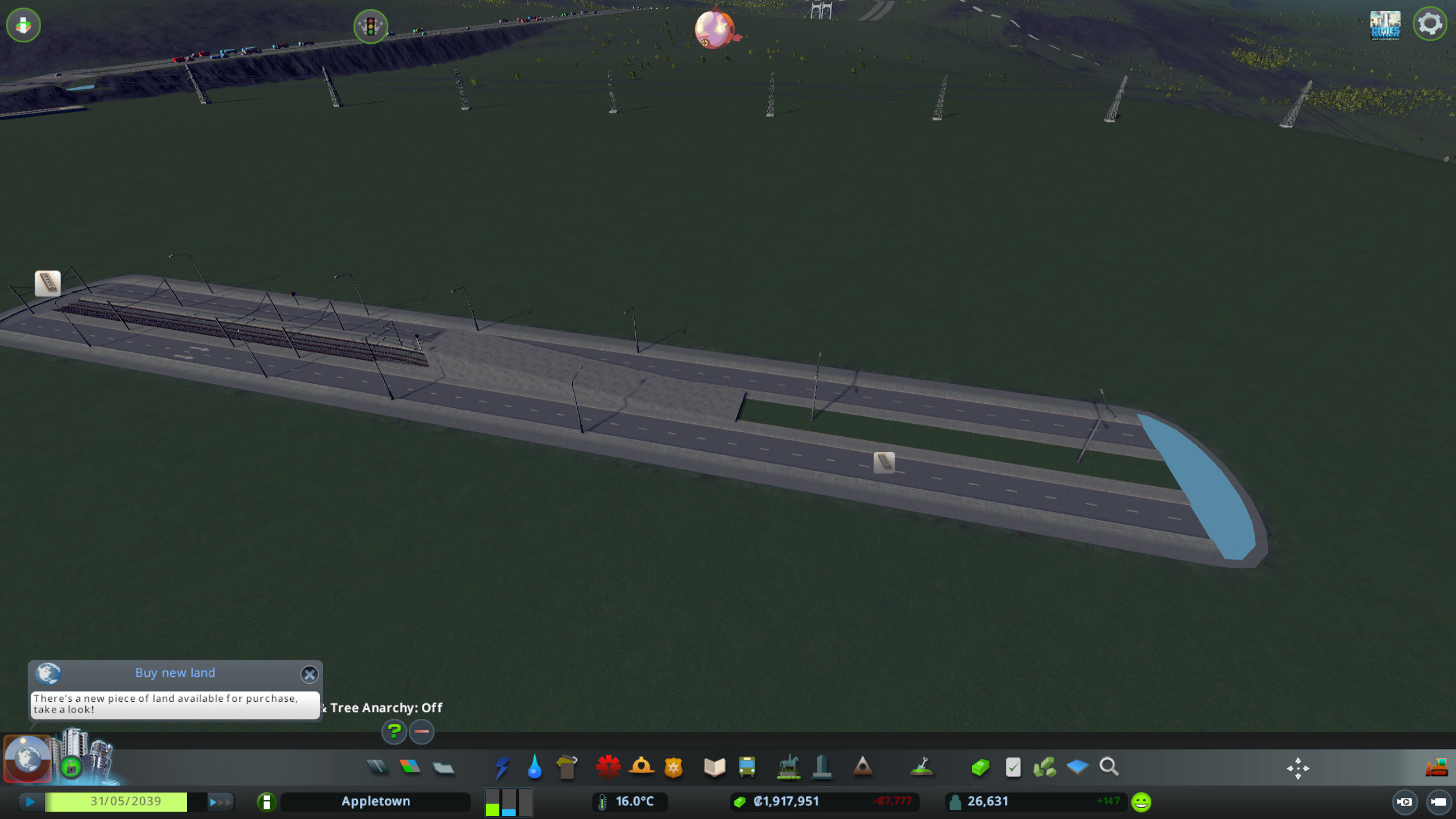
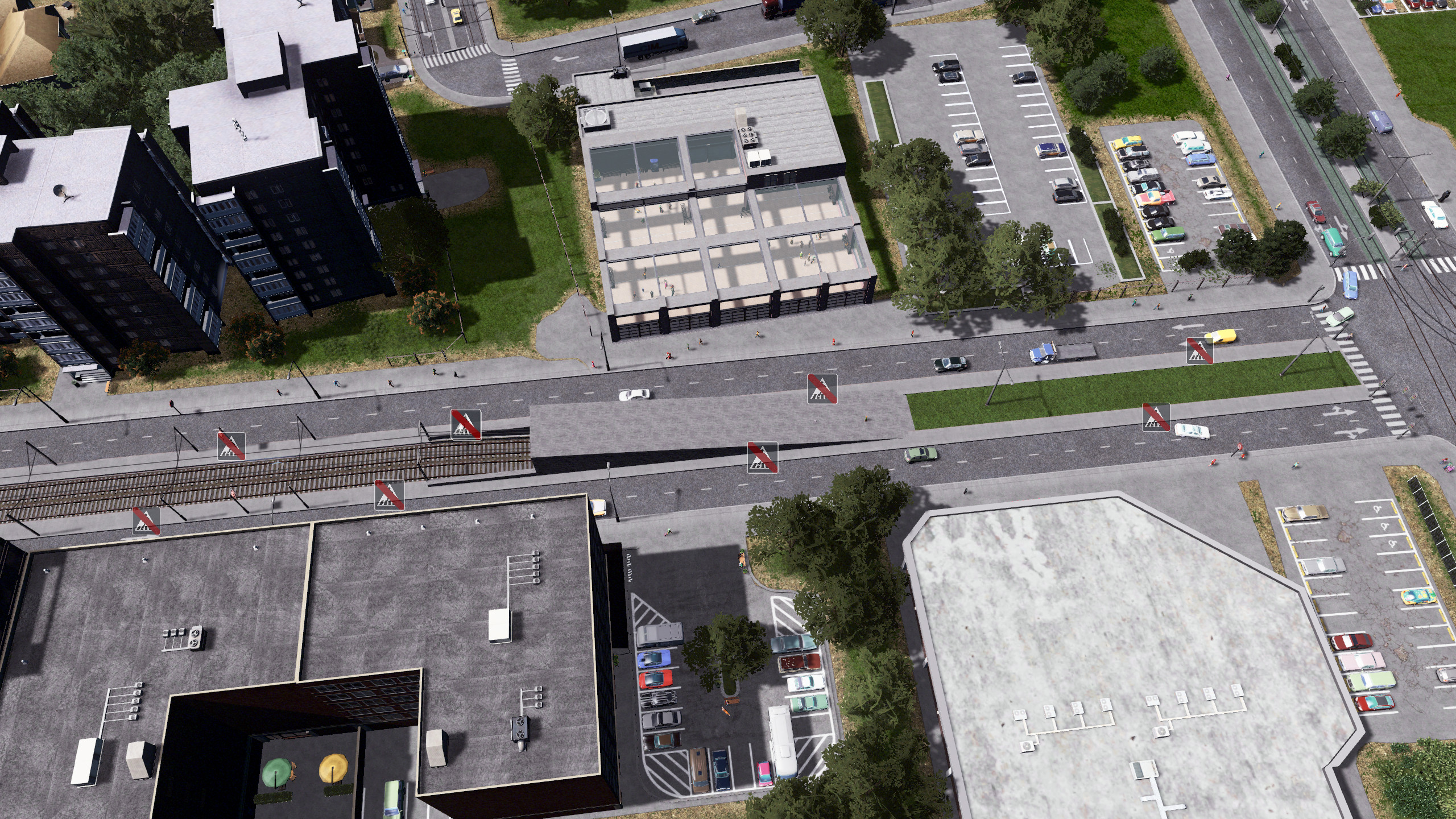
That´s what the final result should look like, if you´ve done everything correctly.

You can now use move it, to move the parts to the correct positions.

Move It - by Quboid
https://psteamcommunity.yuanyoumao.com/sharedfiles/filedetails/?id=1619685021&searchtext=move+it


But be careful that you keep everything straight.
Because of the "missing nodes" it is very very difficult to achieve good looking curves. If its not perfectly done, the segments will clip and produce blue holes in the ground.


How to prepare the road with TmPE
Final ajustments via Traffik Manager President

https://psteamcommunity.yuanyoumao.com/sharedfiles/filedetails/?id=583429740&searchtext=tmpe

I suggest to do restrictions "on the run" while you´re building the road. That way it
might be easier to pick the different "ui - symbols" at the nodes.


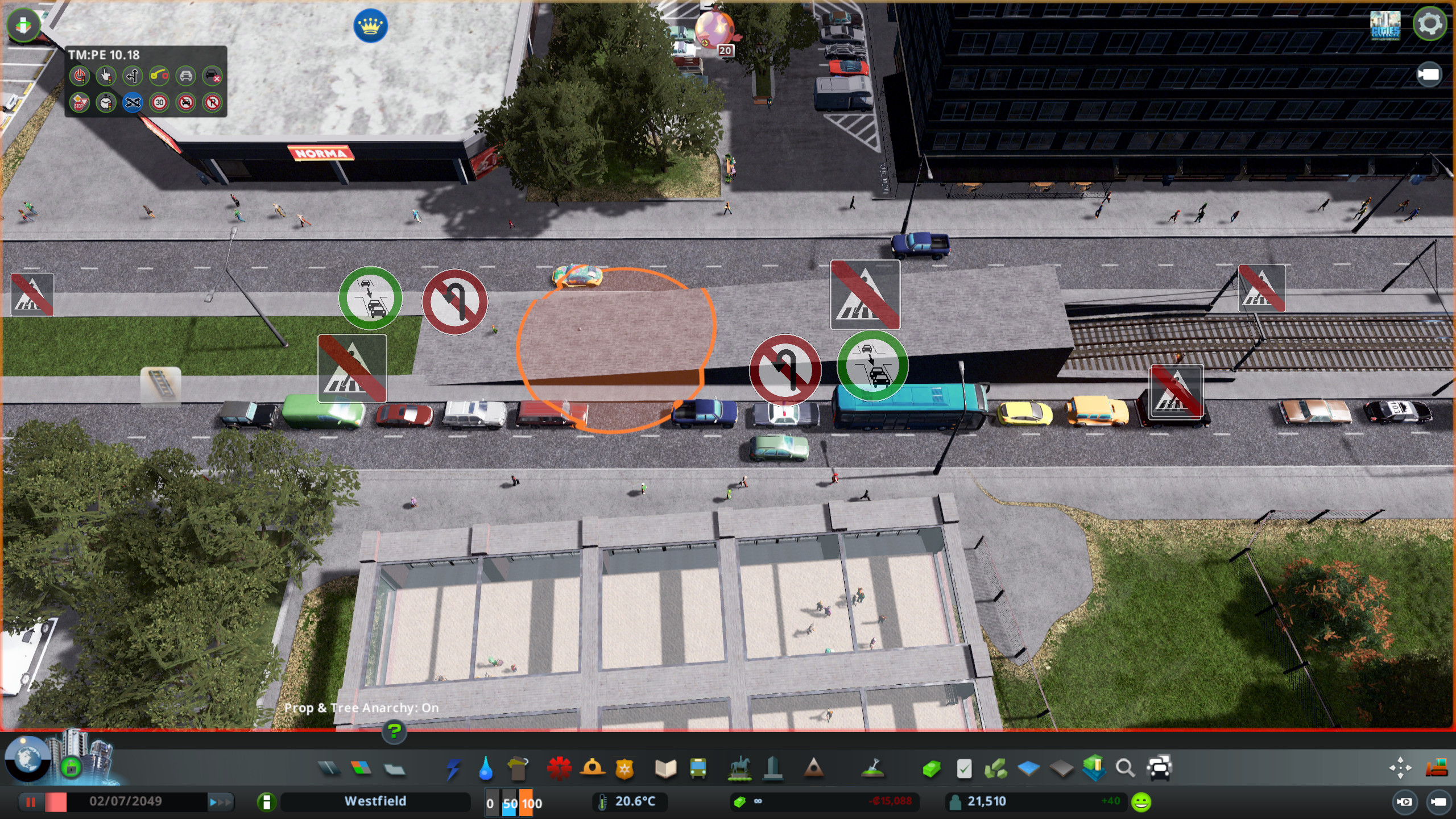
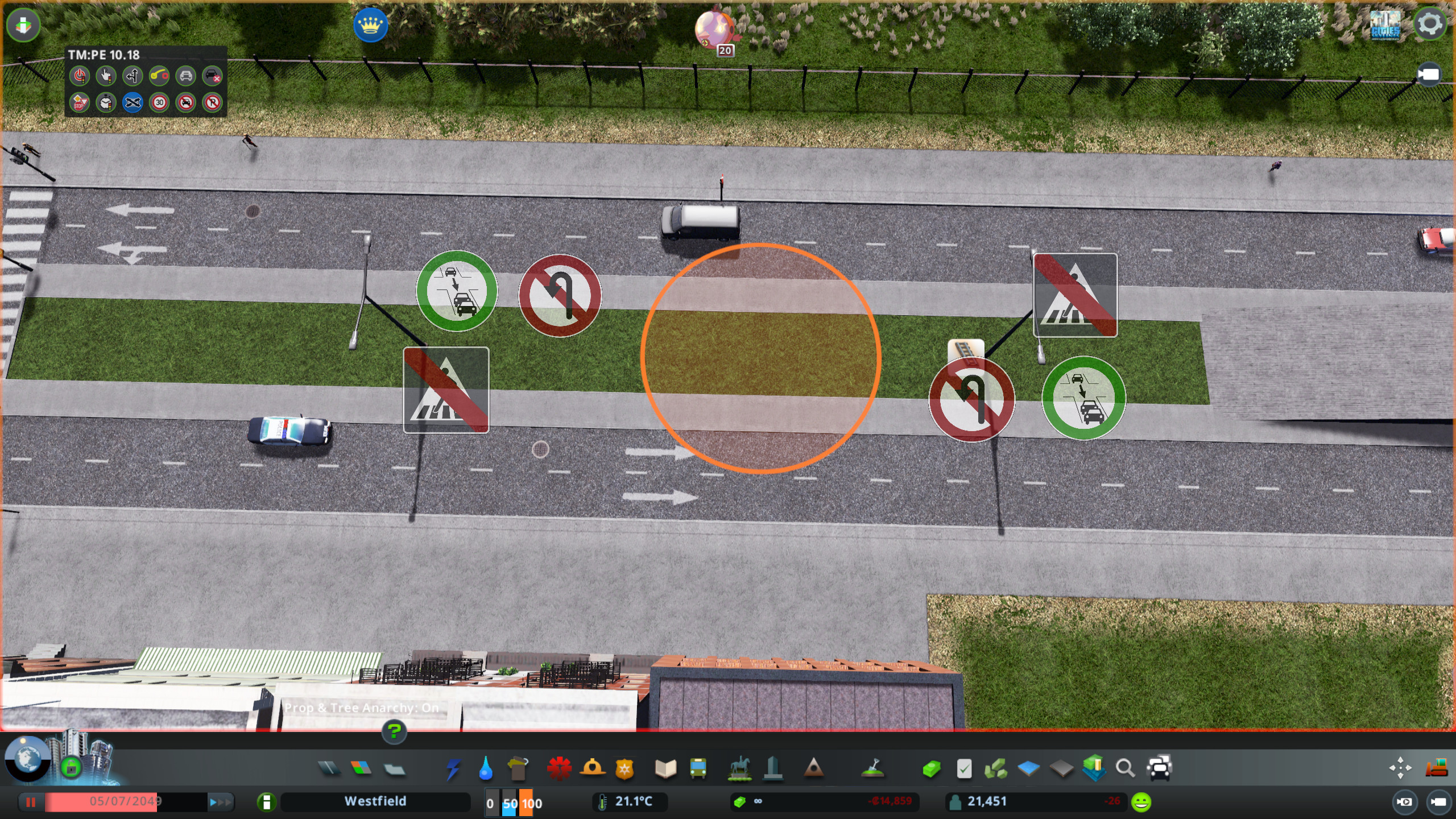
You have to forbid "pedestrian lane crossing" at every node at the street.
Otherwise the cims will walk over the street at those nodes.


Secondly you have to allow the traffic to move in to the "junction", otherwise the traffic
will stop before the node, even if there is still room at the segment behind the node.


So ... that´s all ! If you reached the end of the guide. If you still have questions regarding these streets, feel free to ask !

With best regards !
Short Video how it should look and work
14 条留言
StayHungryStayFoolish 2022 年 10 月 22 日 下午 4:07 
This could be better against the LRT project. It leaves black holes at the start of the tunnel section.
Rabbit 2021 年 11 月 21 日 下午 6:01 
How come there is not any flash floods?
clus  [作者] 2021 年 5 月 8 日 上午 9:29 
Well ... i could add that... but that'll take some time, becaus3 I am currently working on too many other things ;)
Captain Toof 2021 年 5 月 8 日 上午 6:23 
Also is there a way to make turning lane after tunnel section instead of grass divider?
Captain Toof 2020 年 4 月 5 日 上午 10:35 
Hello Clus, may I declare uploading a video of CSL without RealisticWalkingSpeed a deadly sin? :B1:
Snape Uchiha 2020 年 3 月 29 日 上午 11:15 
the road has to be 180° to one another or else there is this graphical glitch in between. i just got it right with move it and turned the snaping tool on. ijust figured this out XD. thanks for making this mod, my street is now looking clean :D
clus  [作者] 2020 年 3 月 29 日 上午 2:35 
Hey ... I can't see any glitch on the picture... lol ...
Snape Uchiha 2020 年 3 月 28 日 下午 2:15 
i made it real small, but its noticable in game, the line came where the tram track with no node meet with the street hole
Snape Uchiha 2020 年 3 月 28 日 下午 2:13 
is there anyway i can remove this gaphic glitch line here https://drive.google.com/file/d/1sESVugyaH4MoDCUwPZP4hhJXfZ1AIrBX/view?usp=sharing
Yorkie Pudd 2019 年 7 月 16 日 上午 11:41 
I love this idea, it's something that is definitely needed.

I don't know if I'm missing something, but I don't get the canopy over the sunken tram when building this