



Installera Steam
logga in
|
språk
简体中文 (förenklad kinesiska)
繁體中文 (traditionell kinesiska)
日本語 (japanska)
한국어 (koreanska)
ไทย (thailändska)
Български (bulgariska)
Čeština (tjeckiska)
Dansk (danska)
Deutsch (tyska)
English (engelska)
Español – España (spanska – Spanien)
Español – Latinoamérica (spanska – Latinamerika)
Ελληνικά (grekiska)
Français (franska)
Italiano (italienska)
Bahasa Indonesia (indonesiska)
Magyar (ungerska)
Nederlands (nederländska)
Norsk (norska)
Polski (polska)
Português (portugisiska – Portugal)
Português – Brasil (portugisiska – Brasilien)
Română (rumänska)
Русский (ryska)
Suomi (finska)
Türkçe (turkiska)
Tiếng Việt (vietnamesiska)
Українська (ukrainska)
Rapportera problem med översättningen




 Utmärkelse



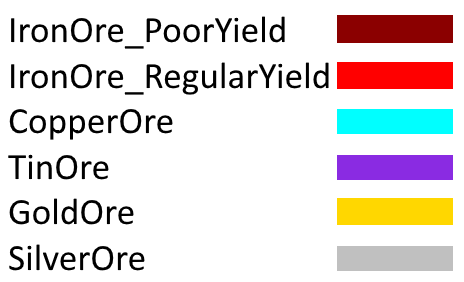
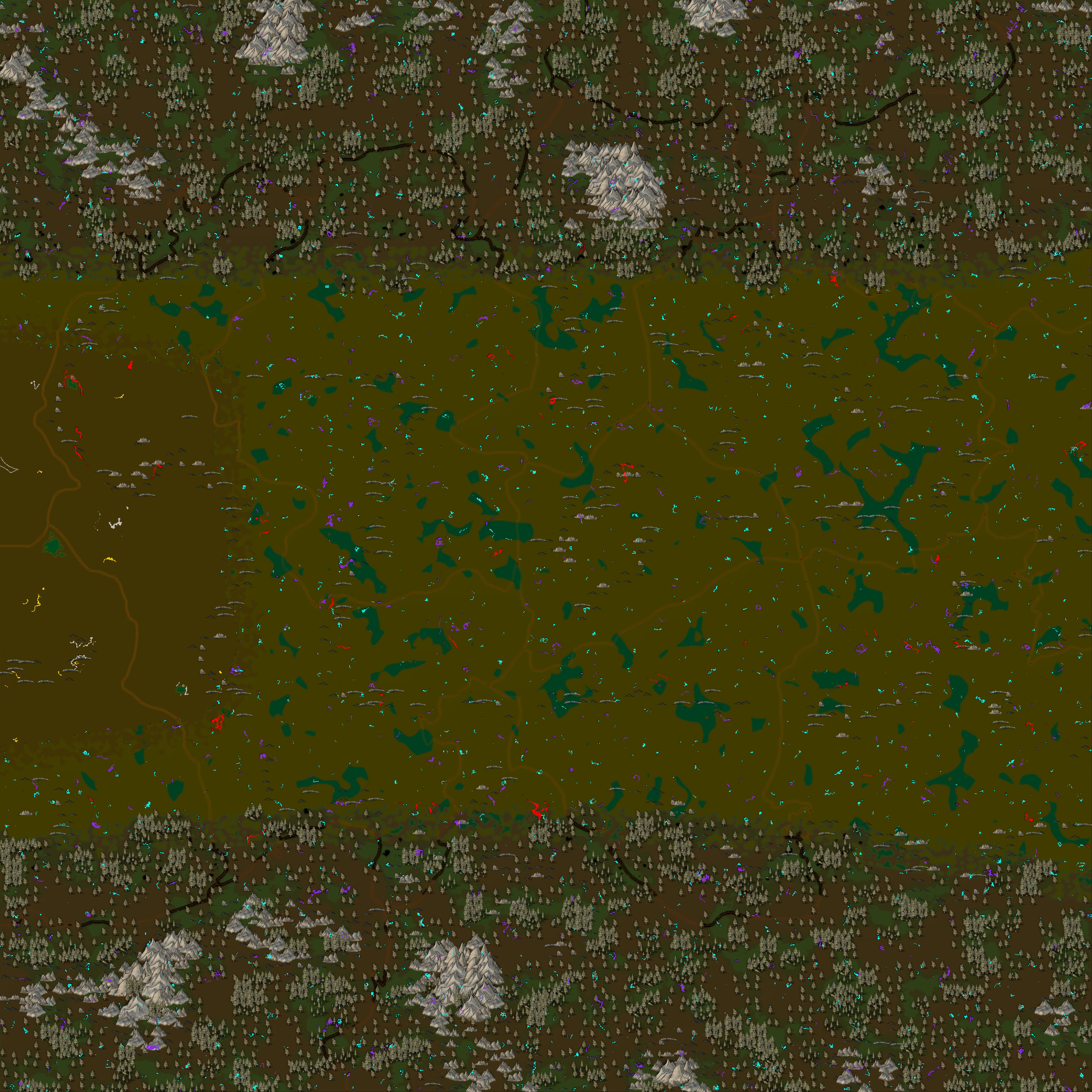
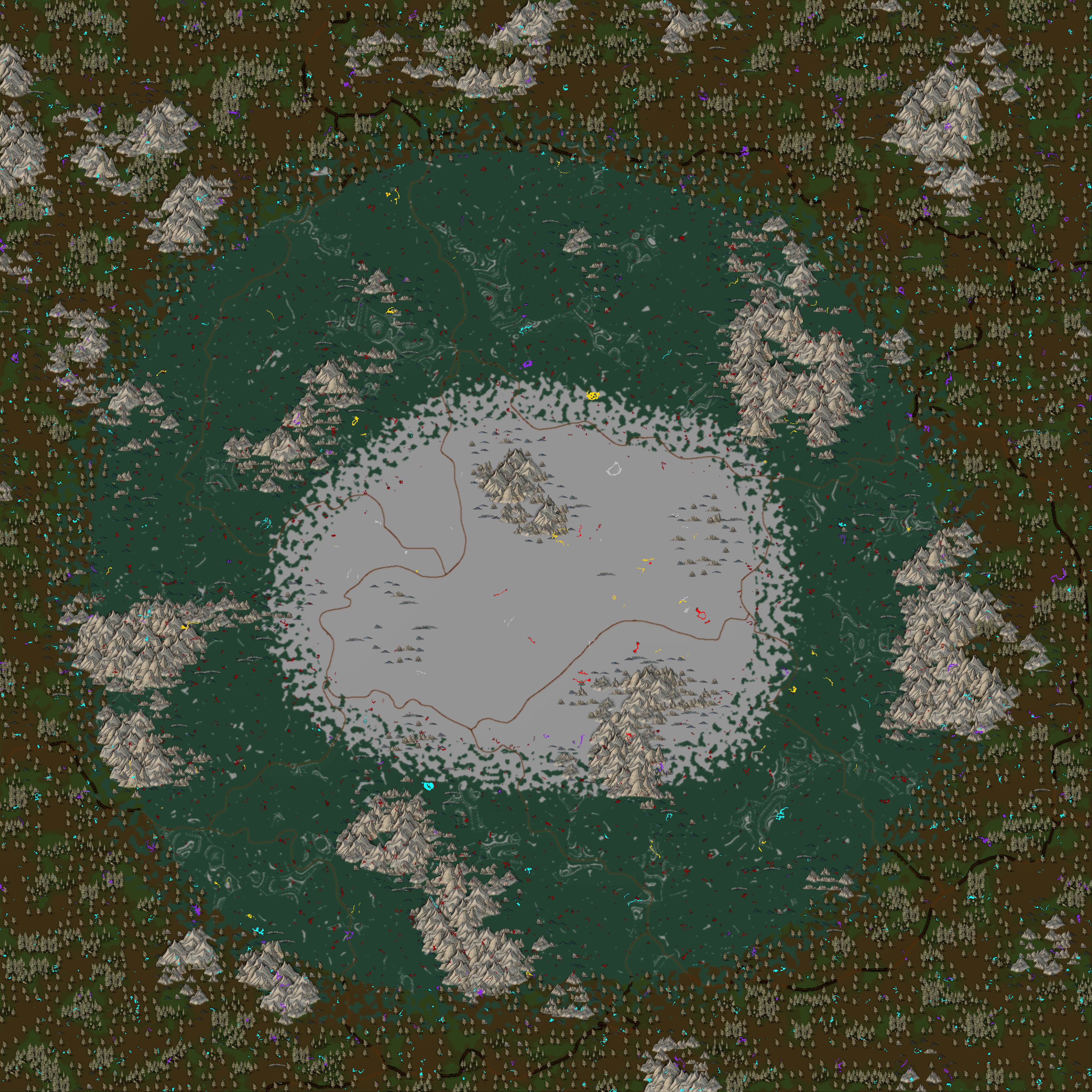
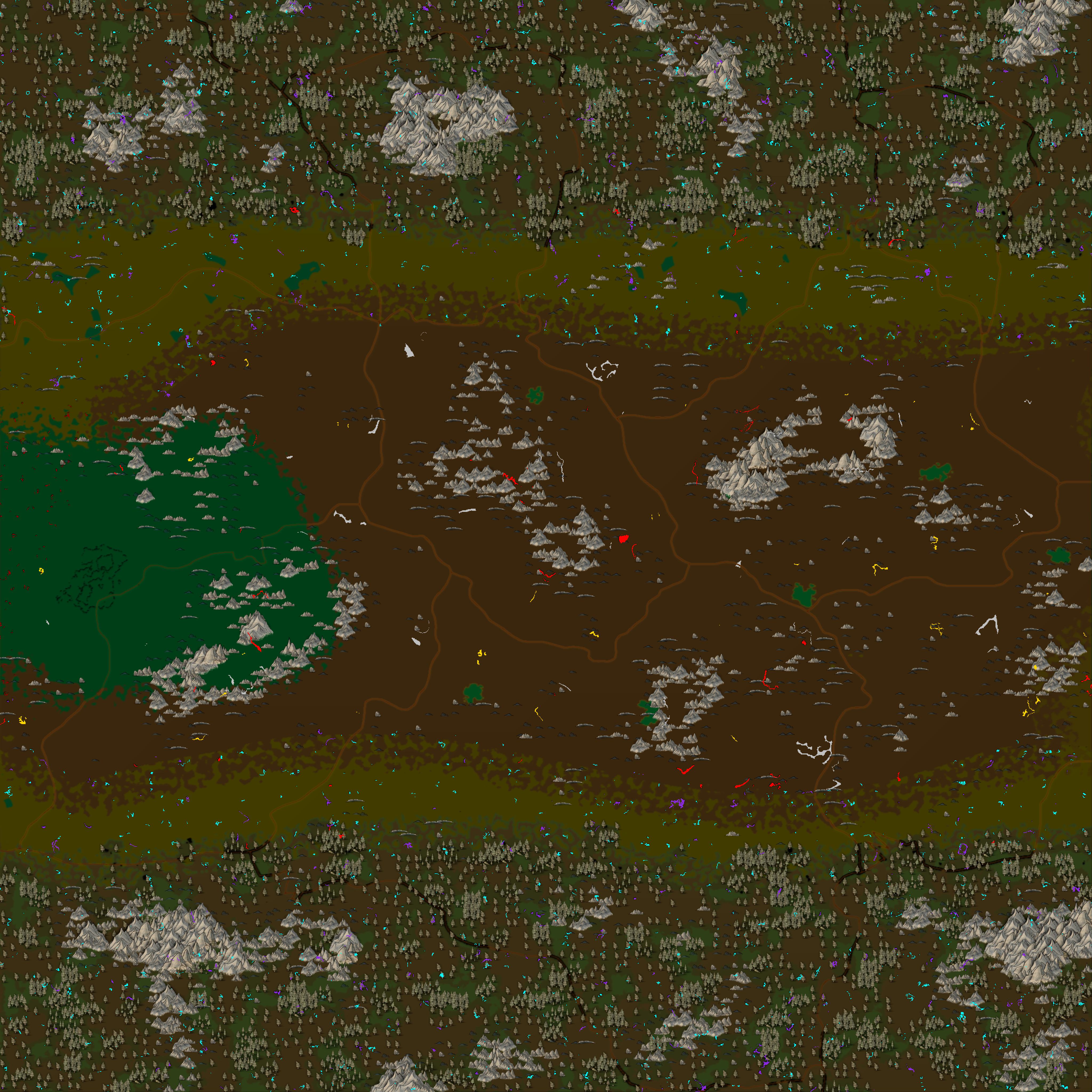
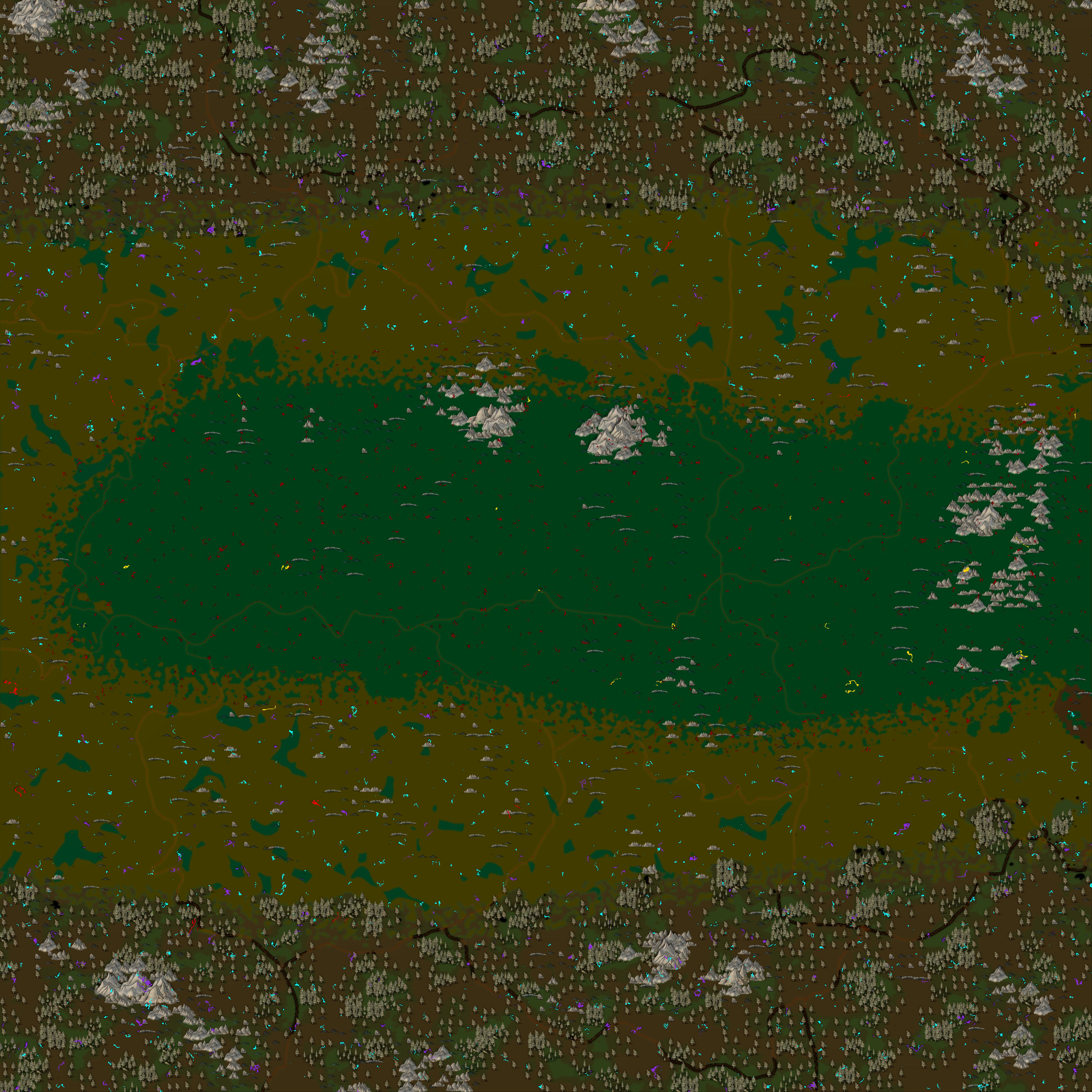
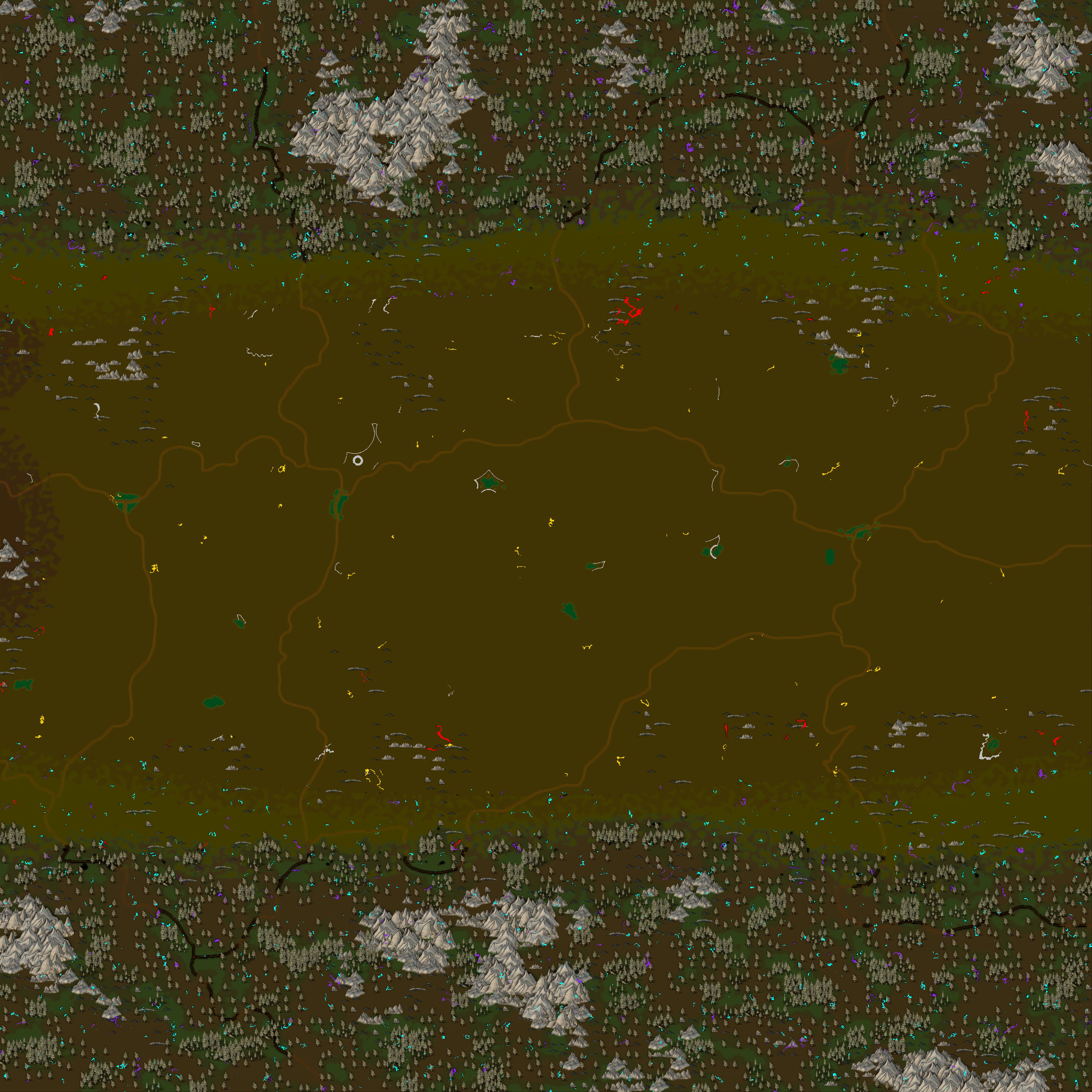
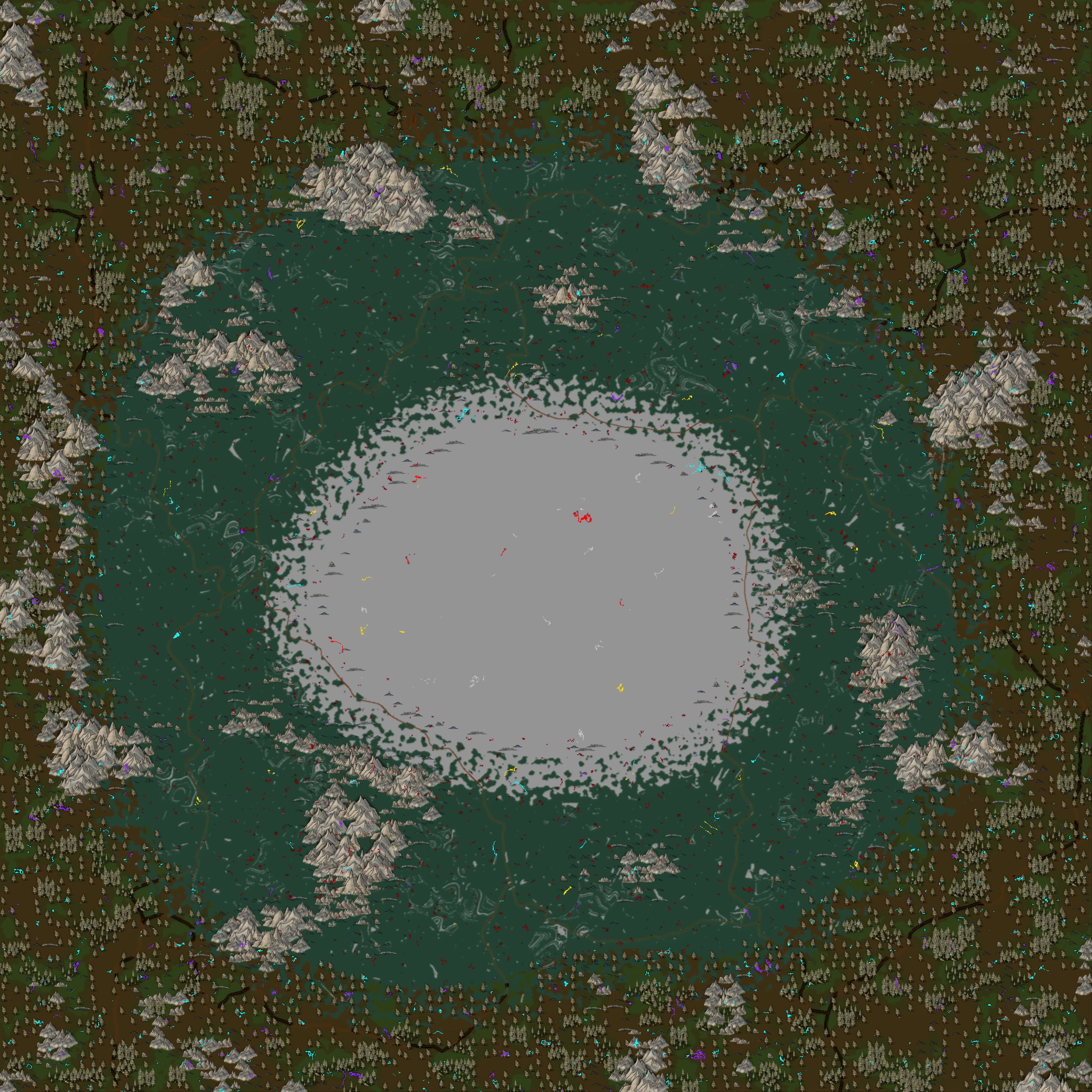

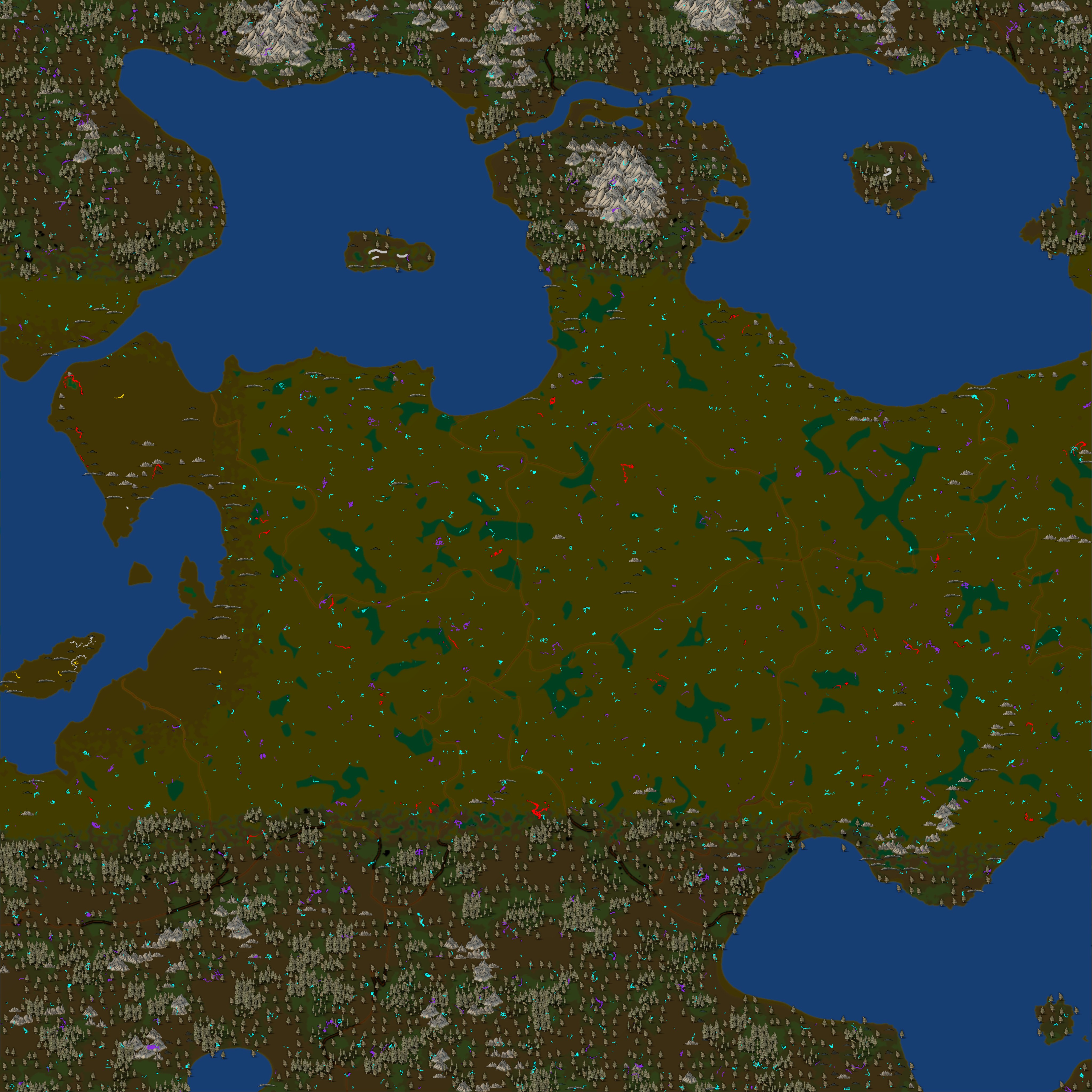
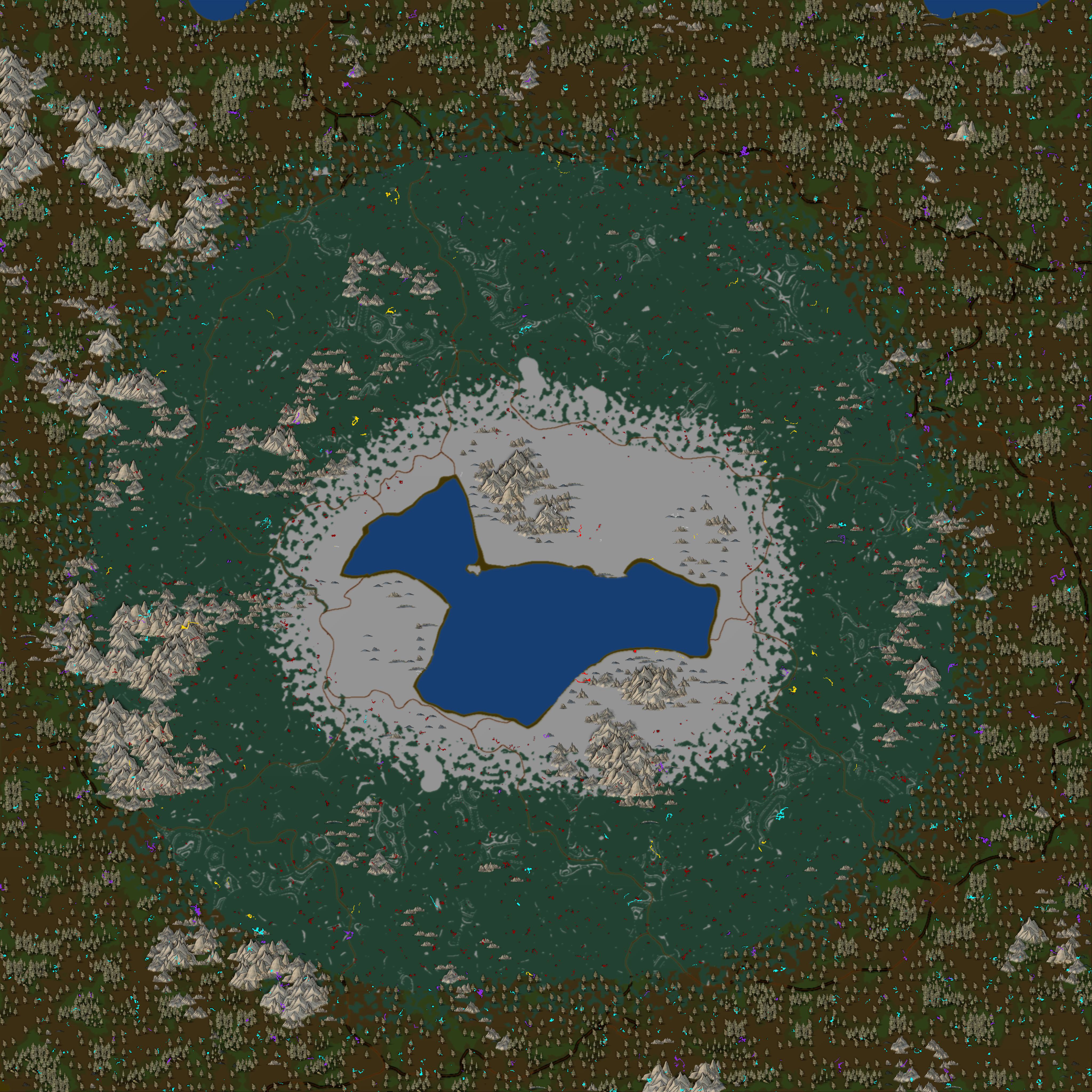
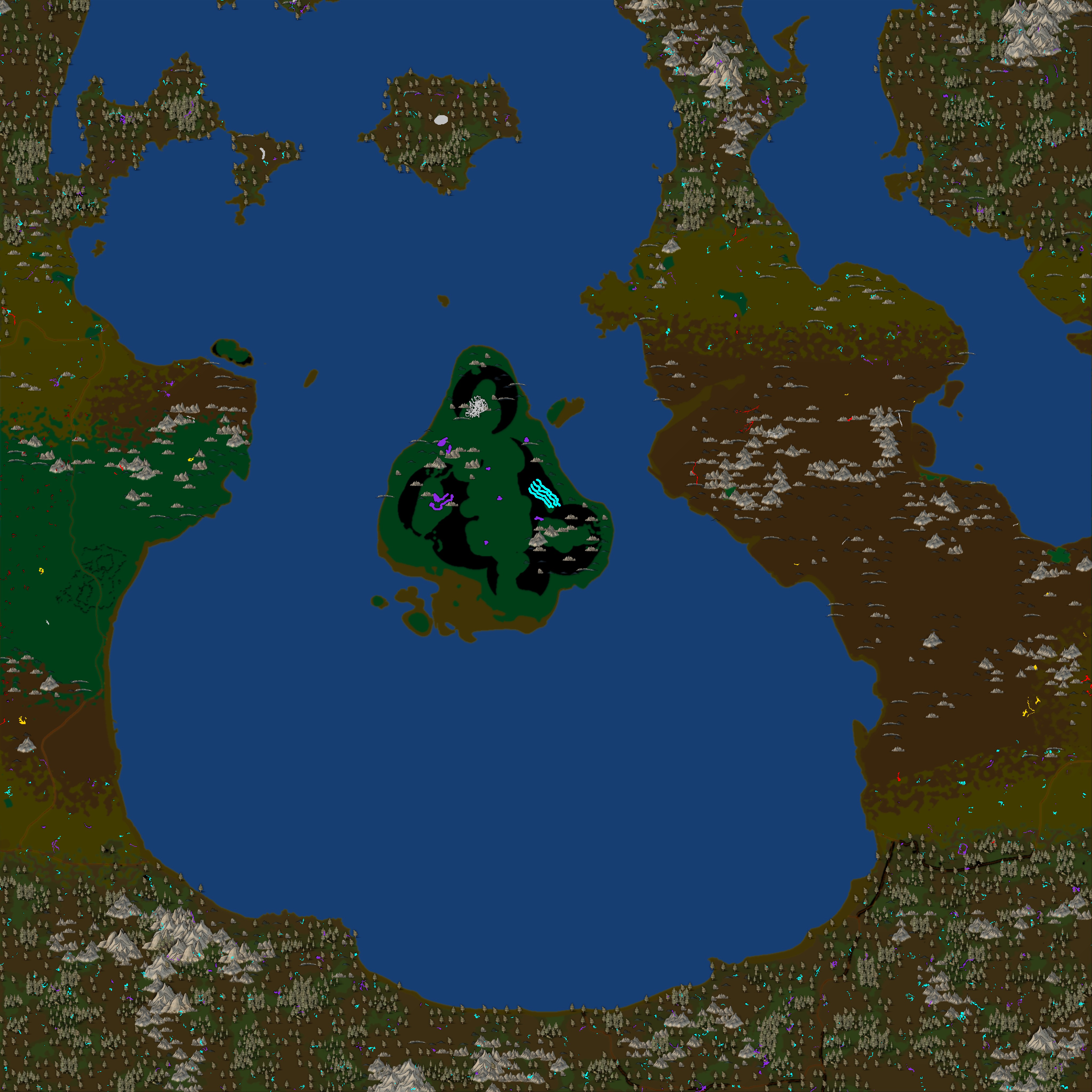
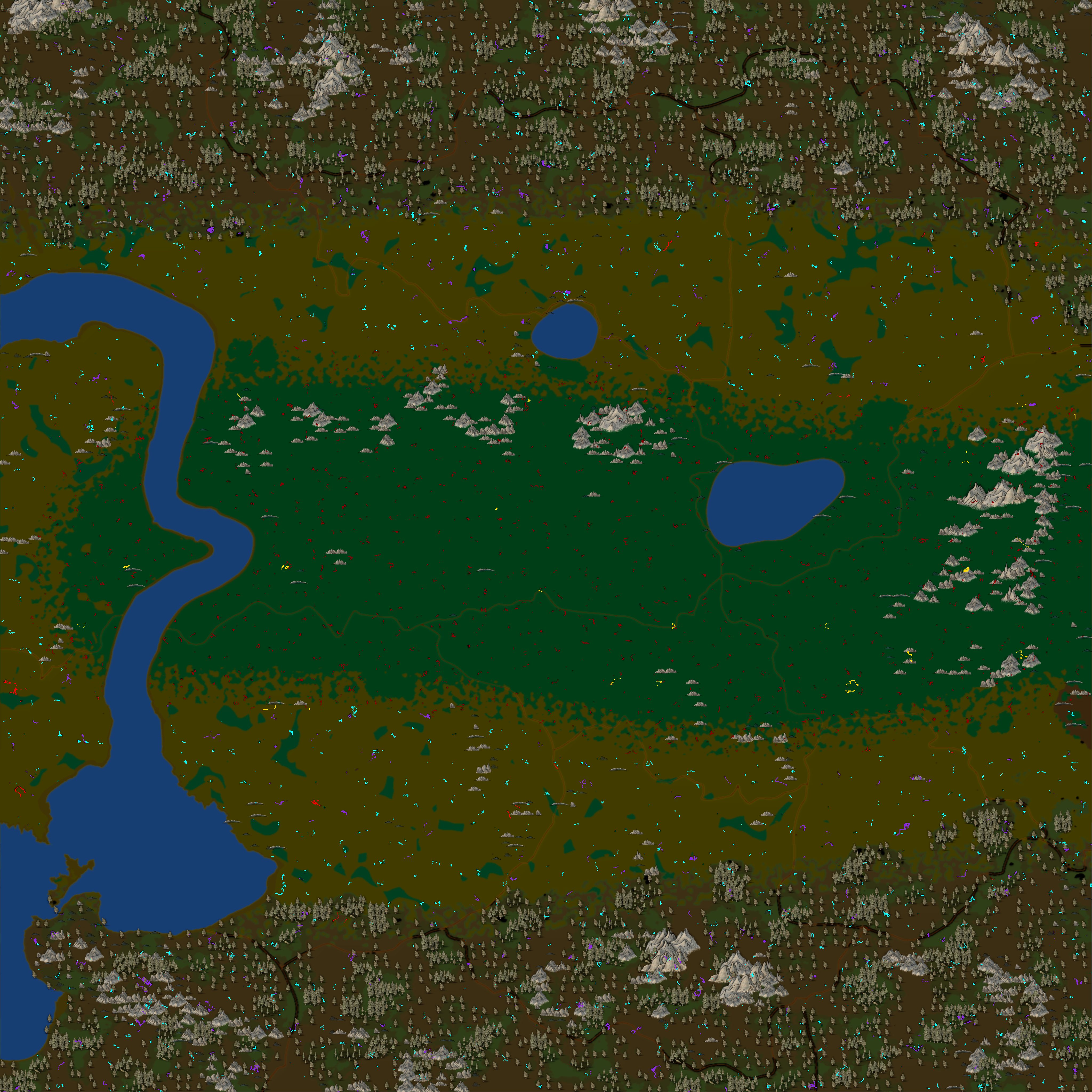
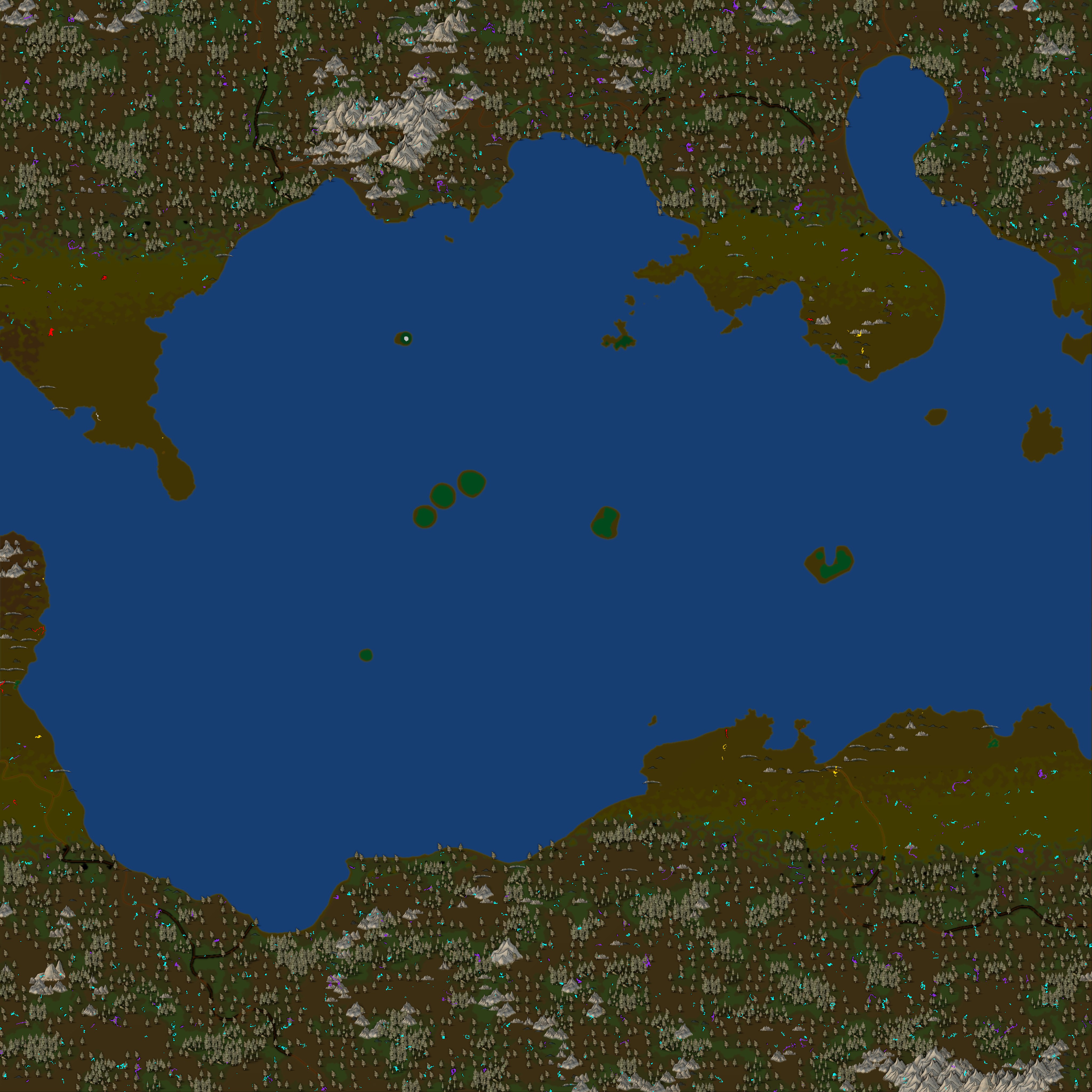
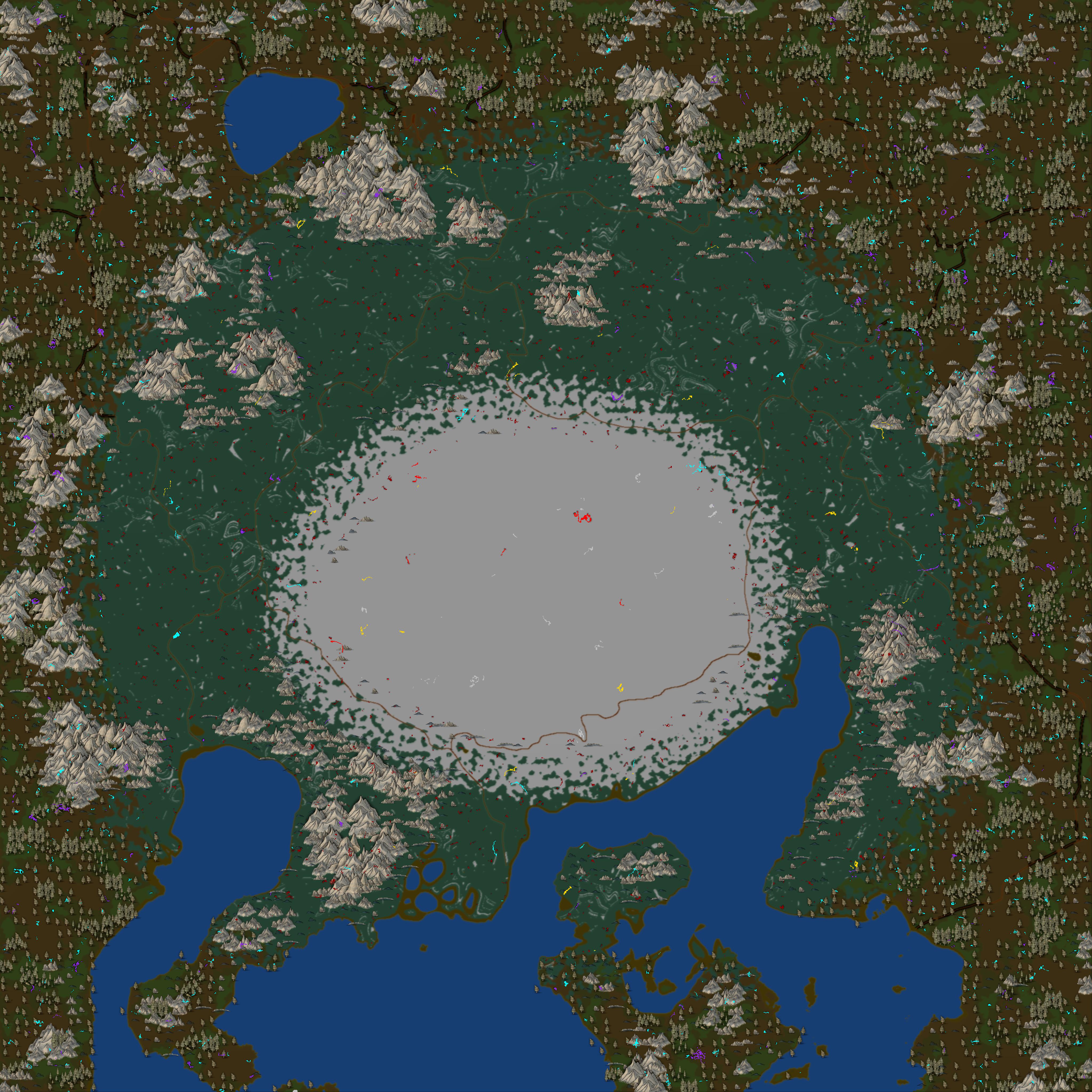


AppData\Roaming\MedievalEngineers\Map\EarthSecond-708481824r25000
And i had to manually go to the folder to find it.
If another has same issue i hope this helps.
"use above link in discription.. then go back 1 folder and you will see it. Click to open folder and can see what the maps look like. So if see water... your in right folder :-)
And i dont see the ores on the map. Its just the normal map. And i told it to overwrite all 6 files in the folder. Same as did for normal map/