Mirror's Edge

Mirror's Edge

883 个评价
How to change your FOV in Mirror's Edge
由 MOSLEY 制作
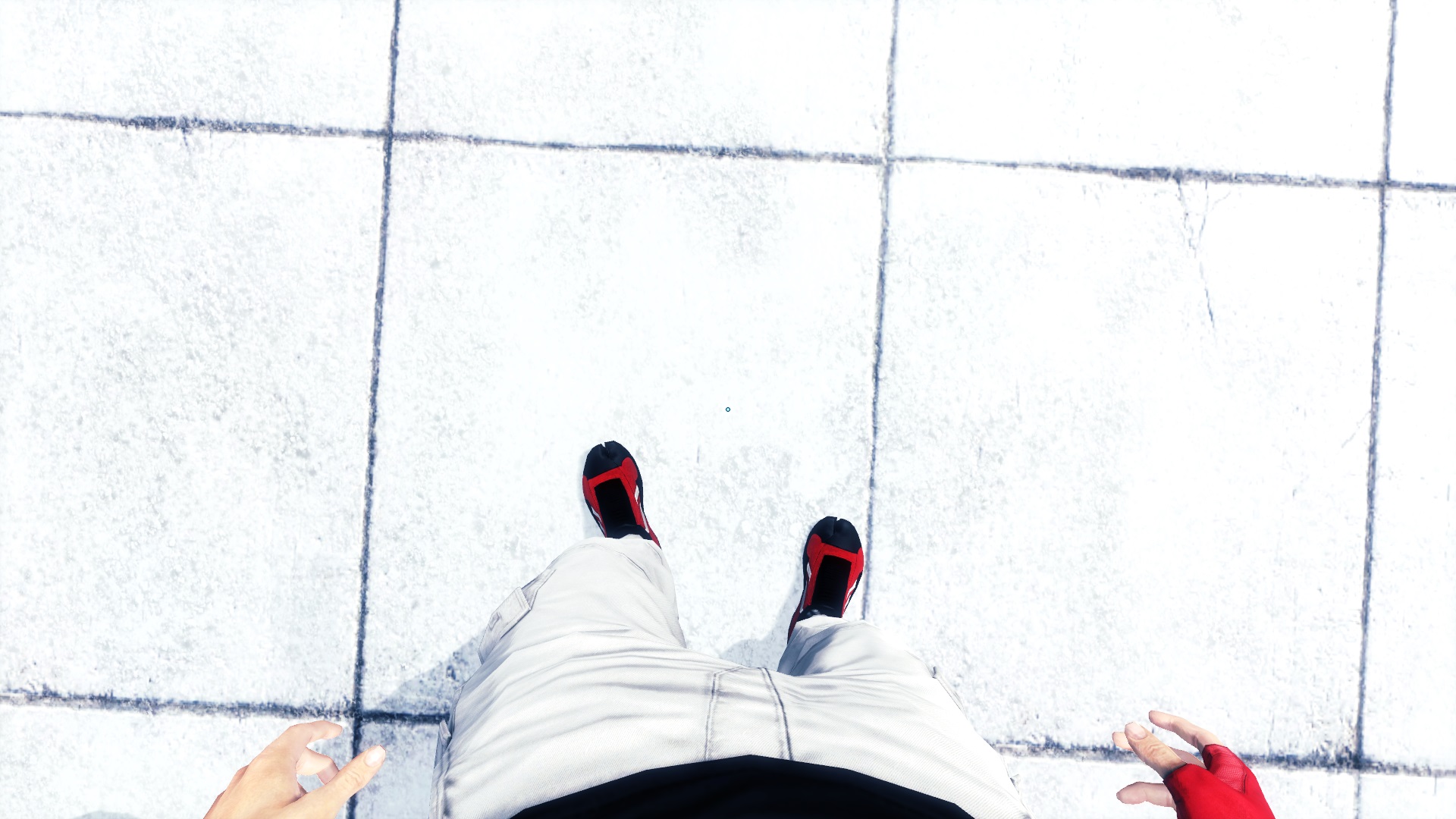
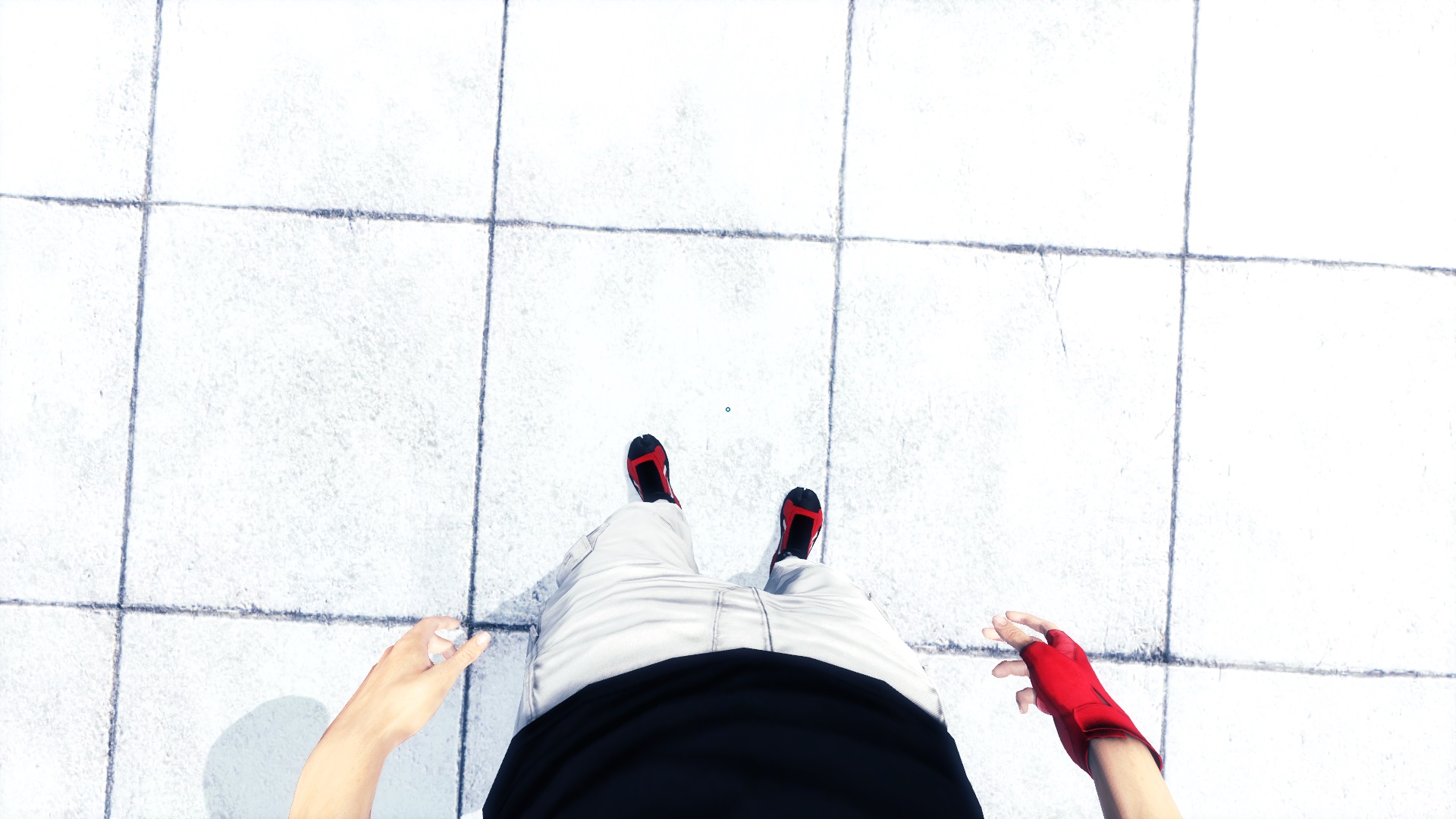
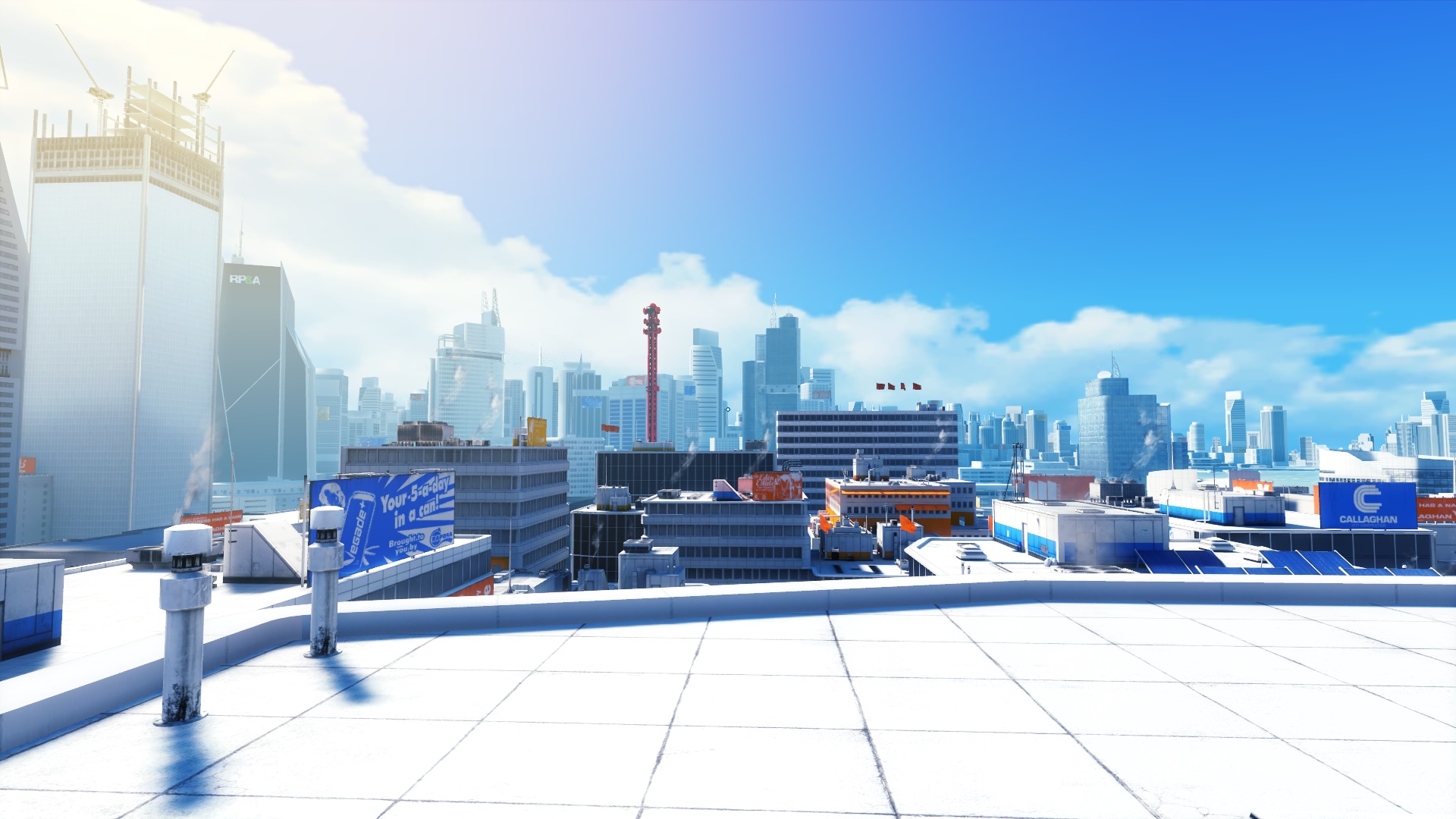
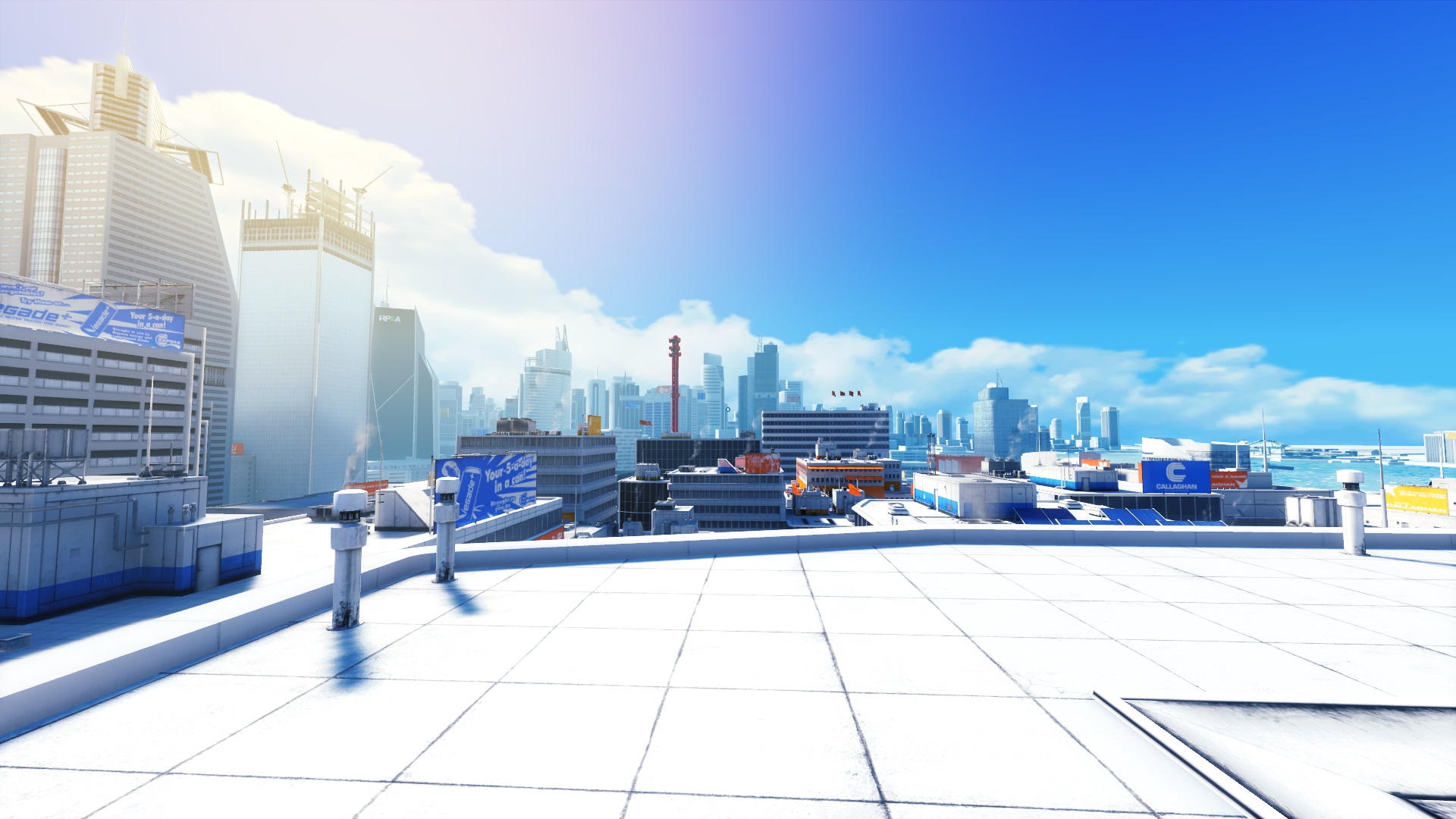
A lot of people's main complaint with Mirror's Edge is the narrow field of view. It can cause motion sickness and in my opinion prevents the game from being as immersive as it could be. Fortunately it's pretty easy to modify...

First, go to:
C:\Users\YOURNAME\Documents\EA Games\Mirror's Edge\TdGame\Config

In there you will find a file called TdInput.ini.

Open it with Wordpad or your prefered text editor and paste in the following text with the other bindings...

Bindings=(Name="NumPadZero",Command="FOV 0",Control=False,Shift=False,Alt=False)
Bindings=(Name="NumPadOne",Command="FOV 32",Control=False,Shift=False,Alt=False)
Bindings=(Name="NumPadTwo",Command="FOV 75",Control=False,Shift=False,Alt=False)
Bindings=(Name="NumPadThree",Command="FOV 80",Control=False,Shift=False,Alt=False)
Bindings=(Name="NumPadFour",Command="FOV 85",Control=False,Shift=False,Alt=False)
Bindings=(Name="NumPadFive",Command="FOV 90",Control=False,Shift=False,Alt=False)
Bindings=(Name="NumPadSix",Command="FOV 95",Control=False,Shift=False,Alt=False)
Bindings=(Name="NumPadSeven",Command="FOV 100",Control=False,Shift=False,Alt=False)
Bindings=(Name="NumPadEight",Command="FOV 105",Control=False,Shift=False,Alt=False)
Bindings=(Name="NumPadNine",Command="FOV 110",Control=False,Shift=False,Alt=False)

Save the file and you're good to go!

Now make sure Num Lock is on and you can use the number keys to select different FOV values on the fly. You can change the values to your liking although I would recommend leaving the default FOV value (90) as an option because you'll find that sniper scopes will become inaccurate at other values and you may want to change back.

Enjoy!
2
11
4
2
2
2
   
奖励
收藏
已收藏
取消收藏
Preview
Default FOV


FOV 110


Default FOV


FOV 110
322 条留言
ClockTower 9 月 27 日 上午 5:01 
I've not seen it in the couple of pages I've looked at. Good guide but I have a keyboard with no numpad and so use the regular number keys for the inputs. Formatted like this for quick paste.

Bindings=(Name="ONE",Command="FOV 0",Control=False,Shift=False,Alt=False)
Bindings=(Name="TWO",Command="FOV 32",Control=False,Shift=False,Alt=False)
Bindings=(Name="THREE",Command="FOV 75",Control=False,Shift=False,Alt=False)
Bindings=(Name="FOUR",Command="FOV 80",Control=False,Shift=False,Alt=False)
Bindings=(Name="FIVE",Command="FOV 85",Control=False,Shift=False,Alt=False)
Bindings=(Name="SIX",Command="FOV 90",Control=False,Shift=False,Alt=False)
Bindings=(Name="SEVEN",Command="FOV 95",Control=False,Shift=False,Alt=False)
Bindings=(Name="EIGHT",Command="FOV 100",Control=False,Shift=False,Alt=False)
Bindings=(Name="NINE",Command="FOV 105",Control=False,Shift=False,Alt=False)
Bindings=(Name="ZERO",Command="FOV 110",Control=False,Shift=False,Alt=False)
Kazura 7 月 9 日 下午 2:56 
thhxxx
gst 2024 年 12 月 28 日 下午 2:23 
the .ini file is not in the same directory in the steam version
its actually in the documents :alyx:
try searching it here:
Documents\EA Games\Mirror's Edge\TdGame\Config
o.hajjar13! :D 2024 年 10 月 18 日 下午 12:53 
I Have No Num Locks Though :((
Armorplatedpancakes 2024 年 6 月 19 日 下午 2:26 
When I make changes to what I think is the correct file I cannot start Mirrors Edge. A corrupted file error is prompted on the screen.
keychuP 2024 年 5 月 21 日 下午 1:02 
thank u so much , it works very well
=(emo)= ʎๅๅoɯʎʞoods 2024 年 4 月 3 日 下午 4:31 
thanks! for people with no numpad just replace numpad binding with another key like "\" or "="
Spamwad 2024 年 3 月 16 日 上午 12:58 
Certain areas of the game changing the fov this way makes the sky glitch out. Changing back to default with hotkey and sky is back to normal...
Lexus LS300 2024 年 2 月 20 日 上午 10:10 
i have no numpad. is there a workaround?
charbug 2024 年 2 月 14 日 下午 5:52 
had a little trouble during the first attempt at adding these lines to the bottom of the Input file, but once I pasted them under the [Engine.PlayerInput] category and all of it's commands, it started working perfectly :LoveFlorence: